Ableton Live 12.2 Beta introduced several features in response to user requests. The standout is Bounce to New Track, which exports a clip to a new track in one click and makes audio editing much more efficient. The new Expressive Chords device simplifies creating chord progressions, unlocking creativity for beginners and advanced users alike. Improvements to Auto Filter, a redesigned browser, and expanded device features also enhance the overall production workflow.
Explore the creative possibilities in Ableton Live 12.2
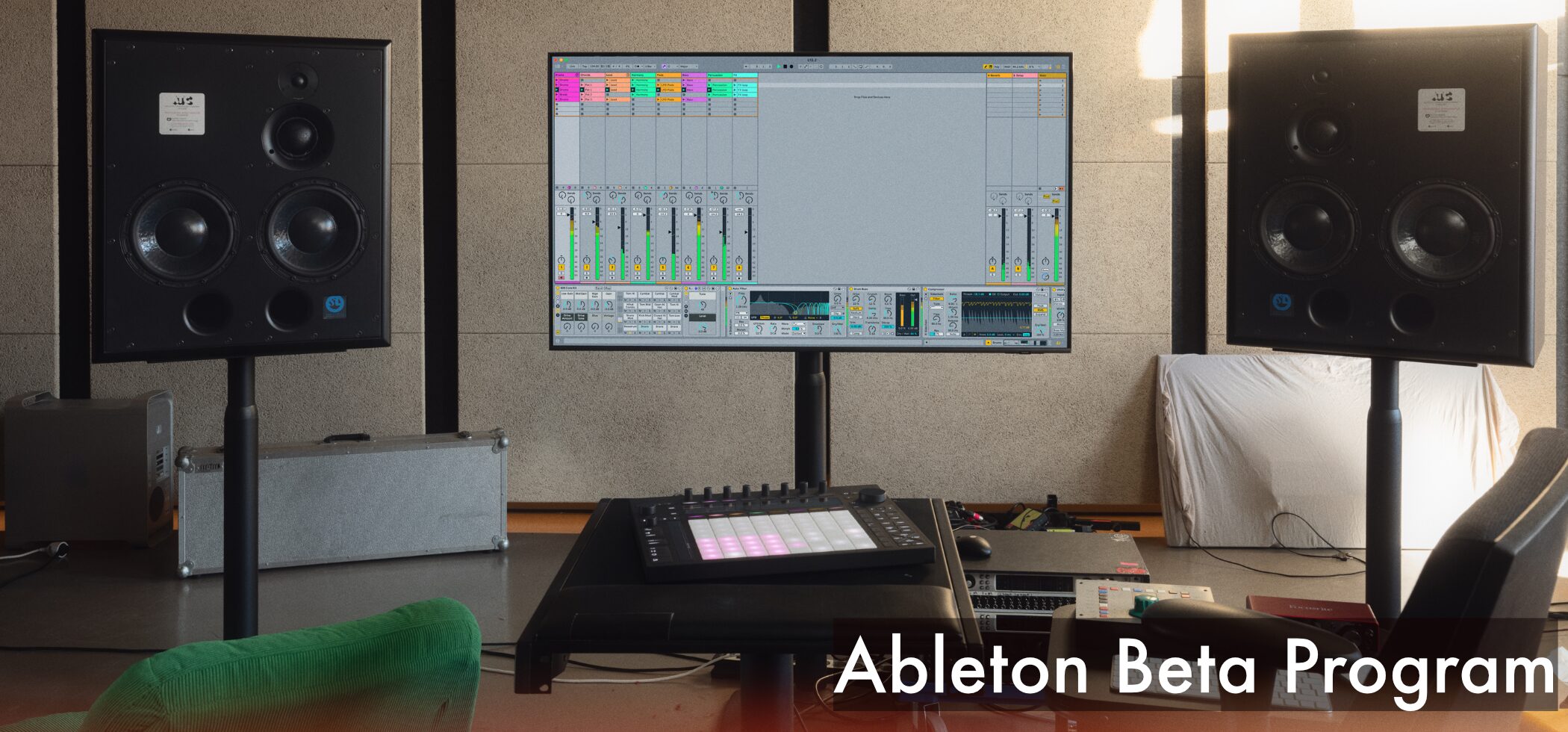
The Ableton Live 12.2 Beta was released with many new features requested by users.
In this article, we introduce some of the highlights.
Ableton Live 12.2 new features video
Bounce to New Track
The newly added Bounce to New Track feature is an update Live users have long awaited.
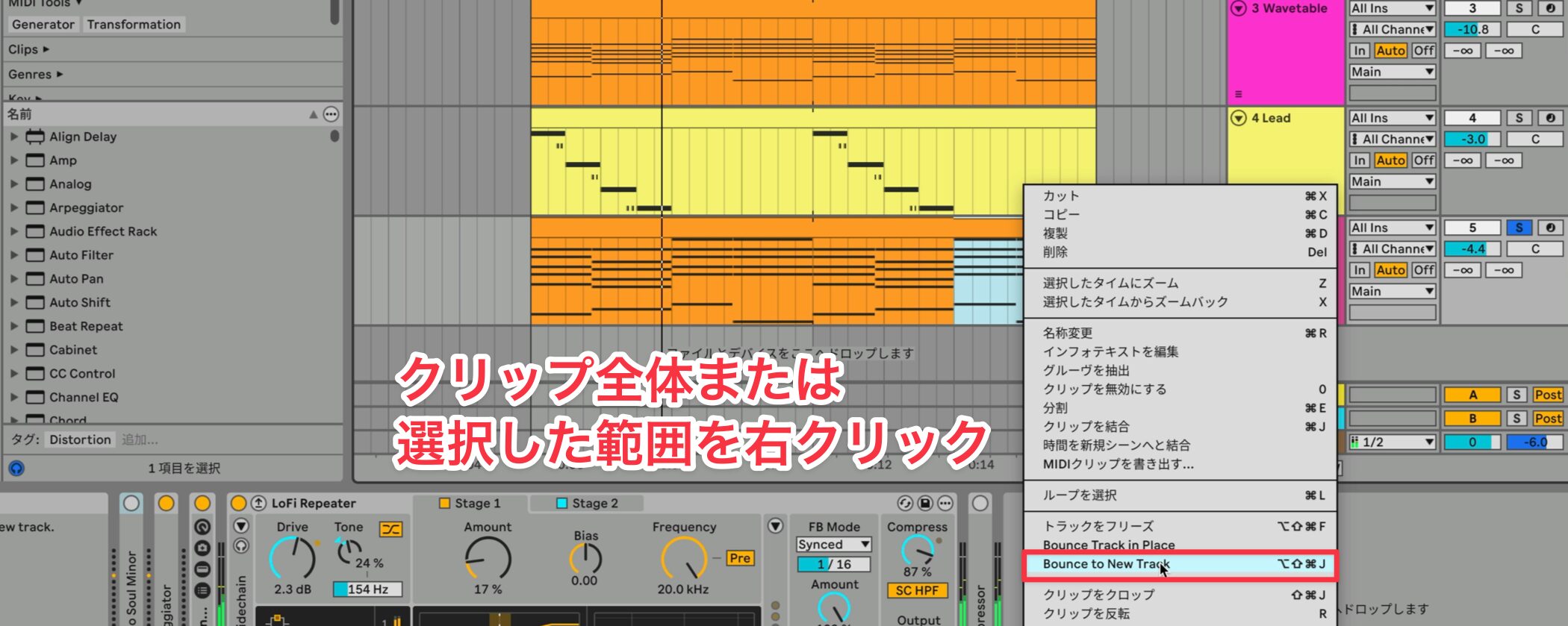
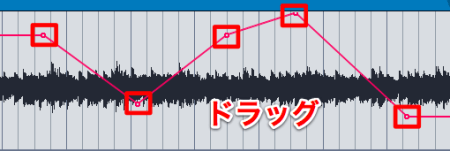
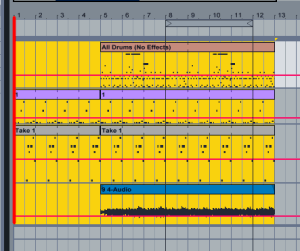
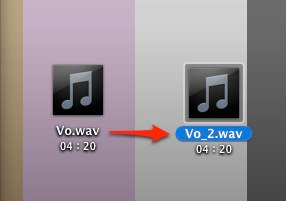
Right-click an entire clip or a selected range and choose Bounce to New Track.
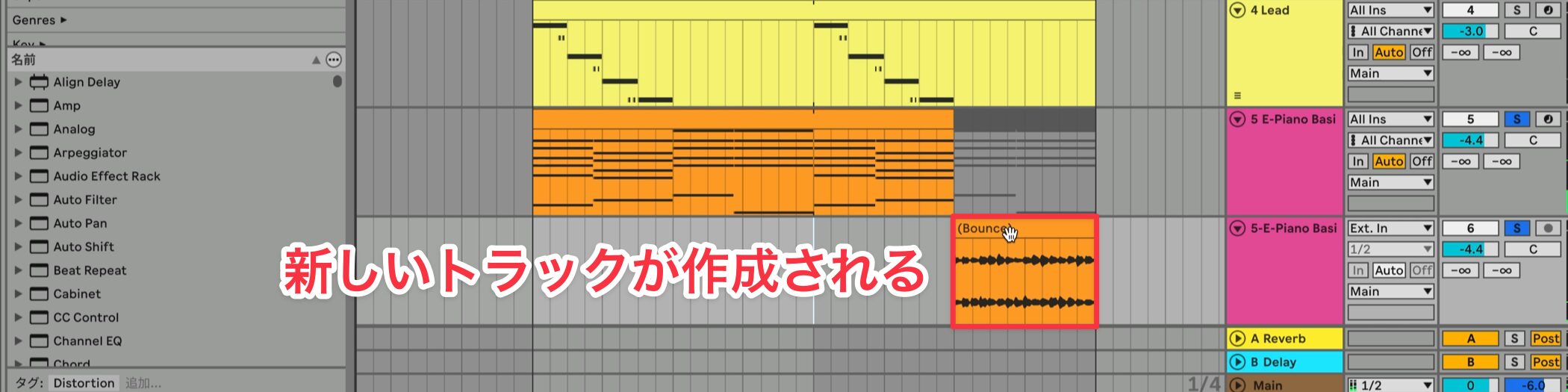
A new track is created and the audio is exported with instruments and effects applied.
This also lets you bounce just a particular section, making audio processing such as reversing much easier.
New device: Expressive Chords
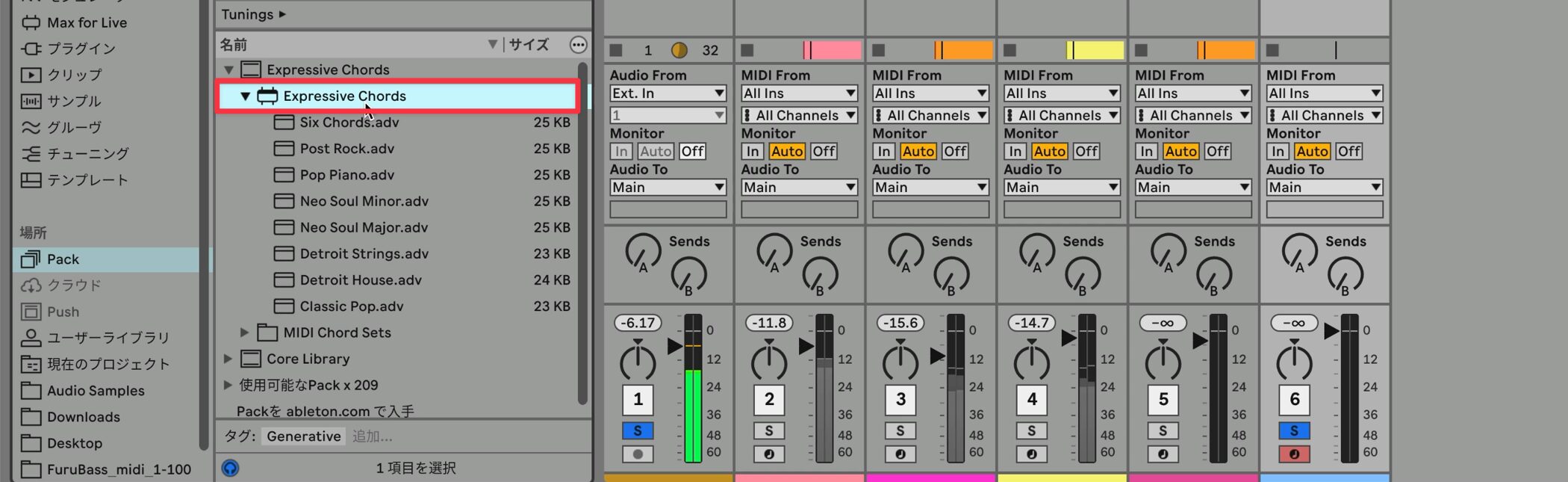
The new Max for Live device Expressive Chords has been added.
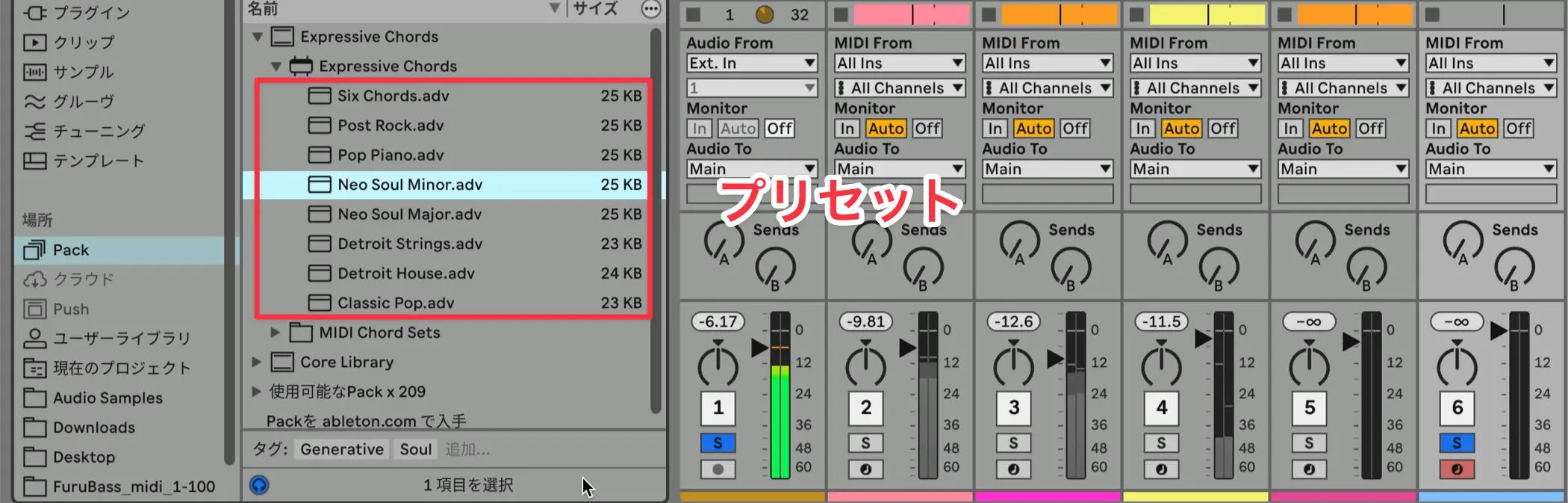
By loading a preset or a selected clip into this device,
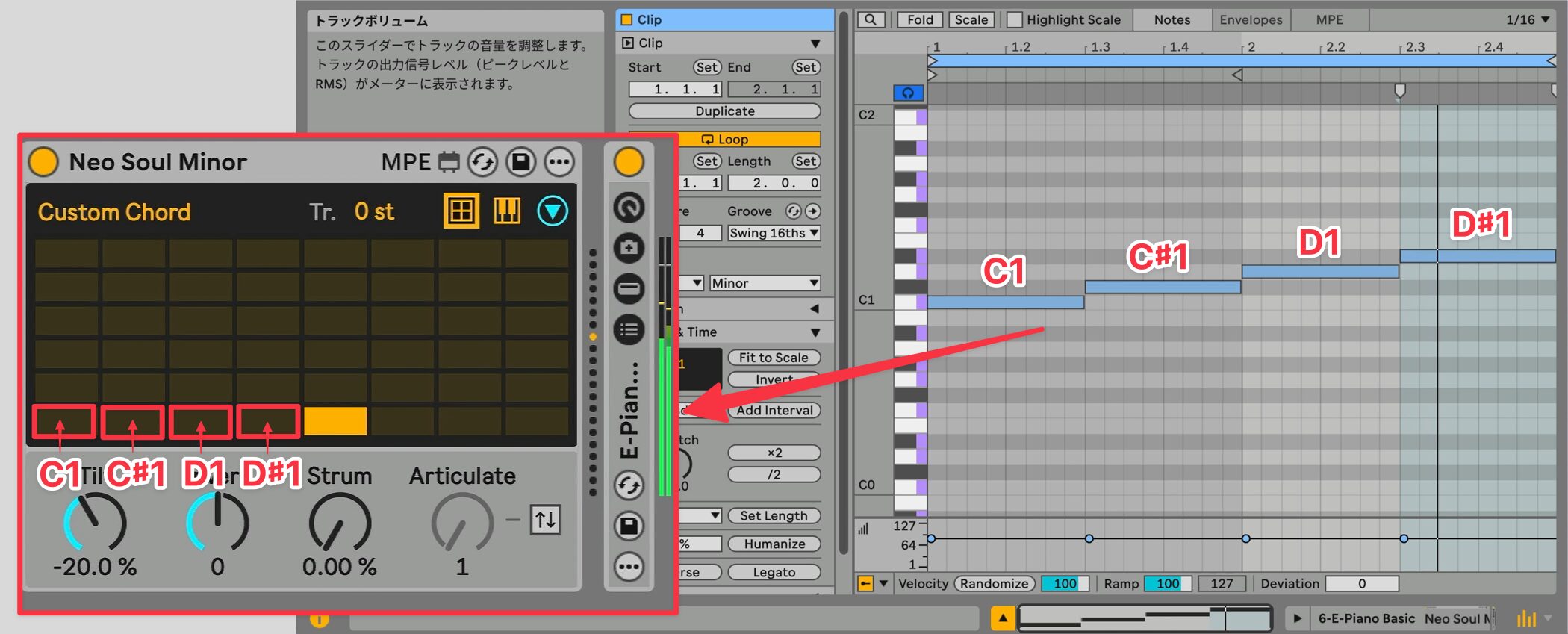
you can store different chords on pads arranged chromatically from C1 and play them with a single MIDI note.
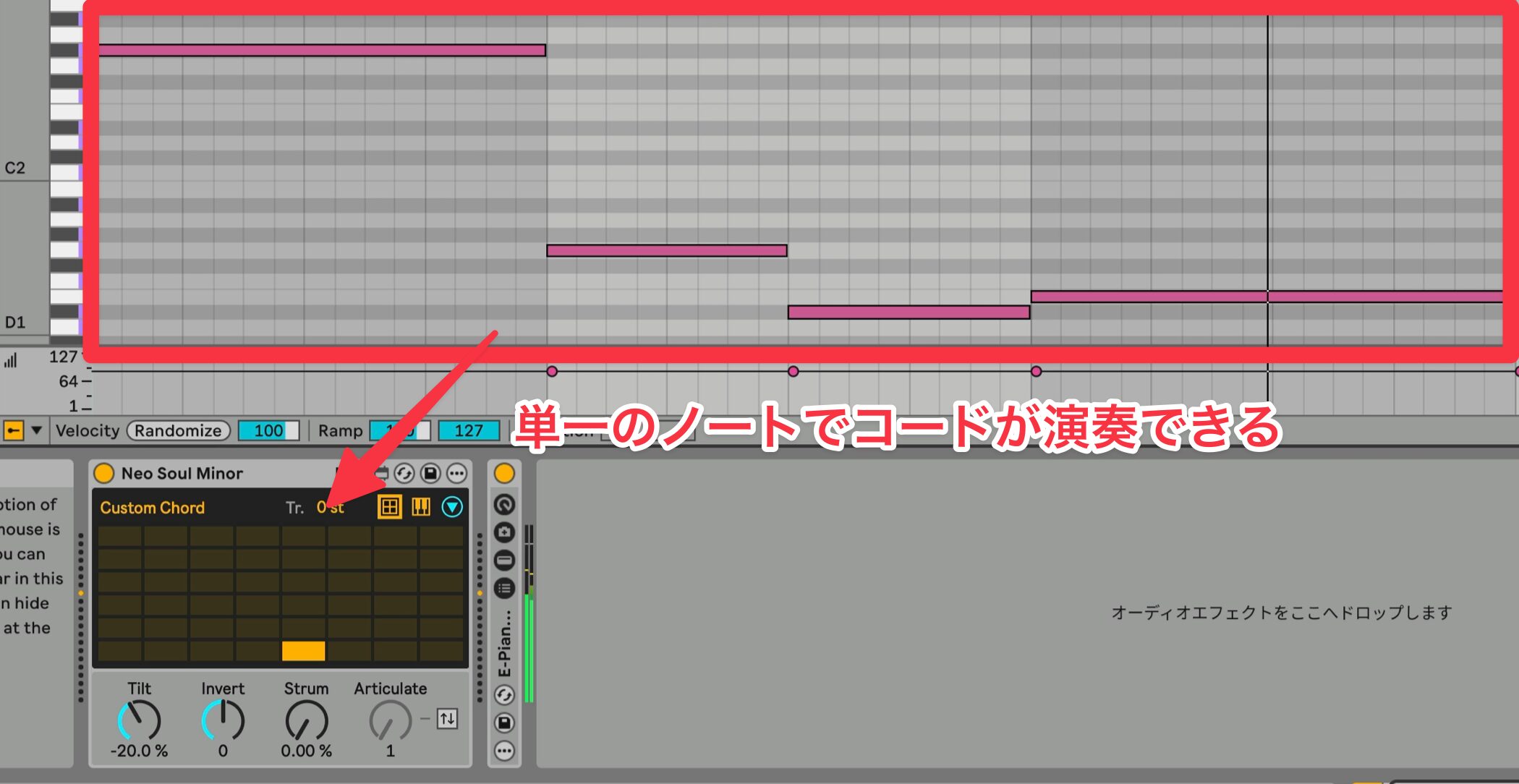
As an example, listen to the Neo Soul Minor preset.
Neo Soul Minor preset example
The device includes familiar chords, making it easy and practical to use.
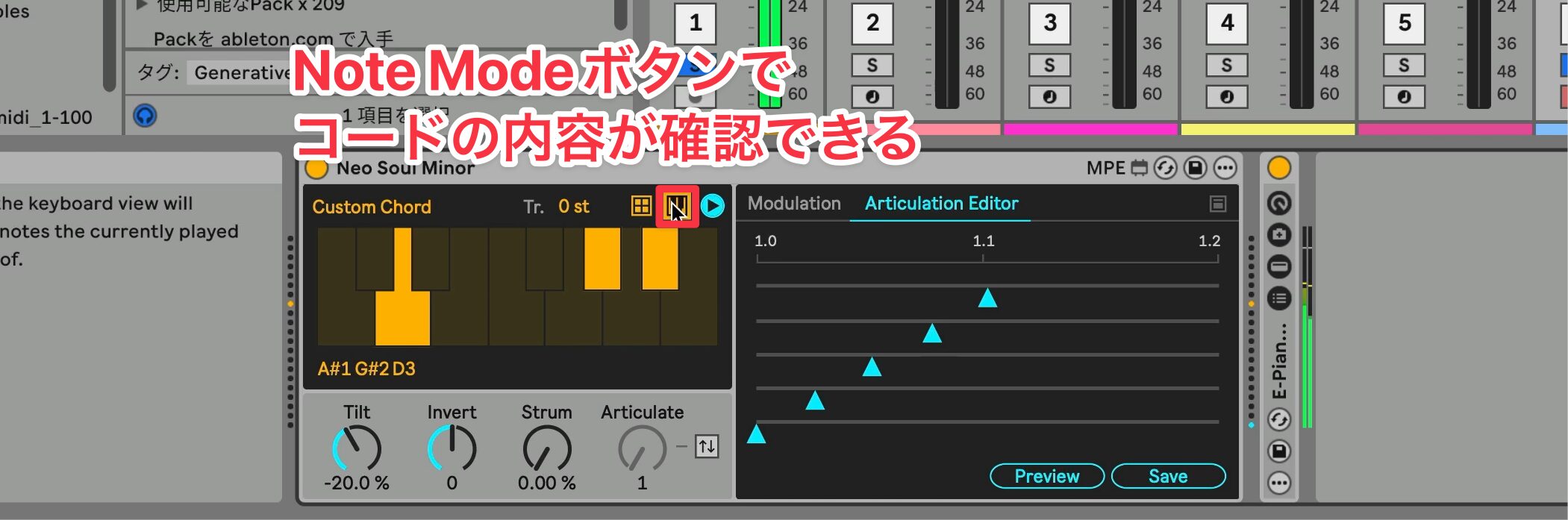
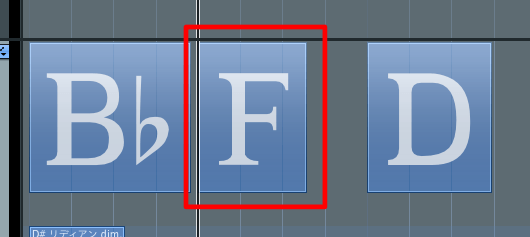
To see the notes in a chord, press Note Mode to inspect the currently selected pad.
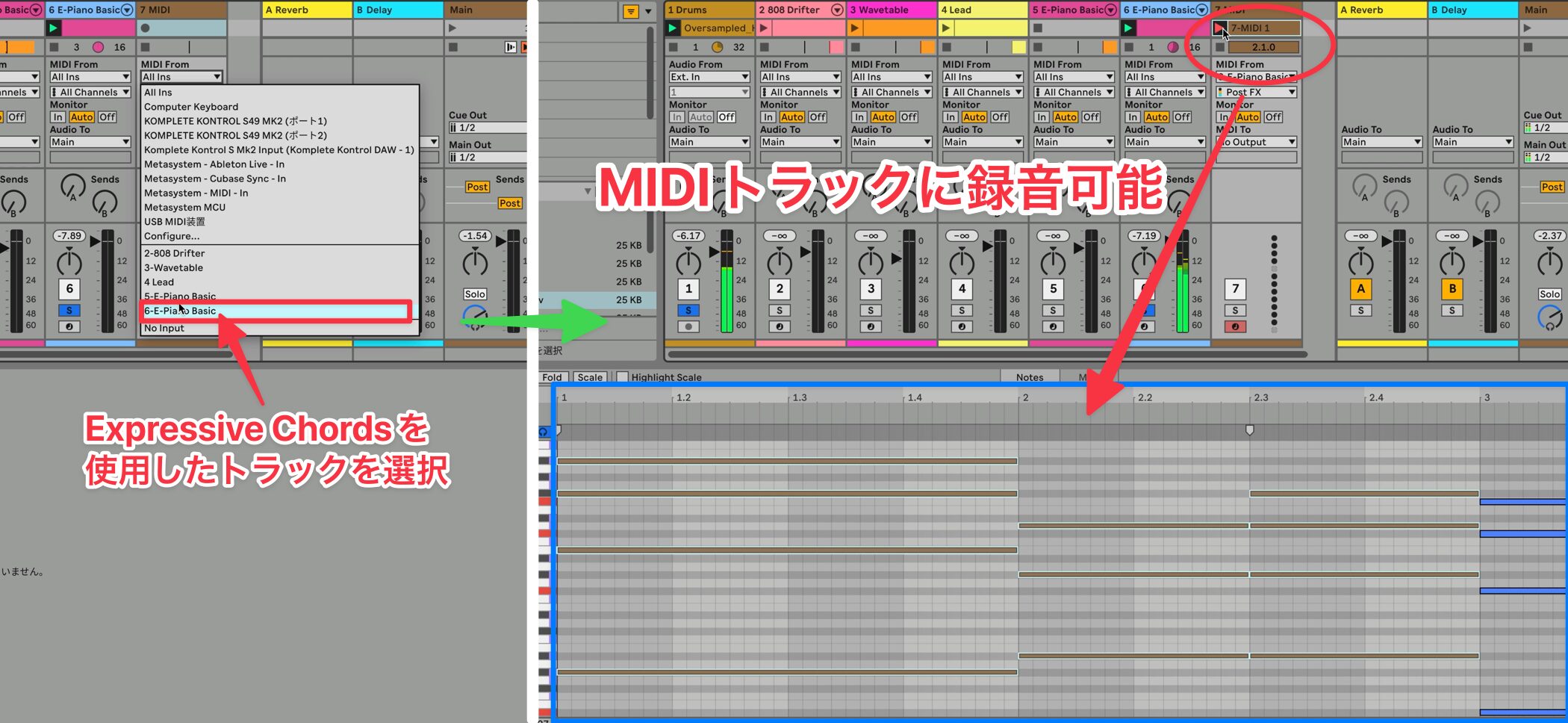
You can also record the chord progression as MIDI notes on another MIDI track and edit it later to suit your own style.
Four knobs for customizing your performance
The four knobs at the bottom of the device allow more detailed performance customization.
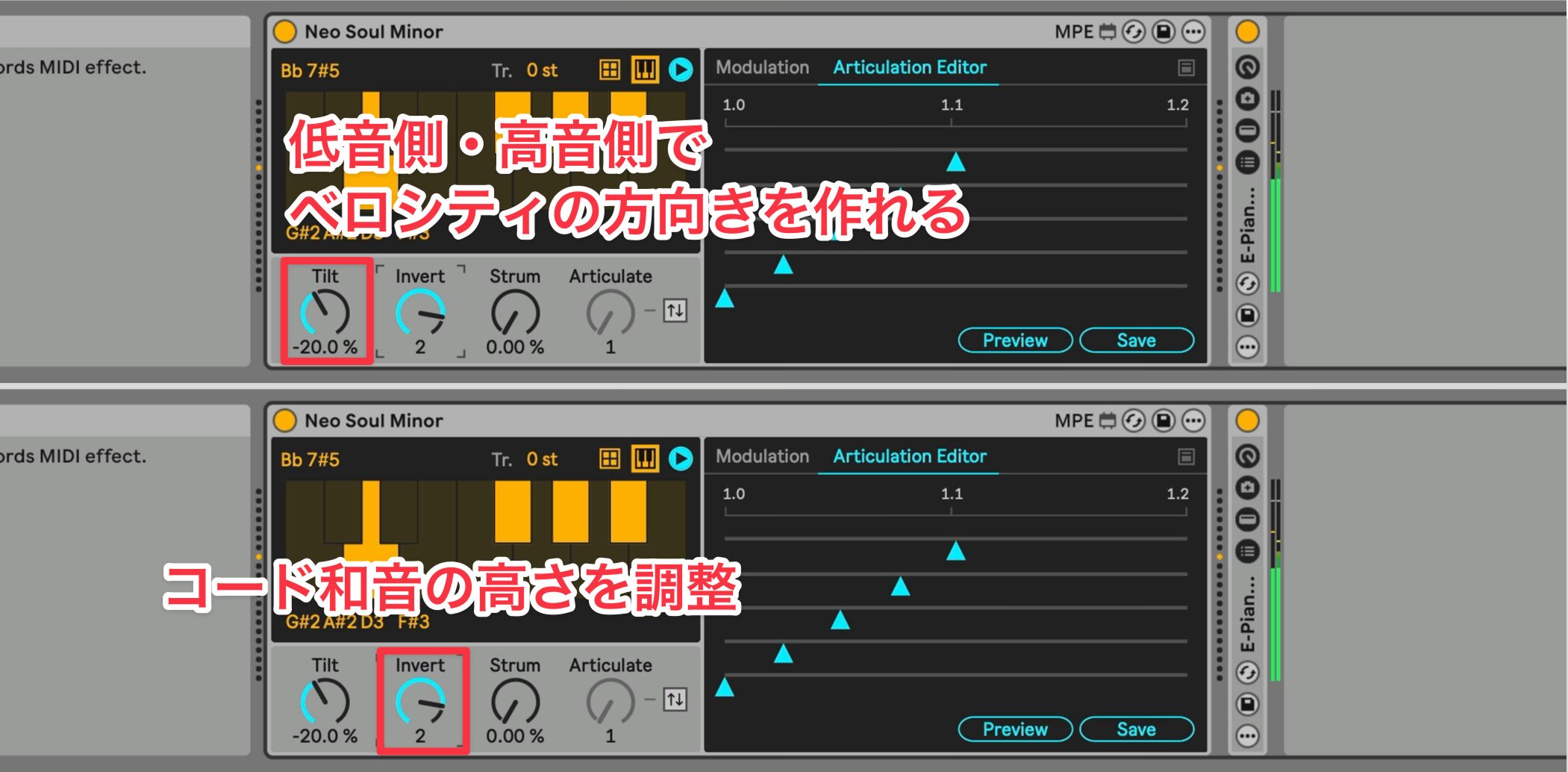
- Invert: changes how the chord notes are stacked
- Tilt: emphasizes or reduces velocity
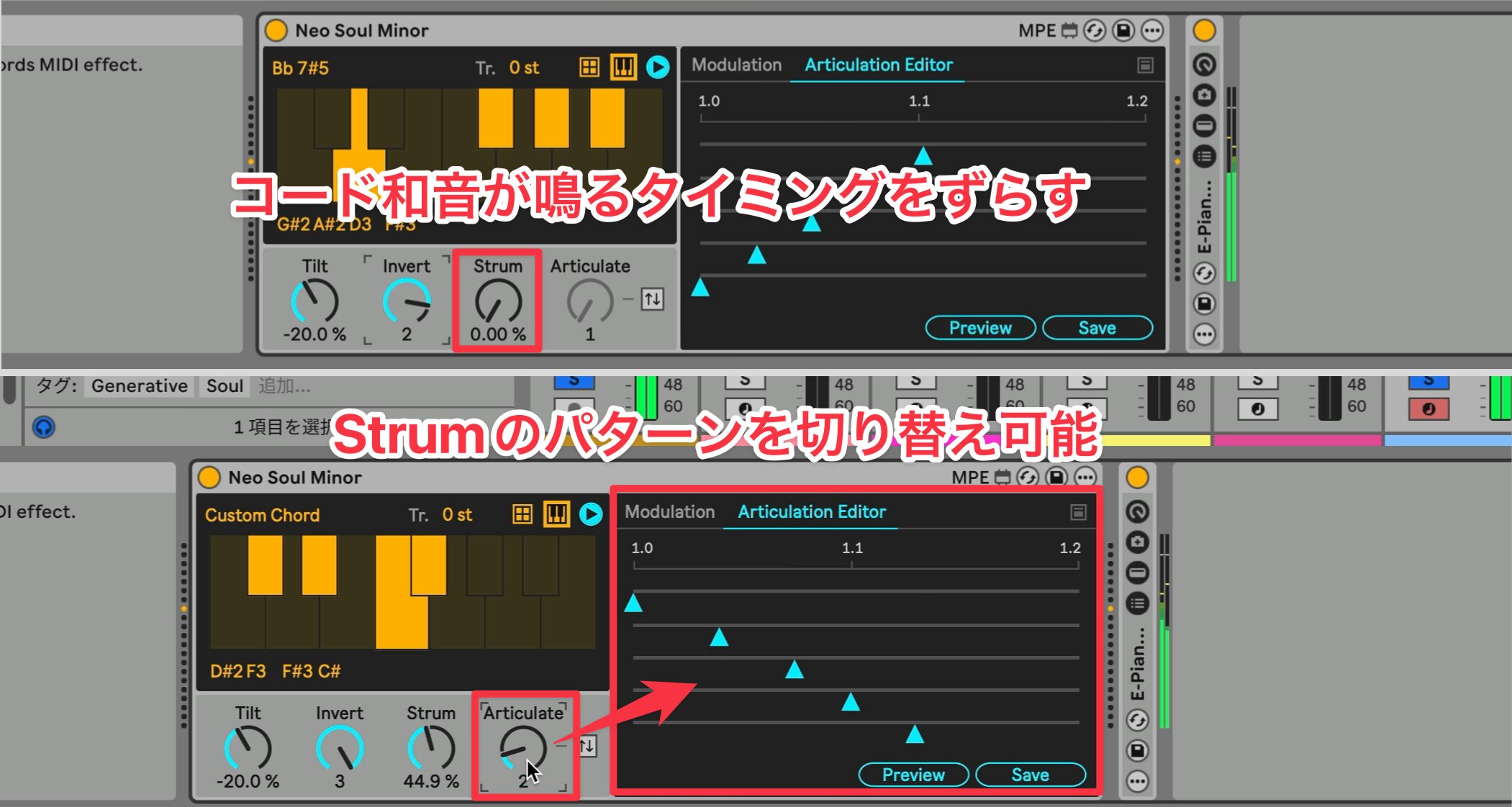
- Strum: enables strummed performances
- Articulate: adjusts variations of the strum
Even with the same chord progression, changing the settings lets you create a wide range of variations.
Auto Filter improvements
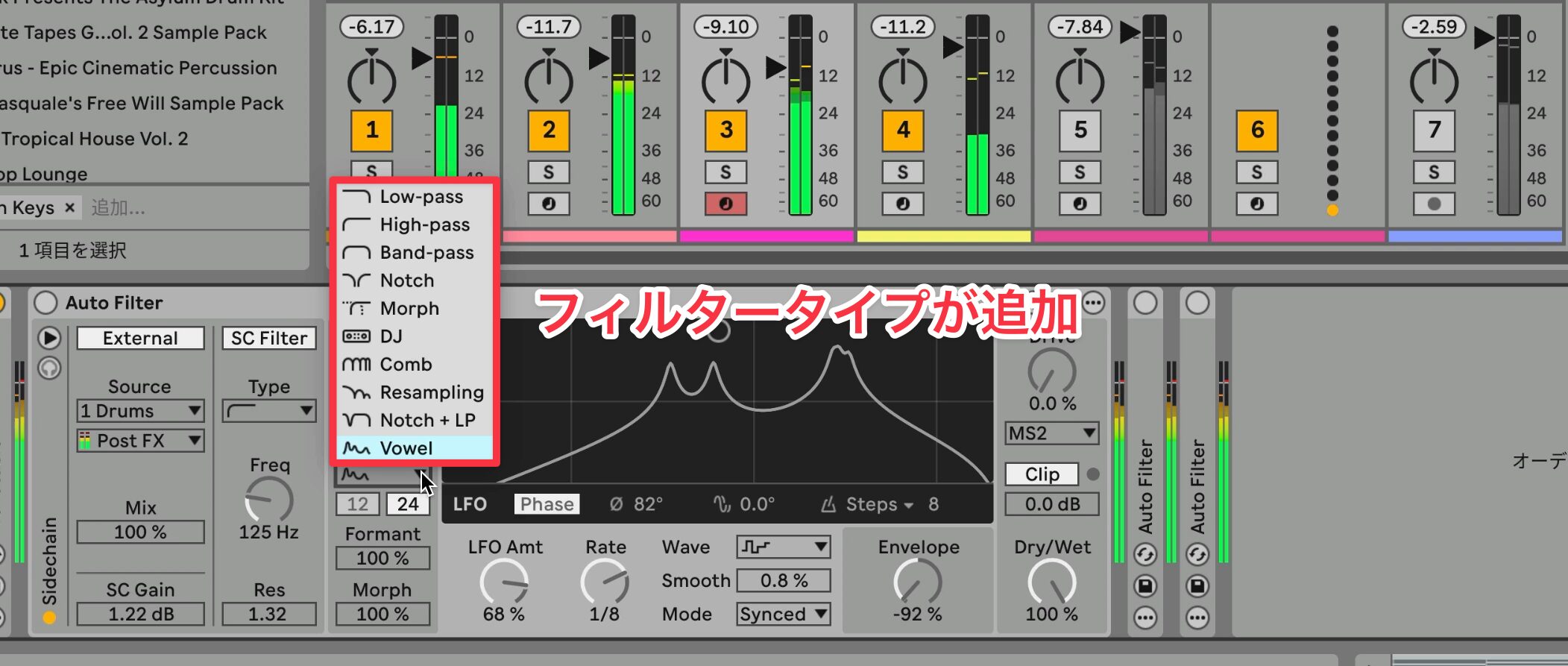
The redesigned Auto Filter is another highlight.
New filter types, including Vowel and DJ, have been added, opening up fresh sound design possibilities.
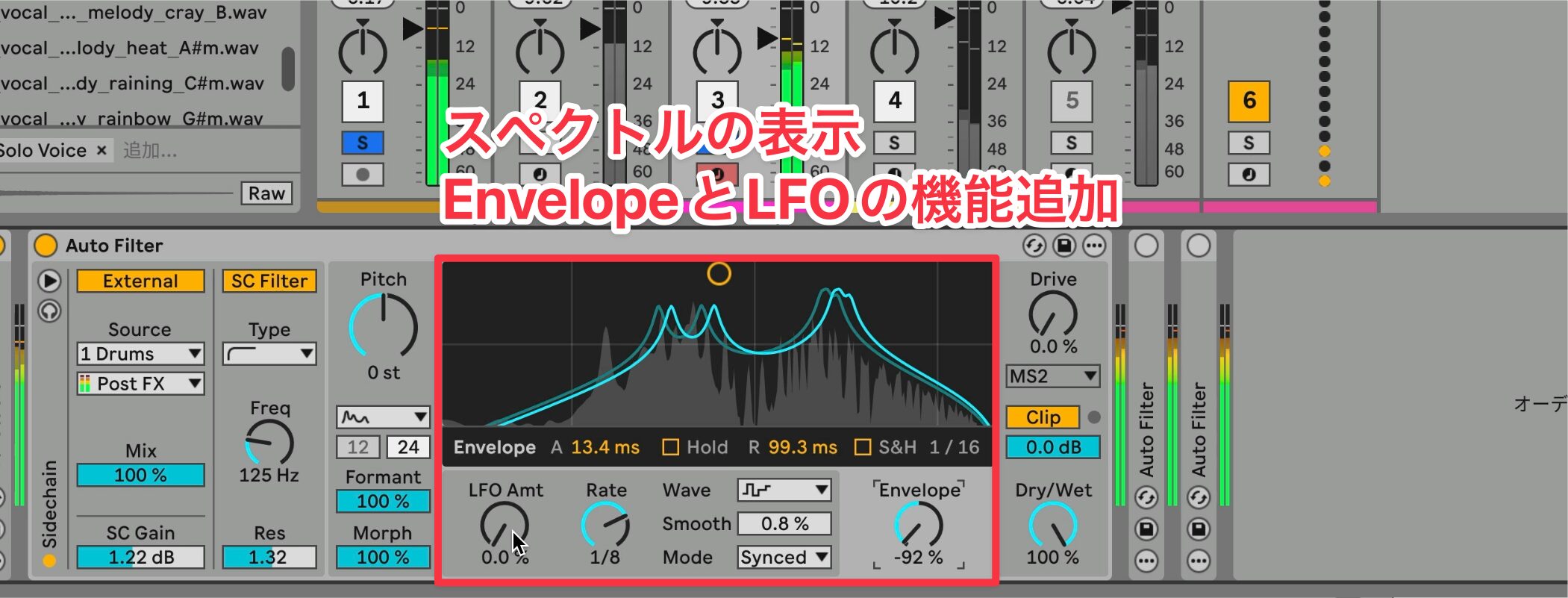
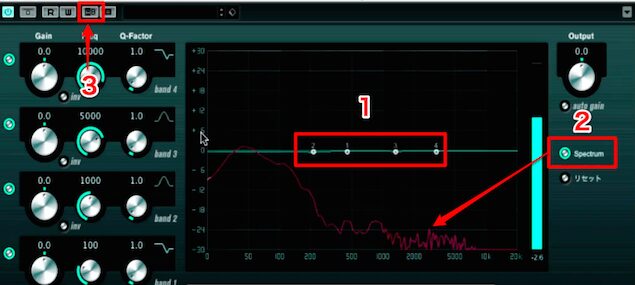
The interface has also been improved, with spectrum display and easier access to the envelope and LFO.
Other updates
- Spectral Resonator and Resonators: support Live 12 scale awareness and the tuning system
- Redesigned browser: adds a Quick Tags panel and simplifies the filter view
- Roar updates: adds Delay routing, a Dispersion filter, and external audio and MIDI sidechaining
- Meld updates: adds the Chord oscillator and Scrambler LFO effect
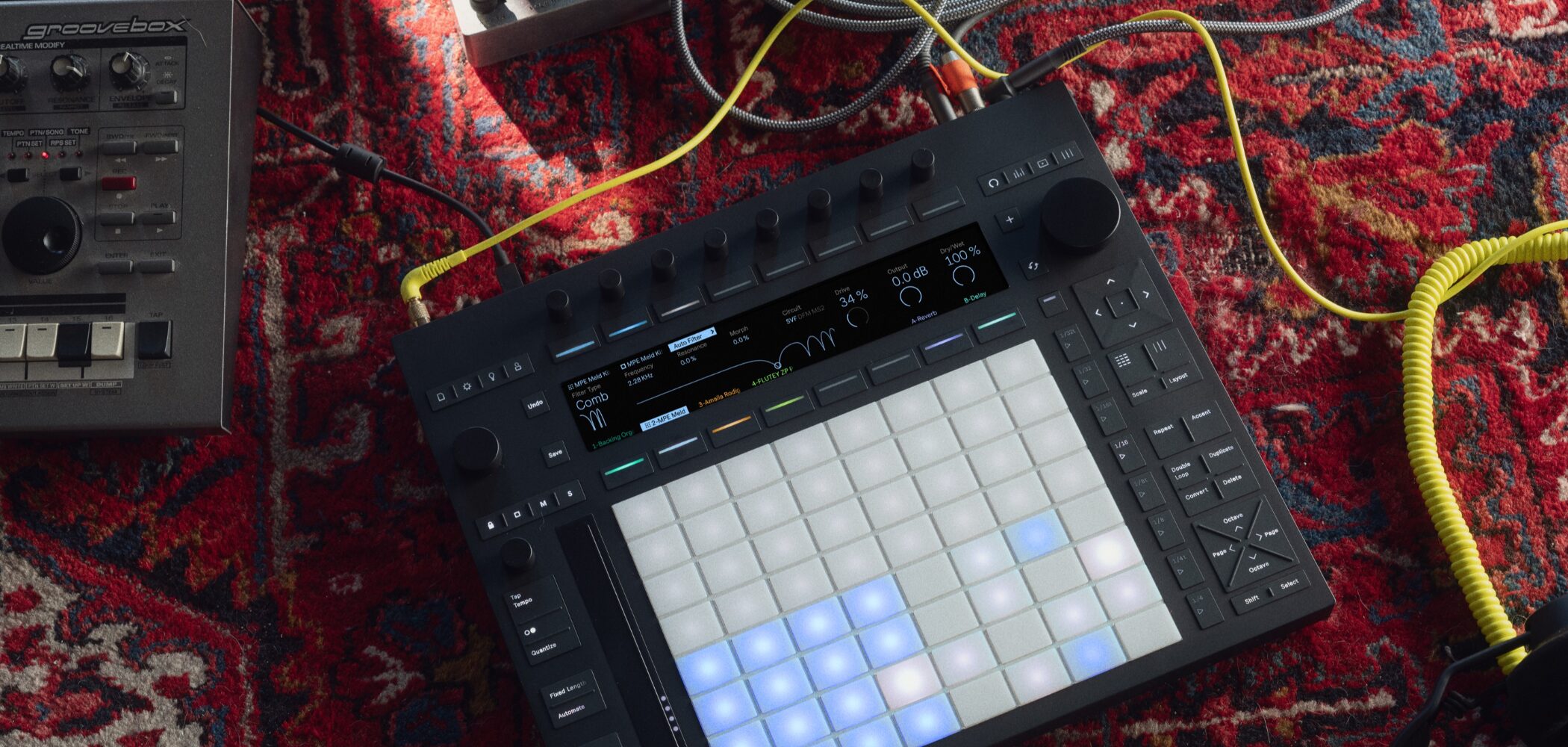
- New Push features: support melodic playing and clip sequence control
Joining the beta program

Live 12.2 Beta introduced a range of updates to streamline production workflows.
At the time of this article, users could join the Ableton Beta Program to download the beta and try new features early.
Live Suite and Standard users could apply; visit the official site for current eligibility and availability.
Ableton Beta Program
Frequently asked questions
Q1. How can I use the Ableton Live 12.2 Beta?
At the time of publication, Live Suite or Standard users could apply to Ableton’s official Beta Program and download the beta. Check the official site for current registration details.
Q2. What makes Bounce to New Track useful?
Right-click an entire clip or selection to export it to a new track. It makes bouncing specific sections and audio processing such as reversing easier, improving production efficiency.
Q3. Who is Expressive Chords for?
It can be useful for beginners without chord theory knowledge and advanced users who want to build progressions efficiently. Preset chords can be played with a single MIDI note and customized easily.
Q4. What new features were added to Auto Filter?
New filter types such as Vowel and DJ, spectrum display, and easier access to the envelope and LFO enable more intuitive and inventive sound design.
NEW ARTICLES
Latest English Articles