
ONE, a module introduced in IK Multimedia T-RackS 5, combines mastering effects in a single tool. It includes EQ, compression, maximization and other processing, with intuitive knobs for shaping a master. From tightening the low end and adjusting stereo width to visualizing gain reduction, it brings a range of mastering controls together for an efficient workflow.
Complete mastering in one piece of software
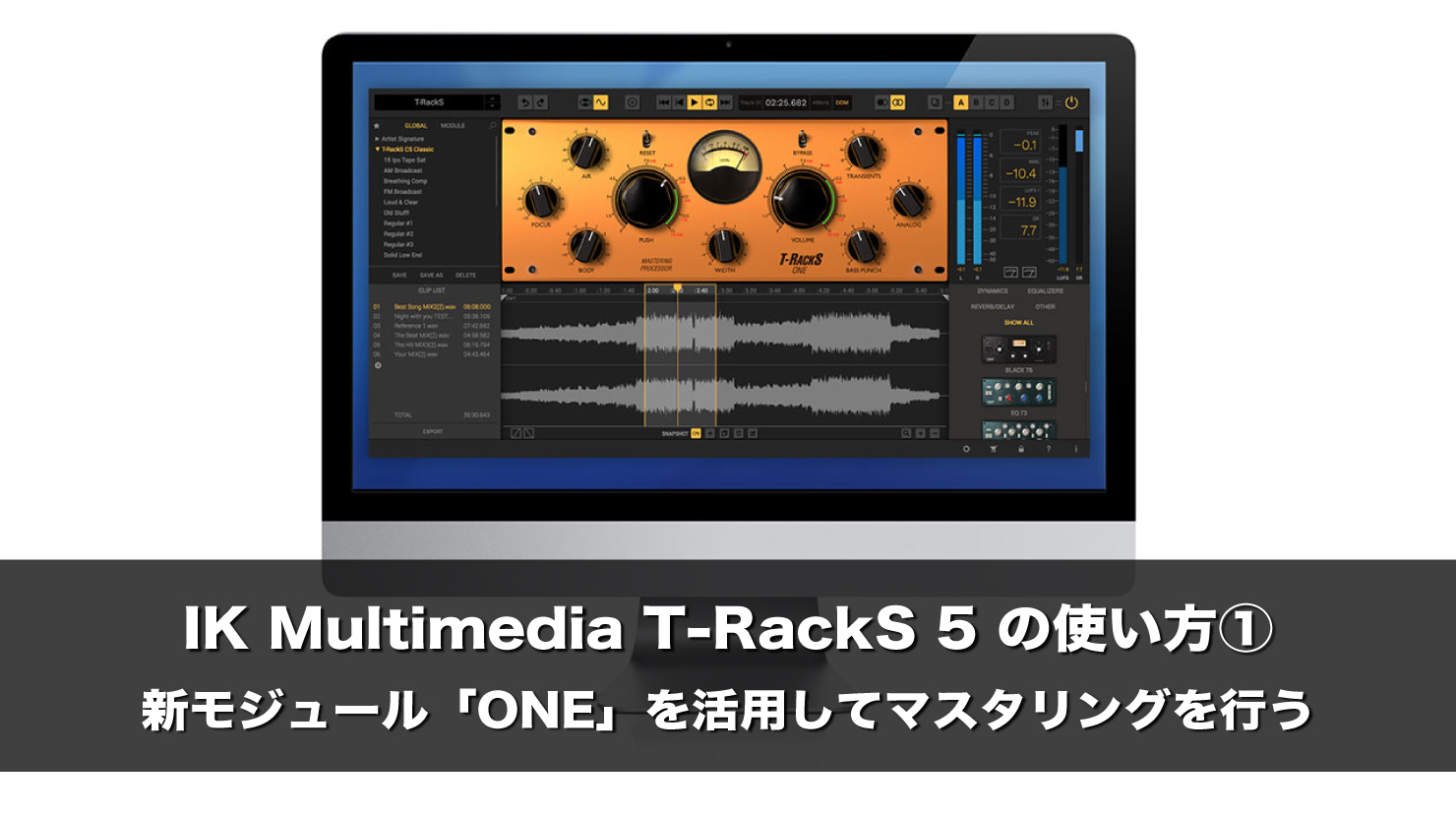
IK Multimedia’s T-RackS 5 was recently updated.
Here we will focus on its newly added mixing and mastering modules.
T-RackS comes as a standalone application and as plug-ins that let you open individual modules in a DAW.
The plug-in version also includes T-RackS Suite (TS5 Suite), which lets you load multiple modules and route them freely. We will use TS5 Suite in this tutorial.
Video: How to use IK Multimedia T-RackS 5
Visit the T-RackS 5 MAX purchase page
Visit the T-RackS 5 MAX crossgrade purchase page
Loading a module
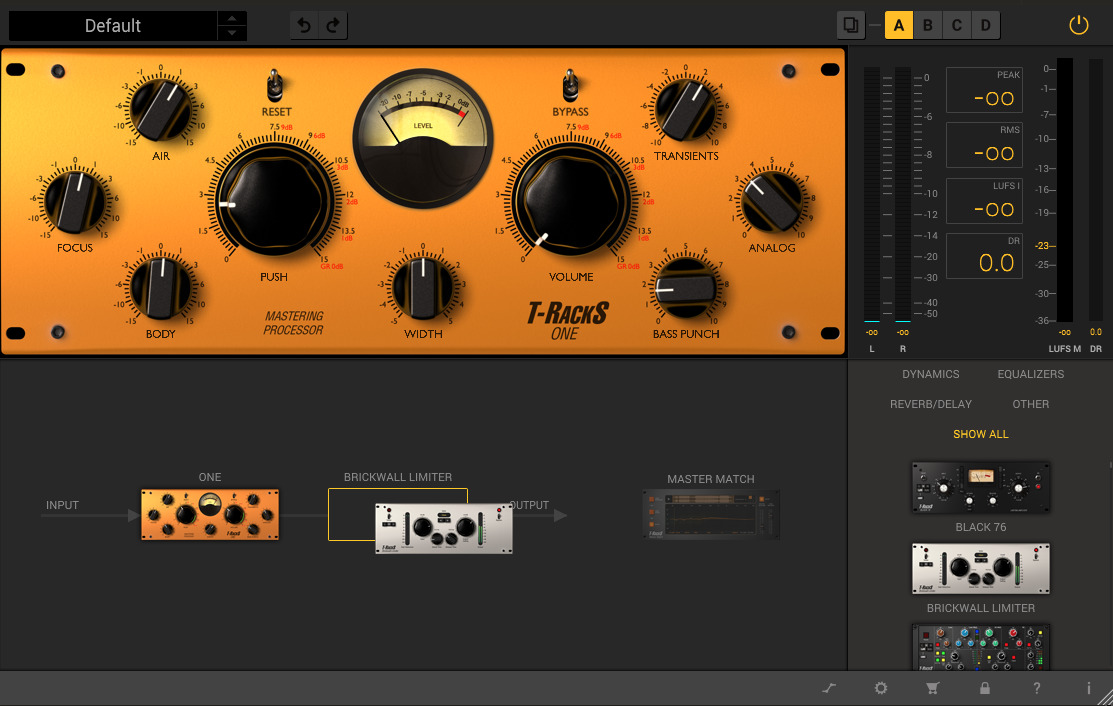
To add a module to a chain in T-RackS Suite, select it from the list at the bottom right and drag it into the lower central area.
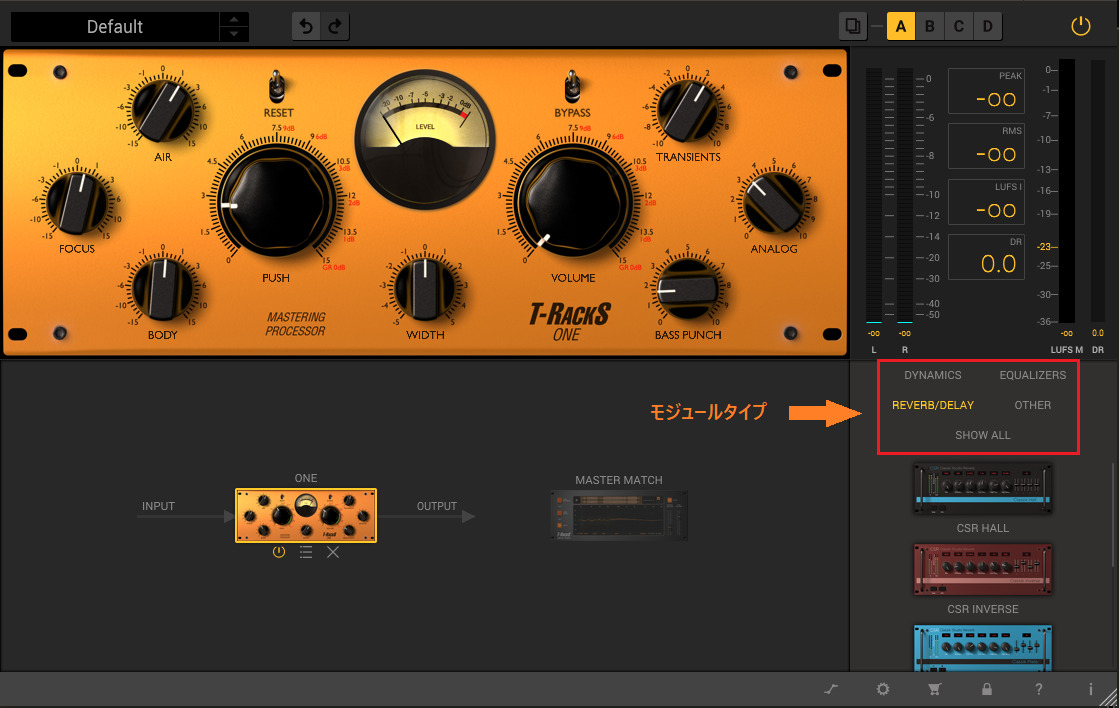
The top of the list shows module types; select one to filter the list by type.
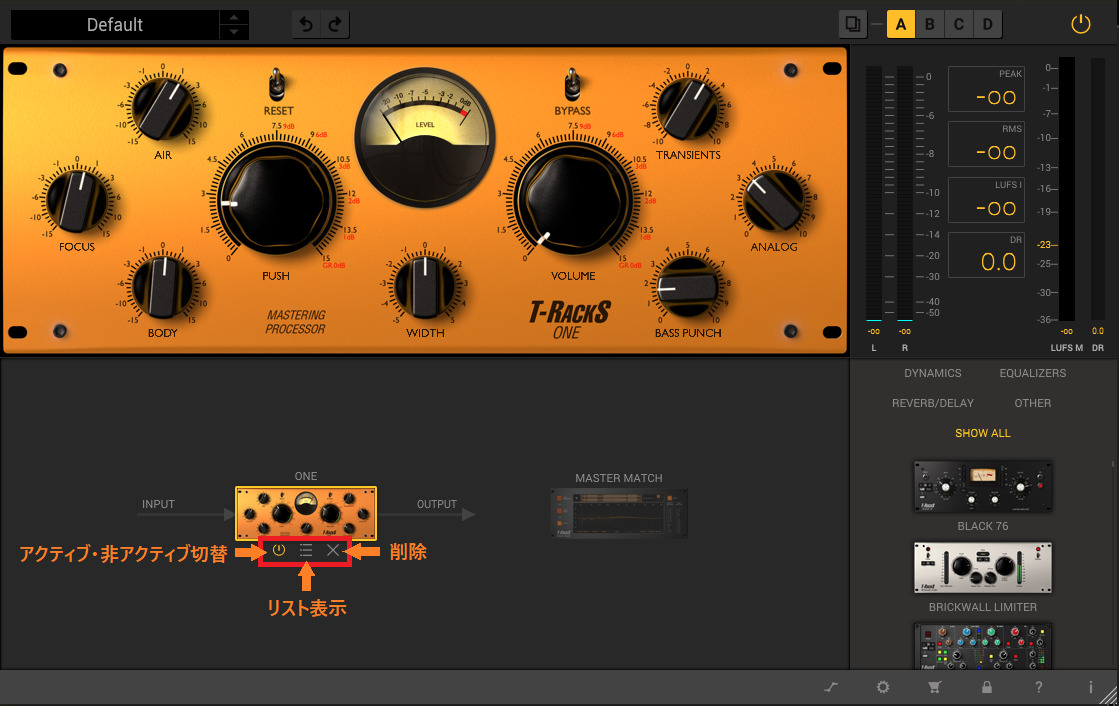
Each loaded module can be activated, deactivated, removed, or replaced by opening the list and selecting another module.
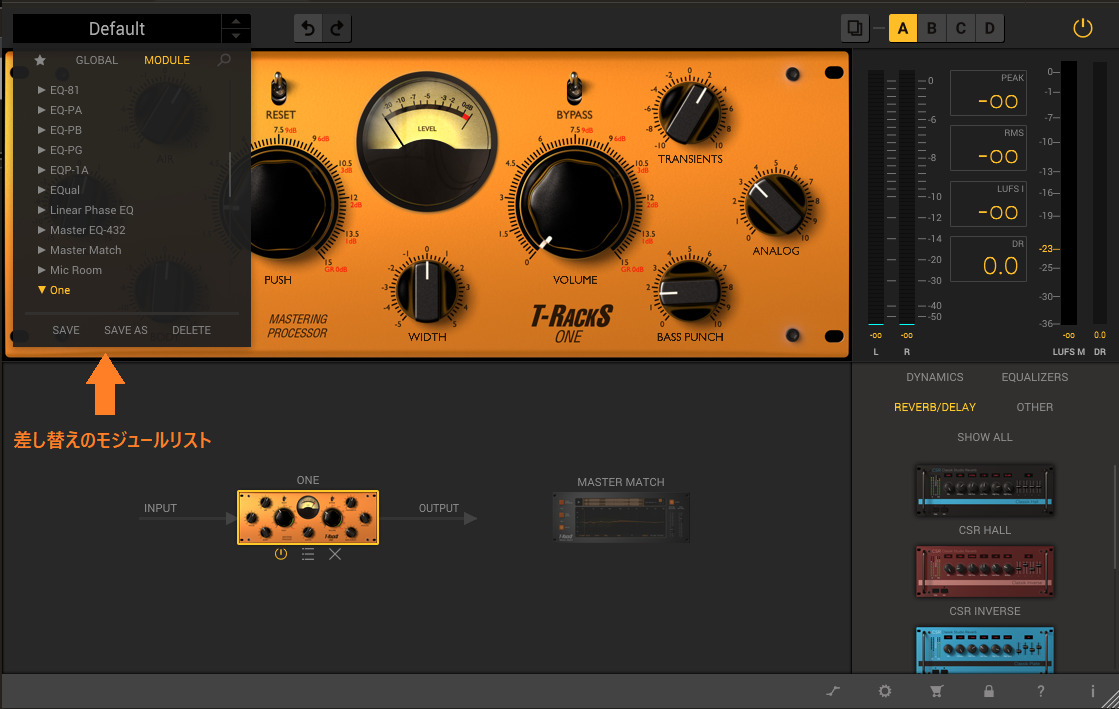
Mastering with the ONE module

As its name suggests, ONE combines a range of mastering effects in a single module, allowing you to complete a master with that one module.
EQ section
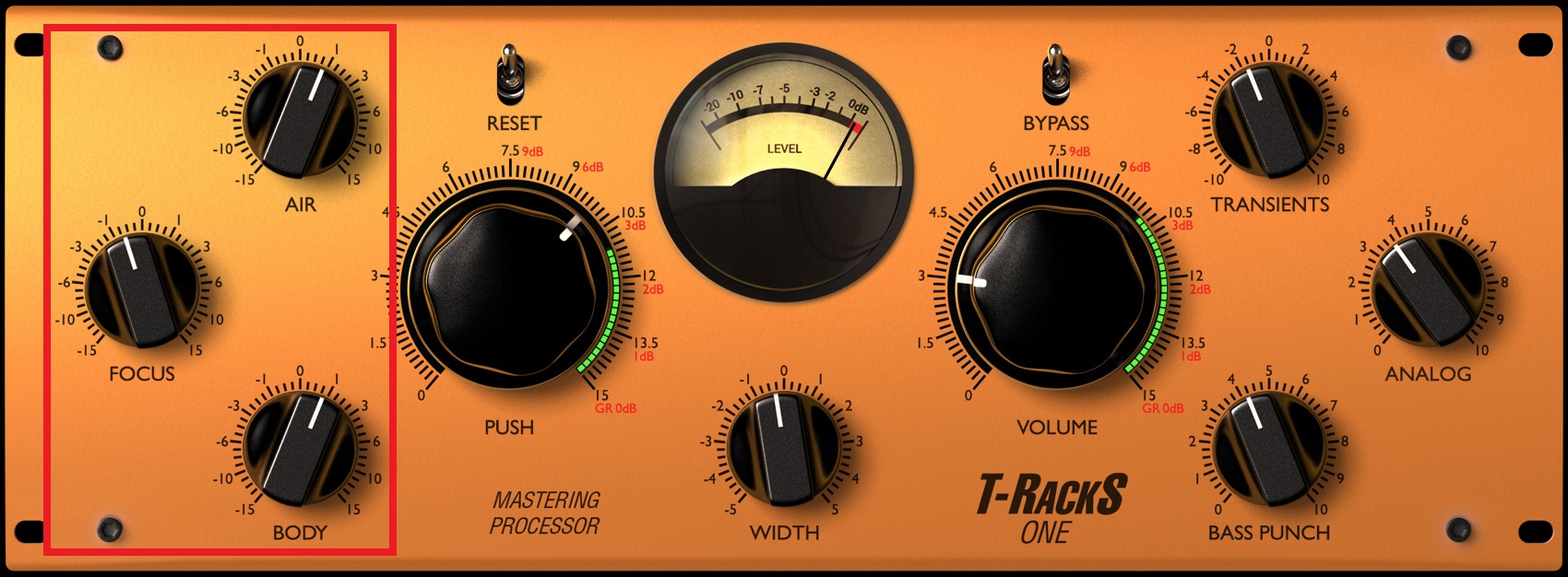
The three knobs on the left control separate frequency ranges and allow both cuts and boosts:
- AIR controls high frequencies.
- FOCUS controls the midrange.
- BODY controls low frequencies.
These are the three bands.
The EQ curves are designed for mastering, so they can be adjusted intuitively without detailed configuration.
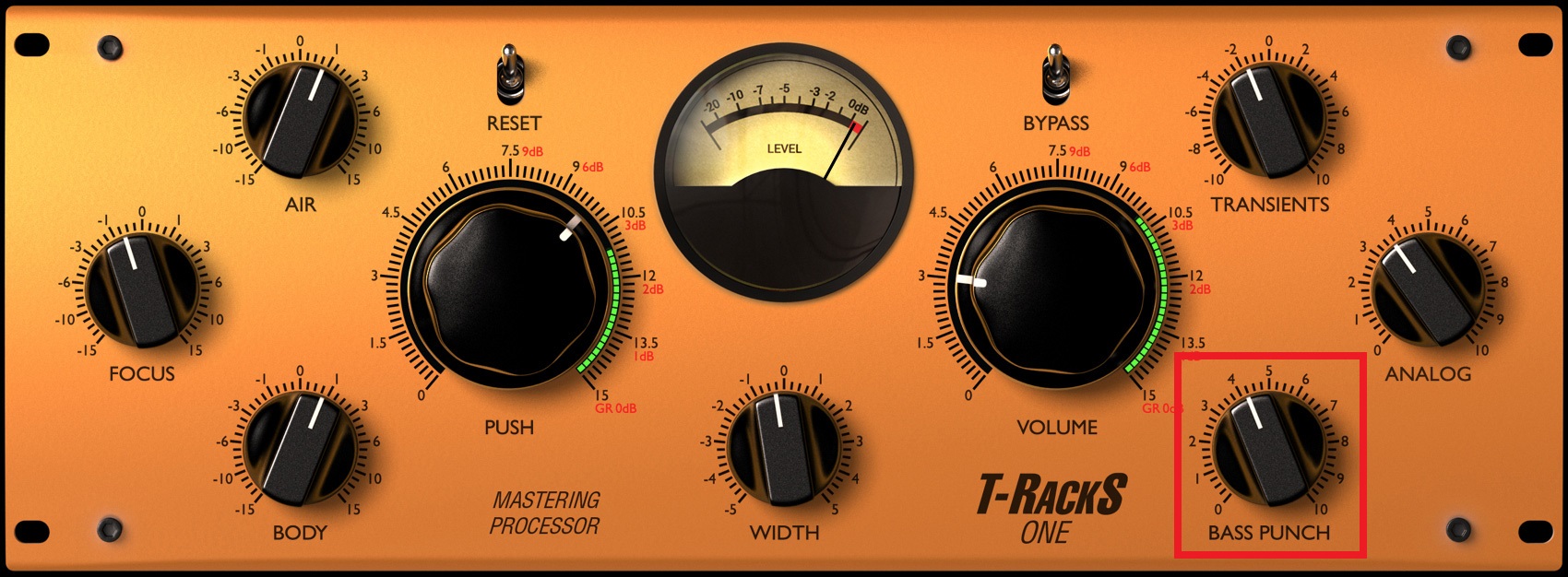
BASS PUNCH boosts the low end while tightening it.
Zero is the original state; turning the knob up boosts the lows.
Its tightening effect helps avoid boominess even with a stronger boost, making it useful for bringing out the kick and bass.

ANALOG adds harmonics to give a track thickness and width.
The added harmonics increase density and create a richer sound.
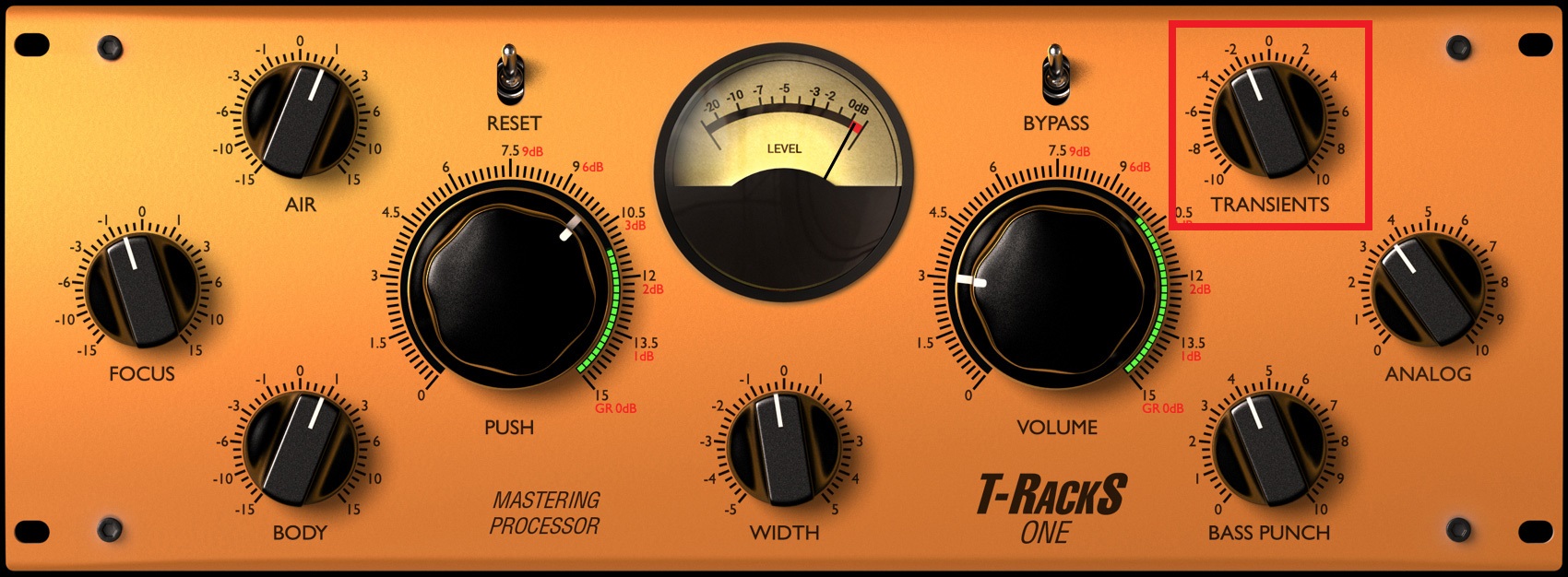
TRANSIENTS adjusts the sense of attack and is useful for making rhythmic onsets clearer.
Moving the knob in the negative direction can instead produce a smoother result.
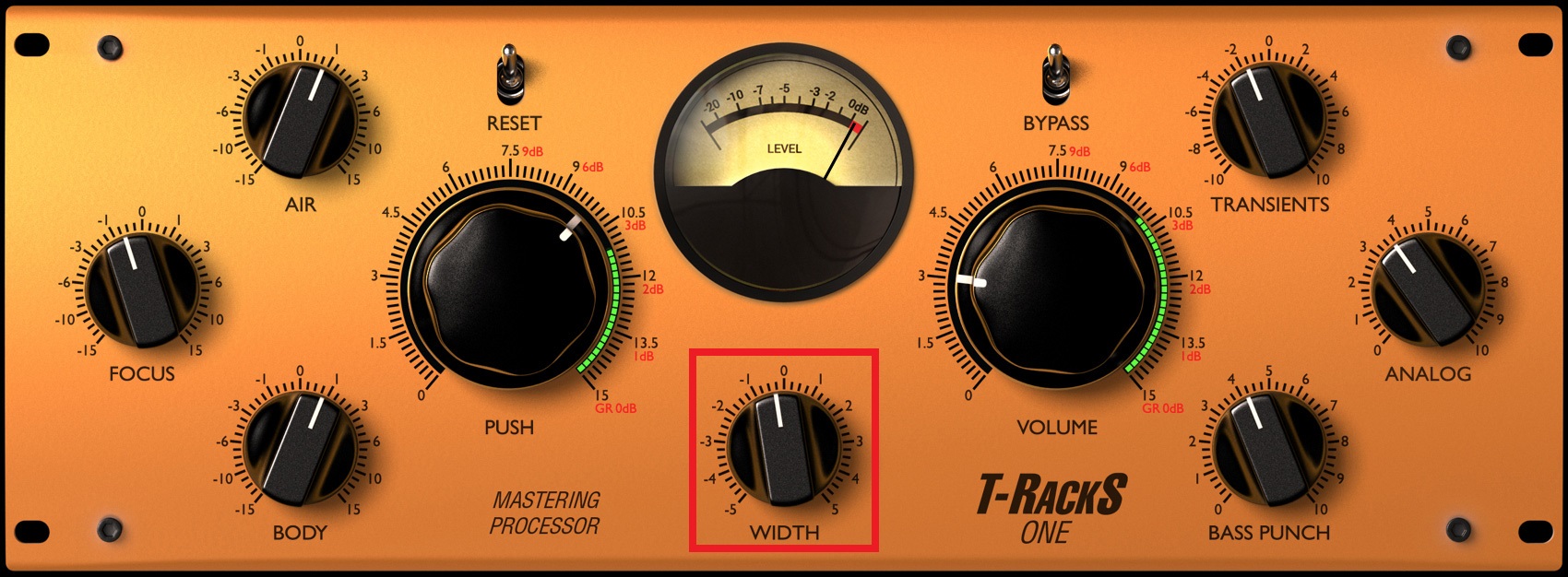
WIDTH controls the track’s stereo spread.
Positive settings raise sounds panned toward the sides, adding width.
If a mix has become too wide and lacks cohesion, a negative setting emphasizes the middle and can create a more focused sound.
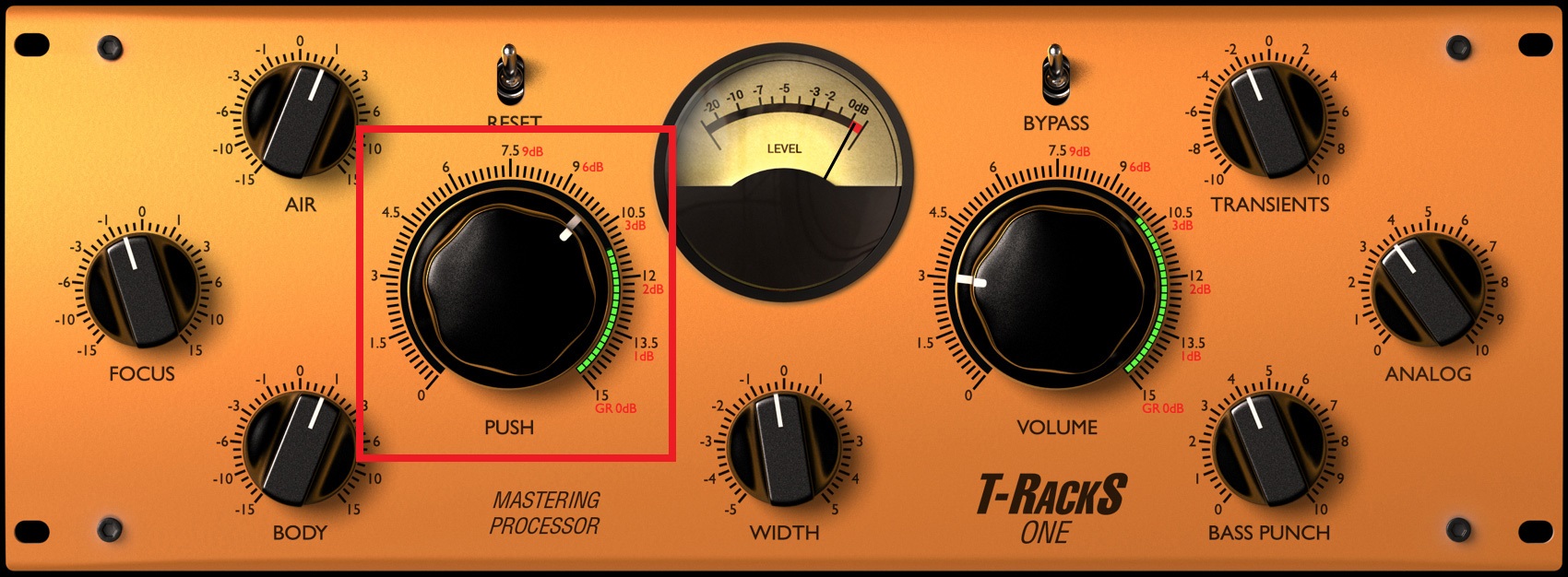
Turning PUSH clockwise applies compression.
Use it to control unwanted peaks or help the tracks feel glued together.
The green meter around the knob shows gain reduction. For a natural sound, we recommend keeping the reduction around 3 dB.
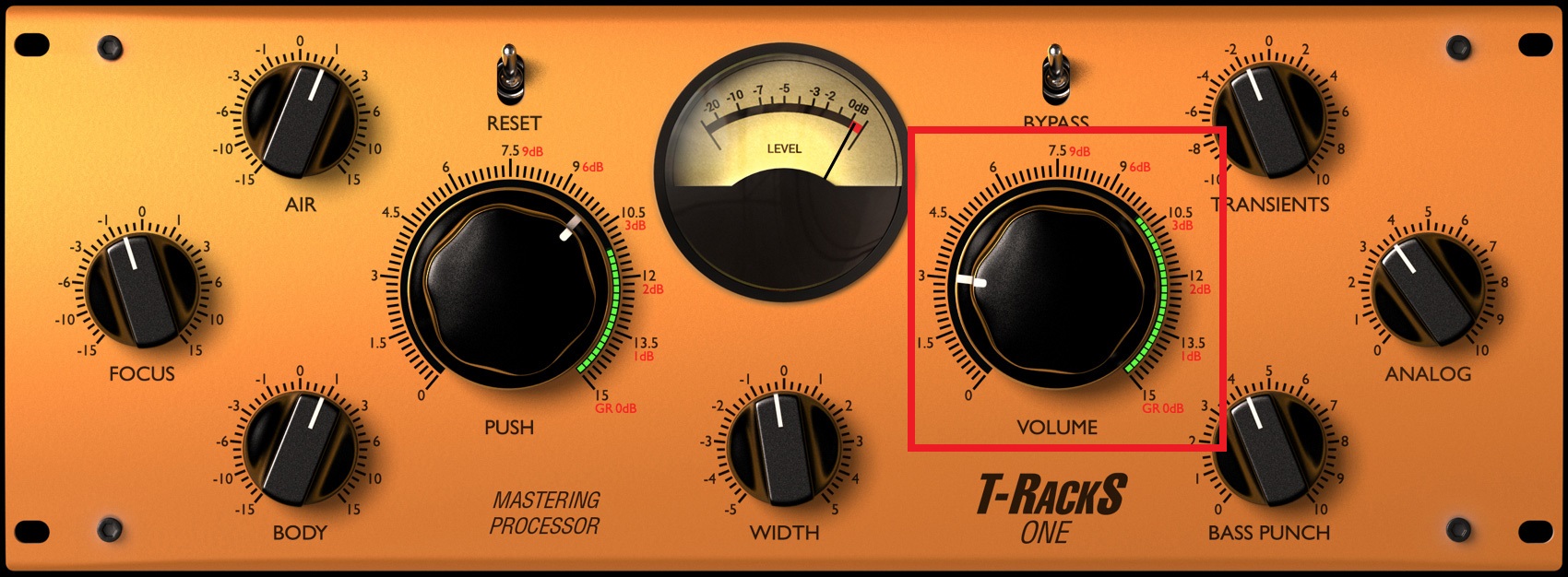
VOLUME works like a maximizer, raising the level without exceeding 0 dB.
The meter around the knob shows gain reduction.
Check RMS and LUFS in the meter section and use those readings alongside your ears to set the desired loudness.
If you are unsure of a suitable RMS or LUFS value, measure a favorite artist’s track as a reference to help find a target.
For further metering, Full Metering provides a spectrum analyzer, phase scope, VU meters, spectrogram and more.
What did you think?
ONE, added in T-RackS 5, offers a convenient way to achieve effective mastering with a single module.
It can also be launched as a standalone plug-in, so you can add it to your usual mastering chain.
Next time we will look at other modules included in T-RackS 5.
Visit the T-RackS 5 MAX purchase page
Visit the T-RackS 5 MAX crossgrade purchase page
Frequently asked questions
Q1. What is the difference between the T-RackS 5 application and plug-in versions?
The application runs independently as a standalone program. The plug-in version runs in a DAW and includes flexible options such as T-RackS Suite, where multiple modules can be routed to build a more advanced mastering chain.
Q2. What is ONE’s BASS PUNCH used for?
BASS PUNCH boosts the low frequencies while tightening them. It is useful when you want to emphasize the kick or bass without excessive boominess and add low-end punch in mastering.
Q3. How do I choose suitable RMS and LUFS levels for mastering?
Measure a favorite artist’s song in T-RackS 5 as a reference, then use its readings to guide your level settings. Adjust while also checking the meter section visually.
Q4. Can ONE be used as an individual plug-in?
Yes. ONE can be launched as an individual plug-in in a DAW and added to an existing mastering chain.
NEW ARTICLES
Latest English Articles










































































































































































































































































































































