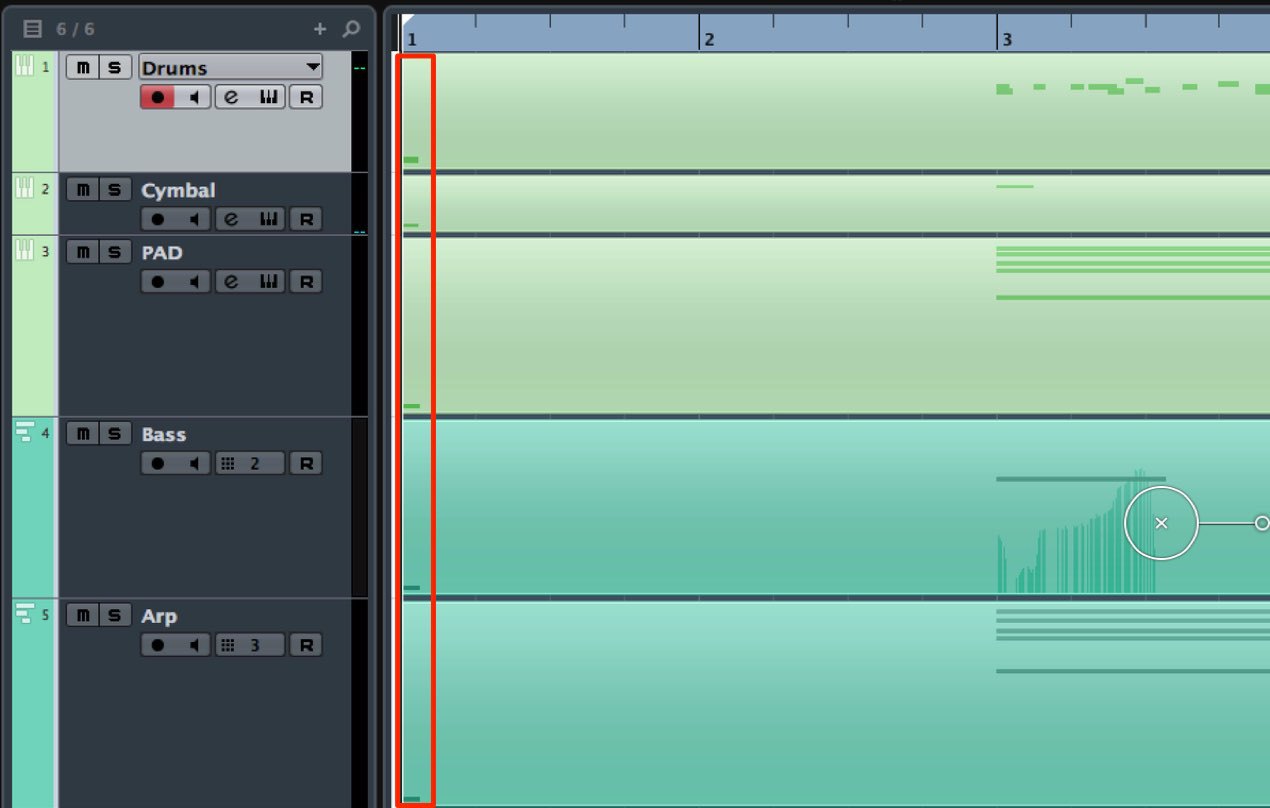
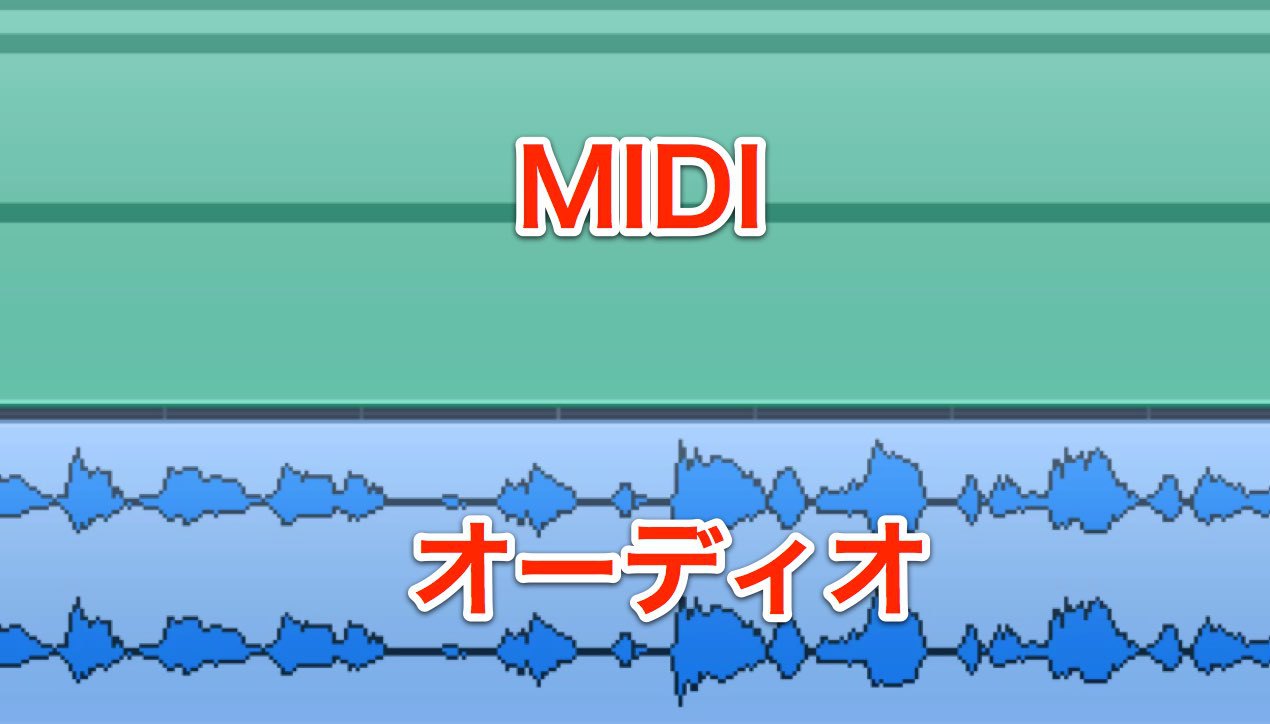
When quantizing MIDI in Cubase, notes can sometimes move to unexpected positions. This can happen when a real-time recording contains phrases with different note values: if you later quantize at a different resolution, Cubase bases the operation on the original performance positions. Freeze MIDI Quantize makes the current positions permanent, so a subsequent quantize operation uses them as its starting point.
Why Notes Move Away from the Expected Position
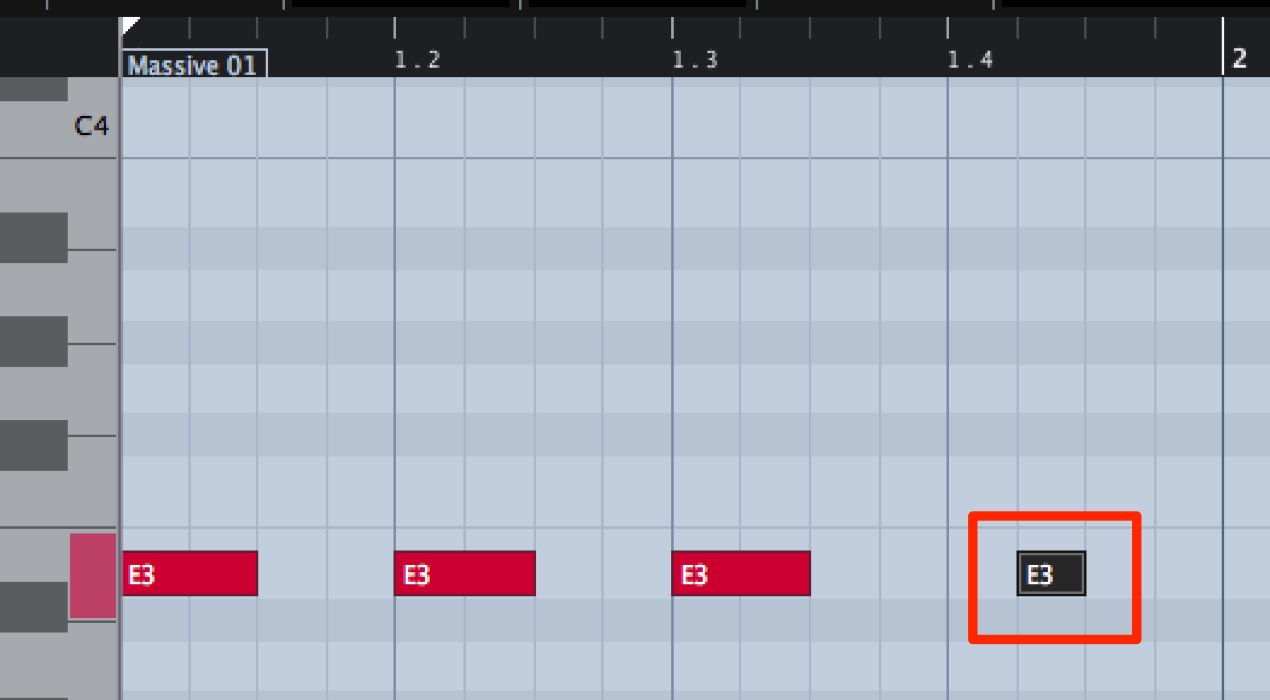
When programming MIDI in Cubase, you will often use Quantize.
But what if notes move to unexpected positions after quantizing,
even though you have selected a grid appropriate to the smallest note value in the phrase?
Here is one way to address this problem.
How to Fix It
This can occur with MIDI events recorded in real time.
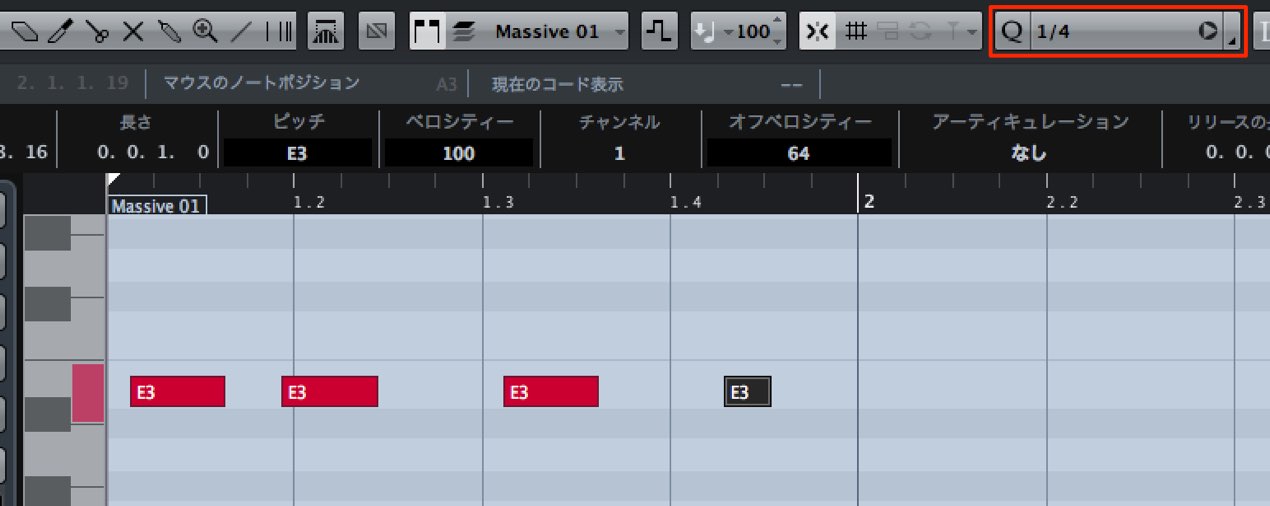
For example, consider this phrase played in quarter notes.
A quarter-note grid is sufficient to quantize it.
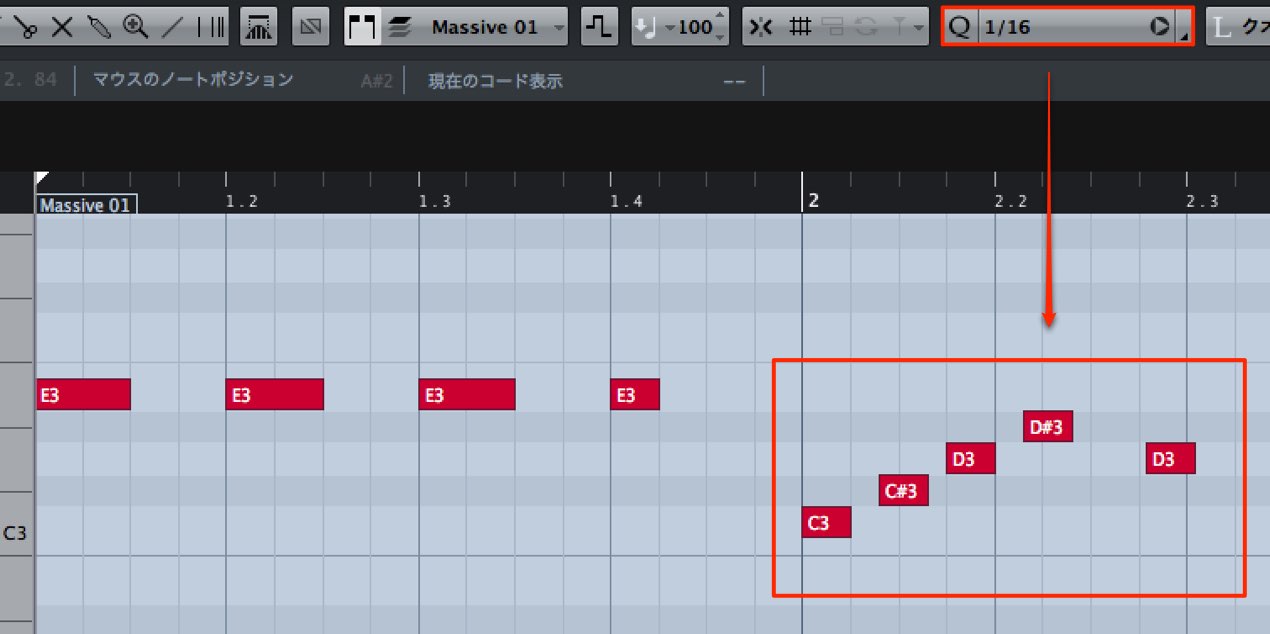
If you later record a sixteenth-note phrase,
you will need to quantize it on a sixteenth-note grid.
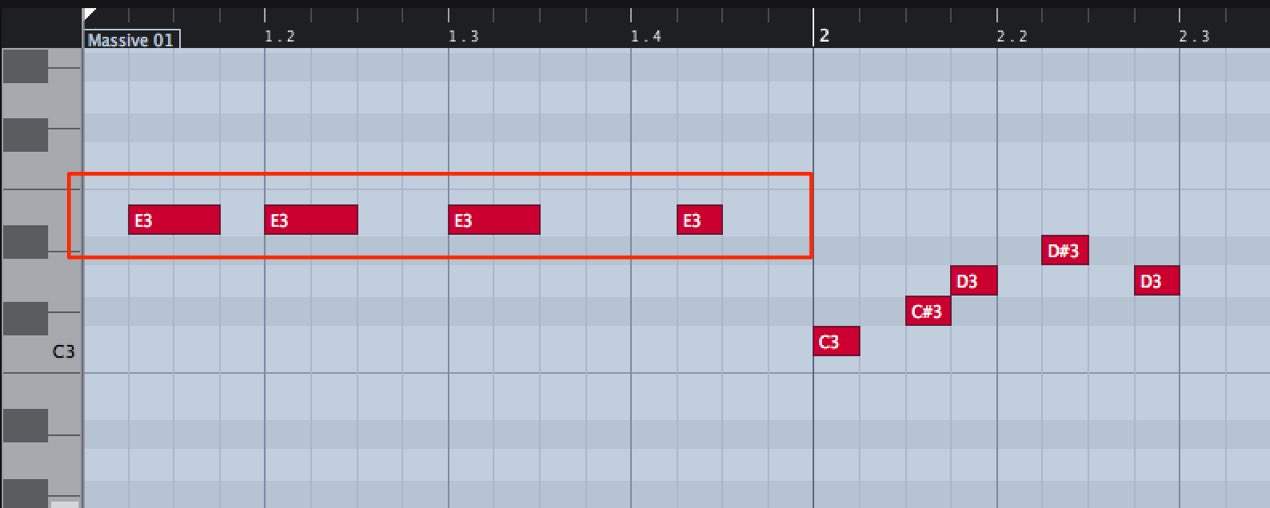
It is easy to quantize the whole MIDI part, including the earlier phrase, at once.
When you do, the earlier notes can shift as shown.
That is because even after quantizing,
MIDI notes retain their original recorded or entered positions.
When you quantize again, Cubase uses those original positions as the reference,
which can produce the shift shown above.
To avoid this in the example,
first make the current corrected MIDI note positions permanent.
After quantizing the first phrase to quarter notes,
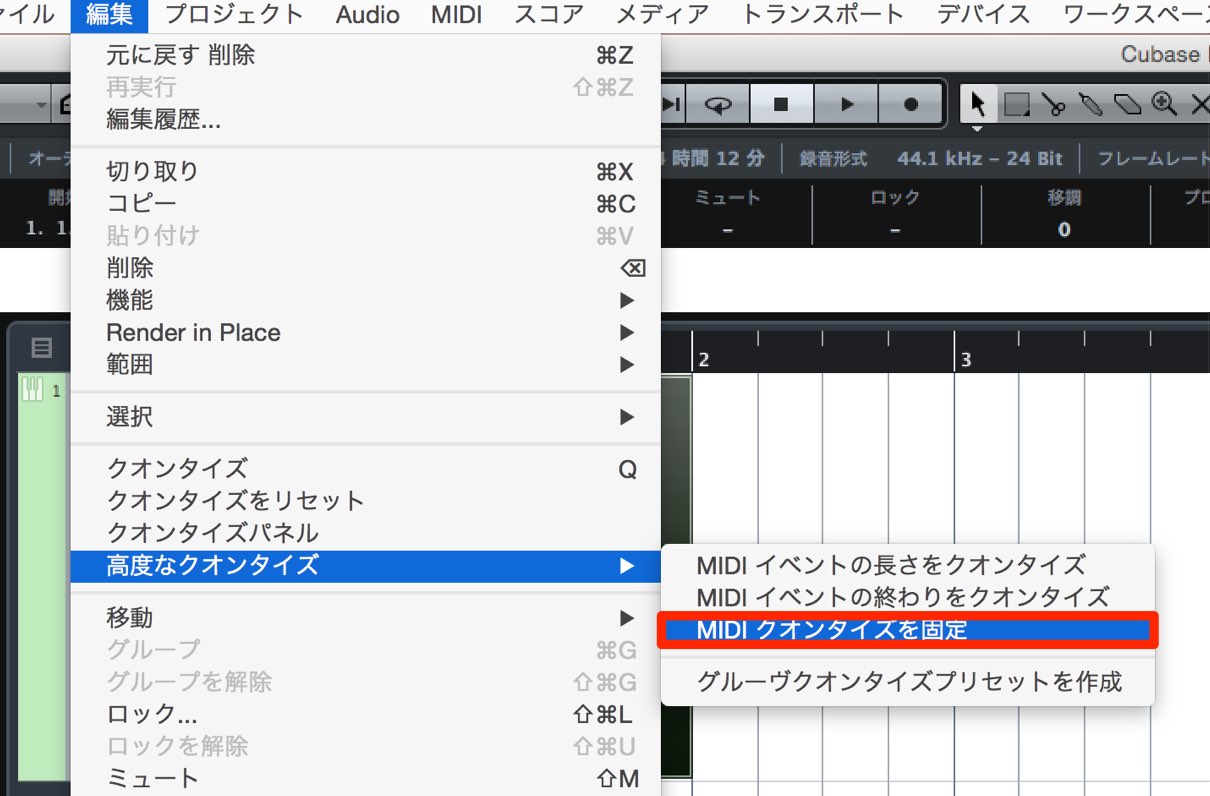
choose Edit → Advanced Quantize → Freeze MIDI Quantize from the top menu
to make those quarter-note positions permanent.
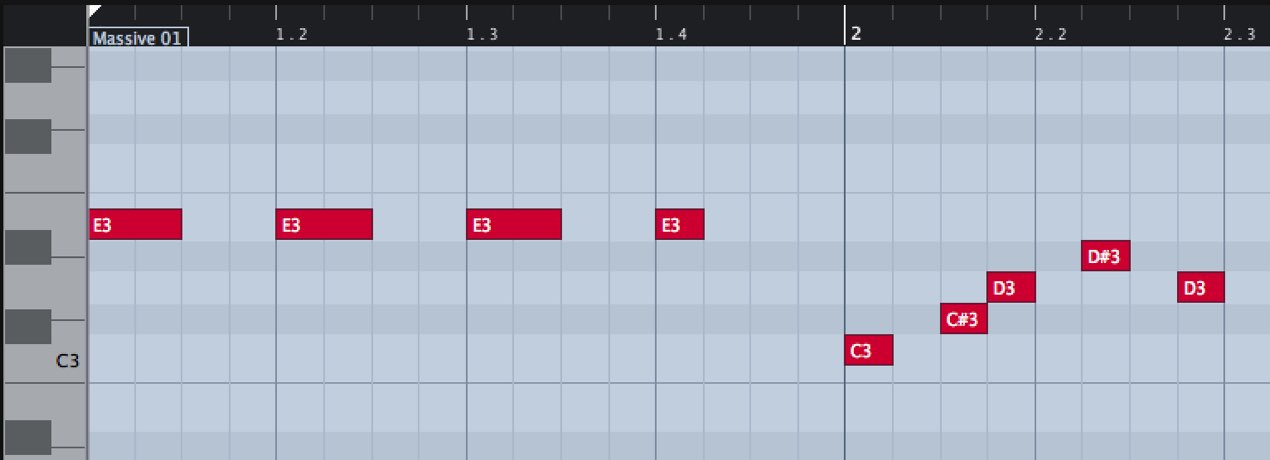
A subsequent sixteenth-note quantize then uses the frozen positions rather than the original performance positions.
Frequently Asked Questions
Q1. Why do MIDI notes move after quantizing in Cubase?
Cubase retains the notes’ original recorded or entered positions. When you apply quantize again at a different grid resolution, it uses those original positions as the reference, which can cause notes to shift.
Q2. Where can I find Freeze MIDI Quantize?
From the Cubase menu, choose Edit → Advanced Quantize → Freeze MIDI Quantize. This makes the current quantized positions permanent.
Q3. What should I do if a real-time recording uses different note values?
Quantize each phrase using an appropriate grid, then use Freeze MIDI Quantize to make its corrected positions the reference for subsequent quantization. Choose the later grid carefully: freezing does not prevent an incompatible grid from moving notes.
NEW ARTICLES
Latest English Articles