This article explains the preparation for creating an original orchestral hit with Sample One, the sampler included in Studio One. It covers setting up multiple outputs for the multi-instrument Kontakt and using folder tracks to manage multiple tracks efficiently. These techniques can streamline instrument management and support more advanced sound design.
Create an original instrument with Sample One
Studio One includes the sampler Sample One.
Building on what we have learned so far, let’s create an original orchestral hit.
Samplers offer endless possibilities.
Experiment and create your own distinctive sounds!
This video covers the preparation for creating an orchestral hit.
Features such as multiple outputs for third-party software instruments and folder tracks are also covered
and can make working in Studio One more convenient.
Sample One video series
- 1Basic concepts and loading samples
- 2Monophonic mode and glide
- 3Creating an orchestral hit, part 1 (this article)
- 4Creating an orchestral hit, part 2
Video focus: Multiple outputs for third-party software instruments
To create an orchestral hit,
we will use the multitimbral instrument Kontakt.
The following steps show how to set up multiple outputs for a third-party software instrument.

- Create an instrument track for each instrument you want to route separately.
- Assign the desired software instrument to each track.
- Match each track’s MIDI channel to the corresponding MIDI channel in the software instrument.

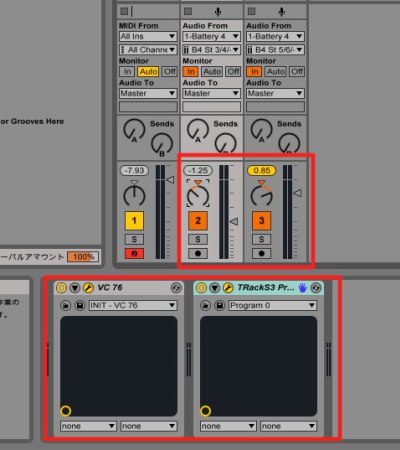
Open the mixer and find the Instruments section.
Click the desired software instrument to display its available channels,
then check the channels you want to use.
The multiple-output routing is now established.
Video focus: Folder tracks
You can group multiple tracks into a folder track.
Grouping related tracks, such as vocals, drums, or guitars,
helps you work more efficiently.

Shift-click to select multiple tracks, then right-click.
Choose Pack Folder from the menu.

The selected tracks are now grouped together.
You can perform useful operations such as mute and solo on the group at once.

Frequently asked questions
Q1. What is Sample One in Studio One?
Sample One is a sampler included with PreSonus Studio One. It lets you load audio samples and create original instrument sounds and effects, making it well suited to experimental sound design.
Q2. How do I set up multiple outputs for a third-party software instrument?
Create an instrument track for each instrument, assign the software instrument and its MIDI channels to the tracks, then open the mixer’s Instruments section and enable the channels you want to use.
Q3. What is the main benefit of folder tracks?
They group multiple related tracks, such as vocals, drums, or guitars, into one hierarchy for easier management. You can also mute or solo them together, simplifying work during mixing.
NEW ARTICLES
Latest English Articles