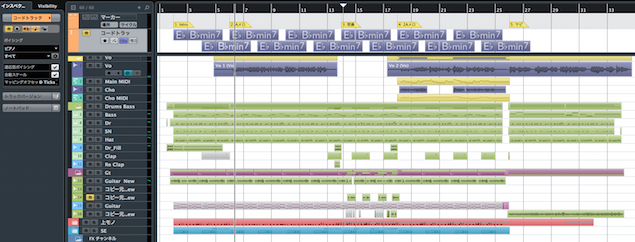
Changing tempo and time signature within a Cubase project can give your music greater expression. This article covers tempo changes for sections such as verses and choruses, as well as gradual changes in speed. Use the tempo and signature tracks through the Project menu, then make adjustments by clicking or using the Pencil tool. Changing the tempo curve from Jump to Ramp creates a smooth transition between tempo points.
Give your music more expression

By changing tempo and time signature during a song, you can:
- Change the tempo for different sections, such as verses and choruses.
- Gradually speed up or slow down the song.
This article provides further background:

Video tutorial
Questions and answers from the YouTube video

I drew automation on the tempo track, but only the click follows it; my MIDI data stays at a constant tempo. What might be causing this? When I change the BPM, the events also get longer or shorter.

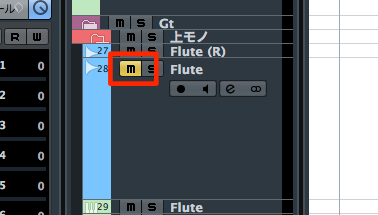
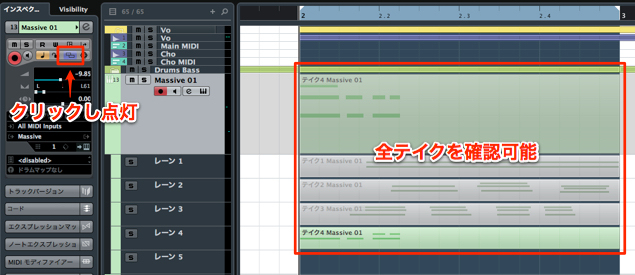
The musical button may be turned off. Check whether this button is lit. https://app.box.com/s/epr84xeh7124h2udjbjrguwxt65qsoz6
I don’t have either a tempo track or a signature track. Are they unavailable in Cubase AI?
Unfortunately, we were told that Cubase AI did not include these tracks.
Can I do this in Logic Pro as well?
For Logic Pro, please see the article at the link below. https://sleepfreaks-dtm.com/for-advance-logic/tempo-3/
Changing tempo in Cubase

↑ From the top menu, choose Project → Tempo Track.

Enable the tempo track.
Then click to add points and drag them up or down to adjust the tempo.

For finer adjustments, select the Pencil tool and drag.

Enable Snap and choose a unit—in this example, bars—
to adjust the tempo at that interval.
Changing the tempo curve type

Select a tempo change point,
then change its type from Jump to Ramp in the info line
to create a smooth transition between two points.

Alternatively, change the type from Jump to Ramp in the Tempo Editor menu
to connect the two points smoothly in the same way.
Changing the time signature in Cubase

Right-click the track list and select Signature Track.

Select the Pencil tool and click where you want the time signature to change.
Enter the desired time signature to make the change.
Frequently asked questions
Q1. How do I change the tempo partway through a song in Cubase?
Choose Tempo Track from the Project menu, enable it, and click the tempo track to add a point. Drag the point up or down to set the tempo at that position.
Q2. How do I make a smooth tempo change?
Select a tempo change point and change its type from Jump to Ramp in the info line or Tempo Editor menu. This creates a smooth transition between two tempo points.
Q3. How do I change the time signature partway through a song?
Right-click the track list and select Signature Track. Click where you want the change with the Pencil tool, then enter the desired time signature in the dialog.
NEW ARTICLES
Latest English Articles