Cubase’s Arpache 5 arpeggiator turns played chords into sequences of individual notes, making it easy to create a classic synthesizer sound. Add it to a MIDI track in a few steps, then adjust PlayOrder, StepSize, Length and Key Range to create anything from sixteenth-note patterns to dramatic octave passages. This guide introduces a technique used across many genres.
Cubase: The Arpeggiator, a Classic Synthesizer Technique
This is reproduced from our synthesizer tutorial series, which was updated every Thursday.
If you have already read that article, feel free to skip this one!
One of the best-known synthesizer sounds comes from an arpeggiator.
It is used in music across all kinds of genres.
The idea behind an arpeggiator is simple:
it plays the notes of a chord one at a time.
First, listen to the sound.
Normal
Arpeggiator
You have probably heard this sound before.
Now let’s look at how to set it up.
Video Tutorial
Applying the Arpeggiator
In Cubase, you can easily apply an arpeggiator to any MIDI track.
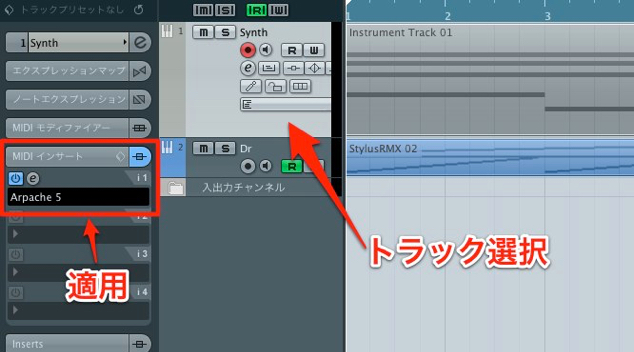
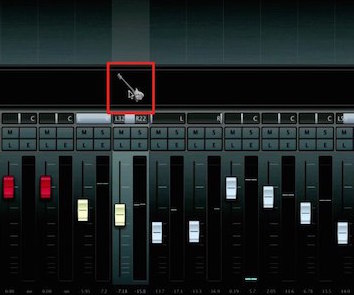
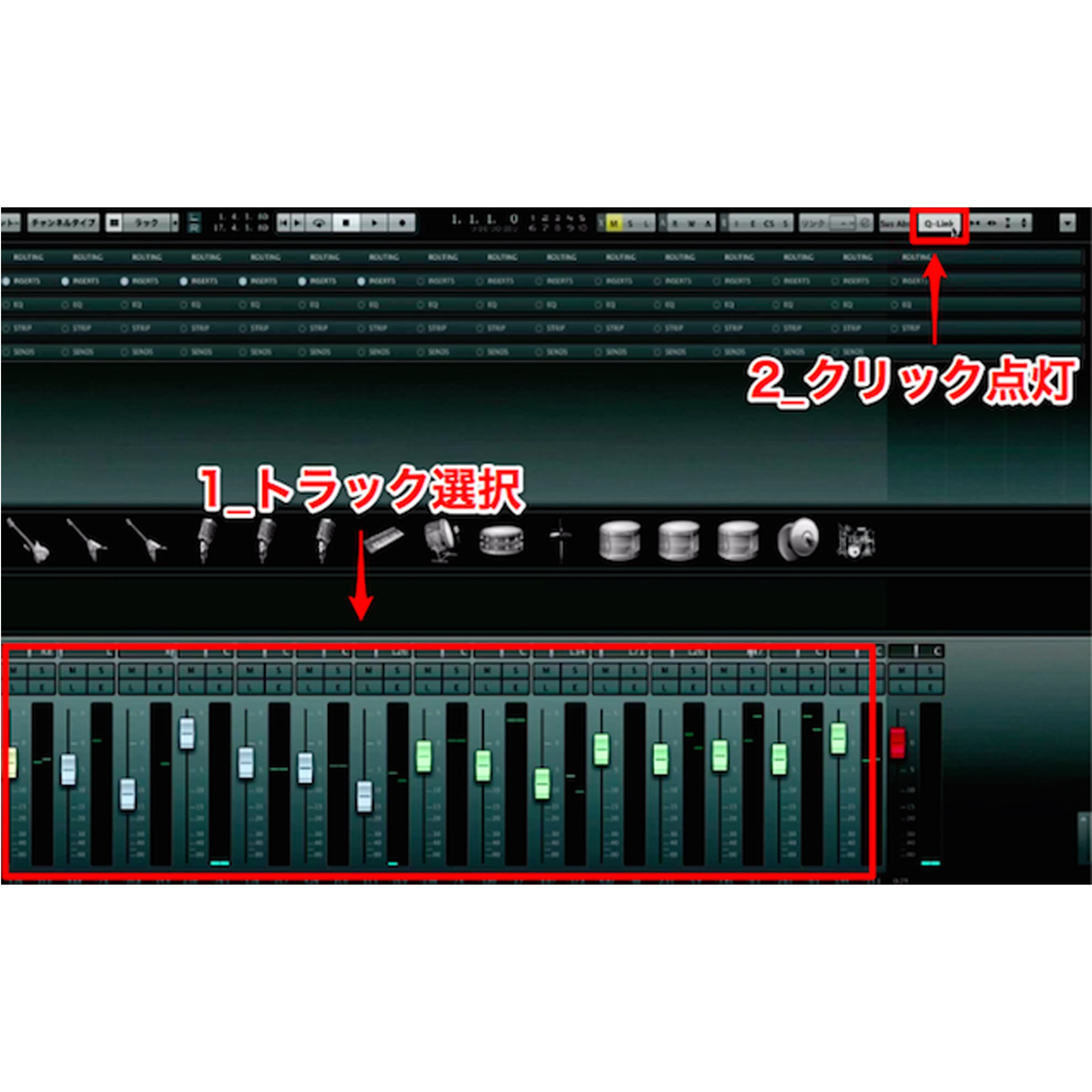
- 1. Select the MIDI track you want to use with the arpeggiator.
- 2. Add “Arpache 5” as a MIDI insert.
That is all there is to it.
The arpeggiator is now applied to the performance.
Adjusting the Arpeggiator
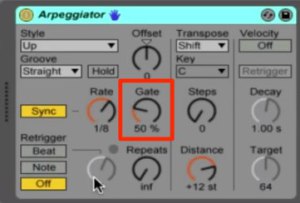
Adjust Arpache 5 to create the arpeggio you want.
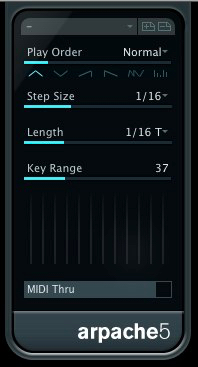
- PlayOrder: Sets the order in which pitches are played.
Choose patterns such as descending, ascending, or ascending then descending. - StepSize: Determines the note value of the arpeggio.
Sixteenth notes are a familiar choice, but it is worth trying other settings. - Length: Sets the length of each note, an important part of shaping the groove.
It lets you move from short and crisp to smooth and connected. - Key Range: Determines the pitch range of the pattern.
Increasing it extends the performance into octaves above or below the range of the keys held.
This can create more dramatic arpeggiator effects.
It is easy to set up an arpeggiator this way,
so give it a try!
Other synthesizers you use
may already have a built-in arpeggiator.
These concepts are common to arpeggiators,
so you should be able to apply many of them there too.
Give it a try.
Frequently Asked Questions
Q1. Can Cubase’s arpeggiator be used on any MIDI track?
Yes. Select a MIDI track and add Arpache 5 as a MIDI insert to apply the arpeggiator to its performance.
Q2. What note-order patterns can the arpeggiator play?
PlayOrder offers several patterns, including descending, ascending and ascending then descending. These let you create arpeggios with different rhythmic characters.
Q3. What happens when I change StepSize?
StepSize determines the note value used. Try settings other than the familiar sixteenth note to create faster or slower arpeggios and different rhythmic feels.
Q4. What happens when I increase Key Range?
Increasing Key Range extends the pattern into octaves above or below the keys held, creating a broader, more dramatic arpeggiator effect.
NEW ARTICLES
Latest English Articles