

This is the first installment of a mastering series by engineer and producer Ryuichi Kojima. It presents his view that mastering is subjective and has no single correct answer, then explores practical preparation for making a CD: separate AUX tracks, the three essential tools of a VU meter, fader, and speakers, and his choices of EQ, compression, limiting, and tape simulation. The series is intended as a guide for readers finding their own approach.
Introduction to the Mastering Series
I’m Ryuichi Kojima, an engineer and producer.
I’m honored and excited that Sleepfreaks has given me this opportunity.
Music is essentially intangible and has no physical form of its own.
Sound waves created by vibrations in the air can be converted to electrical signals and represented in terms of frequency and energy; this technology has enabled records and CDs to be made.
What matters is how that music is perceived by human listeners. In my view, truly great sound is sound that the creator considers the best.
That is why I believe there is no single answer in mastering.
The sound on a CD is the result of a mastering engineer using their own judgment to bring the work together within the constraints of the medium.
Ultimately, one measure of a mastering engineer’s work is how many people enjoy the sound.
In this series on mastering for CD production, I hope to keep that principle in mind while offering a guide to finding your own answer.
The subject may be deep, but that does not mean the entrance is narrow. I hope this series encourages more people to take part in mastering freely, without being confined by conventional rules.
I also hope you enjoy the process of making a CD through mastering.
In this first installment, we’ll focus on preparing for mastering.
The article mainly introduces the plug-ins and tools used in the demonstration.
Creating the Tracks
For this session, I use AUX tracks with separate roles as follows.
I’m using Pro Tools here, but you should be able to create similar routing in other DAWs.
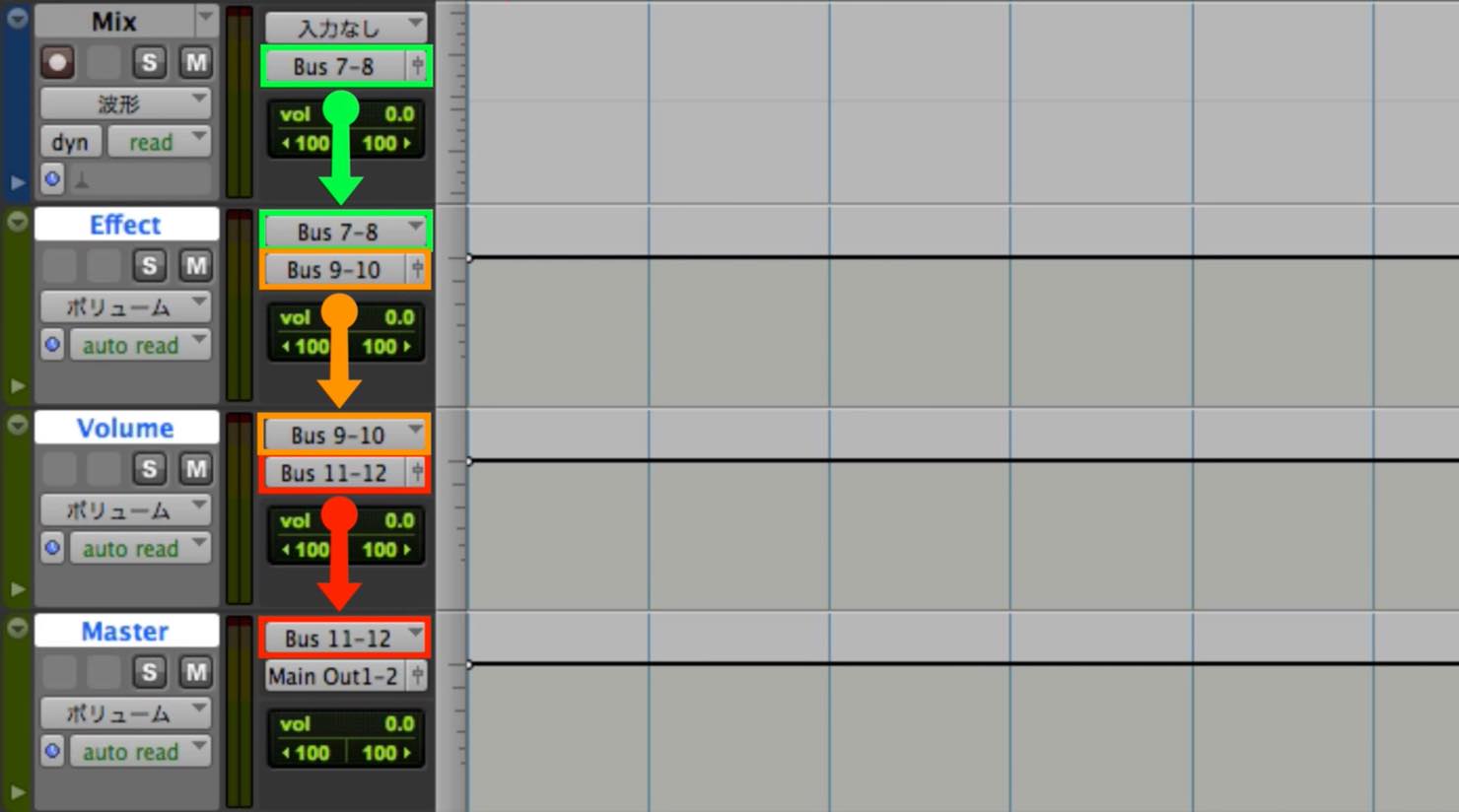
- MIX: Place the stereo mixdown file here.
- Effect: Apply processing such as EQ and compression.
- Volume: Place a fader here to adjust level and loudness.
- Master: Place the limiter and dither here.
Three Essential Mastering Tools
VU Meter
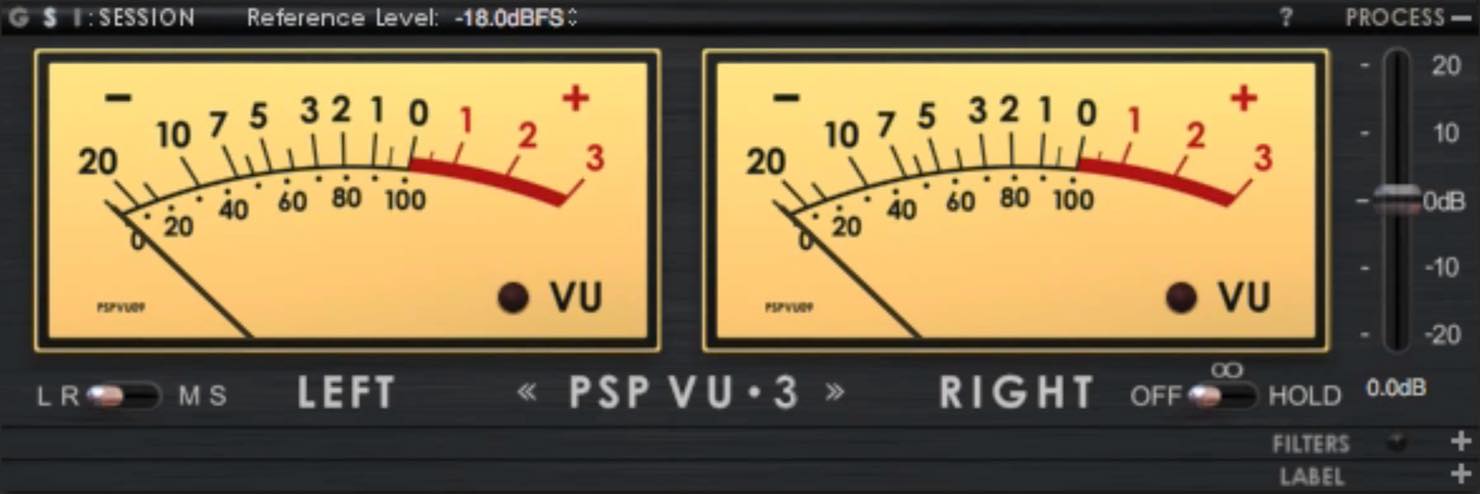
To monitor the master level, I use a separate meter.
The product used here is PSP Audioware TripleMeter.
Product page: https://beatcloud.jp/product/149
This plug-in can switch among VU, RMS, and PPM modes; I prefer VU.
I find its approximately 300 ms response useful because its behavior feels closer to perceived loudness than an instantaneous peak display. This is a meter response time, not a fixed 300 ms delay before every signal appears.
Fader
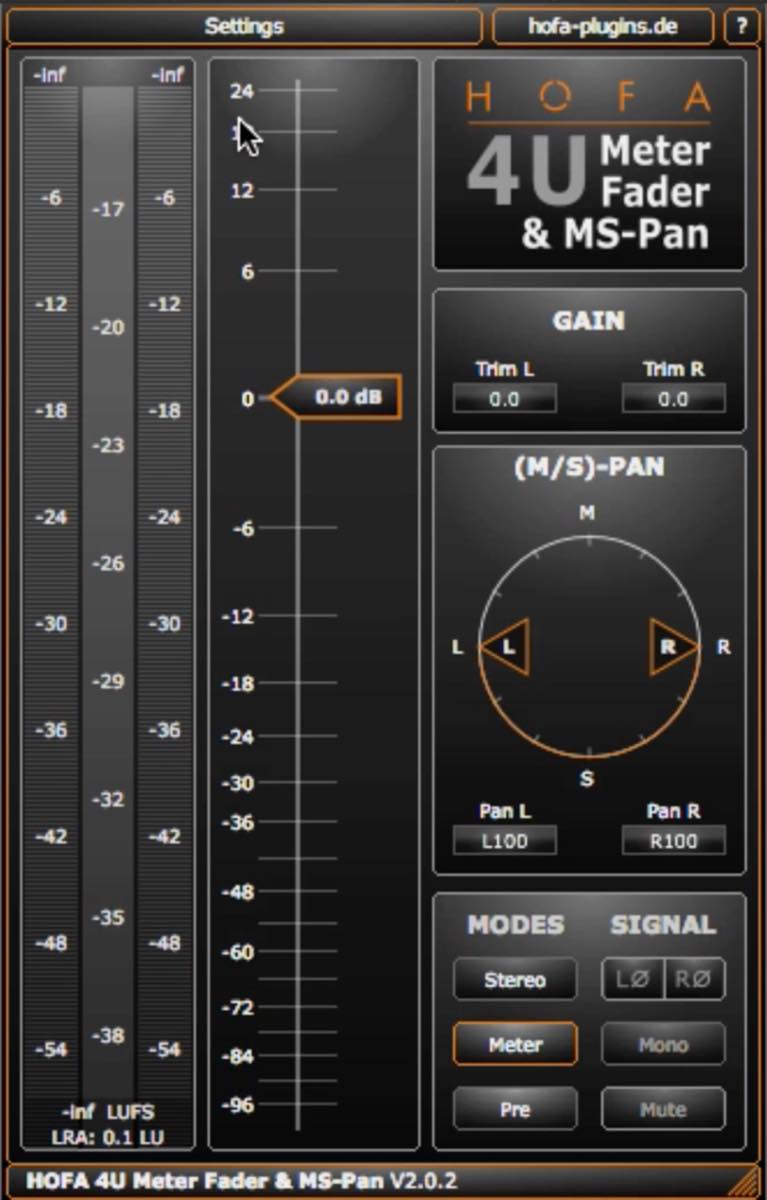
On the Volume track, I add a separate fader plug-in.
It allows more positive gain than the DAW’s standard fader in this setup, giving me additional flexibility.
I use HOFA’s free plug-in 4U Meter, Fader & MS-Pan.
Product page: https://hofa-plugins.de/en/plugins/4u/
Speakers
(Illustrative image)
Many independent producers may finish their mixes or masters using headphones alone.
My preference is to check the result on speakers too: sound from two speakers interacts in the listening space, providing a different perspective from headphones. Where practical and with consideration for neighbors, I recommend at least a final speaker check.
Dithering
Mixes are often handled at 24-bit. A CD-format master requires conversion to 16-bit.
Dither is used when reducing bit depth to reduce quantization distortion; it adds low-level noise rather than preventing every possible loss of quality.
For this demonstration I use PSP X-Dither.
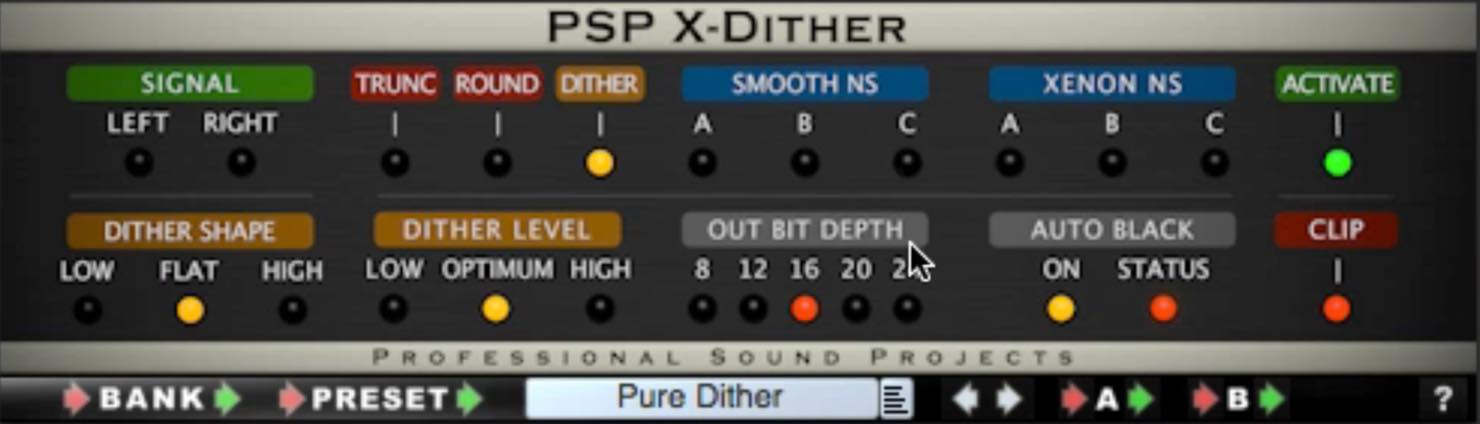
Product page: http://www.pspaudioware.com/plugins/tools_and_meters/psp_x-dither/
I leave the other settings unchanged and choose “Pure Dither” and “16bit.”
In this historical demonstration, I first bounce the stereo mix through dither to 16-bit. Editor’s note: for a typical modern workflow, retain the higher-bit-depth mix during processing and apply dither at the final bit-depth reduction, after other processing. See iZotope’s dithering guide.
Effects Used for Mastering
Equalizer
The first EQ I use to process the stereo mix is Brainworx bx_digital V3.
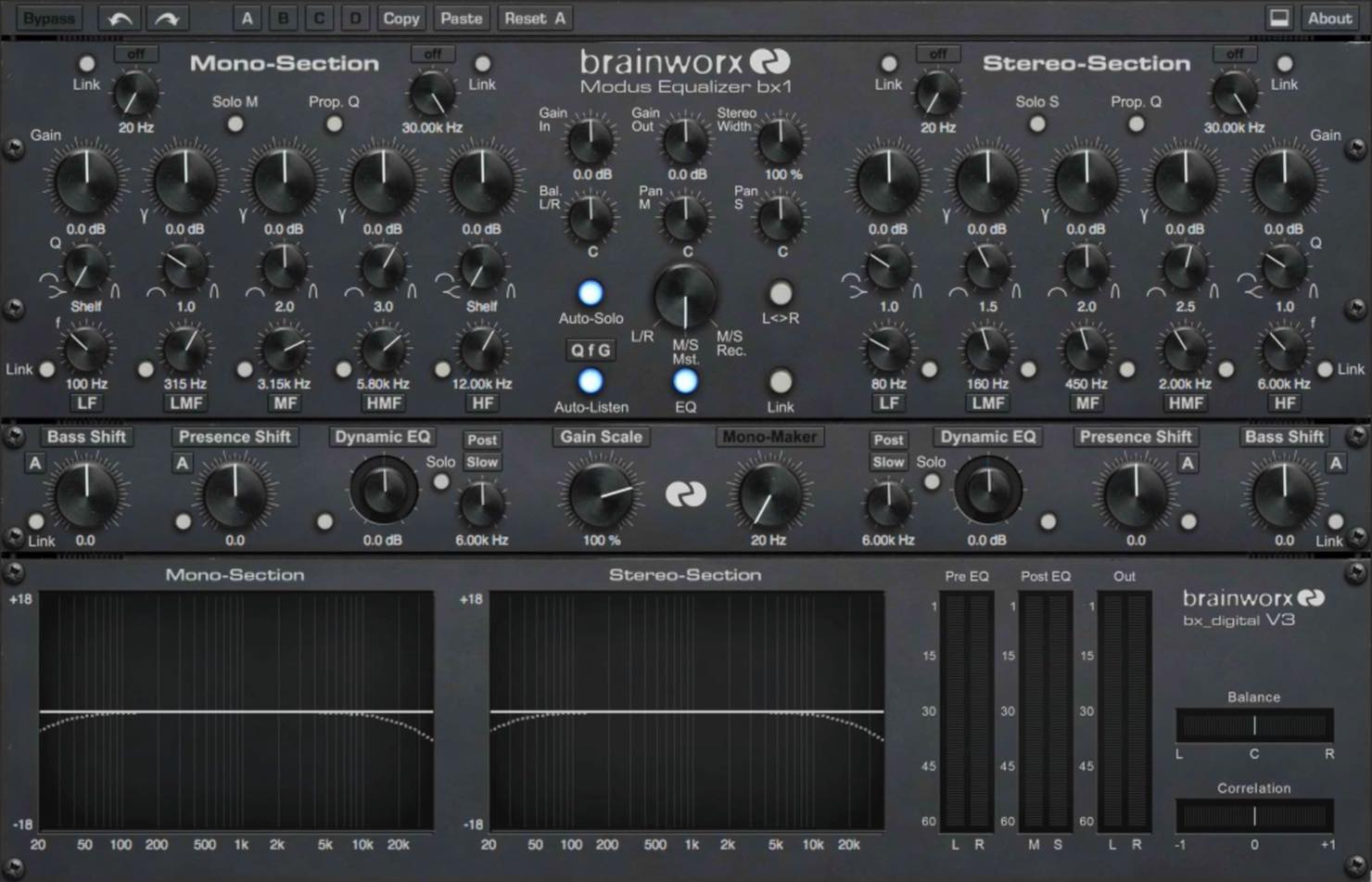
Product page: https://www.plugin-alliance.com/en/products/bx_digital_v3.html
I like this plug-in because it is versatile yet responds quickly, making decisions easier.
I find it well suited to shaping the overall sound in mastering.
For adjustments after compression, I also choose PSP MasterQ2.
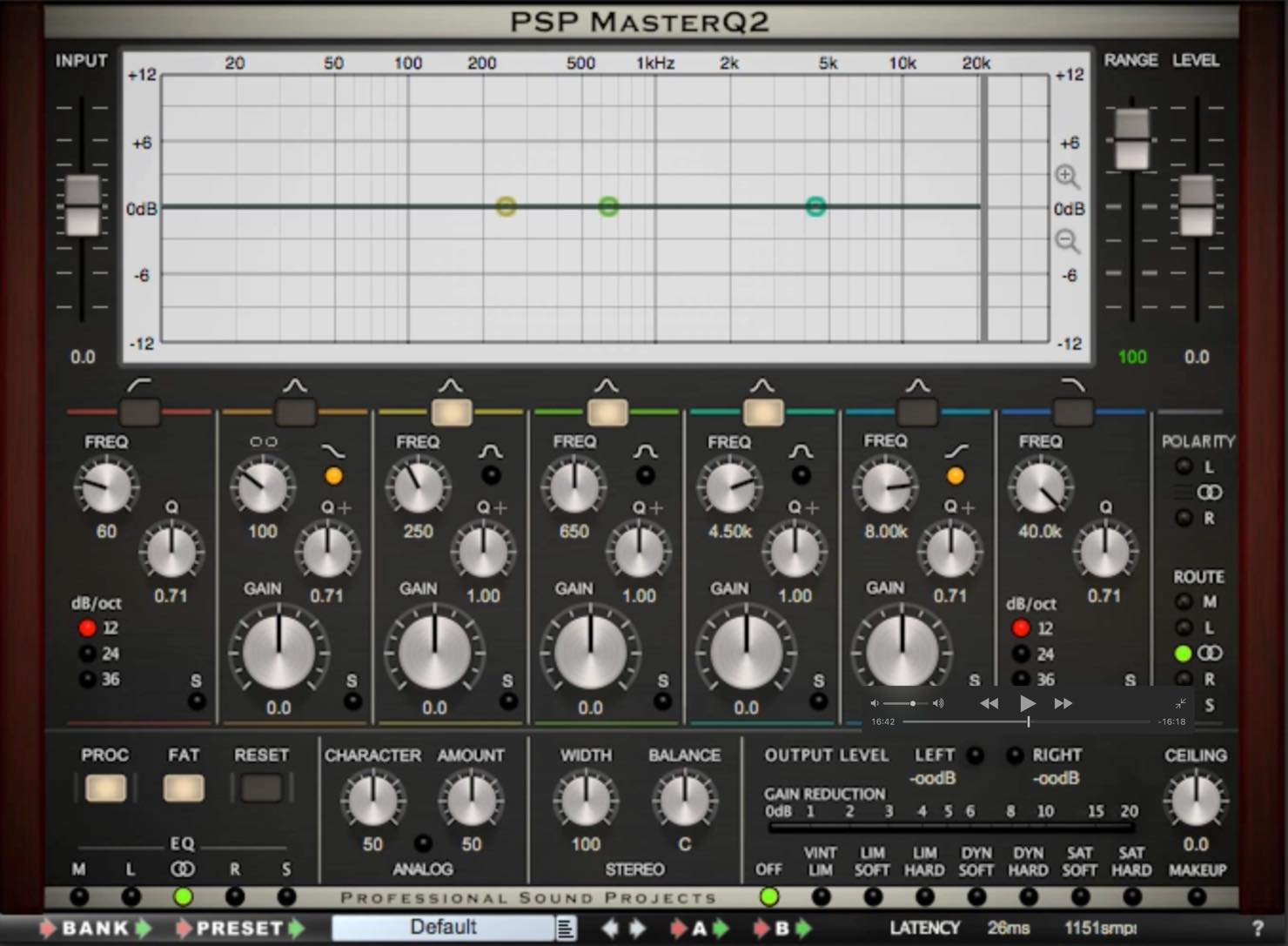
Product page: http://www.pspaudioware.com/plugins/equalizers/psp_masterq2/
It is also light on resources and responds quickly.
Its refined character makes it useful for final adjustments after compression.
Compressor
I use two different compressors.
First, for overall compression I use the well-known Waves R-Comp.
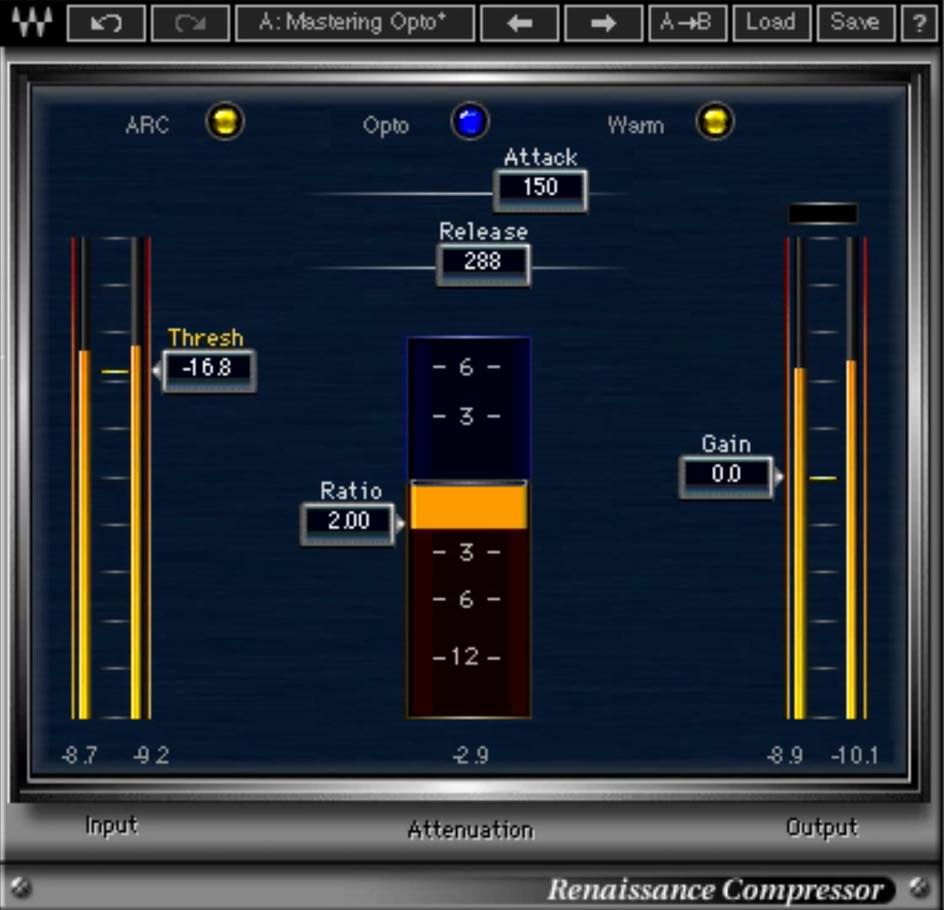
Product page: http://www.minet.jp/brand/waves/renaissance-compressor/
It is very simple to use and has a character reminiscent of a classic compressor.
I also like that it does not sound obviously compressed.
The other is Waves Linear Phase Multiband.
I insert it after PSP MasterQ2 and use it only to process the low frequencies.
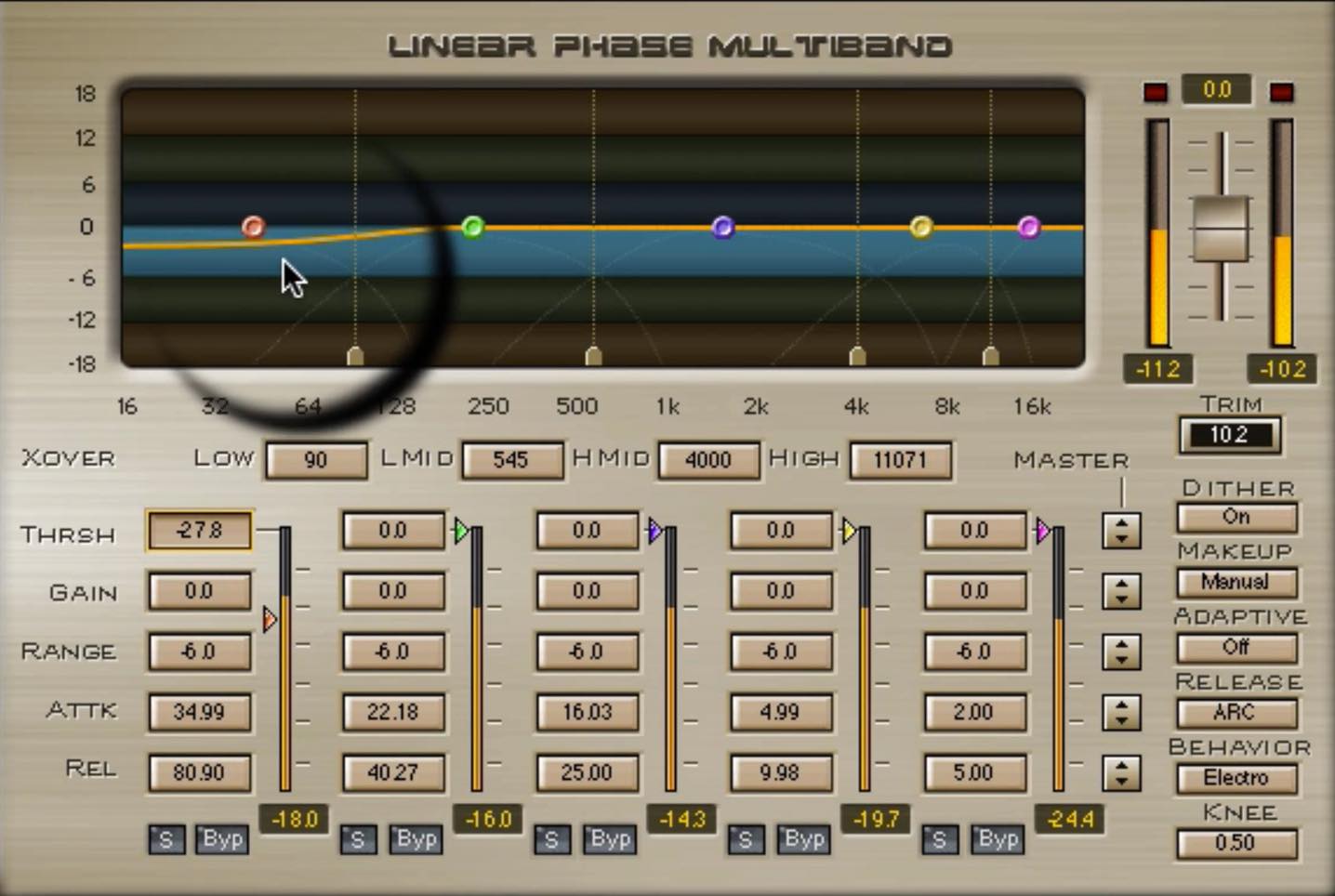
Product page: http://www.minet.jp/brand/waves/linear-phase-multiband/
I enable only the low band and use a relatively slow attack to emphasize the attack of the kick and similar sounds.
Limiter
I place a limiter on the master track.
The one used here is A.O.M. Invisible Limiter.
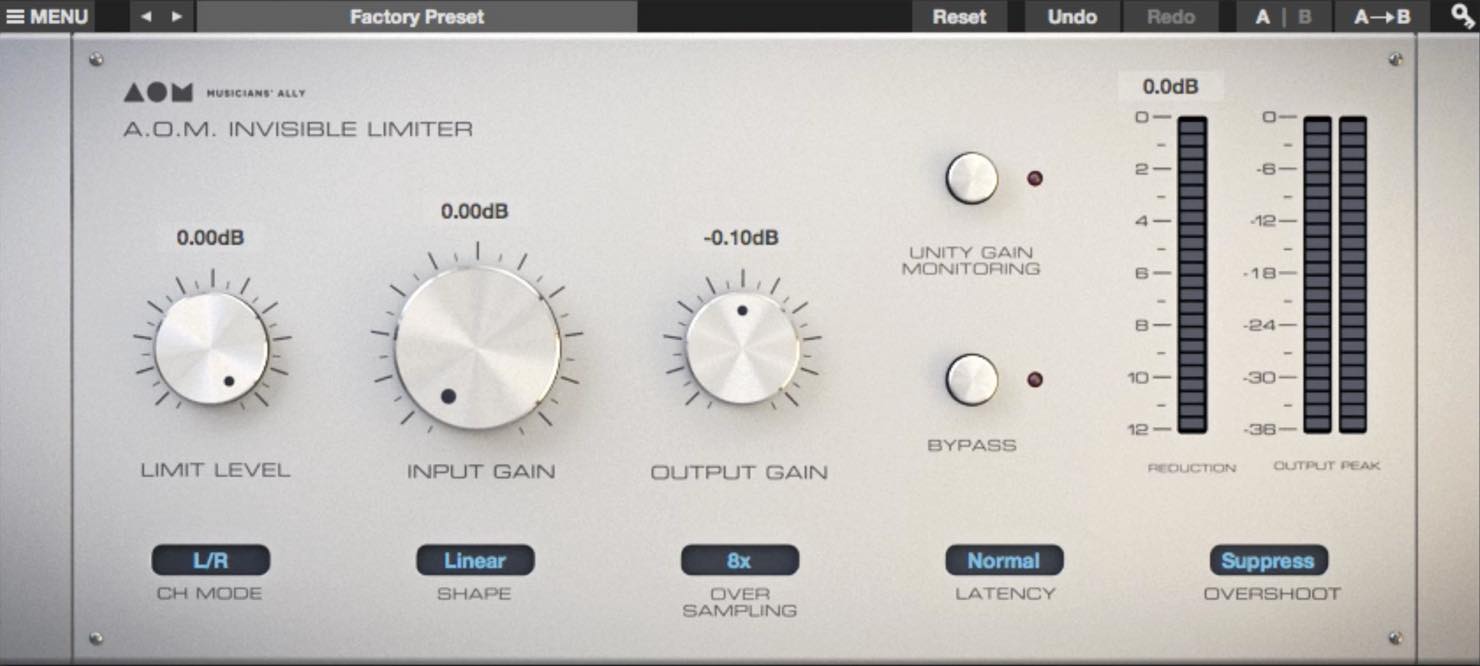
Product page: http://aom-factory.jp/ja/products/invisible-limiter/
As its name suggests, I find it transparent and not overtly limited in character.
The only setting I adjust here is “Over Sampling.”
Oversampling processes the signal at a higher internal sample rate, helping the limiter account for peaks between samples more accurately; its behavior depends on the implementation.
If your CPU has enough headroom, 16x is an option, although I personally find 8x sufficient.
Tape Simulator
This processing is optional, but I like to use it.
It can add gentle tape compression and a fuller character, reducing what I perceive as a digital edge.
The product I use is Slate Digital Virtual Tape Machines.
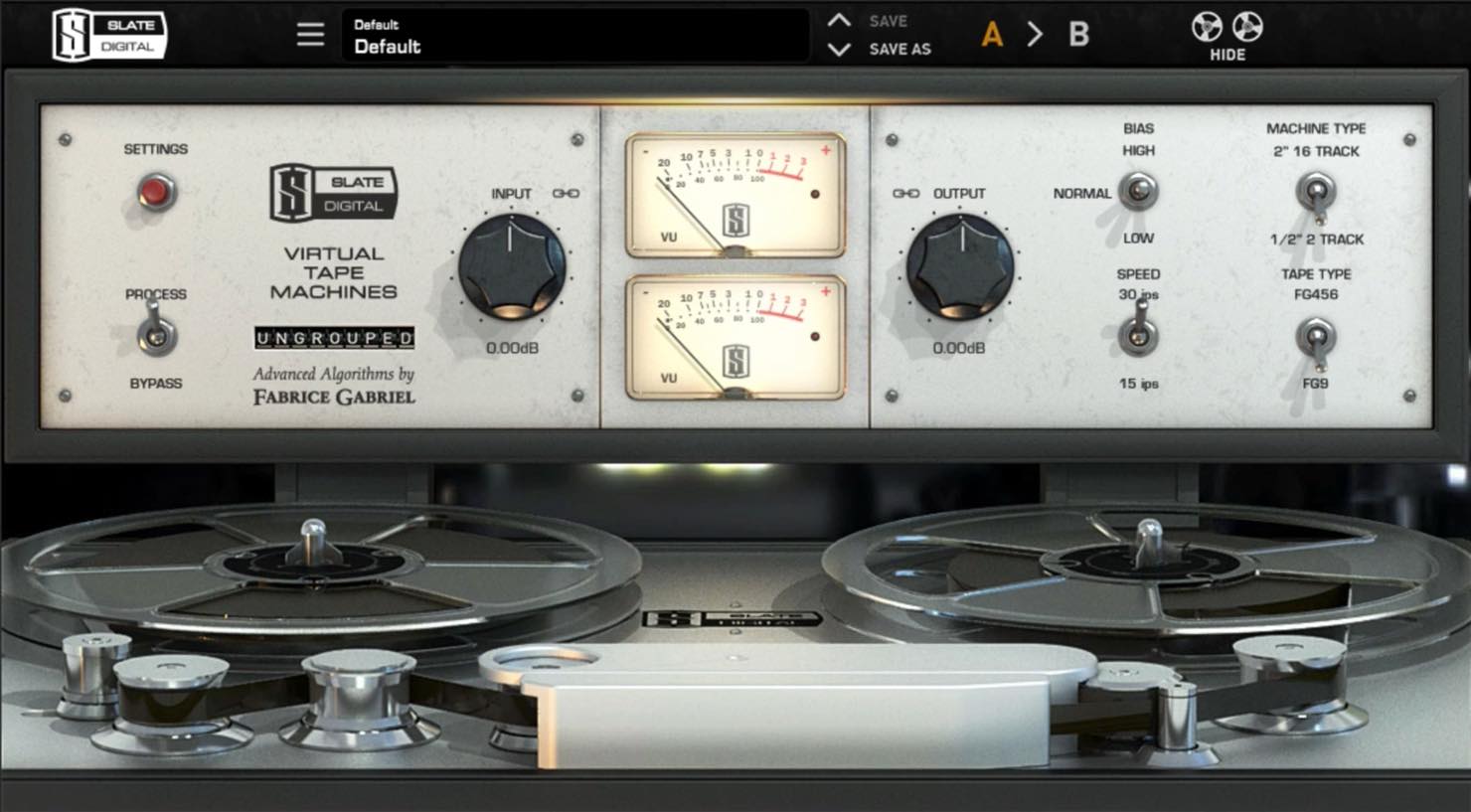
Product page: http://www.miyaji.co.jp/MID/product.php?item=VTM
Choose the tape formulation, speed, and noise settings to taste.
You can see my settings in the video.
Those are the plug-ins I use in this video.
You may be surprised that I do not use a maximizer for mastering; I use Invisible Limiter strictly as a limiter.
Instead, I adjust the sound and loudness with compressors and a fader.
My reason is that relying only on a maximizer’s threshold for loudness can introduce its characteristic sound and upset the mix balance.
I believe careful individual processing before driving a maximizer hard can increase loudness while preserving the intent of the mix.
Frequently Asked Questions
Q1. Is there one absolute correct answer in mastering?
In the author’s view, no. Mastering involves the engineer’s judgment, and listener response is one way to assess the result. The goal is a sound the creator feels is best.
Q2. Can I master using only headphones?
The author recommends checking on speakers as well when practical, because speakers and the listening room provide a different presentation from headphones. This is his monitoring preference rather than a universal requirement.
Q3. Why can reducing from 24-bit to 16-bit affect audio quality?
Reducing bit depth reduces amplitude resolution and can introduce quantization distortion; it does not reduce frequency resolution by itself. Appropriate dither adds a small amount of noise to reduce correlated quantization distortion. For a final 16-bit delivery, it is normally applied at the final reduction after processing.
Q4. Is a maximizer required for mastering?
No. In this demonstration, Ryuichi Kojima adjusts sound and loudness using a limiter, compressors, and a fader without using a separate maximizer.
NEW ARTICLES
Latest English Articles





















































































































































































































































































































