Cubase 6.5 was a paid update that introduced two synthesizers, comping tools and AudioWarp quantizing. Its analog-style and granular synthesizers expanded sound-design options, while comping made it easier to combine sections from multiple loop-recording takes. AudioWarp quantizing enabled audio events to be quantized in a workflow similar to MIDI. The original Japanese announcement listed a free upgrade for qualifying purchases made on or after January 1, 2012; that historical offer should not be assumed to be available today.
For information about Cubase 7, see the article below.
https://sleepfreaks-dtm.com/dtm-materials/cubase7/
Cubase 6.5 Released
Cubase 6.5 has been released.
This update was released as a paid upgrade.
At the time, eligible users in Japan could upgrade for ¥4,890 according to the original announcement.
The original purchase link is below; availability and prices may have changed.
http://www.steinberg.net/jp/shop.html?country=22
The original announcement also stated that users who purchased Cubase on or after January 1, 2012,
were eligible for a free upgrade at the time. Do not assume that offer is still available.
The major new features were described on the manufacturer's website.
As noted there,
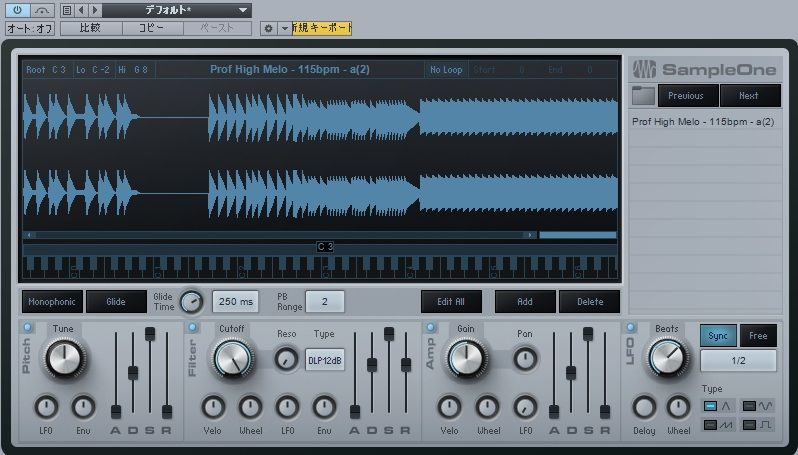
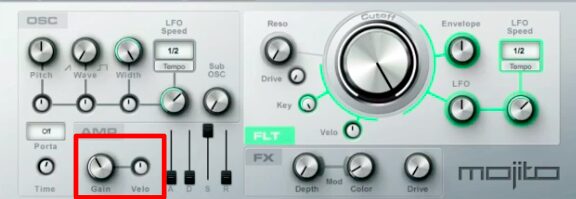
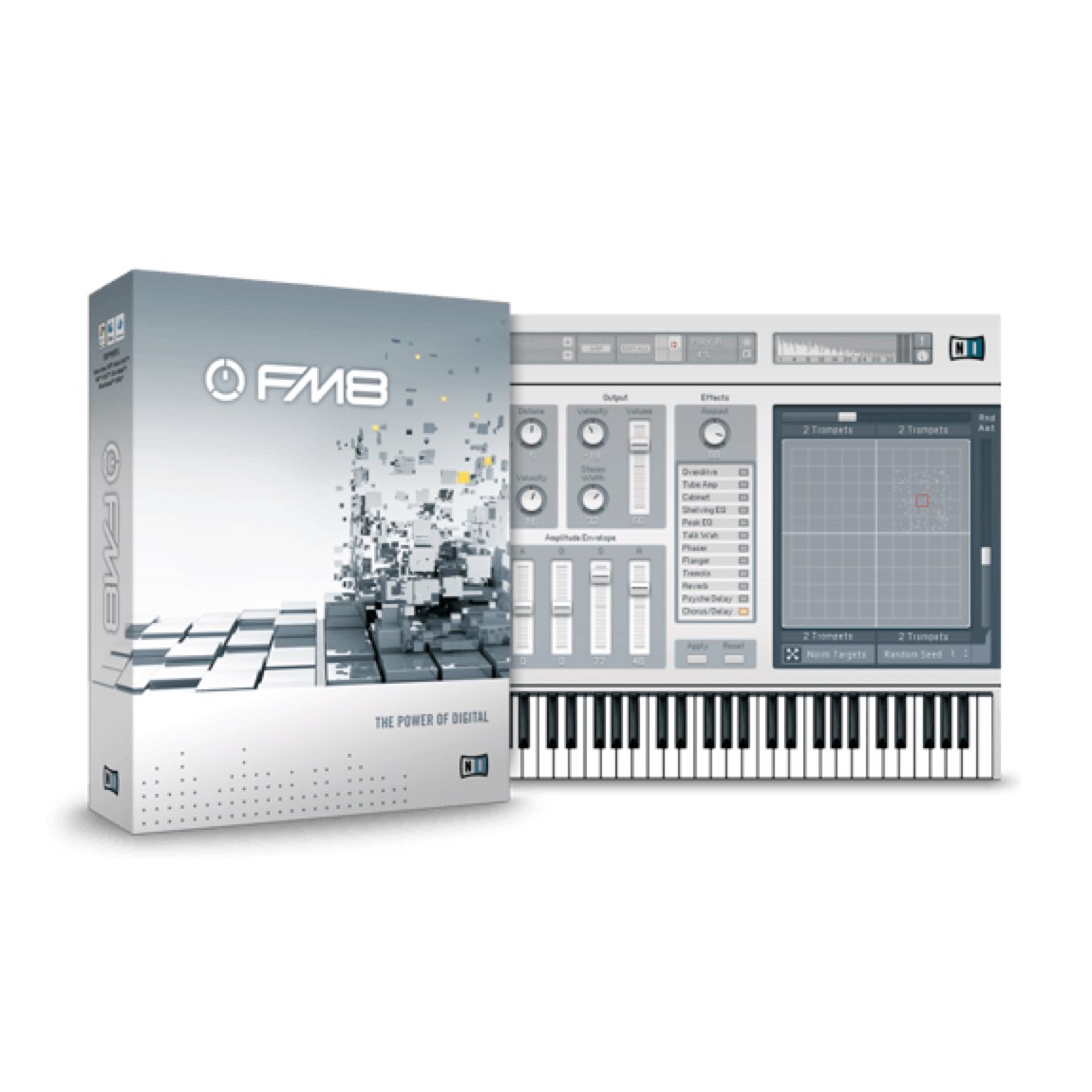
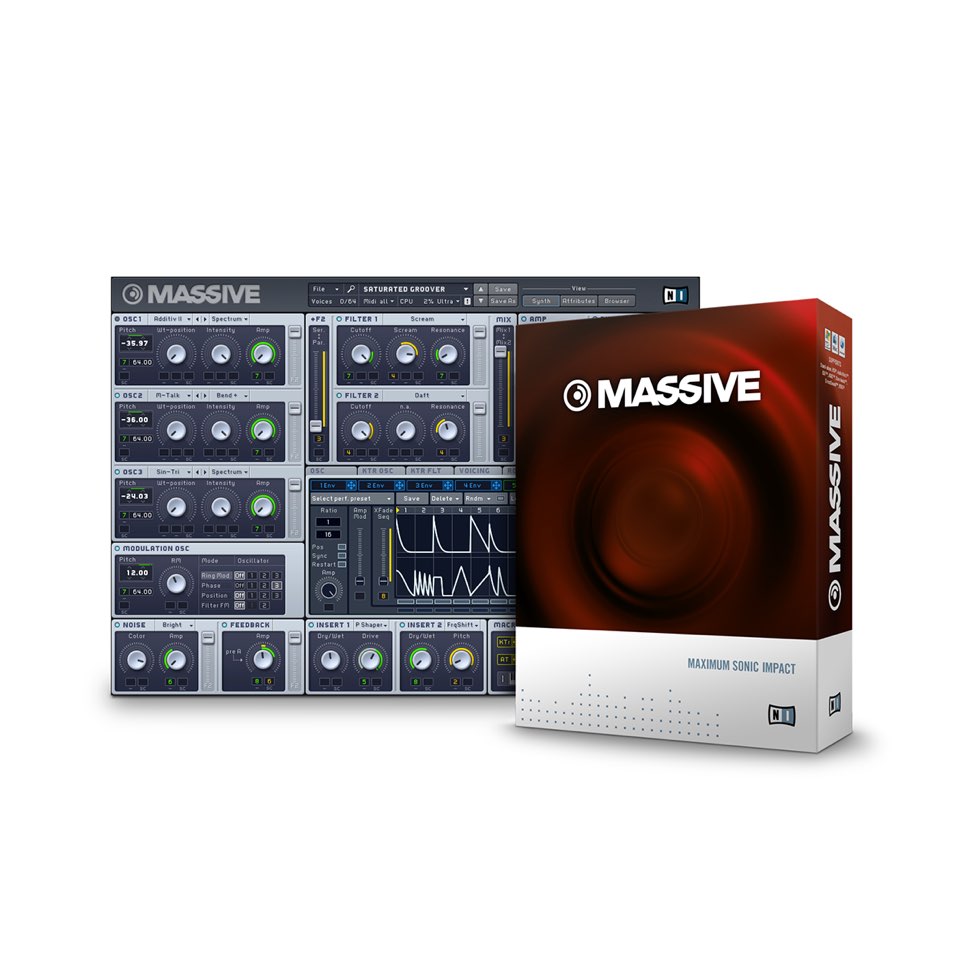
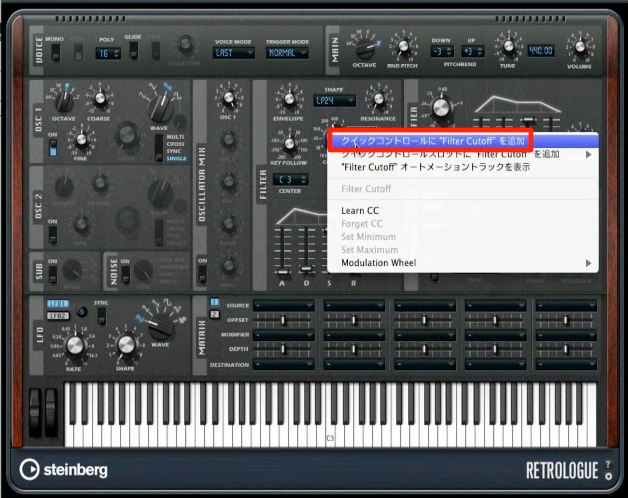
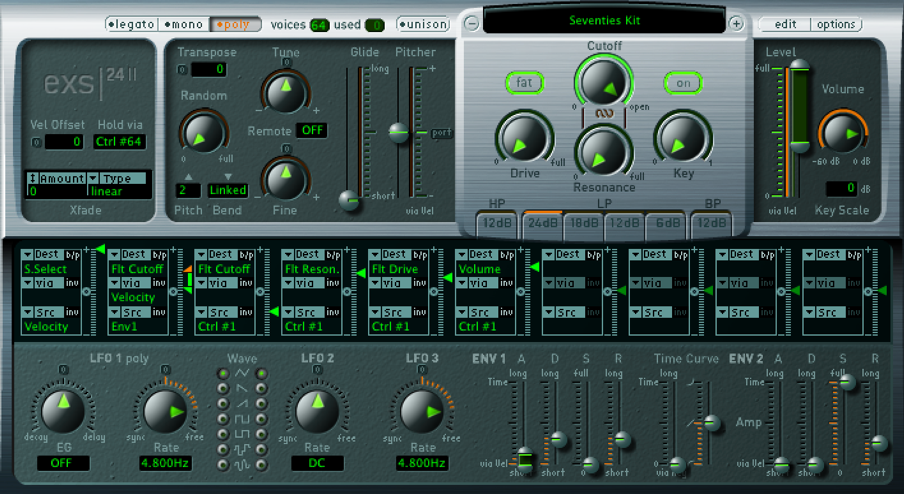
two synthesizers were highlights of this update.
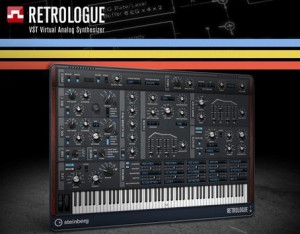
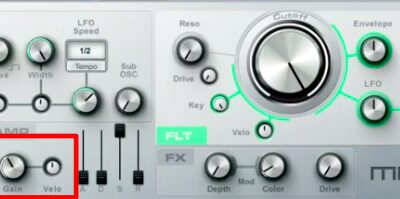
Above: a thick sound characteristic of an analog-style synthesizer.

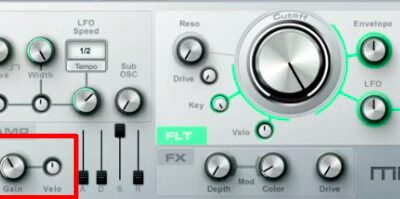
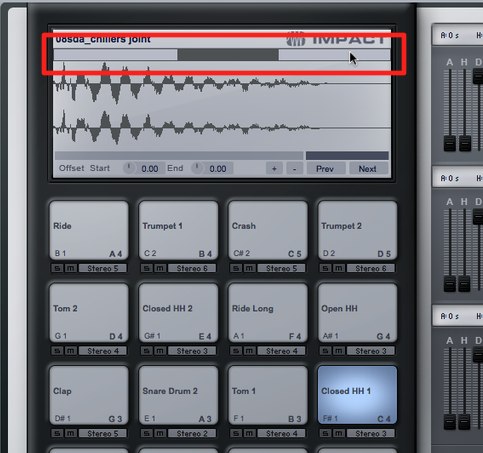
Above: a granular synthesizer with modern sounds.
The update also includes effects,
but these two synthesizers are the main highlights here.
Comping Tool
What is comping?
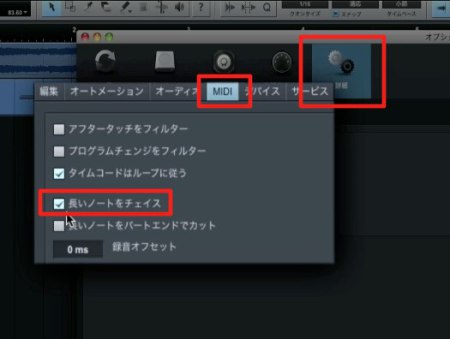
When loop recording, all takes can be retained,
then the best sections from each take can be joined after recording.
For more detail, see the following article.
https://sleepfreaks-dtm.com/for-advance-cubase/besttake-3/
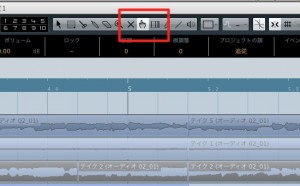
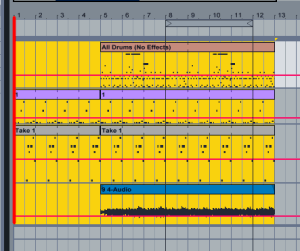
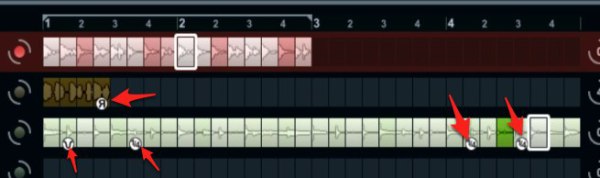
Above: the newly introduced comping tool.
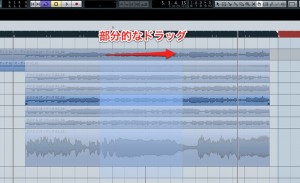
Above: drag across a section inside the lanes
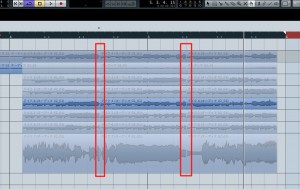
to split the corresponding range across the takes.
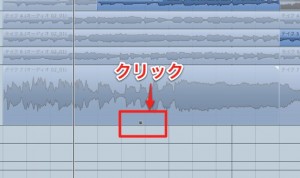
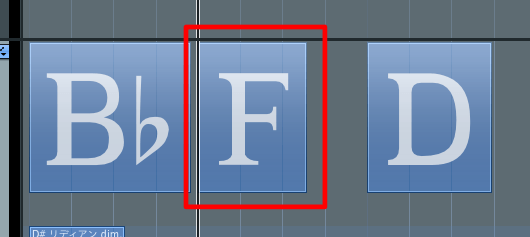
Above: click the square at the bottom of an event
to select that event for playback on the track.
Alternatively, hold:
Mac: Command
Windows: Control
while clicking an event
to play that event on its own.
This is convenient!
It makes it easy to find the take section you want.
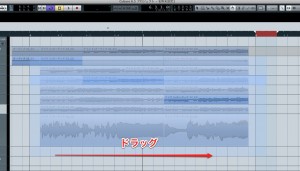
Above: drag around the entire area
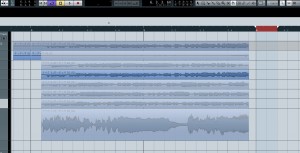
to join the split sections.
AudioWarp Quantizing
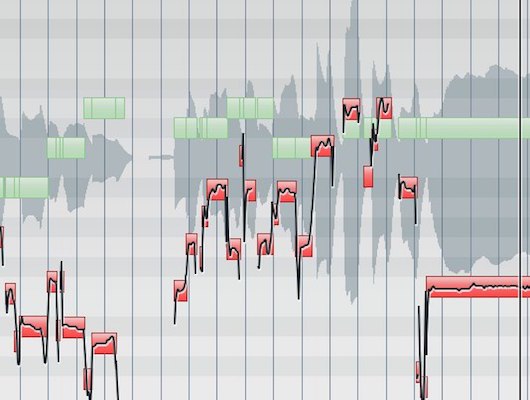
AudioWarp quantizing was added to the quantize functions.
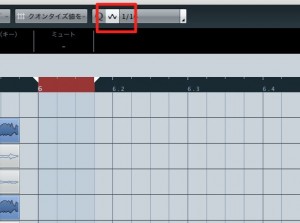
This lets you quickly apply quantizing
to audio events.
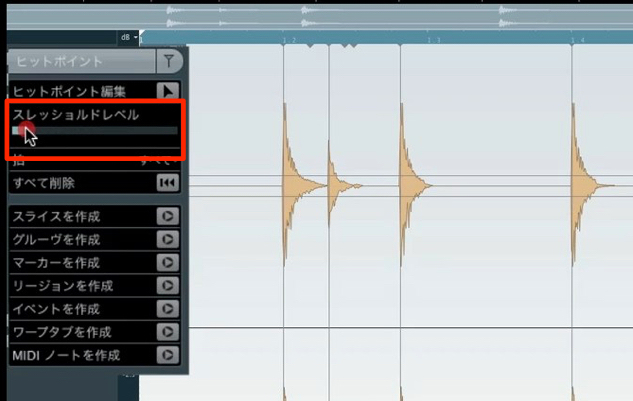
Enable the Warp button shown above,
then quantize the audio event in a similar way to a MIDI event.
Frequently Asked Questions
Q1. How much did the Cubase 6.5 upgrade cost?
The original Japanese announcement listed ¥4,890 for the upgrade and a free upgrade for users who purchased Cubase on or after January 1, 2012. These are historical terms, not a current price or offer.
Q2. What is comping?
Comping combines selected sections from several recorded takes. Cubase 6.5 introduced a visual way to select the desired parts of takes captured during loop recording.
Q3. What is AudioWarp quantizing?
It lets you quantize audio events using a workflow similar to MIDI quantizing. In the version shown, enable the Warp button and apply quantize to adjust the timing of the audio.
NEW ARTICLES
Latest English Articles