
Sonnox Oxford Dynamic EQ is a plug-in that varies its EQ processing in response to the dynamics within each frequency band. Unlike a conventional EQ, it allows precise processing without having to write automation: for example, selectively treating only the snare or kick within a drum kit, or cutting only the harsh peaks of an acoustic guitar. By adjusting dynamics parameters such as Threshold, Attack, Release, and Detect, you can target the sounds you want while minimizing the effect on other sounds, helping you achieve a high-quality mix.
What Is a Dynamic EQ?
In this article, we will explain Sonnox Oxford Dynamic EQ.
Oxford Dynamic EQ is offered as a native plug-in that runs on your computer and as a UAD plug-in.
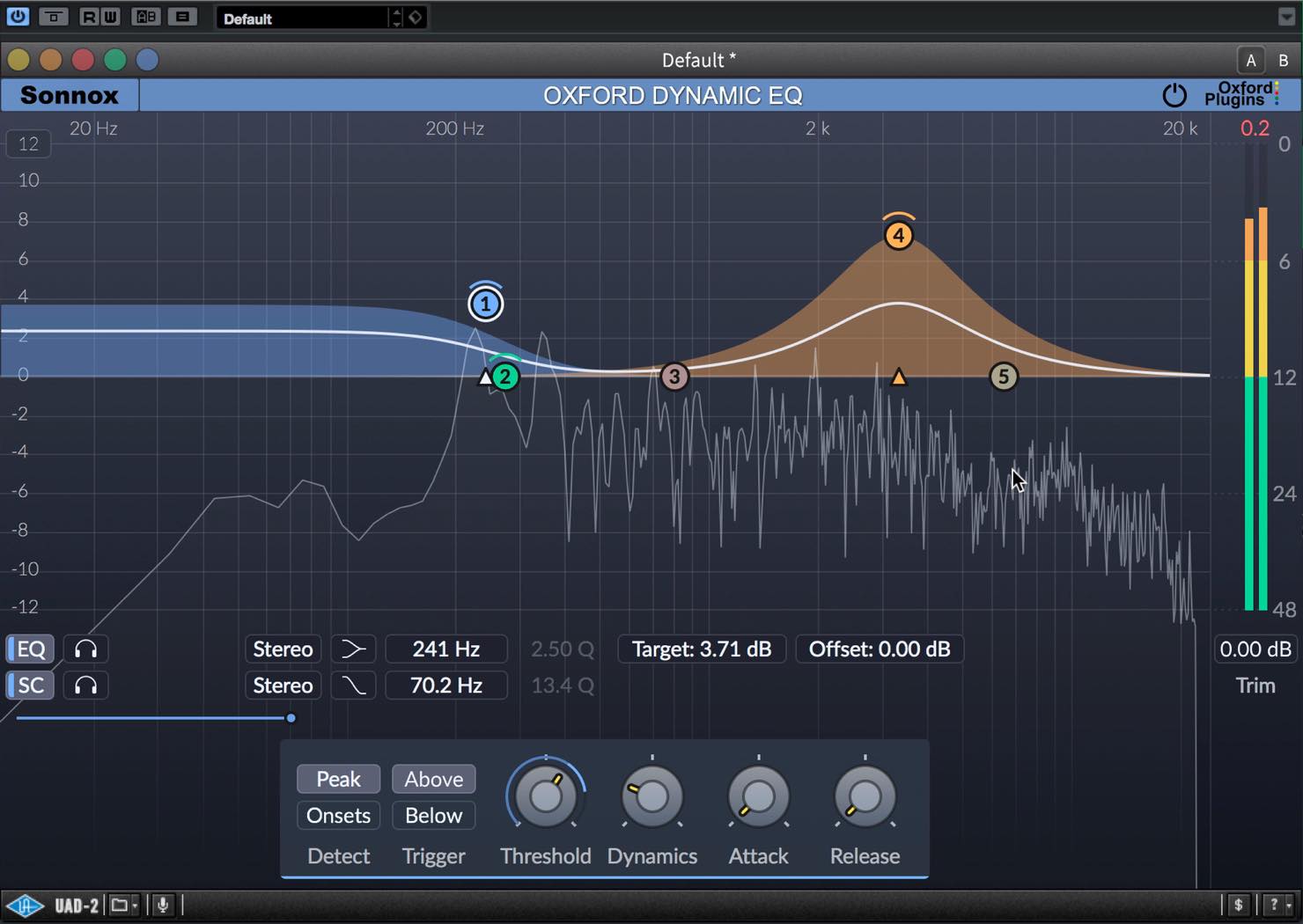
Before getting into the explanation, let us first look at what a dynamic EQ does.
With a conventional EQ, boosting or cutting a frequency band affects the track continuously. However, sound is constantly changing and never stays in a fixed state.
You may want the EQ to take effect in some passages but not in others.
You could use automation to achieve this, but writing automation for frequent changes is inefficient.
A dynamic EQ can vary the amount of EQ processing according to the dynamics within each frequency band to handle these changes.
Sonnox Oxford Dynamic EQ Video
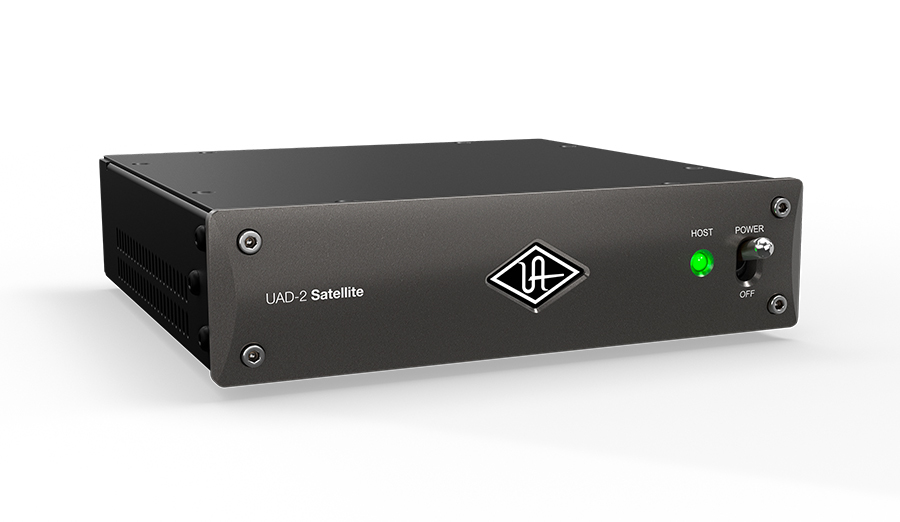
Recommended Hardware for Running UAD Plug-ins
Frequently Asked Questions
Q1. What is the main difference between a dynamic EQ and a conventional EQ?
A conventional EQ applies a fixed amount of processing, whereas a dynamic EQ automatically changes the amount of EQ in response to changes in the sound level. This enables selective, efficient audio processing without having to write automation.
Q2. How can I use Oxford Dynamic EQ to target only the snare?
After finding the frequency range with the Offset gain, set the Target gain, then adjust Threshold, Attack, and Release to optimize the response. Using the sidechain function allows even more precise processing.
Q3. When should I use the Onset mode in Detect?
It is useful when you want the processing to respond only to sudden level changes, such as when emphasizing drum attacks or reducing sibilant consonants.
Q4. What does the sidechain function do?
It lets you limit the frequency range used for dynamics detection. For example, when processing a kick drum, making it respond only to low frequencies below 50 Hz can prevent unwanted triggering by the snare.
Q5. Should I choose the native or UAD version of Oxford Dynamic EQ?
The native version runs on your computer, while the UAD DSP version requires compatible Universal Audio hardware, such as an Apollo interface or a UAD-2 accelerator. If you already own compatible UAD hardware, the DSP version can reduce the processing load on your computer.
NEW ARTICLES
Latest English Articles





































































































































































































































































































