After upgrading to Mac OS X Yosemite 10.10, some music producers encounter errors when installing Cubase version 7 or earlier. The Steinberg Application Installer Tool provides a way around this installer compatibility issue. This article explains the problem and the steps for using the Steinberg tool on Yosemite.
Cubase Installation Errors on Mac OS X 10.10
OS X Yosemite 10.10
had been available for several months at the time of this article, and music production software support was becoming more established.
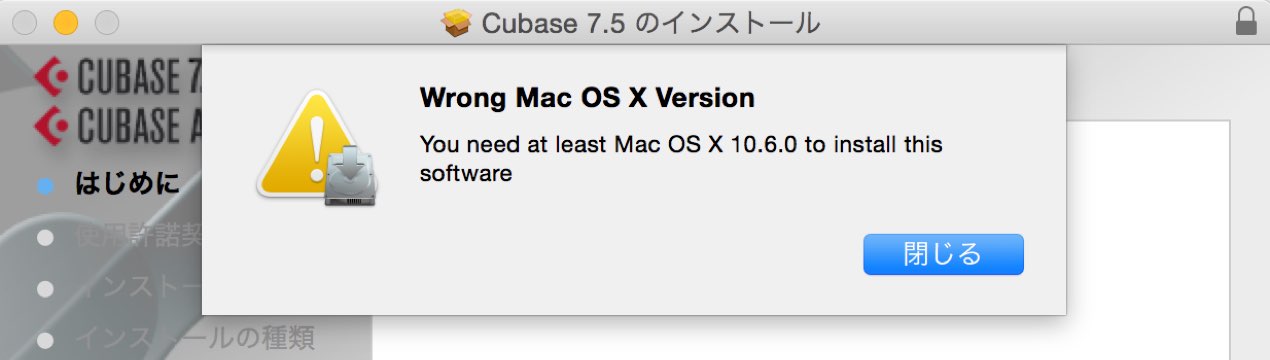
However, with Cubase version 7 or earlier,
an error can prevent a new installation.
Here is how to address the problem.
How to Fix It
Insert the Cubase installation disc or mount the installation image. Steinberg instructs users to leave the installer window open without starting the installation.
Download the Steinberg Application Installer Tool from Steinberg’s official page: https://o.steinberg.net/index.php?L=1&id=content_and_accessories_sait
Open the downloaded file.
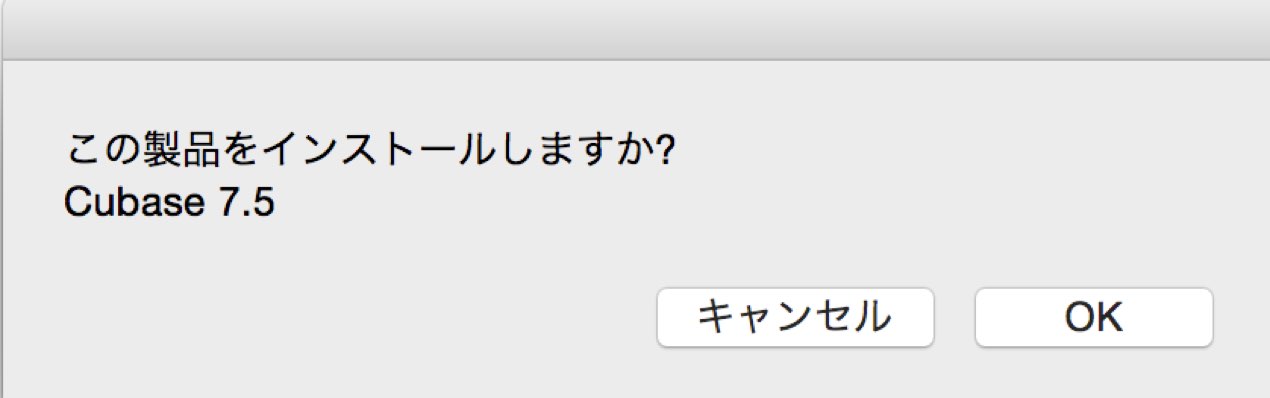
The tool automatically detects the installer currently open on the Mac,
allowing you to proceed with installation.
Frequently Asked Questions
Q1. Why can’t I install Cubase on a Mac running Yosemite?
Mac OS X Yosemite 10.10 has compatibility issues with installers for Cubase version 7 and earlier, which can cause errors during a standard installation. The article attributes this to a mismatch with the operating system’s requirements.
Q2. Where can I download the Steinberg Application Installer Tool?
The original article says the tool is available free from Steinberg’s official website. It detects open installers on the Mac and can help work around the installation compatibility issue.
Q3. Can I upgrade Cubase?
Cubase 8 improved Yosemite compatibility, making an upgrade another option. Steinberg’s tool can allow Cubase 7 to be installed, but installation alone does not make an unsupported product officially compatible; check Steinberg’s compatibility information before use.
NEW ARTICLES
Latest English Articles