
Sampling and samplers let you record sounds around you and use them in music. Record audio with a microphone, bring it into your DAW, and edit it in a sampler such as Battery 4 to create original instrument sounds. You can drag and drop samples, trigger them with MIDI notes, trim unwanted parts of the waveform, and adjust pitch and effects. Understanding one-shot and ADSR playback opens up a range of possibilities, from drums to pitched instruments.
Use Everyday Sounds as Instruments
Sampling and samplers are terms you may have heard before.
In brief:
- Sampling: Recording or importing sound into a computer or DAW
- Sampler: Hardware or software that processes and plays imported sounds musically
These are the basic definitions.
This means that you can record sounds around you and use them as original material in your music.
The possibilities are wide-ranging, and everyday sounds can reveal their musical potential.
Sampling is also widely used in music apps for iPhone and iPad.
Learning the basics and how to use these features can broaden your approach to music production.
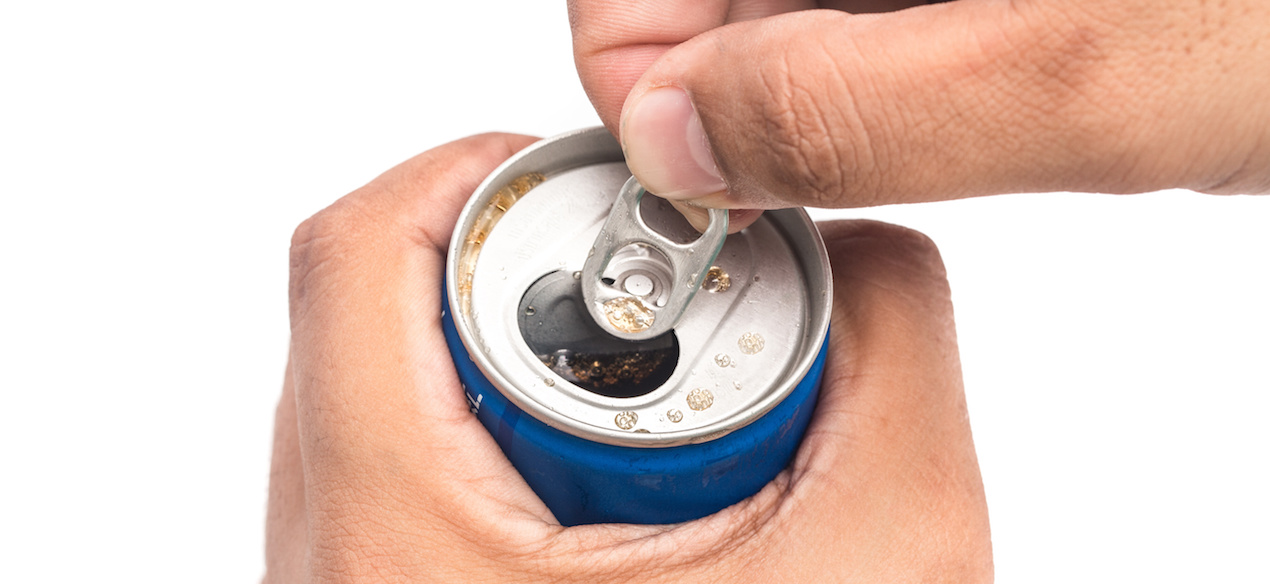
Here we record (sample) the sound of a can opening
and show how to load it into a sampler and use it.
We hope this helps you understand sampling and samplers.
Sampling Tutorial Video
- 1MIDI Basics
- 2MIDI Parameters and Values
- 3Software Synth and Plug-in Formats: DAW Compatibility
- 4Choosing an Audio Interface
- 5Samplers 1: Create Rhythm Instruments from Samples
- 6Samplers 2: Create Pitched Instruments from Samples
- 7Reading the Piano Roll and Rhythm, Part 1
- 8Reading the Piano Roll and Rhythm, Part 2
- 9Reading the Piano Roll and Rhythm, Part 3
- 10The Importance of a Common Tuning Reference
- 11Tuplets
Selected Questions and Answers from the YouTube Video

Sorry for the late question! What software is this?

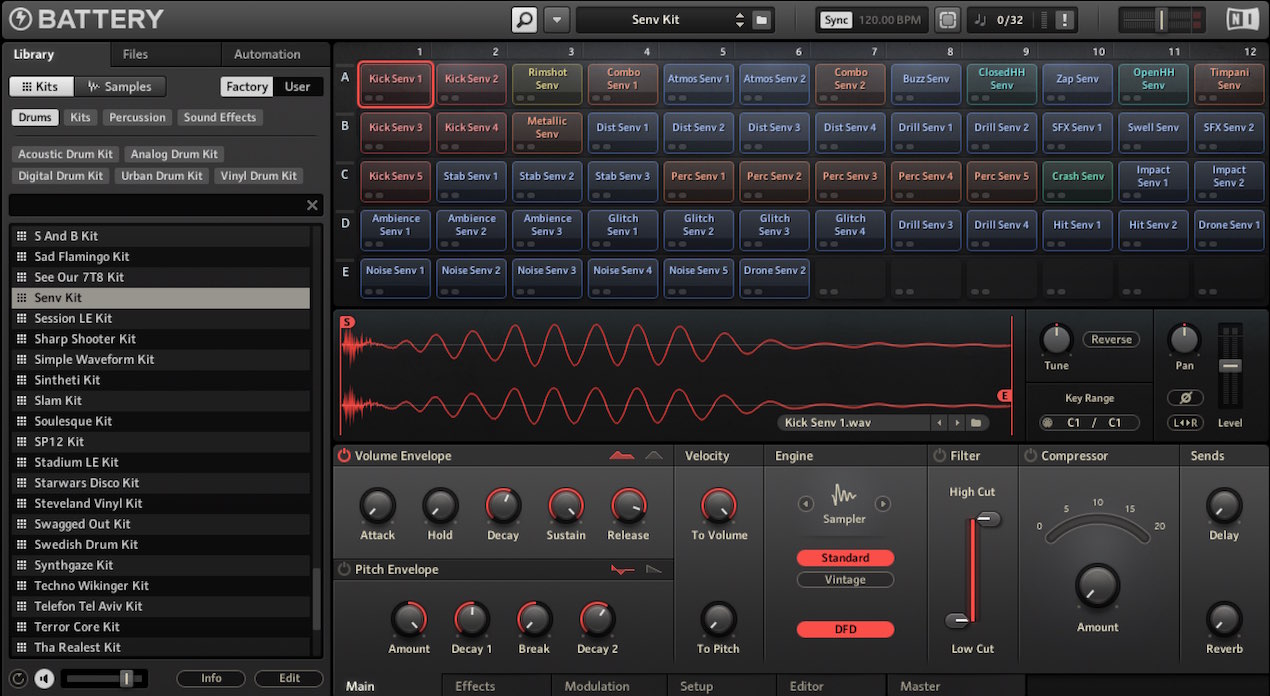
We are using Battery 4 by Native Instruments. https://www.native-instruments.com/jp/products/komplete/drums/battery-4/
Excuse the comment. Can I sample just the melody from an existing song? If so, how?
If you have an instrumental version of the song, this technique may sometimes be used to extract it. https://sleepfreaks-dtm.com/produce-recipe/get-vo/
What Is Sampling?
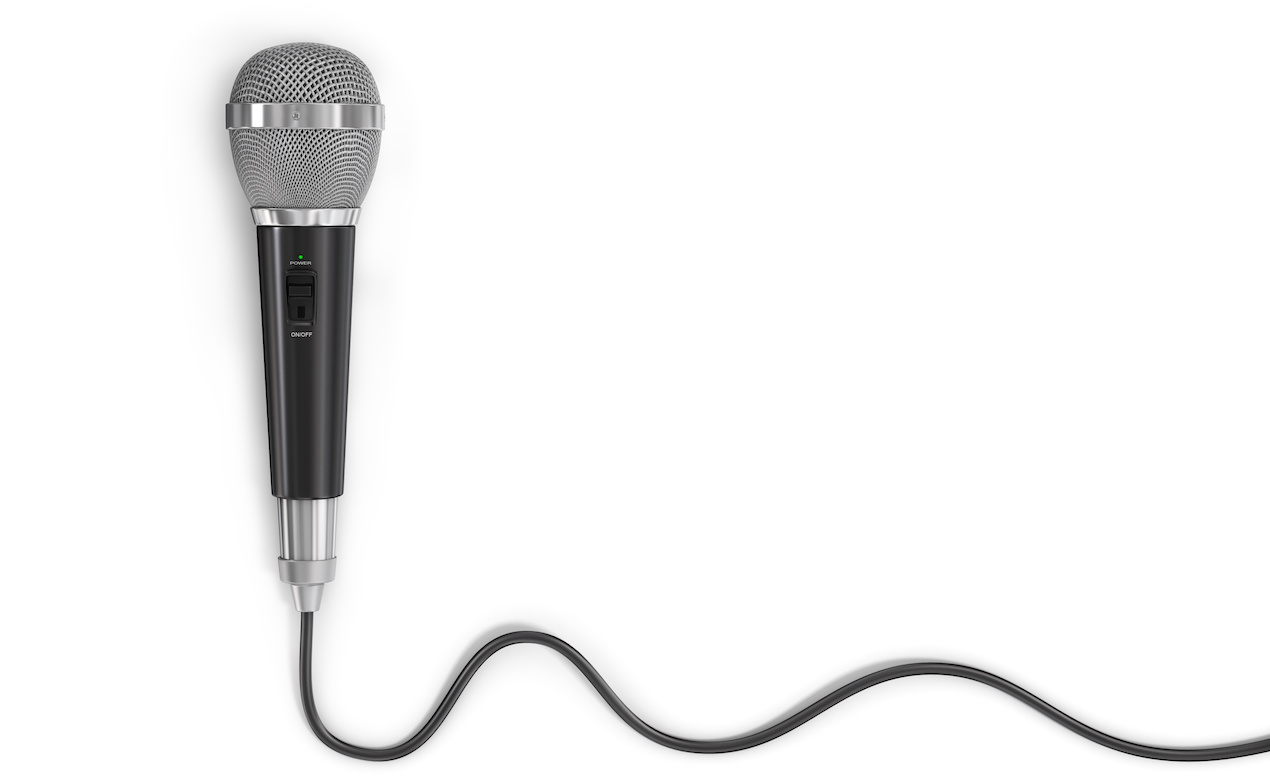
Sampling means using a microphone or recording device
to capture sound on a computer. Recording can be considered a form of sampling.
And a sampler is a device used to play sampled sounds in music.
Samplers are available as hardware and software instruments.
Here we use Native Instruments Battery 4, which can be used with various DAWs.
Recording Audio
 Logic
Logic GarageBand
 Cubase
 Ableton Live
 Studio One
Loading a Sample into a Sampler
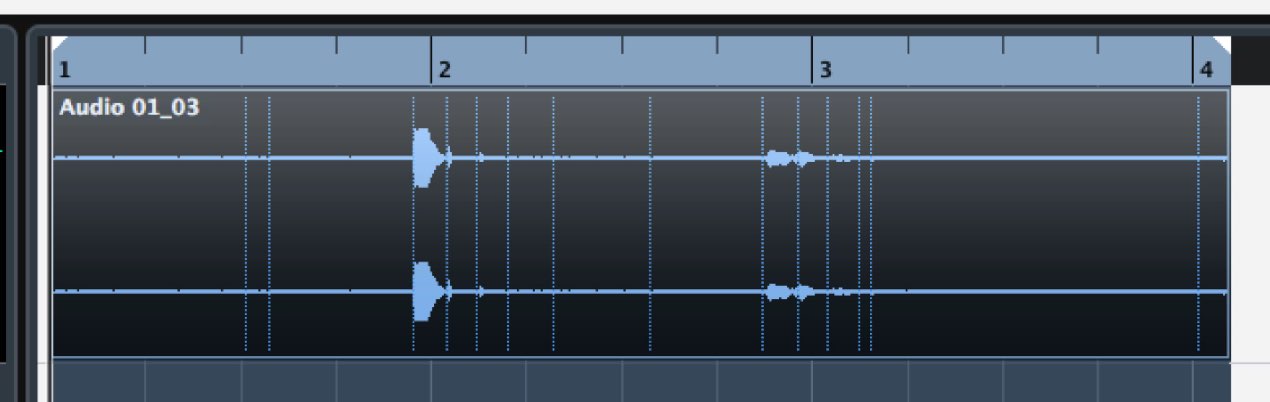
This waveform is a recording of a can opening.
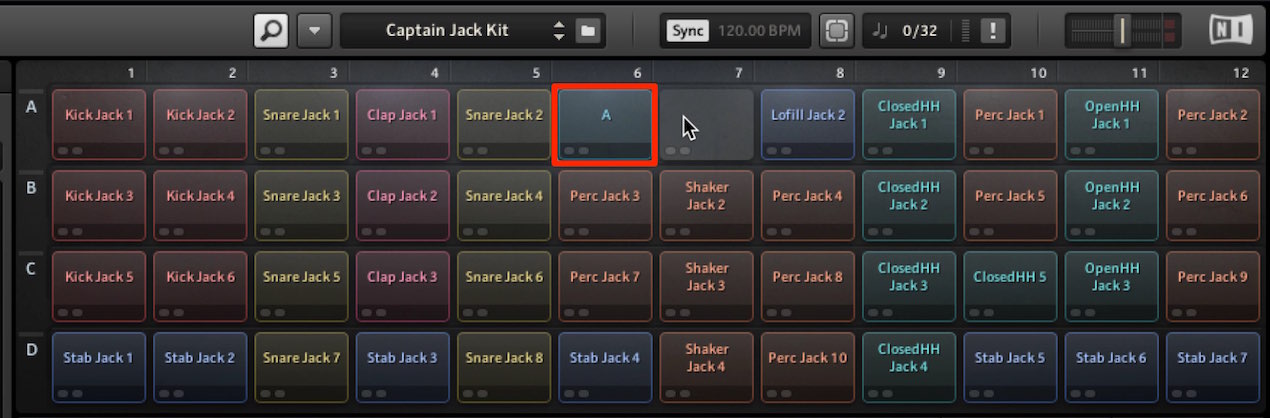
We have loaded it into Battery 4.
Some samplers let you import material simply by dragging and dropping it.
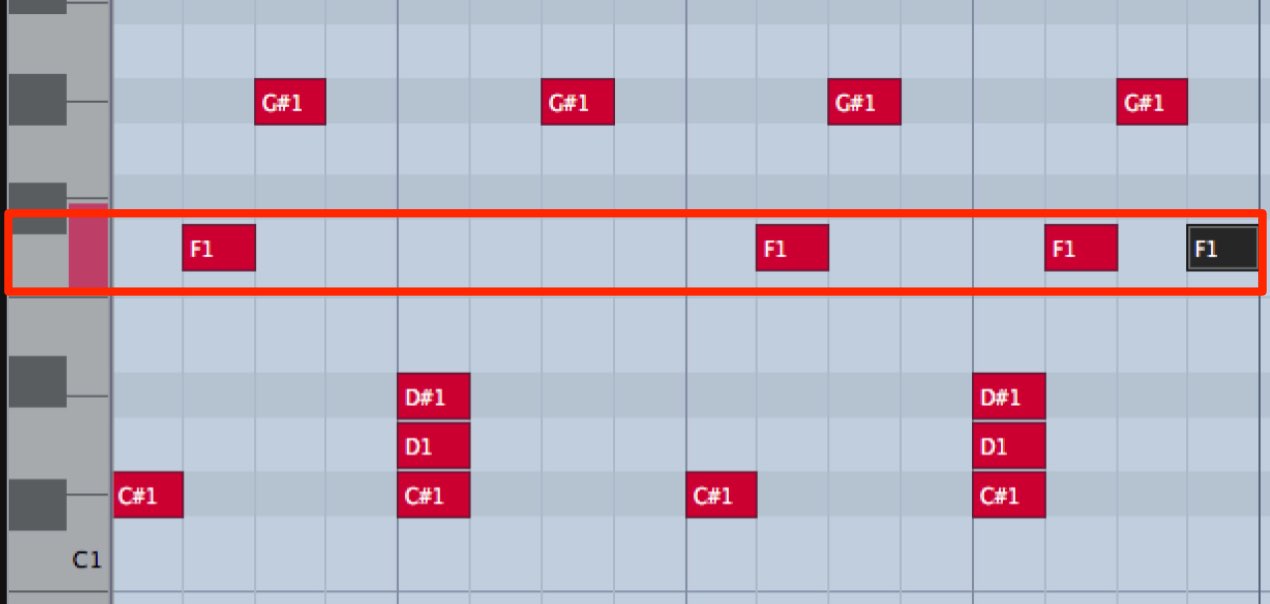
Once the sound is in a sampler, you can trigger it with MIDI notes.
This is one advantage of a sampler.
Editing in a Sampler
The benefit of loading samples into a sampler goes beyond MIDI programming.
Here are some examples.
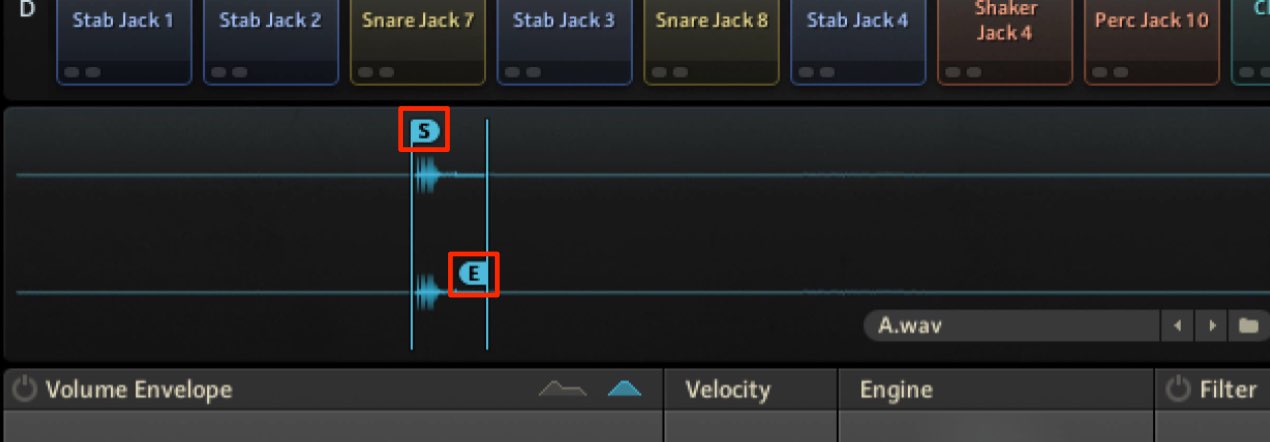
You can choose which part of a loaded waveform to use.
Removing unwanted portions can also help cut out noise.
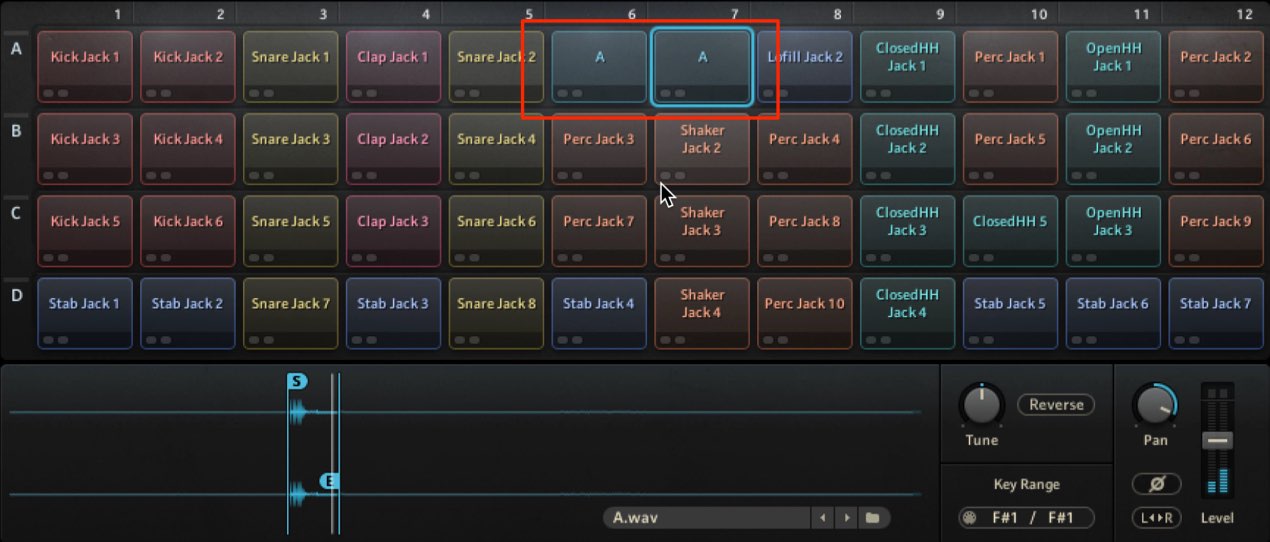
By duplicating the same sample, you can use different MIDI notes
to play different portions of the waveform.
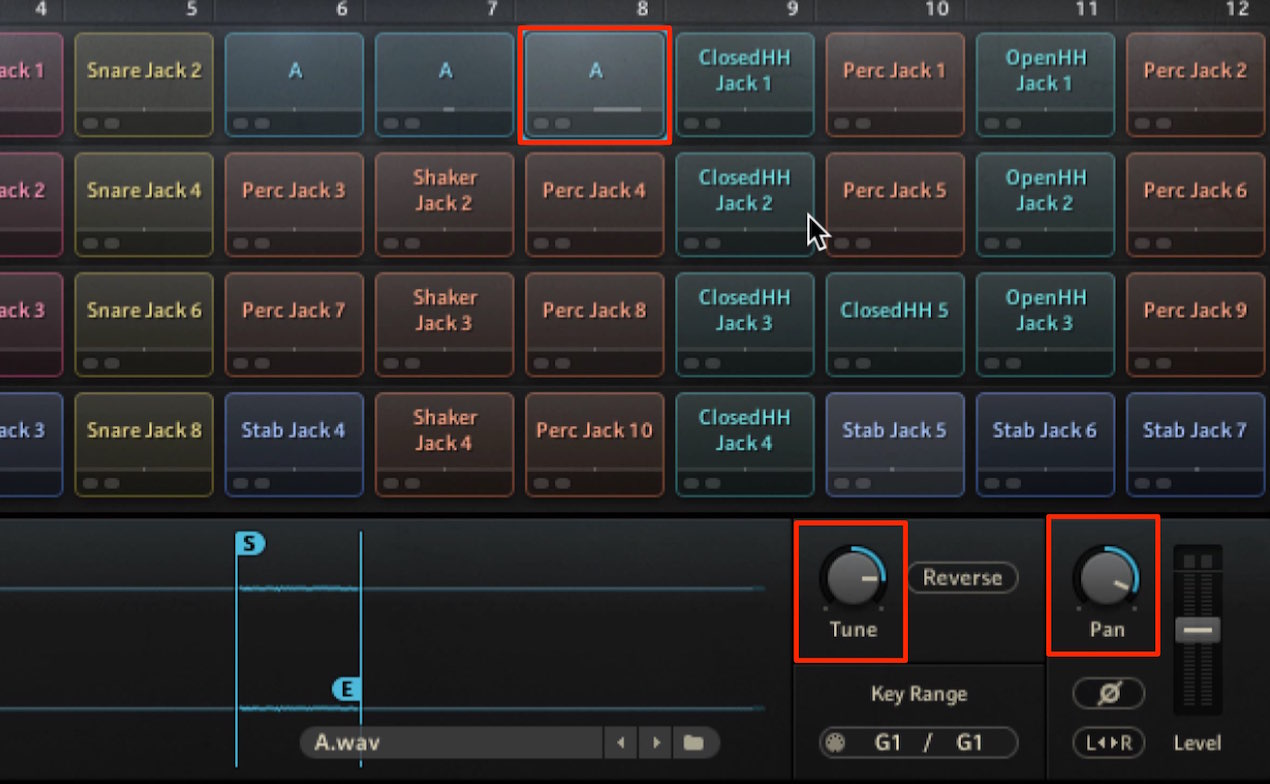
Building on this approach, you can adjust pitch, pan, special effects such as reverse, and effects
individually for each sample.
One-Shot and ADSR Playback
This gets a little more technical, but it is an important concept.
Broadly speaking, samplers offer two playback approaches.
- One-Shot
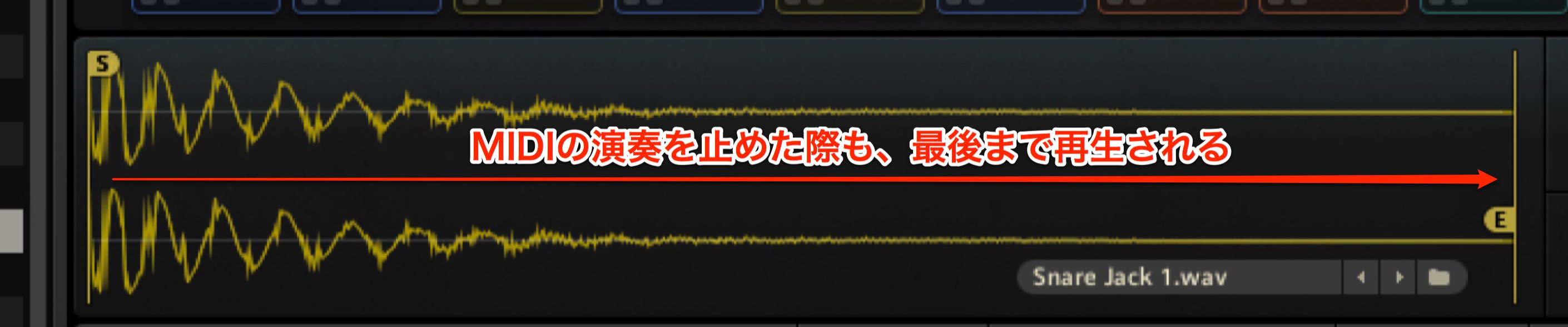
Once a sample is triggered, it plays to the end of the waveform.
Even if the MIDI note is short, the sound plays through.
This is common for drums.
- ADSR
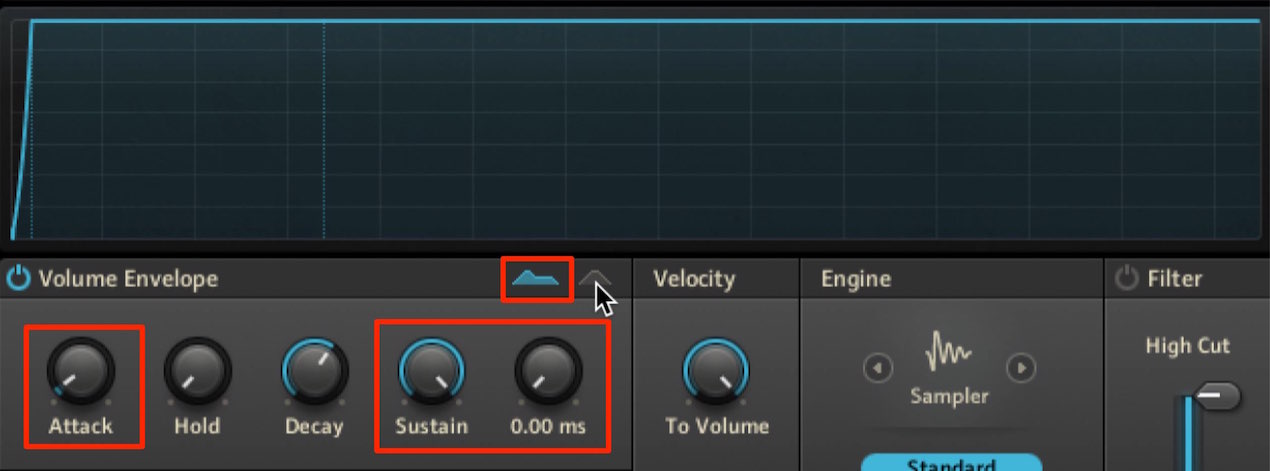
Unlike one-shot playback,
the length of the MIDI note can control how long the sound plays.
This is useful for more detailed expression or sharply cut-off sounds.
It is often used for pitched instruments.
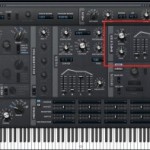
- Attack: 0, so the sound starts immediately
- Sustain: Max, to maintain the waveform’s volume
- Release: 0, to stop playback immediately when the MIDI note ends
These are the basic settings for this example.
Next time we will process this material to create a pitched instrument.
Frequently Asked Questions
Q1. What is the difference between sampling and recording?
In this tutorial, sampling means capturing sound on a computer using a microphone or recording device; recording is a related way to capture audio. In music production, sampling also commonly means using a captured sound as source material.
Q2. How can everyday sounds such as a can opening be used in music?
Load an everyday sound into a sampler and trigger or control it with MIDI notes. Trim parts of the waveform, change pitch, reverse it, or add effects to create a different instrument sound.
Q3. When should I use one-shot or ADSR playback?
One-shot is useful for sounds such as drums that play through once triggered. ADSR is useful for pitched instruments and sounds requiring more expression. For this example, set Attack to 0, Sustain to Max and Release to 0.
Q4. Can I use a sampler other than Battery 4?
Yes. You can apply the same basic ideas with other samplers, including Kontakt or sampler instruments included with your DAW. Specific editing functions vary by product.
NEW ARTICLES
Latest English Articles
















































































































































































































































































































































































































































































