
Undo is an essential FL Studio feature that reverses edits. In the default undo mode, Control + Z undoes the most recent action, and Control + Alt + Z steps further back through the history. Right-clicking the Undo icon opens the history list, where you can return to an earlier point. An alternate undo mode changes how Control + Z behaves, as noted below.
A Useful Command for All Kinds of Editing

There are many times when you want to cancel an edit
and return to an earlier state.
Some changes are easy to reverse manually,
but others can take considerable effort to reconstruct.
That is where Undo helps.
Undo and Redo Video
- Control + Z
Press these keys together to return to the previous edit.
Here is a simple example.
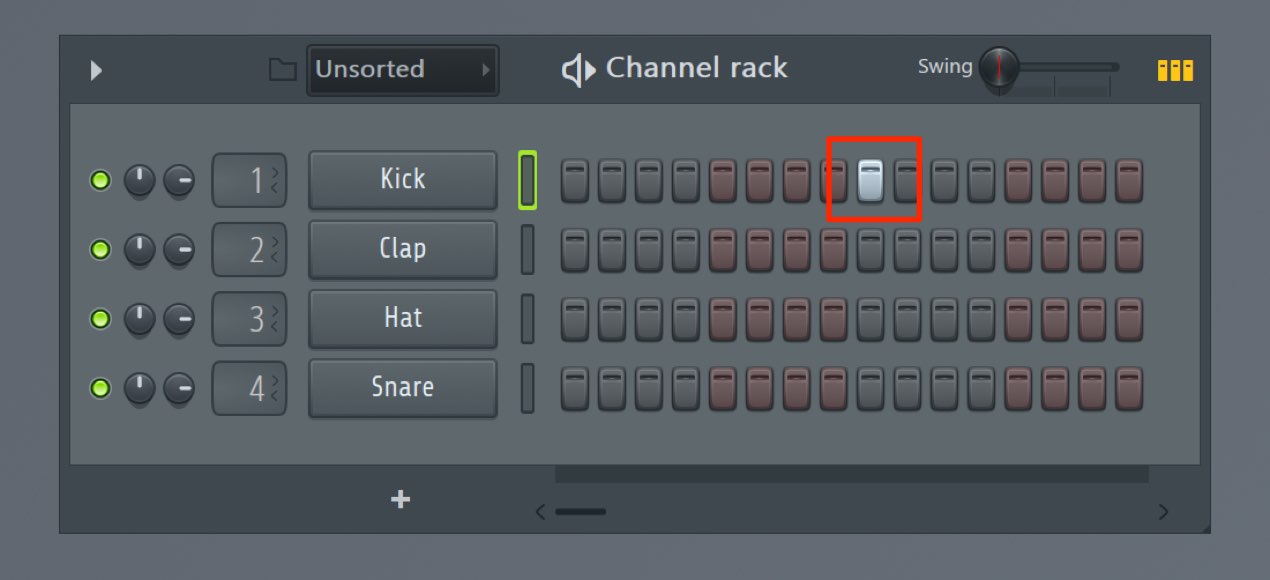
We've entered a note.
Press Control + Z,
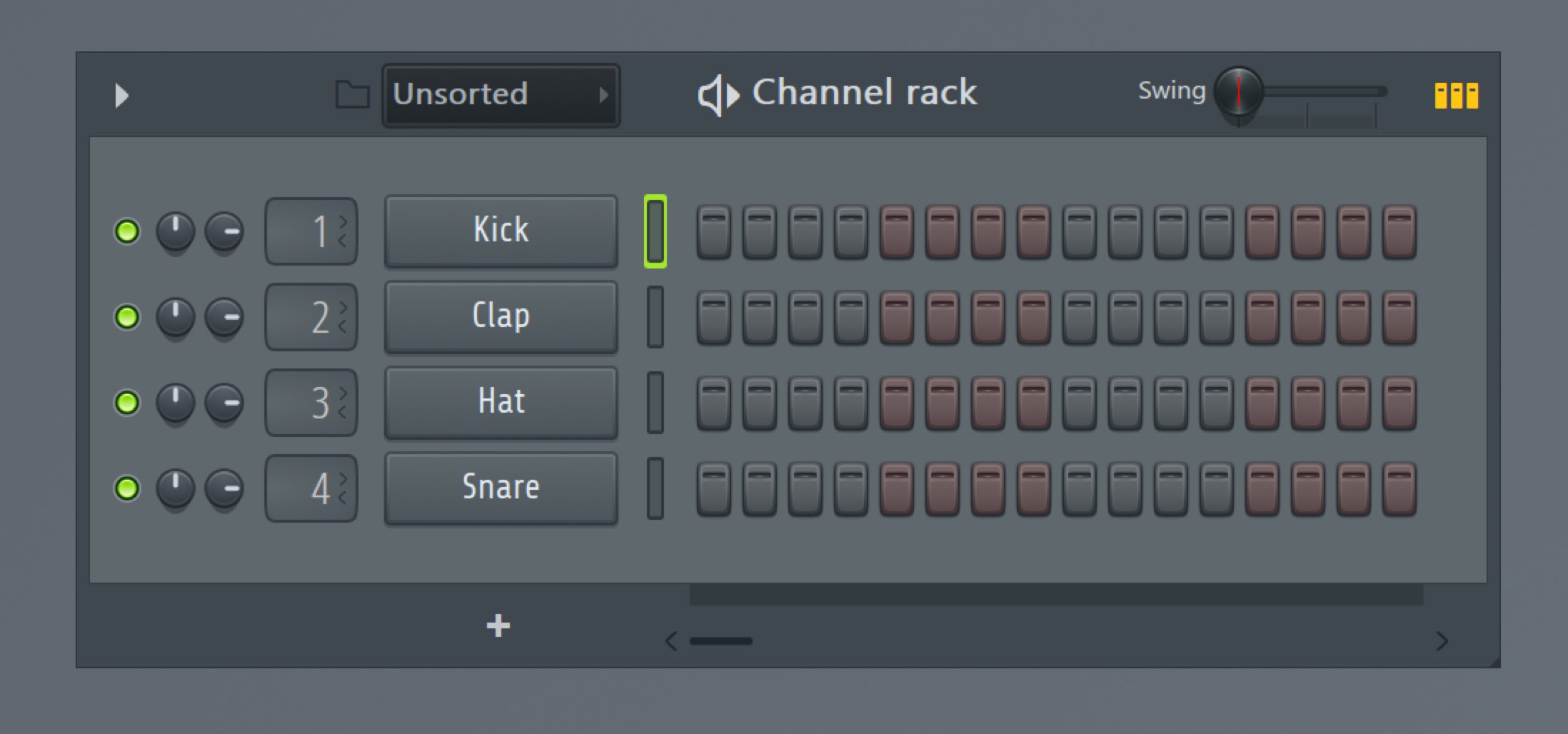
and the project returns to its previous state, before the note was entered.
In the default mode, pressing Control + Z again performs Redo,
restoring the edit that Undo reversed. If Alternate undo mode is enabled, Control + Z steps backward through history instead.
To go back further than the last edit, use:
- Control + Alt + Z
This shortcut steps backward through the edit history.
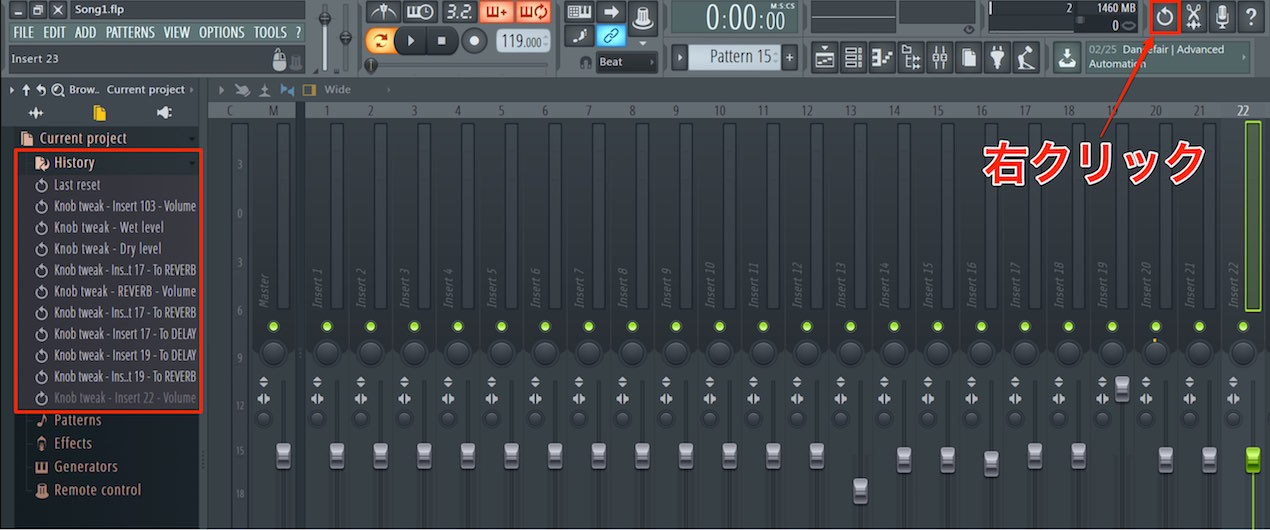
Right-click the Undo icon to display the edit history.
Click an entry to return to that point.
You'll use this frequently while producing music.
Practice until you can use it quickly.

Frequently Asked Questions
Q1. Is there a limit to the number of Undo steps in FL Studio?
Yes. FL Studio keeps a limited edit history. You can adjust Maximum undo levels under General Settings → Undo history.
Q2. Can I restore the original action after making a different edit following Undo?
A new action after Undo can replace the redo history. To preserve an important state, consider saving a separate project file.
Q3. Are Undo and Redo shortcuts the same in other DAWs?
Control + Z on Windows and Command + Z on Mac are common Undo shortcuts across many DAWs and other applications. In FL Studio, the behavior depends on the Undo mode and your position in the edit history.
NEW ARTICLES
Latest English Articles


















































































































































































































































































































































































































































