KOMPLETE KONTROL’s arpeggiator works with the scale feature covered previously to create more varied, refined arpeggio patterns. This guide explains how to enable it and use eight main parameters: Mode, Type, Rate, Sequence, Swing, Octaves, Dynamics and Gate. From backing parts to interludes and solos, incorporating the selected scale tones can make production more efficient and expressive.
Combining Scale and Arpeggiator
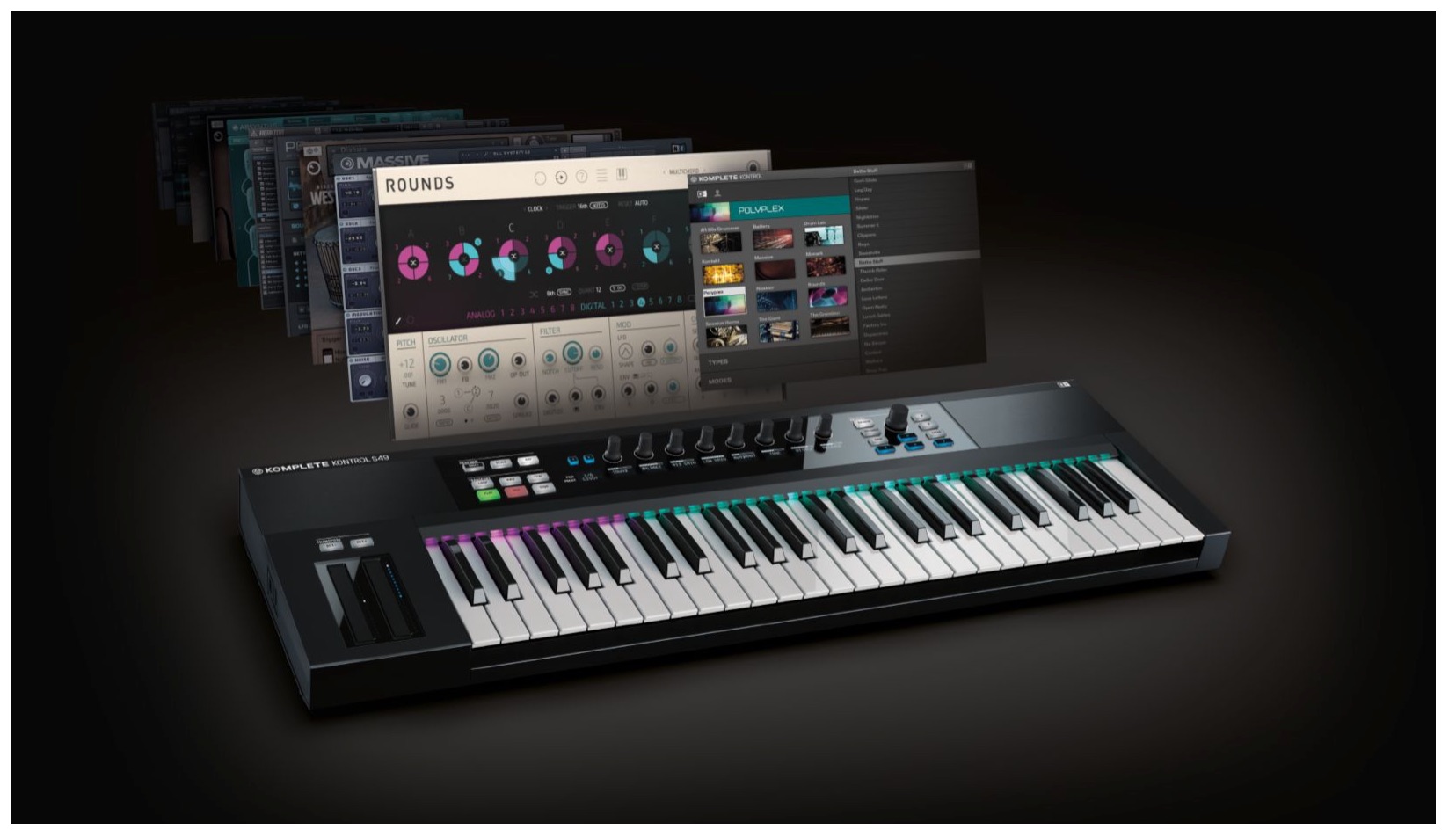
In this tutorial, we explore the arpeggiator, one of the instrument’s standout features.
Combine it with the chord feature from the previous tutorial to create new arpeggios.
It can be used for backing parts,
and it can also produce interesting effects in interludes and solos.
Let’s get started.
Komplete Kontrol Video Tutorials
- 1Product Overview
- 2Browsing
- 3Light Guide and Clear View Display
- 4Scale Feature
- 5Chord Feature
- 6Arpeggiator
- 7Automation and MIDI Mode
- 8What’s New in Komplete Kontrol 1.1
- 9What’s New in KOMPLETE KONTROL 1.5
- 10What’s New in KOMPLETE KONTROL 1.6.2
- 11KOMPLETE KONTROL 1.9.3: Streamlining Your Workflow with DAW Control
- 12Komplete Kontrol 1.9.3 Host Integration: Cubase
- 13KOMPLETE KONTROL 2.0: NKS FX
- 14Maschine / Komplete Kontrol Favorites
Enabling the Arpeggiator
The approach is similar to the scale feature in the previous tutorial.
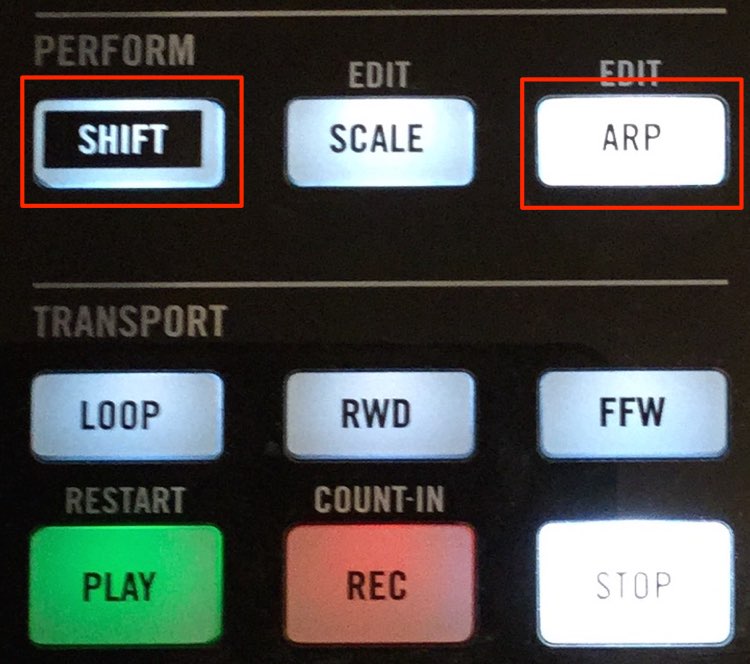
Press SHIFT + ARP.
This gives you access to the arpeggiator settings.
Repeat the same operation to exit the arpeggiator settings.
To enable the effect, turn on ARP so that its button lights up.
A key feature is its integration with the scale function.

The arpeggio uses the notes of the scale selected in the previous section.
In the example above,
the arpeggio uses notes from the C minor scale,
with the 1st, 3rd, 5th and 7th scale degrees relative to the key pressed.

- Mode: Alongside the normal arpeggiator,
Note Repeat is available to repeat the same note. - Type: Controls the direction of the arpeggio, such as ascending or descending.
- Rate: Sets the playback speed using note values.
- Sequence: Selects the rhythmic pattern.
- Swing: Adds a swing feel to the rhythm; 100% gives the maximum swing.
- Octaves: Sets how many octaves the pattern spans.
Higher values can create a more dramatic effect. - Dynamics: Raises or lowers the volume in relation to the velocity being played.
- Gate: Controls note length.
Lower values produce shorter notes.
Frequently Asked Questions
Q1. How do I enable the KOMPLETE KONTROL arpeggiator?
Press SHIFT and ARP together to access the arpeggiator settings. Turn on the ARP button so that it lights up to enable the function. Repeat the same operation to exit the settings.
Q2. How do the scale and arpeggiator features work together?
The selected scale tones, such as those of C minor, are reflected in the arpeggio. In the example shown, the pattern uses the 1st, 3rd, 5th and 7th degrees relative to the key pressed, creating a harmonious result.
Q3. What happens when I increase the Octaves parameter?
Higher Octaves values spread the arpeggio across more octaves, creating a broader, more dramatic effect. Adjust the value to suit the genre and the section of your track.
NEW ARTICLES
Latest English Articles