
Ableton Live’s Vocoder is a powerful effect for giving audio material a pitched character, including the distinctive robot voices heard in Daft Punk tracks. This article explains how to apply Vocoder to an audio track such as a vocal and use it with a separate MIDI instrument track. Set Carrier to External and route the instrument track’s audio to the effect for vocal modulation. Adjusting parameters such as Enhance and Formant gives you further expressive options for your productions.
Create a Robot Voice with the Vocoder
Vocoder makes it easy to give audio material a pitched character.
You can also create the robot voices often heard in Daft Punk tracks.
Vocoder Video
View product details

Questions and Answers from the YouTube Video

Can I do this in Logic Pro X too?

For a vocoder effect in Logic, EVOC 20 is a good option. We have a tutorial as well, although it uses Logic 9: https://sleepfreaks-dtm.com/for-advance-logic/evoc20/
Apply the Vocoder
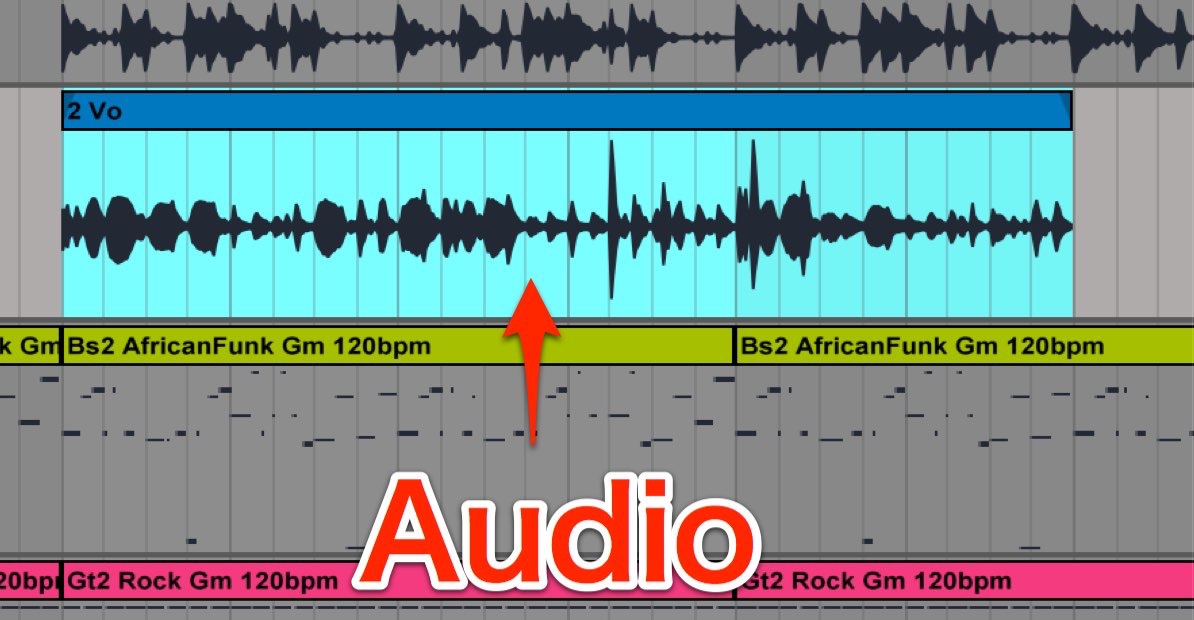
First, prepare your audio material. The video uses a vocal.
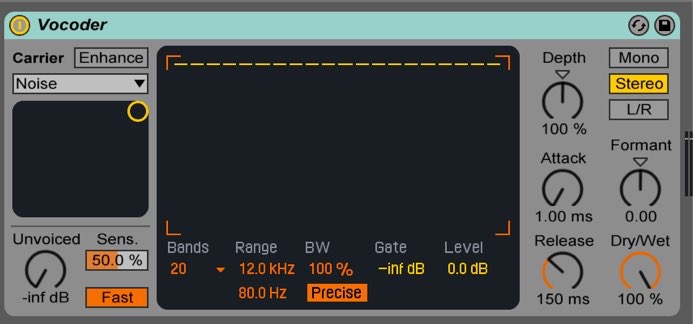
On the audio track you want to process, add Audio Effects → Vocoder.
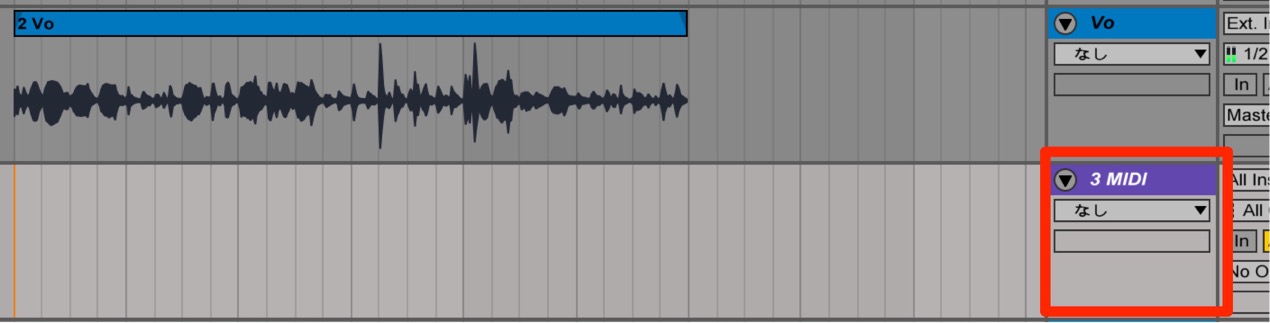
Create a MIDI track separately from the audio track.
We used Instruments → Instrument Rack → Synth Lead → 10 Saws Lead.adg.
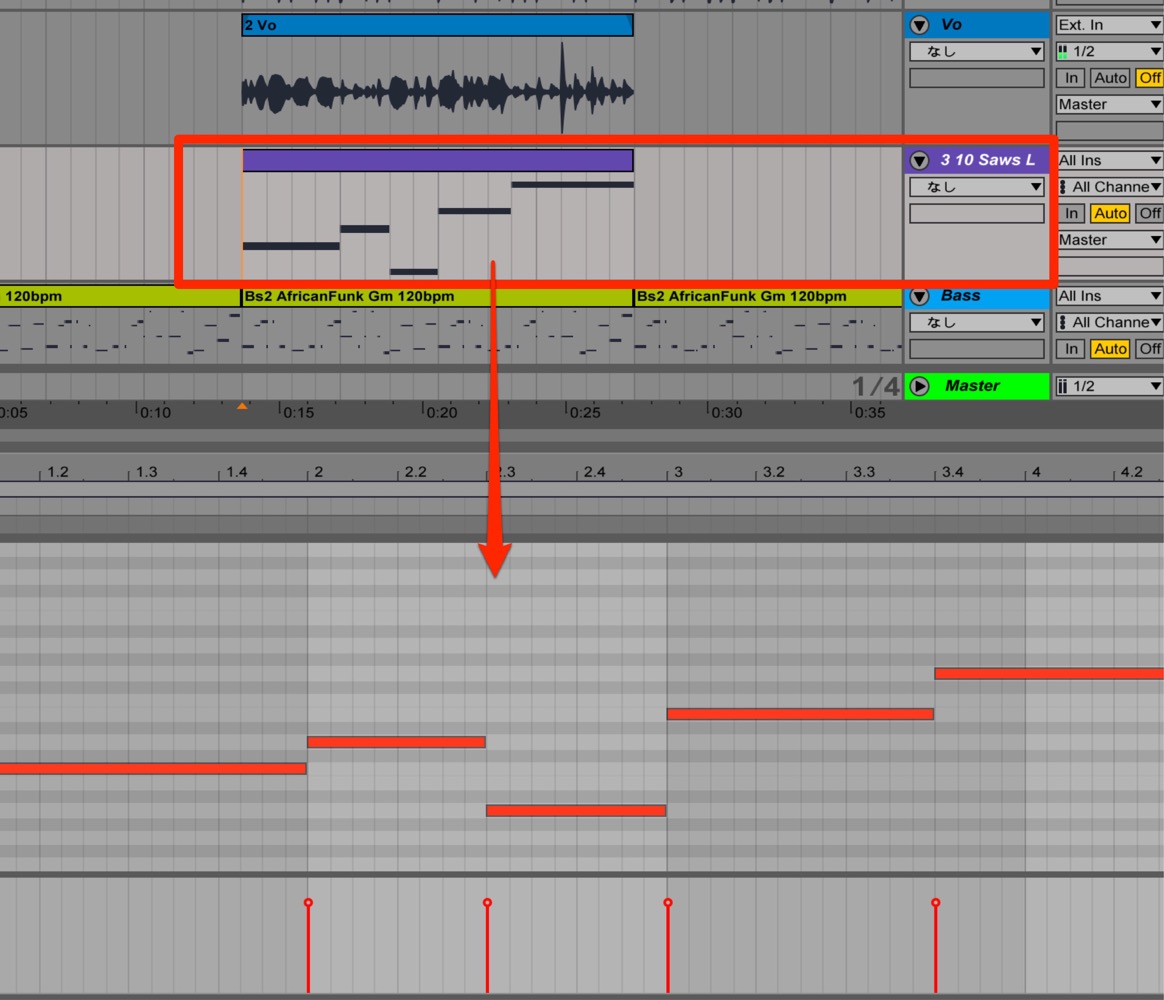
Program notes on the MIDI track.
Configure the Vocoder
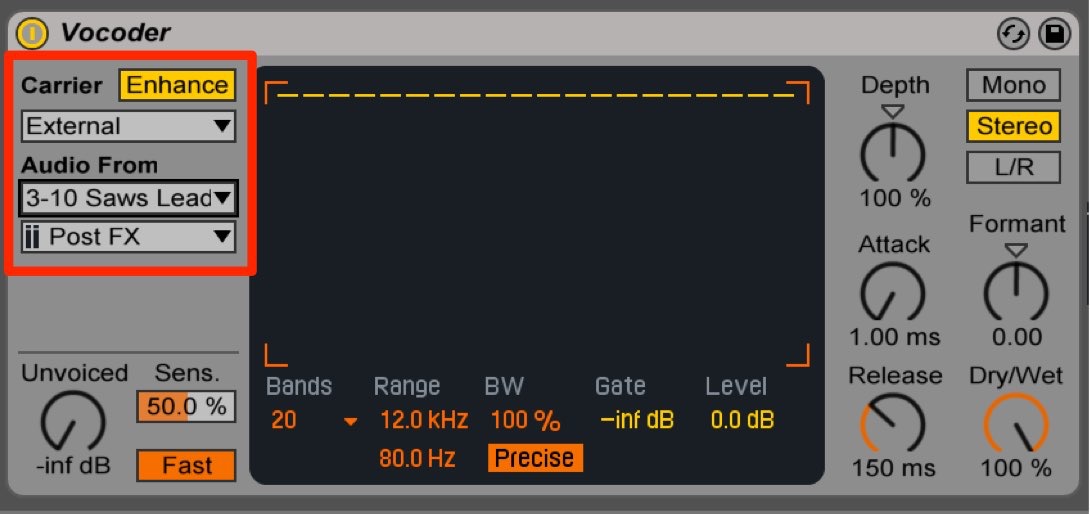
- Carrier
Change Noise to External. - Audio From
Change No Input to the MIDI instrument track (10 Saws Lead).
Select Post FX.
Turn on Enhance to boost the high frequencies.
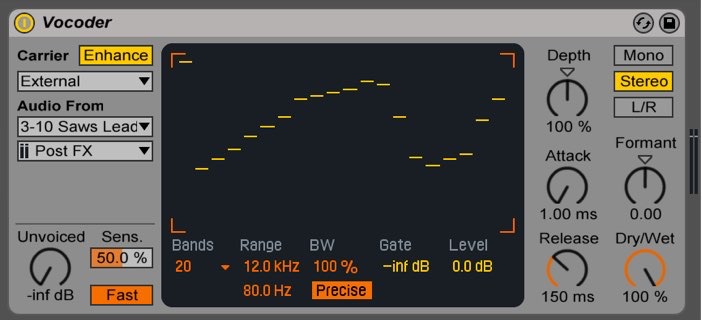
Try adjusting Formant and the other parameters
to create interesting effects.
Try using them in your own music.
Frequently Asked Questions
Q1. What are the basic settings for Ableton Live’s Vocoder?
Add Vocoder to an audio track, set Carrier to External, and select the MIDI instrument track under Audio From with Post FX. The instrument plays the programmed MIDI notes and supplies the carrier audio, giving the processed audio a pitched character.
Q2. What helps when creating a robot voice?
Align the notes programmed on the MIDI track with the vocal, and turn on Enhance to boost the high frequencies. Adjust Formant and other parameters to create a more natural or distinctive robotic sound.
Q3. How does a vocoder differ from ordinary pitch correction?
A vocoder mainly modulates an audio signal’s timbre using a carrier, such as a MIDI-controlled instrument, and is known for robotic effects. Pitch correction instead adjusts the pitch of an existing sound, so the two have different uses.
NEW ARTICLES
Latest English Articles






















































































































































































































































































































































































































































































































































































































