
Steinberg UR-series interfaces include Guitar Amp Classics, a plug-in for turning direct-recorded guitar tracks into realistic amp sounds. Choose from four amp types—CRUNCH, DRIVE, CLEAN and LEAD—and adjust common parameters such as GAIN, TREBLE, MIDDLE, BASS and PRESENCE for sounds ranging from rhythm parts to solos. Many of these controls also apply to real amplifiers.
Turn direct-recorded guitar tracks into realistic amp sounds
Here we explore Guitar Amp Classics, the guitar amp simulator included with UR-series audio interfaces.
An amp simulator is essential for direct-recorded guitar tracks, creating a realistic sound as though the guitar had passed through an amplifier.
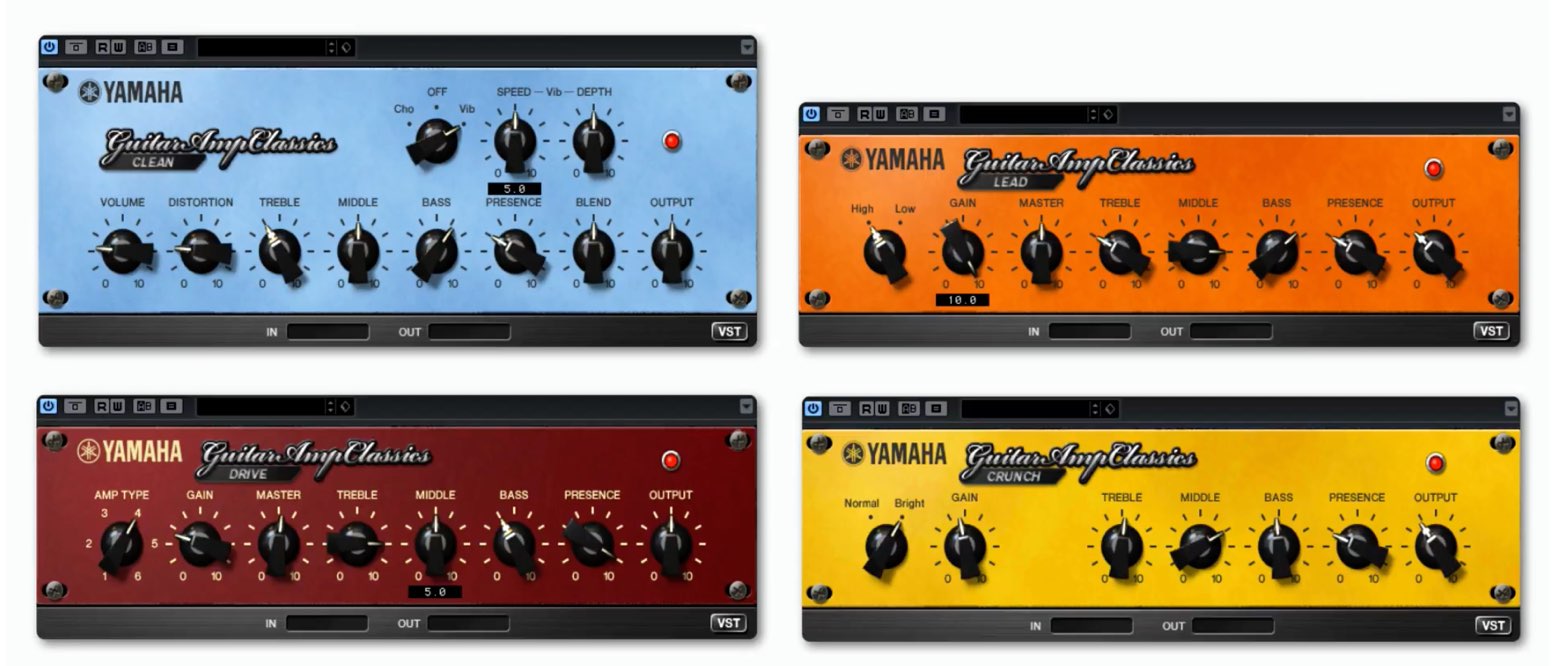
Guitar Amp Classics offers four amp types to suit different tracks, with simple controls for producing high-quality guitar sounds.
Much of what you learn about these parameters also applies to real amps.
Let’s take time to understand them.
Video: Guitar Amp Classics
- 1dspMixFx overview and setup
- 2Morphing Channel Strip: compressor
- 3Morphing Channel Strip: equalizer
- 4Guitar Amp Classics: guitar amp simulator
- 5REV-X digital reverb
Steinberg distributor — Access Yamaha Music Japan content
- Yamaha Music Japan MPP (YouTube) https://www.youtube.com/user/SteinbergJapan
- MPP (Twitter) https://twitter.com/SteinbergJP
- Music production program Sound Roster (Fresh!) https://freshlive.tv/ymjsoundroster
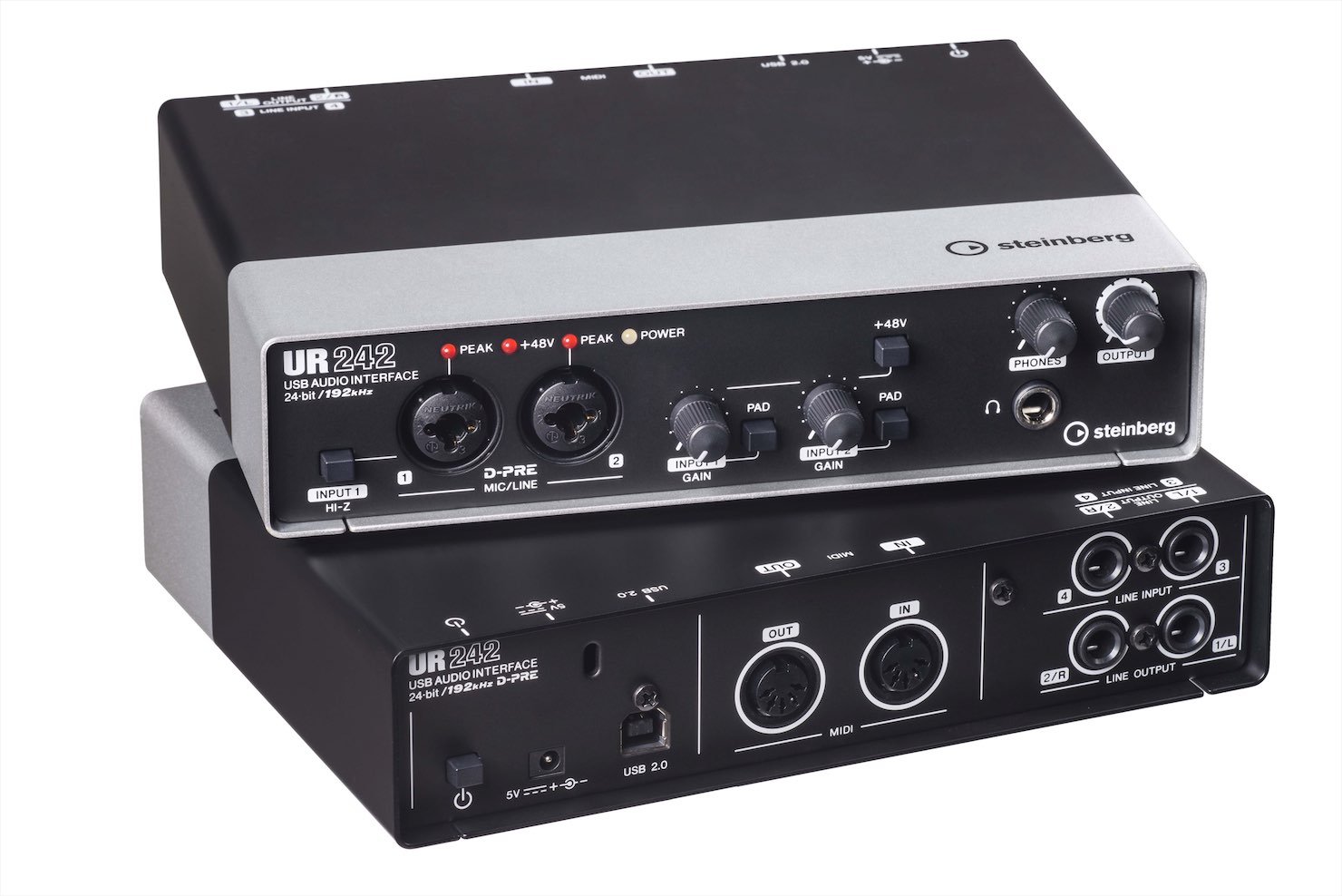
Purchase products: https://japan.steinberg.net/jp/products/hardware/ur_series/lineup.html The original article lists UR242, UR44, UR28M, UR824 and the UR-RT series as products supporting dspMixFx.
Questions and answers from the YouTube video

When recording guitar with effects in dspMixFx, can I use Guitar Amp Classics to simulate an amp and then apply the Morphing Channel Strip compressor, connecting the two effects in series?

Only one of these effects can be applied at a time.
Using Guitar Amp Classics
Guitar Amp Classics provides four amp types.
Learn their characteristics and choose one to suit your track.
Parameters shared by the amps
First, let’s look at the controls shared by the amps.
Real guitar amps also have these parameters.
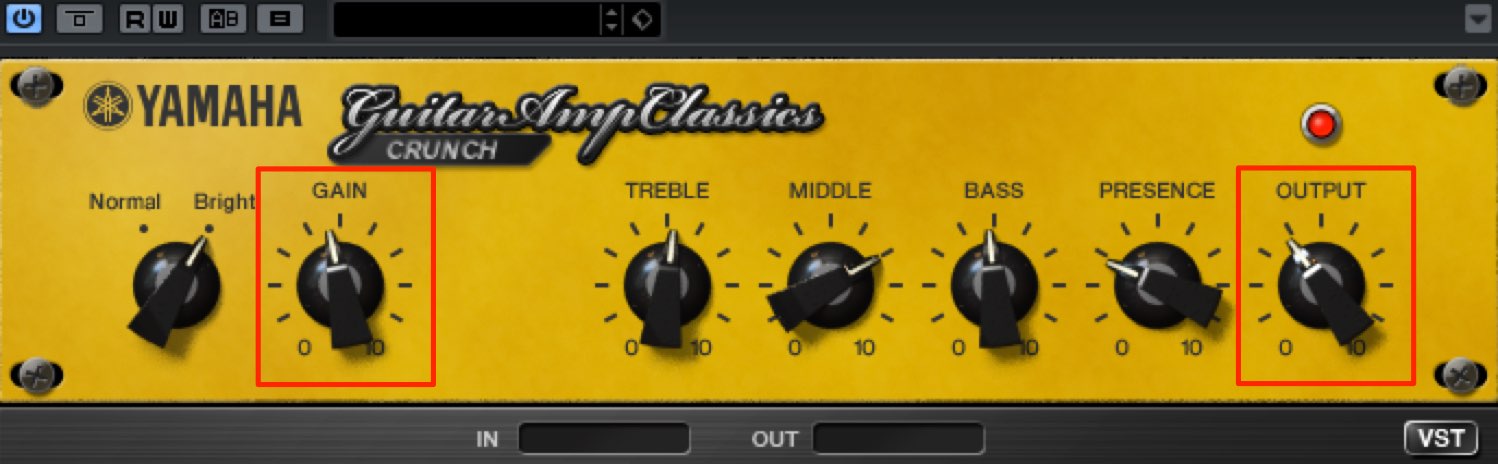
Increasing GAIN adds distortion. Listen to the sound as you choose the appropriate value.
If the gain setting changes the level significantly, use OUTPUT to control the overall volume.
OUTPUT adjusts volume without changing the tone.
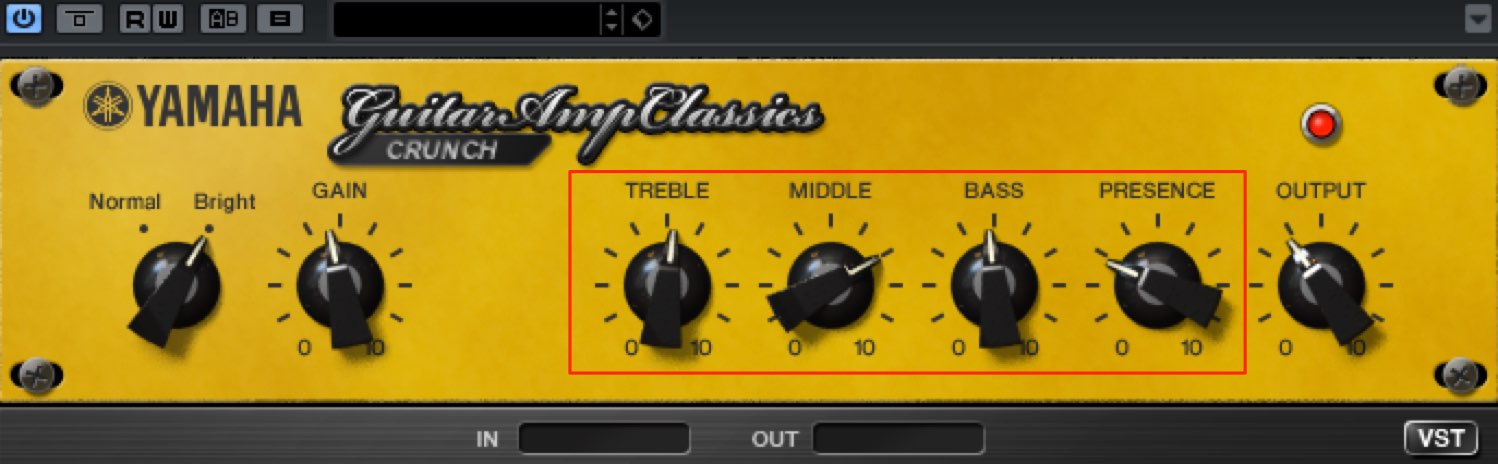
- TREBLE: emphasizes high frequencies.
This gives the sound a clearer outline and a sharper character. - MIDDLE: emphasizes mid frequencies.
Adjust it to shape the sound’s character. - BASS: emphasizes low frequencies.
This can add weight, power and presence. - PRESENCE: emphasizes high-frequency overtones.
It can help the sound cut through when buried in the backing track.
Combine these parameters to shape the sound.
CRUNCH
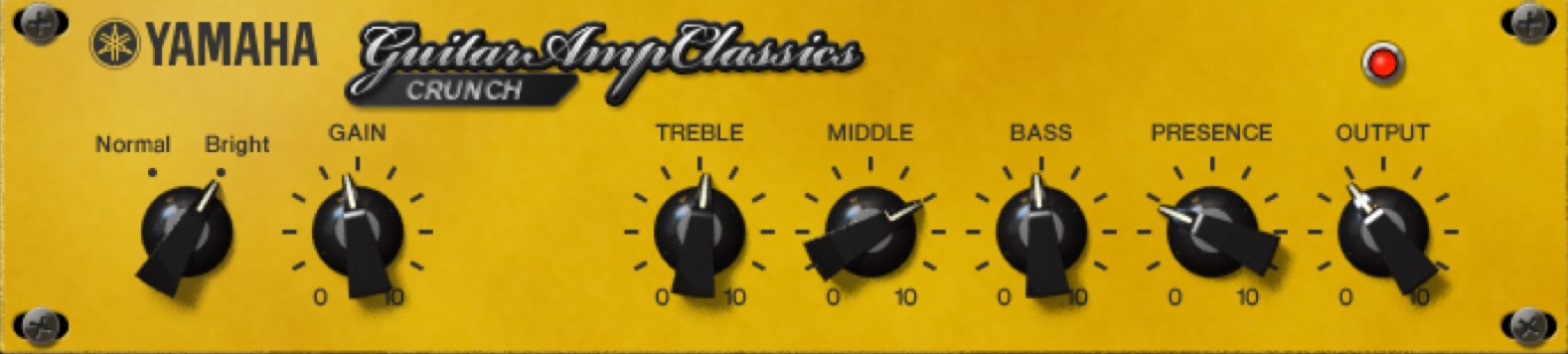
This amp has a dry, natural, light distortion suited to rhythm strumming and backing parts. Lightly driving a bass track can also produce interesting results.
Use Normal/Bright on the left to change the distortion character and broaden the range of sounds.
DRIVE
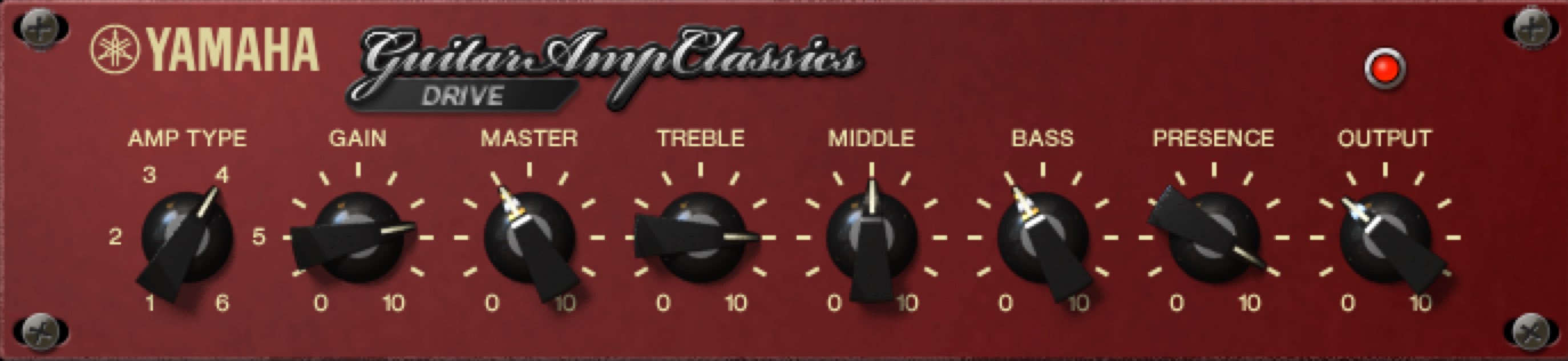
The distortion created by combining GAIN and MASTER can be used across genres from pop to loud rock.
Use AMP TYPE to switch between a lighter sound that expresses picking nuances, a modern rock sound and a high-gain metal sound.
CLEAN
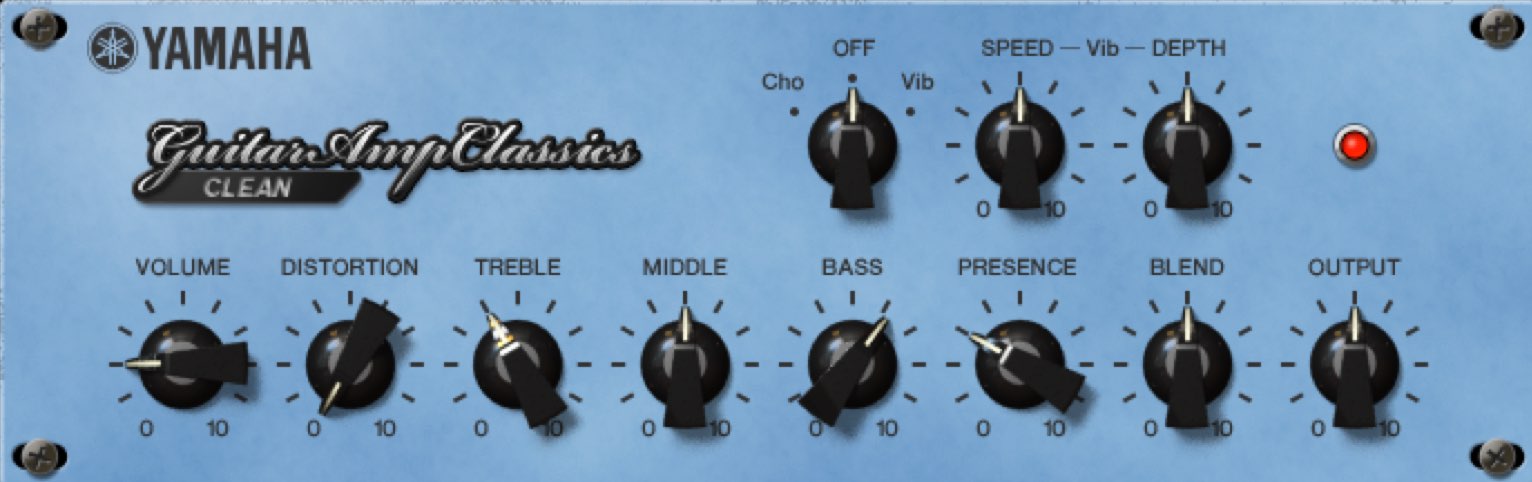
This amp offers a clean sound suited to arpeggios and rhythm playing, with chorus and vibrato effects at the top.
The chorus sound in particular is a familiar, well-known tone.
LEAD
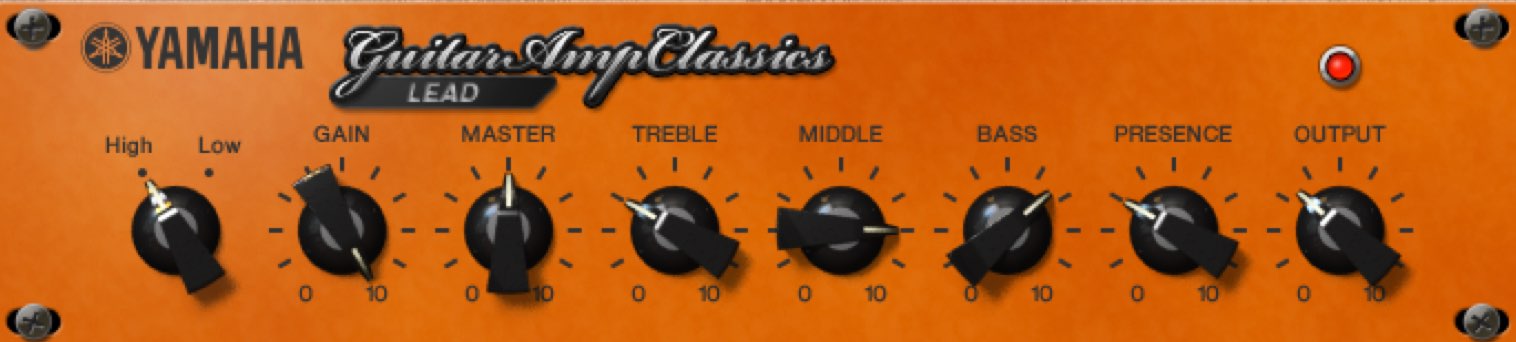
This amp produces a thick, high-gain sound designed for single-note phrases such as guitar solos and riffs.
Picking nuances can become harder to hear as distortion increases. Combining the High/Low settings on the left lets you retain nuance while creating a thick, heavy sound.
What did you think?
Try mastering this essential amp simulator to improve your guitar tracks.
Steinberg distributor — Access Yamaha Music Japan content
- Yamaha Music Japan MPP (YouTube) https://www.youtube.com/user/SteinbergJapan
- MPP (Twitter) https://twitter.com/SteinbergJP
- Music production program Sound Roster (Fresh!) https://freshlive.tv/ymjsoundroster
Purchase products: https://japan.steinberg.net/jp/products/hardware/ur_series/lineup.html The original article lists UR242, UR44, UR28M, UR824 and the UR-RT series as products supporting dspMixFx.
Frequently asked questions
Q1. What is the difference between GAIN and OUTPUT in Guitar Amp Classics?
GAIN changes the level while adding distortion; OUTPUT adjusts overall volume without changing the tone. The original article suggests adjusting the volume balance with OUTPUT if GAIN produces too much distortion. OUTPUT changes the level, not the amount of distortion.
Q2. Which amp type is suitable for rhythm guitar?
CRUNCH is suited to rhythm strumming and backing. It offers natural, light distortion, and the Normal/Bright switch adjusts its character.
Q3. Which amp should I choose for guitar solos?
LEAD provides a thick, high-gain sound for single-note phrases. Combining High/Low settings can help preserve picking nuances while creating a heavy sound.
Q4. How can I add a natural chorus effect to guitar?
The CLEAN amp includes chorus and vibrato effects. Its chorus setting produces a familiar classic tone.
NEW ARTICLES
Latest English Articles




















































































































































































































































































































































