
iZotope RX 7 is an industry-standard noise reduction tool for music production, offering advanced repair of unwanted noise and distorted audio captured during recording. This article explains automatic repair with the AI-powered Repair Assistant and the innovative Music Rebalance feature, which separates a finished mix into instrument groups so you can adjust their balance. These tools make high-quality audio repair accessible even to beginners and can help rescue valuable takes affected by recording problems.
RX 7: An Industry Standard in Noise Reduction
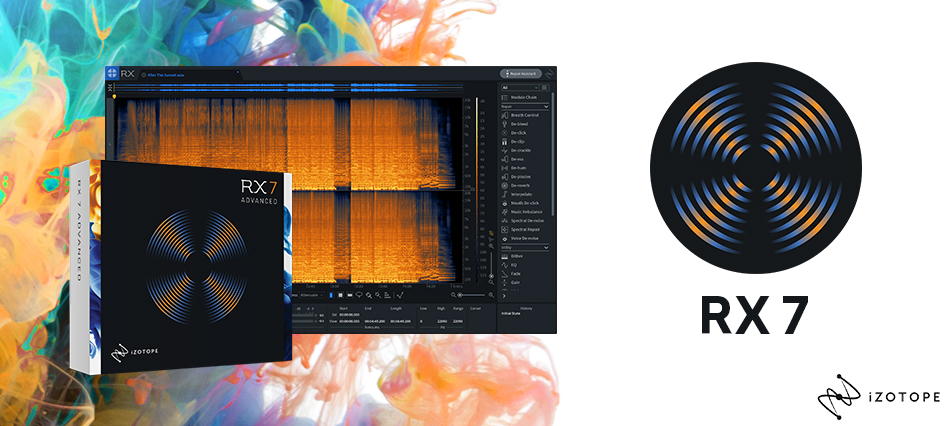
In this series, we will explore how to use iZotope's RX 7 audio repair tool over several installments.
RX 7 can remove various types of noise introduced during recording and repair audio damaged by clipping or other distortion, achieving results that might ordinarily seem impossible.
Its exceptionally high quality has made it an industry standard in this field.
Of course, the best approach is to record clean audio in an environment with as little noise as possible. However, unexpected noise sometimes finds its way into a recording, and re-recording is not always an option. In situations like these, RX 7 can bring a valuable take back to life.
Version 7 also introduced a new feature called Music Rebalance. This groundbreaking feature lets you separate a finished stereo mix into instrument groups, adjust their relative levels, mute a part, or isolate it in solo.
This is another distinctive RX 7 feature, which we will explore later.
iZotope RX 7 Video Tutorial, Part 1

Frequently Asked Questions
Q1. What is RX 7? Do I really need it for music production?
RX 7 is an audio repair tool from iZotope that can remove recording noise and repair clipping. It is an industry-standard tool that is particularly useful when unwanted noise has been recorded or when re-recording simply is not possible.
Q2. How do I use Repair Assistant?
Click the Repair Assistant button, select an audio type (Dialog, Music, or Other), and run the analysis. The AI automatically selects and applies an appropriate processing chain. You can also adjust the processing intensity while previewing the results.
Q3. What can Music Rebalance do?
This innovative feature automatically separates a finished stereo mix into vocals, bass, percussion, and other instruments, allowing you to adjust each group's level, mute it, or isolate it in solo.
Q4. Can beginners use RX 7 effectively?
Yes. Repair Assistant's automatic analysis makes high-quality repair accessible to beginners. Detailed settings are also available, so you can easily adjust how deeply you work with the software as your skills develop.
Q5. How should I adjust Sensitivity in Music Rebalance?
Higher Sensitivity can improve clarity, but it also makes leakage from other parts more likely. Lower settings produce stricter separation but tend to sound less natural. Since the effect depends on the values relative to those of the other parts, adjust the balance by using different settings for each part.
NEW ARTICLES
Latest English Articles




















































































































































































































