
Running short of SSD space can cause serious problems in music production, including reduced software performance and interruptions to your work. This article proposes a file-management strategy based on three tiers: internal storage, fast external storage and backup storage. Moving software instrument sound libraries to external storage and using symbolic links can help free up your system drive efficiently, while also reducing the setup work when you replace your computer.
Optimize Your Music Production Setup by Reviewing Drive Space and File Management
In this complete guide to freeing up drive space for music production, we explain how to organize your storage for a smoother music-making experience.
More and more computer models use an SSD as their system drive.
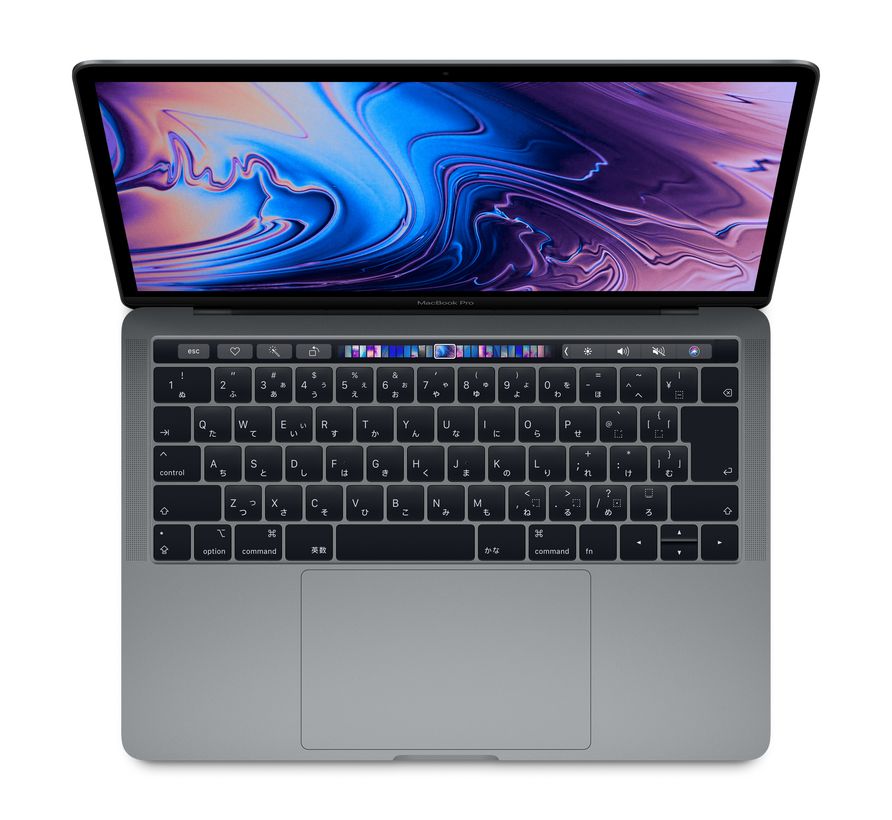
Some models have an SSD of 256 GB or less to keep the price down, but that can feel rather small when you make music on your computer.
Low free drive space offers no advantages: it can reduce software performance and may even interrupt a production session.
Here, we take a detailed look at the planning and organization techniques that help keep enough storage space available.
The Complete Guide to Freeing Up Drive Space for Music Production
Selected Questions and Answers from the YouTube Video

When using Terminal to store data on an external drive, will newly updated items, such as photos, also be stored on that external drive?

Yes. After you set up the symbolic link, files copied or saved through it are also written to the target drive.
I found your Cubase shortcut tips extremely useful. This may be a little outside the scope of this video, but what is the best way to manage software instruments across computers running different operating systems—for example, a Windows desktop and a MacBook Pro? Personally, I was thinking it might be best to keep everything on a reasonably large external SSD that both machines can access...
Thank you very much for watching. Yes, we think preparing and configuring external storage that both computers can access is the most efficient approach.
Your videos are always helpful. If I keep an unfinished song project on an external drive, would an SSD or an HDD be better? Would the HDD's rotational speed matter for this use? I am unsure because I have read that SSDs have a limited number of write cycles. I use Logic on a Mac.
In many cases, a single song project does not take up a huge amount of space, even with a lot of audio recording. For that reason, we think the internal SSD, which offers the fastest speed, is the best choice. Another effective approach is to keep songs you will not be working on for a while on an external HDD, then move them to the internal SSD when you resume composing. If you use external storage, we recommend an SSD for its fast audio-file transfers. If you store DAW projects and their audio files on an HDD and read them from there, we believe the drive's rotational speed affects how smoothly you can work.
Hello! I am new to music production. I bought ETHNO WORLD 6 and Addictive Drums 2, and had a hard time getting them working in Ableton Live. I still have some unanswered questions from that experience. After installing Addictive Drums 2, I wanted to move it from my internal SSD to my internal HDD. I moved the files I could find, but then it stopped working 😅. I cannot tell which files can safely be moved and which must stay where they are. I would like to keep large files off the SSD as much as possible, but I was afraid of breaking things, so I reinstalled it and left it alone. ETHNO WORLD 6 also takes up a lot of space, so I would like to move its data off the SSD, but I am worried that moving the files will stop it working again. Please help!
Thank you for watching. There is no single rule, but products that let you choose a sound location during installation or through their installer generally allow you to copy the library files and point the software to the new location. With Addictive Drums 2, you can specify the sound location during installation or change it afterward using the online installer shown in the image linked below. https://app.box.com/s/dbekgoveyhy9dte0theq0w0m9cwbbrjj We do not own ETHNO WORLD 6, so we cannot be certain, but it runs in Kontakt Player. You should therefore be able to move the sounds and then specify the library's new location in Kontakt. For products that do not let you choose a sound location during installation, symbolic links are often used instead.
Sorry, this is completely unrelated to the video, but I can no longer move notes in the piano roll by dragging them. Is there a way to fix this?
A lock or freeze function may be active. In that case, though, the contents of the MIDI event would normally no longer be visible, so please check that first. Other possibilities, although they seem less likely, are that the selection tool is not selected, or that the quantize value is set too coarsely—for example, to whole notes. Try a finer value such as sixteenth notes. Another unlikely possibility is that several projects are open and the project you want is not the one currently selected. Those are the only possibilities that come to mind at this stage. Can you move MIDI notes in other tracks or projects?
An Edited Archive Version Is Also Available
You can get more out of the broadcast by checking these two resources beforehand:
◆ Choosing External Storage for Music Production: Key Points for 2020
https://bit.ly/3bKaCwl
◆ Manage Drive Space Efficiently with Symbolic Links
https://bit.ly/2xF663c
Frequently Asked Questions
Q1. How much internal SSD space should a beginner in music production have?
An SSD of 256 GB or less is insufficient. We recommend at least 512 GB of internal storage for your DAW, plug-ins and essential working files. Move large sound libraries to external storage.
Q2. Can I move the sound libraries for Logic Pro X or Cubase to an external HDD?
Yes. Logic Pro X lets you move its approximately 60 GB sound library to another drive through the DAW's settings. For Cubase, use Steinberg Library Manager; in Studio One, you can specify the sound library location in the application's settings.
Q3. What should I do if a plug-in reports an error after setting up a symbolic link?
Move the files from external storage back to internal storage and run the update. After the update is complete, copy them to external storage again and recreate the symbolic link to resolve the issue.
Q4. Where should I store iPhone and iPad backup files?
Because backup files are accessed infrequently, inexpensive, high-capacity backup storage is the best place for them. These files can exceed 100 GB, so be sure to move them off your internal storage.
NEW ARTICLES
Latest English Articles















































































































































































































