
Audio Assault Transient+ is a transient plug-in that lets you control a sound’s attack and sustain independently. It is particularly useful on percussion tracks such as snare drums: emphasizing the sustain can make the sound fuller and more dimensional. Its simple controls are accessible to beginners. Use the Attack section to bring a sound forward and the Sustain section to add body and perceived loudness. The Mix knob blends the processed sound with the original for a natural rock-style snare that still benefits from transient shaping.
Control a sound’s attack and sustain separately
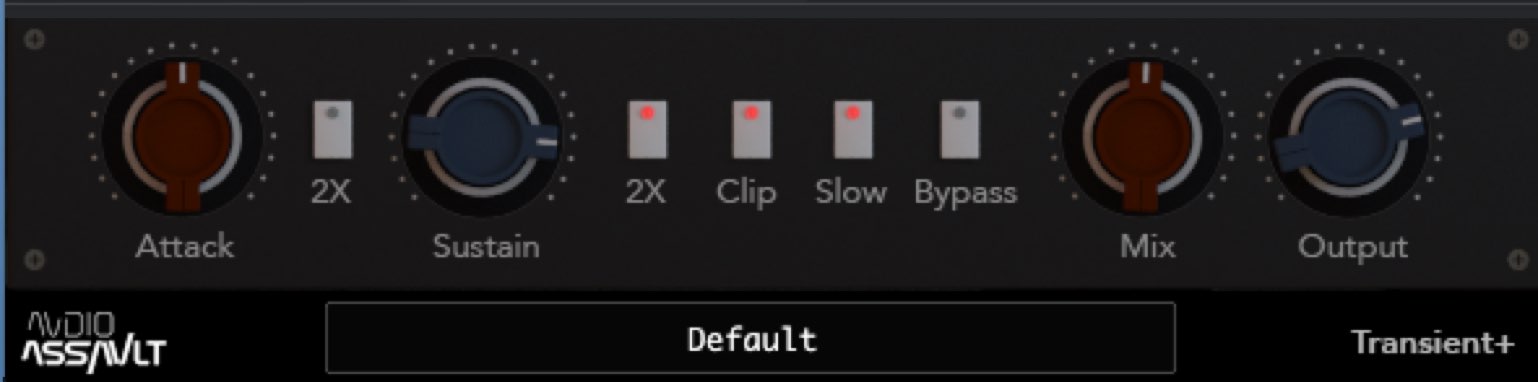
This time we will explore a transient plug-in that controls the levels of a track’s attack and sustain:
Audio Assault Transient+.
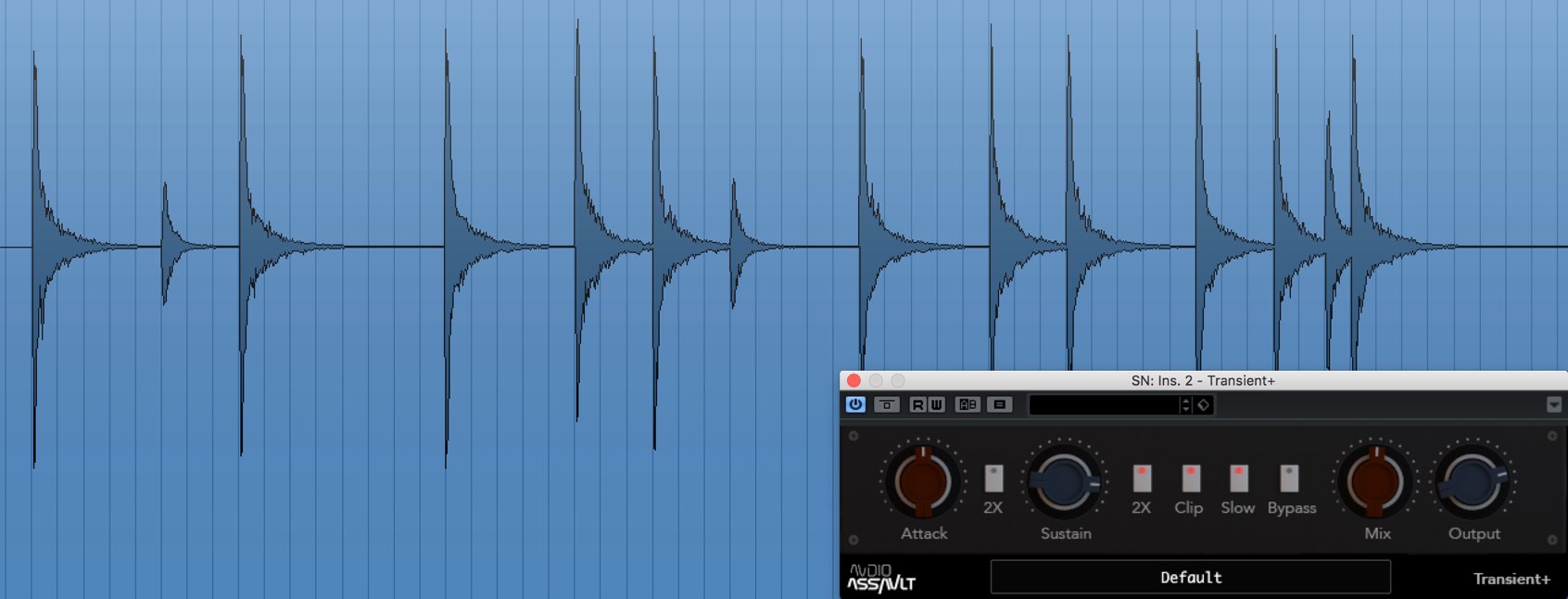
Transient plug-ins are especially useful for shaping percussion sounds, which often have a strong attack followed by a rapid drop in level.
Raising the sustain can make the sound fuller and more dimensional.
Here, we will apply transient shaping to a snare drum and create a rock-style sound with an audible sustain.

Video: How to use Audio Assault Transient+
Understanding the Transient+ parameters
The plug-in has a small number of parameters and a very simple design.
Even if this is your first transient plug-in, you should find the controls intuitive.
Attack section
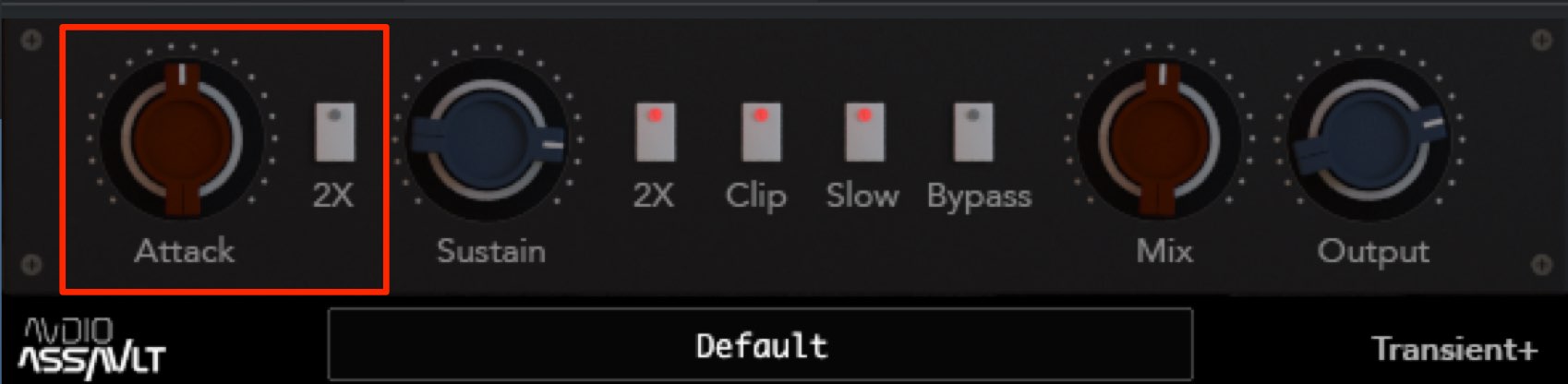
This controls the level of the sound’s attack.
The center is the default setting: turn left to soften the attack, or right to emphasize it.
This is useful when a sound is buried in the backing track and difficult to hear.
Turn on “2×” for a stronger transient effect on the attack.
Sustain section
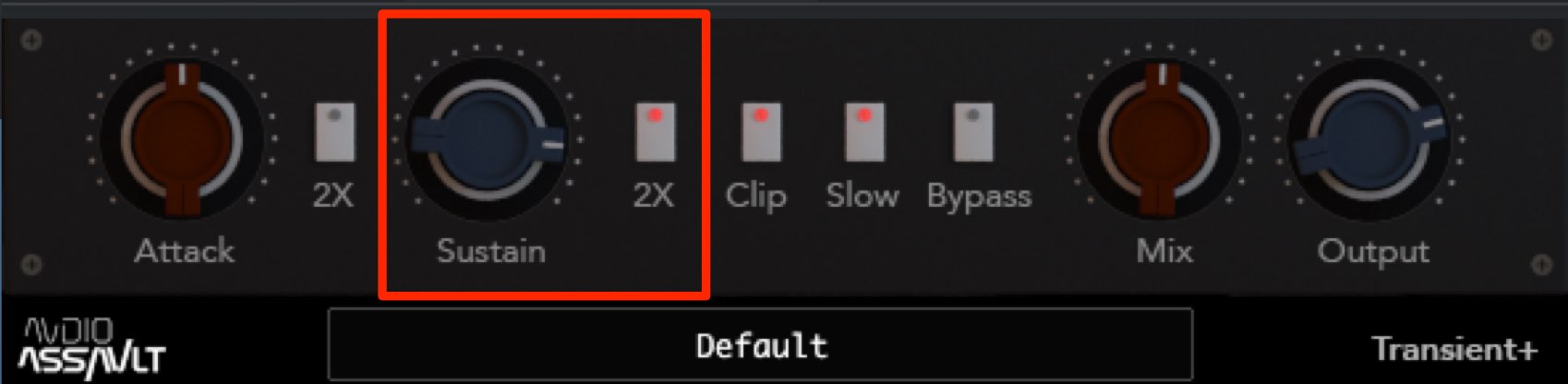
This controls the level of the sound’s sustain.
As with Attack, the center is the default. Turn left for a shorter sustain or right to emphasize and extend it.
Increasing this value makes the sound fuller and denser, which can also help increase perceived loudness.
Turn on “2×” for a stronger transient effect on the sustain.
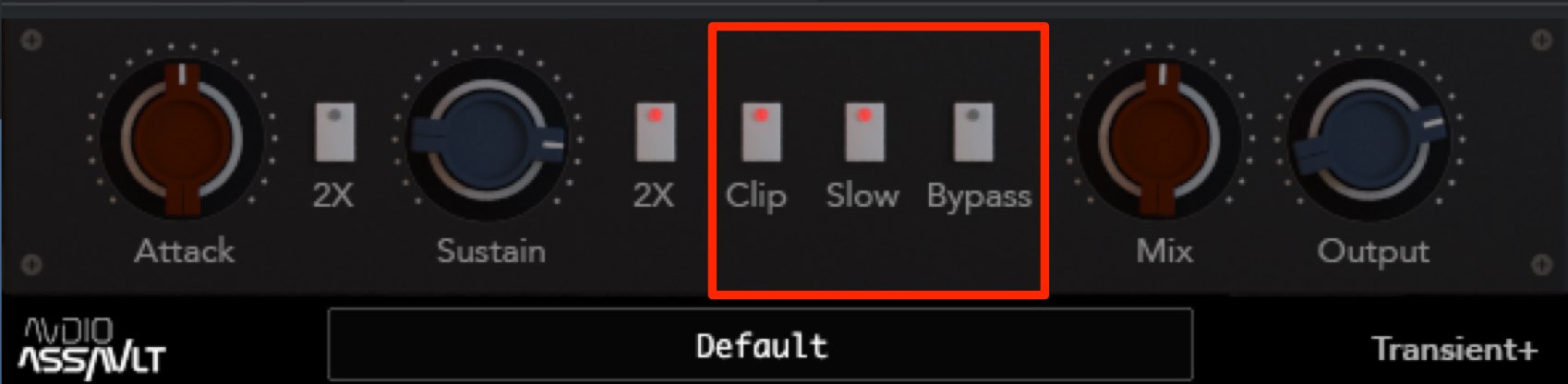
- Clip: Controls the level raised by the Attack and Sustain sections to prevent clipping.
- Slow: Selects the curve applied by the Sustain section.
- Bypass: Disables the plug-in effect so you can compare it with the original sound.
Volume section
Here you can set the amount of the plug-in effect and the overall volume.
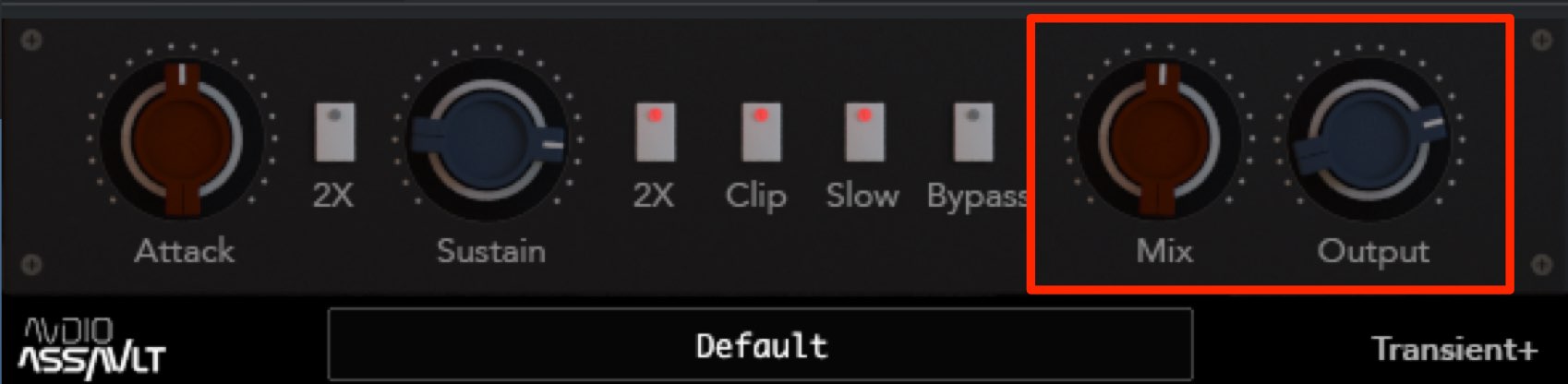
The Mix control adjusts the balance between the processed and original sounds.
Turn it fully left to hear only the original sound, with no plug-in effect.
Turn it fully right to hear only the processed sound.
For example, you can deliberately apply strong transient shaping and then blend in an appropriate amount of the original using Mix. This gives you a natural sound with a clear transient effect.
Output controls the overall volume; adjust it to suit the other tracks.
As you can hear, controlling the attack and sustain can substantially change a sound’s character.
The effect is especially useful on percussion tracks, so give it a try.
Frequently asked questions
Q1. What is a transient plug-in used for?
A transient plug-in controls the attack and sustain of a sound. On percussion tracks, it is particularly useful for bringing a sound forward by emphasizing the attack, or extending the sustain to add perceived loudness.
Q2. What is the difference between Attack and Sustain in Transient+?
Attack controls the level of the initial transient, helping the sound stand out in the backing track. Sustain controls the level of the tail, making the sound fuller and helping increase perceived loudness.
Q3. When should I adjust the Mix knob?
Mix controls the balance of the plug-in effect. At 100% you hear the fully processed sound; lowering it to around 50% blends in the original for a more natural result.
NEW ARTICLES
Latest English Articles








































































































































































































































































































































