
Ableton Note is an iOS music sketching app that lets you quickly capture inspiration on an iPhone or iPad. Its intuitive controls and attractive interface help you record musical ideas wherever they come to you. Integration with Ableton Live lets you develop those sketches into full productions in your DAW. With Ableton's attention to product quality, it offers an inviting starting point for beginners as well as existing Live users. This article introduces the app as it appeared at its October 2022 launch; features and system requirements may have changed.
Intuitive Controls and an Attractive Interface
Ableton has released Ableton Note, a music sketching app for iPhone and iPad.

Musical ideas do not always arrive when you are at home.
Note makes it enjoyable and convenient to capture a fleeting moment of inspiration before it disappears. That is one of its main attractions.
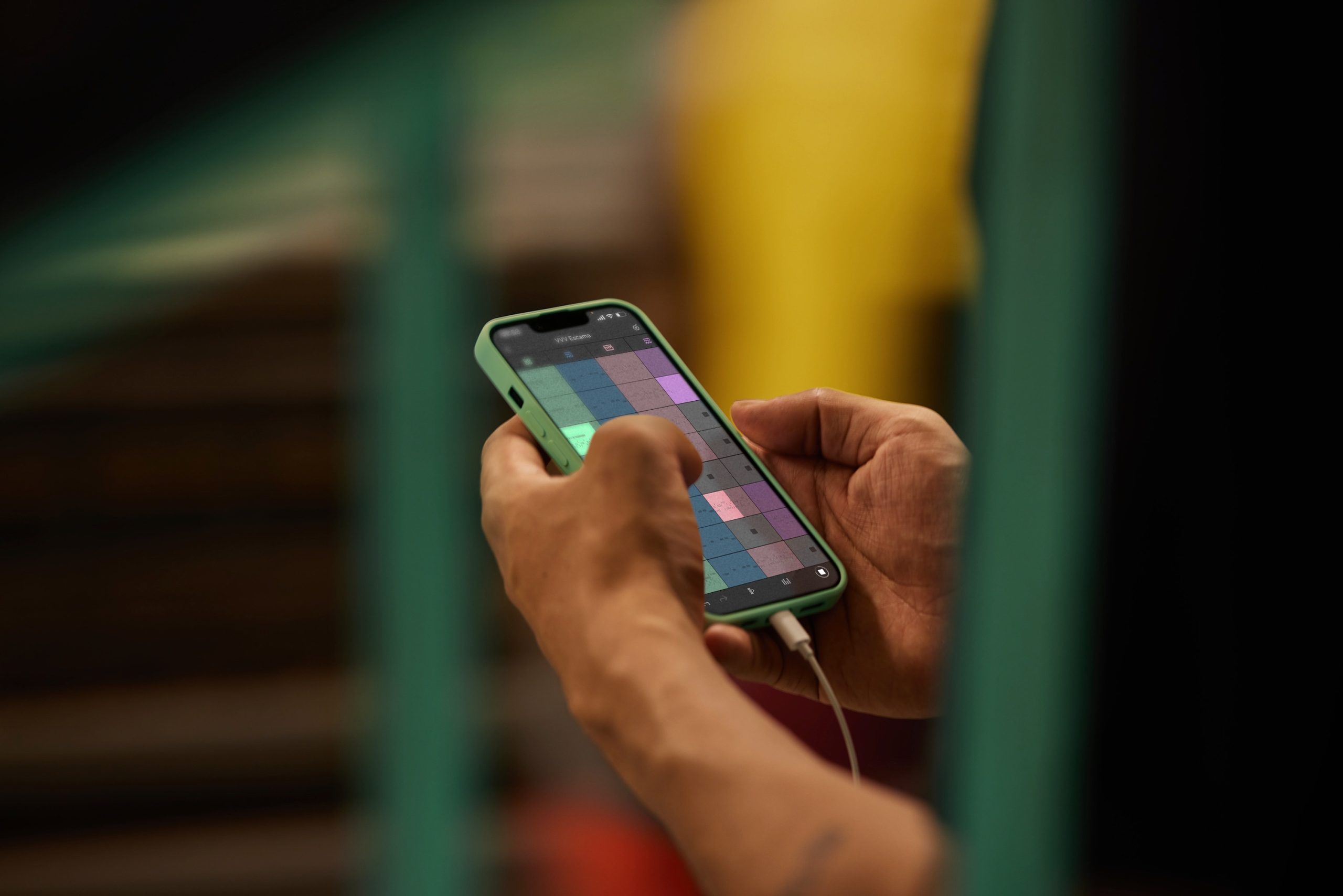
Its attractive interface and polished sounds can draw you into making music, wherever you happen to be.
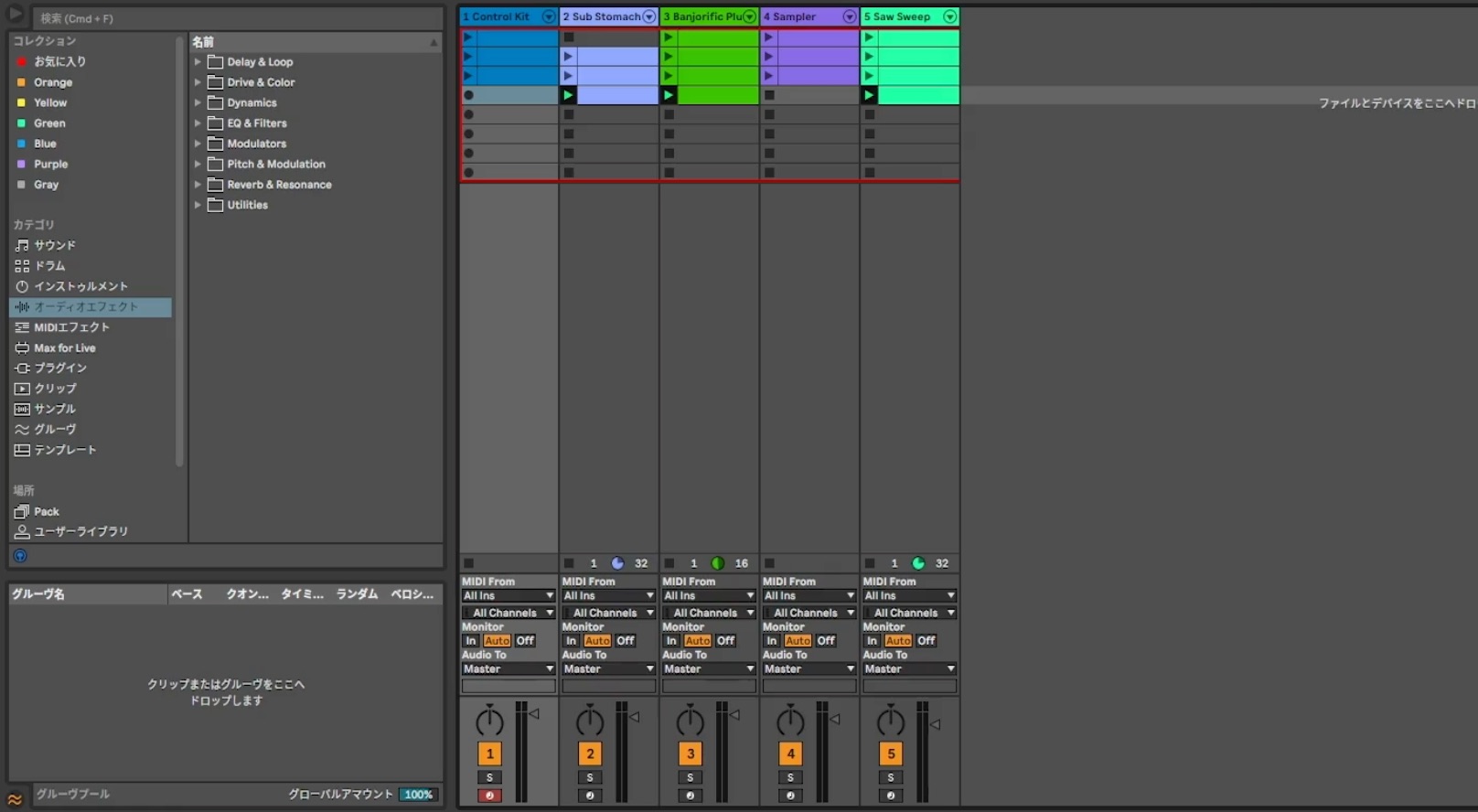
Ideas recorded in Ableton Note integrate seamlessly with Ableton Live.
The result reflects Ableton's care for its products and its commitment to quality.
Here, we explore Ableton Note's features and workflow while sketching a piece of music.
How to Use Ableton Note: Video Guide
A Question and Answer from the YouTube Comments

I use Android. Is there an Android app similar to Ableton Note?

It takes a somewhat different approach, but how about Koala Sampler? You need to record or sample your own sounds, but the subsequent controls have a simplicity similar to Note. The original reply also suggested BandLab and FL Studio Mobile as Android options, while noting that these are closer to full DAWs and may be more involved to operate on a phone. It also named Medly; however, Medly Labs' official music app is listed for iPhone and iPad, so it should not be treated here as a confirmed Android alternative.
What do you think?
We found this iOS app responsive, with an enjoyable workflow and an appealing interface.
It reminded me how exciting it can be to turn an idea into something tangible.
Although it is a paid app, we feel it is worth considering for Live users and anyone interested in music production.
Take a look and see whether it suits your workflow.
Frequently Asked Questions
Q1. Can I use Ableton Note without Ableton Live?
Yes. Ableton Note can be used on its own. If you also use Ableton Live, its integration lets you continue editing and developing your sketches in Live.
Q2. Which devices run Ableton Note?
It is an iOS app for iPhone and iPad. In our review, it felt responsive and comfortable to use. Check the current system requirements on the official product page to confirm compatibility with your device.
Q3. Is it worth paying for the app?
Capturing ideas away from the studio can be valuable for composers and anyone interested in making music. We found Note's intuitive controls and polished interface useful for a creative workflow, making it worth considering.
NEW ARTICLES
Latest English Articles







































































































