
A Beginner’s Guide to Choosing an Audio Interface: Popular Picks and New Models
Choosing an audio interface is an important decision when you are getting started with music production.
Since it is not a small purchase, you want to make the right choice.
Late last year, we surveyed our readers about their use of audio interfaces.
| Use an audio interface | Do not use an audio interface |
|---|---|
| 2,930 respondents (91%) | 292 respondents (9%) |
As you can see,about 90% of music producers use an audio interfaceshowing how important it is.
This guide explains how beginners can choose an audio interface with confidence and introduces recommended models, from established favorites to newer releases.
What Is an Audio Interface?
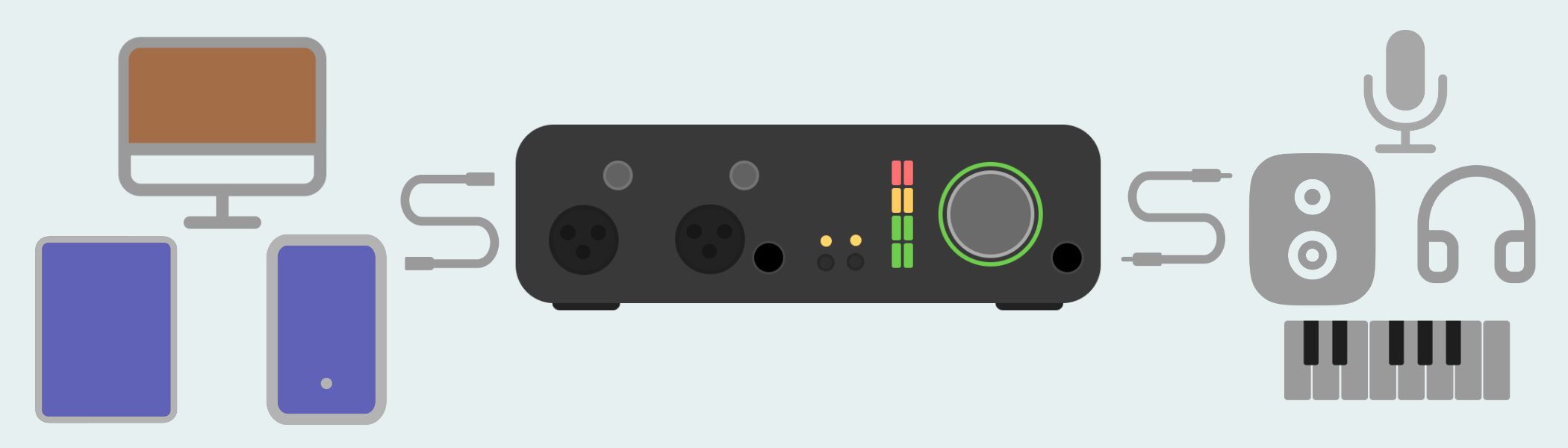
An audio interface is a device that acts as abridge for sending audio to and fromcomputers, smartphones, tablets, and other devices.
Microphones and guitars cannot usually be connected directly to a computer. An audio interface sits between them and converts the audio signal, letting you record sound and send audio to external speakers.
Most computers have built-in microphones and speakers, but for music production,we recommend using an external audio interface with high-quality sound and more features.
Benefits of Using an Audio Interface
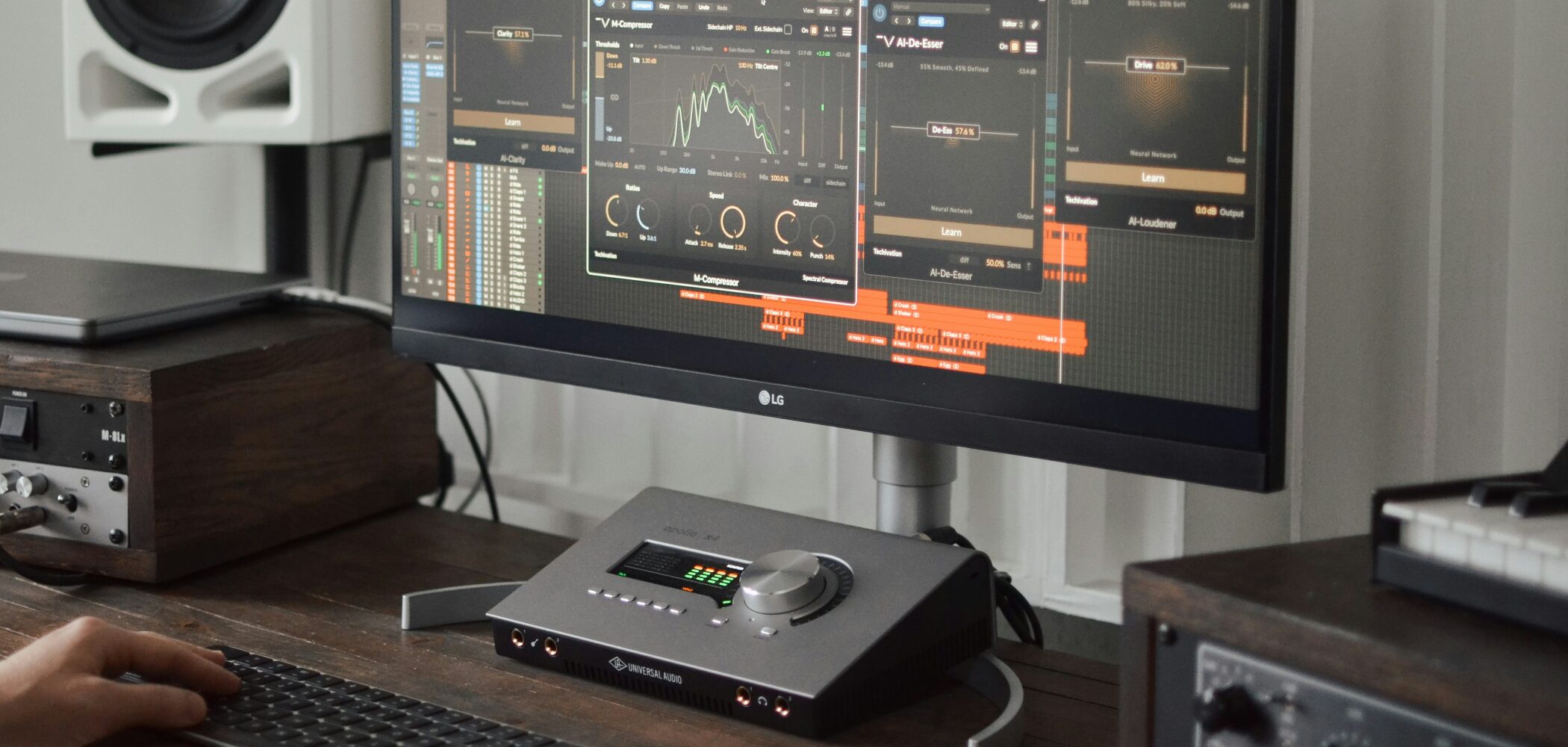
There are three main benefits to using an audio interface.
Improved sound quality
Compared with connecting equipment directly to a computer,your audio will sound clearer.
Clear monitoring is especially important when adjusting sound during mixing and mastering.
You may not notice the difference when you are just starting out, but an audio interface can help you hear more detail in your sound.
Connect a wider range of equipment
You can connect instruments such as microphones and guitars, making ita must-have for anyone who wants to record.
It also makes it easier to connect speakers.
You can route audio directly from a computer with a conversion cable, but using an audio interface generally offers better sound quality.
Reduce latency (audio delay)
When you play an instrument in a DAW, there can be adelay before you hear the sound (latency).
This can seriously affect your performance, especially when playing fast phrases, making it difficult to tell exactly what you are playing.
An audio interface can effectively reducelatency, which is a major advantage for anyone performing in real time.
Key Points When Choosing an Audio Interface
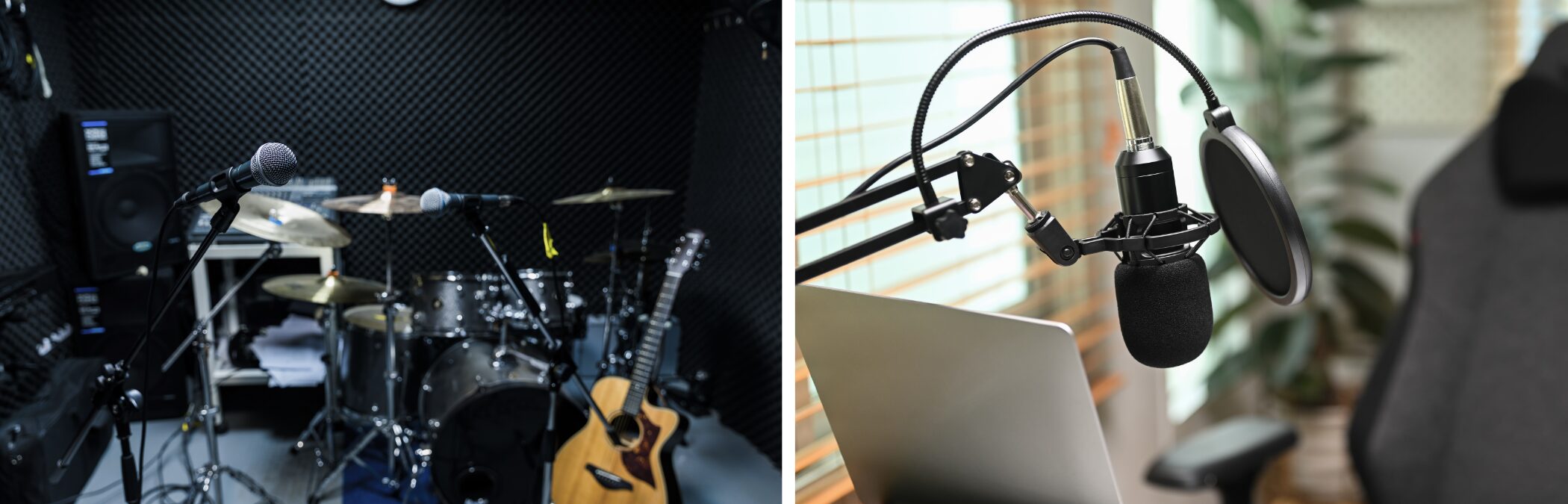
Keep these two points in mind when comparing products.
Number of inputs and outputs
Count the microphones, instruments, speakers, and other equipmentyou plan to connect, then check that the interface has enough inputs and outputs.
If you want to use two microphones, look for at least two inputs. Recording a band requires even more.
The same applies to outputs. If you use multiple speakers or headphones, make sure there are enough outputs. It is also a good idea to leave some room for future expansion.
Condenser microphone and instrument-level support
If you plan to use a condenser microphone, check whether the interface providesphantom power. If you want to connect an electric guitar, check whether it supportshigh-impedance (Hi-Z) input.
These features help maintain sound quality. Most products support them, but be sure to check before you buy.
Recommended Audio Interfaces
Here are some recommendations across three price tiers—entry-level, mid-range, and high-end—to suit different budgets and needs.
Entry-Level: Steinberg IXO12 / IXO22
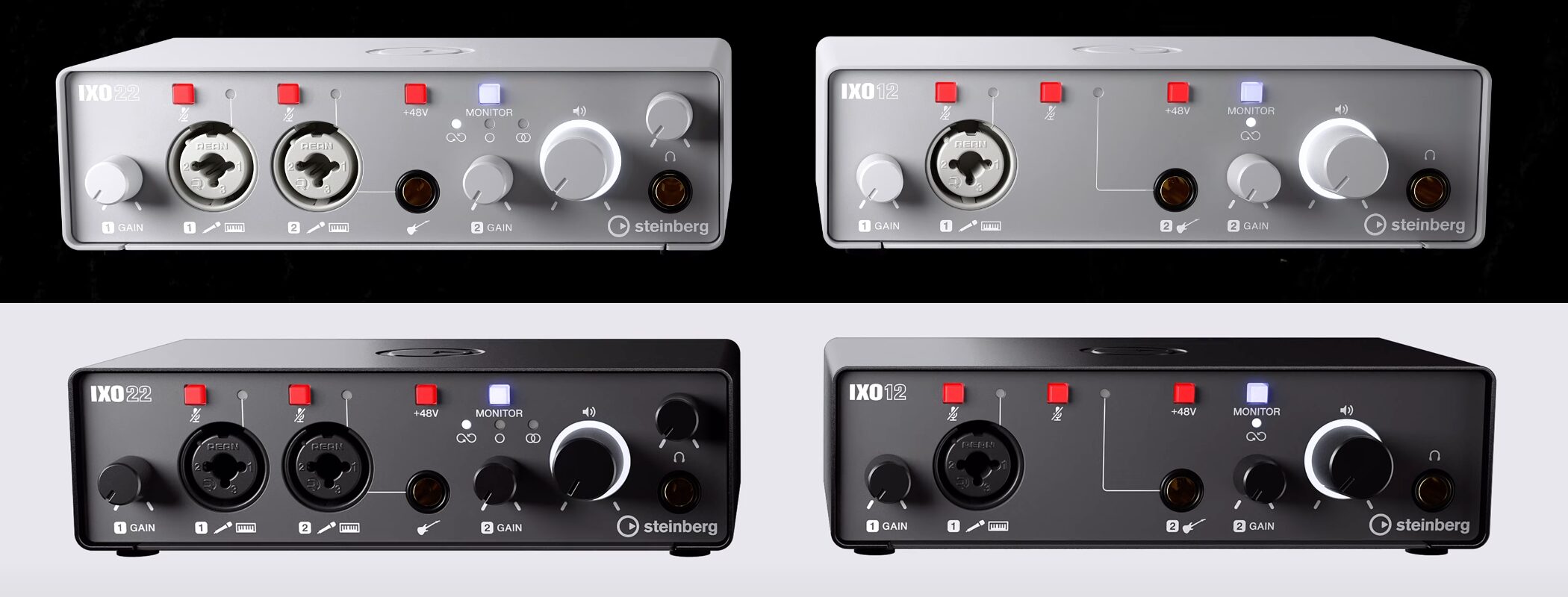
Released last year, these models are affordably priced and still deliver solid sound quality,making them especially good choices for beginners.
Both the IXO12 and IXO22 are available in two colors.
Key features:
- USB bus-powered (no AC adapter required)
- Wide dynamic range for recording
- Easy-to-use controls
- Front-panel mute button to help prevent mishaps during online meetings
- Cubase AI DAW software included
- Compatible with mobile devices such as iPad
The price is around¥15,000–¥20,000.
Entry-Level: Steinberg UR22C
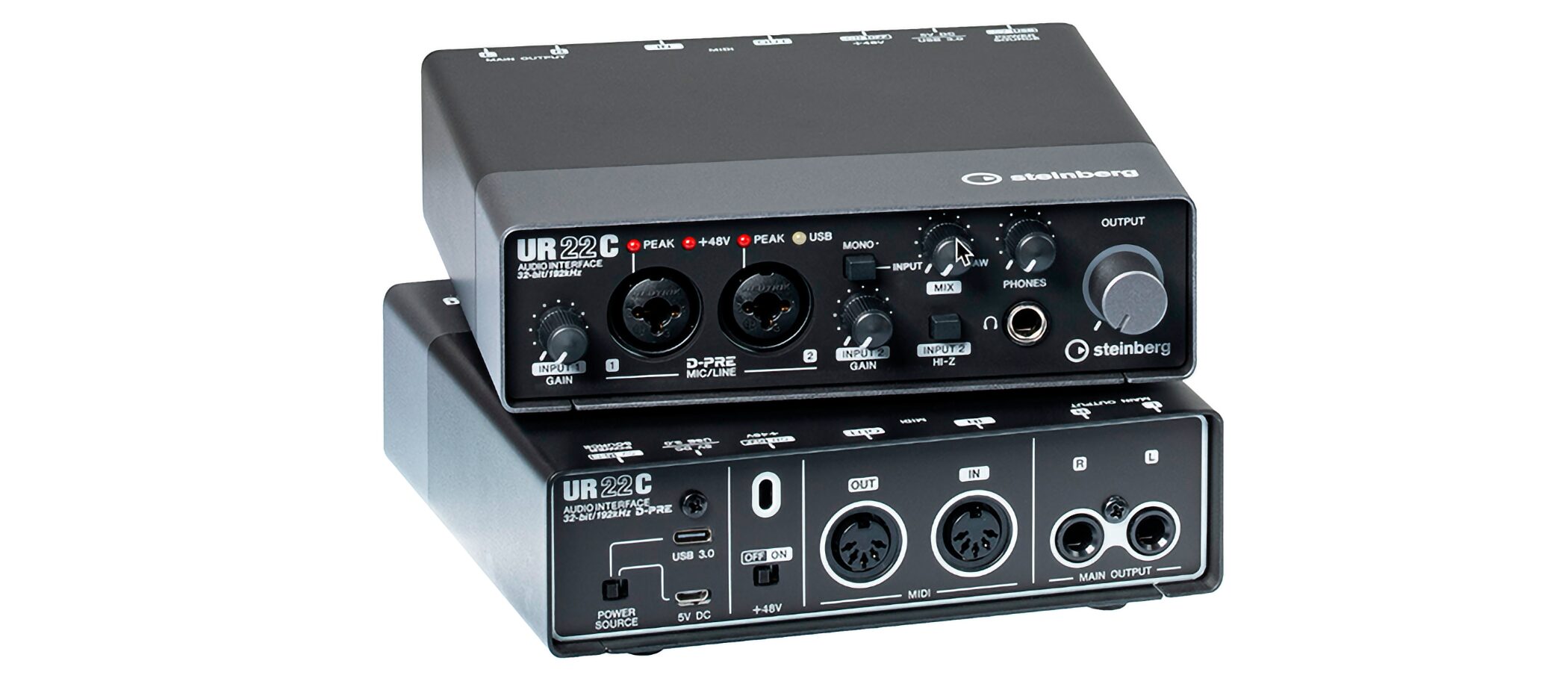
The Steinberg UR22C is a good option if you also want to stream.
Its flexible internal routing lets you adjust your voice, add effects, and balance it with background music, giving youthe controls you need for streaming.
It is available in three colors.
Key features:
- USB bus-powered (no AC adapter required)
- Flexible mixing with dedicated mixer software, plus direct monitoring with no noticeable delay
- USB-C connectivity for a stable connection to your computer
- High-quality microphone preamps for clear, natural sound
- Supports high-resolution recording at 32-bit/192 kHz
- Compatible with mobile devices such as iPad
The price is around¥25,000.
UR-C Series Launch: An Exclusive Interview
The UR-C series was featured in an interview video when it first launched. You can watch it below.

Mid-Range: Solid State Logic SSL 2 MKII
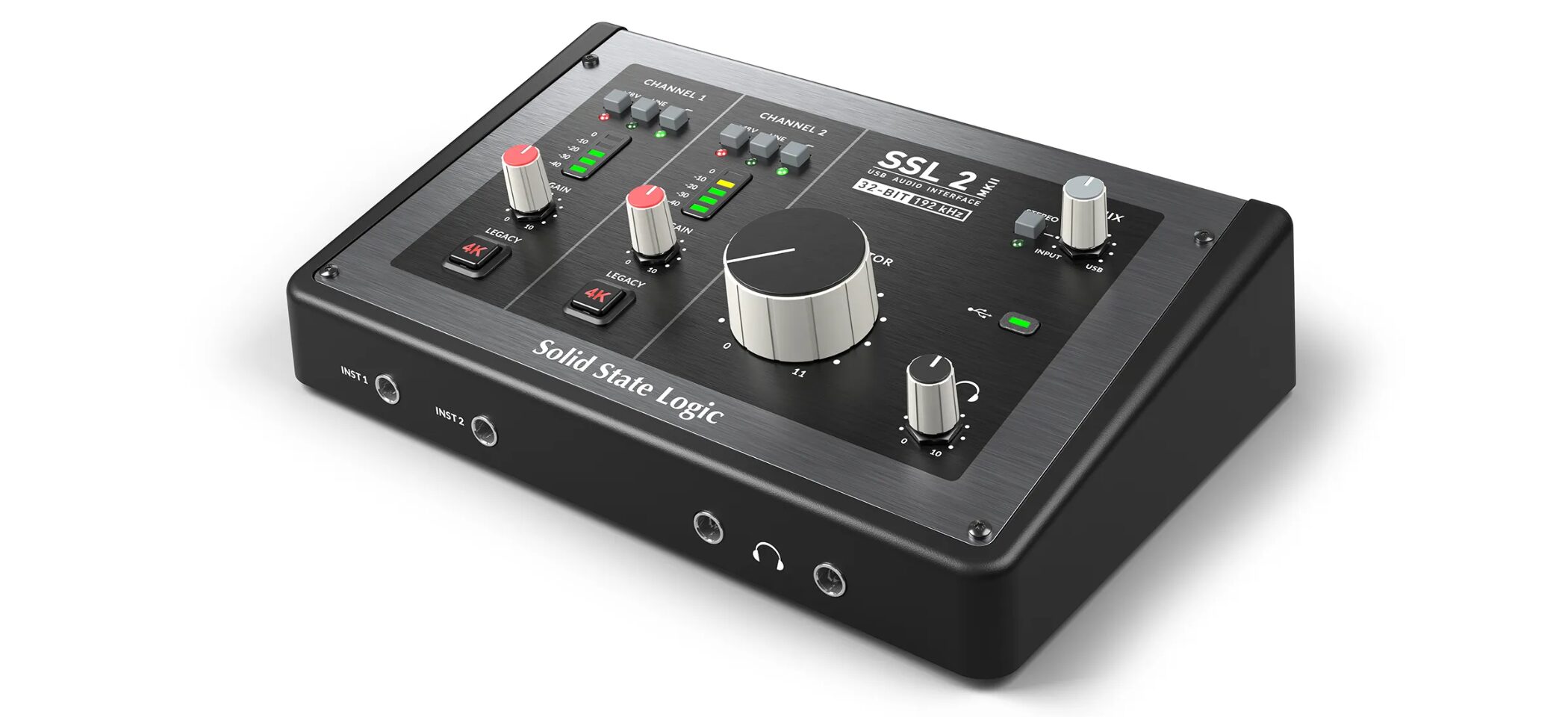
Released last year, this model attracted attention as an audio interface from a high-end console manufacturer whose products are also used in recording studios.
It is designed for a smooth mixing workflowand delivers clear instrument separation, making it easier to adjust individual parts.
Key features:
- USB bus-powered (no AC adapter required)
- A high-quality product from the SSL brand
- Supports high-resolution recording at 32-bit/192 kHz
- Two headphone outputs for monitoring together
- Legacy 4K switch for adding vintage character with one button
- Ableton Live Lite DAW software included
- Includes a range of plug-ins and other extras
The price is around¥35,000.
Mid-Range: Solid State Logic SSL 2+ MKII
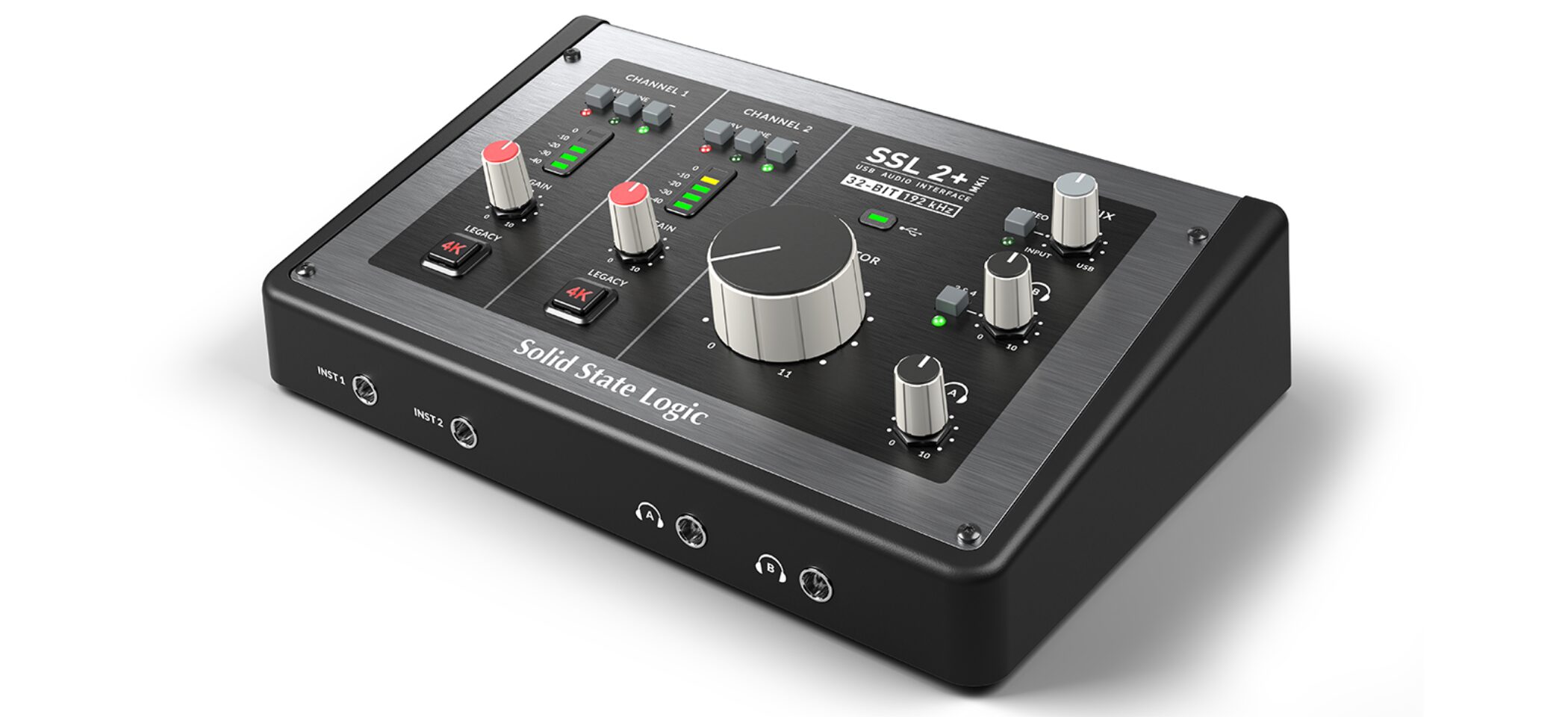
If you need more connectivity, consider the Plus version, an expanded model based on the SSL 2.
Compared with the SSL 2, the SSL 2+ adds:
- Four outputs in total for connecting multiple speakers
- Independent level controls for the two headphone outputs
- MIDI ports for connecting a MIDI keyboard and other gear
The price is around¥50,000.
High-End: RME Babyface Pro FS
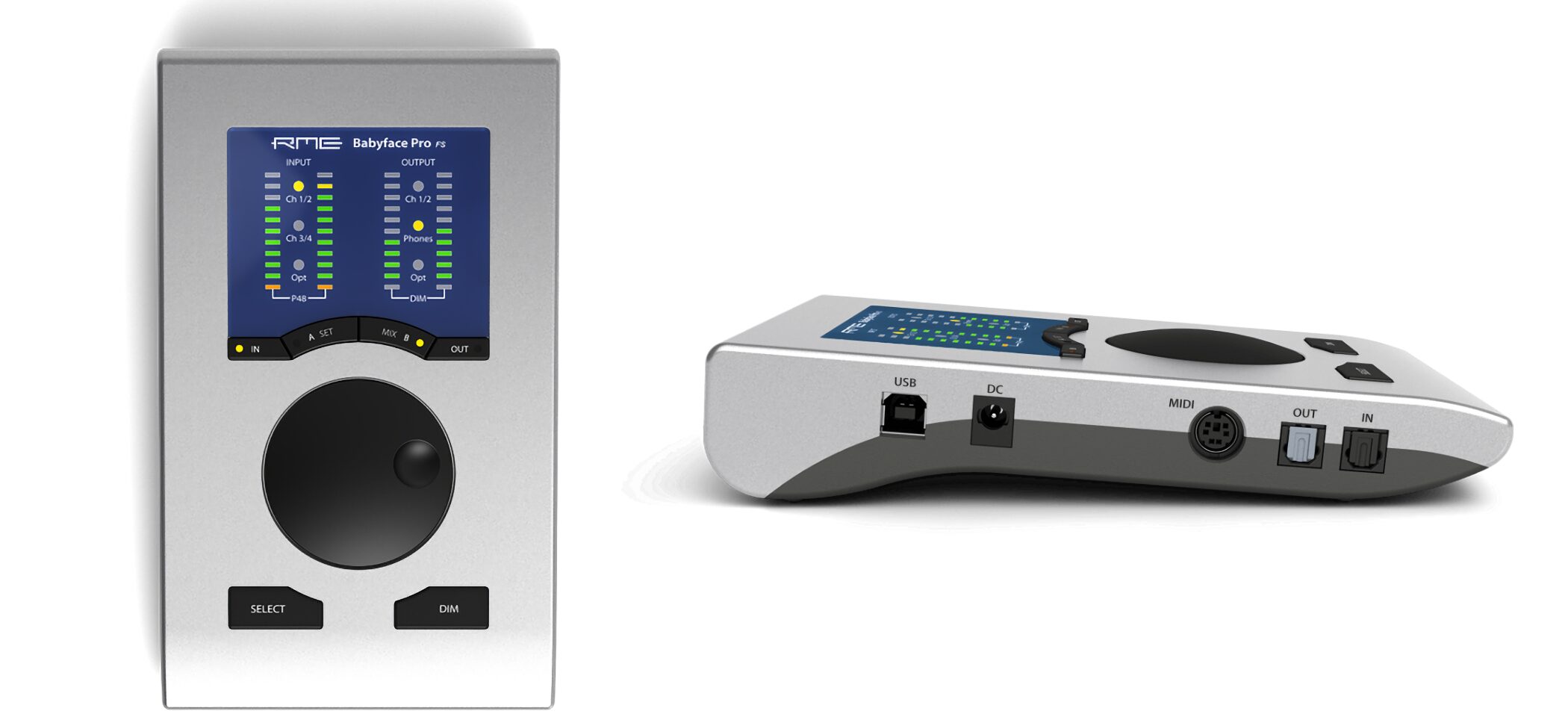
This interface hasbeen highly regarded for many years.
It is known not only for its sound quality but also for its reliability. Users report that ittends to remain trouble-free over long periods of use.
Its software also offers detailed sound control, and it is popular with professional creators.
Key features:
- USB bus-powered (no AC adapter required)
- Detailed control through its dedicated mixer, plus direct monitoring with no noticeable delay
- Stable, high-precision digital processing to help prevent sound degradation
- Automatic connection-error detection and notifications
- Can operate as a high-performance audio converter without a computer
- Compact design with 22 input/output channels
The price is around¥150,000.
Recommendations for Specific Uses
We have also selected a few products for specific needs.
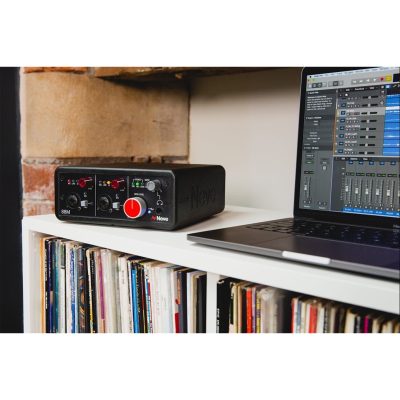
For High-Quality Recording: AMS Neve 88M
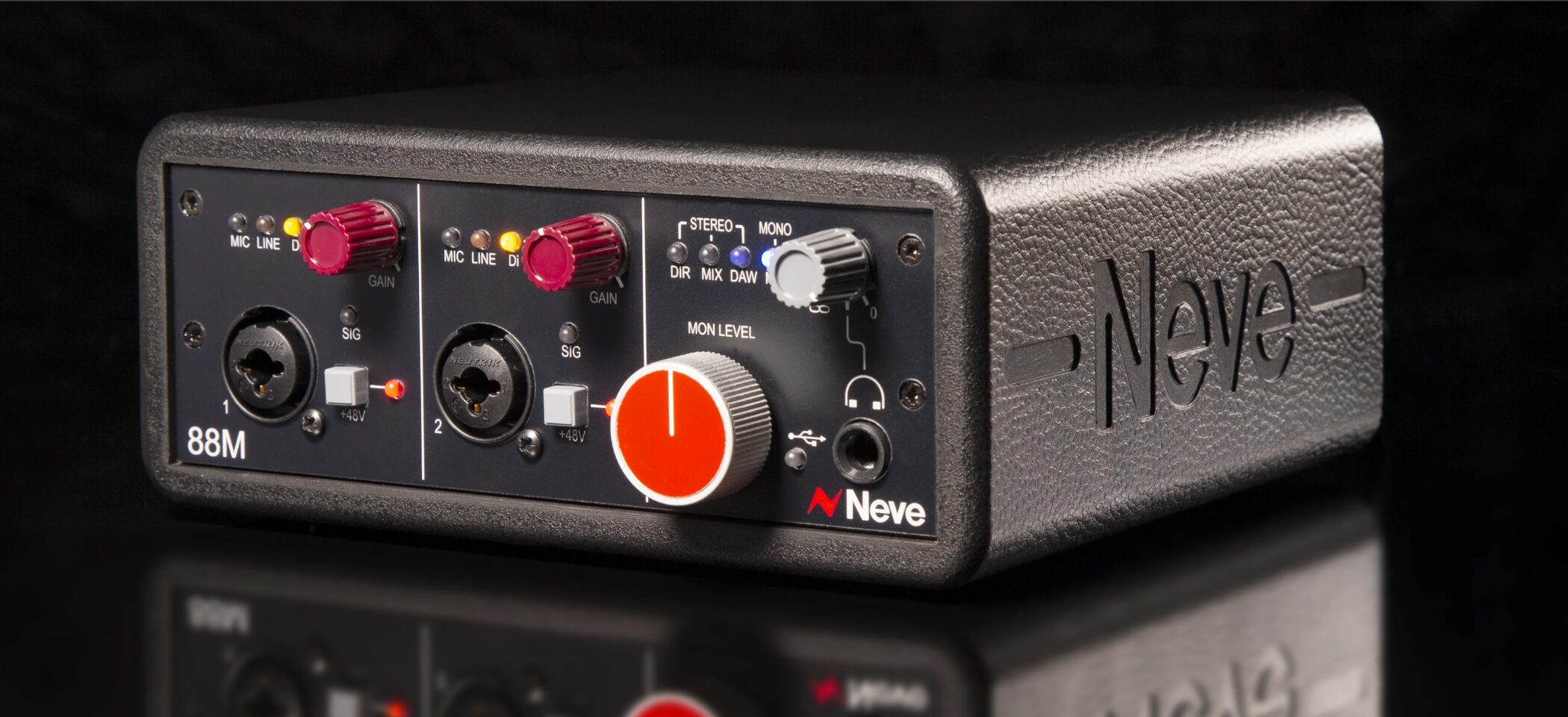
If recording quality—especially for vocals and microphones—is your priority,the quality of the microphone preamps matters.
The preamp boosts the weak signal from a microphone, and its quality can have a significant effect on the sound.
The Neve 88M features high-quality preamps used in professional settings,with a distinctive warm sound.
Key features:
- USB bus-powered (no AC adapter required)
- High-quality construction, designed and made in the UK
- Warm, rich sound using Neve’s proprietary technology
- High-quality microphone inputs used in leading studios
- Dedicated port for expanding the input count to up to eight channels
- Dedicated ports for connecting external effects and other equipment
- Direct monitoring with no noticeable delay
The price is around¥240,000.
For Monitoring Without Recording: ADAM Audio D3V
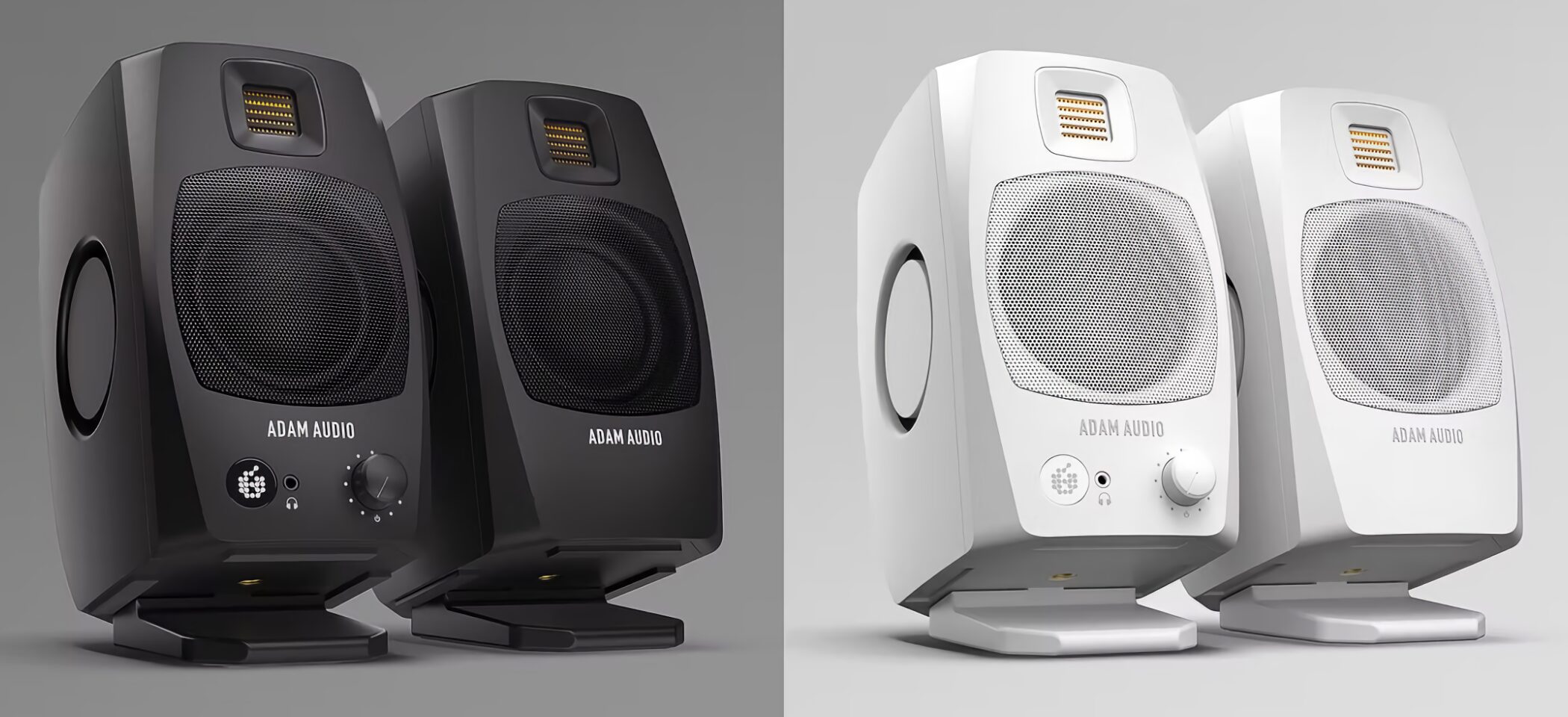
If you do not plan to record guitars, vocals, or other sources and only need to work in your DAW and monitor audio, ADAM Audio monitor speakers are worth considering.
They connect directly to a computer via USB-C and also function as an audio interface, helping you builda high-quality monitoring setup.
Key features:
- High-quality monitor speakers
- Connects directly to a computer via USB-C
- Built-in audio interface with digital audio input
- Connects to smartphones and other devices
The price is around¥45,000.
For Streaming and Podcasts: Shure MV7i
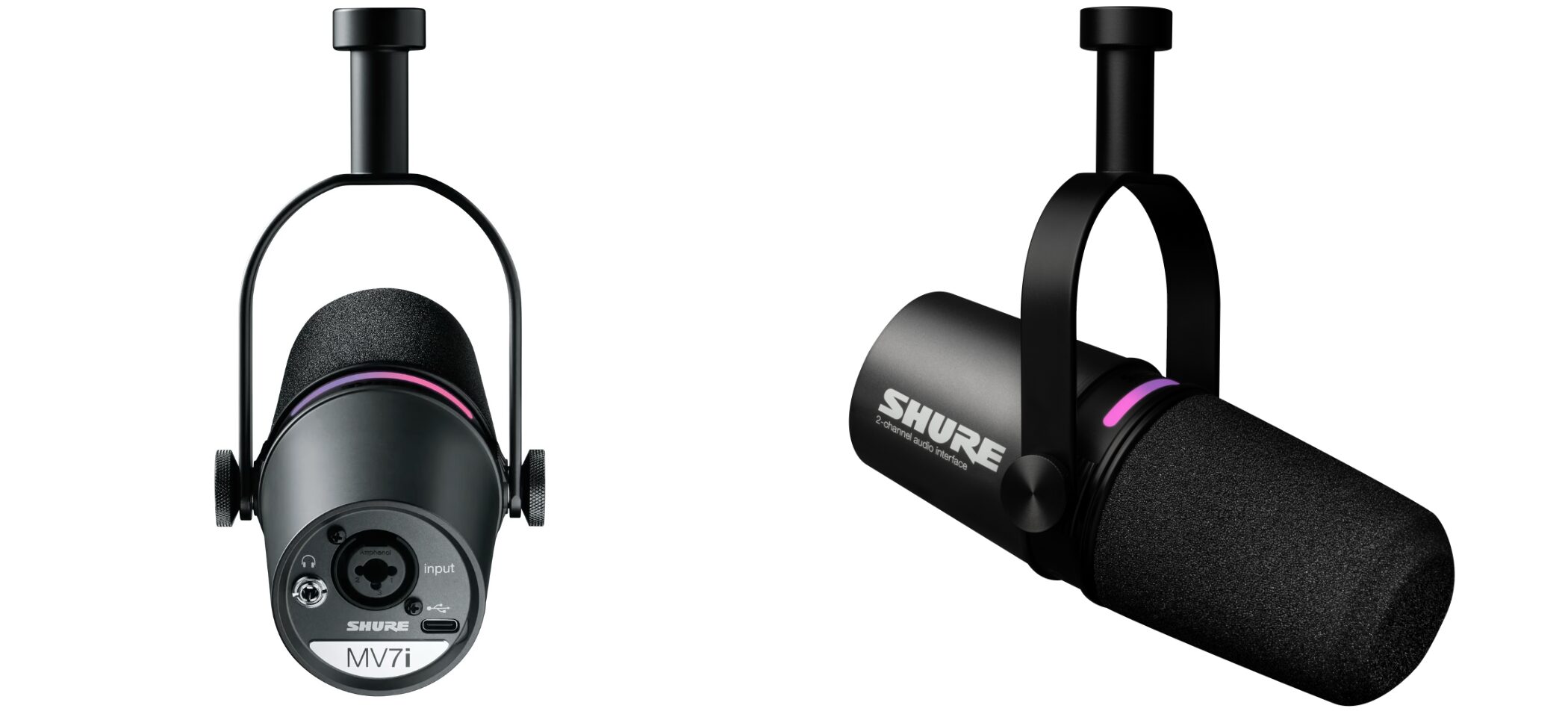
The Shure MV7i is a good option if you want to stream or record a podcast.
The microphone itself includes an audio interface, and you can connect another microphone as well. It supports
stereo recording and simultaneous use of a second microphone, making it suitable for podcasts with multiple people.
Key features:
- The microphone also functions as an audio interface
- Connects directly to a computer or smartphone via USB-C
- Additional input for connecting another microphone or instrument
- Supports stereo recording
- Automatically reduces ambient noise
- Use the dedicated app to adjust sound and add effects easily
- Headphone output for direct monitoring with no noticeable delay
The price is around¥60,000.
The New MV7 Series Microphone: The MV7i with a Built-In Audio Interface
The MV7i’s features are also explained in detail in the video below.

For Recording Multiple Instruments: Focusrite Scarlett 18i20
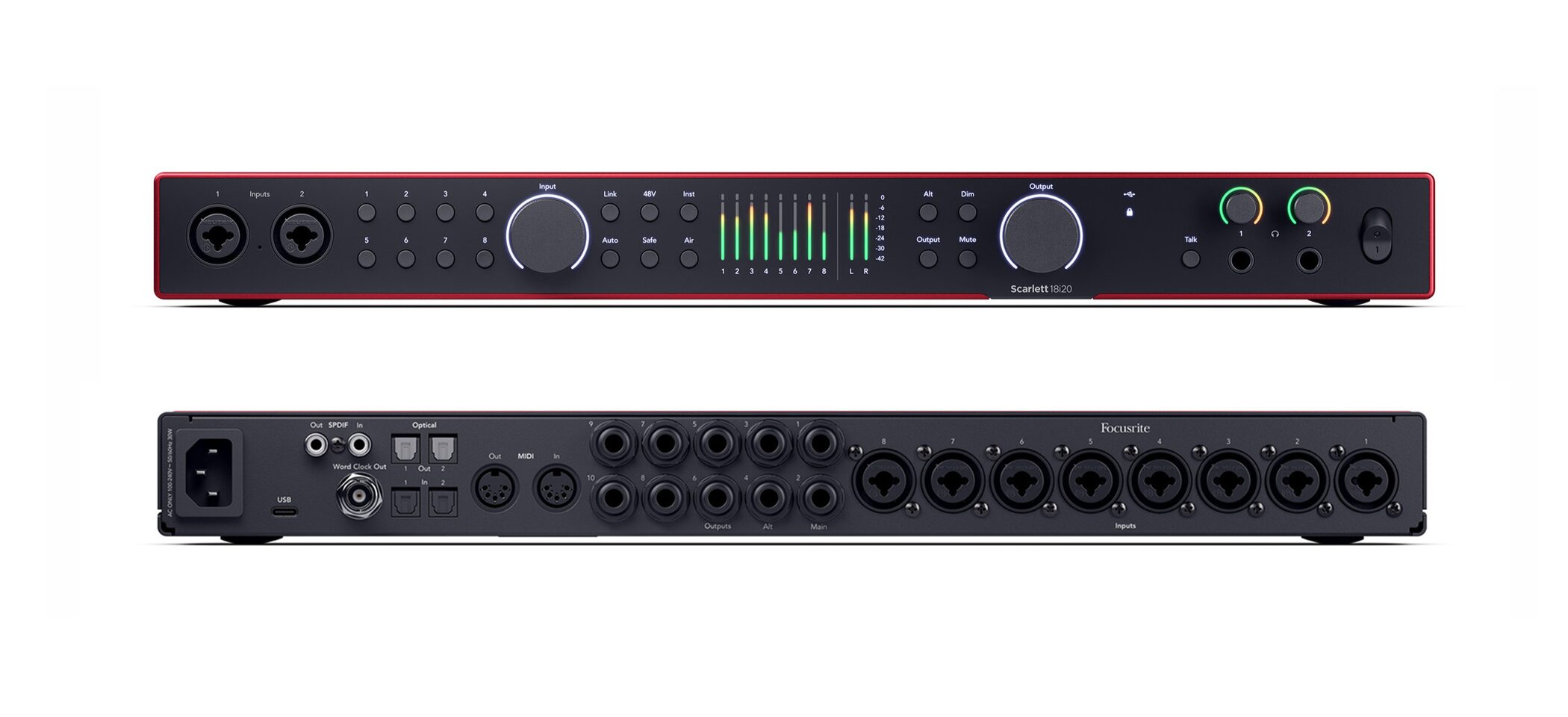
When recording a band with several microphones,the number of microphone preamps matters.
This model is designed for multichannel recording andcan connect up to eight microphones at once, making it suitable for recording drums or a full band.
Key features:
- Up to 18 inputs for recording an entire band at once
- Eight high-quality microphone inputs, with an expansion connection for adding eight more inputs
- Direct monitoring with no noticeable delay
- Fine sound adjustments through dedicated software
- AIR mode recreates a classic sonic character
- Can operate without a computer
It is often available for around¥90,000.
Conclusion
All of the products featured here are reliable options that offer strong performance for their respective price ranges.
Popular, well-established models are a safe choice, butthe best option is the one that fits your needs and allows room to expand later.
Better sound quality can make it easier to find inspiration and enjoy making music even more.
Choose the audio interface that best fits your music-making style and enjoy creating.
Sleepfreaks Releases a DTM PC Designed for Music Production
In collaboration with Thirdwave Corporation,we released a Sleepfreaks-designed PC built for music production. These configurations are designed around recommended specifications for music production. Options include an entry-level model for beginners and a high-end model focused on comfort and speed.
NEW ARTICLES
Latest English Articles
















































