Piano arrangement is a foundational music-production skill. This article introduces beginners who do not play piano to programming a melody and using a sustain pedal. Entering a melody on the piano roll and learning to use sustain can help you explore piano performance, chord structures and voicings. The article also discusses sustain in step and real-time recording.
Try piano arrangement, a foundation of music production

Understanding the piano is very useful when making music.
It is not only widely used; it can also strengthen your understanding of chord structures and voicings,
giving you more ways to approach an arrangement.
Over the next few installments we will explore piano arrangement.
This series is especially useful if you cannot play piano.
Taking advantage of the piano’s ability to play accompaniment and melody at the same time,
we will begin by exploring a piano solo.
Watch the video
- 11. Piano Arrangement: Programming the Melody
- 22. Piano Arrangement: Appropriate Velocity
- 33. Piano Arrangement: Adding Chords
- 44. Piano Arrangement: Note Length and Velocity in Practice
- 55. Piano Arrangement: Approaches to Arranging the Left Hand over Chords
- 66. Piano Arrangement: Left-Hand Approaches 2 and Right-Hand Arrangement
Selected questions and answers from the YouTube video

What is the music software used here?

This is Cubase, a DAW from Steinberg. We have published many Cubase tutorials, so please use them if you purchase it. Thank you for watching.
I have recently watched several of your videos. How can I tell whether a note fits when looking at part of a melody I have written?
The original reply suggests using sharps in the melody to help identify the key, then checking whether the note belongs to that key’s scale. Notes outside the scale can also be used intentionally, so consider the musical context. The following article may help: https://sleepfreaks-dtm.com/music-theory-beginner/circle-of-fifths/ Reading the full theory series can deepen your understanding: https://sleepfreaks-dtm.com/category/music-theory-beginner/
Start by creating a melody line
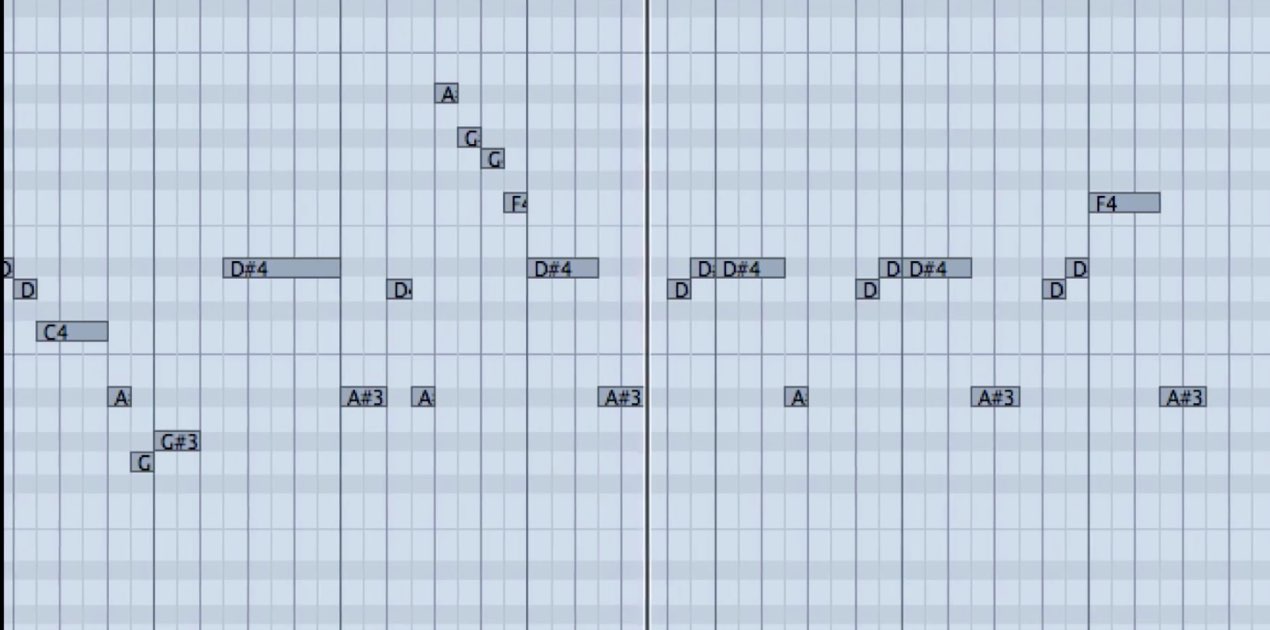
As a foundation for a piano solo,
program the melody line first.
You can start with a hummed tune.
Enter the melody in your head into the piano roll.
Using the sustain pedal
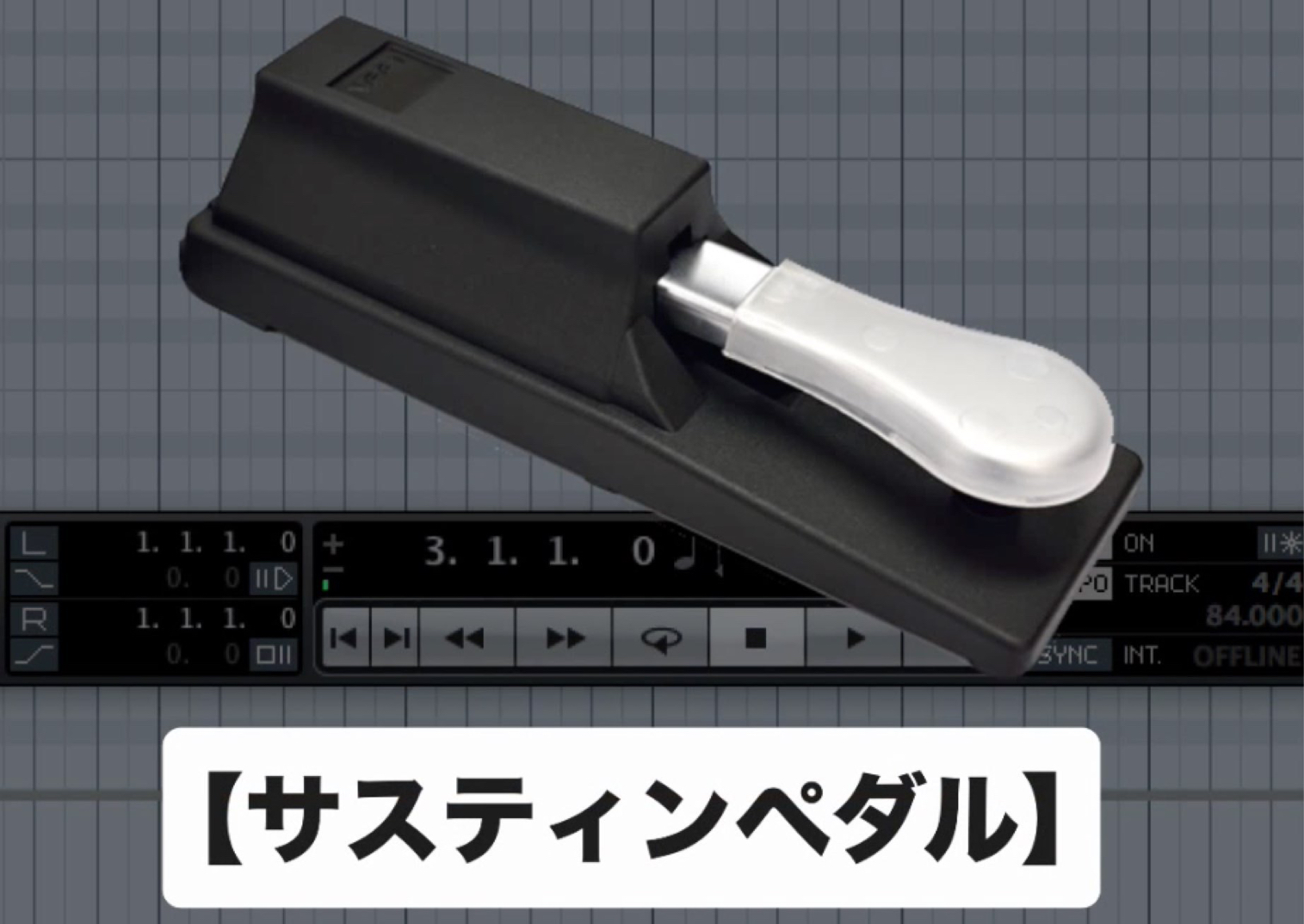
In an actual piano performance,
the sustain pedal is used to connect notes smoothly.
While the pedal is held down, even after you release a key,
the note continues to sound and gradually decays.
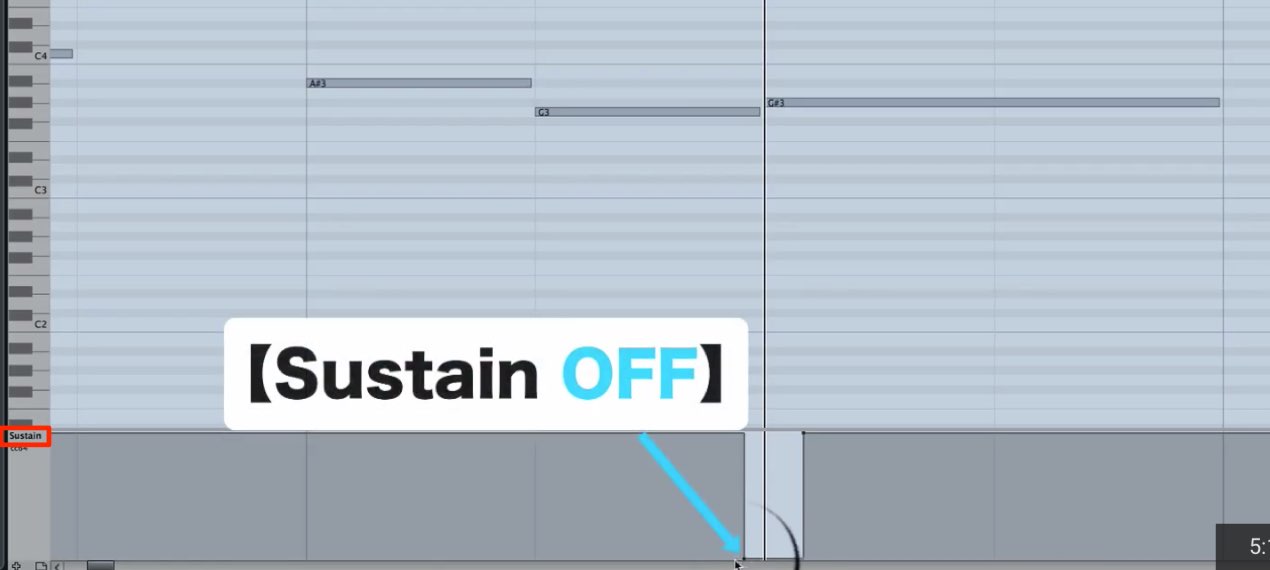
In the piano roll, click the area outlined in red to enter sustain pedal data.
The raised position is pedal on (sustained); the lowered position is off (normal).
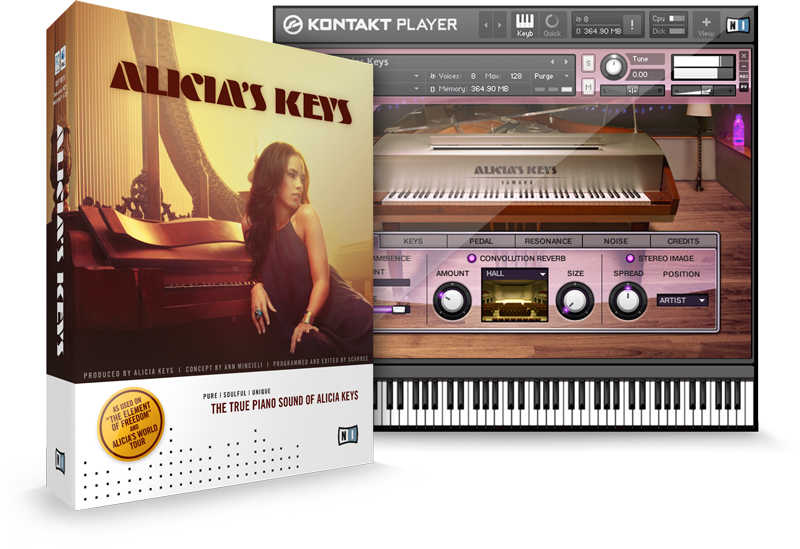
For reference: Alicia’s Keys
was included in Komplete 10 Ultimate and could also be purchased separately.
When the sustain pedal is pressed,
it simulates the resonance of the strings and piano body.
Tips for using sustain
- Some instruments play sampled pedal sounds;
use these as appropriate for the musical passage. - When creating a piano part with step recording,
use sustain according to your preference. - When recording in real time,
using a sustain pedal can save MIDI editing work later.
Frequently Asked Questions
Q1. Can I arrange piano in a DAW even if I cannot play piano?
Yes. This article is for beginners who cannot play piano. You can create a piano solo by entering a melody into the piano roll. Start with a melody in your head, even if it begins as a hummed tune.
Q2. Why is the sustain pedal important?
In piano playing, it helps connect notes smoothly and can produce resonance in the strings and body. Entering sustain pedal data in a DAW can help reproduce a more realistic piano sound.
Q3. Should I use sustain in step recording or real-time recording?
The article recommends it for real-time recording because using a sustain pedal can reduce the amount of MIDI editing needed afterward.
NEW ARTICLES
Latest English Articles