
DTM, short for “desktop music,” is a Japanese term for making and editing music on a computer, smartphone, or tablet. This guide introduces complete beginners to what computer-based music production involves and how to get started. With a DAW, you can create songs at home and share them through platforms such as YouTube or Spotify. Free software makes it possible to start with a modest budget. The software recommendations, availability, and bundled-device examples below reflect the original article published in April 2021.
For Anyone Who Wants to Start Making Music
In Japan, the term “DTM” has increasingly appeared on television and in magazines.
This introduction is for beginners who know little about DTM but are interested in composing. Let's get an overview of making music with a computer or mobile device.
New to Music Production? Start with This Video
What Does DTM Mean?
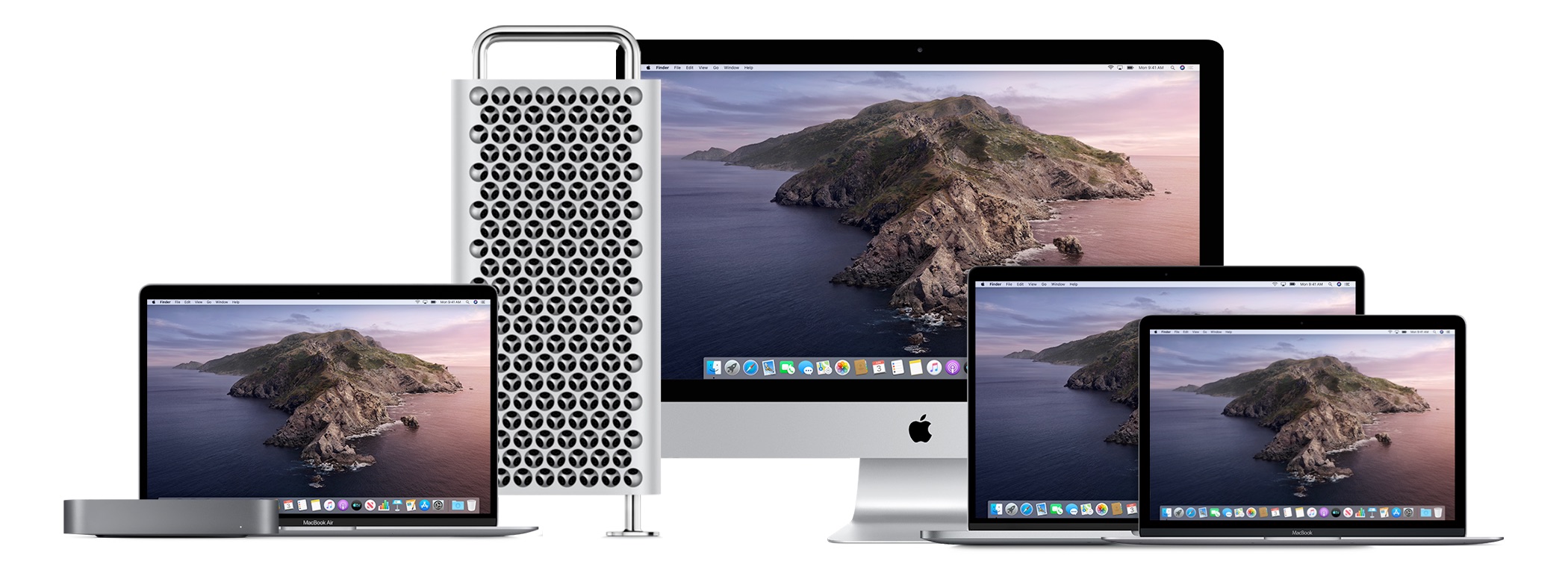
DTM is short for “desktop music,” a Japanese term for making and editing music using a computer. That is its basic meaning.
Smartphones and tablets did not exist when the term was coined, but they can now be used to make music in much the same way as a computer.
Today, the term includes making music on smartphones, tablets, and computers. All three can be part of this workflow.
The term is said to date back to Roland's “Music-kun,” released in 1988, which was labeled a DESK TOP MUSIC SYSTEM.
It may come as a surprise to Japanese readers, but the abbreviation DTM is not generally used internationally; “computer music” is one of the terms used instead.
What Can You Do with Computer-Based Music Production?
One of its greatest attractions is the ability to create a complete piece of music on your own.
- Arrange music using multiple instruments or software sound sources.
- Record instruments and vocals.
- Finish a track by balancing levels and applying effects.
- Distribute the finished work worldwide.
It can cover every stage of making music.
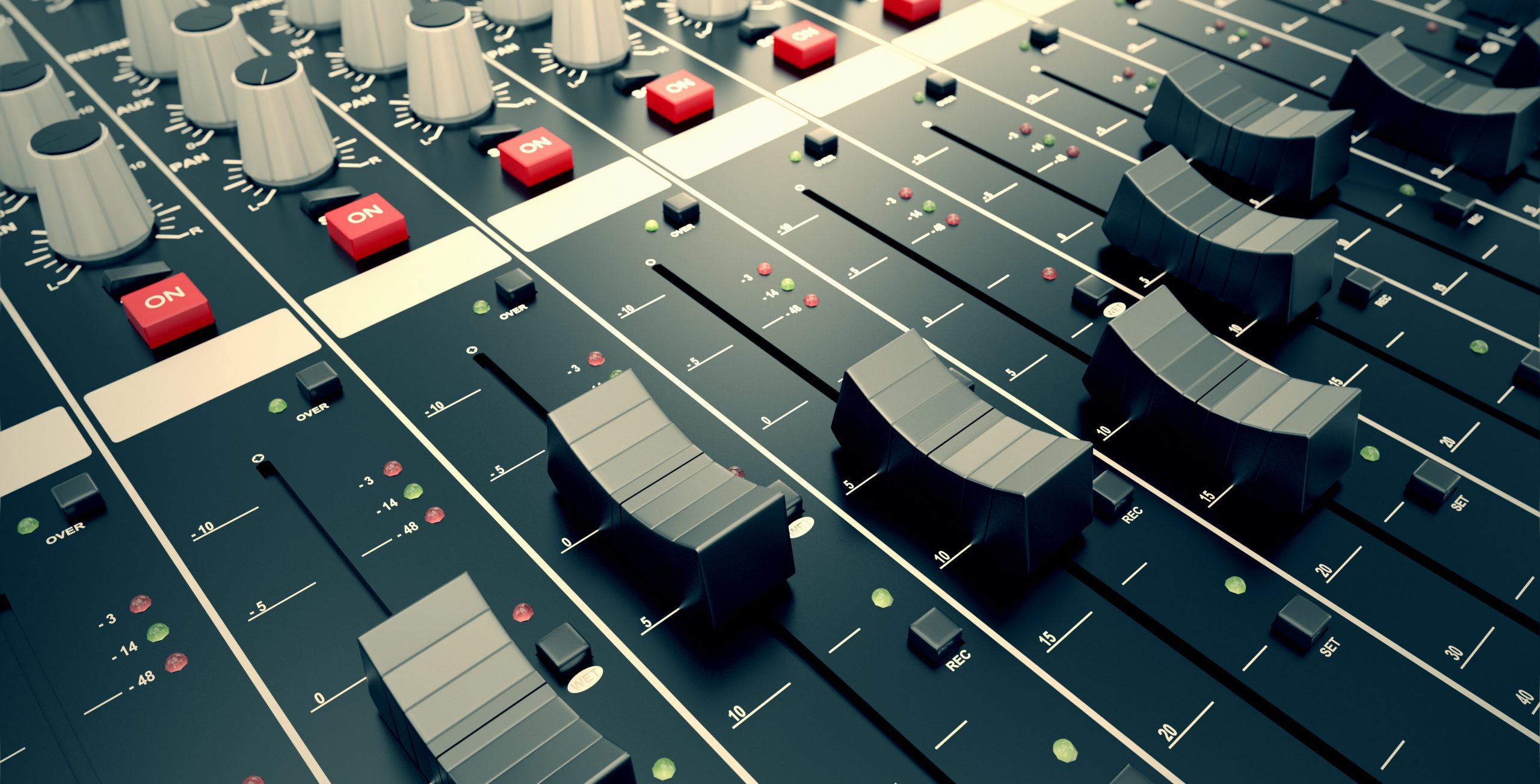
A few decades ago, these tasks might have required an expensive recording studio and instrumental performers.
As computers have become more powerful and production software more affordable, the article notes that comparable work can now cost a small fraction of that amount—sometimes only a few percent.
Much of the music you hear on CDs, Spotify, Apple Music, karaoke systems, and games, as well as sound effects in videos, is created with these tools.
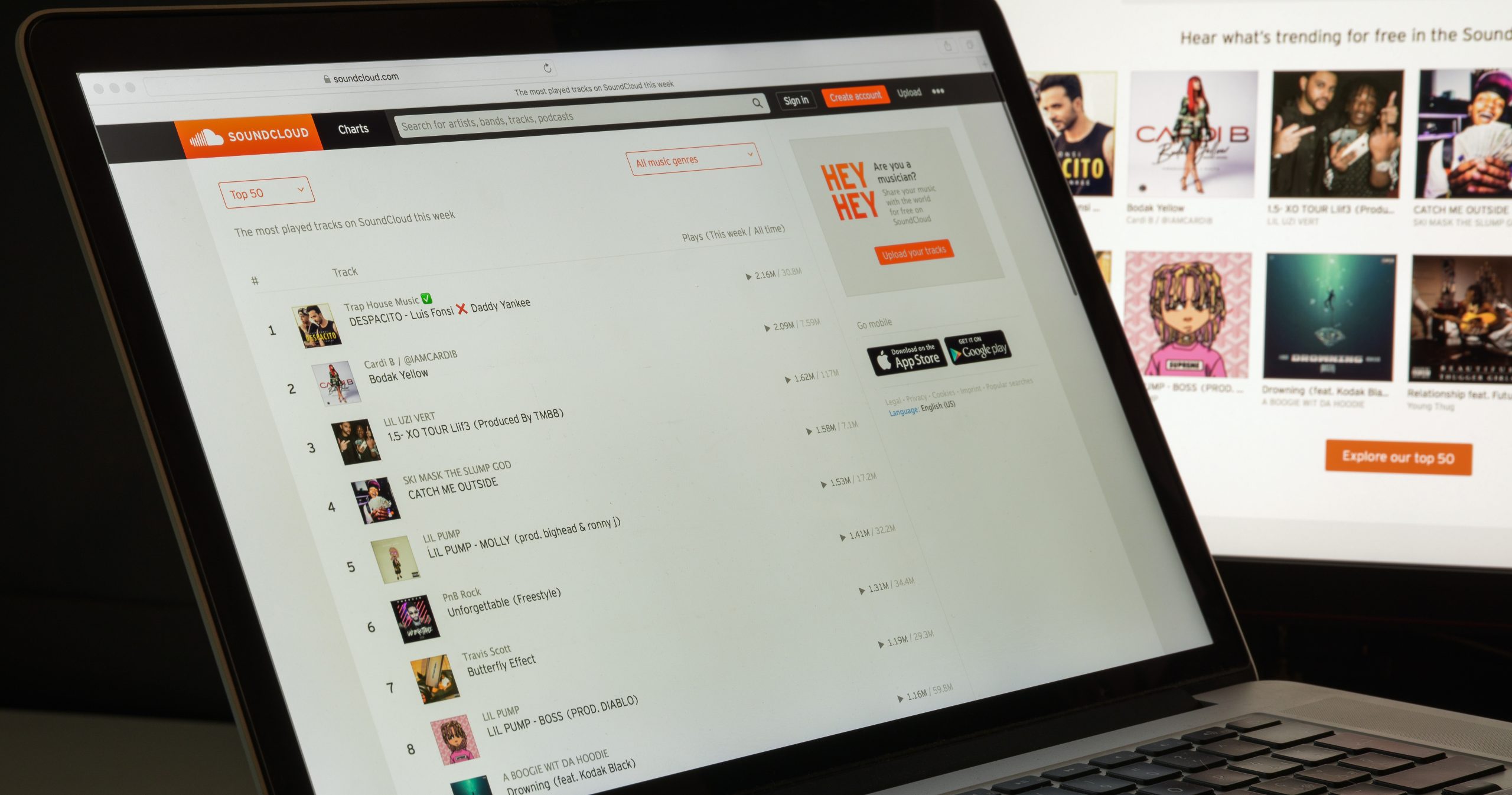
Platforms such as YouTube and SoundCloud have also made it much easier for anyone to share their work.
Many artists and songwriters have emerged through these platforms and become active in the music scene.
Having music made at home heard around the world is an opportunity that would once have been difficult to imagine.
The Essential Software: A DAW
Alongside a computer, smartphone, or tablet, you need music production software called a DAW to get started.
DAW stands for Digital Audio Workstation. It is the software used to compose and produce music.
DTM and DAW can sound similar, but they refer to different things: DTM describes the broader activity of making music with a computer, while a DAW is the software you work in.
Most readers probably already own a computer, smartphone, or tablet.
If you simply want to give music production a try, start by experimenting with a free DAW. That is the approach we recommend.
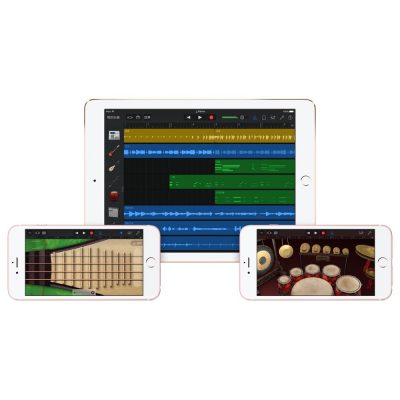
Starting on an iPhone
The original article recommends GarageBand for iOS for iPhone users.
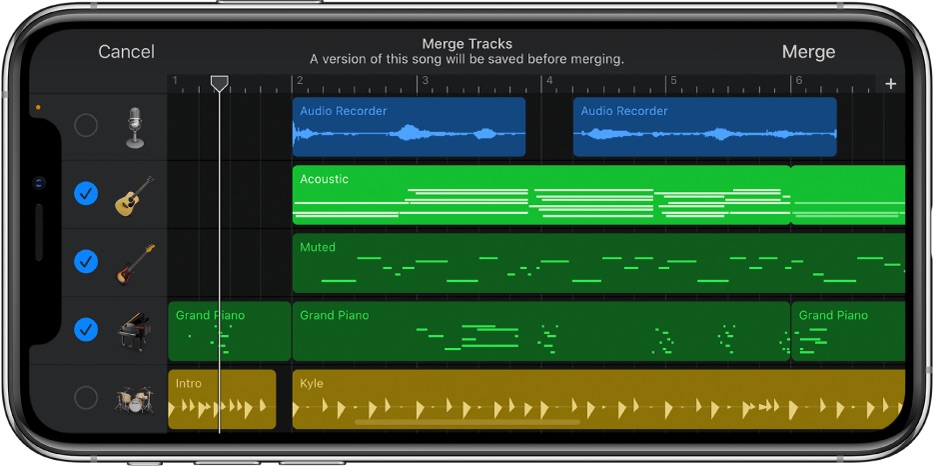
GarageBand is Apple's own app, described in the 2021 article as included with an iPhone.
It is a capable DAW that lets you program a variety of instruments and record vocals.

Starting on Android
The original article recommends BandLab for Android users.
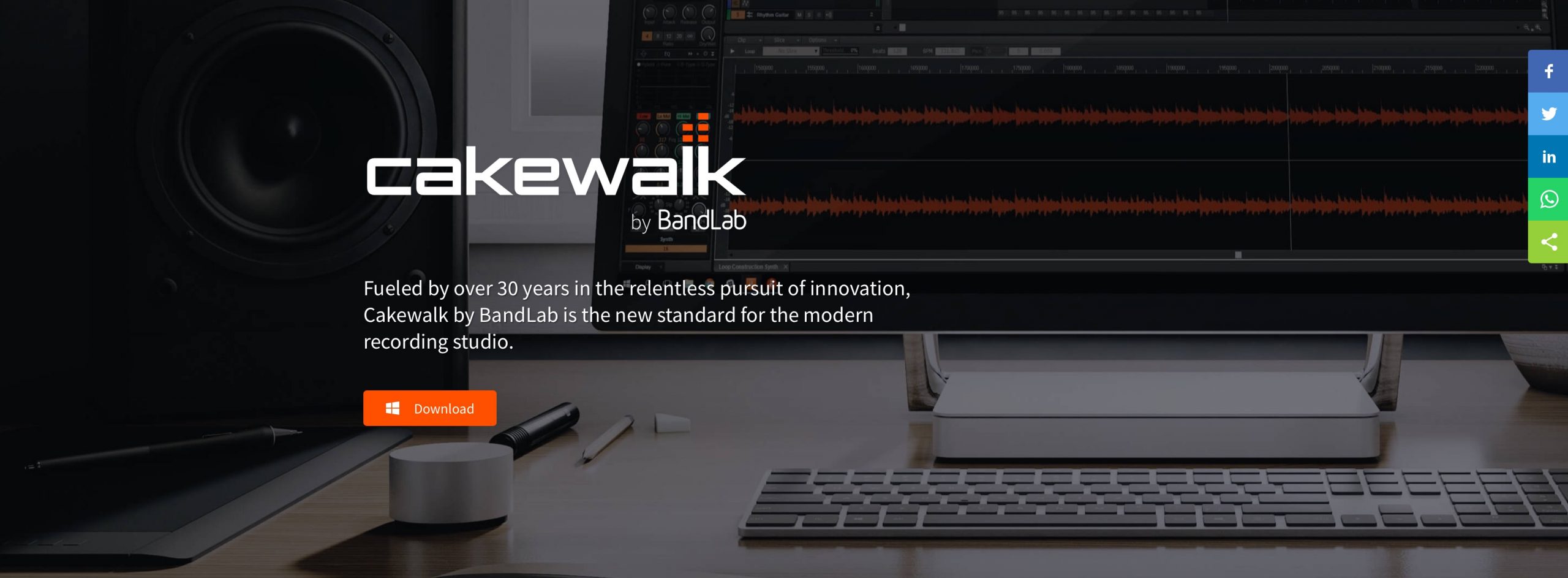
It offers a rich feature set comparable to GarageBand, making it easy to start enjoying music production.
Starting on a Mac
For Mac users, the article recommends GarageBand, just as it does for iPhone users.
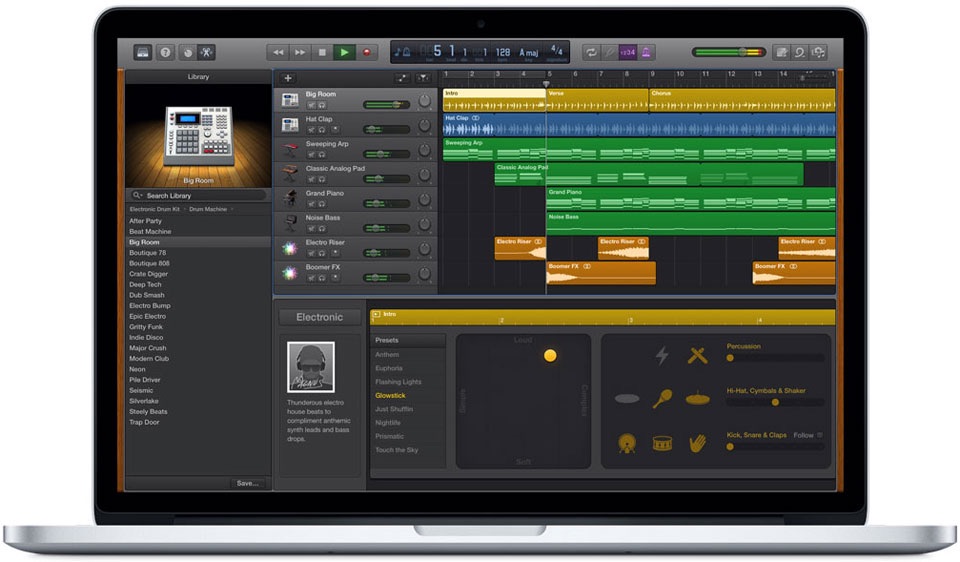
The Mac version offers more instruments and features than the iOS version described here.
It also includes plenty of loops—ready-made rhythms and performances—giving beginners more than enough material to explore.
Another benefit is being able to continue working on a song that you started on an iPhone.
Starting on Windows
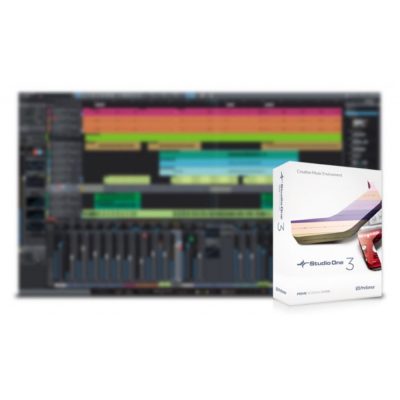
For Windows users, the original April 2021 article recommends Studio One Prime.
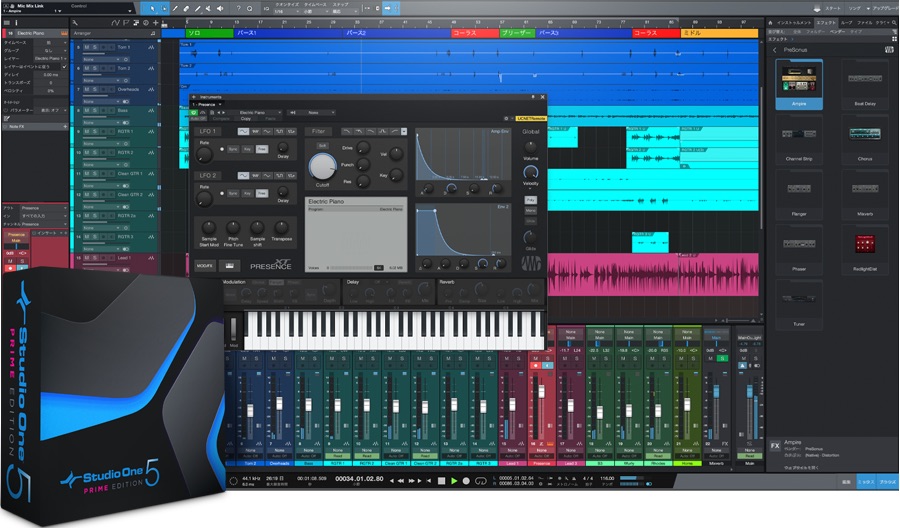
At the time, it was described as a completely free way to start making music without a time limit.
Its audio editing, including waveform-based editing, was particularly easy to use, with a quality that made it hard to believe it was free.
Paid higher editions offered additional features and instruments. The article described upgrading while retaining your songs if you liked the workflow.
Studio One Prime also supported Mac at that time, so Mac users could compare it with GarageBand and choose their preference. These are historical recommendations rather than a statement of current availability.
Useful Equipment That Is Not Essential to Get Started
The setup above is enough to begin, but you may want to
- record vocals or guitar,
- enter notes using a keyboard,
- or make your production workflow more efficient.
These are common next steps.
Let's look at equipment that can help you achieve them.
An Audio Interface for Recording Vocals and Guitar
You can record using the microphone built into your smartphone or computer.
However, if you want better recording quality or want to record electric guitar or bass, you will need an audio interface for the setup described here.
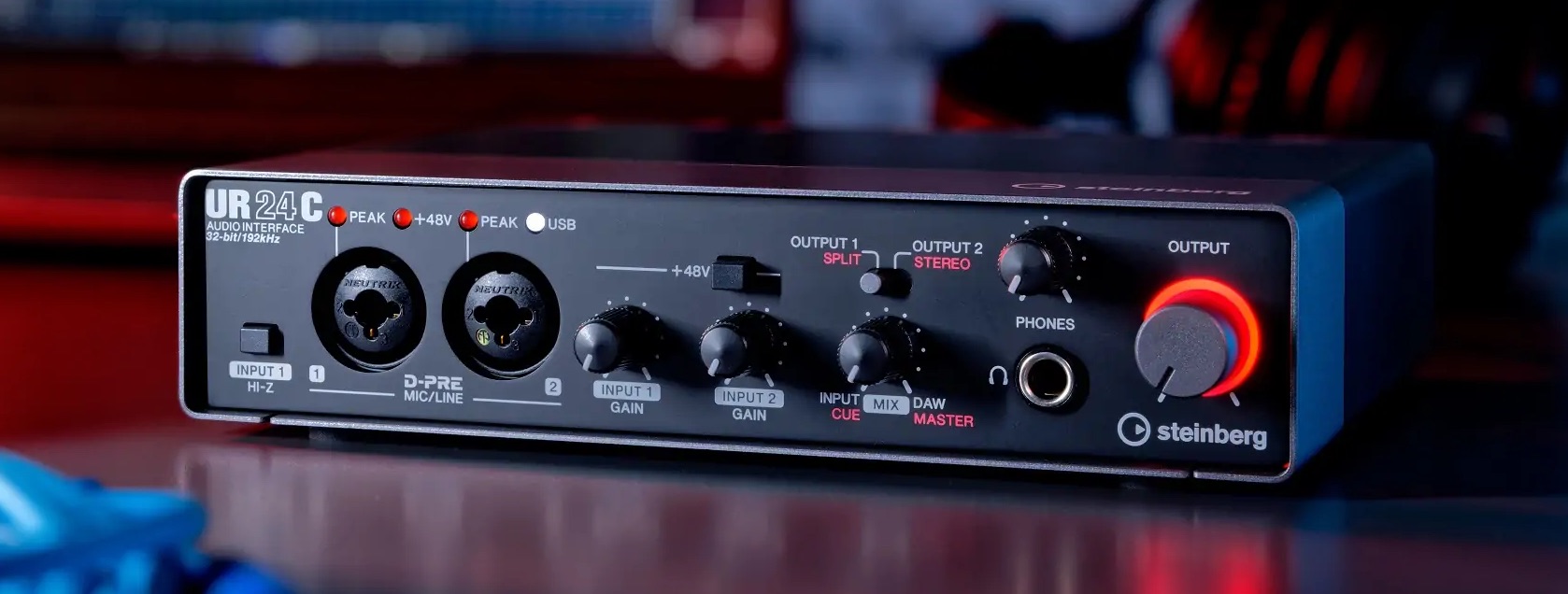
Connect the audio interface to your computer or smartphone, then record your performance through it.
It acts as the link between your voice or instrument and your recording device.
Top 5 Audio Interfaces for Music Production: Survey of 3,272 Users
This related article presents five popular audio interfaces based on a survey of 3,272 users, covering affordable beginner models through professional choices…
Top 5 Dynamic and Condenser Microphones: Survey of 3,272 Users
The right microphone depends on your production style. This related article uses a survey of 3,272 people to present popular dynamic and condenser microphones.
About Microphones
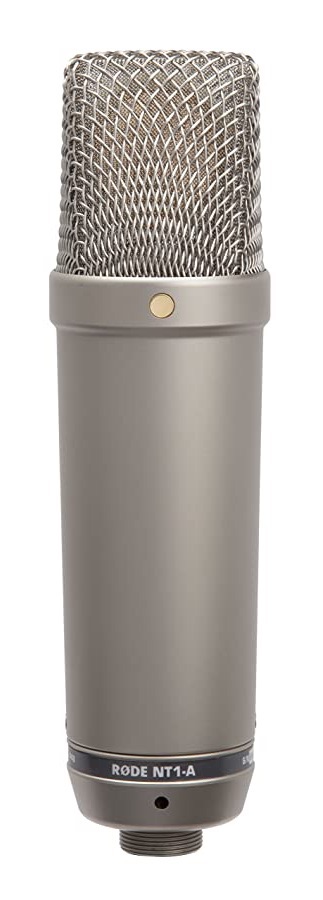
Two major microphone types are dynamic and condenser microphones.
If you are buying a separate microphone, the article recommends a condenser microphone for capturing the nuances of vocals in high quality.
For the condenser microphone setup described here, your audio interface must provide 48 V phantom power.
Many interfaces do, but check this feature before buying one.
A MIDI Keyboard for Convenient Note Entry
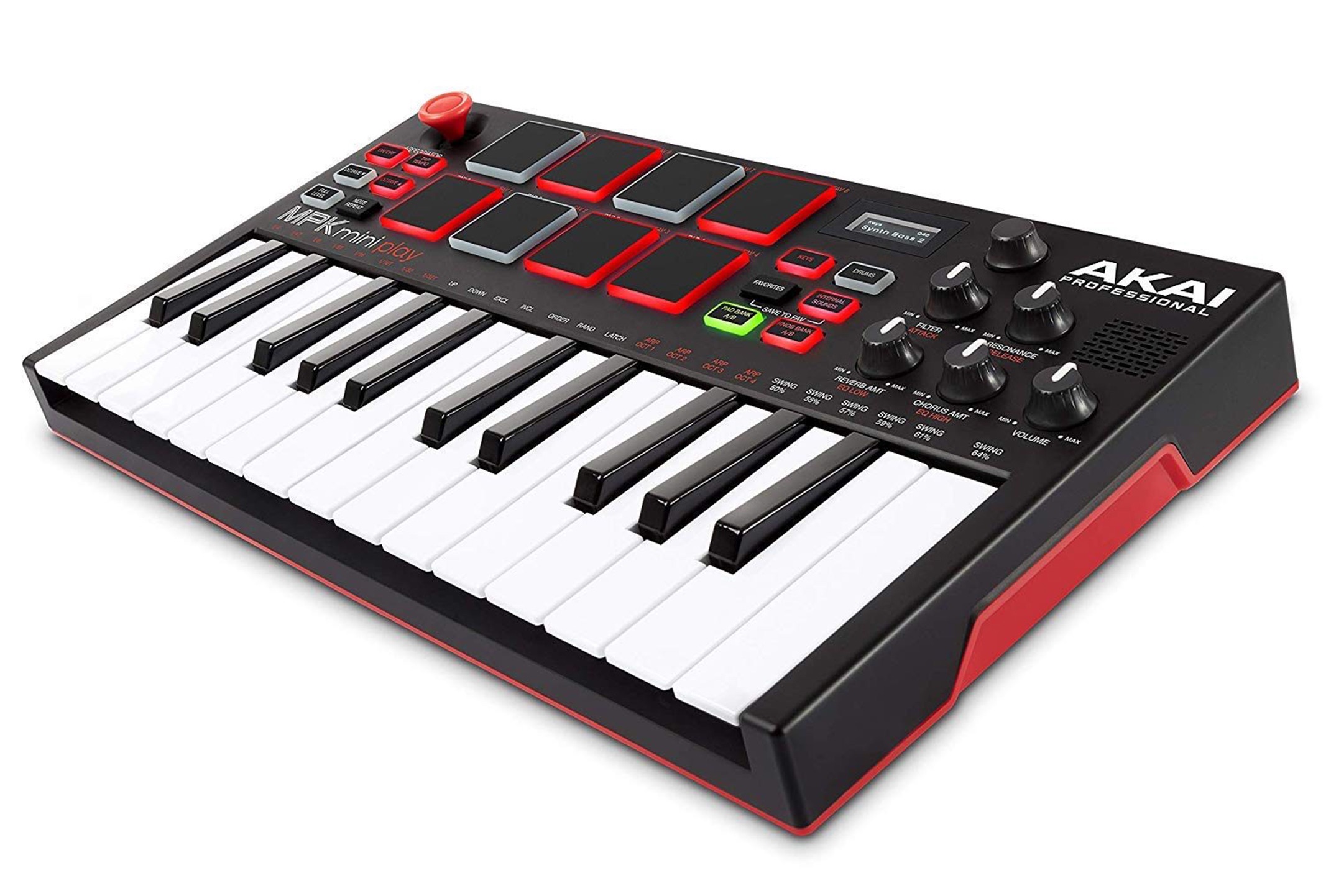
Without a MIDI keyboard, you enter notes individually using a mouse or, on a touchscreen, your finger.
With a MIDI keyboard, you can enter software instrument notes efficiently from the keys. That makes it a useful addition.
It is also helpful for auditioning instrument sounds and checking chords by playing several notes together.
Do You Need Headphones or Speakers?
This is a question we often hear.
Our recommendation is to use at least one of the following: earphones, headphones, or speakers. Any one is a useful starting point.
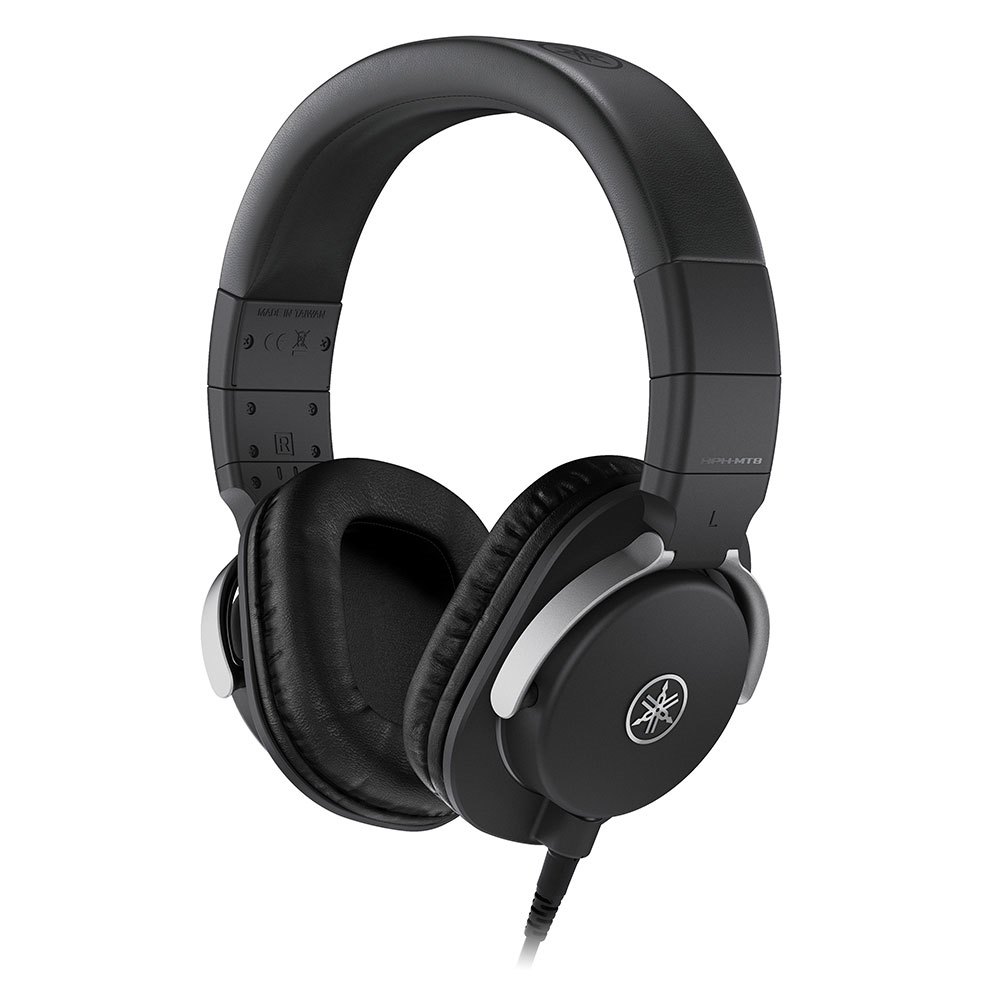
When you play sound directly through a smartphone, tablet, or computer's built-in speakers, much of the low-frequency content can be lost.
Making music involves repeated decisions, such as where to add an instrument or whether to turn the guitar down.
If you cannot monitor the sound accurately, it becomes easier to make the wrong decisions.
We therefore recommend a listening setup that lets you hear the sound as accurately as possible.
The original article notes that even the earphones then supplied with an iPhone are enough to begin. Keep the importance of monitoring in mind as you work.
Top 5 Headphones for Music Production: Survey of 3,272 Users
This related survey of 3,272 users offers guidance on choosing headphones. The SONY MDR-CD900ST, known as a studio standard in Japan, takes a clear first place…
Top 5 Speakers for Music Production: Survey of 3,272 Users
This related survey of 3,272 users reveals five popular speaker choices. The YAMAHA MSP series leads, followed by HS and Mackie CR models…
Wrapping Up
What do you think?
We have given a broad introduction for anyone interested in starting computer-based music production.
You may have found the first steps more approachable than you expected.
As these examples show, free software can provide a rich set of tools.
Start with free tools, then upgrade your setup as your skills and needs develop.
Sleepfreaks also publishes articles and videos explaining music production software and equipment.
We hope you will make use of those resources too.
We sincerely hope they help you enjoy making better music.
Thank you for reading to the end.
For Complete Beginners: The First Video to Watch If You Are Interested in Making Music
This introduction is for beginners who know little about DTM but are interested in composing. Let's get an overview of computer-based music production.
Learn more: https://t.co/CLCEOe2Raz #MusicProduction #Composition #MusicMakers pic.twitter.com/Ywp9pogg9h— SLEEP FREAKS (@SLEEPFREAKS_DTM) April 11, 2021
Frequently Asked Questions
Q1. Do I have to buy equipment before I can start making music?
No. If you already have a computer or smartphone, you can begin with free DAW software and add equipment later as needed. The original 2021 article cites GarageBand and Studio One Prime as beginner examples; its software availability information refers to that period.
Q2. Does the Japanese term DTM mean the same thing as “computer music”?
Broadly, yes. DTM is a Japanese term associated with Roland's 1988 Music-kun release. The article explains that computer music is a term used internationally for the same general activity.
Q3. Can I start making music using only a smartphone?
Yes. The article gives GarageBand for iPhone and BandLab for Android as examples of free DAW apps. These can support a complete music-making workflow, with finished songs then shared through suitable distribution platforms.
NEW ARTICLES
Latest English Articles





























































































































































