
OwnTHD is an innovative saturator from Three-Body Technology, built around four components: vintage equipment, solid-state, tube, and tape simulation. With nine equipment models and a wide range of parameters, including Drive, Feedback, Bias, and Depth, it can produce not only the warm sound associated with traditional saturators but also electronic, bitcrusher-like tones and unusual effects. It can be applied to vocals and a variety of instruments, opening up more possibilities for your arrangements.
OwnTHD: A Different Kind of Saturator
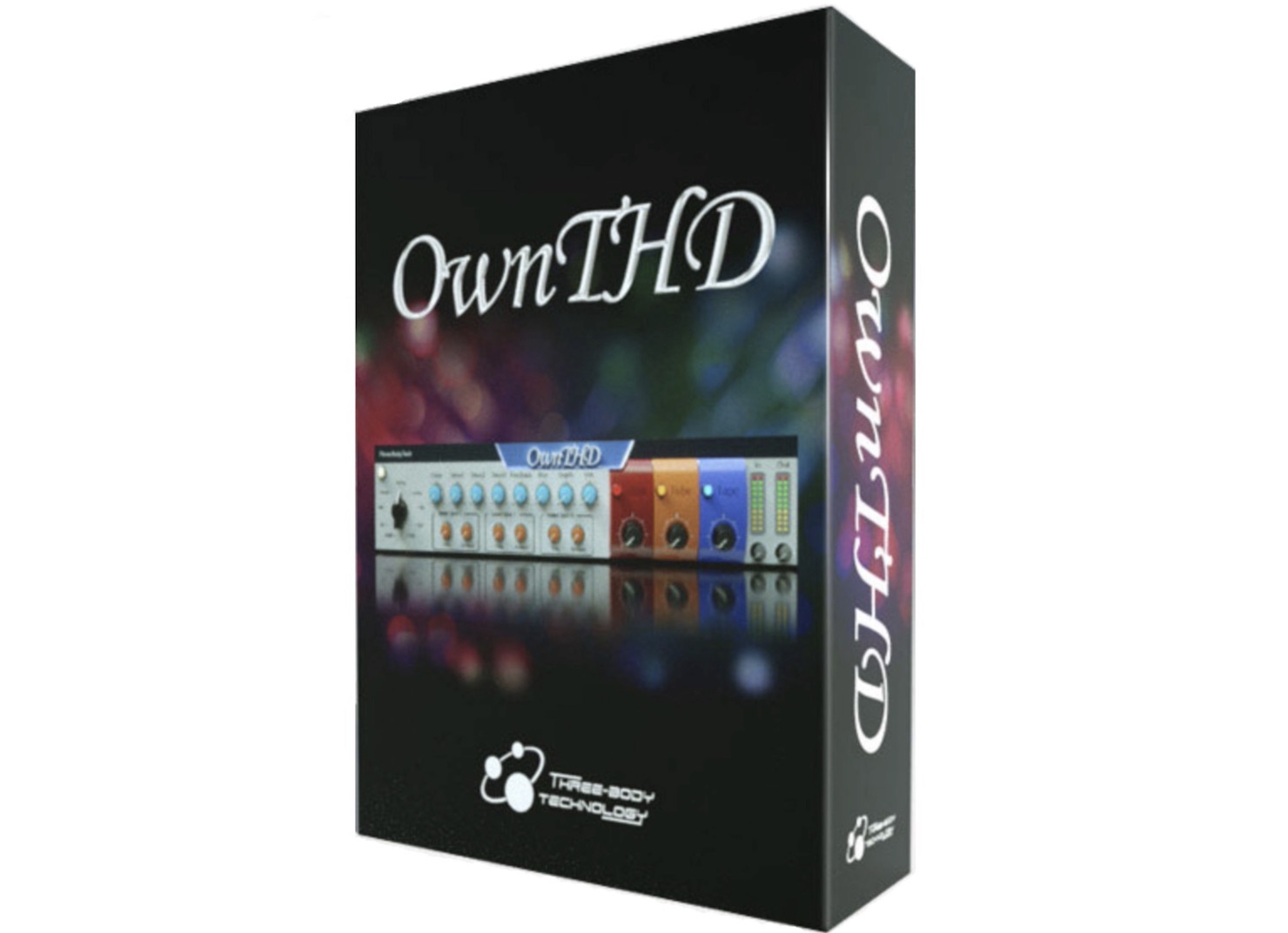
Three-Body Technology, known for Heavier7Strings, has released a distinctive saturator called OwnTHD.
This plug-in can create scratching effects like a turntable, electronic sounds reminiscent of a bitcrusher, and other unique sounds for special effects, making it a genuinely different take on saturation.
By the end of this article, you should have more ideas for expanding your arrangements.
About Saturation
Before we get into the tutorial, let us briefly look at saturation.
Saturation refers to an effect that produces the natural distortion of vacuum tubes or tape, giving your sound more body and warmth.
It also adds an analog character that can help reduce a sterile, digital quality.
Like overdrive and distortion, saturation adds harmonics to the sound.
OwnTHD Video Tutorial
Purchase OwnTHD here.
Overview of the Components
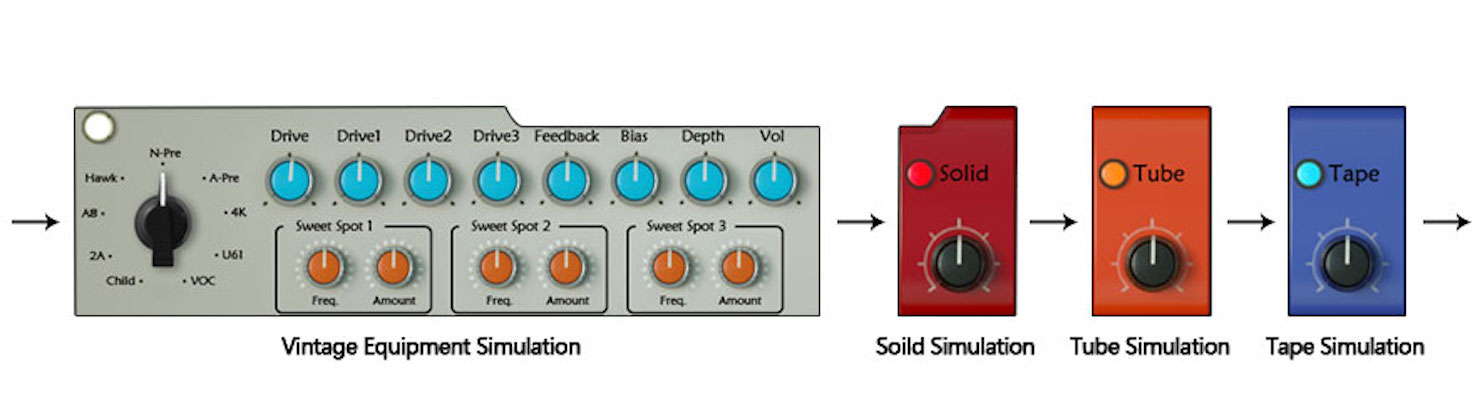
OwnTHD consists of four components—vintage equipment simulation, solid-state simulation, tube simulation, and tape simulation—all connected in series.
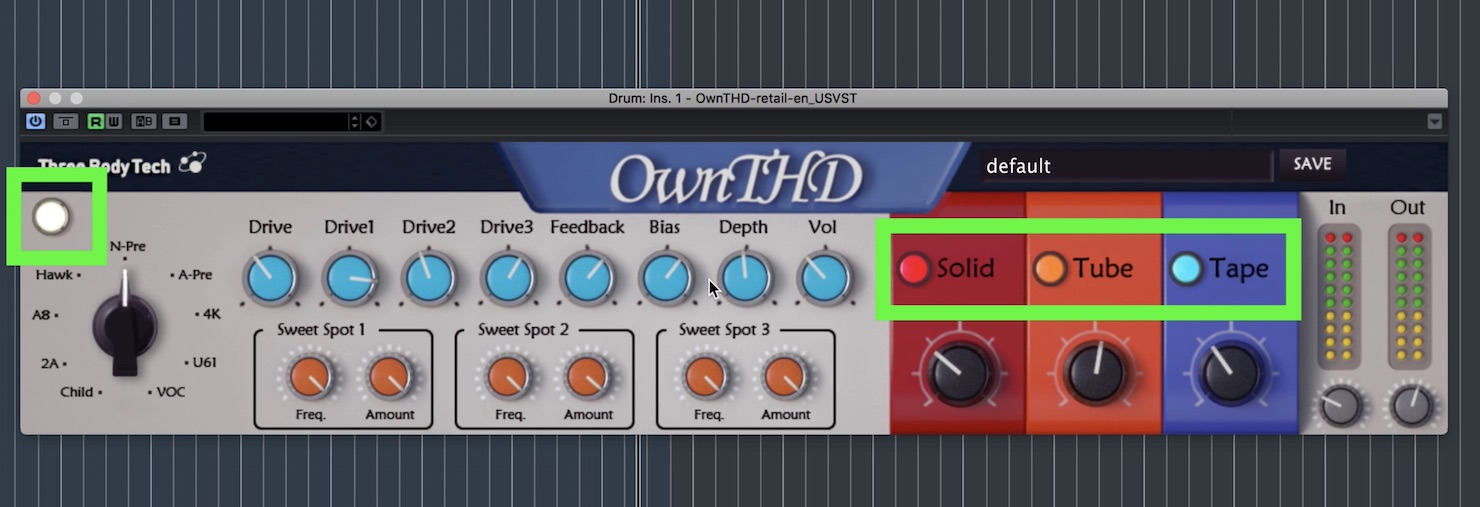
Each component can be switched on or off independently.
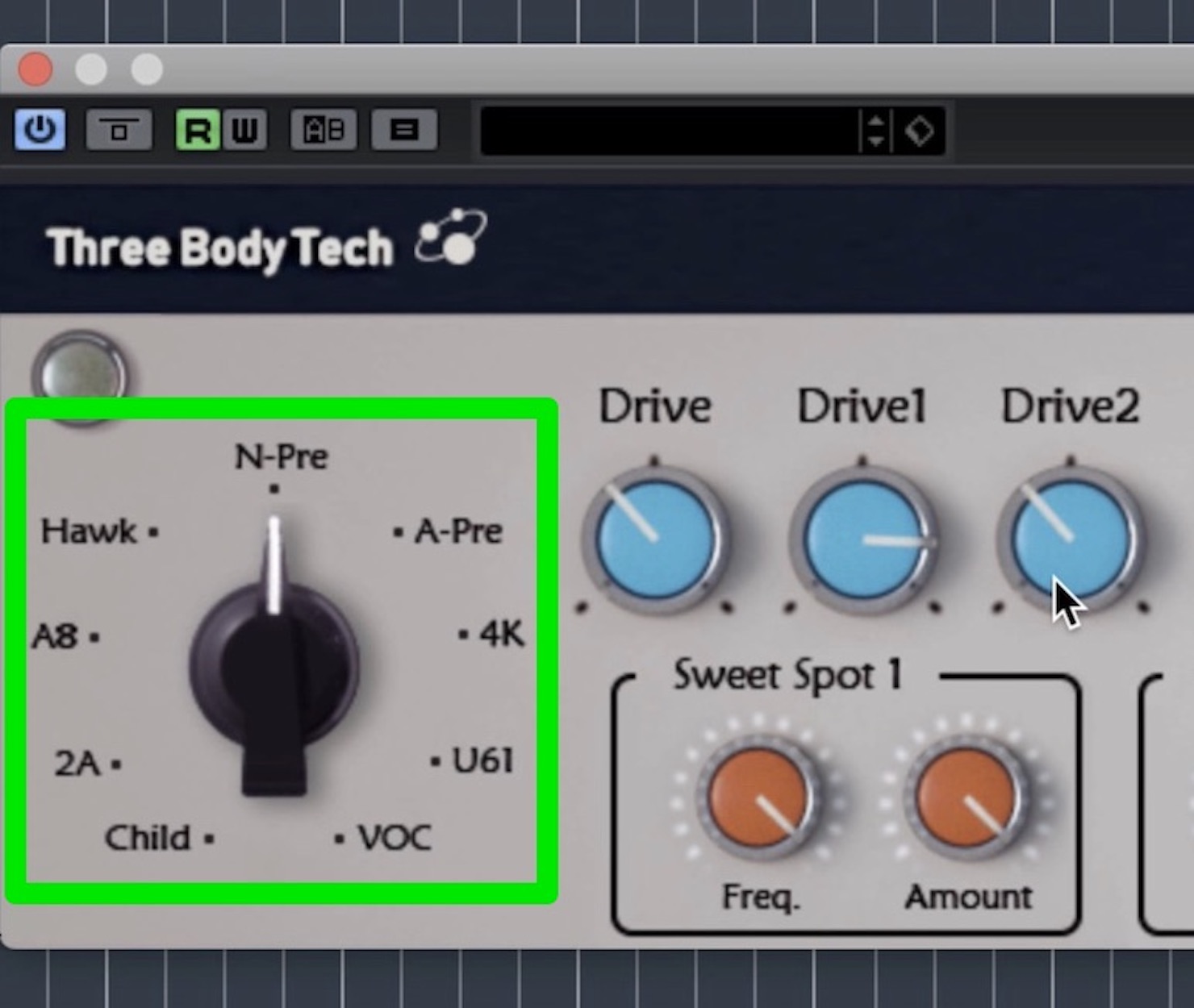
The component on the left simulates nine types of equipment.
- Child / 2A: Recreate classic limiters.
- A8: Recreates a famous tape machine.
- Hawk: Can be used as an overdrive module.
(It can produce the strongest distortion of the nine modules.) - N-pre: Produces a warm, vintage sound.
- A-pre: Focuses on the low mids.
- 4K: Produces a punchy effect.
- U61: Lifts the midrange for a very warm sound.
- VOC: Models a channel strip with a high-frequency emphasis, producing a bright, sparkling sound.
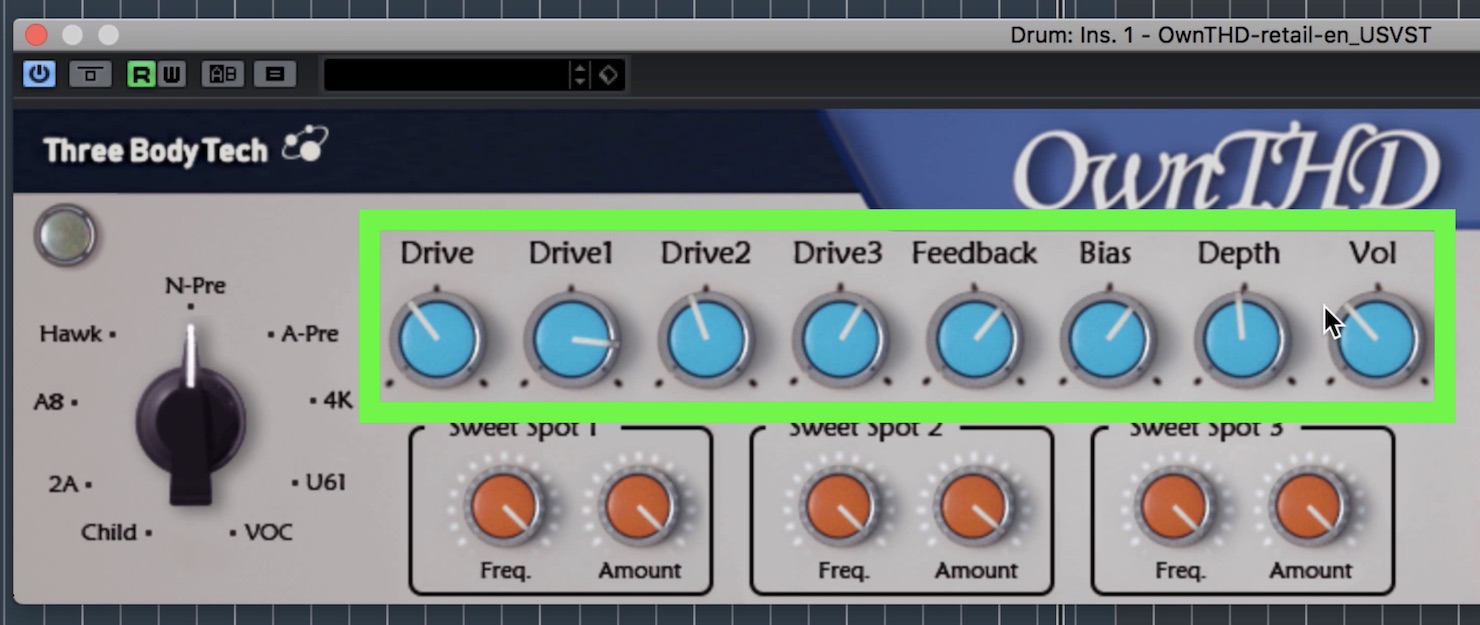
Next, let us look at the light-blue controls in the center: Overdrive Control, Feedback Control, Bias Control, Depth Control, and Volume.
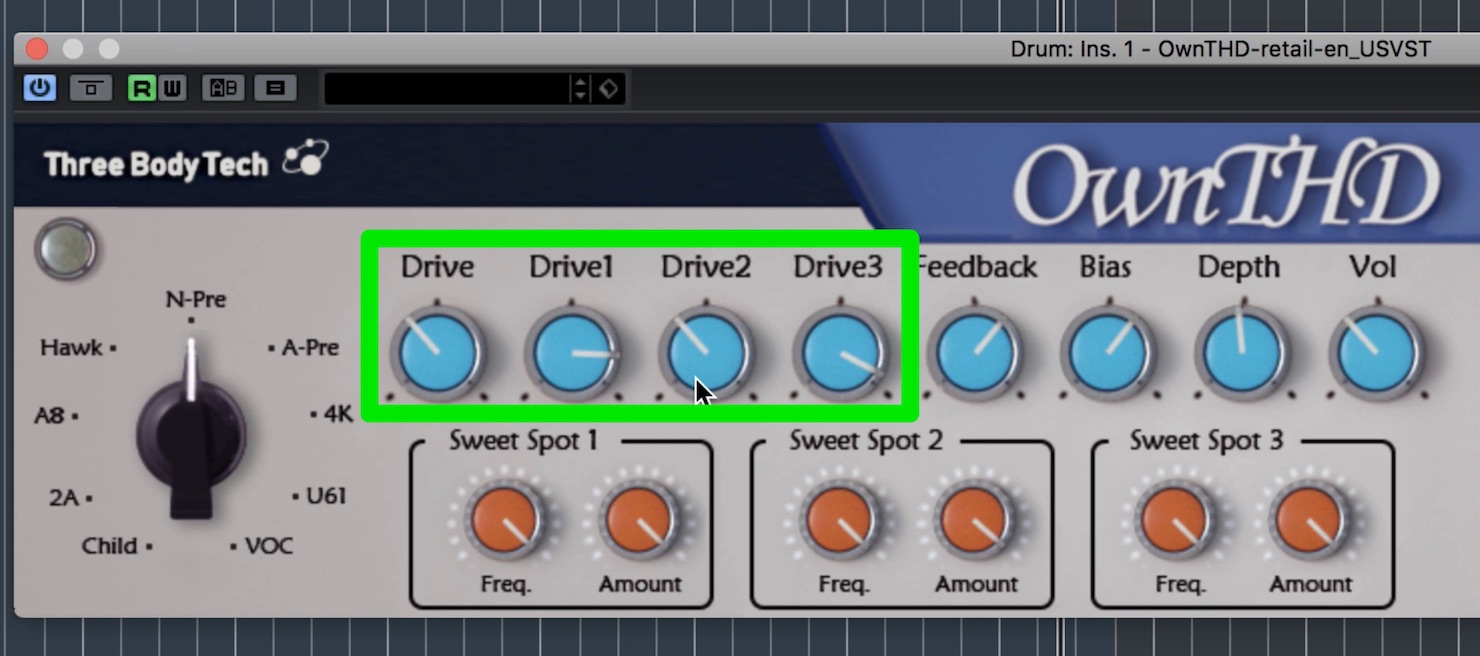
- Drive: Adjusts the overall distortion level.
- Drive1, Drive2, and Drive3: Adjust the distortion levels.
Setting all four Drive controls to maximum produces heavy distortion and electronic, bitcrusher-like sounds. Try automating these controls to change the sound throughout a song.
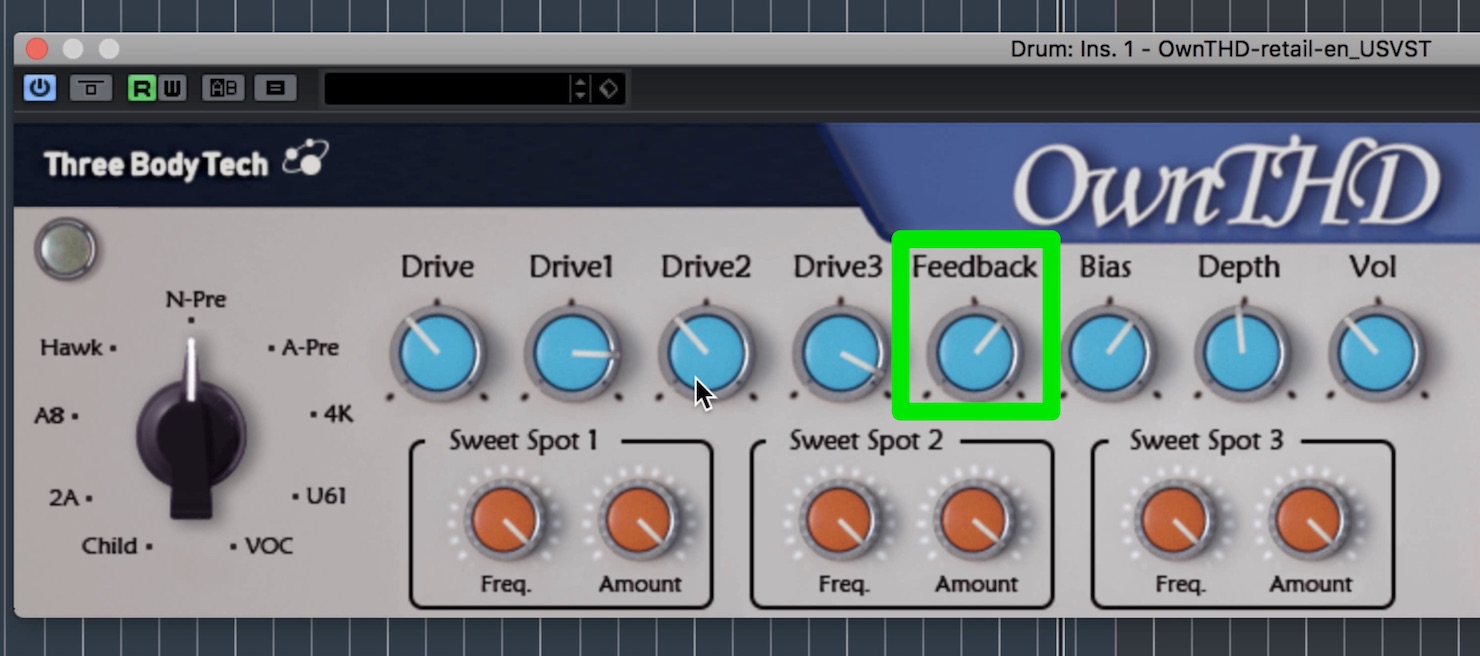
Feedback Control: Controls the amount of feedback.
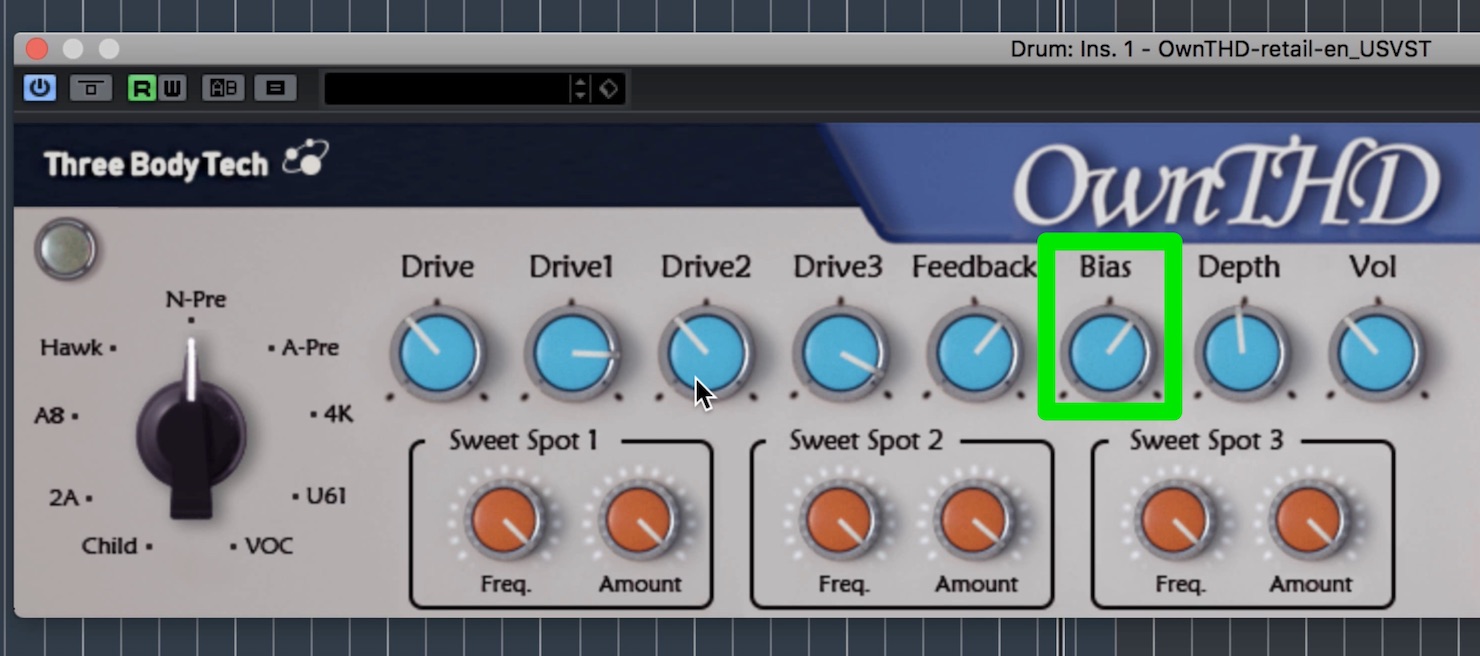
Bias Control: Turn the knob to the right for a warmer sound, or to the left for a colder sound.
Using it with the other parameters can add an analog character, but be careful: strong settings may introduce low-level noise, so listen as you make adjustments.
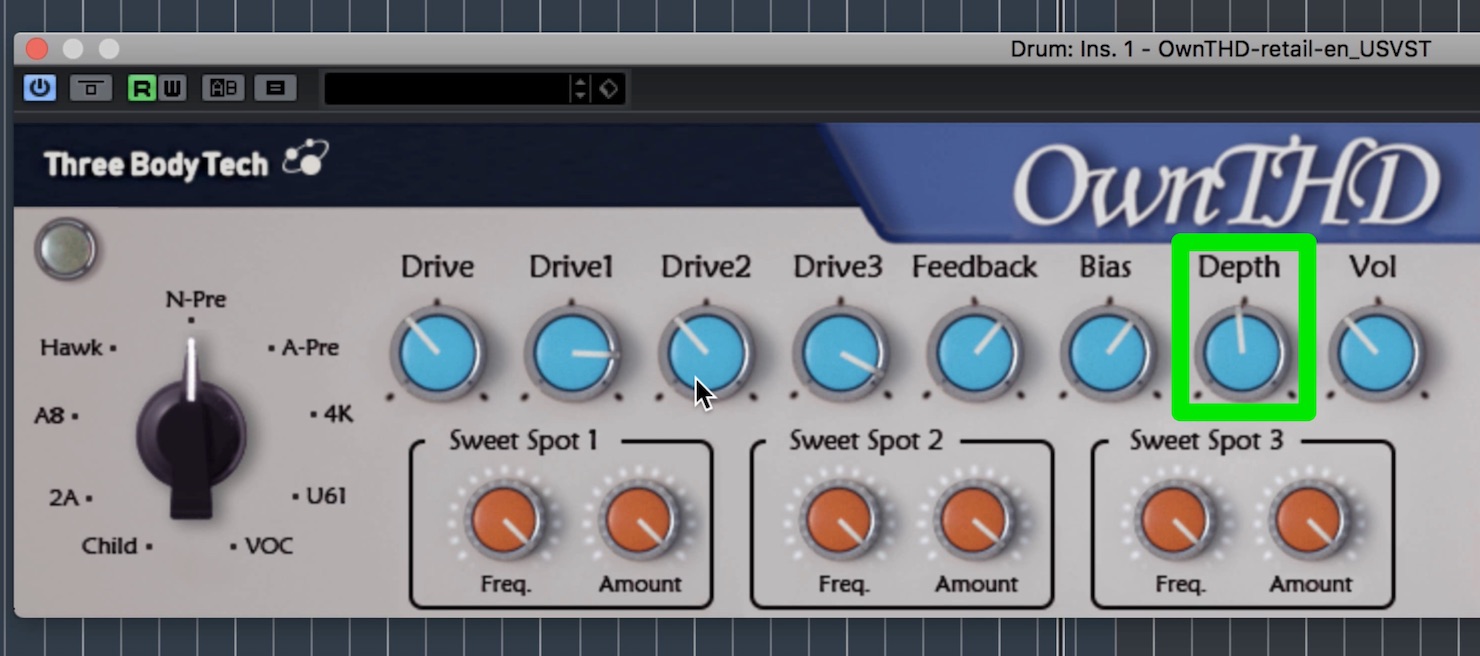
Depth Control: Adds a low shelf to the feedback signal, producing different low-frequency characteristics.
The Depth knob has no effect when Feedback is set to zero, so keep this in mind.
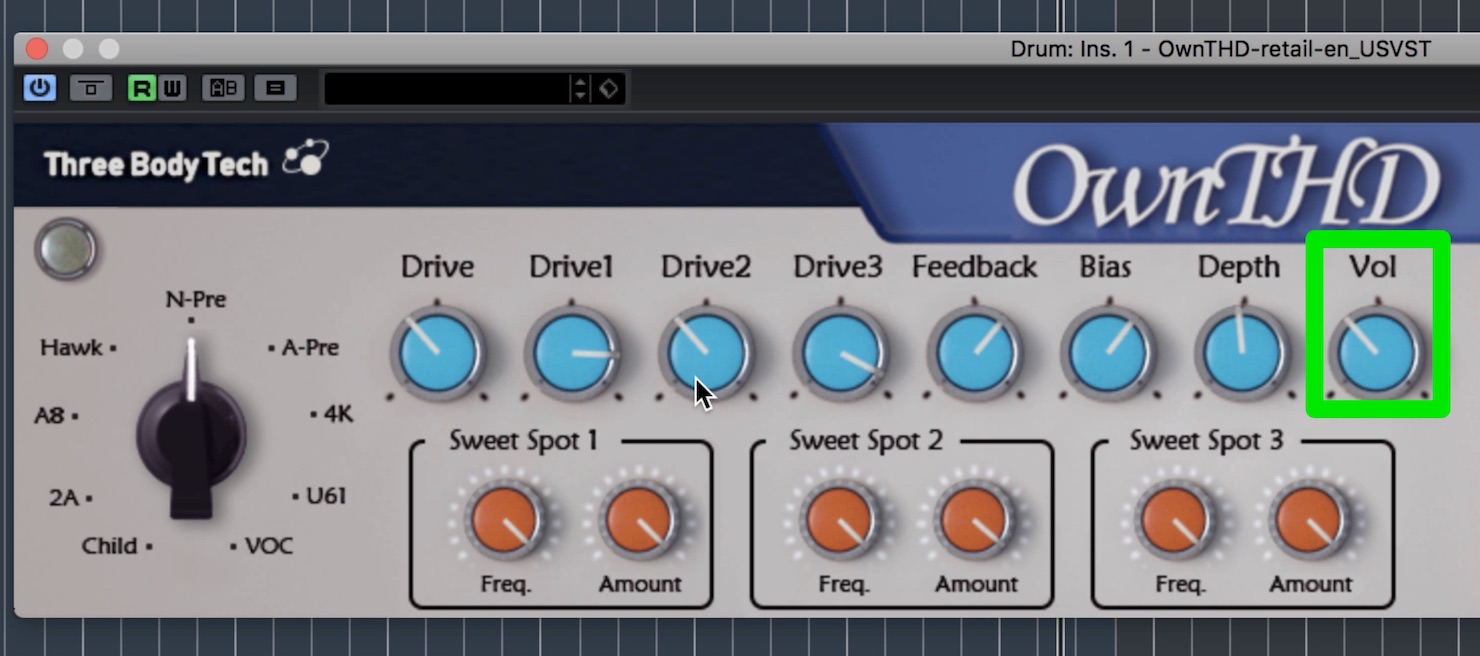
Vol: Adjusts the component’s output volume.
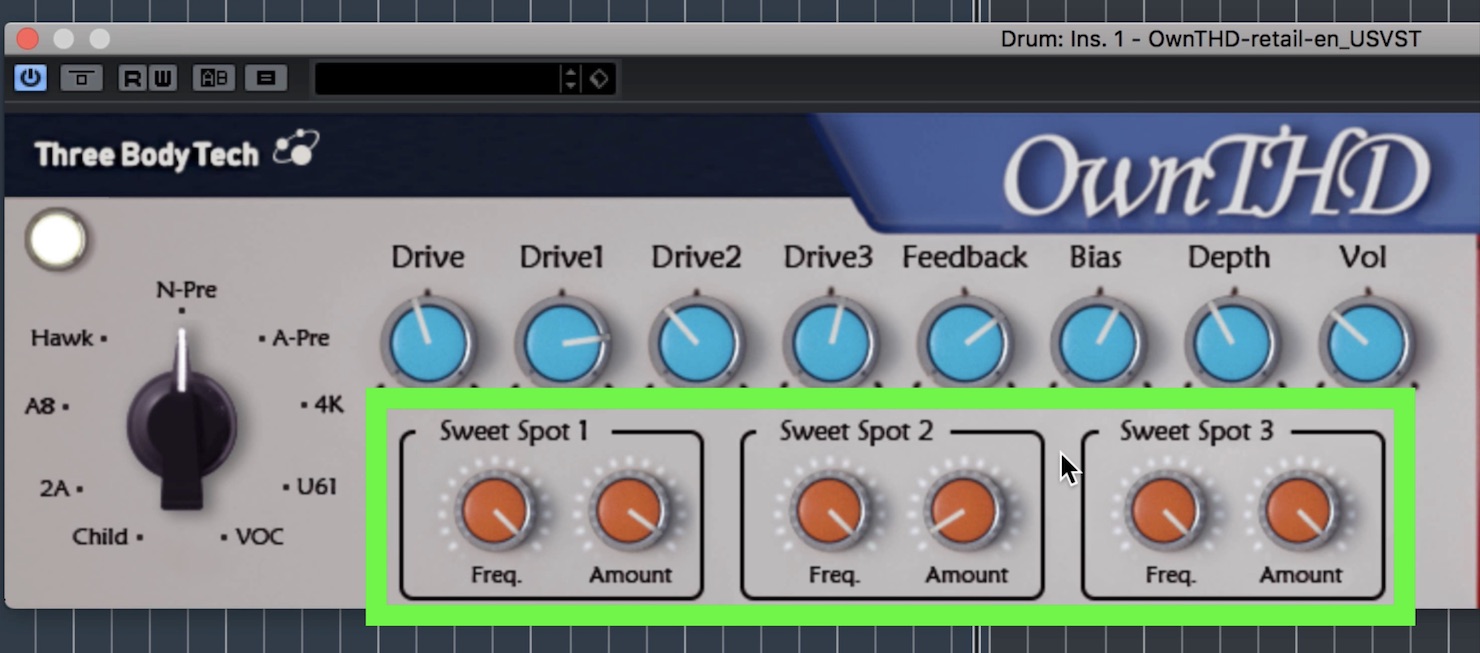
Each of the nine equipment models has its own sweet spot.
A sweet spot is the optimum setting for a particular model, and the Sweet Spots controls let you adjust it.
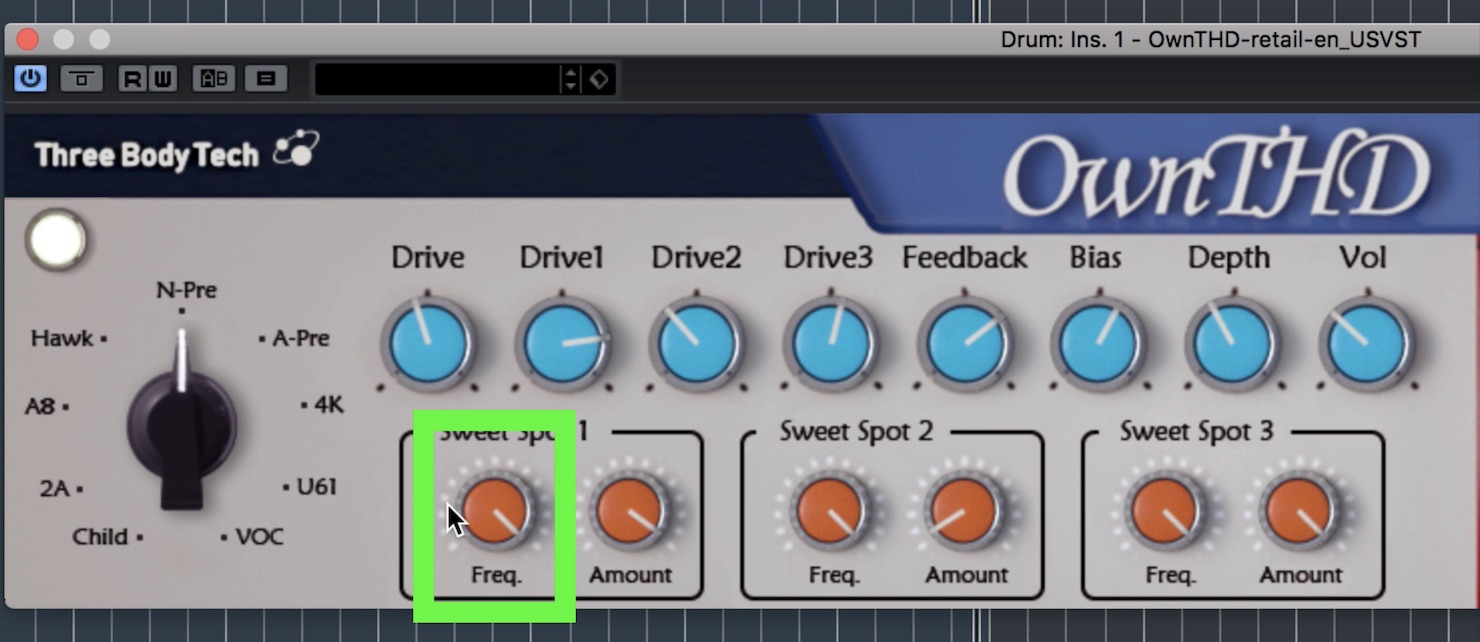
While adjusting Freq,
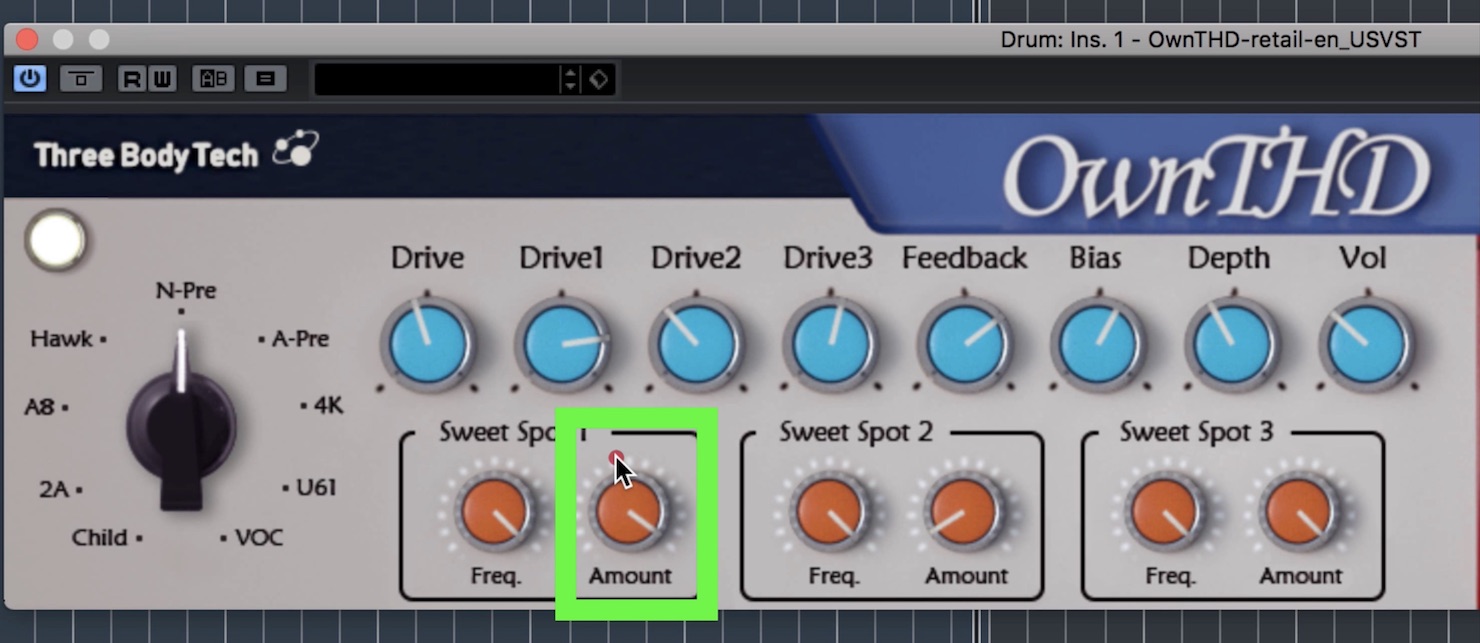
turn Amount to find the sound you want.
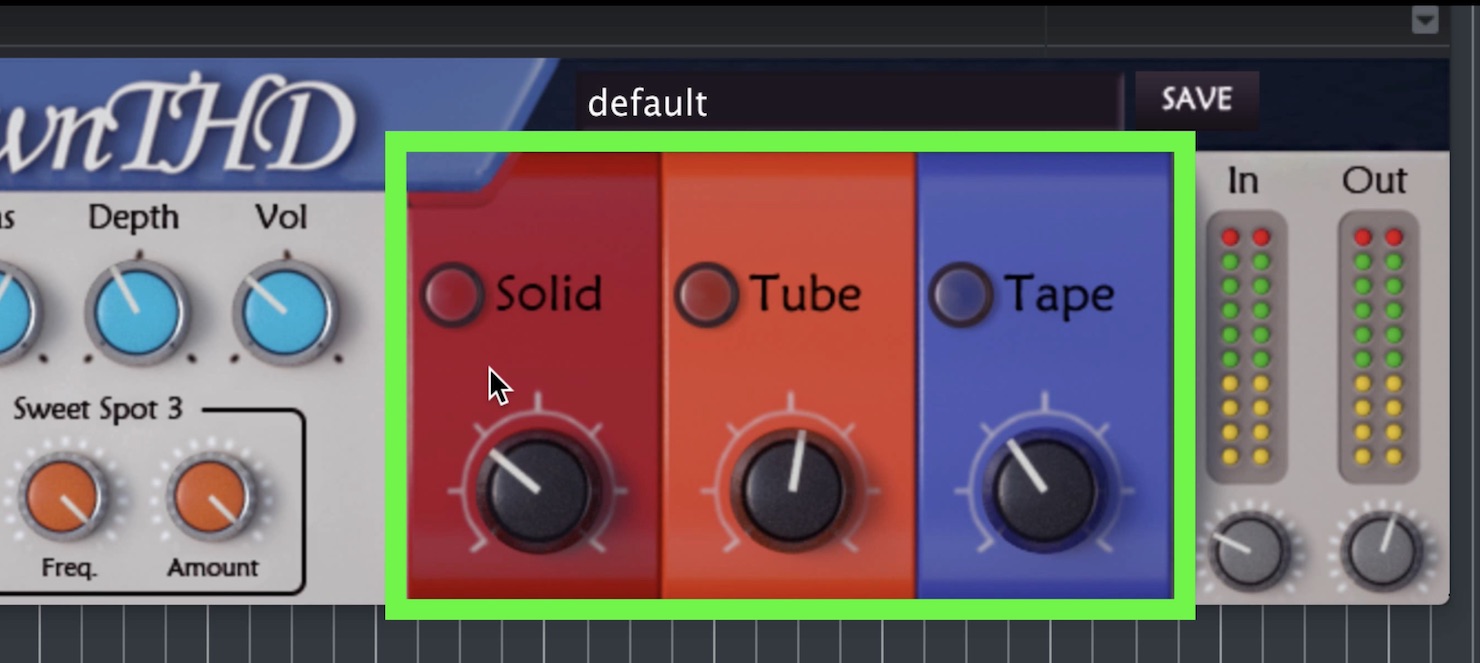
The three solid-state, tube, and tape components can each be switched on or off, so you can use one on its own or combine them.
- Red: Solid-state simulation
Simulates transistor characteristics. - Orange: Tube simulation
Simulates the effects produced by vacuum tubes. - Blue: Tape simulation
Simulates a tape machine.
Simply switching a component on, without turning its knob, slightly changes the sound. The equipment-modeling component also includes the A8 tape simulation, but it sounds subtly different, so you can use both together.
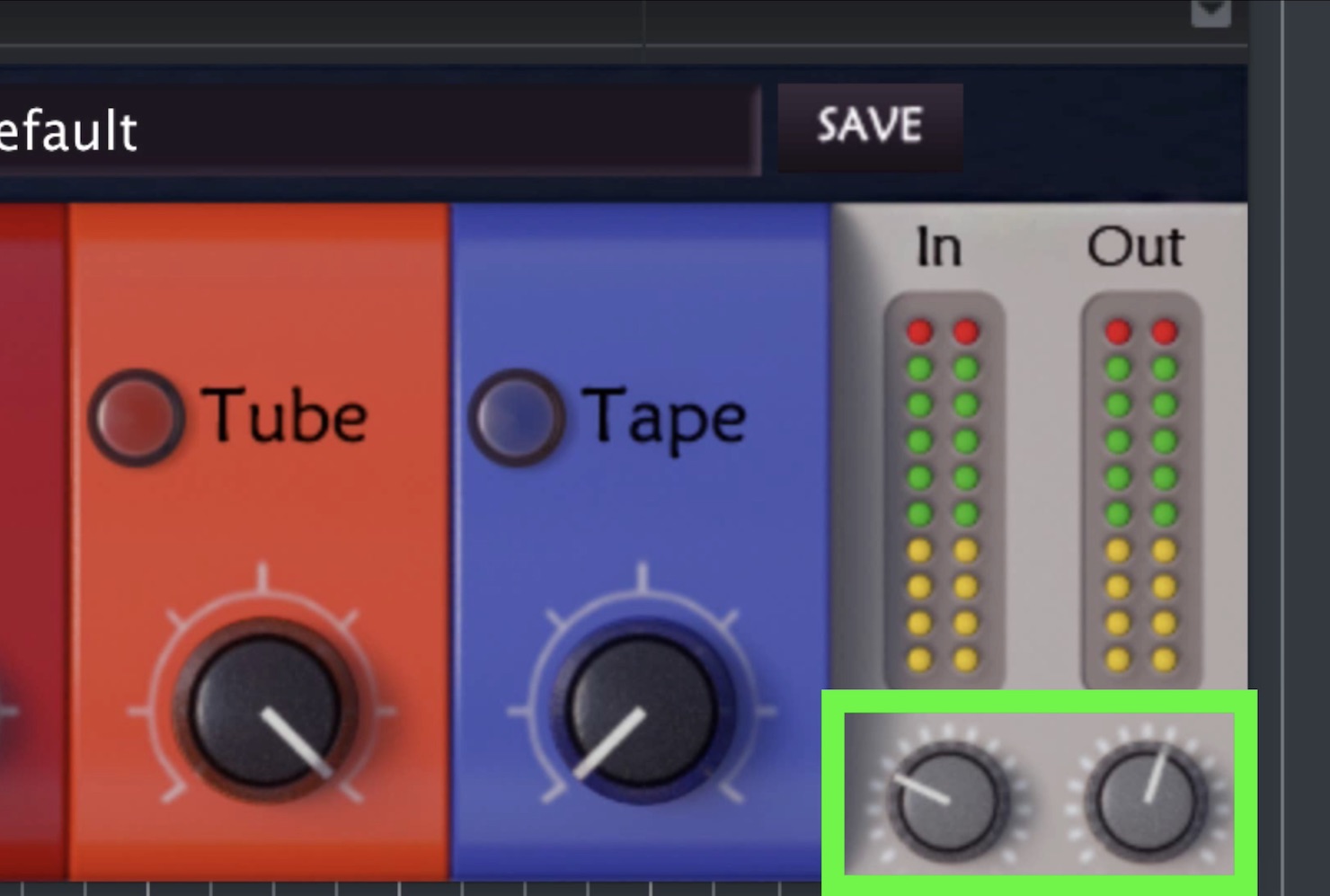
In / Out: Adjusts the input and output volume.
Saturators may be used less often than you might expect, but on vocals they can create a radio-like effect or a gritty, striking sound. On instruments, they can add a vintage character or a funky tone.
OwnTHD offers more than conventional saturation: it can also produce unusual sounds through flexible changes to frequency characteristics, so why not consider adding it to your setup?
It could open up even more possibilities for your music production!
Purchase OwnTHD here.

Frequently Asked Questions
Q1. What is a saturator used for?
A saturator produces the natural distortion associated with vacuum tubes or tape, giving a sound more body and warmth. It adds an analog character and reduces a sterile, digital quality. On vocals, it can create a radio-like effect; on instruments, it can produce vintage or funky tones.
Q2. Can I use OwnTHD’s four components independently?
Yes. Each component can be switched on or off independently. You can use the solid-state, tube, or tape simulation on its own, or combine multiple components.
Q3. Can OwnTHD produce heavily distorted sounds?
Yes. Setting all four Drive controls—Drive, Drive1, Drive2, and Drive3—to maximum produces electronic, bitcrusher-like distortion. You can also use automation to change the sound throughout a song.
Q4. How do I use Bias Control?
Turn the knob to the right for a warmer sound, or to the left for a colder sound. Combining it with the other parameters adds more analog character, but excessive settings may introduce noise, so listen carefully while adjusting it.
NEW ARTICLES
Latest English Articles






































































































































































































































































































