Multiple outputs let you assign drum instruments such as kick, snare, and hi-hat to separate output channels so each can be controlled independently. Enable the desired outputs in the instrument and their corresponding channels in the list on the left. You can also change output assignments for finer mixing control and rename the channels to make the session easier to manage.
Setting up individual drum outputs
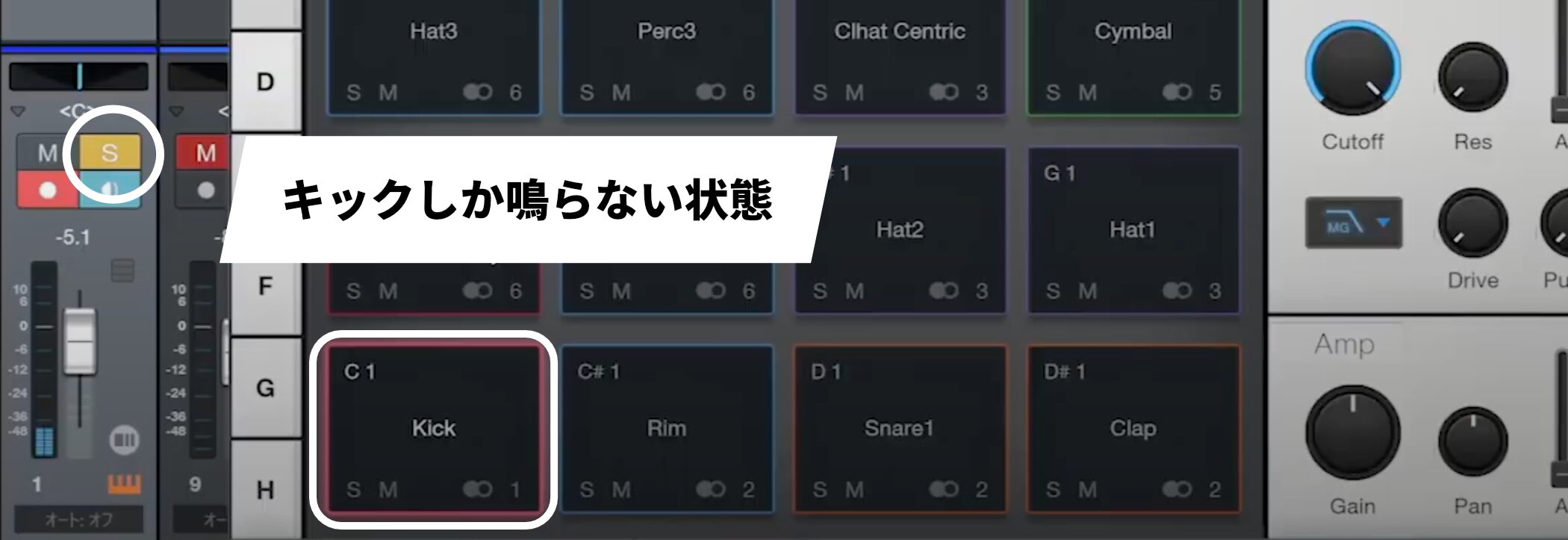
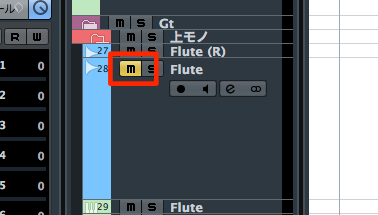
When you solo the drum track, you hear only the kick because the rhythm part consists of several instruments with different characteristics, including kick, snare, and hi-hat.
The loaded preset is configured so these instruments can be adjusted individually.
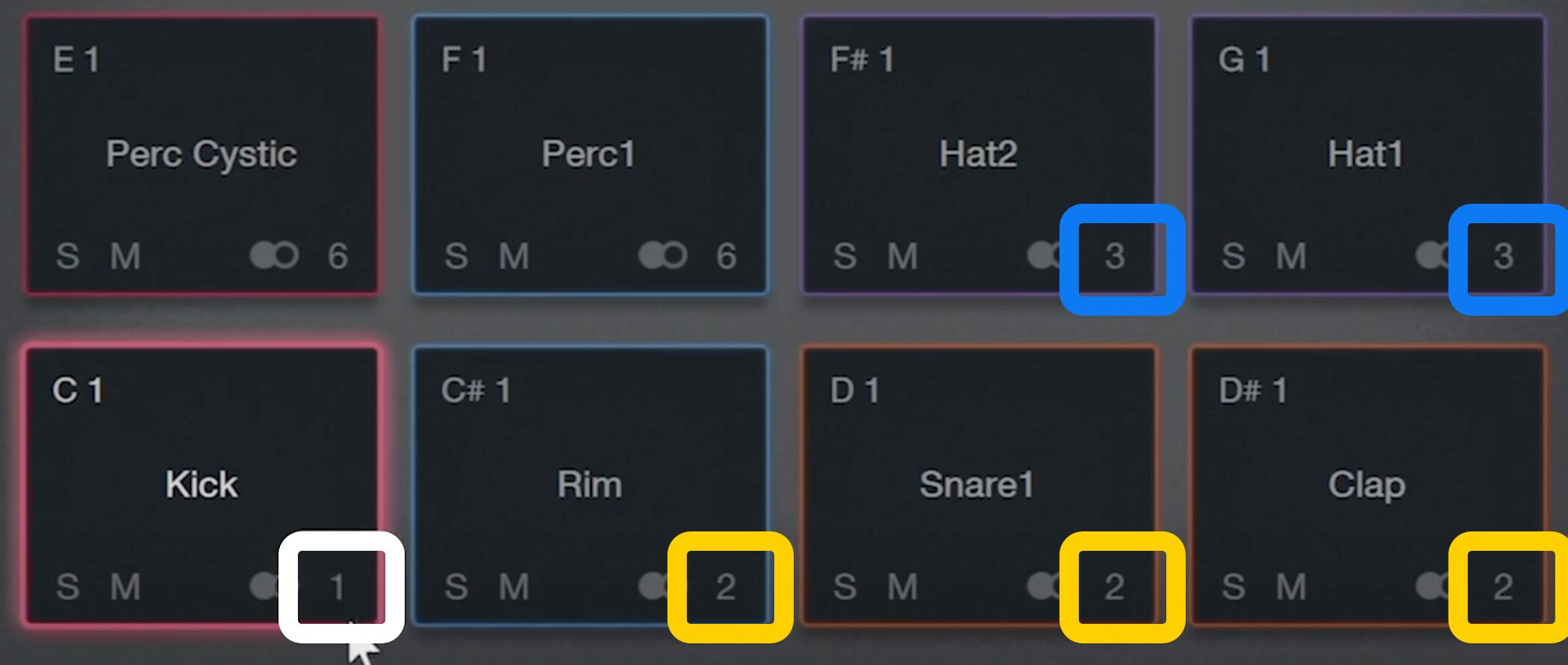
The lower-right corner of the kick pad shows “1”; rim, snare, and clap show “2”; and hi-hat shows “3.”
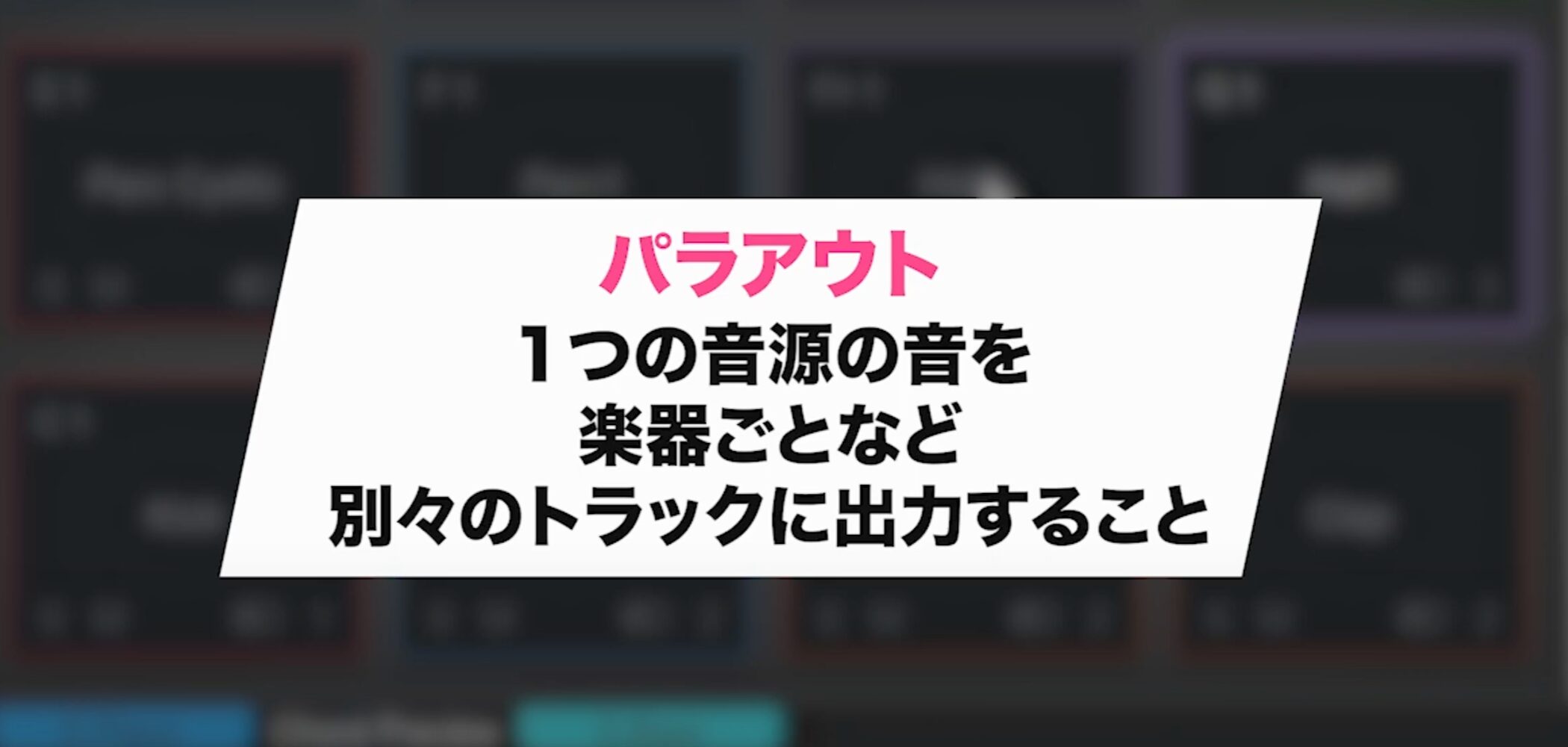
Assigning different outputs to groups of instruments like this lets you control each track individually.
This method is called multi-output routing.
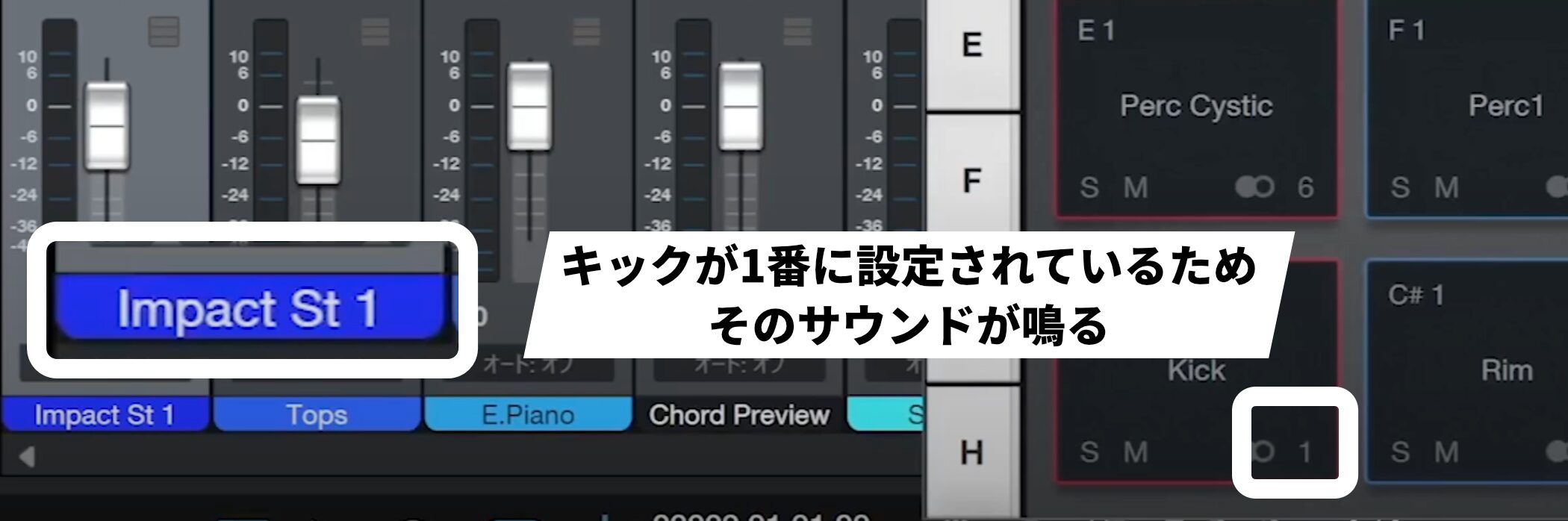
In the Console window, the channel is labeled Impact St 1. The number corresponds to the number shown in Impact.
Because the kick is assigned to output 1, its sound is heard on this channel.
Enabling the other outputs, such as 2 and 3, lets you control the other sounds separately as well.
Setting up multiple outputs
Multiple outputs are often configured by default, but two things need to be checked to set them up correctly.
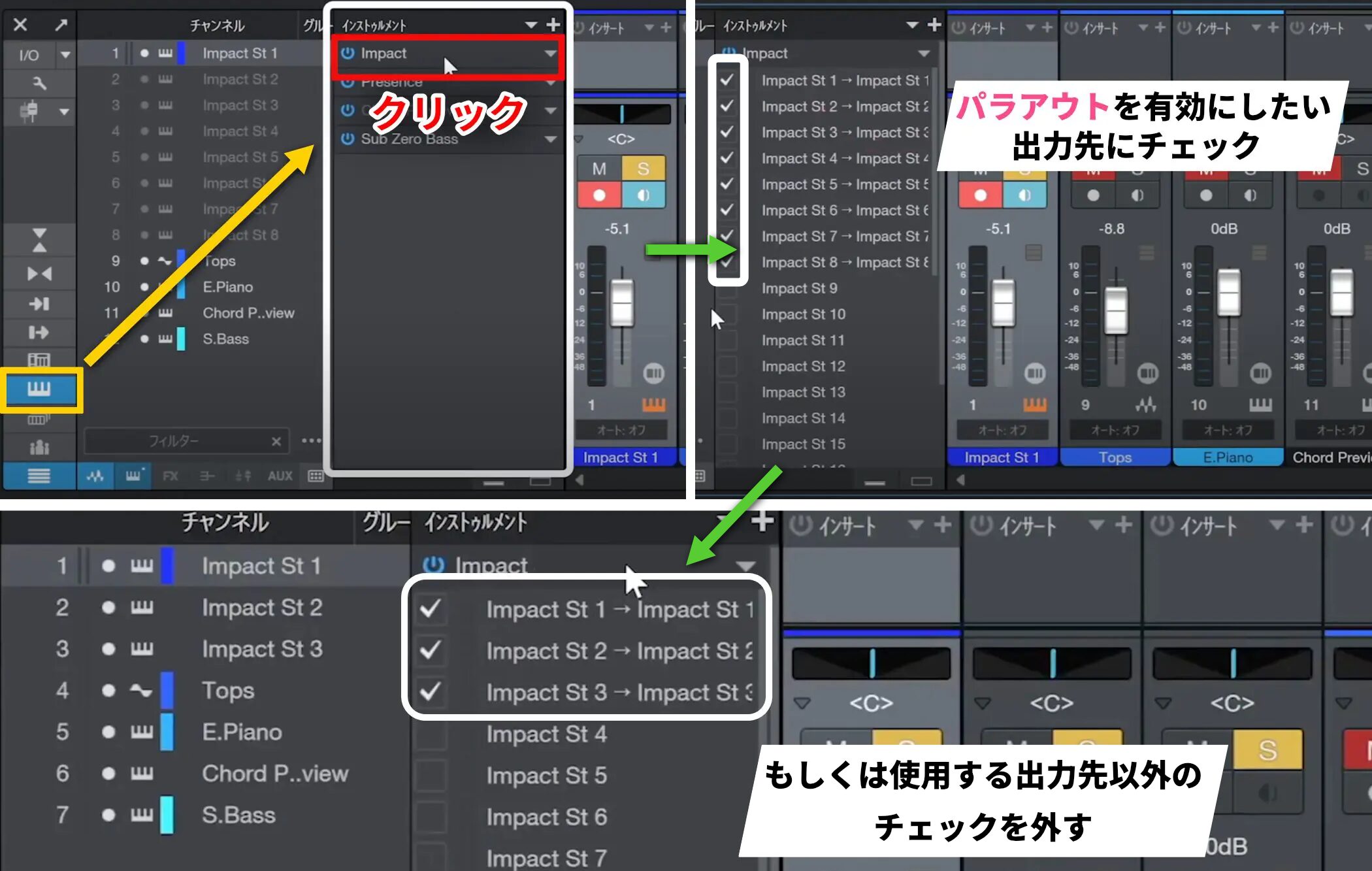
First, in the instrument, check the outputs you want to enable.
Here we use kick, snare, and hi-hat, so enable those outputs and uncheck the others.
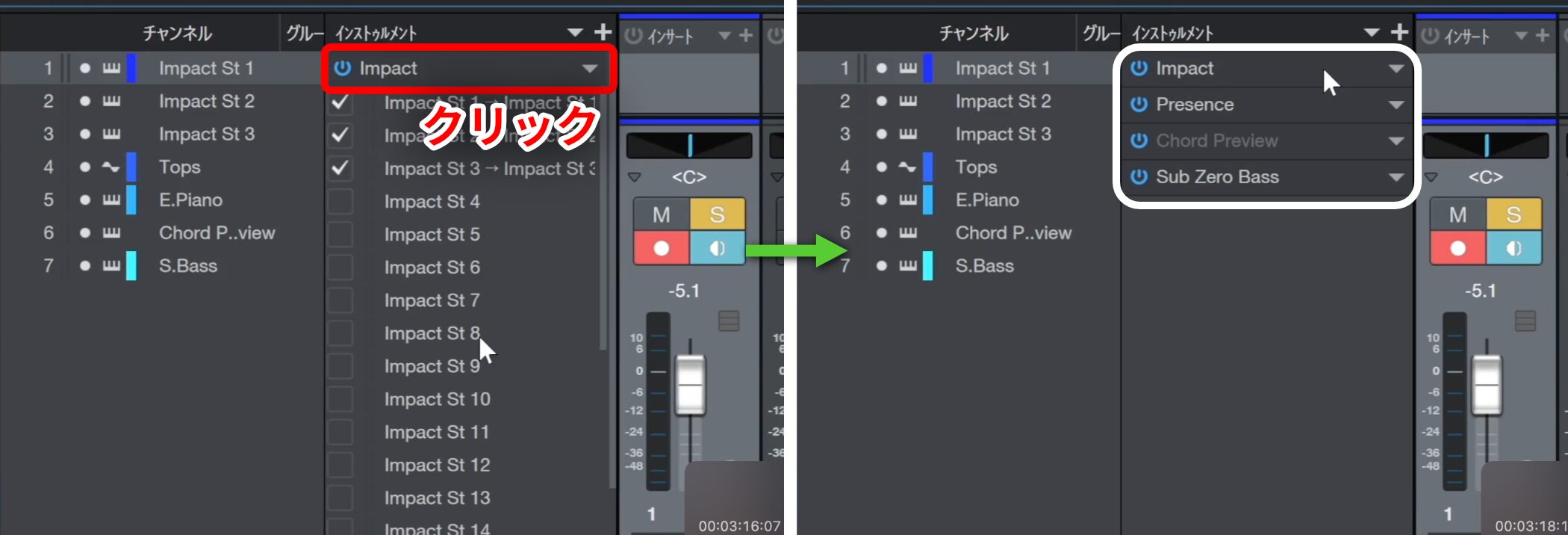
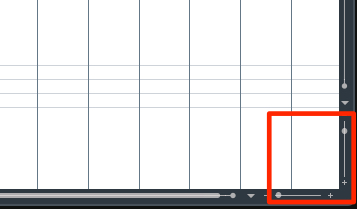
Once finished, click the area shown to reduce the window.
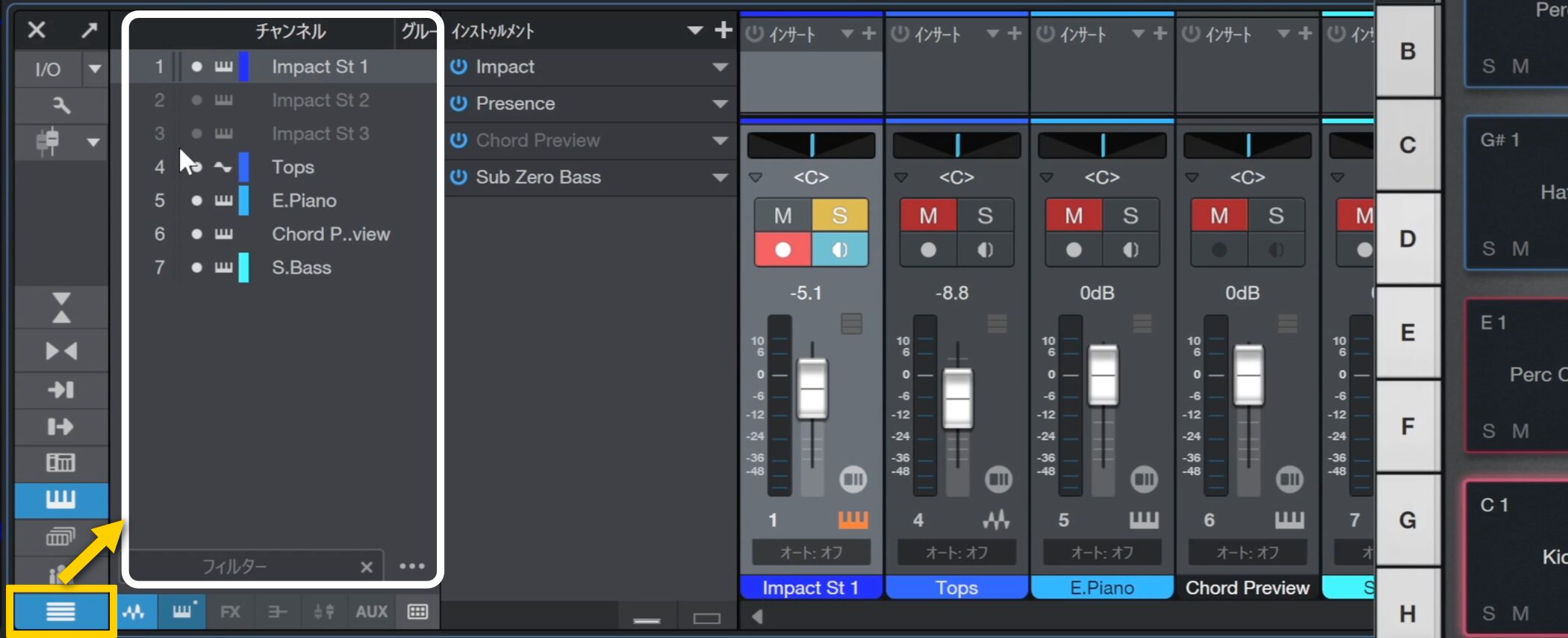
Next, check the channel list on the left.
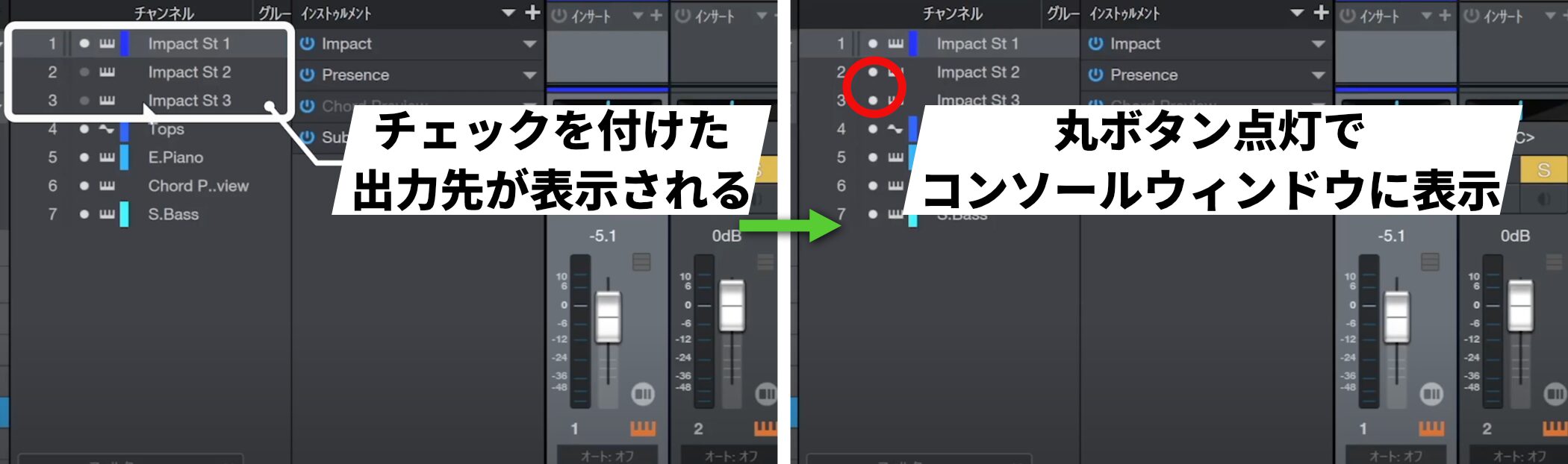
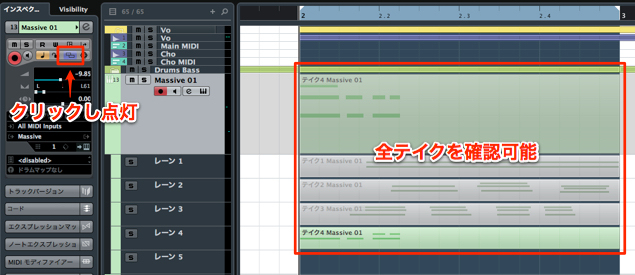
The numbers of the checked outputs appear there. Turn on the round button for each one to display its channel in the Console.
That completes the setup.
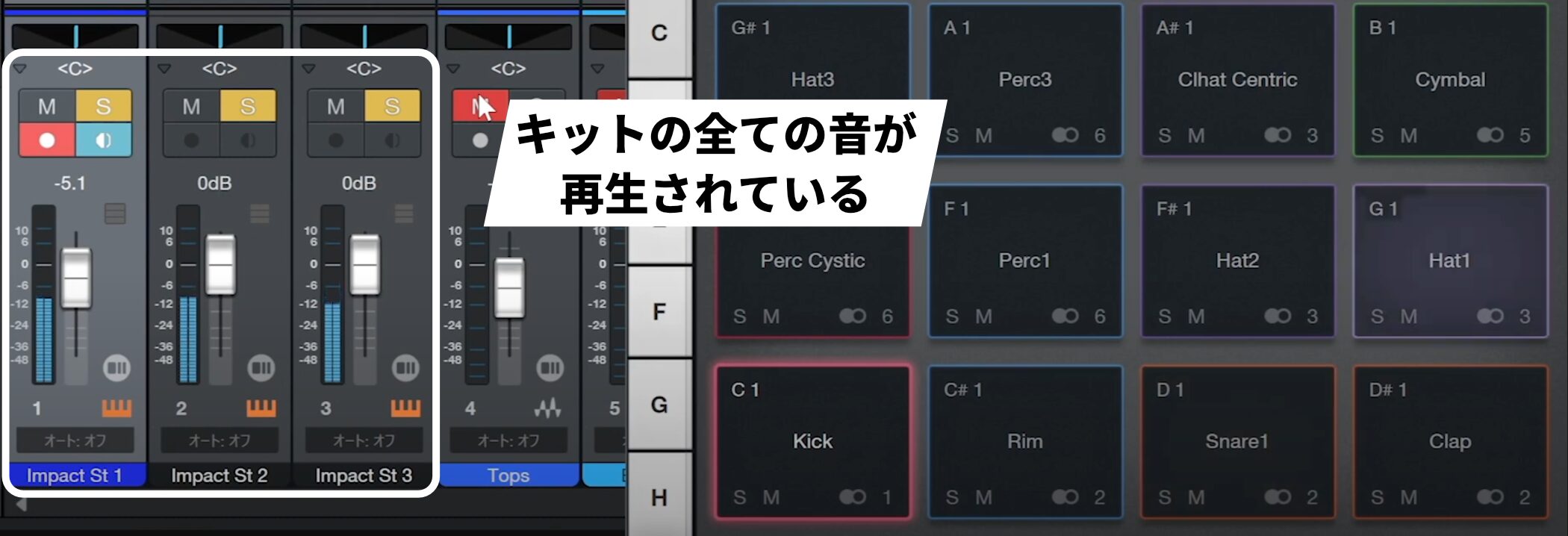
Solo the three channels and play them back to hear all the sounds in the kit used here.
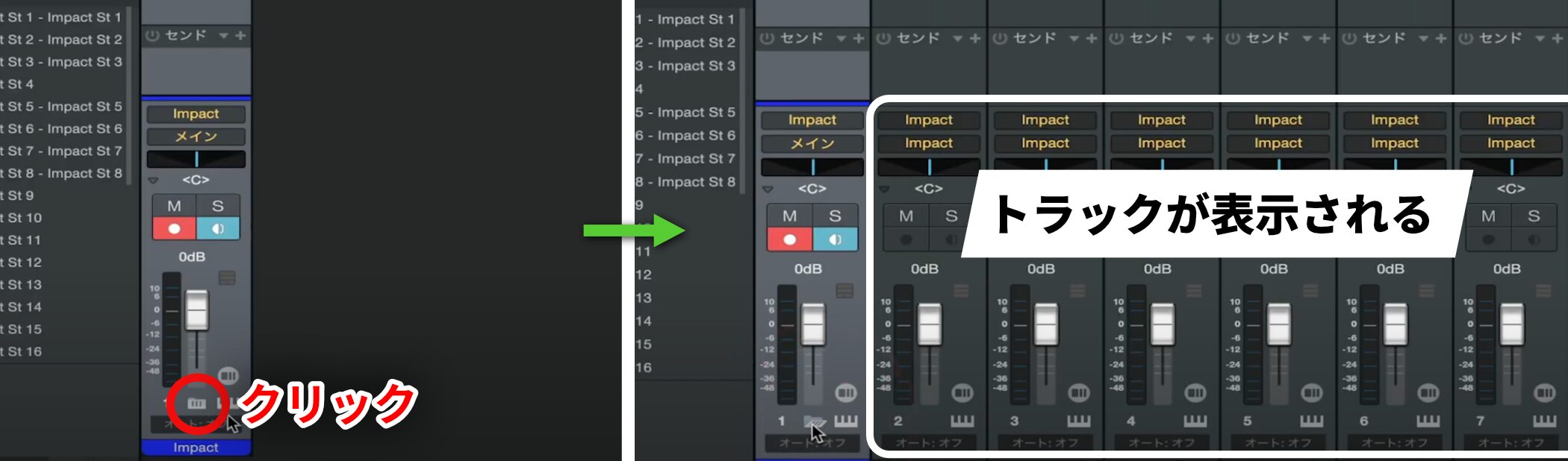
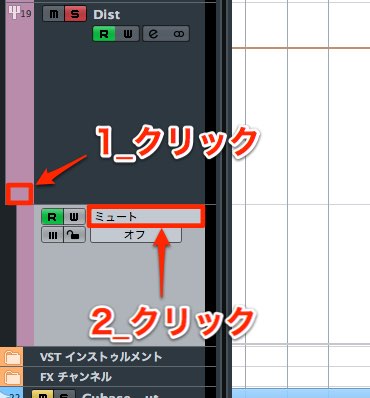
On a Mac, the channels may be stored inside a folder.
Click the area shown to reveal them.
Changing output channels
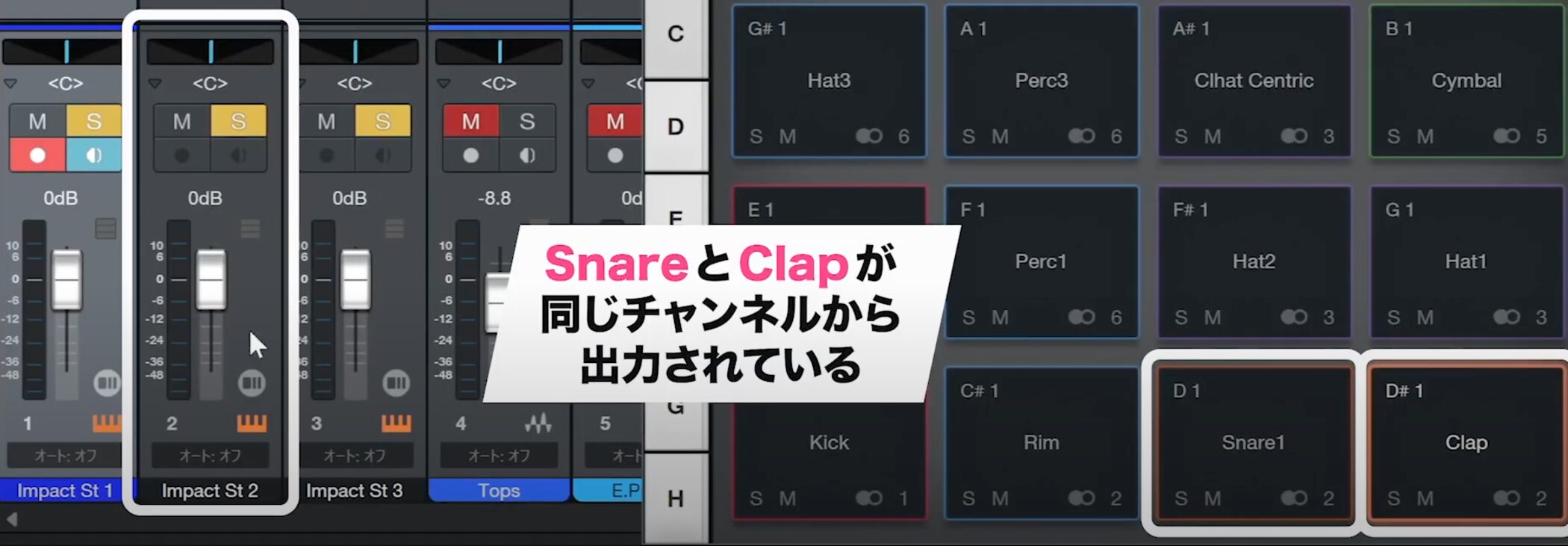
The snare and clap currently share output channel 2, making them difficult to control separately.
We will route them to different channels for finer adjustment.
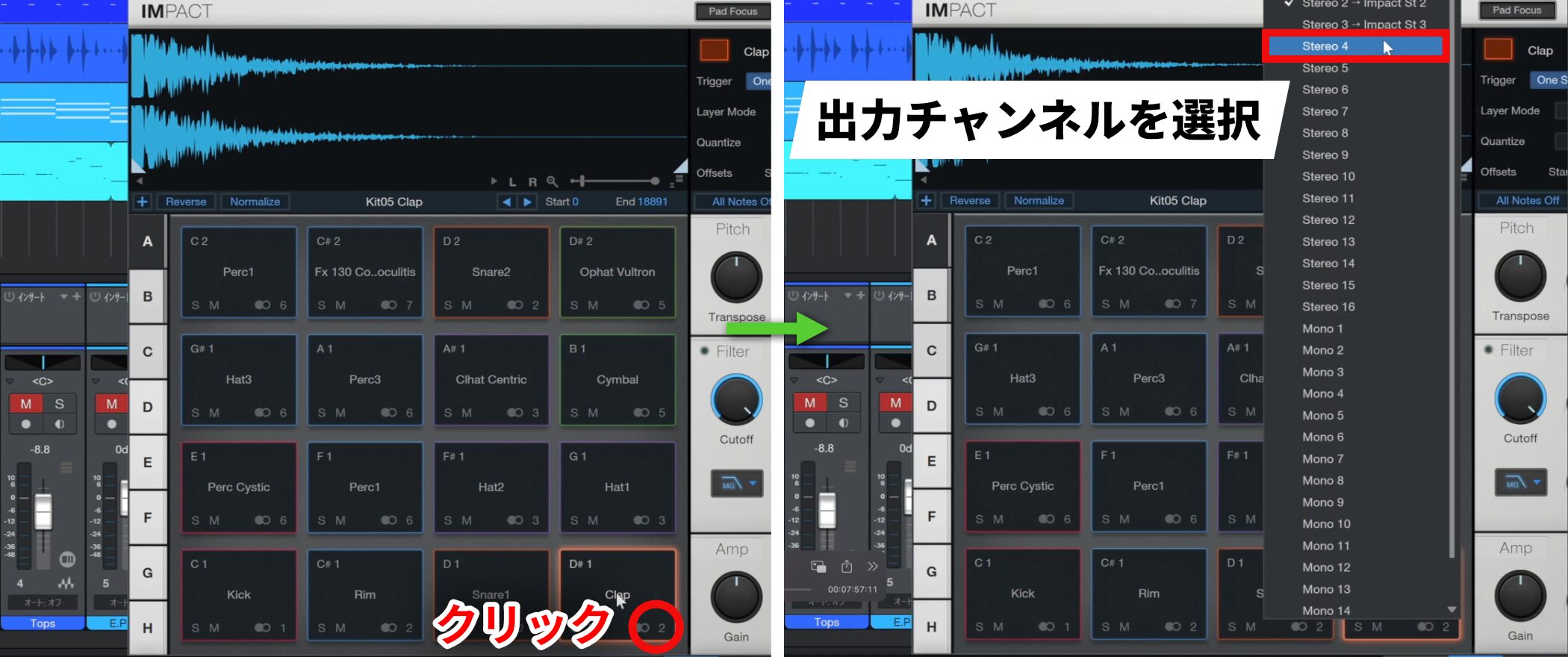
Keep the snare on channel 2 and change the clap’s output.
Click the output channel display on the slot you want to change, then select channel 4 for the clap.
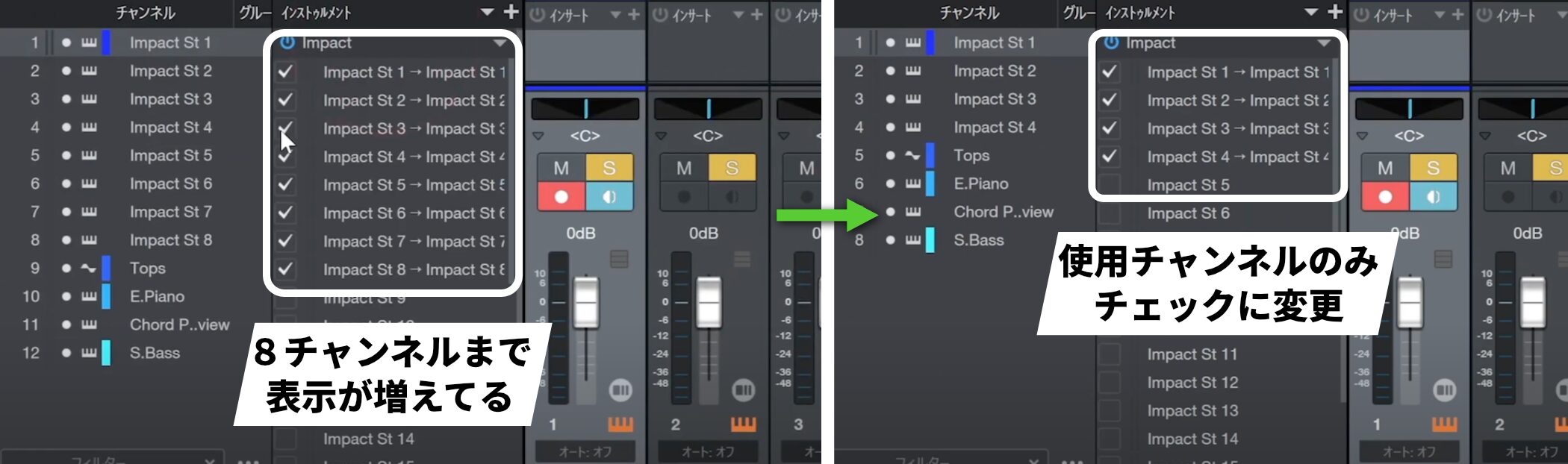
After this assignment, the available outputs shown increase from three to eight.
We will not use channels 5 onward in this example, so uncheck them again.
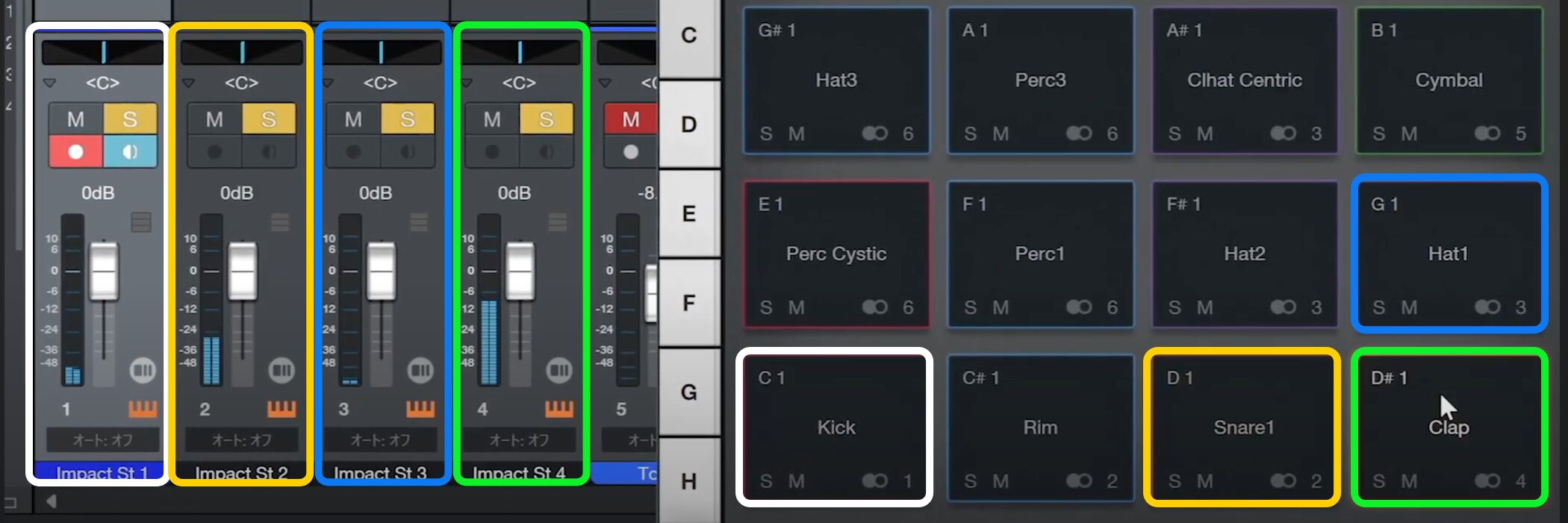
The kick is now on channel 1, the snare on 2, the hi-hat on 3, and the clap on the newly assigned channel 4.
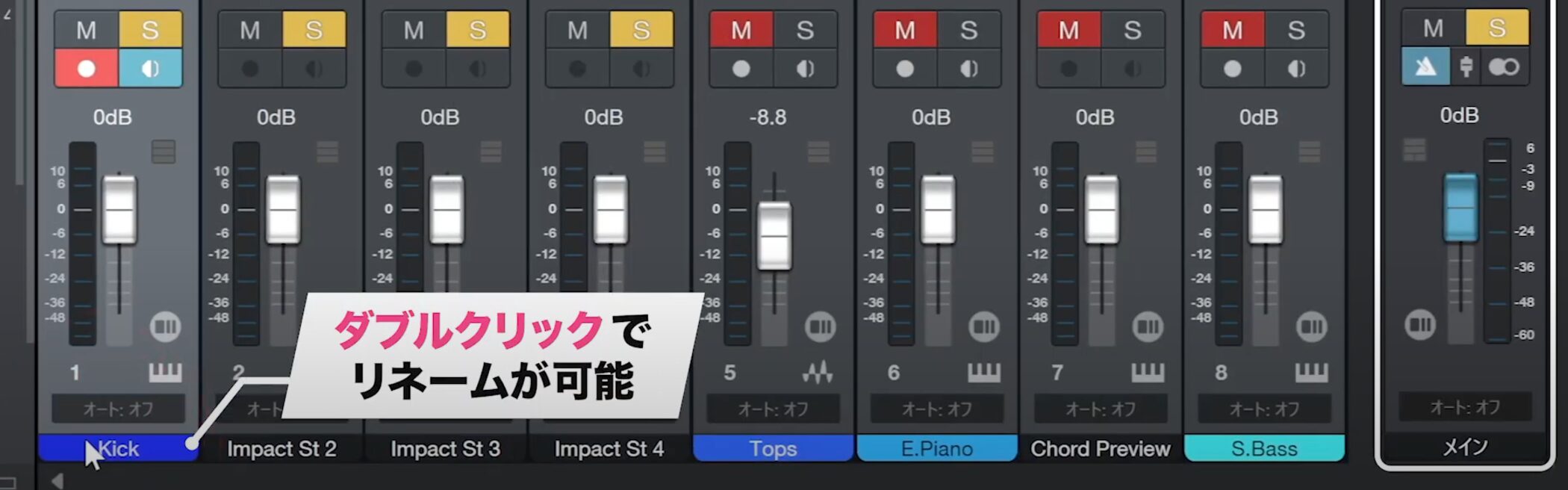
Double-click each channel’s name area to rename it just like a regular track. Clear names make the session easier to navigate.
Frequently asked questions
Q1. What are the benefits of using multiple outputs?
Routing each drum instrument—such as kick, snare, and hi-hat—to its own channel lets you adjust volume and apply effects independently for a more detailed mix.
Q2. Do multiple outputs work with the default settings?
They are often configured by default, but for the correct setup you need to check the required outputs in the instrument and enable the corresponding channels in the channel list.
Q3. What if multiple instruments, such as snare and clap, share the same channel?
Click the clap’s output channel display and select a different channel number. This routes the snare and clap to separate channels so you can control them independently.
NEW ARTICLES
Latest English Articles