
To transfer a song between DAWs, it helps to understand the basic structure of a DAW project. MIDI and audio are two common building blocks: MIDI data is often stored in the project, while audio may be stored in separate files or included in a project package. Storage varies by DAW and settings. If required files are missing, a project may not play correctly; incompatible project formats can also prevent it from opening in another DAW. This article explains the basics for sharing songs smoothly.
The Basics of Moving Songs Between DAWs
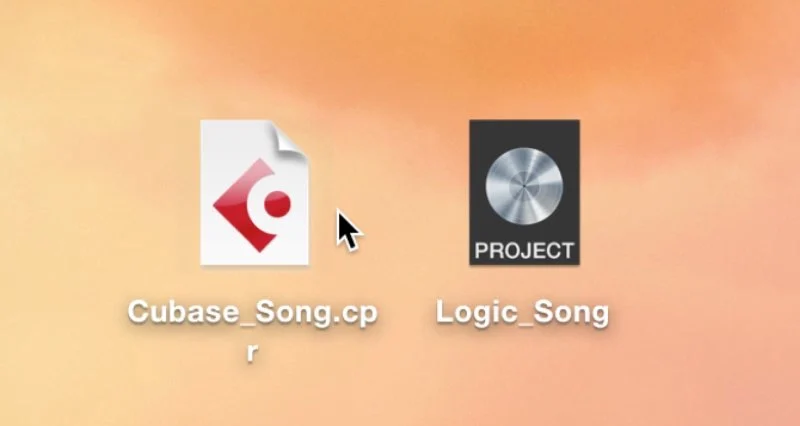
When making music, you may collaborate on a song with other musicians,
or use more than one DAW.
One issue that arises is compatibility between DAWs.
Here we explain concepts and methods that can make exchanging work easier.
First, let’s look at the basic structure of a DAW project.
Understanding DAW Project Structure
1. Understanding DAW Project Structure (This article)
2. MIDI and Audio Compatibility
3. Importing Data
MIDI and Audio Tracks
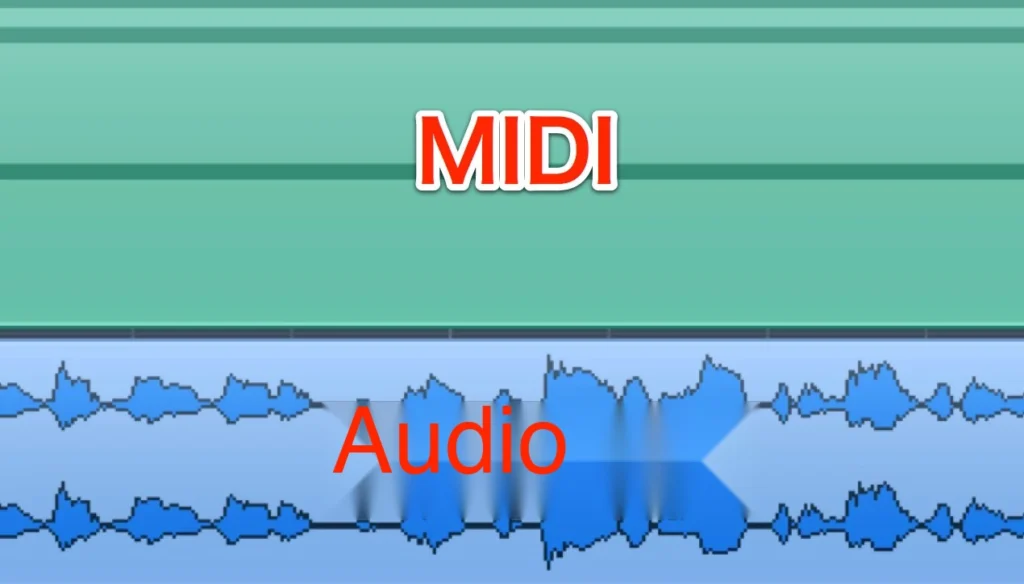
DAWs commonly use two types of material to build a song: MIDI and audio.
Understanding how to transfer both is therefore important.
- MIDI: MIDI data is relatively small and is often stored in the DAW project.
- Audio: Audio files are typically larger and may be stored in a folder separate from the project file. The exact location depends on the DAW and project settings.
Logic Pro X also has an option to include audio in the project file or package.
For details, see this article.
A Note on Audio Tracks
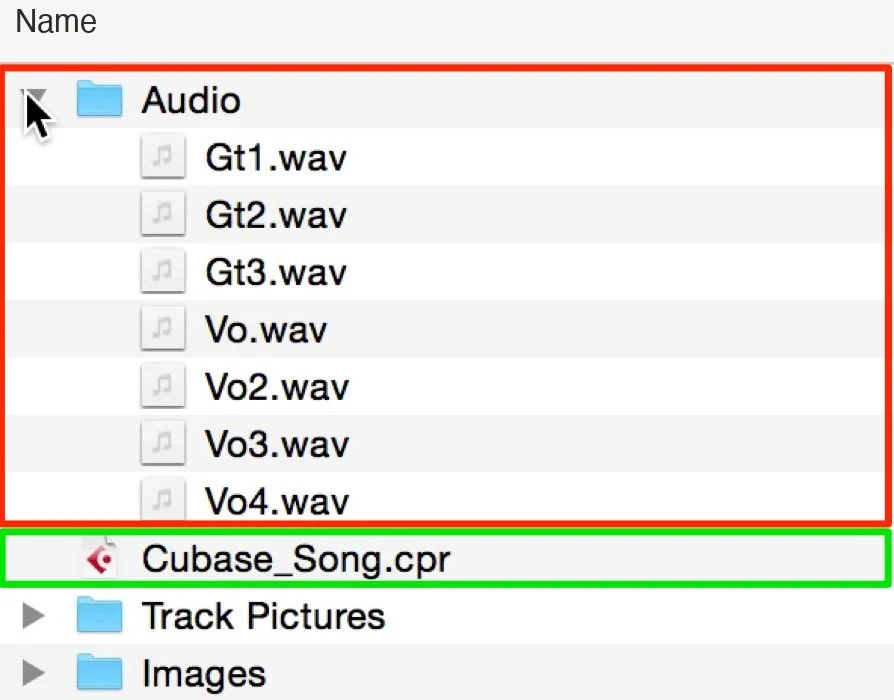
As noted above,
audio may be stored in a separate folder,
while MIDI data is often stored in the project file.
Even when you use the same DAW,
make sure to send all required audio files with the project; otherwise the recipient may not be able to play the song correctly.
What Does a DAW Do?
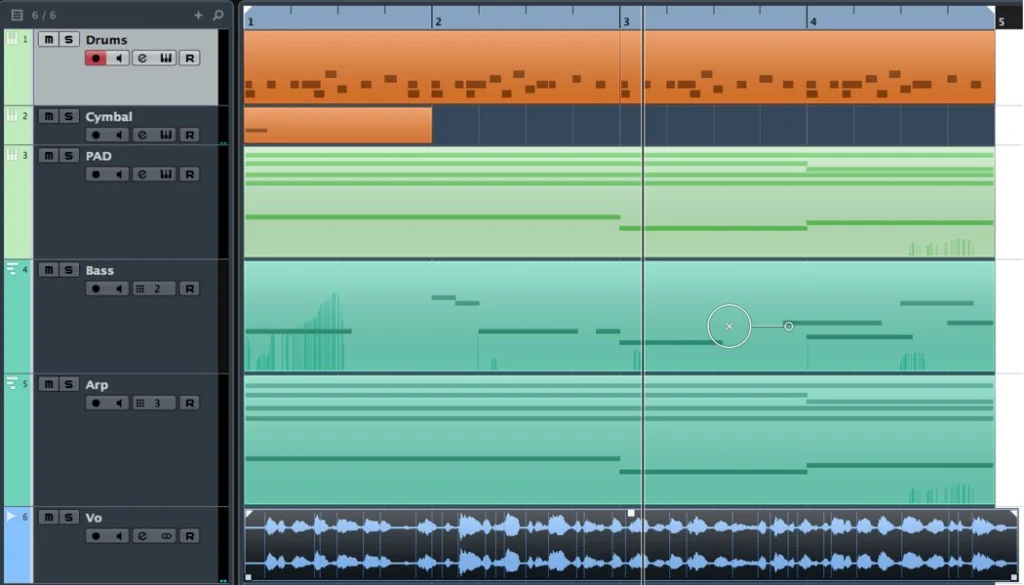
A DAW’s basic role is straightforward:
at the specified position in the timeline, it plays the audio and MIDI data placed there.
That is the foundation.
It also controls the playback speed (tempo), software instrument assignments, effects, and more.
Although MIDI and audio are common to DAWs,
a project made in one DAW may not open directly in another because their project formats differ.
Frequently Asked Questions
Q1. What is the difference between MIDI and audio?
MIDI is small, so many DAWs embed it in the DAW file, while audio is large and is usually saved in a separate folder (how it's saved depends on the DAW and settings). Understanding this difference is important when sharing a song between different DAWs.
Q2. Why can’t someone open my file even though we use the same DAW?
The audio files may not have been handed over with it (in that case, audio may not play even if the file opens). You must always hand over the audio folder together with the DAW file.
Q3. Can I open a project in a different DAW?
DAWs often use different project formats, so a project may not open directly in another DAW. You can transfer material using methods such as MIDI export and audio mixdown.
NEW ARTICLES
Latest English Articles











