In music production, an arpeggiator is a powerful tool for turning static chord progressions into dynamic, lively rhythm patterns. Using the Mai Tai synthesizer as an example, this article explains how to add the Note FX Arpeggiator from the Inspector and adjust parameters such as direction, speed, and range. It also introduces a technique for controlling excessive movement by building around stable notes in the scale, helping beginner and intermediate producers create arpeggio patterns that suit their music.
Setting up dynamic arpeggio patterns with the Note FX Arpeggiator
An arpeggiator can add movement to a rhythm.
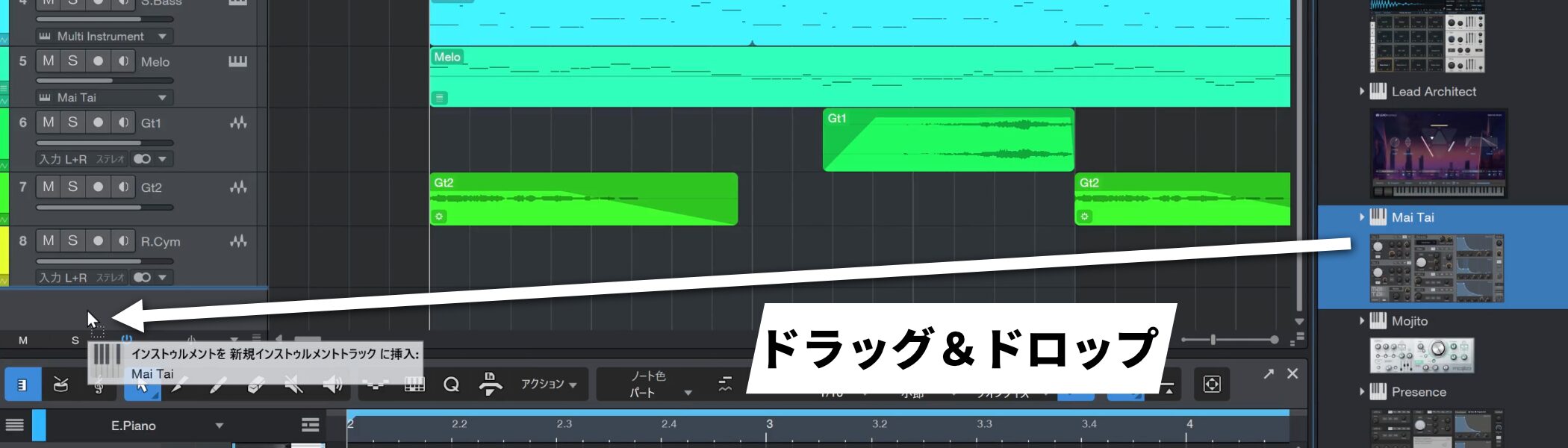
Here we will use the Mai Tai synthesizer.
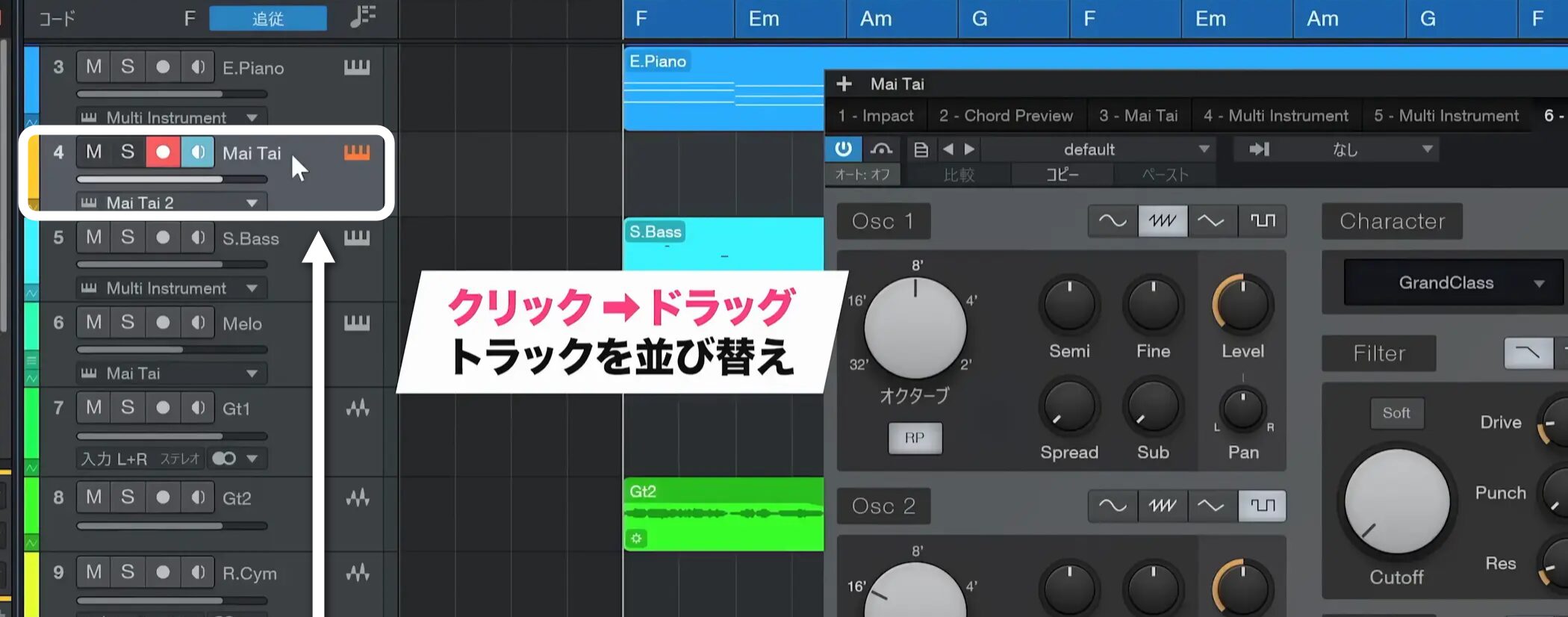
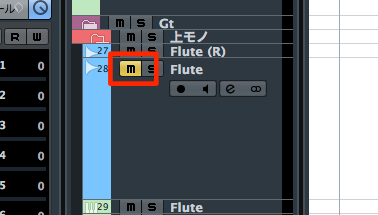
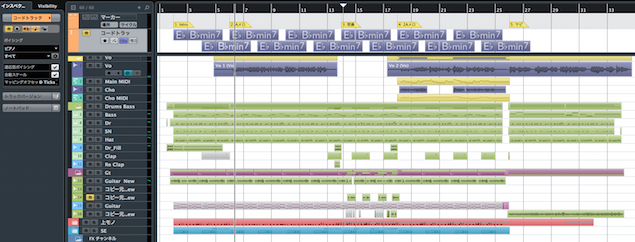
Drag tracks to reorder them in a way that makes your work easier.
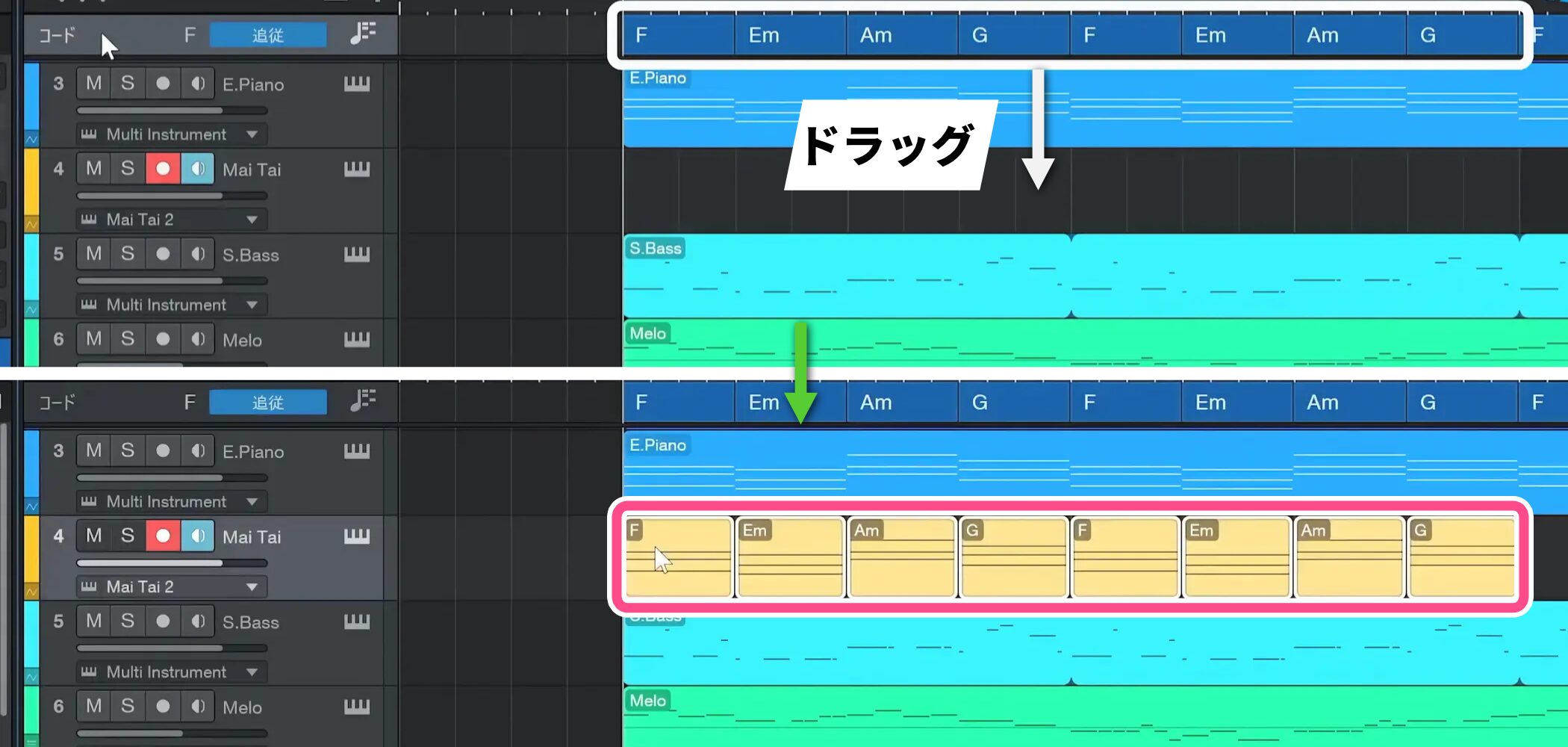
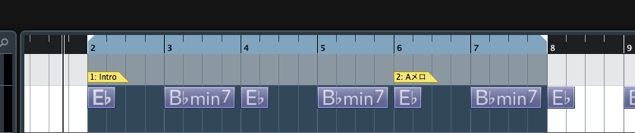
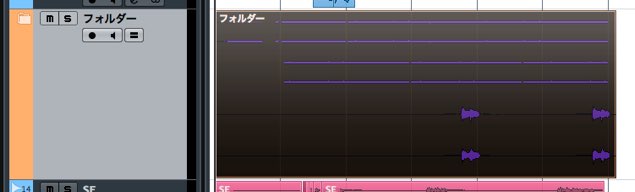
To use the existing chord progression, select the chords and move them to the track.
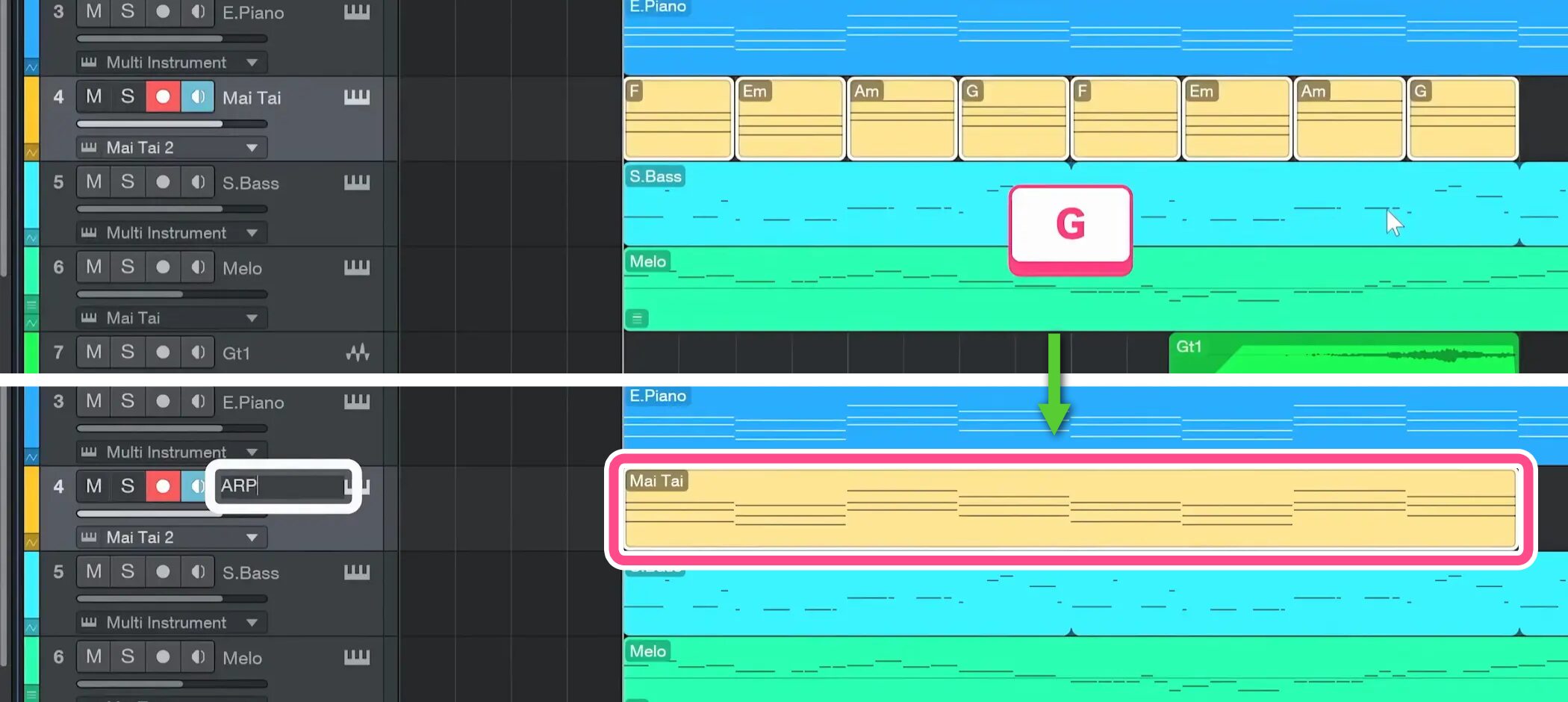
Press G to merge them into a single event.

Give the track a clear name, such as “ARP” for arpeggio.
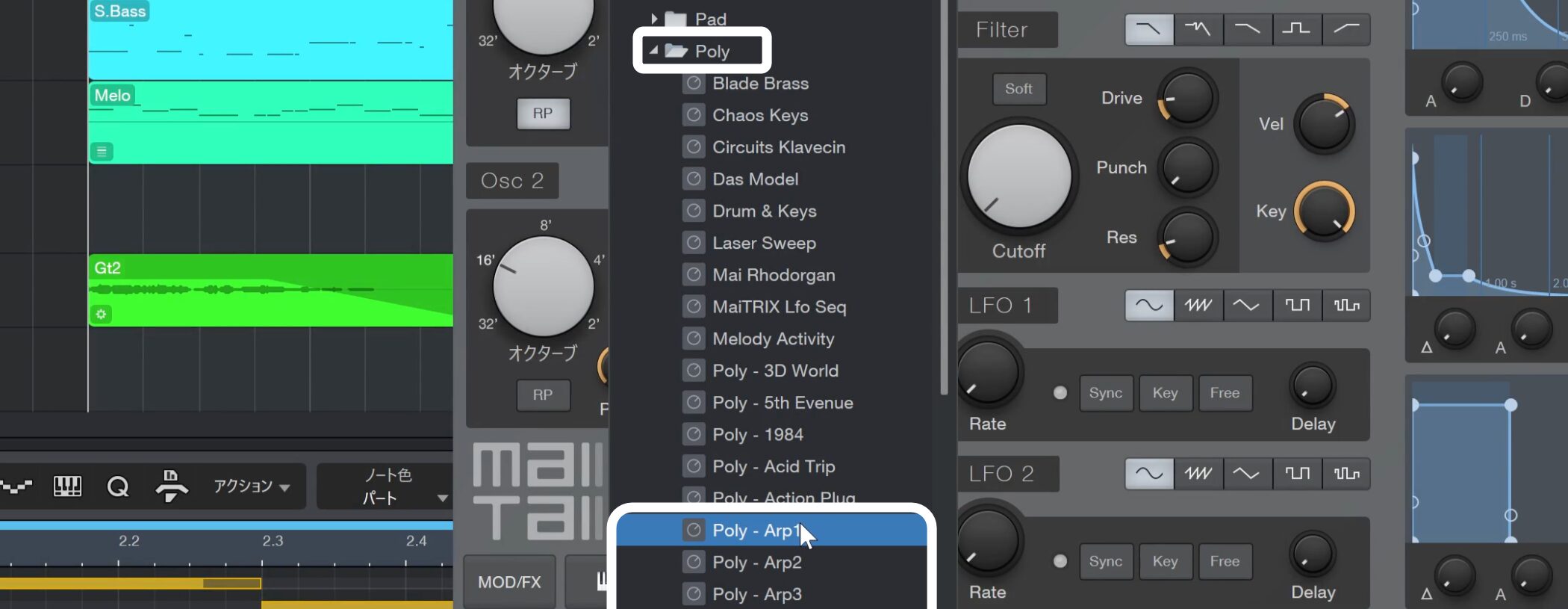
When choosing a sound, use one of the dedicated arpeggio sounds in the Poly category.
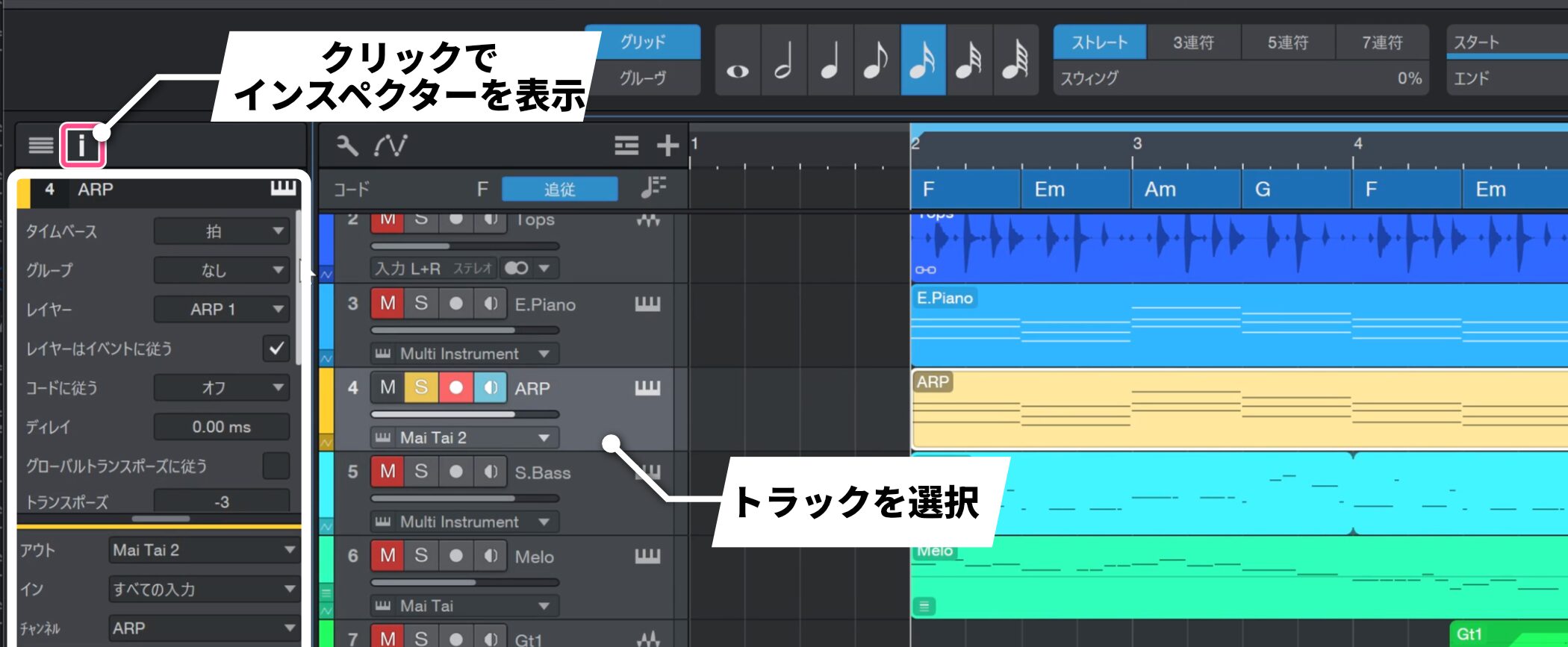
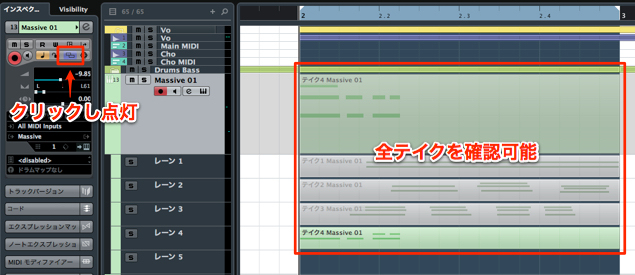
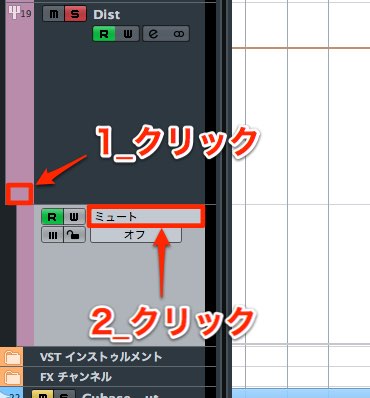
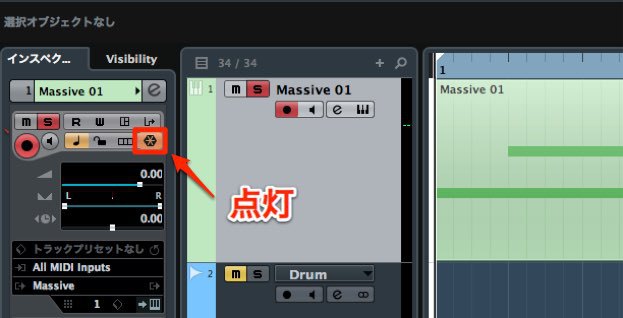
Select the track and open the Inspector on the left.
If the Inspector is hidden, click the corresponding control to show it.
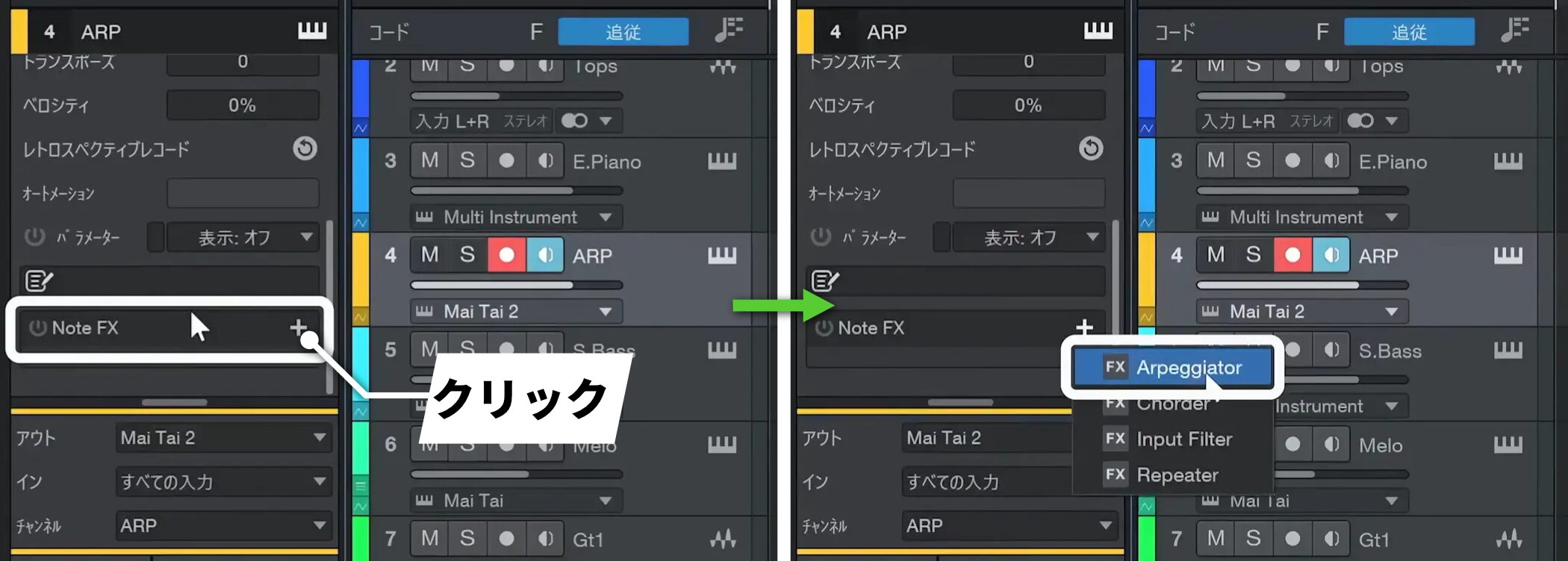
Scroll down the menu to Note FX, click the plus button, and select Arpeggiator.
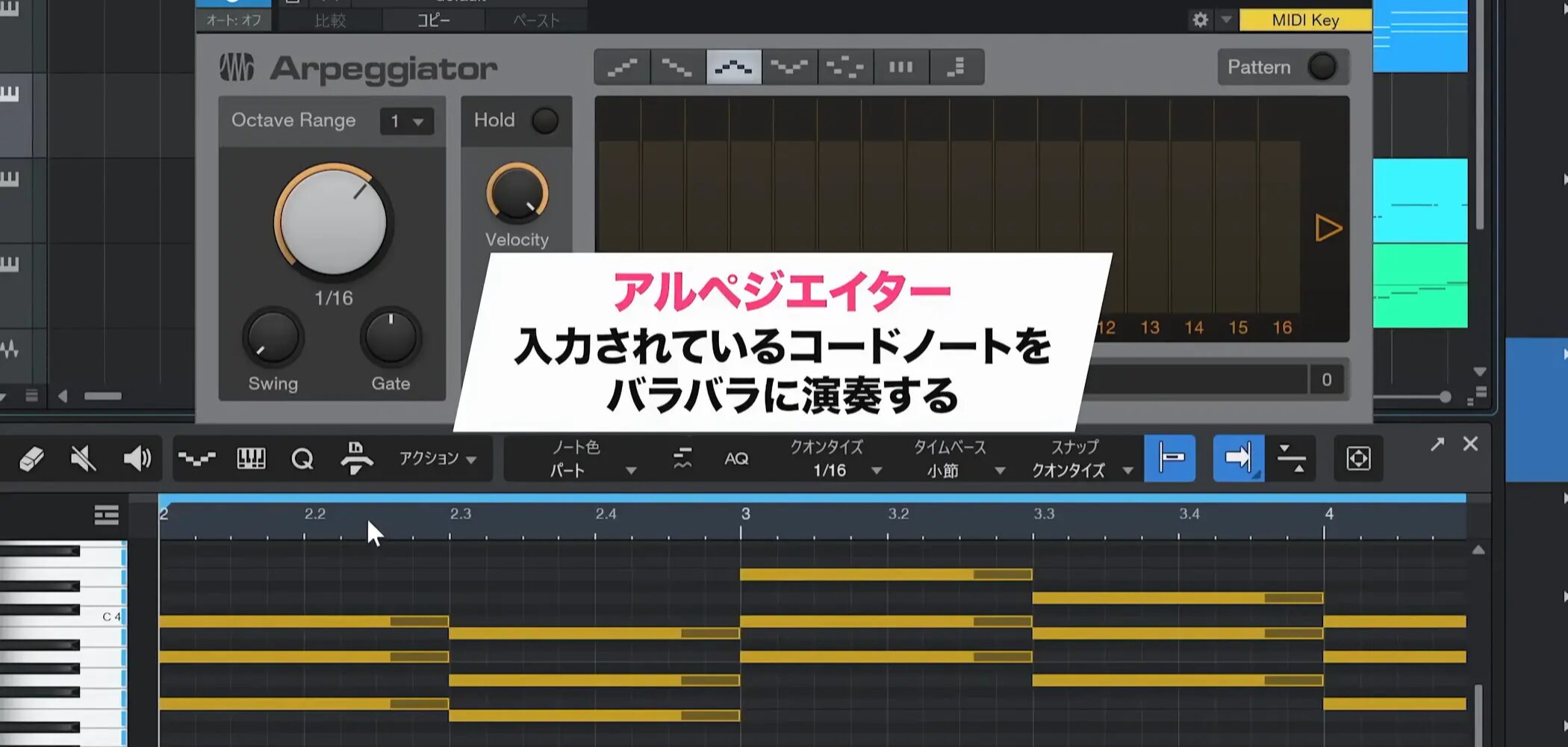
Once the arpeggiator is applied, the entered chord notes are automatically played one at a time.
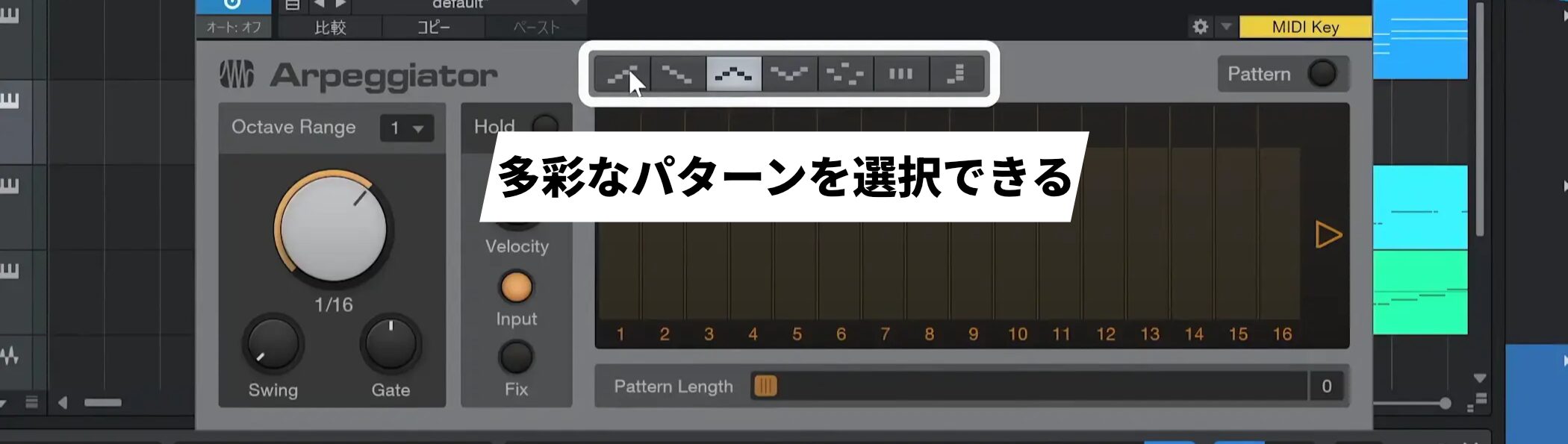
The arpeggiator lets you set the playback direction, with a variety of patterns such as ascending, descending, and ascending then descending.
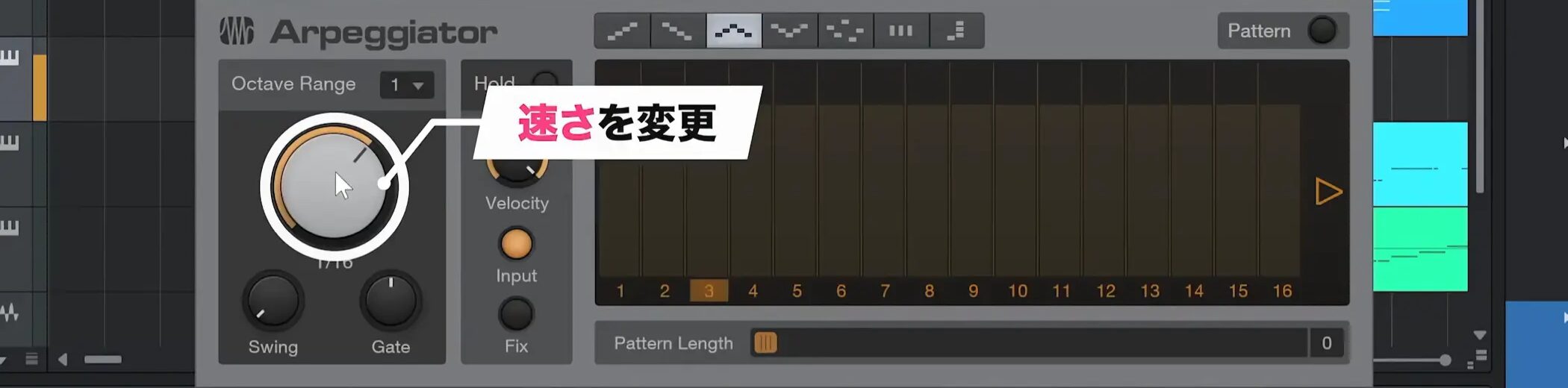
You can also adjust the playback speed to match the song’s tempo.
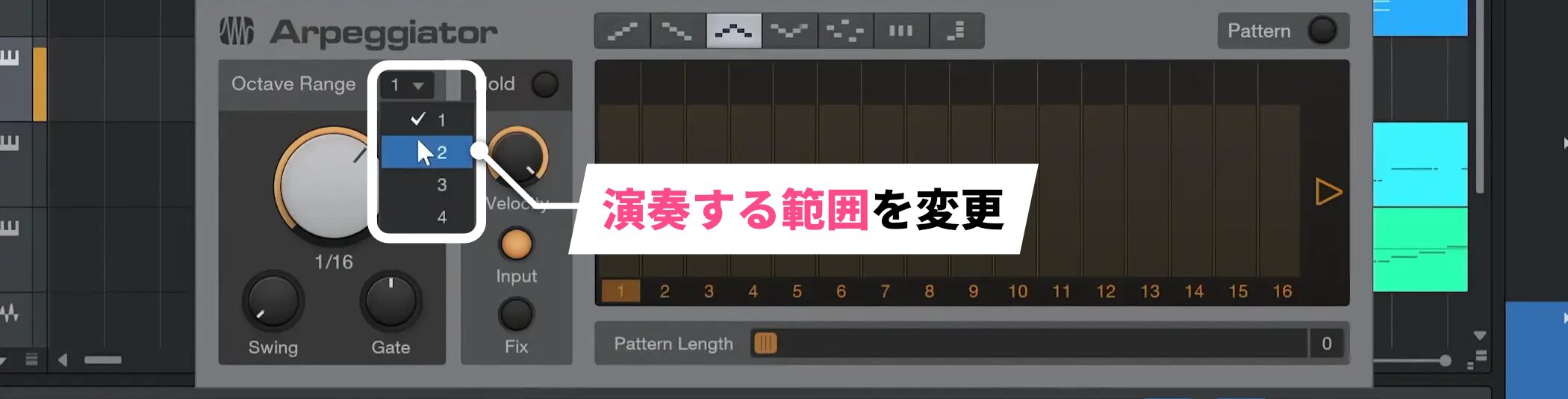
You can also set the playback range, extending it from the default one octave to two octaves or an even wider range.
Choose settings that create an arpeggio pattern suited to your song.
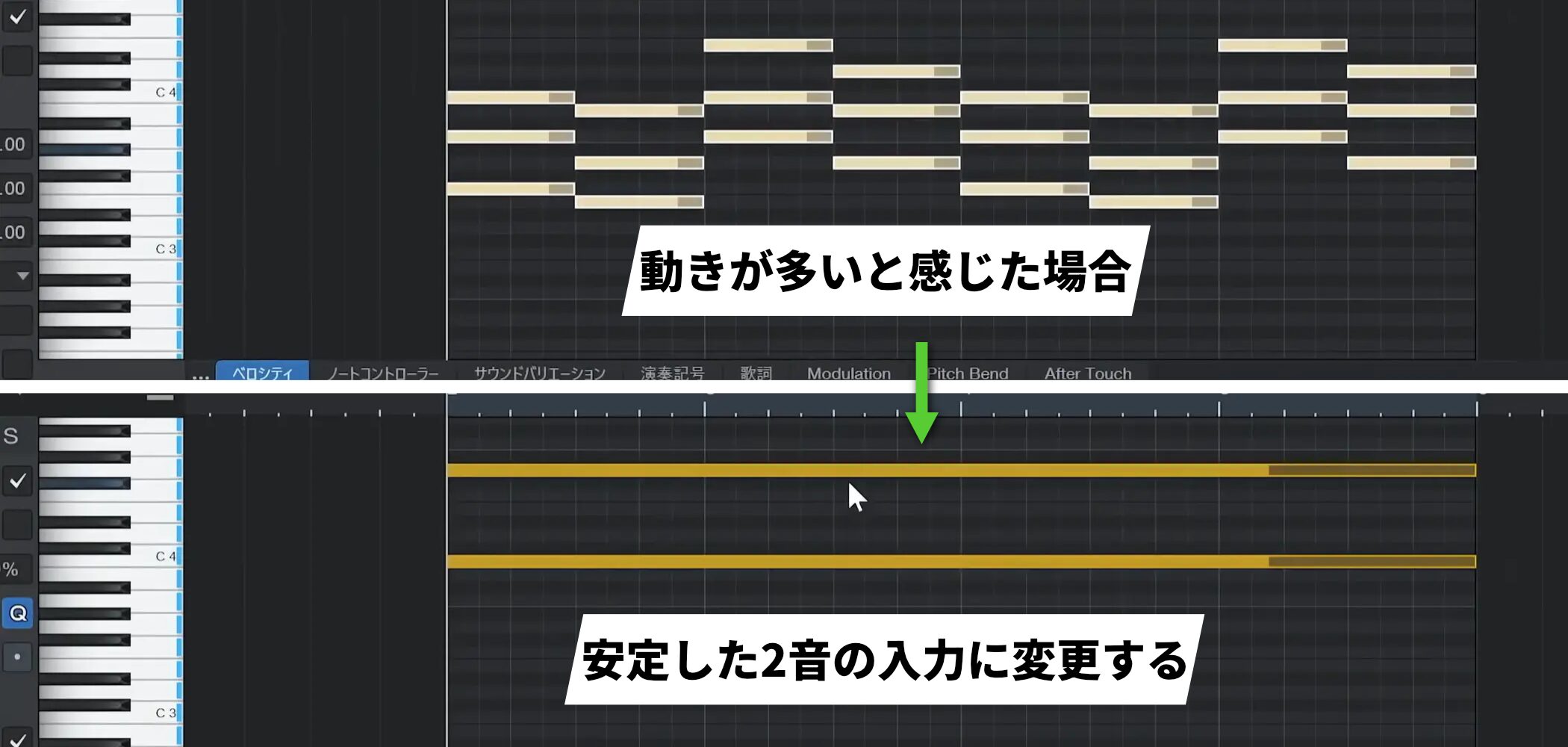
If the arpeggiator feels too busy, continuing to use shared, stable notes within the scale is an effective technique.
For example, in C major or A minor, enter stable notes such as C and G.
Even when only two notes are played, changing chords can create a rich sound.
Frequently asked questions
Q1. Can I use an arpeggiator in any DAW or synthesizer?
Many modern DAWs and synthesizers include one, but their controls differ. This article uses Mai Tai as an example; consult your synthesizer’s manual for its Note FX or effects features.
Q2. The arpeggiator always creates complex rhythms. How can I simplify them?
Try the stable scale-note technique described above. Limiting the number of notes—for example, using only C and G in C major or A minor—can create a refined pattern.
Q3. How do I adjust the arpeggiator’s playback speed?
Use the parameters in the arpeggiator settings to adjust the speed to the song’s tempo. Scroll through the Inspector menu to find and adjust the speed options.
NEW ARTICLES
Latest English Articles