
Waves OneKnob Louder is a maximizer-style plug-in that lets you adjust loudness intuitively with a single knob. Its 0 dB limiting lets you increase loudness without worrying about clipping. You can use it to adjust the overall loudness on the master track, combine it with another maximizer, or bring individual tracks forward. It affects the tone as well as the level, giving the sound a natural, lively character that makes it useful throughout the mixing process, from work in progress to final adjustments.
Great-Sounding Loudness with One Knob
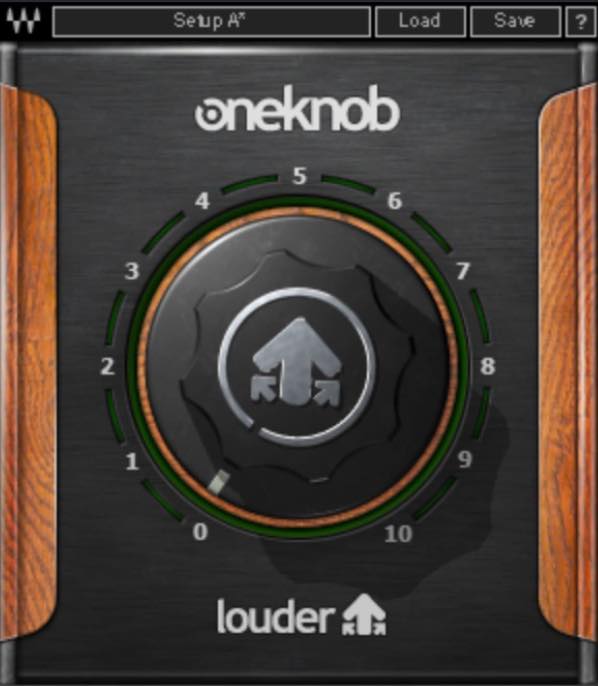
In this article, we will take a look at Waves OneKnob Louder.
As its name suggests, the OneKnob series offers simple, single-knob tools. Louder fills the role of a maximizer within the series.
Turning the knob increases loudness, while limiting at 0 dB is designed to prevent clipping.
Let’s see how to use it.
Video: Better Mixing Tips — Using Waves OneKnob Louder
Buy the product: OneKnob Louder
When You Want a Quick Loudness Boost
A maximizer is typically inserted on the master track to increase the overall loudness of a mix.
Of course, you can use OneKnob Louder this way too.
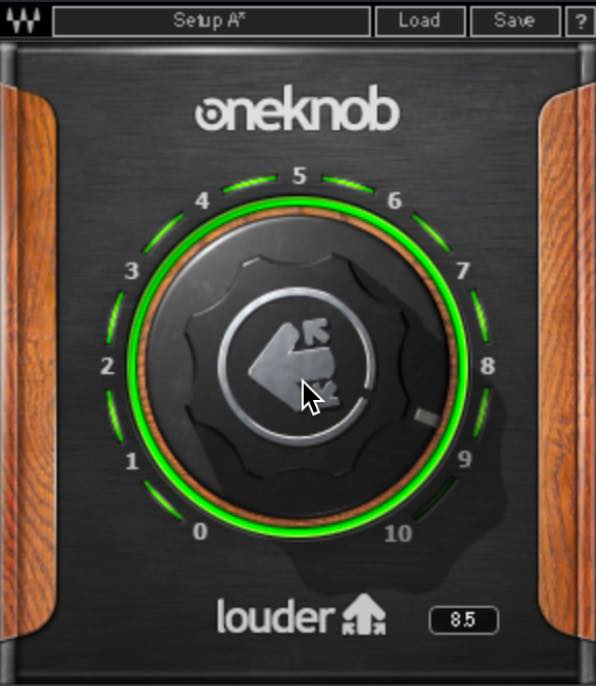
It is particularly useful while arranging or mixing when you want a quick idea of how the track will sound with more loudness.
Before processing
After processing
The loudness increases very naturally, and the sound takes on a pleasantly lively character.
Combining It with a Maximizer
Another approach is to insert OneKnob Louder before your maximizer and turn the knob up just a little when you want a bit more perceived loudness after applying the rest of your final master processing.
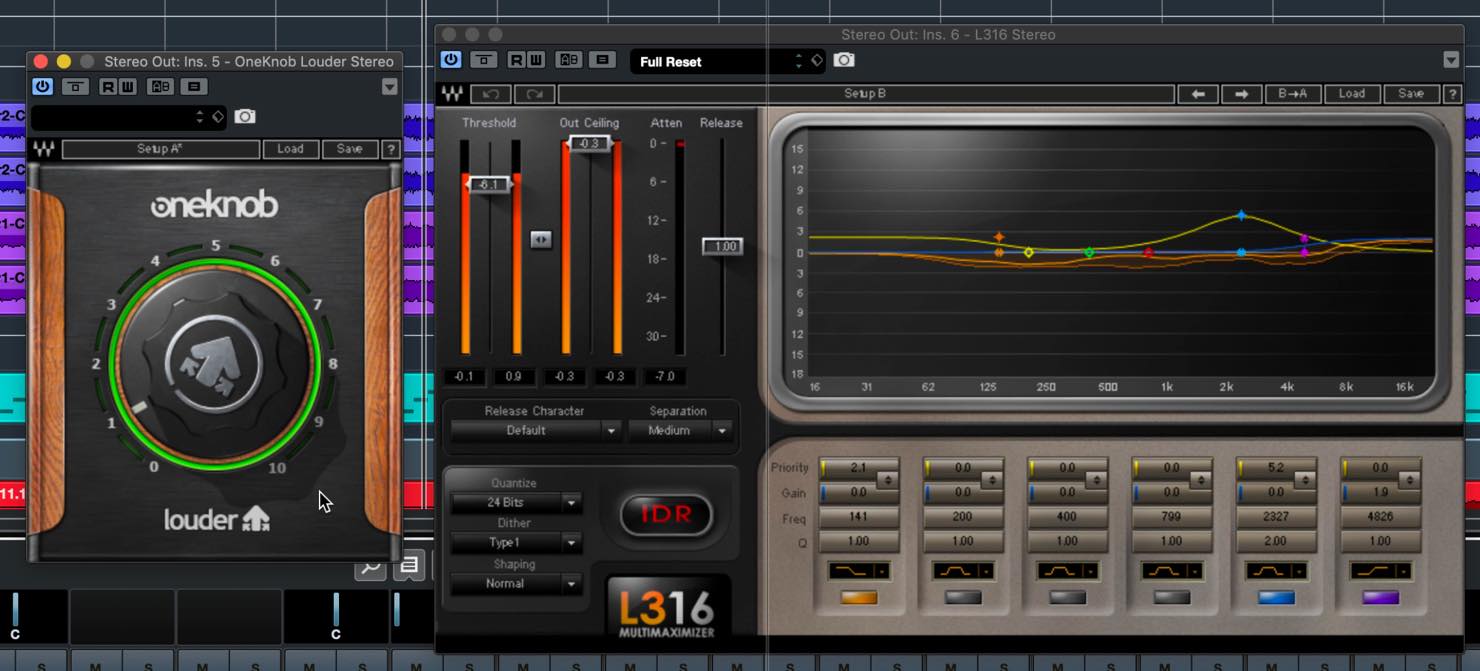
OneKnob Louder affects the tone as well as increasing loudness. This gives a different sense of loudness from simply driving more level into a maximizer.
Let’s hear the difference.
Maximizer only
OneKnob Louder + maximizer
What do you think?
The upper midrange, which readily contributes to perceived loudness, has more presence, and the stereo image seems slightly wider. Although there is only one knob to adjust, it appears that several processes are taking place under the hood.
It takes very little time to try, so you can simply keep it if it suits the song.
Using It to Bring a Track Forward
You can also use OneKnob Louder instead of raising a fader when you want to bring an individual track or a bus slightly further forward.
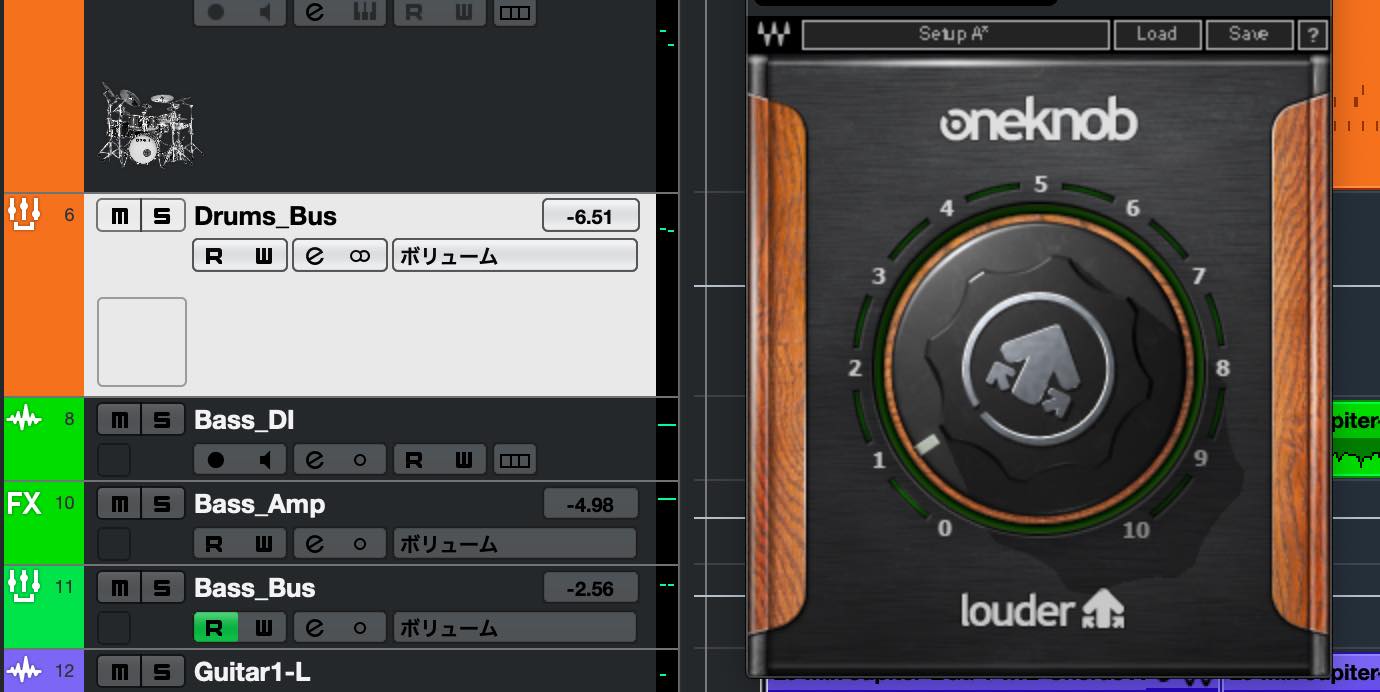
For example, to bring the drums forward from the previous mix, apply it to the drum bus. Then turn the knob up just a little, as we did on the master track.
Let’s listen.
Before processing the drum bus
After processing the drum bus
OneKnob increases loudness while applying gentle compression. Compared with simply raising the fader, this helps the track cut through smoothly while still fitting into the overall mix.
OneKnob Louder is easy to use and can be very effective when it suits the material, making it a handy plug-in to have.
If it has caught your interest, give it a try.
OneKnob Louder, featured in our Christmas giveaway at the time of this December 10, 2019 post, is a plug-in that delivers great-sounding loudness with just one 🎛 knob!
>Better Mixing Tips #6: Using Waves OneKnob Louder
📝Article: https://t.co/7GxyNGFgTM🎥YouTube: https://t.co/ppJLbJz2Oy pic.twitter.com/ZDvBnul0MR
— SLEEP FREAKS (@SLEEPFREAKS_DTM) December 10, 2019
Frequently Asked Questions
Q1. How is OneKnob Louder different from a maximizer?
OneKnob Louder affects the tone as it increases loudness, producing a natural, lively sound. A maximizer, by contrast, focuses on limiting the level. Combining the two can give a more dimensional sense of loudness.
Q2. How does it differ from raising the fader?
OneKnob Louder increases loudness while applying gentle compression, helping the sound cut through smoothly and blend naturally in a way that simply raising the fader does not.
Q3. How can I use it beyond the master track?
When you want to bring a group of instruments such as a drum bus forward, insert OneKnob Louder and turn the knob up slightly instead of raising the fader. This adds presence while keeping the group in balance with the mix.
NEW ARTICLES
Latest English Articles


































































































































































































































