
Understanding MIDI parameters and values helps you work more confidently in music production. MIDI 1.0 provides 16 channels and uses seven-bit velocity values from 0 to 127. This guide also introduces ticks for musical timing and Control Change (CC) messages for controls such as volume and pan.
MIDI Parameters and Values
previous article covered the basics of MIDI; here we continue the introduction.
This time we explore parameters and values that MIDI can express.
Understanding these concepts can make composition smoother.
Let’s get started.
Tutorial Video
- 1MIDI Basics
- 2MIDI Parameters and Values
- 3Software Synth and Plug-in Formats: DAW Compatibility
- 4Choosing an Audio Interface
- 5Samplers 1: Create Rhythm Instruments from Samples
- 6Samplers 2: Create Pitched Instruments from Samples
- 7Reading the Piano Roll and Rhythm, Part 1
- 8Reading the Piano Roll and Rhythm, Part 2
- 9Reading the Piano Roll and Rhythm, Part 3
- 10The Importance of a Common Tuning Reference
- 11Tuplets
Binary, Decimal and Hexadecimal
MIDI data is transmitted as binary bytes; hexadecimal is a convenient way to represent those bytes.
DAWs often display parameter values in decimal. A hexadecimal digit represents four binary bits, so groups of 16 often appear in MIDI data.
- Binary: commonly used by computers
- Decimal: the number system used in everyday life
- Hexadecimal: often used to display MIDI bytes
Uses two digits, 0 and 1.
Uses ten digits, 0 through 9.
Uses sixteen digits, 0 through 9 and A through F.

MIDI channels, velocity and timing values have their own ranges and resolutions.
Some ranges relate to powers of two; tick resolution depends on the project or file.
Understanding MIDI Value Ranges
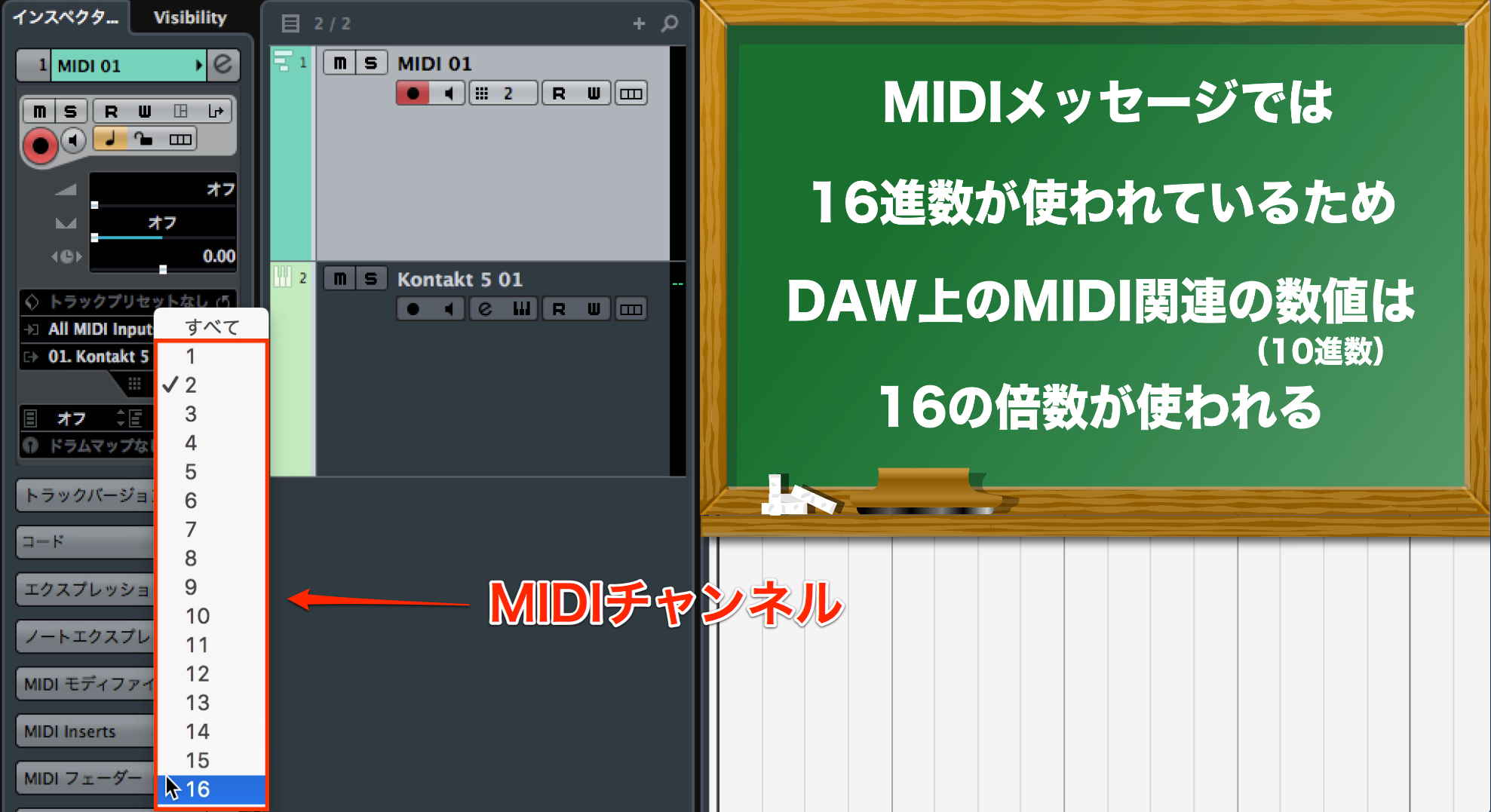
A MIDI 1.0 connection can address up to 16 channels, which can be used to route parts to different instruments.
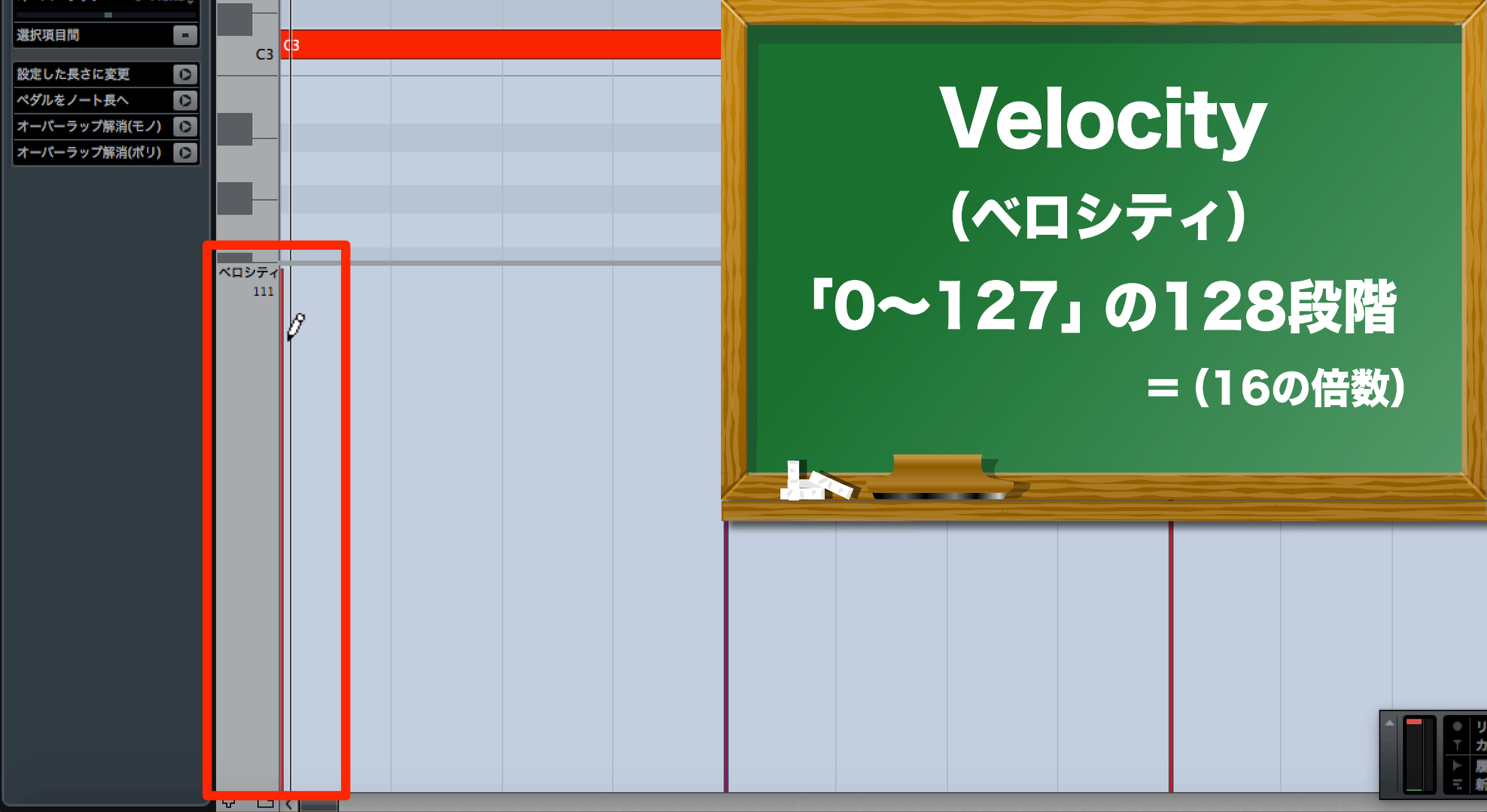
Velocity uses 128 values, from 0 to 127.
Higher velocity often produces a louder or more forceful sound,
but the response and performance character depend on the instrument.
How to Change Velocity

 Logic
Logic GarageBand
 Cubase
 Ableton Live
 Studio One
Ticks: Units of Musical Timing
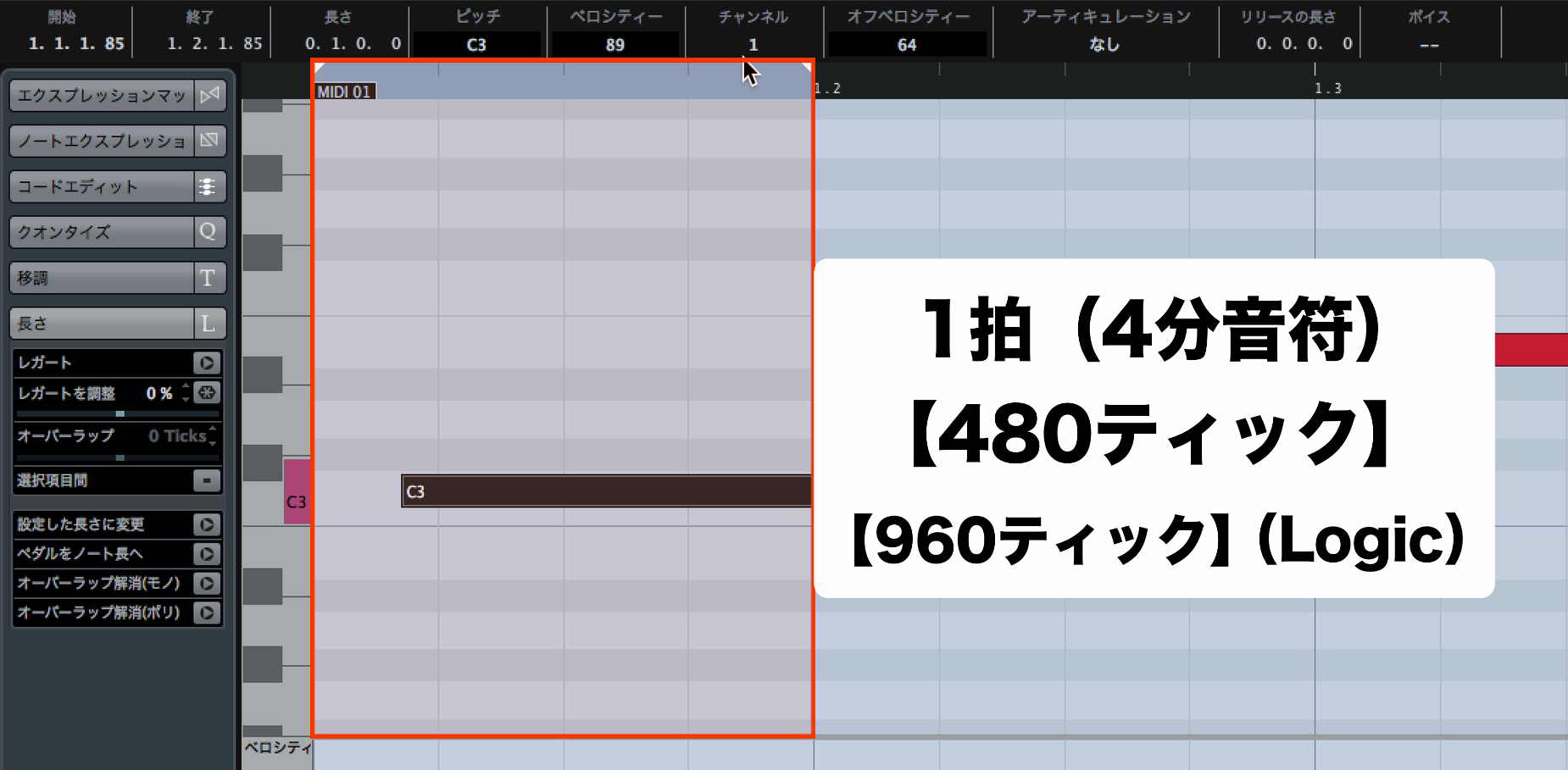
A tick is a unit used to represent musical timing.
For example, a quarter note may be divided into 480 or 960 ticks.
The resolution depends on the DAW or MIDI file and may be configurable.
Ticks Explained
Control Change (CC)
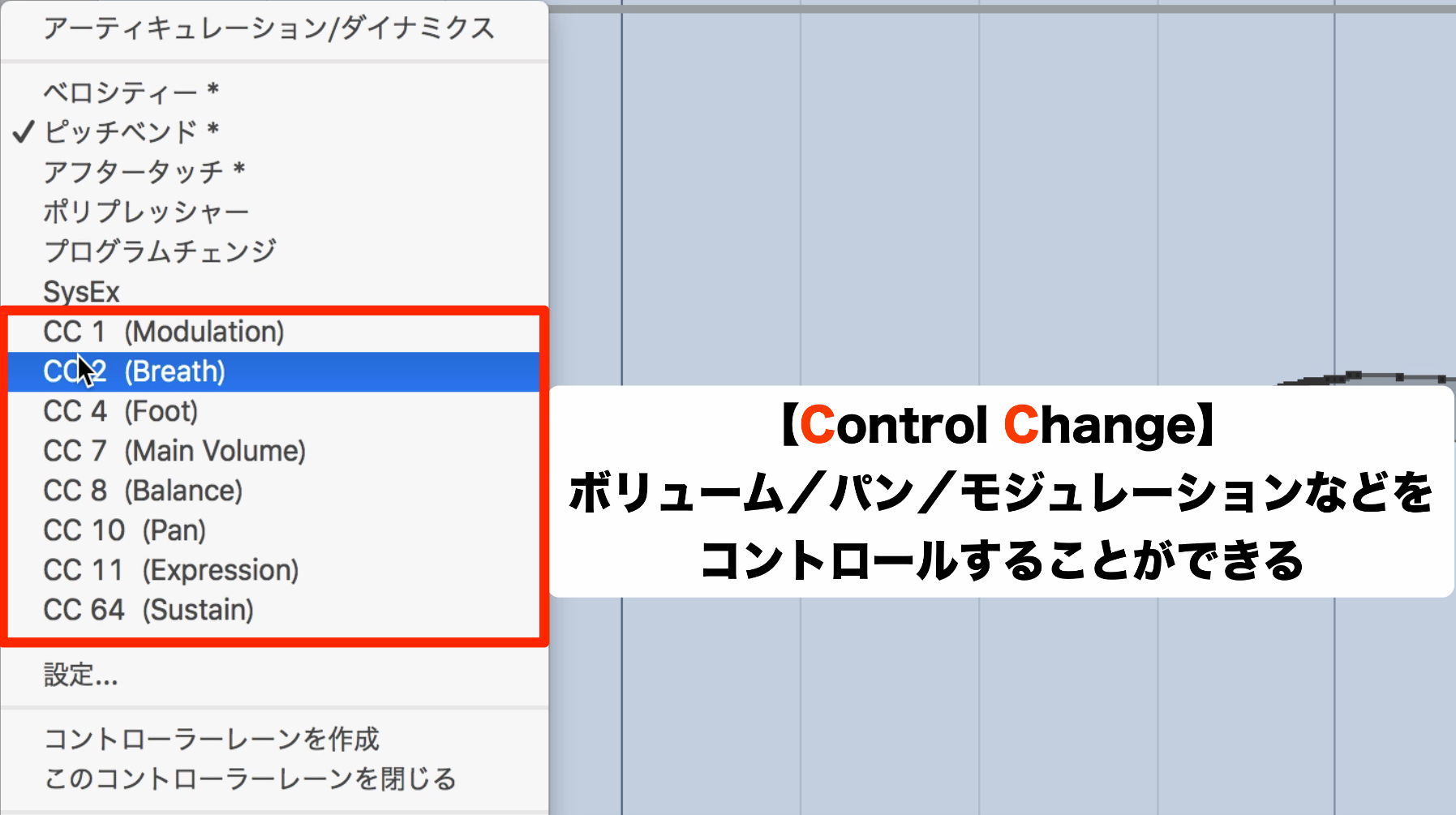
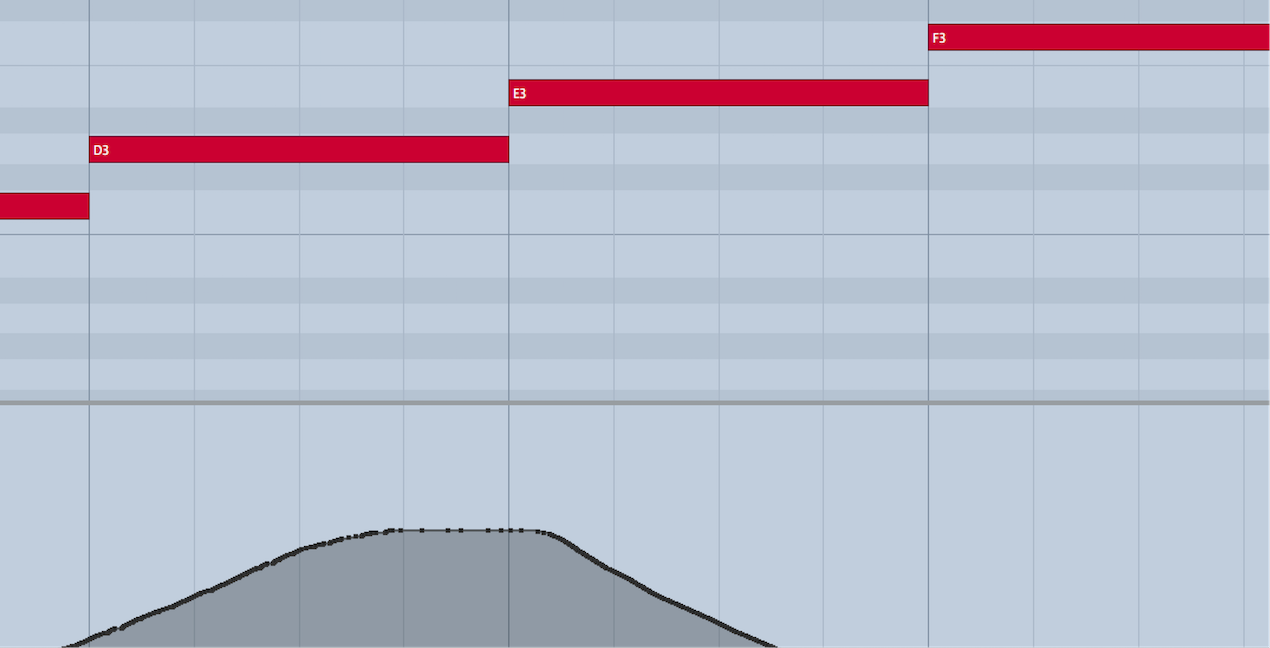
MIDI performances can control volume, pan, modulation and other parameters.
A MIDI controller can also control parameters in a software synth.
Common CC numbers have defined functions, although instruments may map them differently.
- CC 1 — Modulation: controls the modulation wheel.
The result, such as vibrato or volume modulation, depends on the instrument. - CC 7 — Channel Volume: controls channel volume.
- CC 10 — Pan: controls left-right position.
- CC 11 — Expression: controls expression, often used to shape volume within a part.
- CC 64 — Sustain: controls sustain pedal on and off.
Frequently Asked Questions
Q1. What is the difference between hexadecimal and decimal in MIDI?
Hexadecimal uses 0–9 and A–F and is often used to display MIDI bytes. Decimal uses 0–9 and is commonly shown in DAWs. Both are representations of numbers; MIDI messages themselves are binary.
Q2. Does a higher velocity always make a note louder?
Higher velocity often produces a louder or stronger sound, but the response depends on the instrument and its mapping. In MIDI 1.0, note velocity uses values from 0 to 127 and can also change a sound’s character or articulation.
Q3. What are Control Change messages used for?
CC messages control parameters such as modulation, volume and pan. For example, CC 7 is channel volume and CC 10 is pan. A MIDI controller can send them to adjust compatible software instrument parameters in real time.
NEW ARTICLES
Latest English Articles





















































































































































































































































































































































































































































































