
FL Studio's recording options are essential tools for comfortable MIDI recording. Five options—metronome, wait for input, precount, blend, and loop recording—help address issues such as timing, accidental replacement of recordings, and changes to the recording range. Blend and loop recording are particularly useful for combining new parts with an existing phrase or recording multiple takes.
Recording Options: Essential Controls for Recording
In the previous section, we covered the basics of real-time MIDI recording.
Simply playing notes may have seemed easy, but some of you may have encountered problems such as:
- Difficulty finding the right timing
- Recorded MIDI disappearing
- The recording range changing
These are common issues.
To make recording more comfortable, let's explore the recording options.
Tutorial Video
Choosing the Right Recording Options

The recording options are located above the record button.
Click an option to light it up and enable it.
Click it again to turn it off and disable it.
1. Metronome
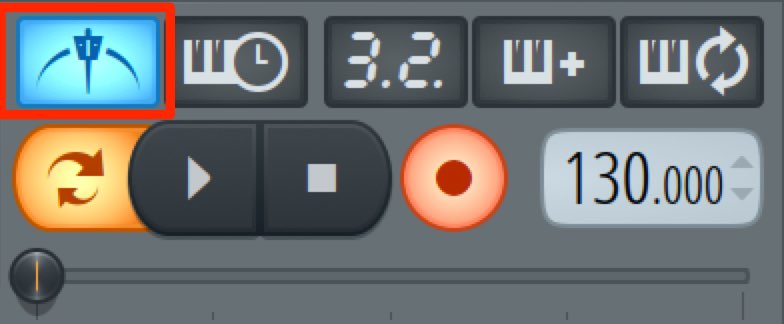
As the name suggests, the metronome sounds during recording.
If you have already programmed a rhythm, you may not need it.
But use it when there are no rhythm instruments in the pattern.
It can also help you follow the beat in complex rhythms.
2. Wait for Input
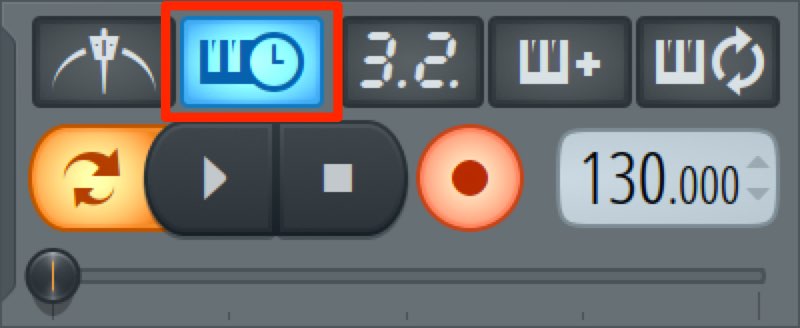
Normally, recording begins when you press Play.
But when recording alone and playing with both hands,
it can be difficult to get ready in time.
Enable this button and
recording begins the moment you press a key on the MIDI keyboard,
giving you time to prepare.
3. Precount
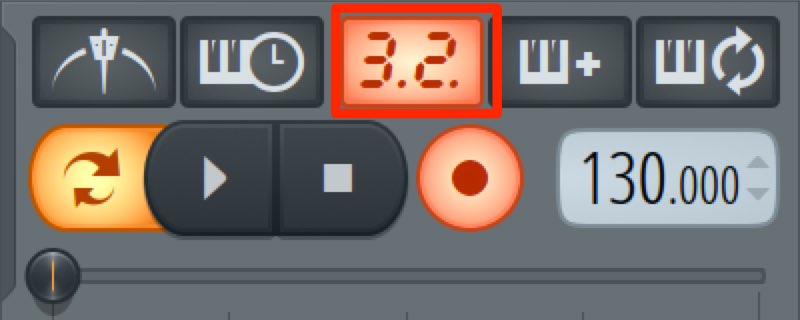
A count automatically plays before recording begins.
This gives you time to prepare instead of starting immediately.
Right-click the icon
to choose a one- or two-bar count.
4. Blend
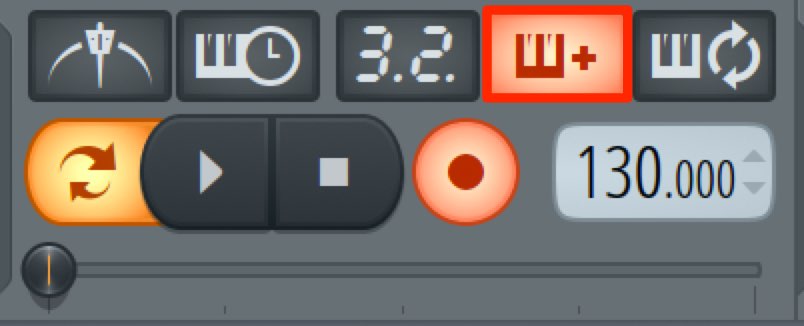
This is a particularly important feature.
When MIDI notes already exist in the area being recorded,
you can replace the original phrase with the new performance (Blend off),
or combine the two (Blend on).
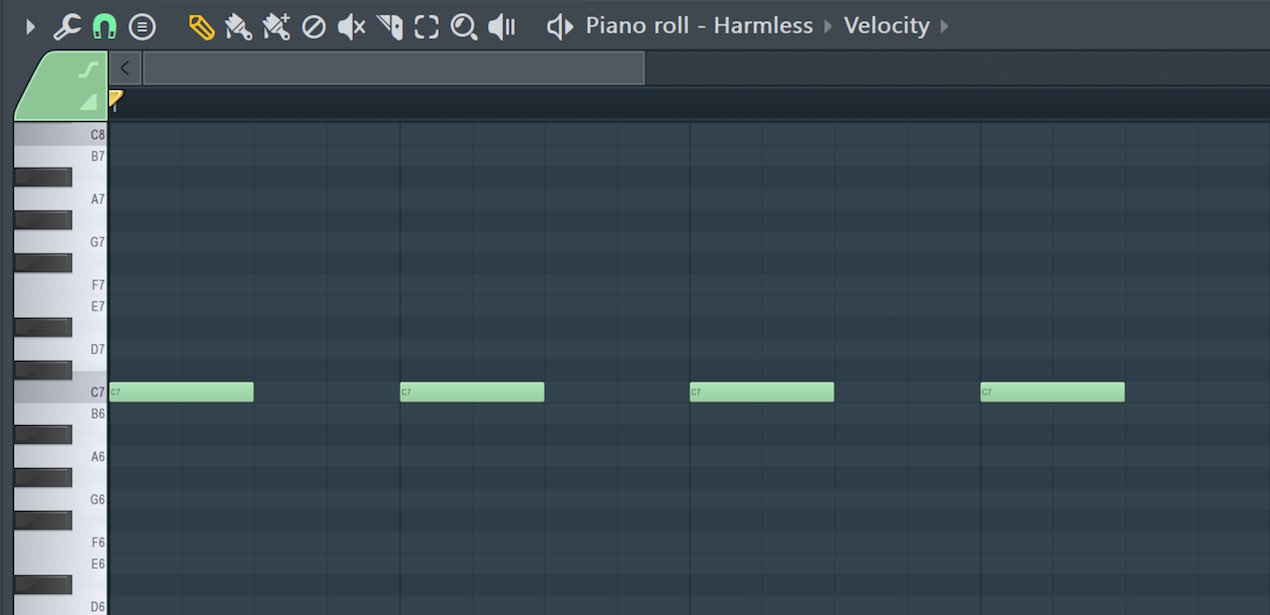
When recording into a channel that already contains a phrase like this:
- With Blend on
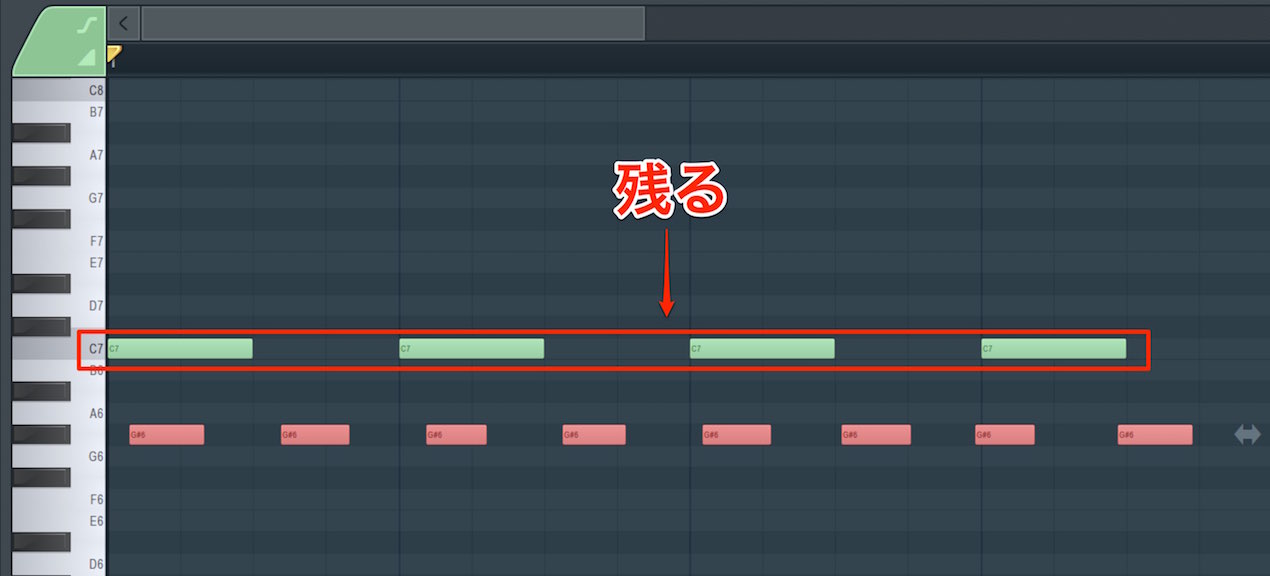
The previous performance remains and is combined with the new one.
- With Blend off
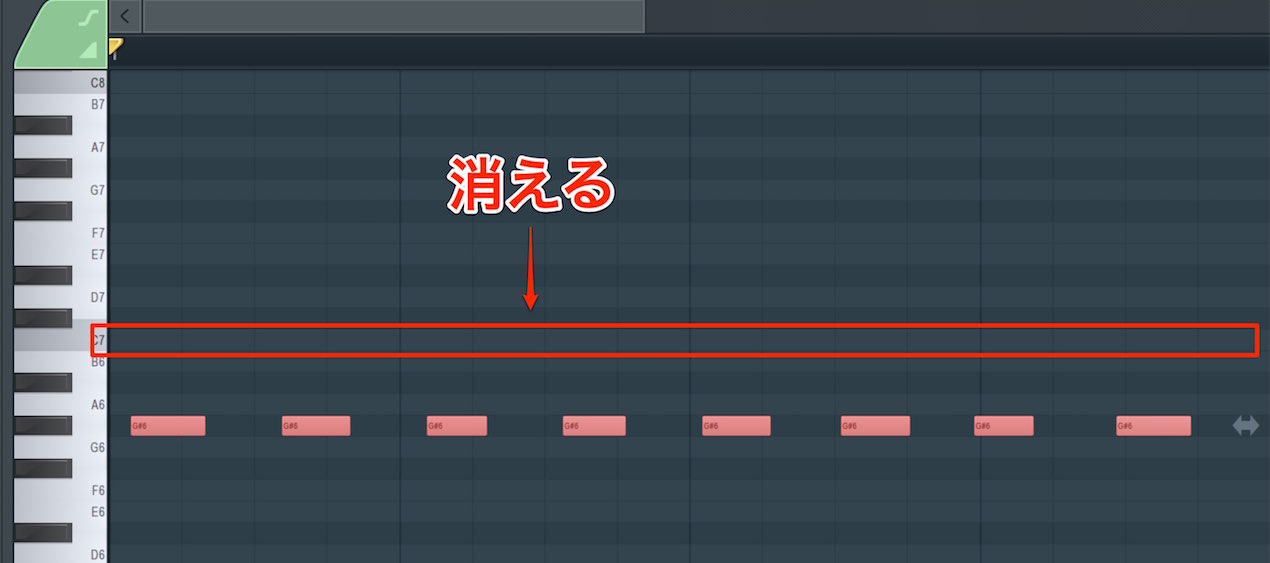
The previous performance is erased and only the new one remains.
The same principle applies when using loop recording
to record the same passage repeatedly.
5. Loop Recording
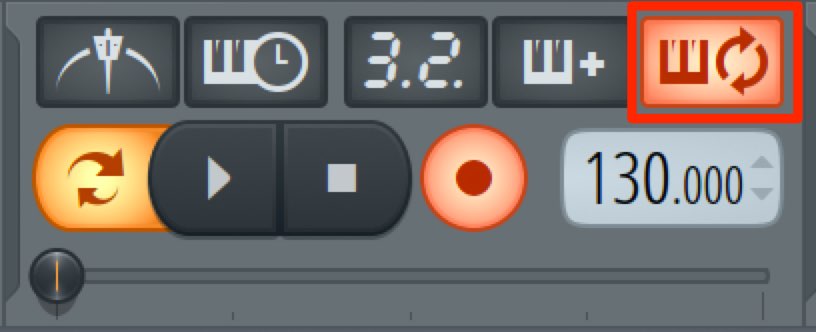
This is another important feature.
It records the same passage repeatedly
and continues until you stop recording.
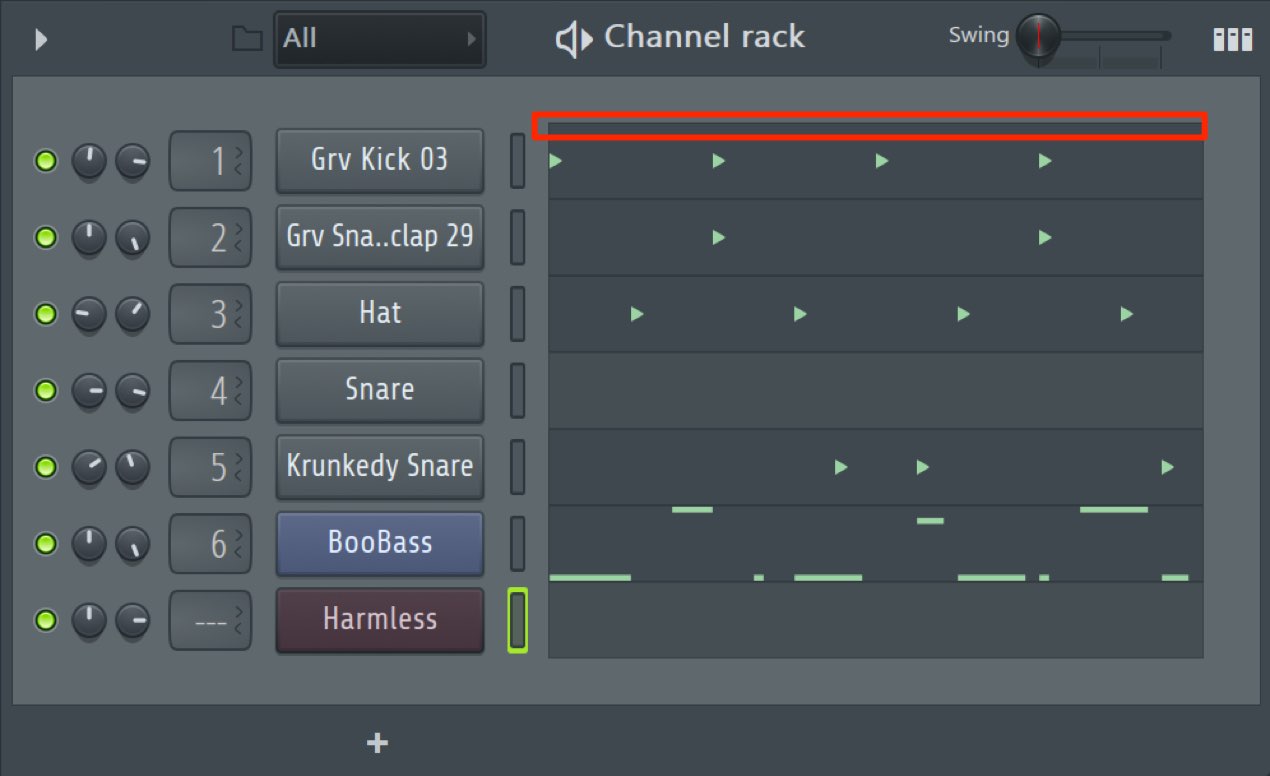
In the Channel Rack,
loop recording follows the range of steps
programmed in the other channels.
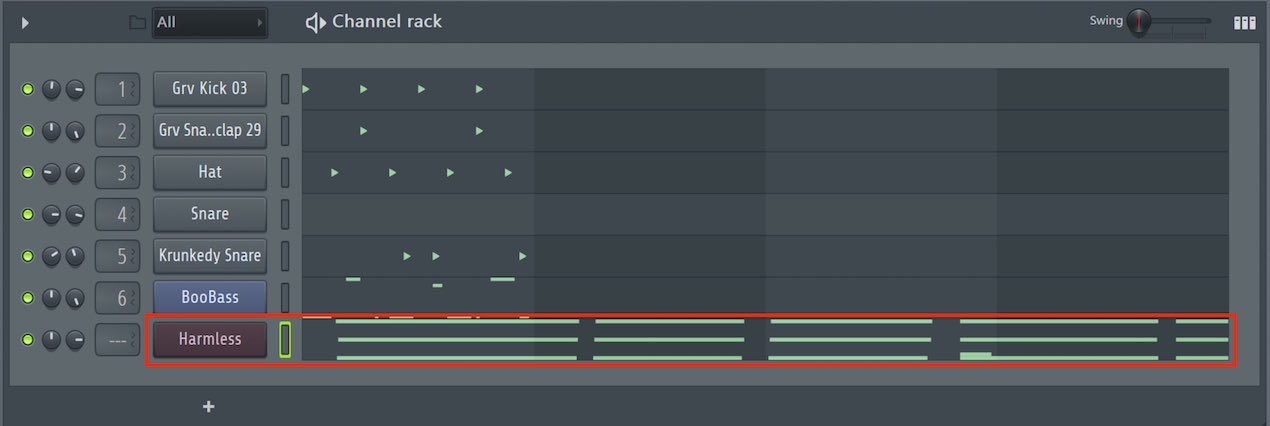
With loop recording off,
recording continues beyond that range until stopped.
Making a Recording
Let's try recording.
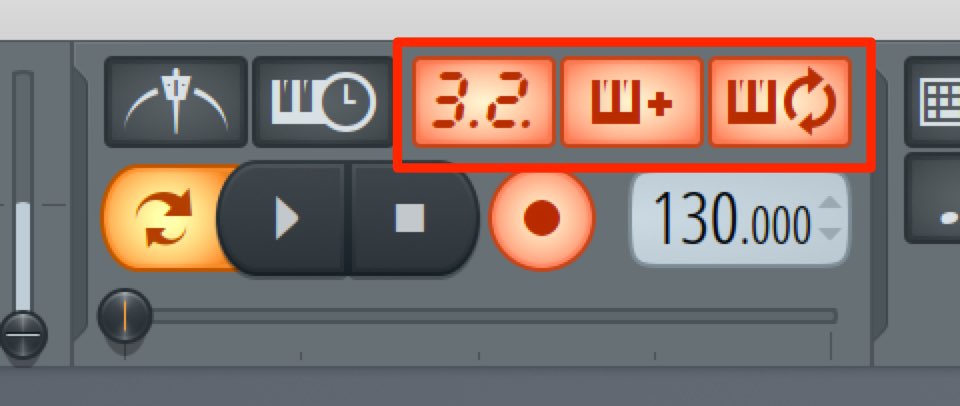
Enable precount, blend, and loop recording, and record a one-bar phrase.

Here is the result.
Because this was played live, the velocity reflects how hard the keys were pressed.
That expressive variation is one advantage of real-time recording,
but the performance is a little uneven and the timing is off.
In the next section, we'll learn how to correct the timing.

Frequently Asked Questions
Q1. What are FL Studio's recording options?
The five controls above the record button—metronome, wait for input, precount, blend, and loop recording—can be enabled or disabled by clicking them to set up a comfortable MIDI recording workflow.
Q2. What happens when Blend is on?
Existing MIDI notes are kept and combined with the new performance. When Blend is off, the original phrase is replaced by the new performance.
Q3. When is Wait for Input useful?
It is useful when recording alone with both hands and there is not enough time to press Play and get ready: recording starts automatically when you press a MIDI keyboard key.
Q4. How long can the precount be?
Right-click the icon to choose one or two bars, depending on how much time you need to prepare.
Q5. Why does the recording range extend beyond the loop?
When loop recording is off, recording continues beyond the set range. Leave it on to record the same passage repeatedly.
NEW ARTICLES
Latest English Articles













































































































































































































































































































































































































































