

LATEST ENGLISH ARTICLES
Latest English Articles











EXPLORE SLEEPFREAKS
Featured Tutorials


This English guide introduces music production and selected Sleepfreaks tutorials. Linked articles are in Japanese unless marked otherwise. Some YouTube videos offer English audio through the player’s language settings.
What is music production?
In Japan, computer-based music production is often called “DTM,” short for “Desktop Music.” It means making music on a computer.
Record vocals and instruments, program synthesizers and drums, arrange your song, and mix the finished tracks. You can complete the entire production process on your computer.
When your song is finished, export it as an audio file to play on your phone, share with friends, or release to listeners around the world.
This guide introduces what you can do with music-production software, the equipment you need, and how to choose a DAW. Start here if you are making your first track.
Who makes music on a computer?
Anyone can get started with a computer and a digital audio workstation (DAW). In Japan, people who make music this way are sometimes called “DTMers.”
Selected findings · Sleepfreaks Japanese audience survey, late 2024. Not worldwide market data.3,222Survey responsesSchool age to 60+Age range
Our late-2024 survey received 3,222 responses from our Japanese music-production audience, ranging from school-age beginners to people over 60. These results describe our respondents, not the worldwide music-production community.
More than half make music as a hobby, while around 10% identify as professionals earning income from music.
Selected findings · Sleepfreaks Japanese audience survey, late 2024. Not worldwide market data.Over 90%MenOver halfMusic as a hobbyAbout 10%Professional musicians
Over 90% of respondents were men. The original Japanese guide also notes a growing number of women making music.
Computer setup and unfamiliar software can be obstacles for beginners. Our articles and videos aim to make those first steps easier, whatever your background.
How often do people make music?
Wondering what other producers are working on? Here is a snapshot from our Japanese audience survey, starting with musical genres.
J-pop, anime songs, and vocal-synthesis music form the largest group at 38.4%, followed by rock and band music. Vocal-led arrangements with live-instrument sounds are prominent in these responses. EDM and dance music follow.
We also asked how often people work on music and how long they spend in each session.
About 36% make music almost every day, and about 38% work on it two to four times a week. Regular practice is a big part of their routine.
Around 35% spend at least three hours on a production day. Being able to turn an idea into music whenever inspiration strikes is part of the appeal.
Choosing a computer for music
Your computer is the center of your studio. Phones and tablets can also make music, but a computer offers a larger workspace, broad software compatibility, and flexible connections for studio equipment.
Windows or Mac?

Both platforms can work well for music production. Choose an operating system you are comfortable with, and check compatibility with the DAW and plug-ins you want to use.
Desktop or laptop?

Both desktops and laptops can be used to produce music.
Choose the form factor that fits where and how you work.
- Laptop: portable, compact, and convenient for working in different places. Upgrades can be limited, and heat under sustained workloads is worth considering.
- Desktop: often offers flexible upgrades and cooling, with room for additional components. You need space for the computer, display, keyboard, and mouse, and it is less convenient to move.
If you need to work on the move, choose a laptop.
CPU performance
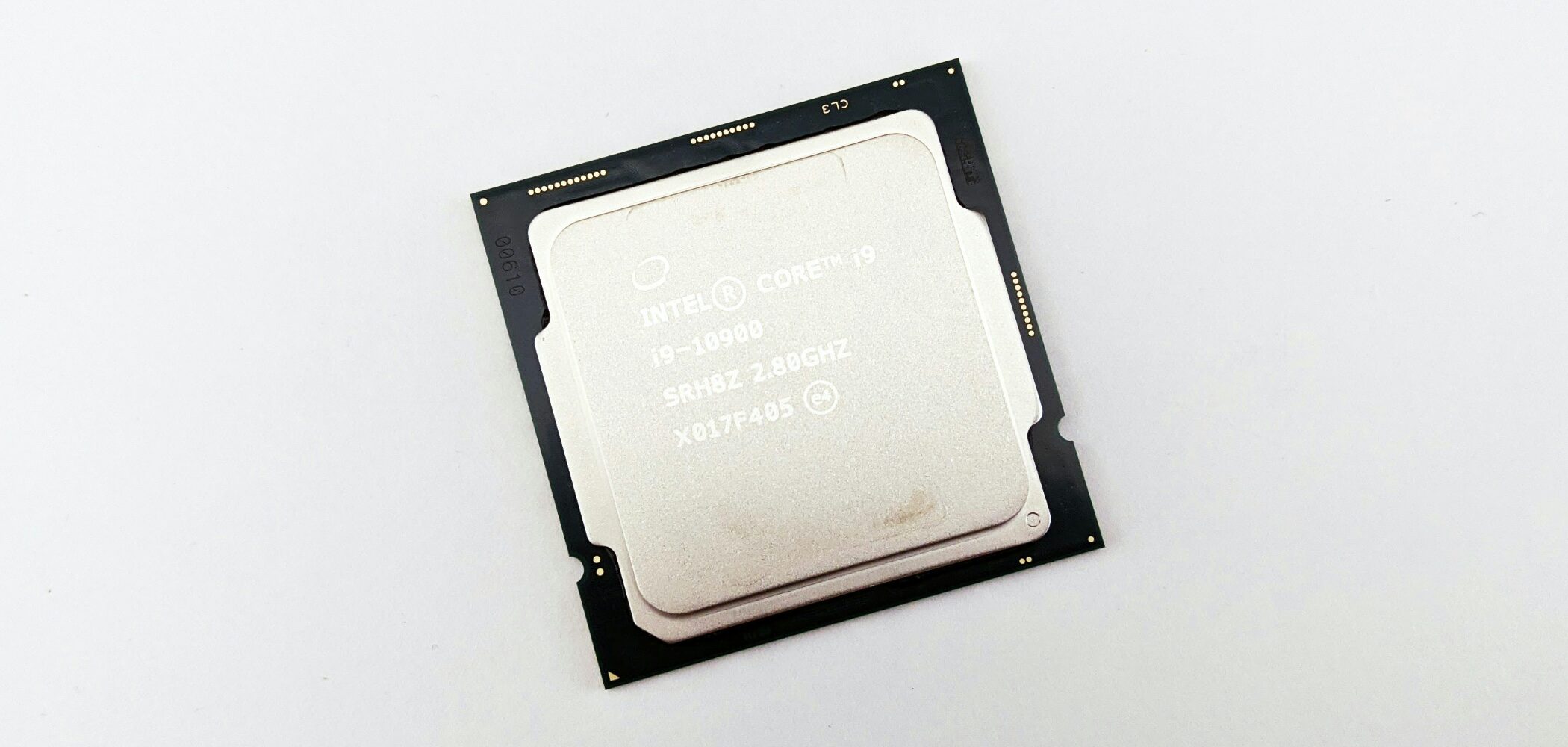
The processor affects how many instruments and effects you can run. Sufficient CPU performance helps reduce audio dropouts and keeps demanding sessions responsive.
Windows processors

Intel and AMD are the main processor brands in Windows PCs. Compare the generation and specific model as well as the product-family name.
- Intel: the original guide recommends Core i5 or higher, or a suitable Core Ultra model.
- AMD: the original guide recommends Ryzen 5 or higher, including suitable Ryzen AI models.
Mac processors
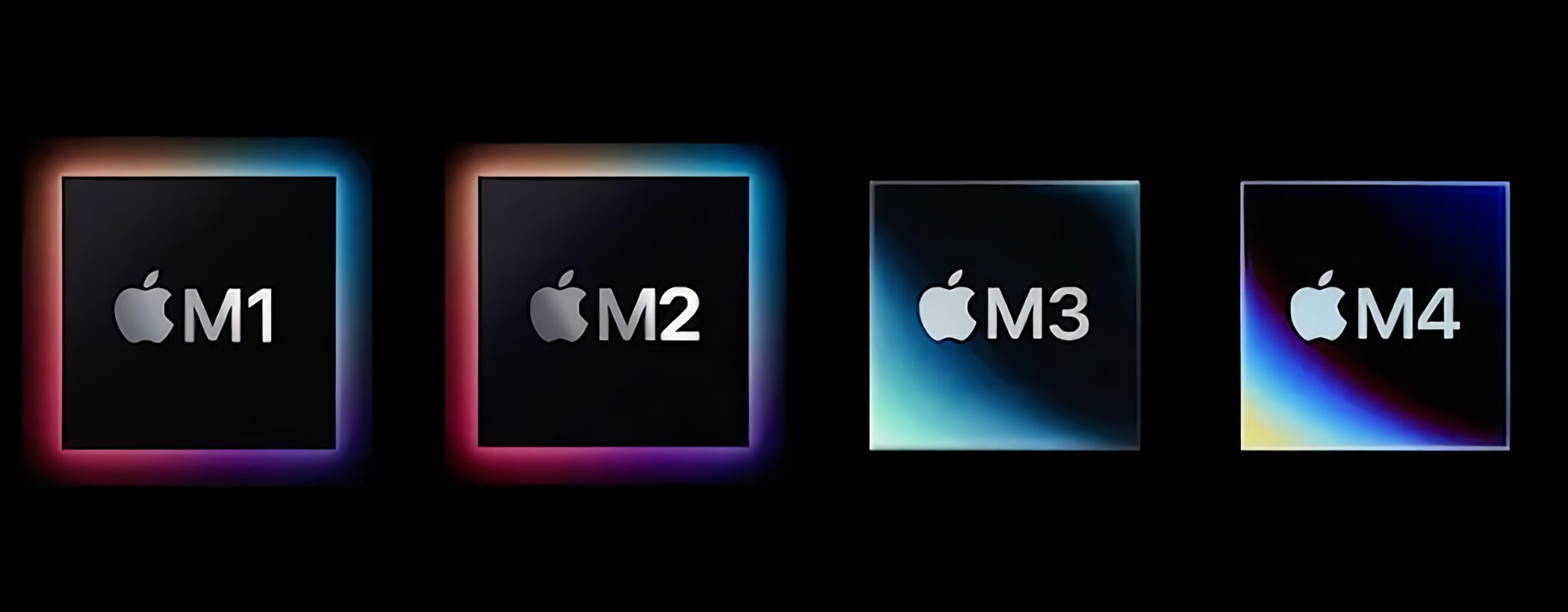
Apple Silicon Macs are well suited to many music-production workflows. The M1, M2, M3, and M4 families shown here represent successive generations; choose according to your software and project requirements.
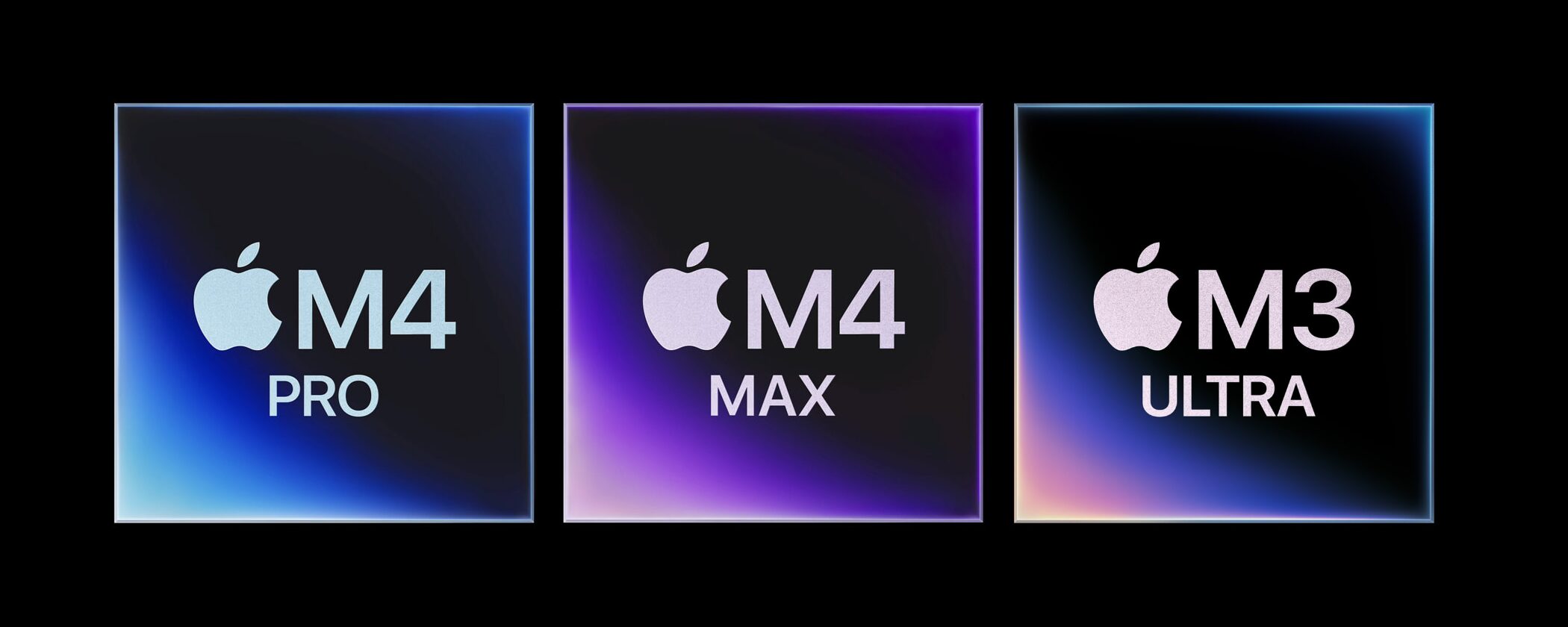
Pro, Max, and Ultra models offer additional processing resources within their respective generations. Large orchestral templates and heavy plug-in sessions may benefit, while many everyday projects run well on a base model.
How much memory do you need?
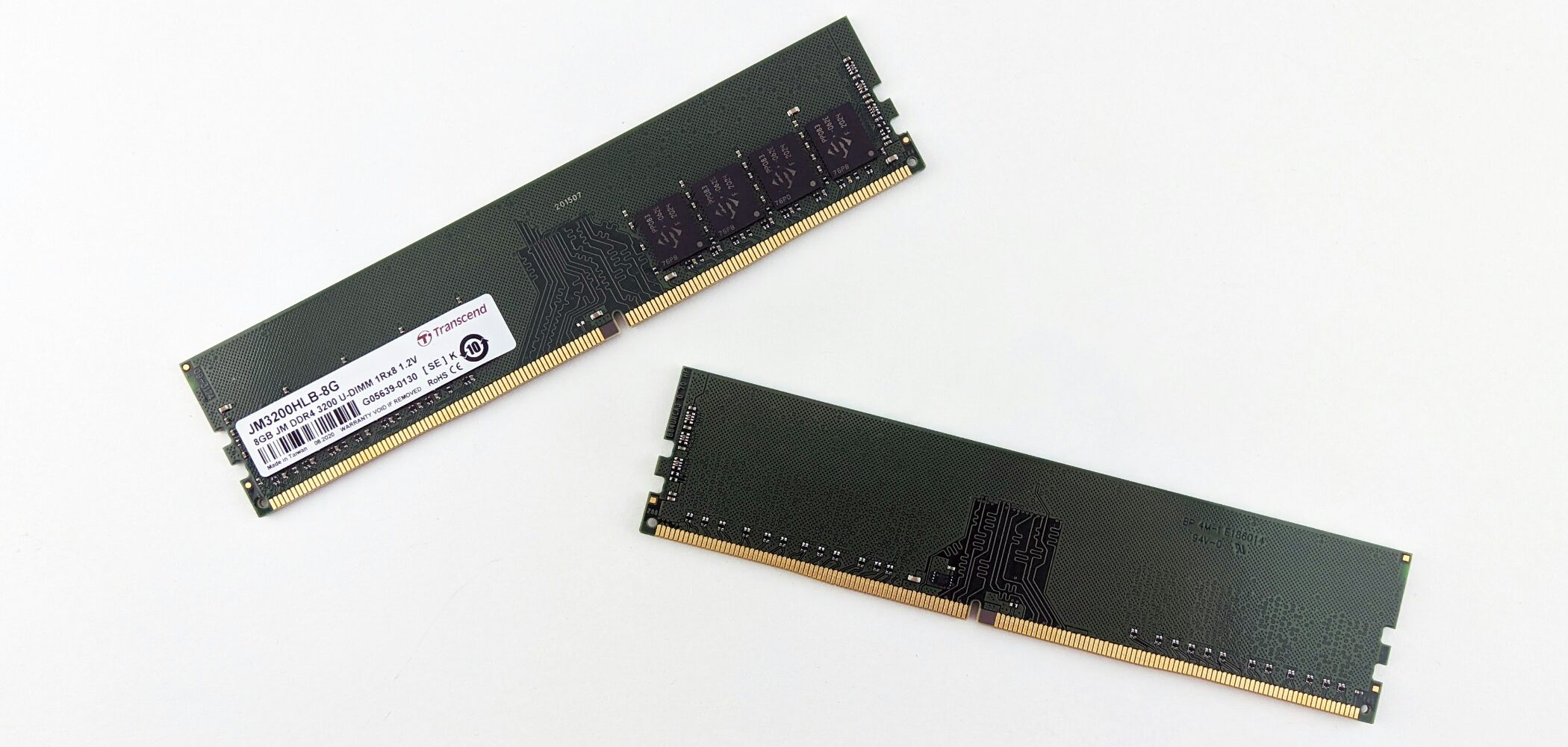
RAM is your computer’s temporary workspace. Sample libraries and large sessions can use a lot of it. The Japanese guide recommends at least 16 GB, with 24 GB or 32 GB providing more room for additional tracks, instruments, and effects.
How much storage do you need?
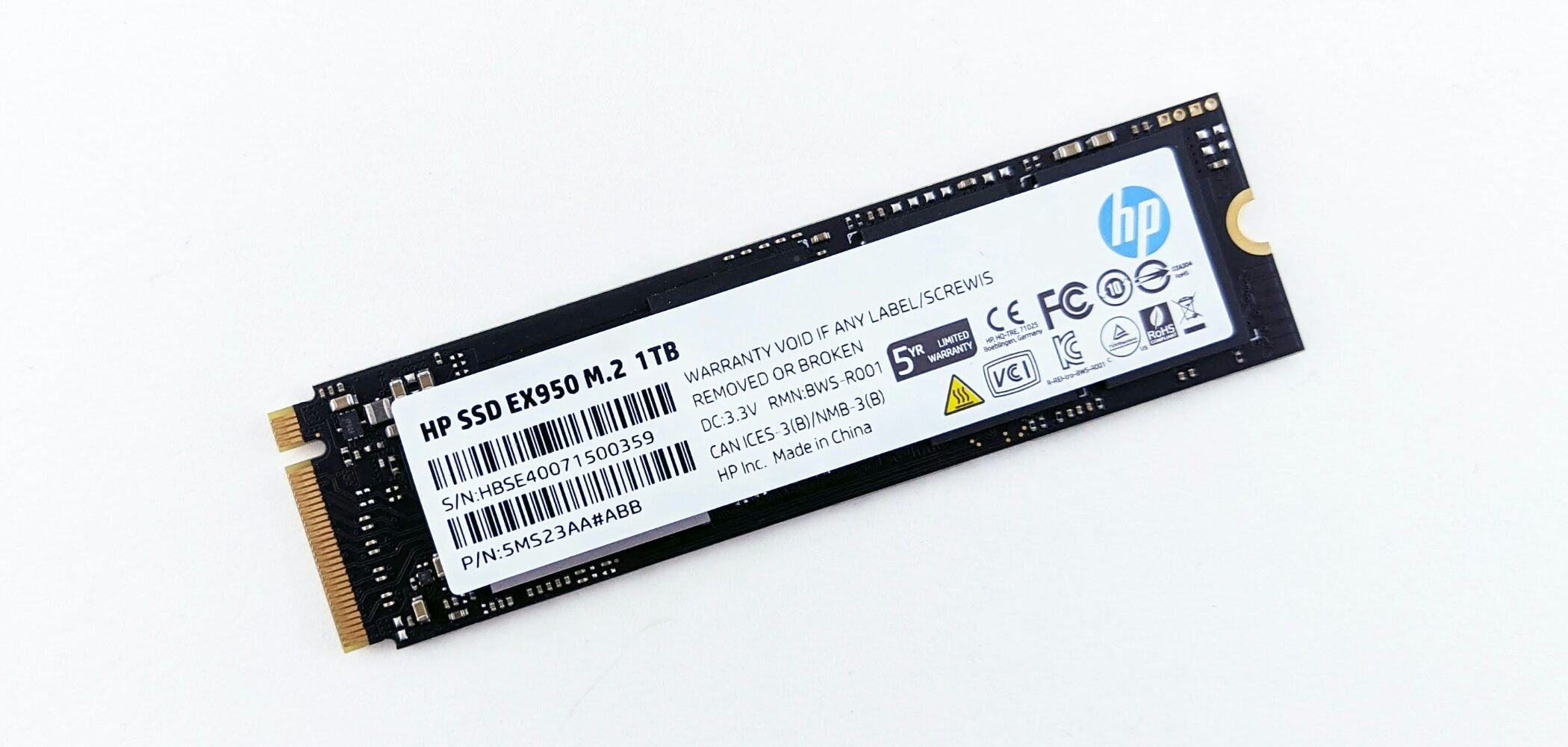
Storage holds your applications, projects, recordings, and sample libraries. The guide recommends 1 TB or more where possible, or at least 512 GB on a tighter budget, allowing room for future projects.
External drives can add capacity. Keep your operating system, DAW, and frequently used libraries on storage with suitable performance for your workflow.
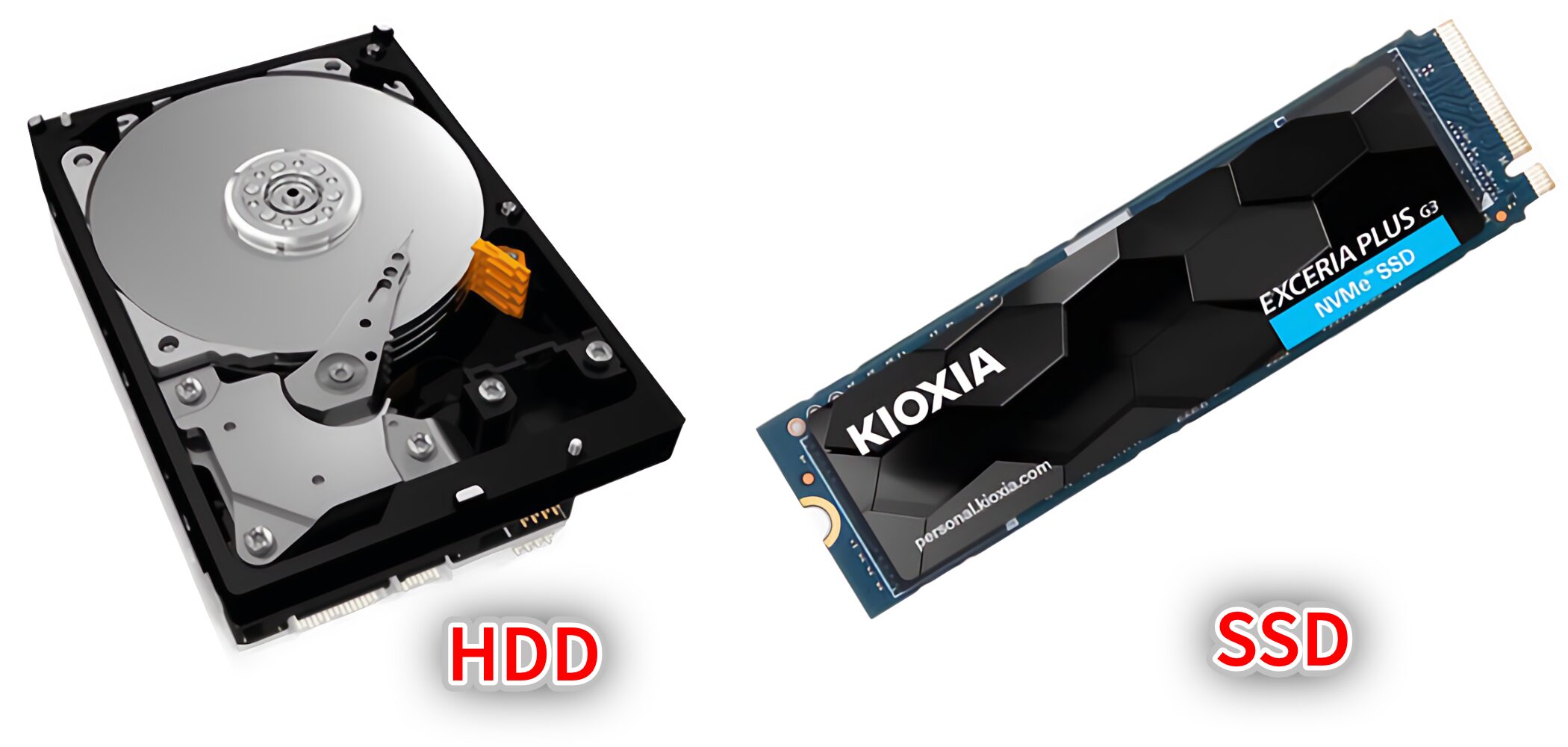
An SSD is a strong choice for fast loading and responsive sample playback. NVMe SSDs can offer additional performance; an HDD is better suited to some backup and archive uses than an active production drive.
Choosing your DAW
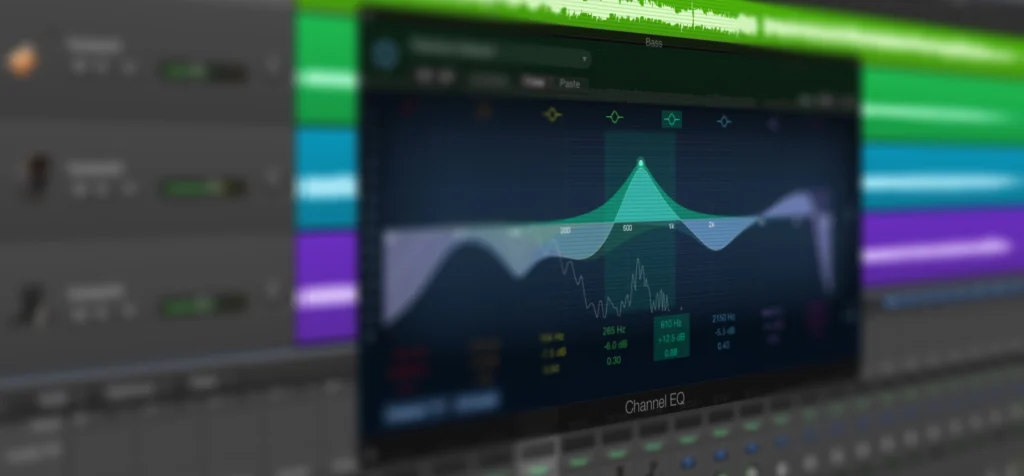
A DAW, or Digital Audio Workstation, is the software you use to record, program, arrange, edit, and mix your music.
DTM vs. DAW: what is the difference?
These terms describe different things.
- DTM: the Japanese term for making music on a computer.
- DAW: the software used to make that music.
Think of music production as the activity and your DAW as the workspace.
Which DAW should you choose?
Our Japanese audience survey asked which DAWs people use and why. The ranking below is a snapshot of that audience, not a worldwide market-share ranking. Try demos and choose a workflow that feels comfortable.
5. FL Studio · 176 users · 5.5%
FL Studio is known for its Lifetime Free Updates policy and its popularity in beat-based genres such as hip-hop, trap, and electronic music. Its included instruments and effects give producers a useful starting toolkit.
4. Ableton Live · 291 users · 9.0%
Ableton Live combines a streamlined interface with flexible tools for electronic music and live performance. Its clip-based workflow and MIDI tools are useful for developing ideas, performing, and arranging.
3. Logic Pro · 582 users · 18.1%
Logic Pro ranked third among respondents despite being Mac-only. Its included instruments, effects, session players, and audio tools make it an attractive all-in-one production environment.
2. Studio One / Fender Studio Pro · 603 users · 18.7%
The original survey used the name Studio One; the current Japanese page identifies its successor as Fender Studio Pro. Respondents valued its approachable workflow, mastering tools, and integrated production features.
1. Cubase · 1,190 users · 36.9%
Cubase led this Japanese audience survey by a wide margin. Its broad feature set, established user community, and extensive learning resources were among the reasons users chose it.
Choosing an audio interface
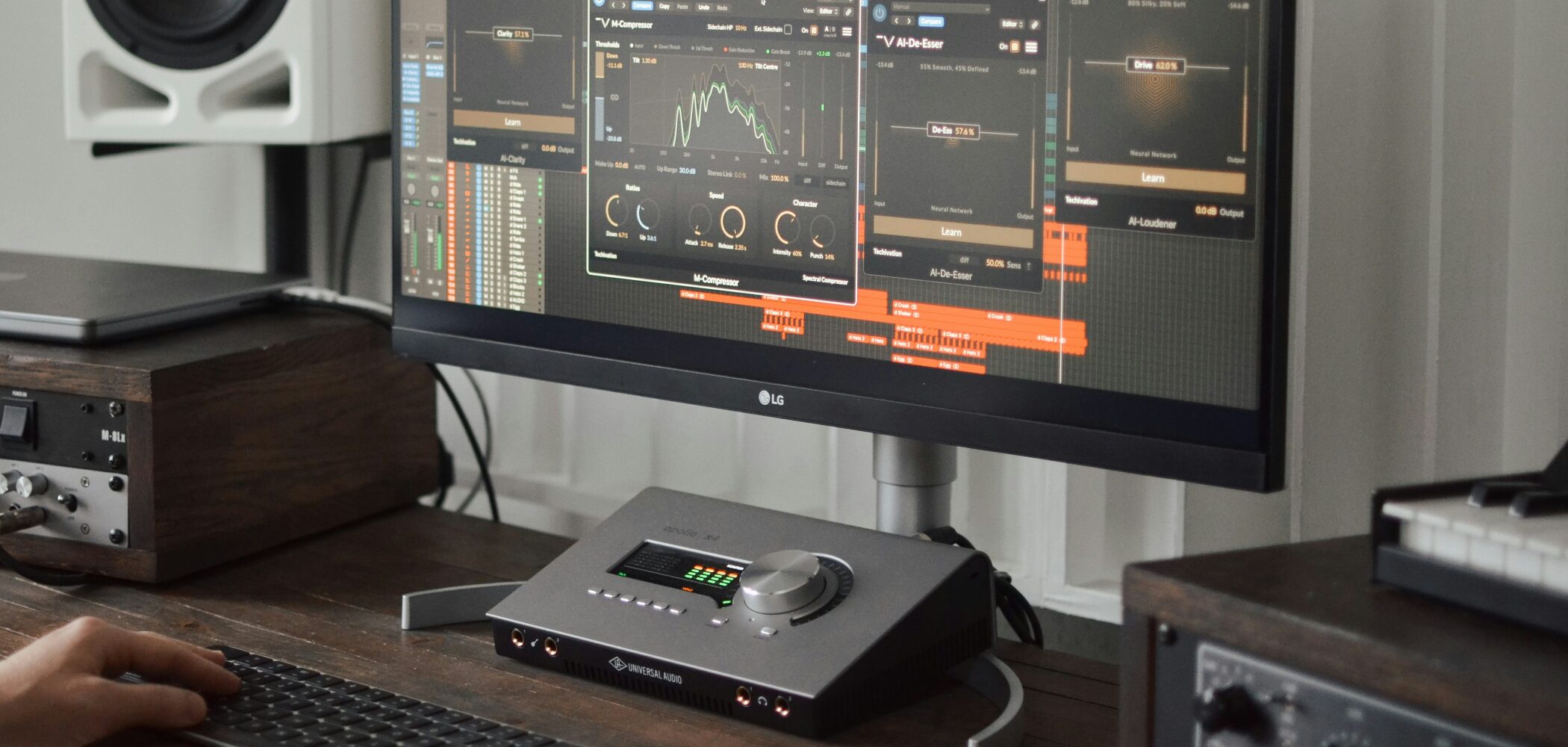
An audio interface connects your computer to microphones, instruments, speakers, and headphones. You can begin with your computer’s built-in audio, but an interface offers three useful advantages.
1. Clearer monitoring
A suitable interface can provide clean, dependable monitoring. You make listening decisions throughout production—from choosing sounds to editing, mixing, and mastering—so the quality of your monitoring matters.
2. Connections for recording
Most conventional microphones and guitars need a suitable interface to connect to a computer. An interface also provides convenient connections for studio monitors and headphones.
3. Lower monitoring latency
Latency is the delay between playing a note and hearing it through your computer. Too much delay can make recording an instrument or playing a virtual instrument feel uncomfortable.
A suitable interface and driver, combined with appropriate buffer settings, can reduce this delay.
Check these two points before choosing an interface.
Inputs and outputs
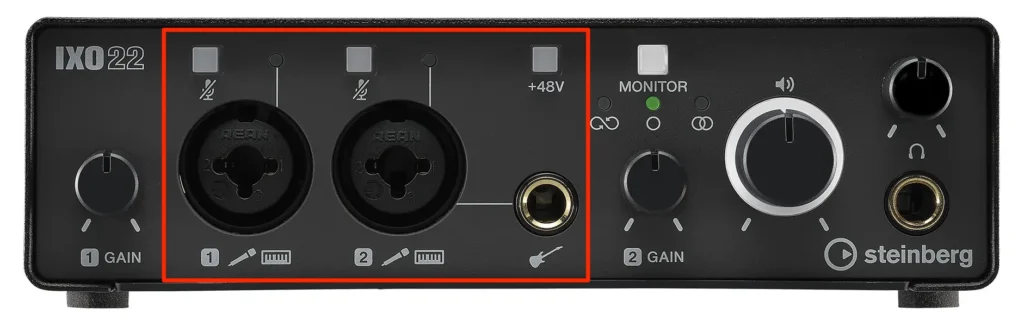
Count the microphones and instruments you want to record at once. Two microphones require at least two suitable inputs; a full band may need more. Also check outputs for speakers and headphones, and leave room for future expansion.
Phantom power and instrument inputs
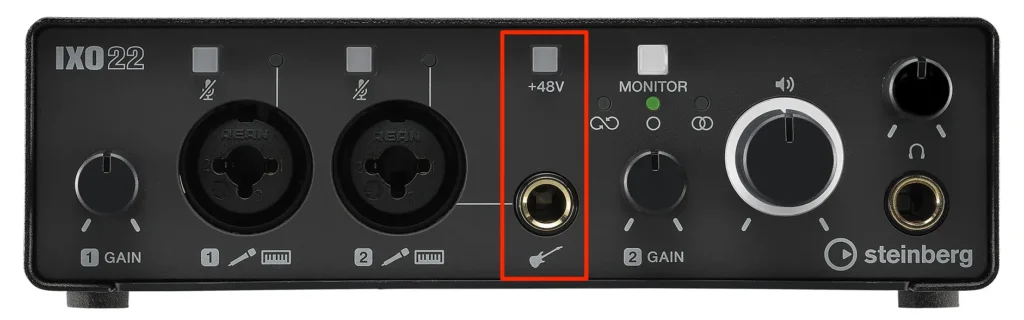
Many condenser microphones need phantom power. Electric guitars and basses generally need an appropriate high-impedance instrument input. Confirm that the interface supports the equipment you plan to connect.
Choosing a MIDI keyboard
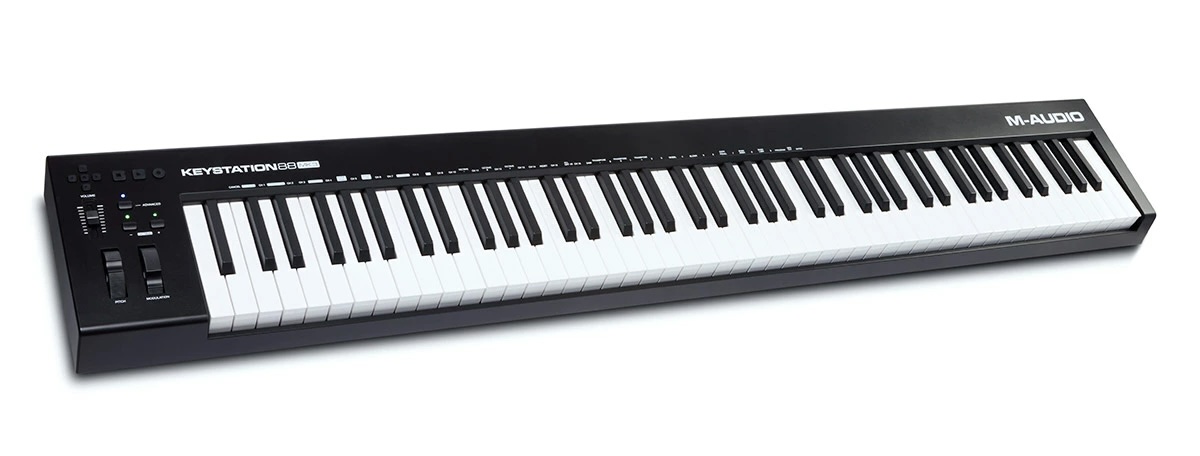
A MIDI keyboard lets you play software instruments on your computer.
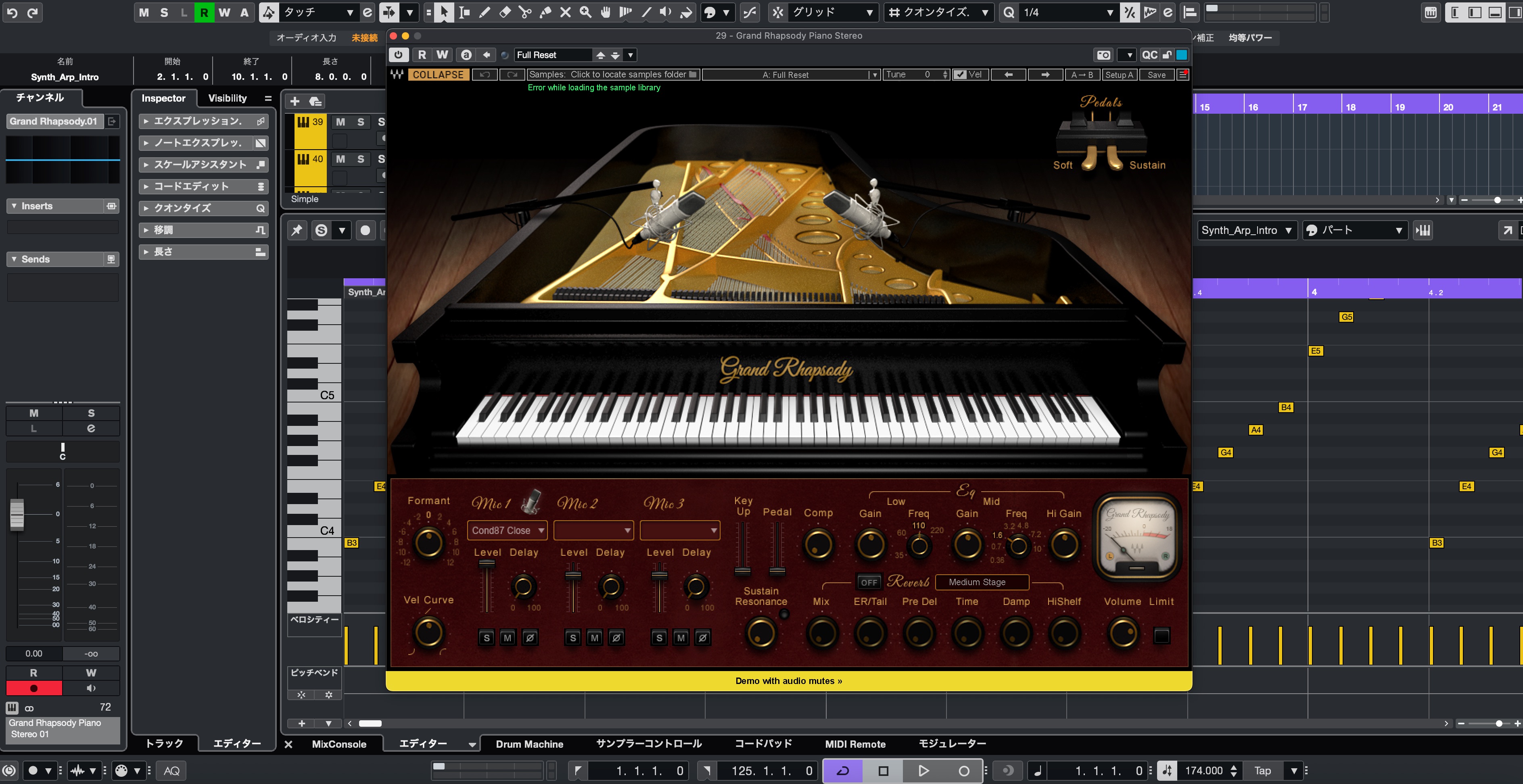
Use it to record piano, guitar, bass, synth, or drum parts in your DAW. Even if you are not a keyboard player, it can make entering notes and exploring sounds more immediate than using a mouse.
Why use a MIDI keyboard?
A keyboard controller can help in several ways.
- Faster input: capture melodies and chords quickly and intuitively.
- More expression: use velocity, wheels, and other controls to shape a performance.
- Hands-on control: adjust instruments and your DAW with knobs, pads, and faders.
- Quick exploration: audition sounds and ideas as you play.
Even an affordable controller can be a useful addition to a beginner’s setup.
Here are the main things to compare.
1. Number of keys
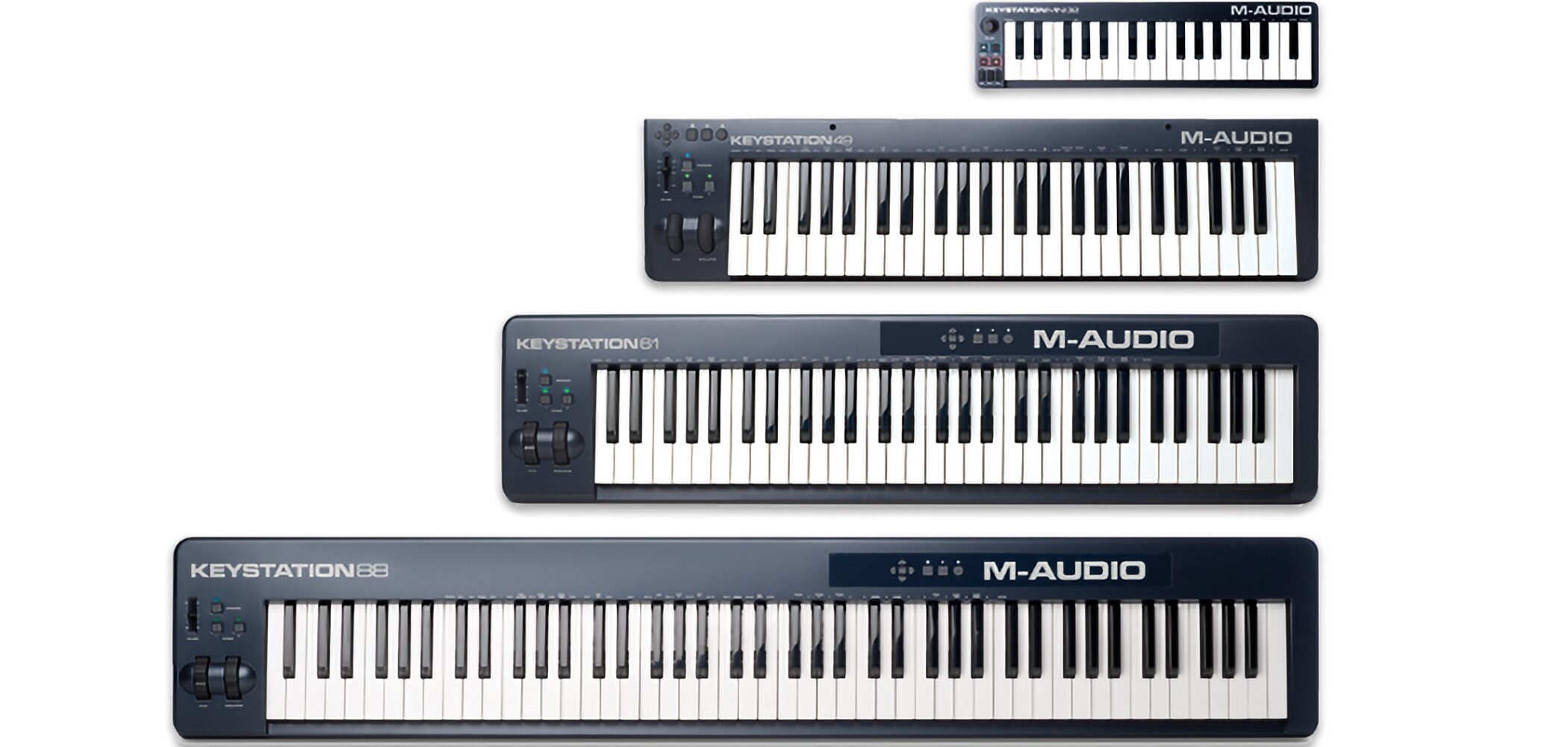
Common sizes include 25, 37, 49, 61, and 88 keys. Choose 25 or 37 for portability, 49 or 61 for general playing and programming, or 88 for a full piano range.
2. Keyboard action
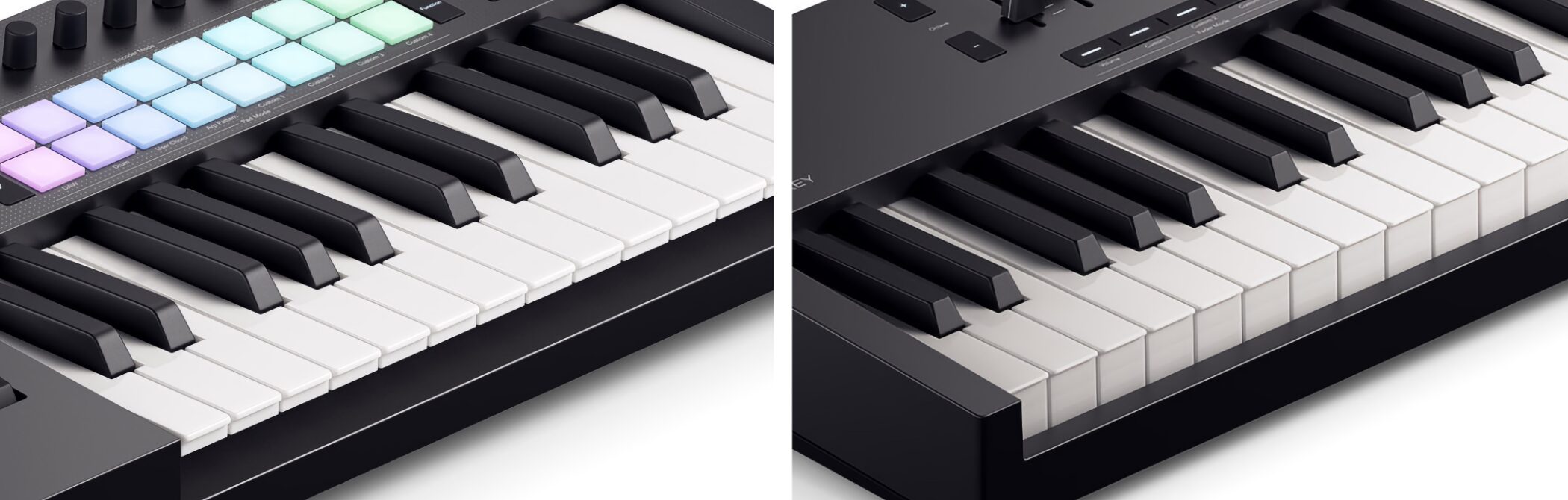
The feel of the keys affects your playing. Three common types are synth action, semi-weighted, and hammer action.
- Synth action: light and quick, suitable for fast passages and many beginners.
- Semi-weighted: a balance between resistance and lightness, useful for a range of playing styles.
- Hammer action: a heavier, piano-like feel that may suit experienced pianists.
If possible, try a few controllers in a music store before deciding.
3. Pedal connections
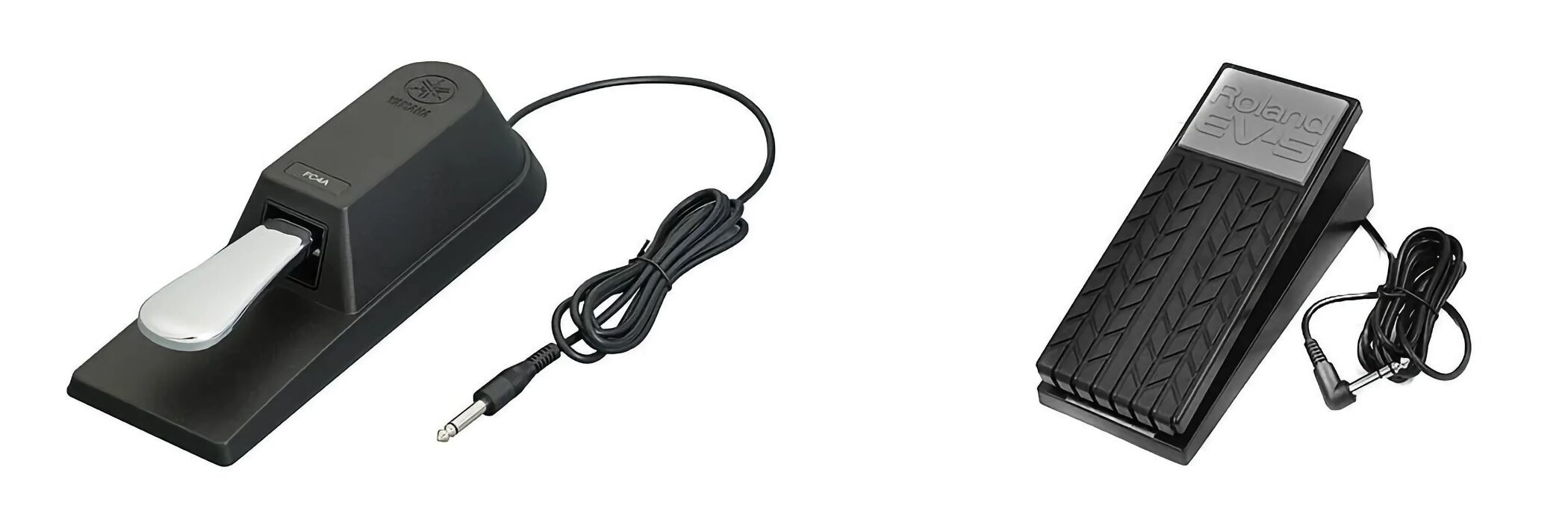
Pedals add another layer of expression. Common options are sustain and expression pedals.
- Sustain pedal: lets notes continue after you release the keys, when the instrument supports it.
- Expression pedal: controls a parameter such as volume, filter cutoff, or an effect.
Check that your chosen keyboard supports the type and wiring of the pedal you want to use.
Choosing studio monitors
Monitoring affects every decision, from voicing chords and choosing presets to balancing a mix. A dependable listening setup helps you judge your work.
Our Japanese audience survey asked how people combine speakers and headphones.
About 60% use both, while roughly one in four use headphones only. Relatively few use speakers alone; available space and housing conditions may play a role.
Why use both speakers and headphones? They present sound differently.
Cross-check balance and stereo placement on both when possible.HEADPHONESDirect to each earSPEAKERSSound through the room
Headphones send the left and right channels directly to each ear. With speakers, sound from both channels reaches both ears and interacts with the room. These differences can change your perception of stereo width and balance. Cross-checking on both can help.
Here are the main points to consider when choosing monitors.
1. Match the speakers to your room
Choose for the room and listening distance, not size alone.3–4 inchesSmall and compact5 inchesA common studio size7–8 inchesMore low-end extension
Monitor size often refers to the woofer diameter, such as 3, 4, 5, or 8 inches. Larger drivers generally offer more low-frequency extension and output, but size alone does not determine quality.
Choose with your room, listening distance, and placement in mind. The Japanese guide gives these approximate starting points, expressed in tatami-mat room sizes; room acoustics and the specific speaker matter too.
- Small rooms, up to about 6 tatami mats: consider 3–4-inch monitors.
- Medium rooms, about 6–10 tatami mats: consider 5-inch monitors.
- Larger rooms, over about 10 tatami mats: consider 7–8-inch monitors.
Speaker placement matters as much as size.
Walls and corners can reinforce bass. Follow the manufacturer’s placement guidance and start with the speakers and your listening position forming an equilateral triangle. Adjust placement by listening in your room.
2. Check low-frequency extension
HzBass extensionkHzHigh-frequency rangeCheck toleranceCompare like for like
Frequency-response specifications describe the range a speaker can reproduce, usually in Hz and kHz. Compare the stated tolerance as well as the endpoints.
The Japanese guide suggests looking for extension around 50 Hz, or nearer 40 Hz for bass-heavy material. Room behavior and listening levels still affect what you can judge accurately.
3. Active or passive monitors?
ACTIVEAmplifier inside the speakerPASSIVESeparate amplifier required
Active monitors have built-in amplifiers; passive monitors require a separate amplifier. Active models are often convenient for a first studio because the amplification is designed for the speaker. You still need both power and an audio connection.
Why use studio headphones?
Headphones are another essential way to check your work. They offer several advantages.
- Hear fine details with less interference from room sound.
- Work quietly at night or in shared accommodation, at a sensible listening level.
- Save space and carry your monitoring setup with you.
- Avoid the direct influence of your room’s acoustics.
- Build a useful monitoring setup on a modest budget.
Closed-back headphones are especially useful when recording with a microphone because they reduce sound leakage. Choose a comfortable fit and take regular listening breaks.
Choosing studio headphones
The construction of headphones affects isolation, comfort, and the way you hear your mix.
1. Closed-back or open-back?
CLOSED-BACKSealed ear cupsSEMI-OPENPartly ventedOPEN-BACKVented ear cups
There are three common designs.
- Closed-back: sealed ear cups help isolate sound.
- Semi-open: combines aspects of closed and open designs.
- Open-back: vents or mesh allow sound to pass through the back of the ear cups.
Here is how the two main designs compare.
Closed-back headphones
ISOLATIONLess sound leakageRECORDINGUseful near a microphone
- Advantages: reduced outside noise and less sound leakage, useful for recording and working around others. Bass presentation varies by model and fit.
- Tradeoffs: ear cups can feel warm during long sessions, and some models present a more enclosed soundstage.
Open-back headphones
OPEN DESIGNSound passes through the ear cupsLISTENINGBest in a quiet room
- Advantages: often provide an open, spacious presentation and a less enclosed feel for long listening sessions.
- Tradeoffs: sound leaks in and out, so they need a quiet environment and are usually unsuitable near an open recording microphone.
For a first all-purpose pair, closed-back headphones are often practical. They can cover recording, editing, and everyday monitoring in one device.
2. Ear pads and fit
Changing the pads can also change the sound.LEATHER-LIKEA firmer sealVELOURA breathable feel
Comfort affects how easily you can work and concentrate.
Ear-pad materials also affect the acoustic seal, so changing pads can change the sound.
- Leather or leather-like pads: often provide a firm seal, but may feel warmer or more enclosed.
- Velour pads: often feel breathable and comfortable, but may provide a different seal and bass response.
OVER-EARCups surround your earsON-EARPads rest on your ears
Over-ear headphones surround the ears; on-ear designs sit against them. Many people find over-ear models more comfortable for longer sessions.
Fit and sound are personal. Try a few models in a store if you can.
Microphones for vocals and instruments
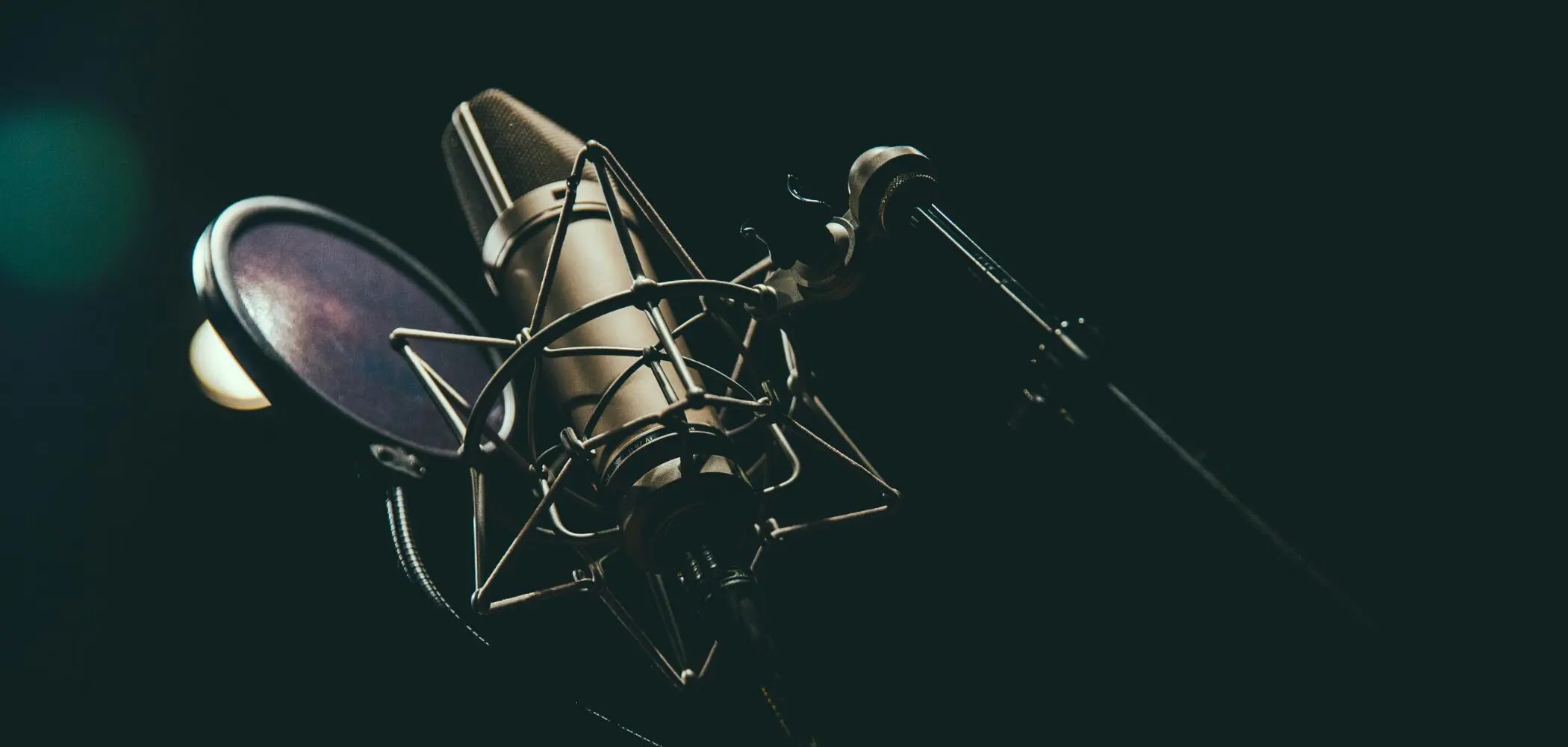
A microphone is central to a good vocal recording. Choose one that suits the voice, room, and kind of performance you want to capture.
Start with these basic microphone concepts.
Dynamic and condenser microphones
Dynamic and condenser microphones use different designs and offer different practical strengths.
Dynamic microphones
LIVE & STUDIOOften durableAMPS & DRUMSA common application
Dynamic microphones are widely used on stage and for sources such as guitar amplifiers and snare drums. Many are durable and well suited to energetic performances.
Condenser microphones
VOCALS & ACOUSTICCapture fine detailPHANTOM POWERCheck power requirements
Condenser microphones can capture delicate detail in vocals and acoustic instruments. Their sensitivity also makes room noise and acoustics important.
Many studio condensers require 48 V phantom power from an audio interface. Check the microphone’s own power requirements before connecting it.
Polar patterns
A polar pattern describes the directions from which a microphone picks up sound. Cardioid is a common choice for home recording.
FIGURE-EIGHTFront and rearCARDIOIDPrimarily the frontOMNIAll directions
- Figure-eight: captures sound from the front and rear, useful for particular stereo techniques and facing performers.
- Cardioid: favors sound from the front and reduces pickup from the rear, useful for many vocal and instrument recordings.
- Omnidirectional: captures sound from all directions, useful when you want to include the surrounding acoustic space.
Some microphones let you switch between several patterns.
Microphone survey: our audience’s top five (2020)
The original guide includes a 2020 survey of 3,272 respondents. Watch it as a historical snapshot of microphone choices among our Japanese audience.
What are plug-ins?
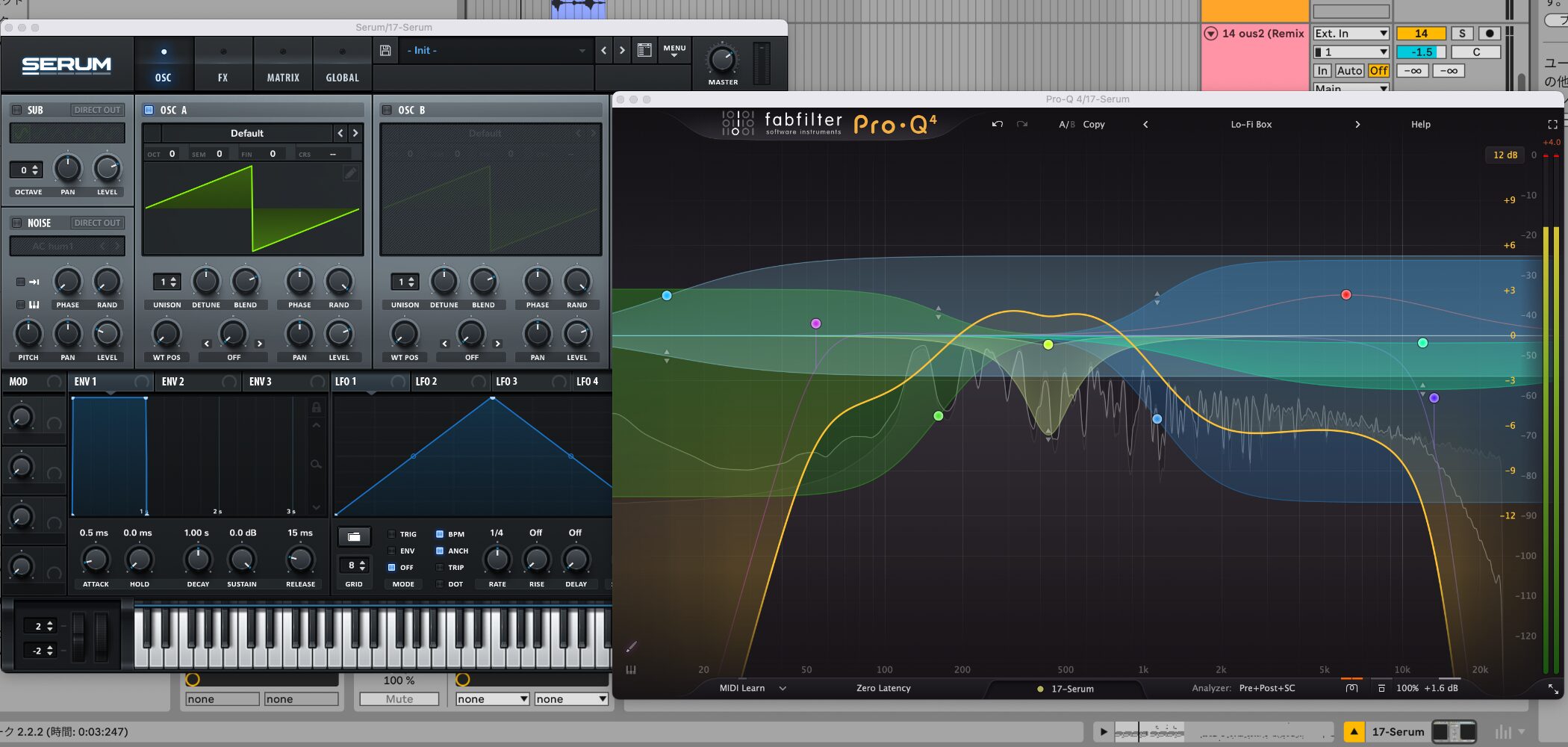
Plug-ins are software instruments and effects that run inside your DAW. The instruments and effects included with your DAW are part of this toolkit too.
As your music develops, you may want a particular sound or capability that the included tools do not provide. That is a good reason to explore an additional plug-in.
Plug-in formats and compatibility
Your DAW must support a plug-in’s format, operating system, and processor architecture. Check compatibility before buying or installing.
| Format | Developer | Key Features | Example Hosts | Operating System |
|---|---|---|---|---|
| VST (Virtual Studio Technology) |
Steinberg | A widely supported plug-in format. Used on both Windows and macOS. |
Cubase Studio One Ableton Live FL Studio and others |
Windows macOS |
| AU (Audio Units) |
Apple | Apple’s plug-in format for macOS. Integrated into Apple’s audio architecture. |
Logic Pro GarageBand and others |
macOS |
| AAX (Avid Audio eXtension) |
Avid | The plug-in format used by Pro Tools. Designed for the Pro Tools environment. |
Pro Tools | Windows macOS |
| CLAP (Clever Audio Plug-in) |
Bitwig u-he |
An open plug-in standard. Includes modern approaches to features such as multicore processing. |
Bitwig Studio REAPER and others |
Windows macOS Linux |
Different DAWs and operating systems support different formats. Know what your own setup accepts.
Other formats, including CLAP, depend on your host. Check OS and processor compatibility too.VST3Many Windows/macOS DAWsAUCompatible macOS hostsAAXPro Tools
Installers often let you choose formats. Install the ones your DAW supports; unnecessary formats can use extra storage. Follow the product’s installation instructions if you are unsure.
Some installers offer both VST2 and VST3. VST3 is generally the sensible option in a compatible modern DAW, while older projects or hosts may need a different format.
The following instruments come from our 2025 selection of free and paid tools. Product editions, availability, and terms can change; check the linked product pages before downloading or purchasing.
Drum instruments
Choose acoustic or electronic drums to suit your music. Included MIDI grooves can help you build a convincing rhythm part quickly.
Free: Steven Slate Drums SSD 5.5 Free
A free introduction to Steven Slate Drums, with a ready-to-use acoustic kit and a polished sound. Included grooves can help beginners get a realistic drum part started.
Free: BFD Player
BFD Player offers detailed acoustic drums and ready-made grooves. The edition described in the original guide includes a 5 GB library and 340 MIDI grooves, with drag-and-drop tools for building drum parts.
Paid: XLN Audio Addictive Drums 2
Addictive Drums 2 combines playable acoustic kits, MIDI grooves, and built-in processing. ADpak kits and MIDIpaks let you expand the sounds and patterns to suit your style; included content depends on the package.
Piano and keyboard instruments
Keyboards can provide anything from a supporting harmony to the main voice of a song. These examples cover a creative starter library and an extensive keyboard collection.
Free library selection: Spitfire Audio LABS
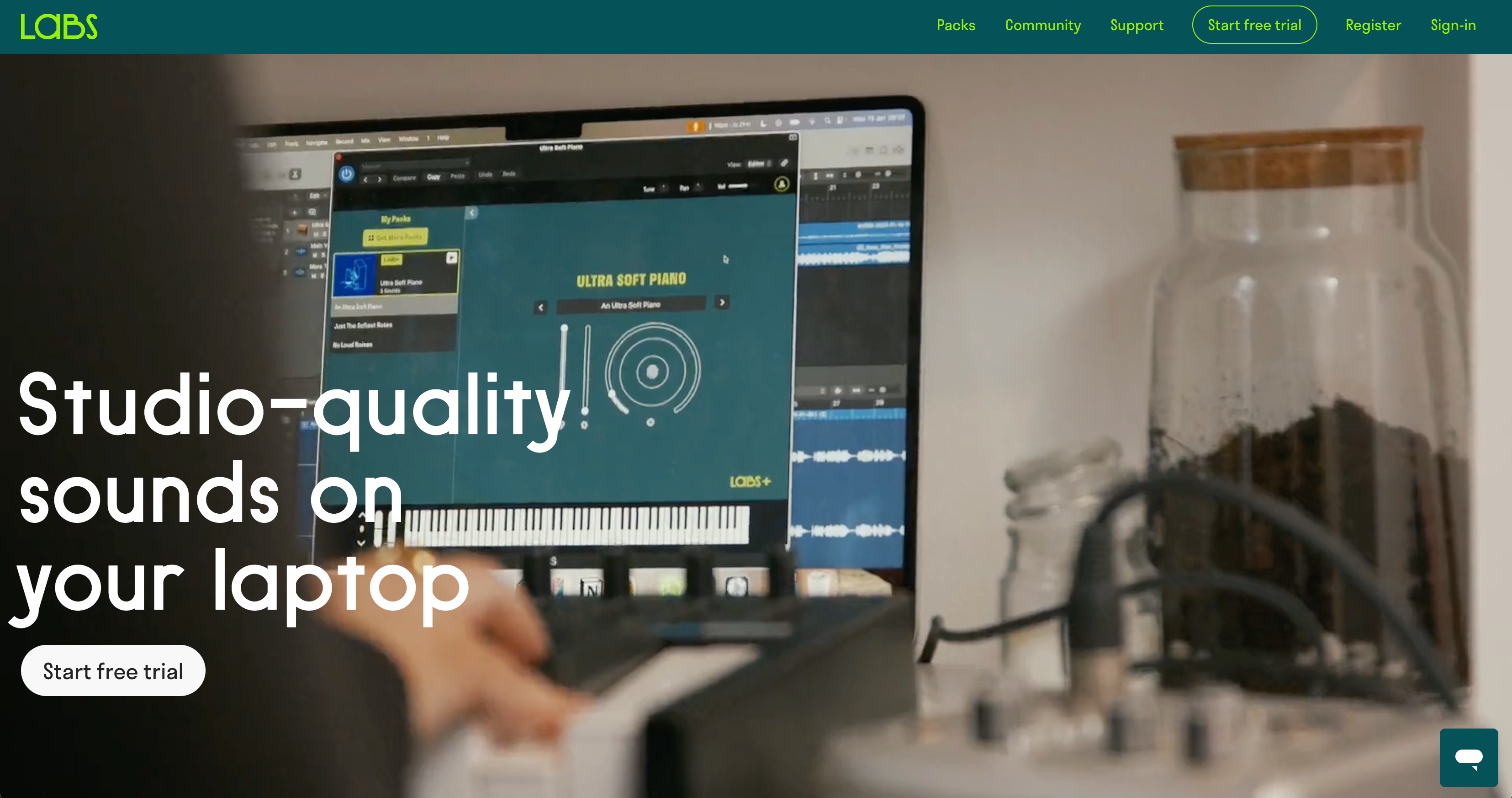
LABS is known for characterful instruments such as pianos, strings, guitars, and pads, presented with simple controls. Check the current library and access terms on the product website.
Paid: Spectrasonics Keyscape
Keyscape brings together carefully sampled keyboard instruments, from concert grands to distinctive vintage electric pianos. Its range of tones and performance detail can serve many production styles.
Guitar instruments
Electric and acoustic guitars bring different colors to an arrangement. Realistic parts depend on both the available articulations and the way you program them.
Free and paid: Impact Soundworks Shreddage 3
Shreddage focuses on expressive guitar performances. Stratus Free offers a way to explore the engine and basic techniques, while paid instruments expand the range of guitars and articulations.
Free and paid: Ample Sound Ample Guitar
Ample Guitar instruments combine sampled guitars with tools for chords, articulations, and performance programming. The range includes acoustic and electric models, with a free Lite edition available as an introduction.
Paid: Native Instruments Session Guitarist
Session Guitarist provides recorded patterns and playing styles across electric and acoustic instruments. Triggering chords from a keyboard can help you build a guitar part even if you do not play guitar yourself.
Bass instruments
Bass connects the rhythm and harmony of a song. Fingerstyle, pick playing, and other articulations each have a different attack and character.
Free: Shreddage 3 Precision Free
A sampled bass instrument aimed at rock and pop. The original guide highlights its basic playing articulations, release detail, editing tools, and built-in effects as a useful starting point.
Free and paid: IK Multimedia MODO BASS 2
MODO BASS uses physical modeling to recreate electric-bass behavior. The CS edition offers a way to try the engine, while paid editions add models and control over details such as strings, pickups, and playing style.
Synthesizer instruments
Synthesizers create leads, basses, pads, effects, and much more. Wavetable synthesis is one flexible approach to shaping a sound over time.
Free: Vital
Vital is a visual wavetable synthesizer with animated oscillators, filters, and modulation. It is useful for learning synthesis and designing electronic basses, leads, and pads.
Free: Massive X Player
Massive X Player provides an accessible way to explore ready-made sounds and adjust them with performance controls. The full Massive X offers more extensive sound-design features.
Paid: Xfer Records Serum 2
Serum 2 offers a visual environment for creating a wide range of sounds, including electronic basses, leads, plucks, and textures.
Instrument collections and bundles
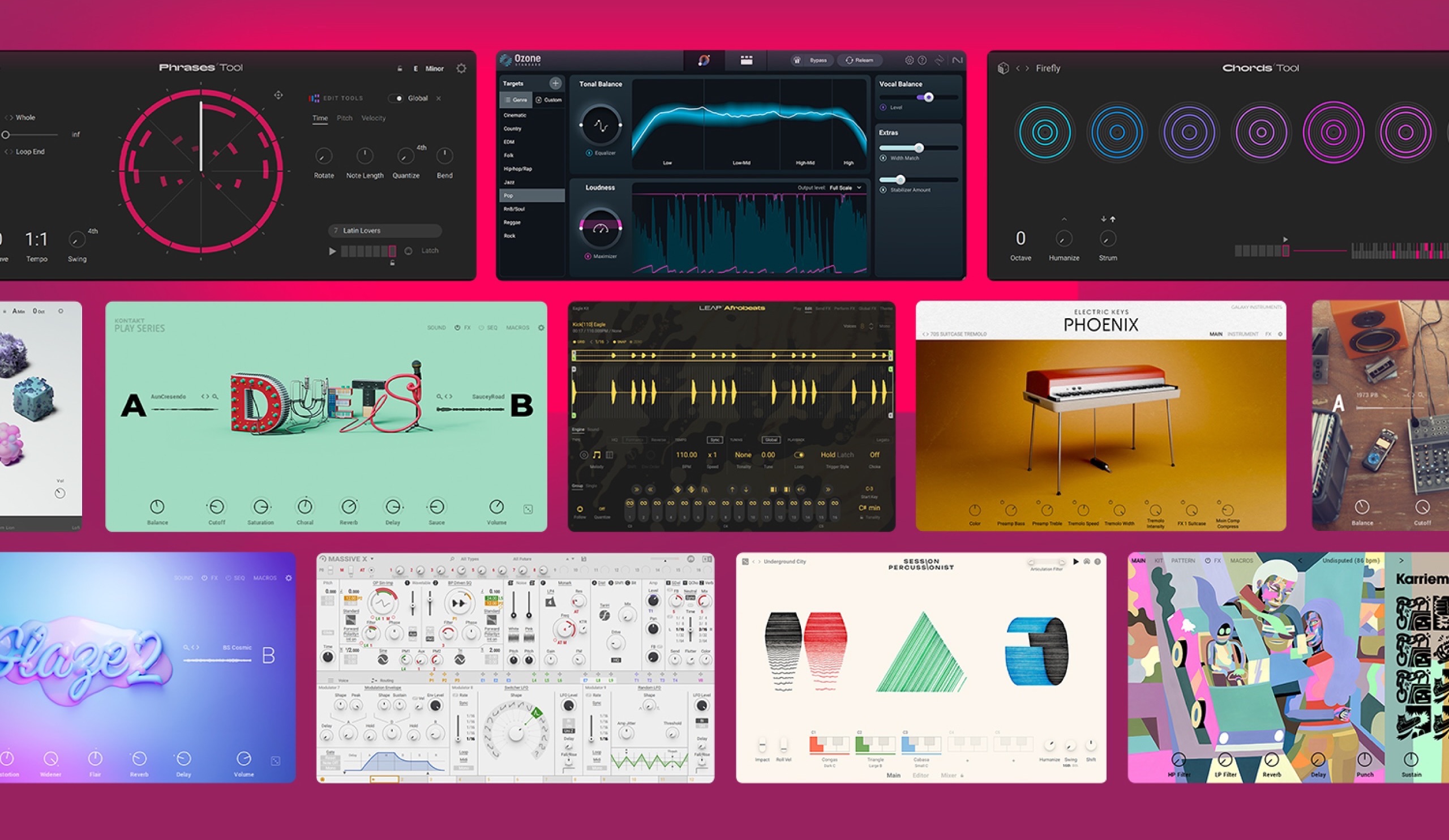
A collection can give you a broad palette of instruments and effects in one package. Compare the included tools with what you already own and the sounds you actually need.
Free: IK Multimedia SampleTank 4 CS
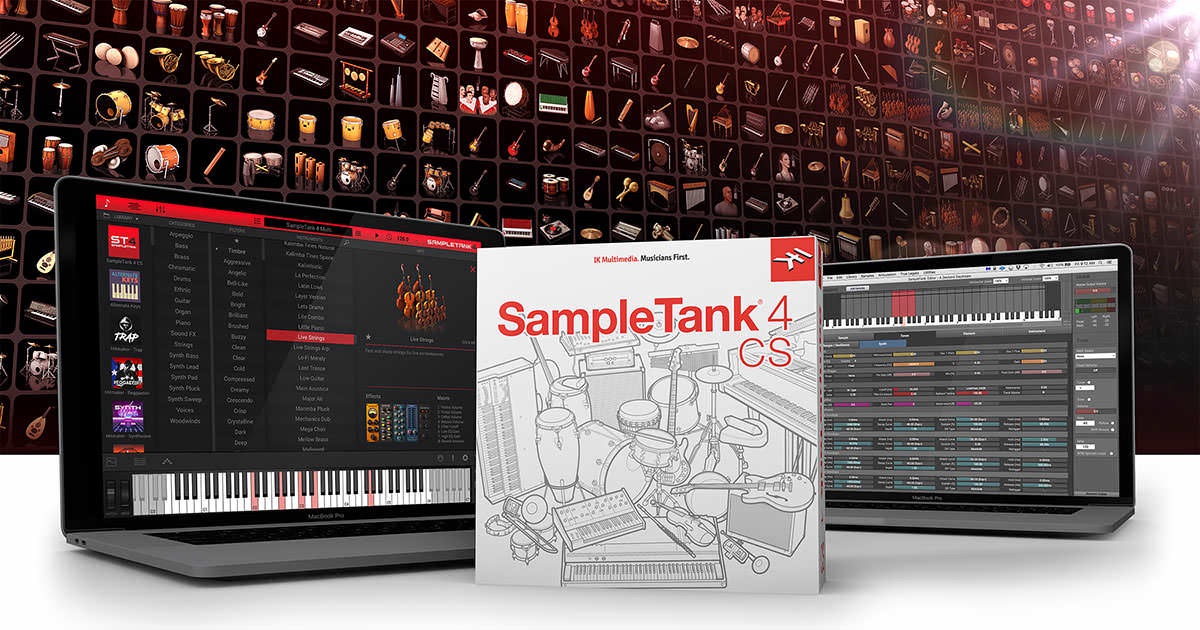
SampleTank 4 CS introduces a variety of instrument sounds and effects. The edition described in the original guide includes 50 instruments and about 4 GB of content, covering pianos, guitars, basses, drums, and synths.
Paid: Native Instruments Komplete 15
Komplete 15 combines instruments and effects around tools such as Kontakt and Reaktor. Different editions provide different selections and library sizes, so compare the contents before choosing.
Mixing: bringing your tracks together
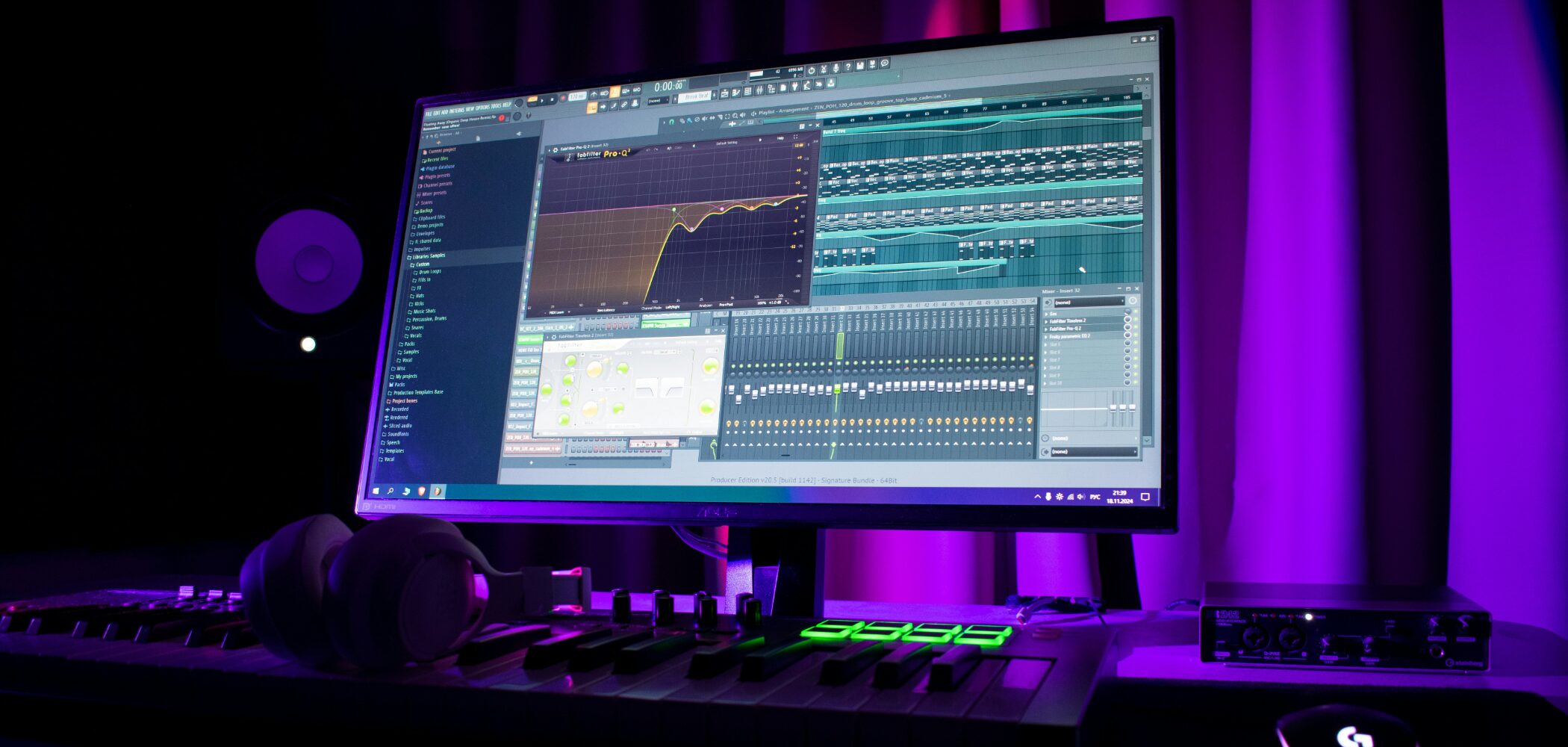
Mixing combines individual tracks—vocals, guitars, drums, and more—into a coherent song. Adjust level, panning, tone, and dynamics with tools such as EQ and compression.
Mixing vs. mastering
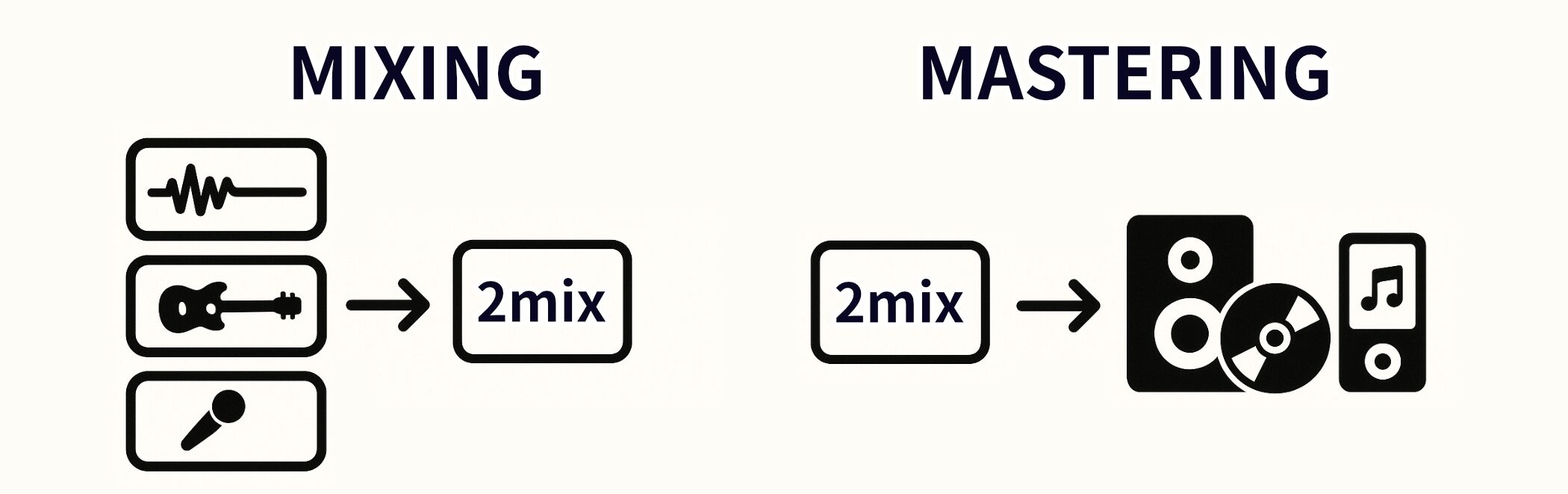
Mixing shapes the relationships between the tracks inside a song. Mastering works on the completed mix, preparing it for release and playback across different systems.
| Mixing | Mastering | |
|---|---|---|
| Purpose | Balance individual tracks into one coherent song. | Refine the completed mix and prepare release files. |
| Material | Individual tracks in a multitrack session. | The completed stereo mix. |
The main parts of mixing
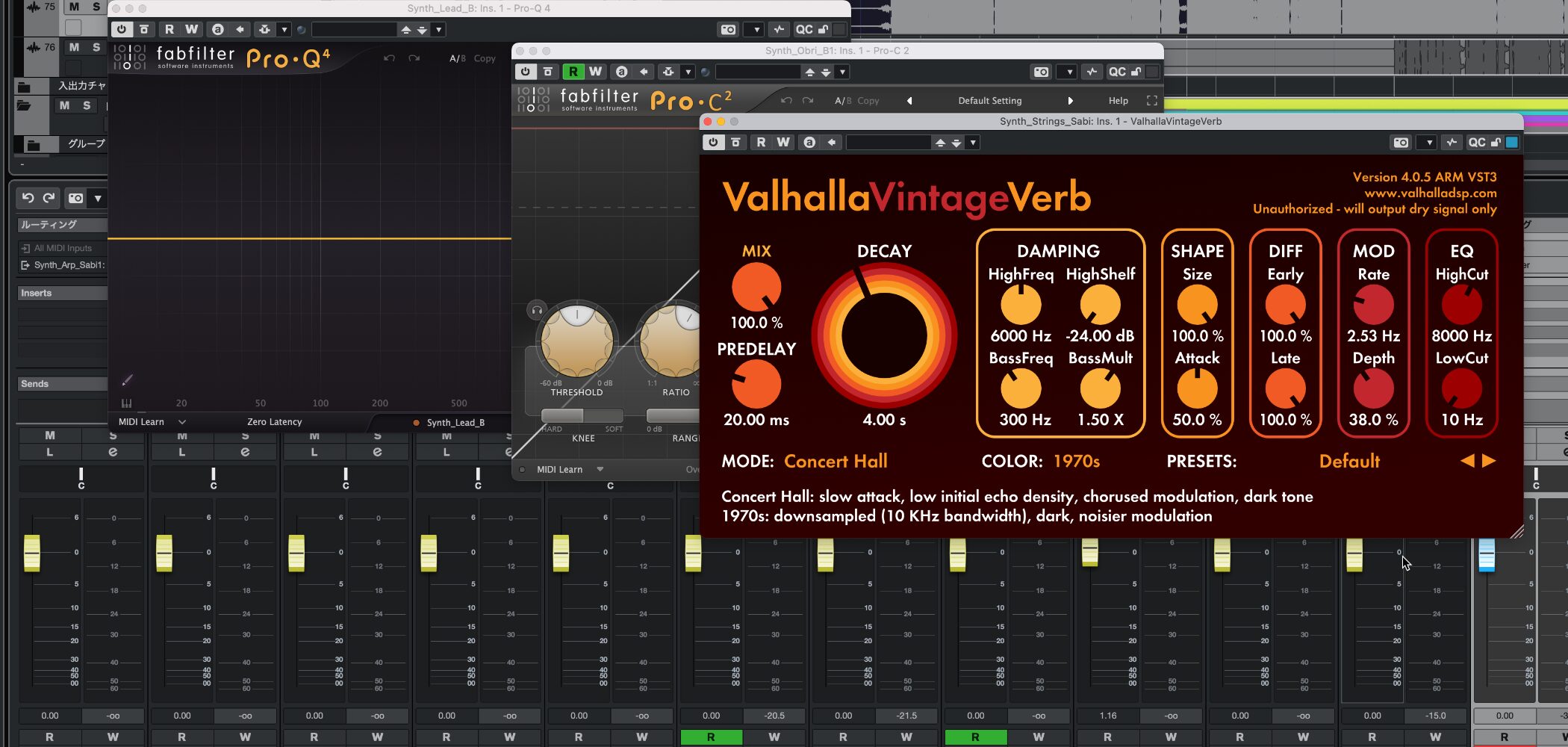
- Level: balance the volume of the individual tracks.
- Panning: position sounds across the stereo field.
- EQ: shape each track’s frequency balance and make room for other sounds.
- Dynamics: use compression and related tools to control level changes and shape impact.
- Space: add depth and ambience with reverb and delay.
A practical starting point
There is no fixed mixing order. Many engineers begin with drums and bass to establish a foundation, then place the vocal and other instruments around it. You can also develop the balance while arranging. Use a process that serves the song.
Seeing your mix with a spectrum analyzer
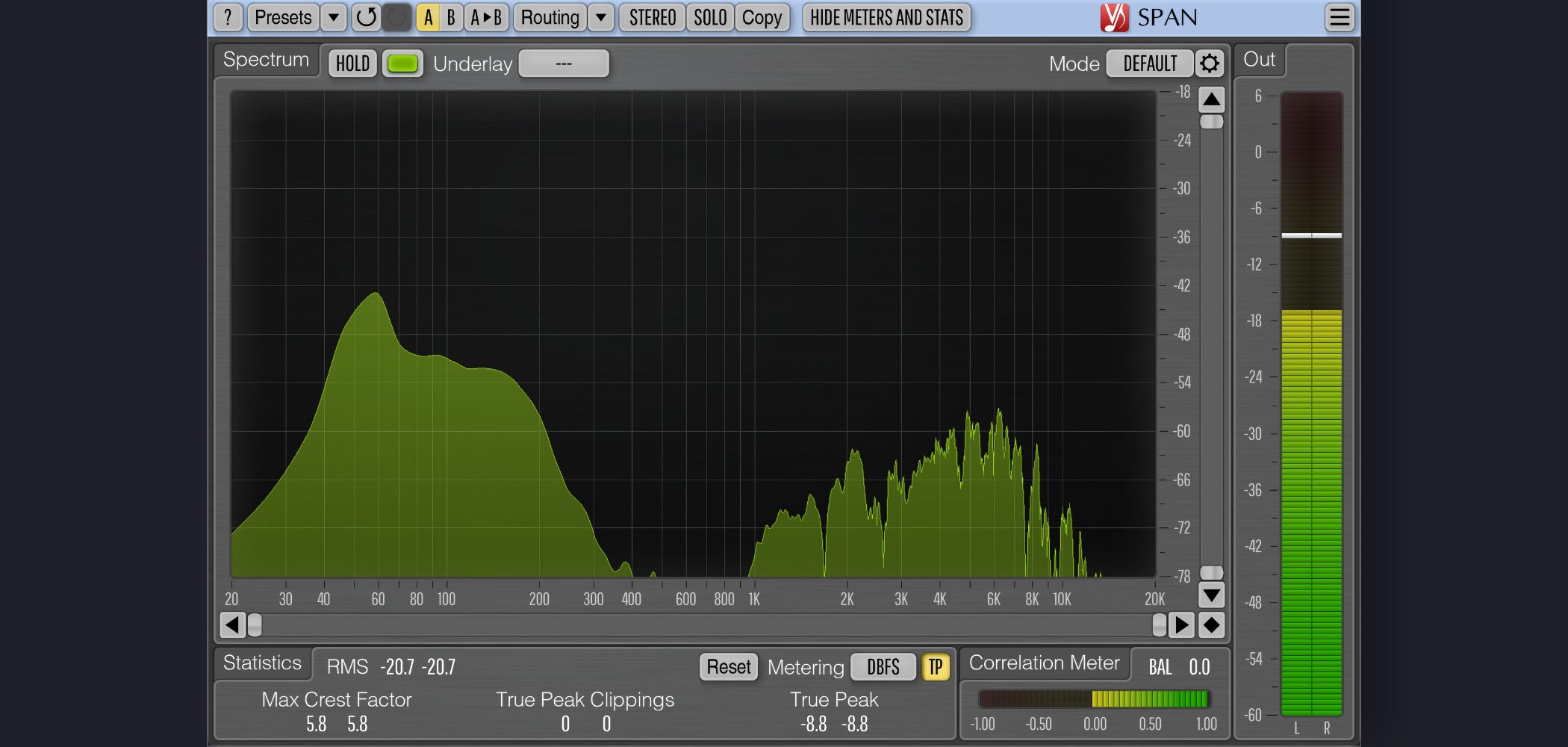
A spectrum analyzer shows how energy is distributed across frequencies. It can help you investigate what you hear, especially while you are learning to judge tonal balance.
Voxengo SPAN is a widely used free analyzer. Use the display alongside your ears, rather than aiming for a particular graph shape in every song.
Mastering: preparing your music for release
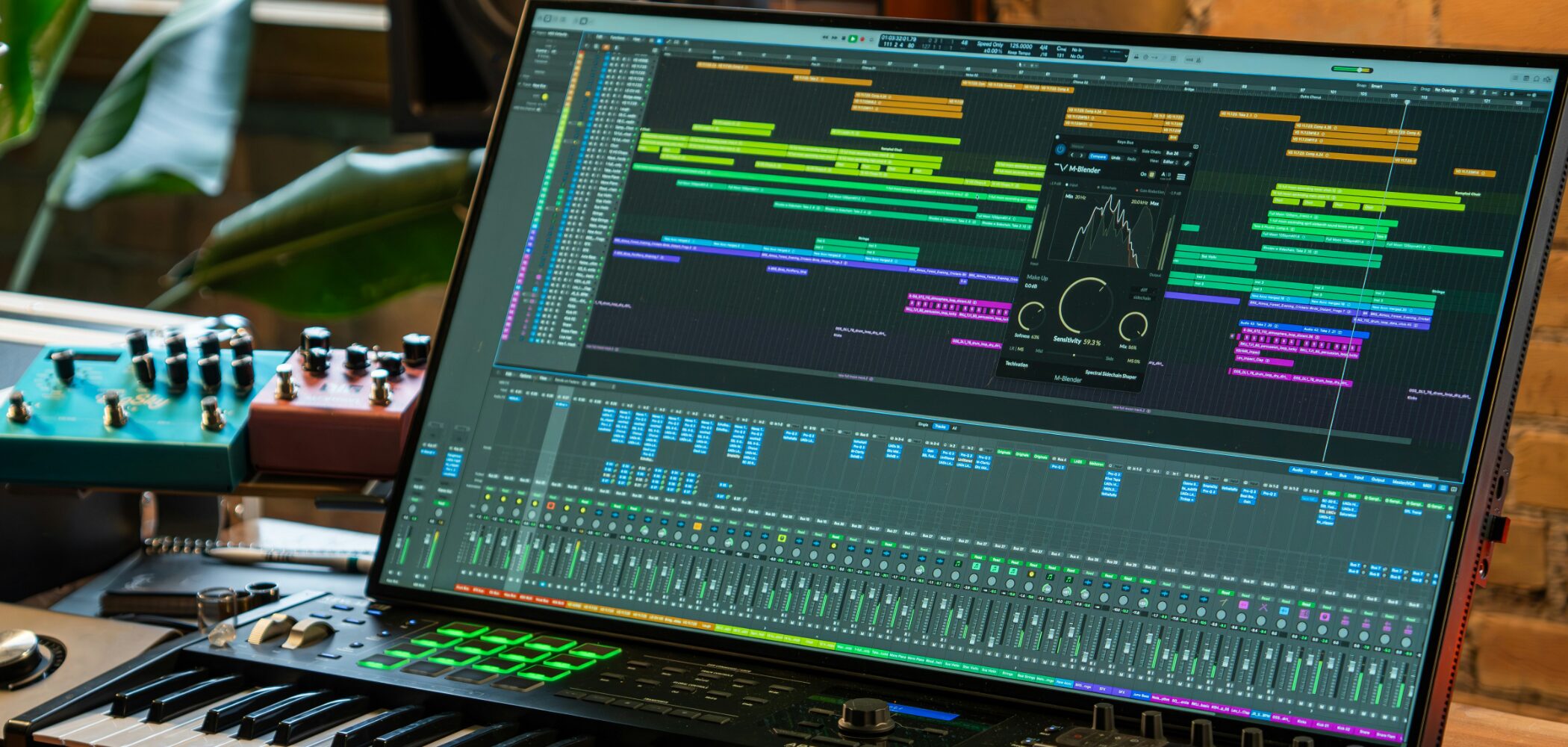
Mastering makes the final adjustments to a completed mix and creates files suitable for the intended release format. It is the final quality-control stage before your music reaches listeners.
The main parts of mastering
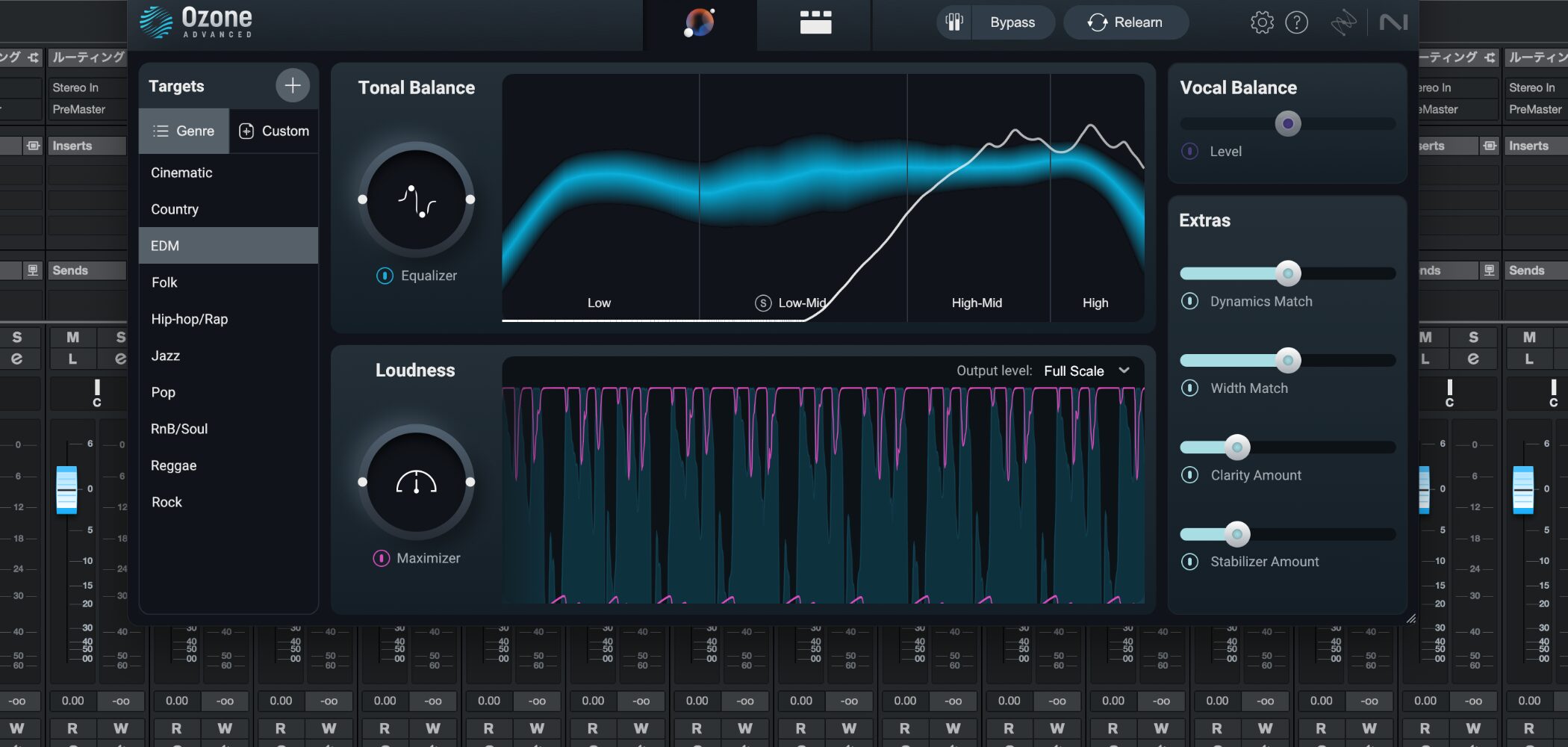
Mastering usually treats the finished mix as a whole. The aim is to refine tonal balance, dynamics, level, and presentation while checking that the result translates across playback systems.
- Tonal balance: refine the overall sound of the mix.
- Loudness and dynamics: use limiting and related tools to reach an appropriate level without losing the intended impact.
- Stereo image: check width, balance, and compatibility.
- Delivery format: export files that meet the requirements of the release destination.
Checking loudness before release
Streaming services may normalize playback levels. A loudness meter helps you measure integrated loudness and true peak so you can make informed delivery decisions. Youlean Loudness Meter 2 is one tool introduced in the original guide.
How do music makers feel about AI?
Our 2026 survey asked our Japanese audience about AI tools and music generation. The following figures describe those respondents and should not be read as a worldwide survey.
Interest in AI technology
83.5% expressed interest in AI technology overall. Around 7% said they were not interested.
Selected findings · Sleepfreaks Japanese audience AI survey, 2026. Responses may include multiple selections where applicable.Around 7 in 10Expressed interest
Around seven in ten also expressed interest in AI-related music-production content, showing curiosity about its creative uses.
Professional and amateur respondents
Interest was higher among professional respondents: 87.4%, compared with 82.5% among amateurs. This suggests that professionals in this sample are particularly attentive to the tools’ possibilities.
Where people want to use AI
Among people using or interested in using AI, mixing/mastering led at 45.8%, followed by idea generation at 40.2% and recording/editing at 36.6%. The survey’s “mixing” option included mastering.
The answers suggest an appetite for help with time-consuming production tasks. 8.9% selected the option of doing everything themselves.
Concerns about AI
Uncertainty around copyright and rights was the most frequently selected concern at 68.8%, followed by reduced originality at 58.9%. These are respondents’ concerns, rather than legal conclusions.
Views on music-generation AI
We also asked about services such as Suno and Udio that generate music itself.
Positive responses—active use or use for reference and ideas—totaled 40.5%. Negative responses—reservations or not wanting to use it—totaled 42.8%. Opinions were more divided here than for AI-assisted plug-ins.
What can AI tools help with?
AI appears in many different music tools, from separating stems to generating vocal performances. Here are some products covered in our tutorials.
Free vocal separation: Ultimate Vocal Remover
Ultimate Vocal Remover can separate vocals and accompaniment from a mixed recording. It provides a useful way to explore stem separation, although results vary with the source material and model.
Samplab: audio separation and MIDI conversion
Samplab provides tools for working with notes inside audio and converting material into MIDI. It can assist transcription and sample-based workflows; check the edition’s supported formats and features.
NotePerformer 4: expressive score playback
NotePerformer 4 interprets a musical score to shape articulation, transitions, and dynamics for orchestral playback. The original tutorial covers its use with notation software.
It offers a convenient way to hear an arrangement from a score. Check current host compatibility and product requirements before installing.
Synthesizer V Studio 2 Pro: singing synthesis
Enter notes and lyrics to create a synthetic vocal performance, then shape expression and phrasing. Listen to the tutorial examples to hear how the voices respond.
NotebookLM: learning from your sources
NotebookLM is Google’s source-based AI service. It can help you ask questions, summarize material, and explore information supplied from supported documents, websites, and videos. Check its answers against the original sources.
Frequently asked questions
Answers to common questions from people starting their music-production journey.

Is DTM a music genre?

No. DTM is a Japanese term for making music on a computer. You can compose, arrange, record, and mix pop, rock, electronic music, hip-hop, jazz, orchestral music, game soundtracks, and more.
Can anyone get started?
Yes. You can begin with a computer and a DAW, entering notes with a mouse if necessary. You do not need to arrive with years of musical training, and free software can keep the starting cost low.
What should I do first?
Set up a DAW and learn a few basic controls. Make a simple beat, then add a bass line, chords, or melody. A small finished project is a useful first goal, supported by beginner tutorials and regular practice.
What is the difference between DTM and a DAW?
DTM describes computer-based music production. A DAW is the application you use to do it: the tool rather than the activity.
What are some common DAWs?
Examples include Cubase, Studio One / Fender Studio Pro, Logic Pro, Ableton Live, and FL Studio. GarageBand and LUNA also offer accessible starting points. Check platform support and try the workflow before choosing.
How can I avoid getting discouraged?
Unfamiliar software and ambitious expectations can make starting difficult. Set a small goal, finish short pieces, use focused tutorials, and find a supportive community. Consistency matters more than doing everything perfectly at once.
How much does a vocal-synthesis setup cost?
The Japanese guide gives illustrative budgets of about ¥20,000 for a minimal setup with an existing computer, about ¥60,000 with additional software and monitoring equipment, and about ¥80,000 with further accessories. These are Japanese price examples from the source guide, not current international quotes; actual prices and bundles vary.
Should I choose a laptop or desktop?
A desktop can offer useful cooling and upgrade options. A laptop is better when you need portability or location recording. Choose according to your software, room, and workflow, and compare current specifications rather than relying on a price alone.
How long does it take to improve?
Progress varies with your goals, experience, and practice. The source guide suggests learning basic DAW operation over the first months, then building programming and arranging skills through completed projects. Treat these as rough milestones, not deadlines or guarantees.
What are the advantages of computer-based production?
You can work independently, revisit ideas, experiment without committing to every decision, and access a wide range of instruments and effects. Finished tracks can be shared digitally with listeners around the world.
Are there free DAWs?
Yes. GarageBand on Mac and the free tier of LUNA are examples covered in our material. Check current system requirements and which features are included in each edition.
Can I start without spending more money?
If you already have a suitable computer, a free DAW can be enough to explore the basics. Add an interface, controller, or other equipment when your recording and production needs become clearer.
Do I need music theory?
You can start without formal theory study. Learning rhythm, scales, chords, and harmony can then help you make choices more deliberately and communicate with other musicians.
Do I need perfect pitch?
No. Recognizing relationships between notes—relative pitch—is especially useful for writing and arranging. You can develop this through listening and practice.
Do I need to read sheet music?
Not to begin. Notation becomes useful for orchestral writing, collaboration, and other situations where a score helps communicate musical ideas. Learn it when it serves your goals.
Does playing an instrument help?
It can help with phrasing, expression, and working efficiently. Piano skills are particularly useful for exploring harmony, but modern DAWs also let you program convincing music without playing an instrument.
Do I need to attend music college?
No. You can learn theory, performance, and production through many routes. College can provide structured study, facilities, and connections; specialist schools and online learning are other options.