When recording over an existing MIDI region in Logic Pro, the result depends on the overlapping-recording settings: a new region may be created instead of merging with the existing performance. This tutorial shows the selected-region merge option used in the version shown, so you can add new MIDI notes to an existing part. Menu names and locations vary by Logic Pro version.
Recording Over an Existing Performance in Logic
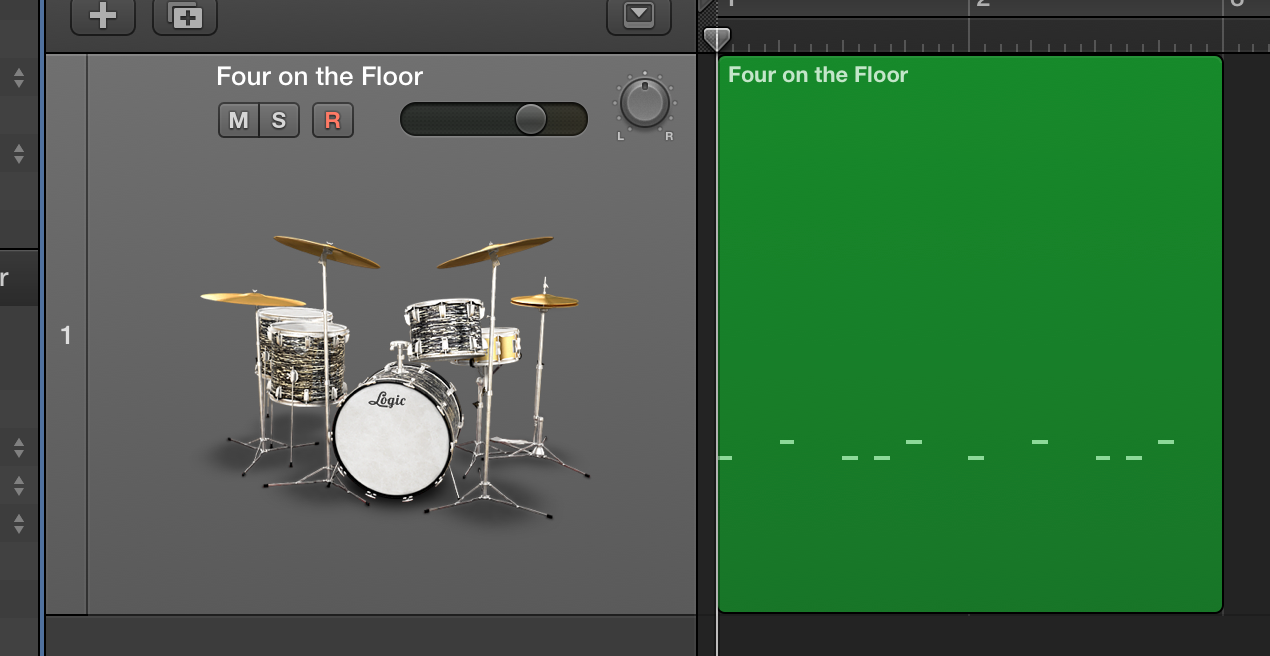
There are many situations where you may want to record a new performance in real time over an existing MIDI region.
This is a common recording task.
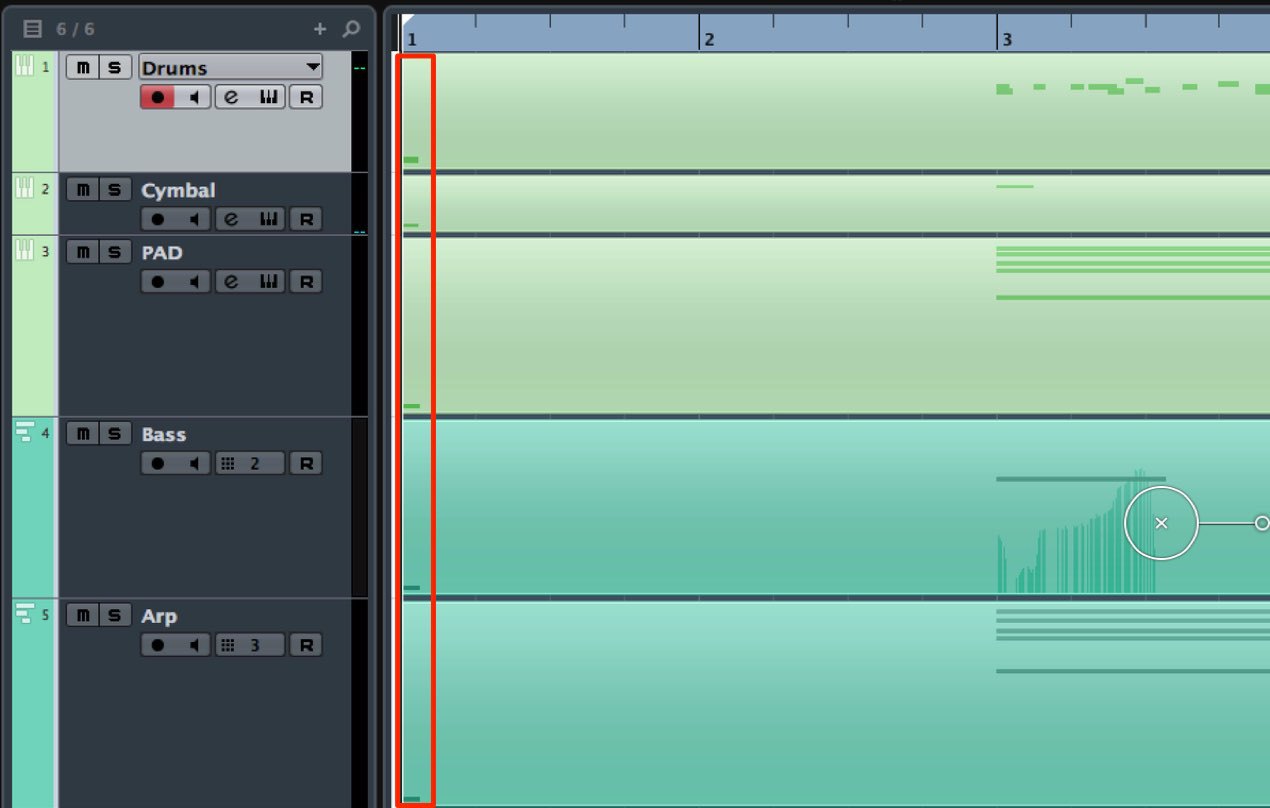
With the settings shown before the change,
a new region is created on top of the existing one.
Here’s how to change that behavior.
Solution
Excerpt from a YouTube Question and Answer

Excuse me, I’d like to get an instrumental from YouTube and record a rap over it. Do you know how to do that?

On a Mac, one possible recording method is shown here:https://youtu.be/Tg_jIcC2OM0Depending on the track, copyright restrictions may apply, so please check before using it.
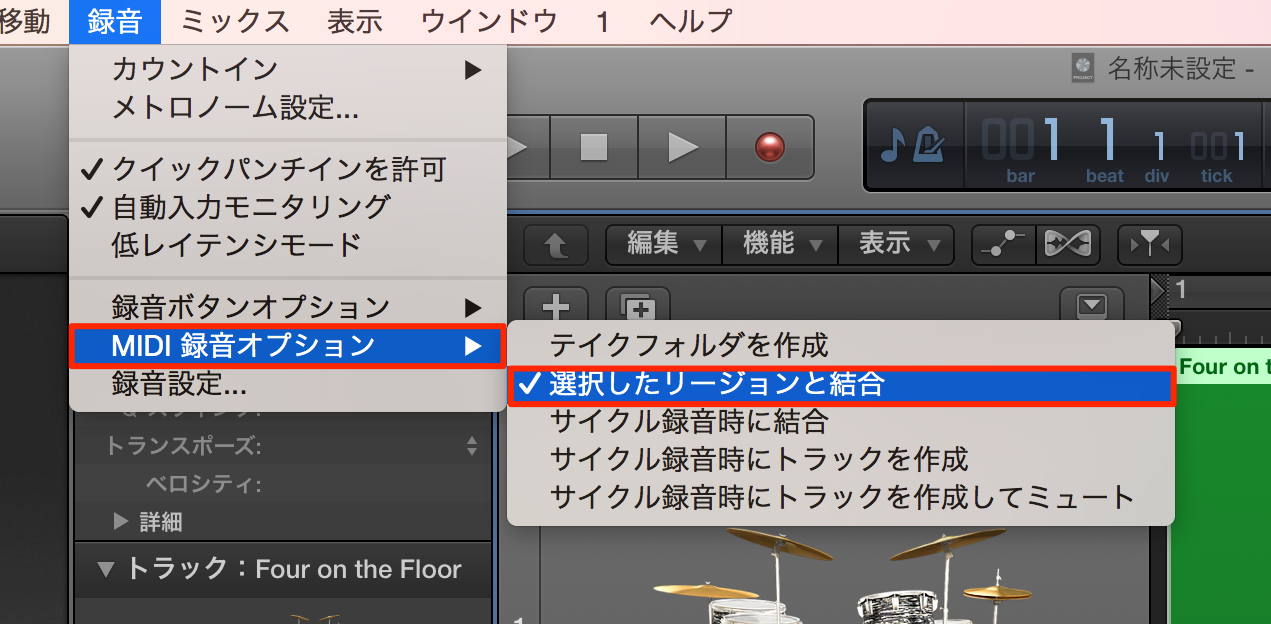
In the version shown, choose Record → MIDI Recording Options → Merge with Selected Regions. In newer versions, check Logic Pro → Settings → Recording → Overlapping Track Recordings: MIDI; with Cycle Off, choose Overlap/Merge Selected Regions.
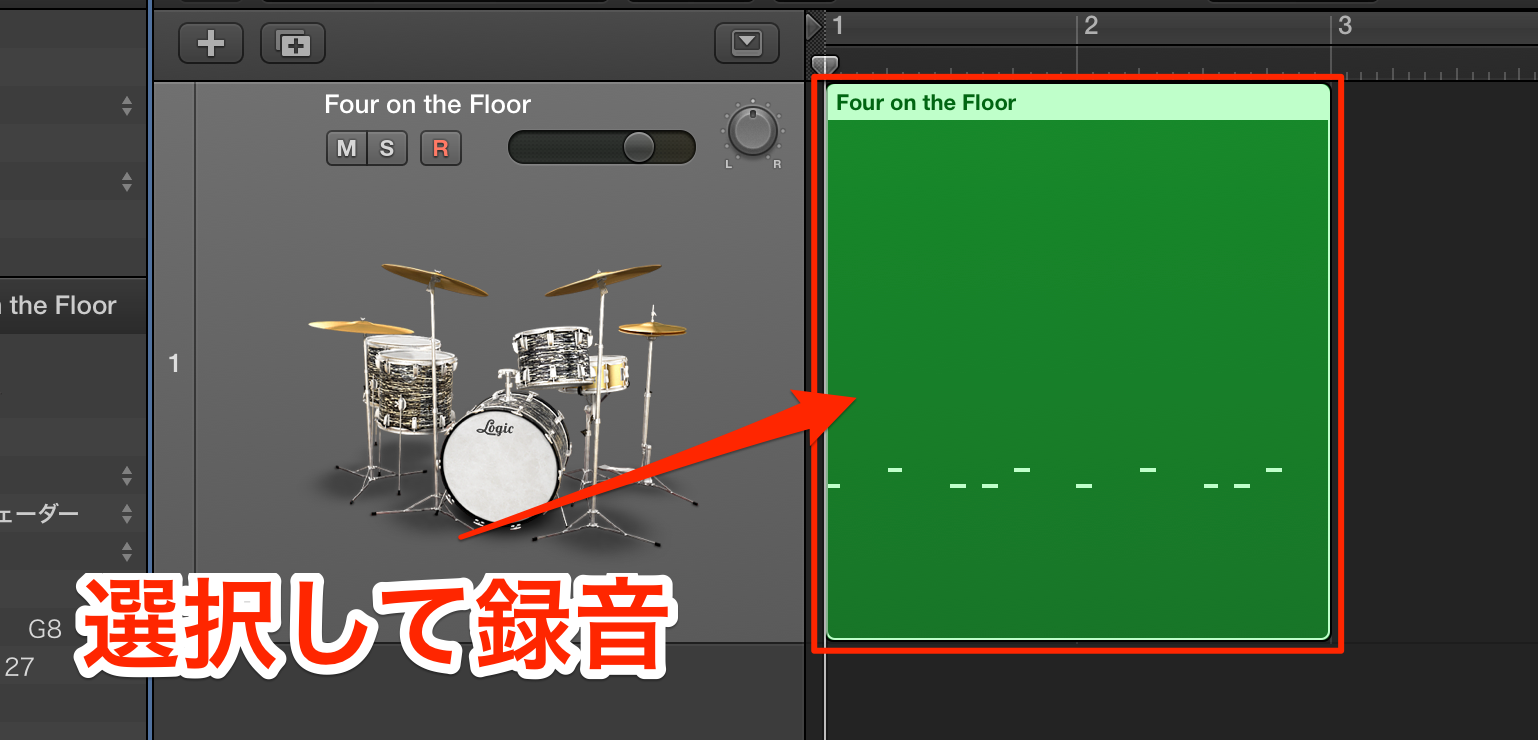
Select the region you want to add to, then start recording.
The new performance is merged with the existing MIDI data.
Frequently Asked Questions
Q1. Why does recording over existing MIDI create a separate region?
When the overlapping-recording option is set to create overlapping regions, a new region is created over the existing one. Change the recording setting if you want the performances merged instead.
Q2. Where can I find the selected-region merge option?
In the version shown in this tutorial, look under Record → MIDI Recording Options. In newer Logic Pro versions, use Settings → Recording → Overlapping Track Recordings: MIDI and select Overlap/Merge Selected Regions for Cycle Off. For Cycle On, the available options differ; see the recording settings for your version.
Q3. Will overdubbing delete existing MIDI notes?
The selected-region merge option combines new MIDI data with the selected overlapping region rather than replacing it. Check the recording mode and back up important work before recording.
NEW ARTICLES
Latest English Articles