When sharing music-production data across DAWs, MIDI and audio files need to be imported correctly. This article explains how to bring exported files into another DAW, transfer large audio files through online storage, keep backups, assign instruments, and set the tempo.
Working with MIDI and audio across DAWs
After exporting MIDI and audio in the previous installment, let’s import them into another DAW.
We will also cover points to consider when sending and receiving the files.
MIDI and audio compatibility
1. Understanding DAW structure
2. MIDI and audio compatibility
3. Importing dataThis is the current article.
A note about large files
Small MIDI files can be attached to email,
but audio files are often much larger and may cause an error when sent by email.
Online storage is useful in these cases.
One service recommended in the original article is
GigaFile, which can handle large files. Check its current limits and terms before use.
URL: http://gigafile.nu
Back up your files
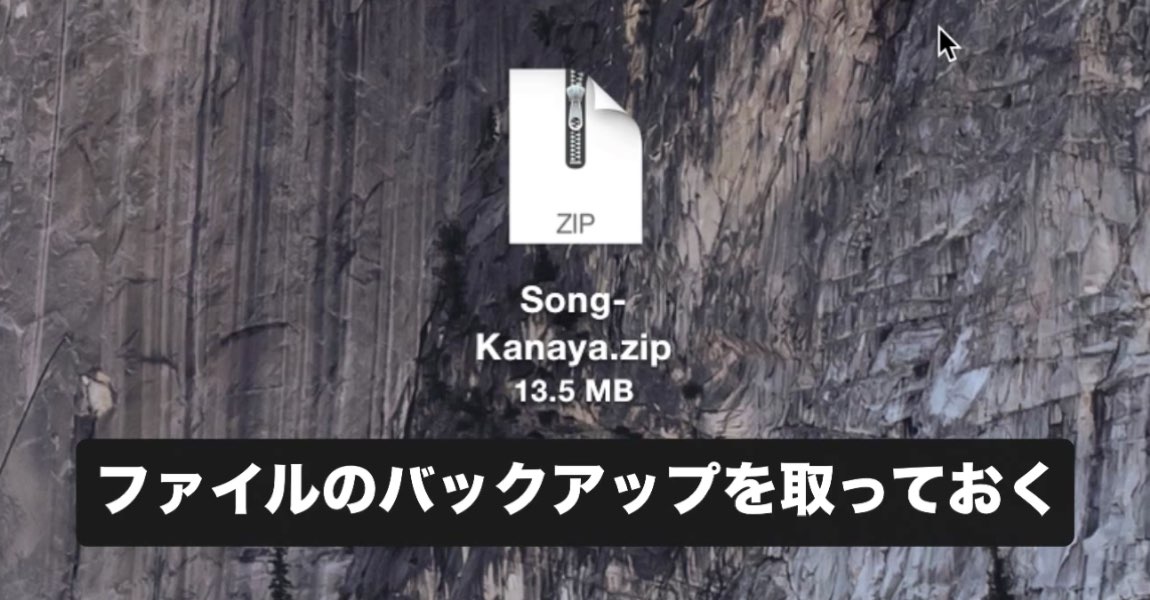
Always keep backups of files you send or receive.
This helps you recover if a file is lost or damaged.
Import files by drag and drop
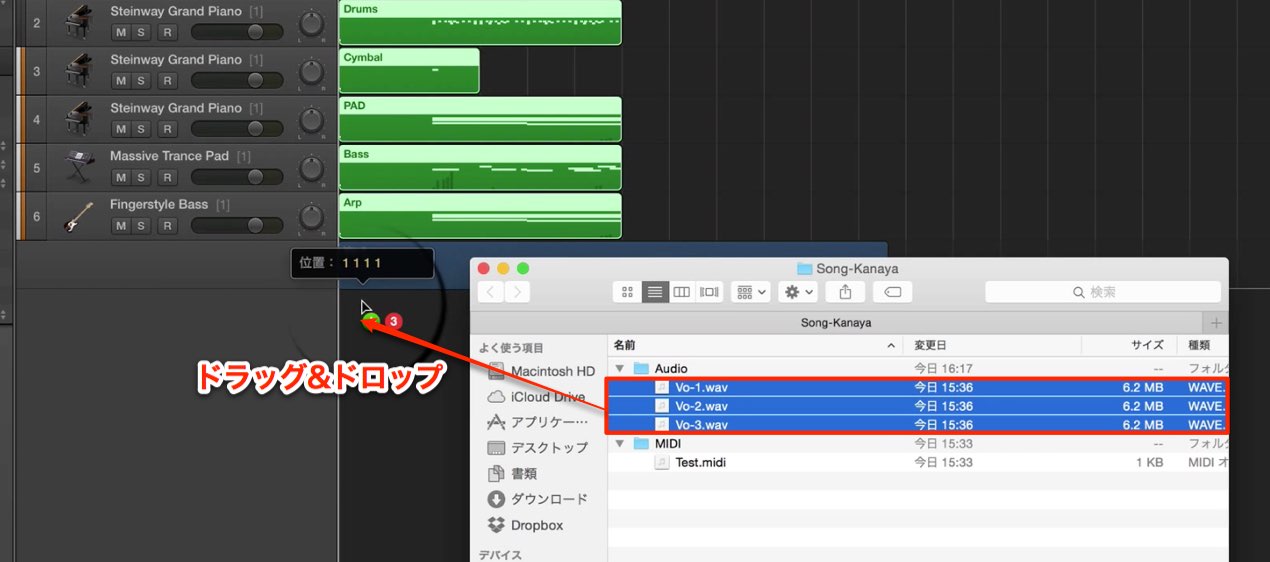
Both MIDI and audio
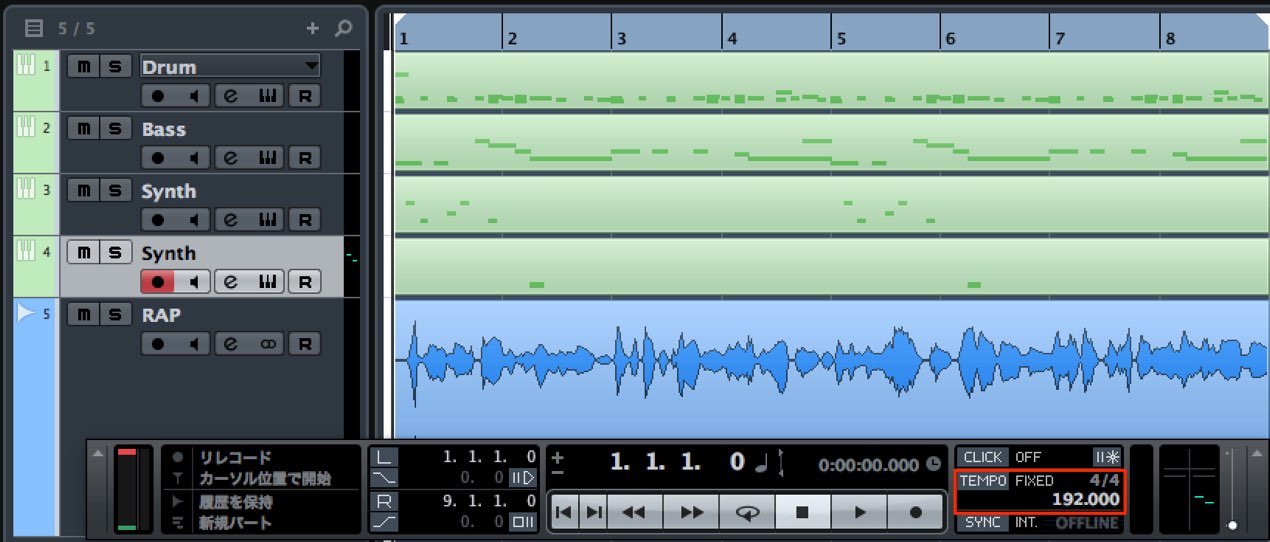
can be imported by dragging and dropping them into the DAW’s sequencer.
Then assign instruments and adjust the tempo
to recreate the song. Check the result: sounds, effects, routing and other project settings may need to be recreated separately.
Frequently Asked Questions
Q1. What is an easy way to import MIDI into another DAW?
Drag and drop the MIDI file into the DAW’s sequencer, then assign instruments and adjust the tempo. Check the arrangement and sound in the destination project.
Q2. What if an audio file is too large to email?
Use an online file-transfer or storage service such as GigaFile to send and receive larger files. Check the service’s current size limits and terms.
Q3. What should I do to manage received project files safely?
Always back up files you send or receive. Backups can help you recover from file loss or corruption.
NEW ARTICLES
Latest English Articles