LoopMash is a software instrument that detects attack points in audio loops and creates new loops by rearranging and playing the resulting slices. Combine multiple sources with drag and drop, then adjust how often each track appears and how many tracks can play at once to create distinctive beats. You can also apply effects to individual slices and adjust track volume and pitch. This tutorial covers the older LoopMash instrument; availability and compatibility depend on the host and version.
Create New Loops by Rearranging Material with LoopMash
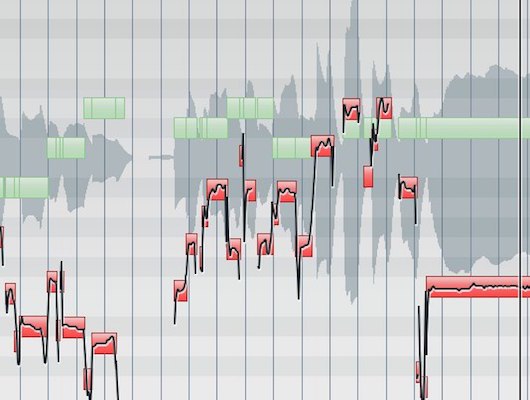
LoopMash detects attacks in the source material
and plays the detected slices at random in time with the tempo.
You can combine multiple sources
and apply effects to individual pieces of material to create interesting sounds and beats.
LoopMash video tutorials
Video highlights: Importing loops
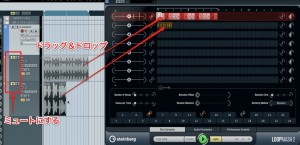
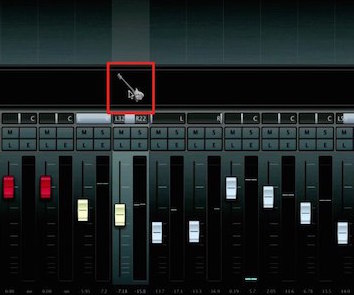
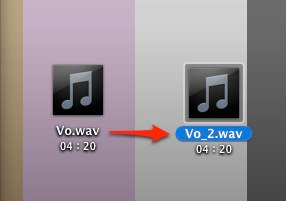
Simply drag and drop the audio event you want to import into LoopMash.
After importing it, mute the original track to prevent both from playing at once.
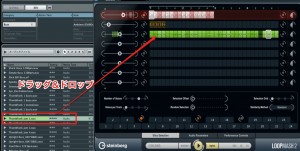
You can also drag and drop material directly from MediaBay.
Video highlights: Adjusting loops
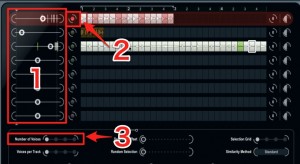
- 1. Set how often the track appears in the loop.
- 2. Choose the main track. The lit track is the main track, around which the loop is assembled.
- 3. Set how many tracks play simultaneously.
At 1, loops do not overlap; at 2–4, multiple tracks or slices play at the same time.
Video highlights: Volume and pitch
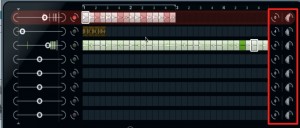
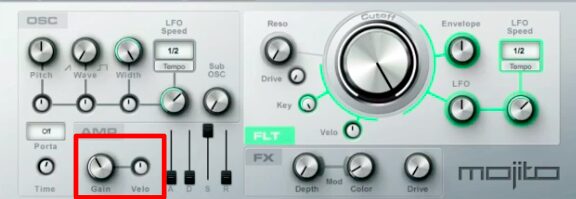
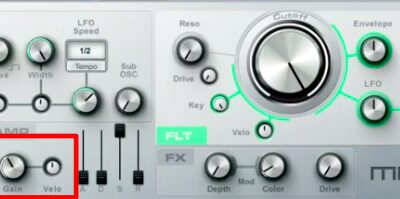
The knob on the right controls each track’s volume.
The knob on the left changes pitch in semitone steps.
Video highlights: Applying effects
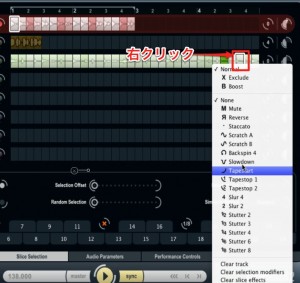
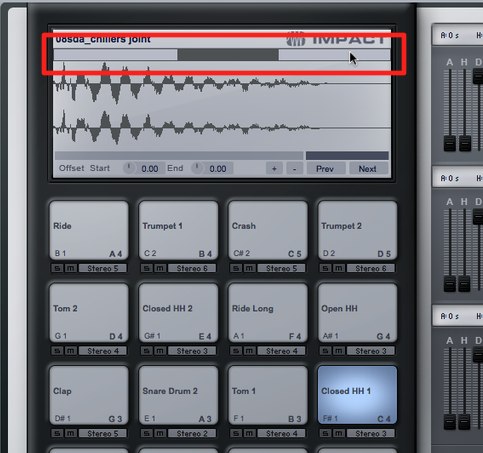
Right-click the location where you want to apply an effect
and select an effect from the menu.
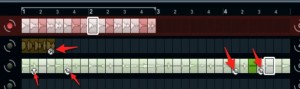
The effect is displayed on the slice after it is applied.
You can create some interesting sounds this way.
LoopMash for iPhone and iPad

An iPhone and iPad app was also released. Steinberg ended distribution of LoopMash, LoopMash HD and LoopMash Free after January 8, 2018; current availability and compatibility should not be assumed.
http://itunes.apple.com/jp/app/loopmash/id419328379?mt=8
Frequently Asked Questions
Q1. How do I import audio into LoopMash?
Drag and drop the audio event into the LoopMash window. You can also import directly from MediaBay. After importing, mute the original track to prevent double playback.
Q2. Can I control how loops overlap?
Yes. Set the number of tracks that play simultaneously. At 1, loops do not overlap; at 2–4, multiple tracks or slices can play together to create more complex beats.
Q3. Can I apply different effects to individual slices?
Yes. Right-click the location where you want an effect and select it from the menu. You can apply effects to individual slices to create distinctive sounds.
Q4. Can I use LoopMash on an iPhone or iPad?
An iPhone and iPad app was released, but Steinberg discontinued the LoopMash iOS apps in 2018. Do not assume they are still available or compatible with current devices.
NEW ARTICLES
Latest English Articles