
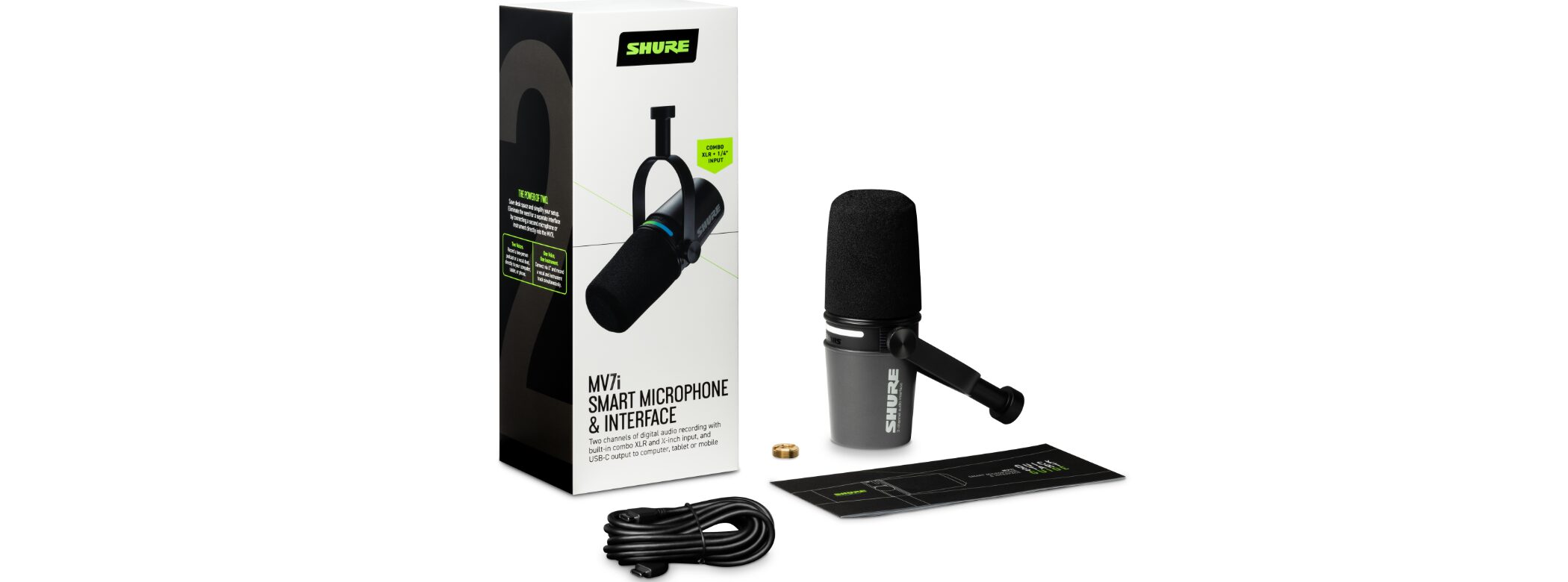
SHURE’s latest microphone, the MV7i, combines a dynamic microphone with a built-in audio interface. Connect it directly to a computer or smartphone with a single USB-C cable—no external equipment required. Voice Isolation Technology and advanced DSP help reduce background noise and deliver clear audio, even in a small home studio or a noisy environment. It supports two-channel recording, so you can connect another microphone or an instrument at the same time. With a free app for intuitive sound adjustments, it suits podcasters, musicians, and home-recording creators who want high-quality recording made simple.
A New-Generation Microphone for a Wide Range of Uses
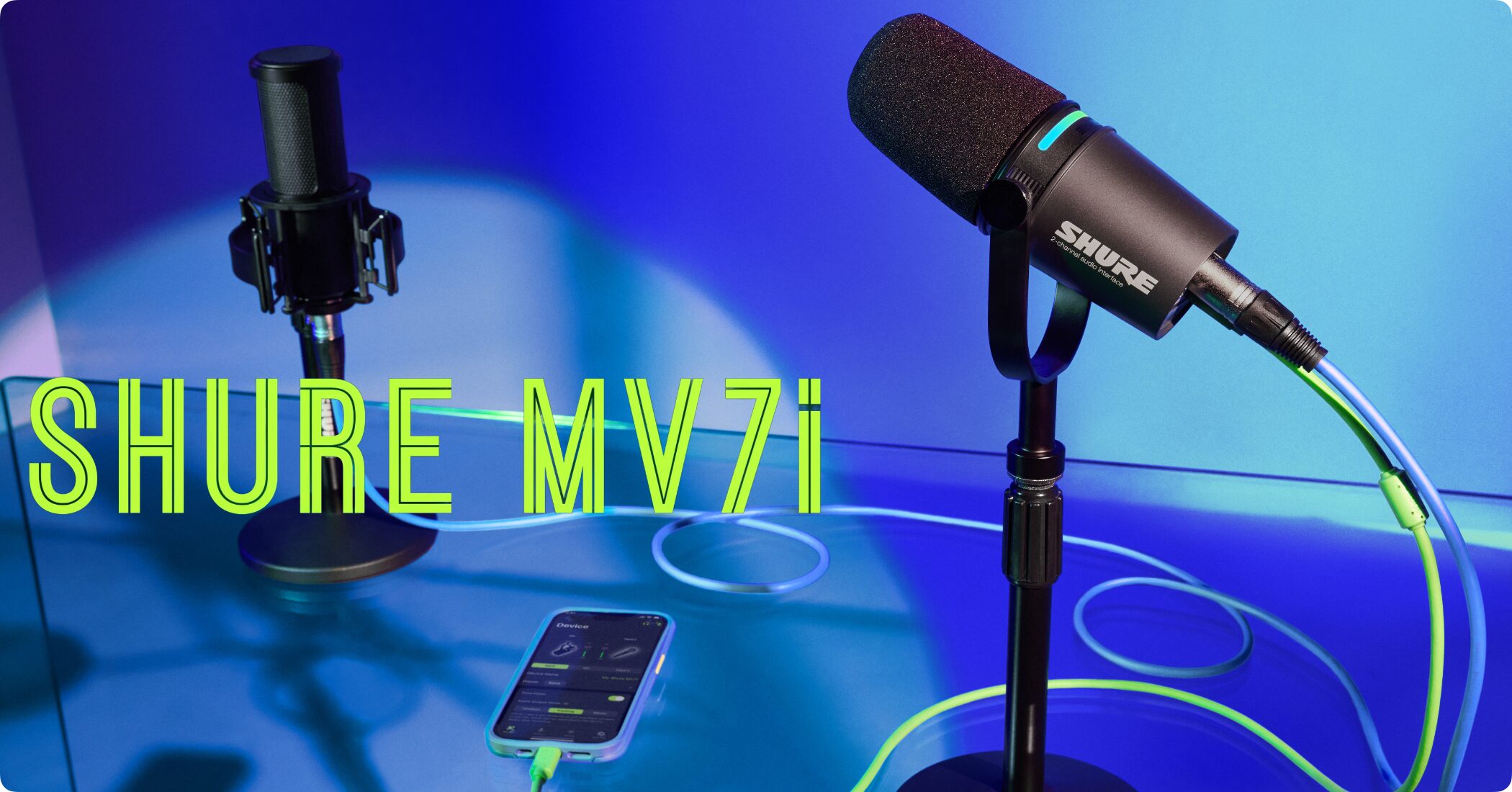
SHURE’s MV7i is agroundbreaking product that combines a dynamic microphone and an audio interface.
You don’t need an external audio interface. Connect it directly to a computer, tablet, or smartphone with one USB-C cable and start recording right away.
Even in acoustically challenging environments, the MV7i’s directional pickup and SHURE’s proprietary DSP work together toeffectively reduce background noise and deliver clear audio.
It can be a dependable choice for creators working in places without a dedicated recording setup, such as a small room at home.
MV7i Review and Overview (Video)
Two-Channel Recording and Flexible Inputs
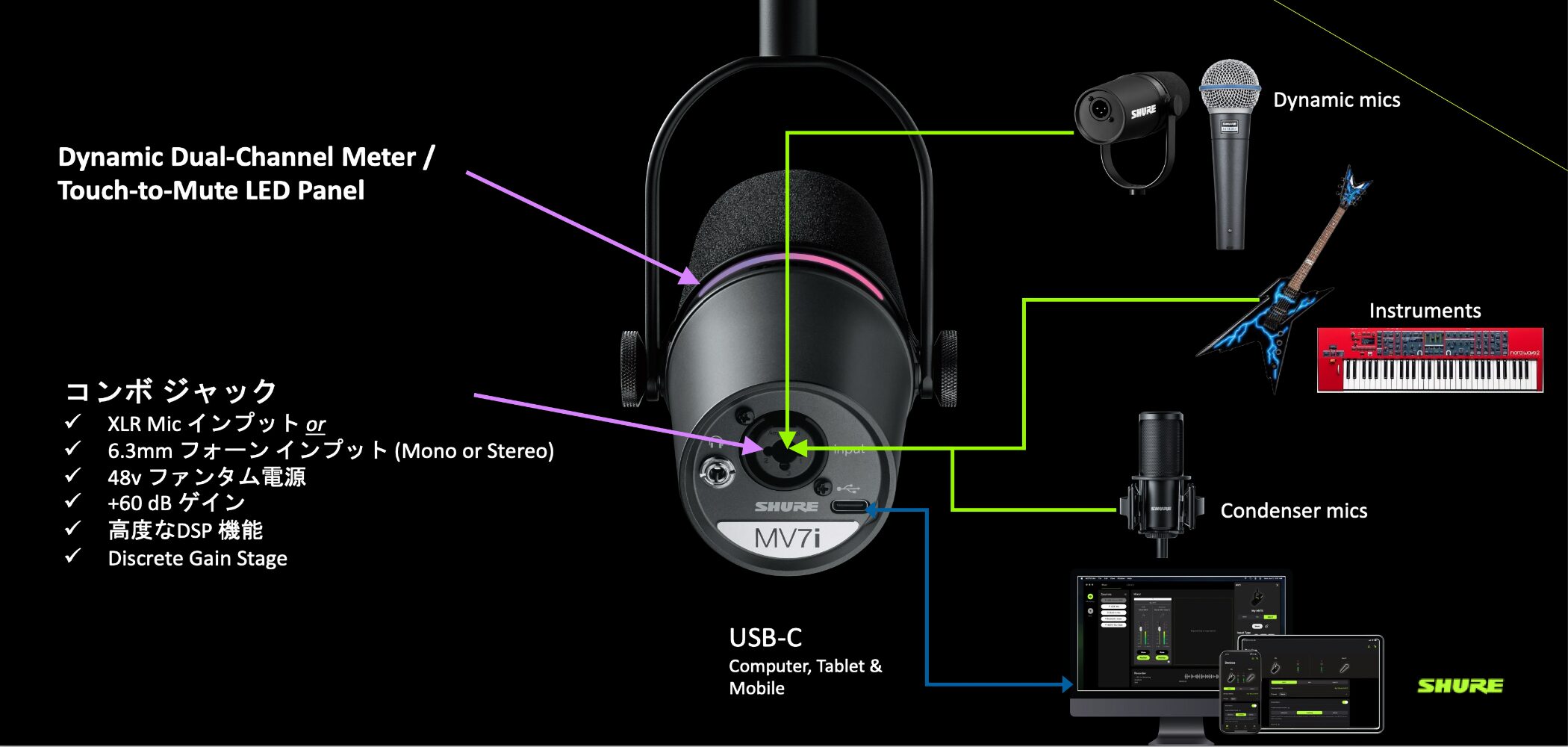
In addition to the main MV7i microphone, connect another XLR microphone or an instrument such as a guitar to the rear combo jack (XLR and 1/4-inch phone) torecord audio on two channels.
This is useful in many situations, such as recording a two-person podcast or capturing an instrument and vocals at the same time.
It also supportsup to +60 dB of gain and 48 V phantom power,so it works with a range of microphones, from dynamic to condenser models. This is also useful when adding a sensitive microphone or connecting a guitar or bass directly for recording.
The 3.5 mm headphone jack on the back of the unit lets youmonitor the sound from both the MV7i microphone and the external input with no latency,so you can work with confidence while recording.
Advanced Noise-Reduction Features
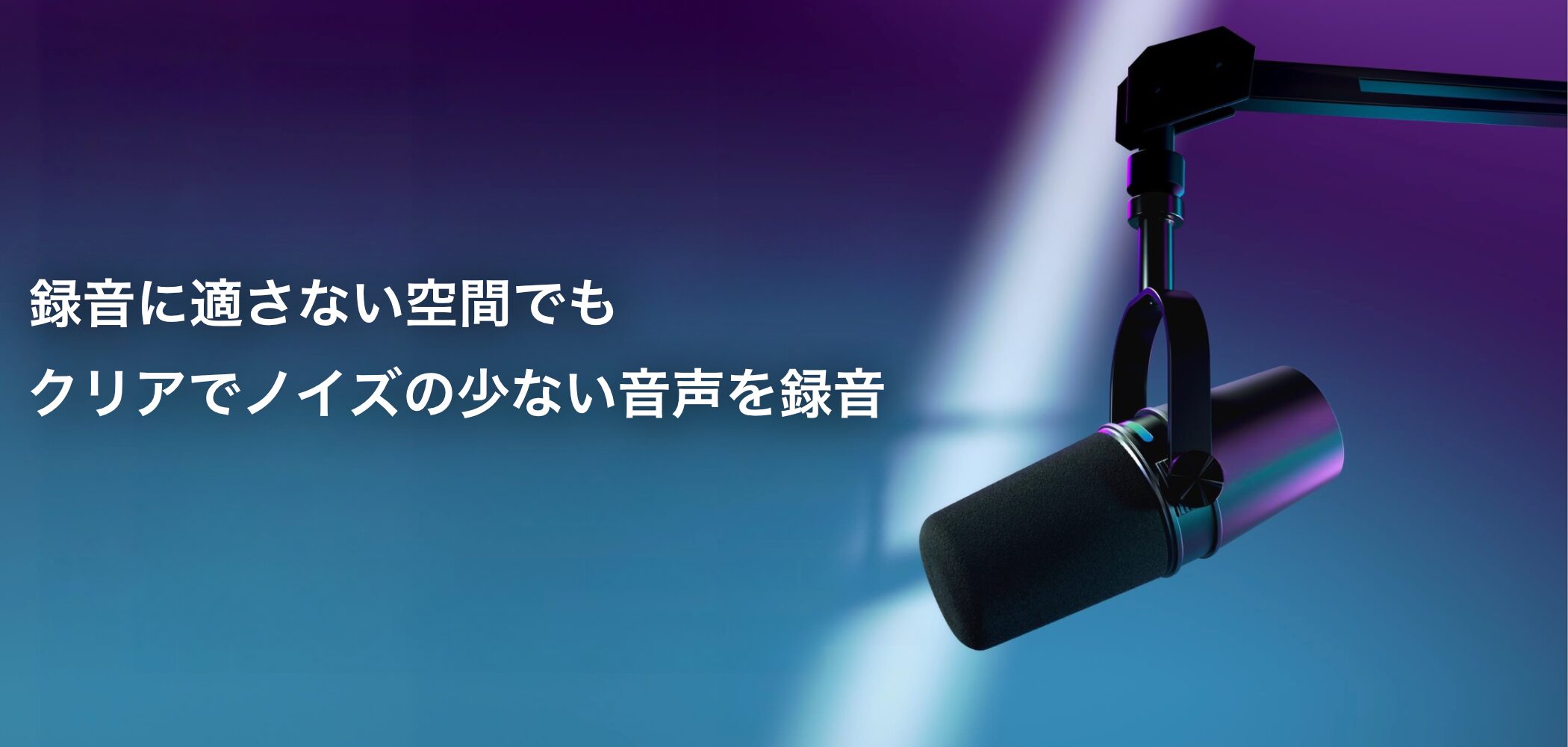
The MV7i combines a cardioid dynamic microphone with Voice Isolation Technology toseparate your voice from unwanted background sounds,helping you record high-quality audio comfortably, even in a small room or a space where you may pick up reflections from walls or noise from air conditioning.
It also includesDSP (digital signal processing) features to keep recordings clear. Adjust the settings in the dedicated app to optimize the sound.
- Auto Level Mode with SmartGate™: Automatically adjusts microphone gain based on the distance to the mic, vocal volume, and room acoustics for clear, consistent recordings. (When recording on two channels, it also reduces crosstalk.)
- Real-Time Denoiser: Reduces room noise to maintain clean audio while streaming or recording.
- Digital Pop Filter (Digital Popper Stopper™): Reduces harsh plosive sounds in real time.
- Adjustable Reverb: Choose from three reverb types—Plate, Hall, and Studio—and adjust the amount.
- Per-Channel Customization: Customize tone and sound signature, gain, EQ, compression, and limiting.
Refined, Easy-to-Use Design
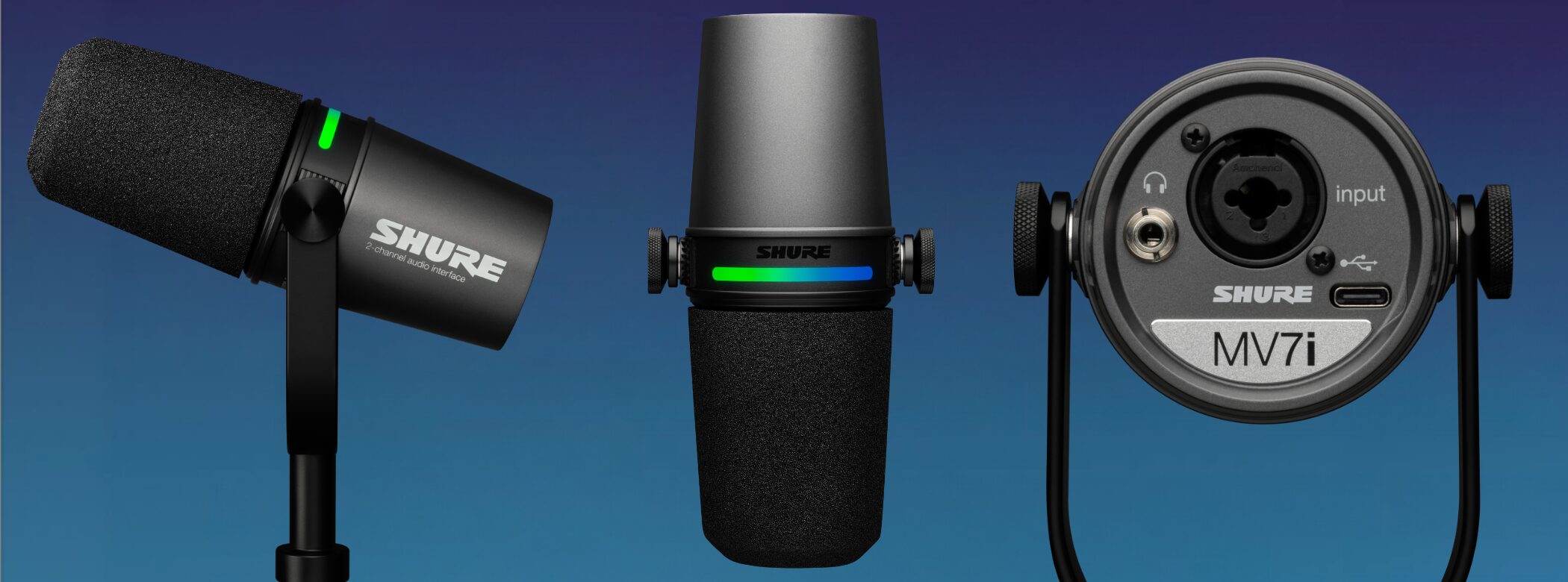
The all-metal body gives the microphone a stylish look.
Its integrated yoke fits standard 5/8-inch-27 threaded stands and boom arms, andthe angle can be adjusted freelyto suit your setup and position.
Its sturdy construction is made for long-term use, whether you work with lots of equipment on location or frequently carry your gear with you.
Broad DAW Support and Camera Connectivity
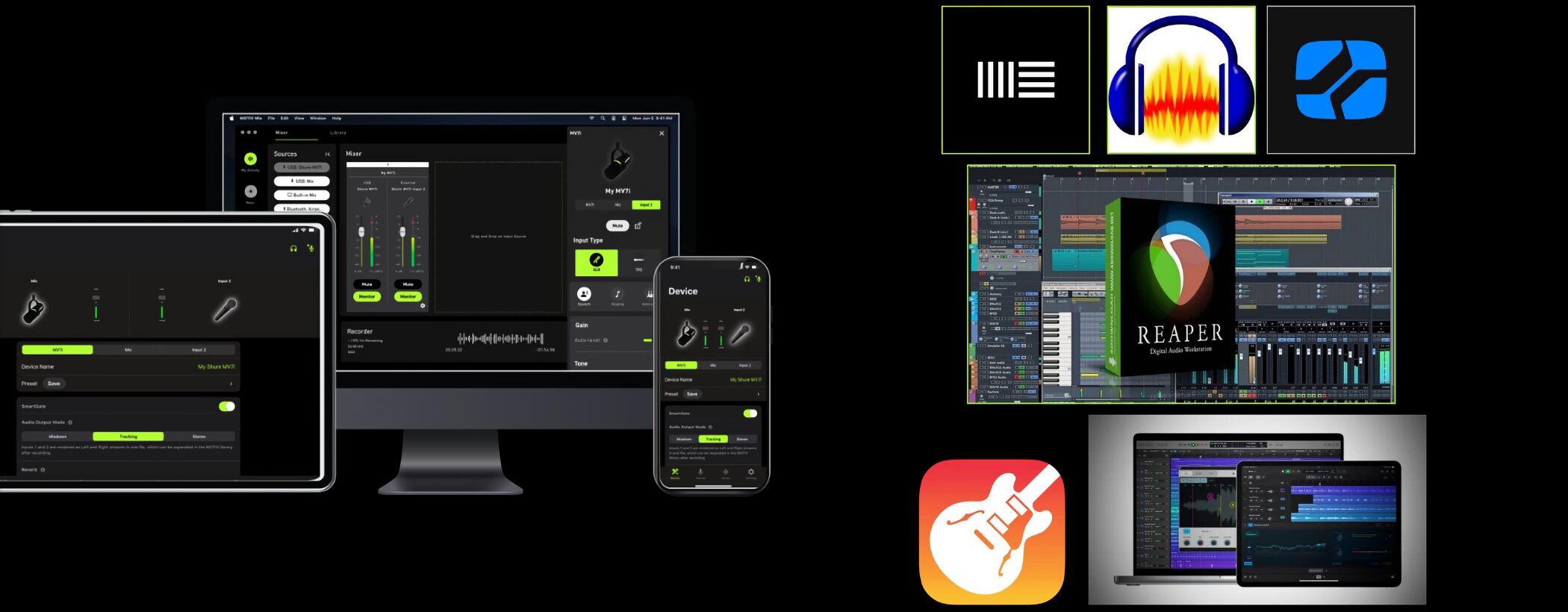
The MV7i iscompatible with most DAWsand can also be used with your favorite apps and thebuilt-in cameras on smartphones and tablets.
You can record high-quality audio while filming video.
Full Control of Your Recording Setup in the App
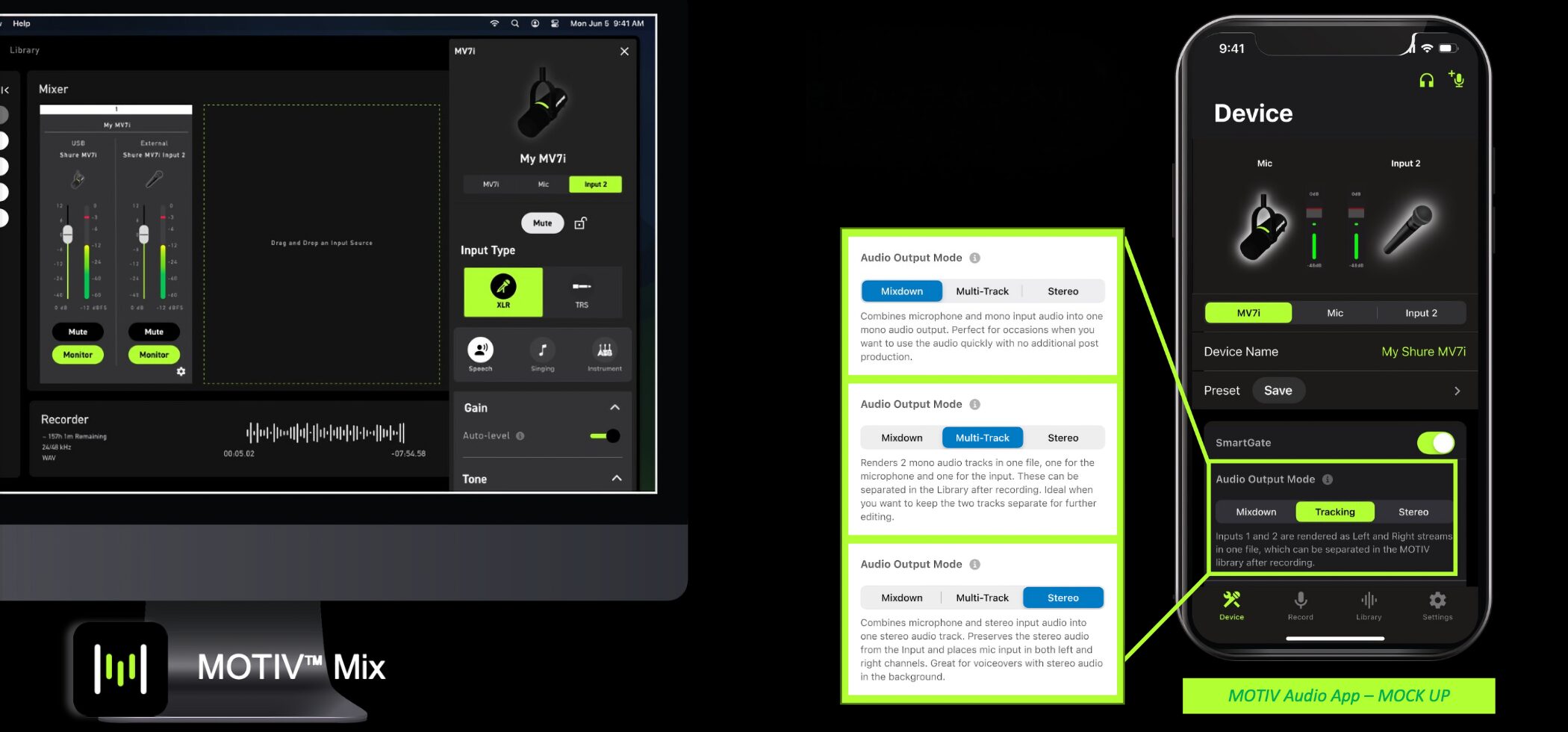
Use the free MOTIV Mix desktop app or MOTIV mobile app forintuitive control of recording settings and sound adjustments.
You can adjust the left and right channel levels and apply effects such as reverb, denoising, and the digital pop filter in real time. The two-channel recording can be exported inthree modes:
- Mixdown Mode: Combines the microphone and mono input into a single mono audio file. Ideal when you want audio that’s ready to use without additional editing.
- Multitrack Mode: Exports the microphone and input as two separate mono audio tracks, ideal when you want to edit them later.
- Stereo Mode: Combines the microphone and stereo 1/4-inch phone input into a single stereo track, ideal for recordings that make use of a stereo signal.
Desktop App for Recording, Mixing, and Streaming
DownloadMOTIV Mix™here.
MV7i Specifications
| Specification | MV7i |
|---|---|
| Connection | USB-C (no external audio interface required) |
| Combo Jack Input | XLR and 1/4-inch (for connecting a guitar, bass, or additional XLR microphone) |
| Auto Level Mode | SmartGate™ automatically adjusts gain |
| Voice Isolation Technology | Works with DSP to reduce noise and bring the voice forward |
| DSP Features | Real-Time Denoiser, Digital Popper Stopper™, adjustable reverb, and more |
| Recording Modes | Mixdown, Multitrack, and Stereo |
| Monitoring | Real-time monitoring through the rear 3.5 mm jack |
| App | MOTIV Mix™ desktop and mobile apps (14 languages supported) |
| Compatible Operating Systems | Windows 10 or later / macOS 12 or later / iOS 17 or later (USB-C models) / Android 12 or later (USB-C models) |
Final Thoughts
What do you think?
In use, you should notice how much more present the voice sounds and how the overall audio quality stands out.
- Podcasters who want to record conversations with a guest
- Musicians who want an easy way to record a guitar-and-vocal performance or a band demo
- Home-recording creators who want high-quality sound with as little equipment as possible
It’s a product worth considering if you want to enjoy high-quality recording with minimal setup.
Give it a look and see how it can support more creative music production and content creation.
Frequently Asked Questions
Q1. Can I use the MV7i without an audio interface?
Yes. The MV7i has a built-in audio interface. Simply connect it to a computer or smartphone with a USB-C cable to start recording—no external equipment is needed.
Q2. Can I connect separate microphones to record two people at once?
Yes. In addition to the main MV7i microphone, connect another XLR microphone to the rear combo jack to record two independent channels. This works well for podcast conversations or recording multiple instruments in a band.
Q3. How does it perform when recording in a noisy environment?
The MV7i features cardioid pickup and Voice Isolation Technology. Its Real-Time Denoiser and Digital Popper Stopper™ help reduce room and air-conditioning noise for clear audio.
Q4. Which DAWs and apps does it support?
It works with most major DAWs and is compatible with the built-in cameras on smartphones and tablets. Use the free MOTIV Mix app to adjust settings and sound.
Q5. What is the MV7i body made of?
It has an all-metal body that combines a refined look with a sturdy build. It fits standard stands and boom arms and is built for dependable use, including for creators who travel with their equipment.
NEW ARTICLES
Latest English Articles



















































