Boom, included with Pro Tools, is an electronic drum instrument that is easy for beginners to use. This article explains how to play different patterns using keys from C3 upward and how to edit a pattern by selecting a kit sound and clicking steps on a sixteenth-note grid. You can also create your own patterns based on the included ones, making Boom a useful starting point for learning drum programming.
Using Patterns in Boom, the Electronic Drum Instrument Included with Pro Tools
This series covers Boom, which comes with Pro Tools.
This time, we will look at the included patterns.
They are easy for beginners to use, and you can create original patterns based on them.
Boom Video Tutorials
Video Tip: Using Patterns
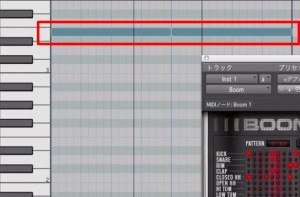
A pattern plays while you hold a key at C3 or above.
Each key triggers a different pattern, so try listening to several.
Video Tip: Changing a Pattern
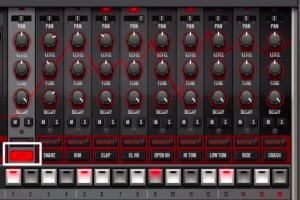
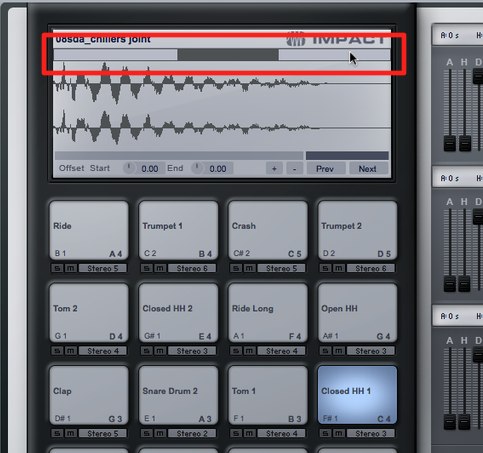
Click the kit sound you want to change,
then click the steps below it to add hits.
Each step is set to a sixteenth note.
Frequently Asked Questions
Q1. Which keys play patterns in Boom in Pro Tools?
Use keys at C3 or above. Different patterns are assigned to different keys, so try several to find one you like.
Q2. What is the smallest unit when changing a Boom pattern?
Each step is set to a sixteenth note, allowing you to edit the pattern at that resolution.
Q3. Is Boom beginner-friendly, and can its patterns be customized?
Boom is designed to be easy for beginners to use. You can also create original patterns based on the included patterns, making it useful for learning drum programming.
NEW ARTICLES
Latest English Articles