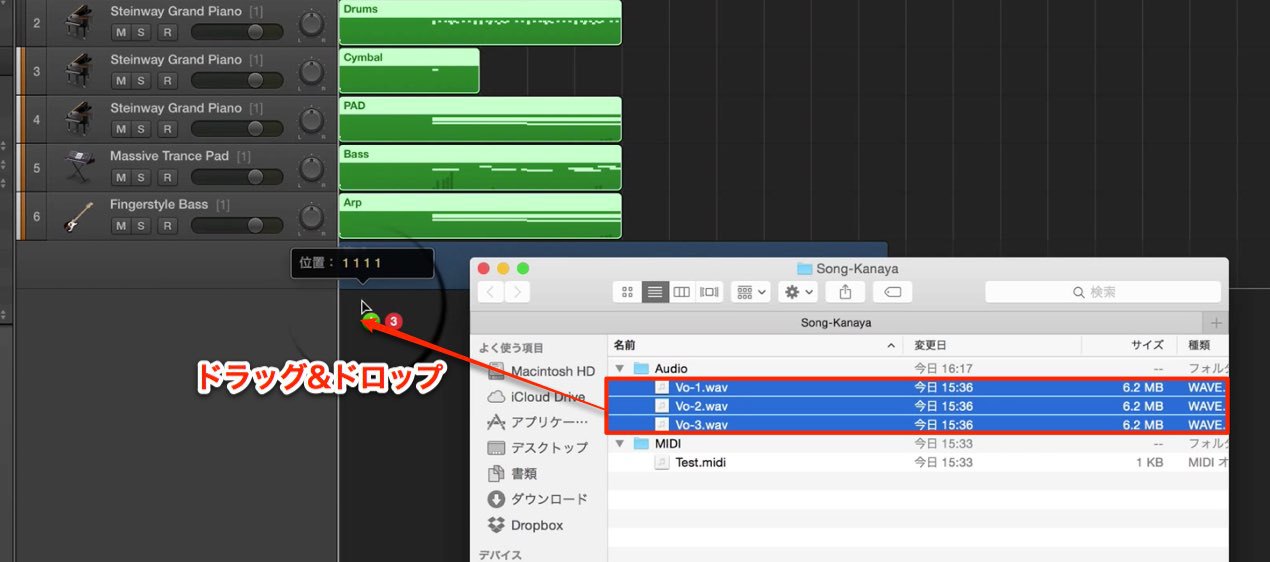
When moving music between DAWs, careful handling of MIDI and audio files helps keep tracks aligned. This guide covers using a common start point, exporting from different DAWs, and checking audio sample rate and bit depth.
Working with MIDI and audio across DAWs
Following the previous article on DAW structure, we will discuss MIDI and audio compatibility.
Here are points to consider when transferring these files between DAWs.
We hope they are useful.
MIDI and audio compatibility
1. Understanding DAW structure
2. MIDI and audio compatibilityThis is the current article.
3. Importing data
Use a common start point when exporting
If the exported materials start at different positions in the song,
tracks can be misaligned when imported.
For MIDI:
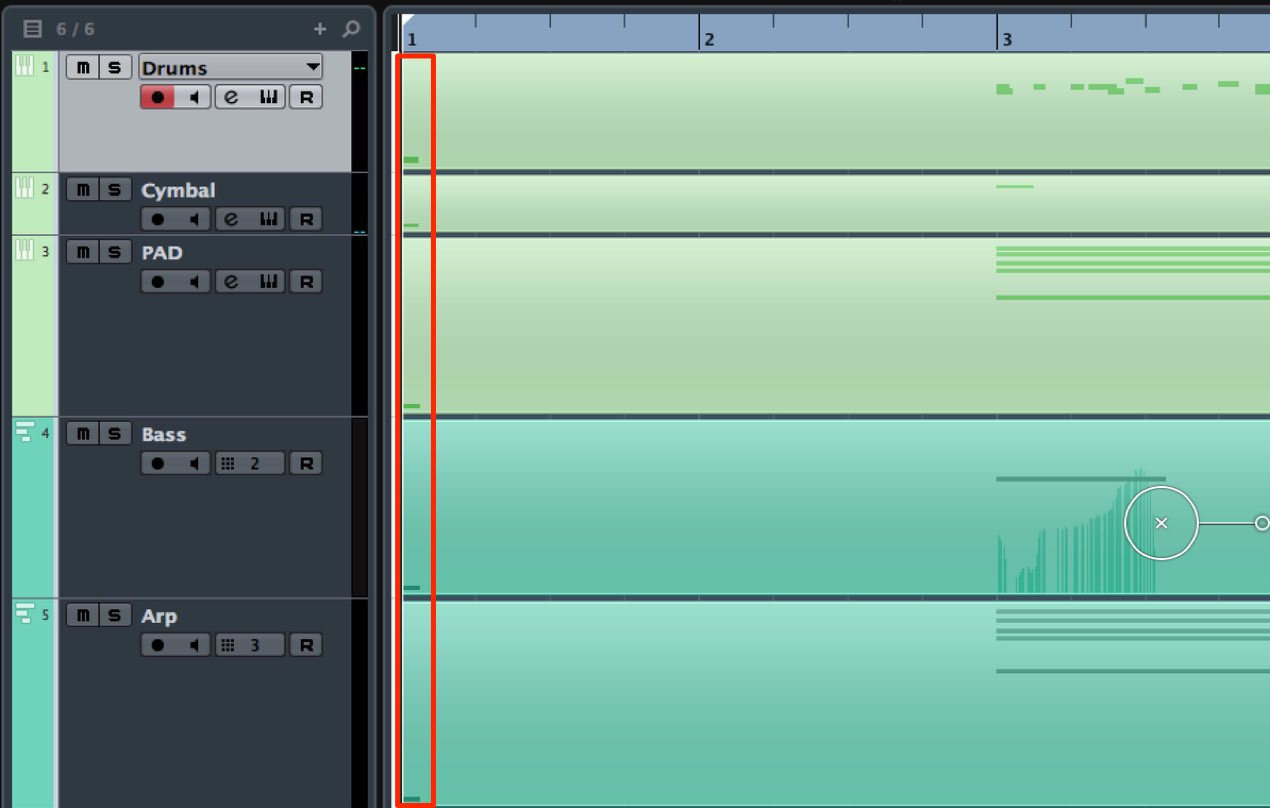
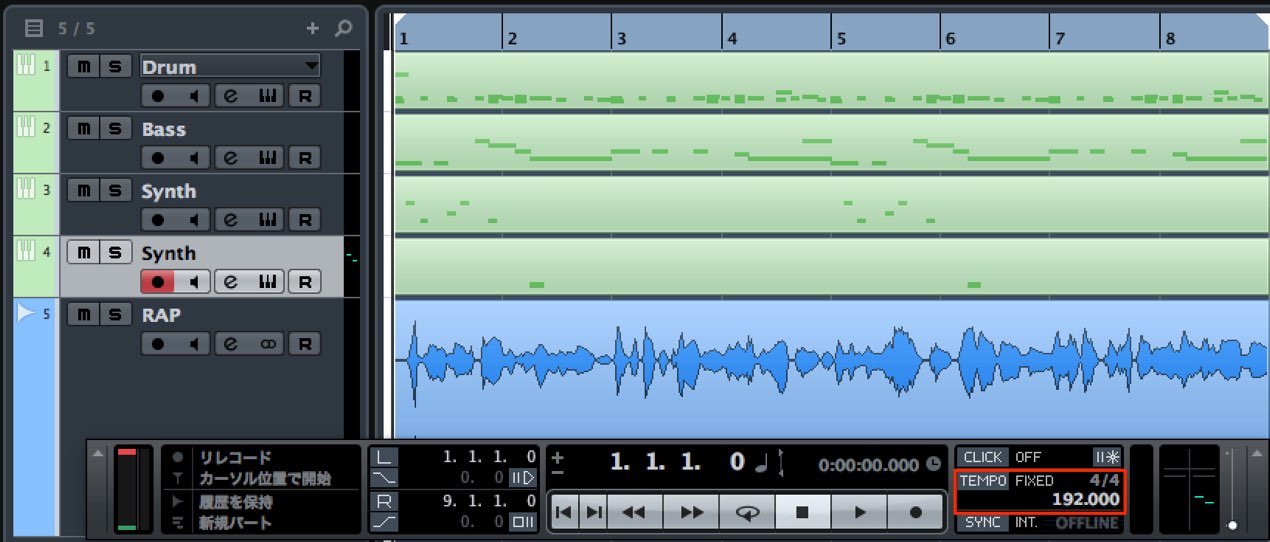
The original tutorial places a MIDI note at the start of the song (bar 1, beat 1) as a common reference. Make sure any reference note does not sound in the finished arrangement; remove it after import if needed.
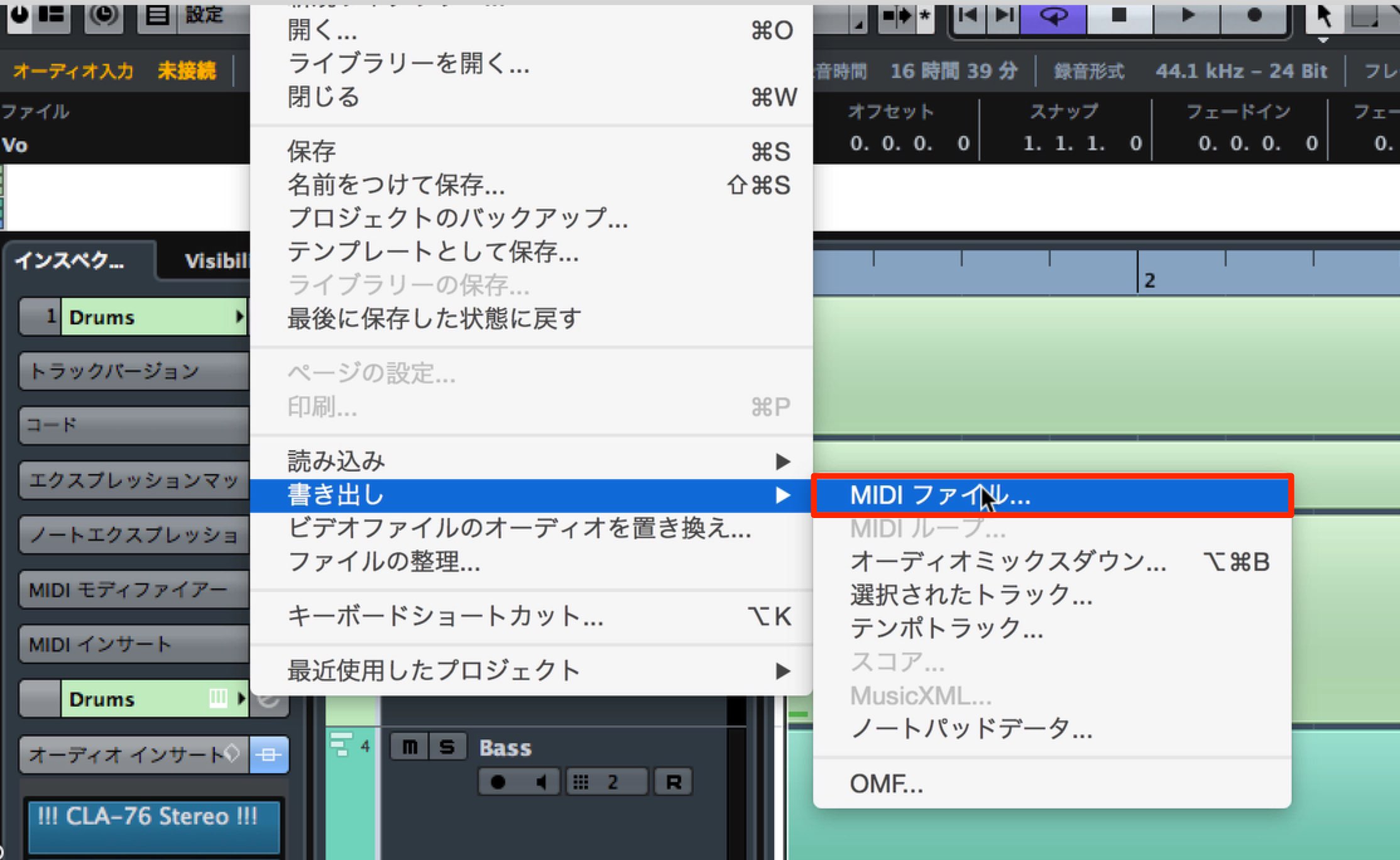
Then export as a MIDI file.
Exporting MIDI files in each DAW

 Logic
Logic Cubase
 Ableton Live
 Studio One
 FL Studio
For audio:
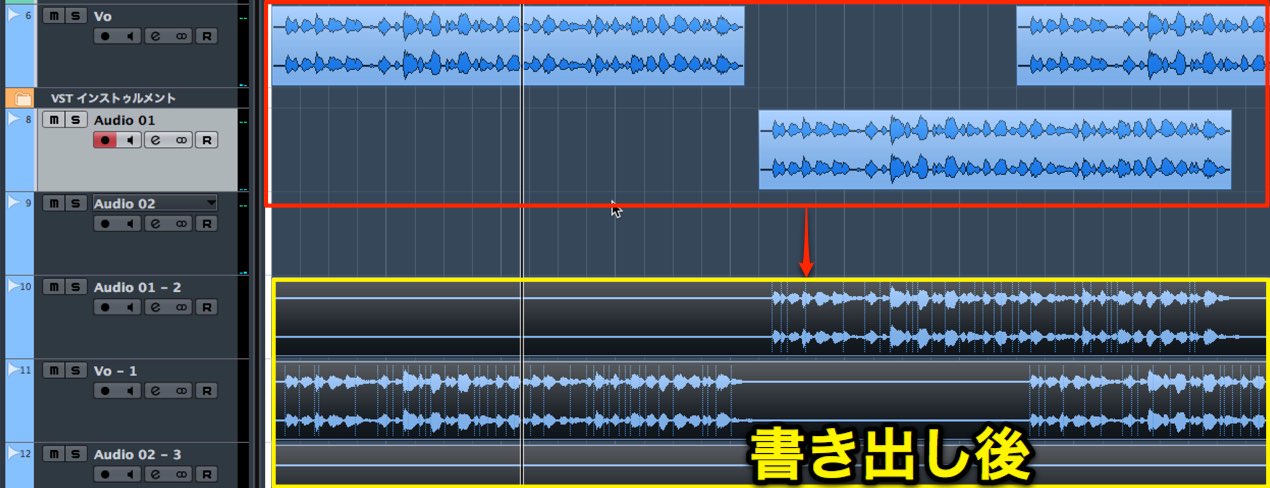
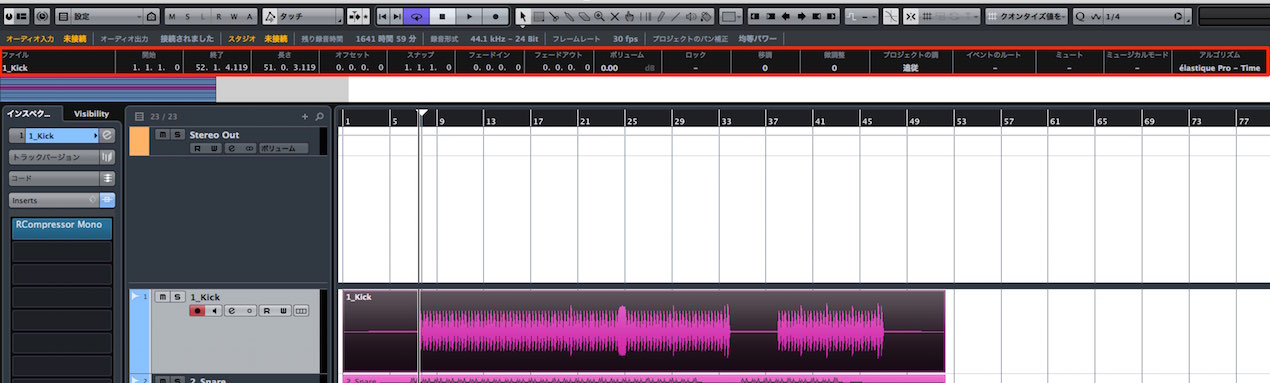
Export from the common start point, including any silence before the audio begins.
Exporting audio in each DAW
 GarageBand
Some DAWs also offer export as an OMF file.
When exporting audio, check the sample rate and bit depth.
Explanation of sample rate
Explanation of bit depth
Frequently Asked Questions
Q1. Why use a common start point when exporting MIDI?
If MIDI files begin at different positions, tracks may not line up in the destination DAW. The tutorial suggests placing a reference note at bar 1, beat 1 before export. Other export options may preserve a common start without an audible note; check the imported timing and remove any reference note if needed.
Q2. Why include leading silence when exporting audio?
Starting each file at the same point, including silence, helps preserve its timing when the files are imported into another DAW.
Q3. What important settings should I check when exporting MIDI and audio?
For audio, check the sample rate and bit depth—for example, 44.1 or 48 kHz and 16- or 24-bit, as appropriate for the project. MIDI is event data and does not have an audio sample rate or bit depth. Check the destination DAW’s import and conversion settings as needed.
NEW ARTICLES
Latest English Articles