Native Instruments’ KOMPLETE KONTROL provides access to a vast library of presets. In the KOMPLETE 10 generation covered here, the collection contained 12,000–17,000 sounds. Its intuitive browser offers two ways to find presets: select a product under ALL INSTRUMENTS, or search by instrument and sound characteristics using Type and Modes. You can also register presets saved in individual products and manage them together in KOMPLETE KONTROL, helping streamline your workflow.
Find the right preset quickly in a vast library
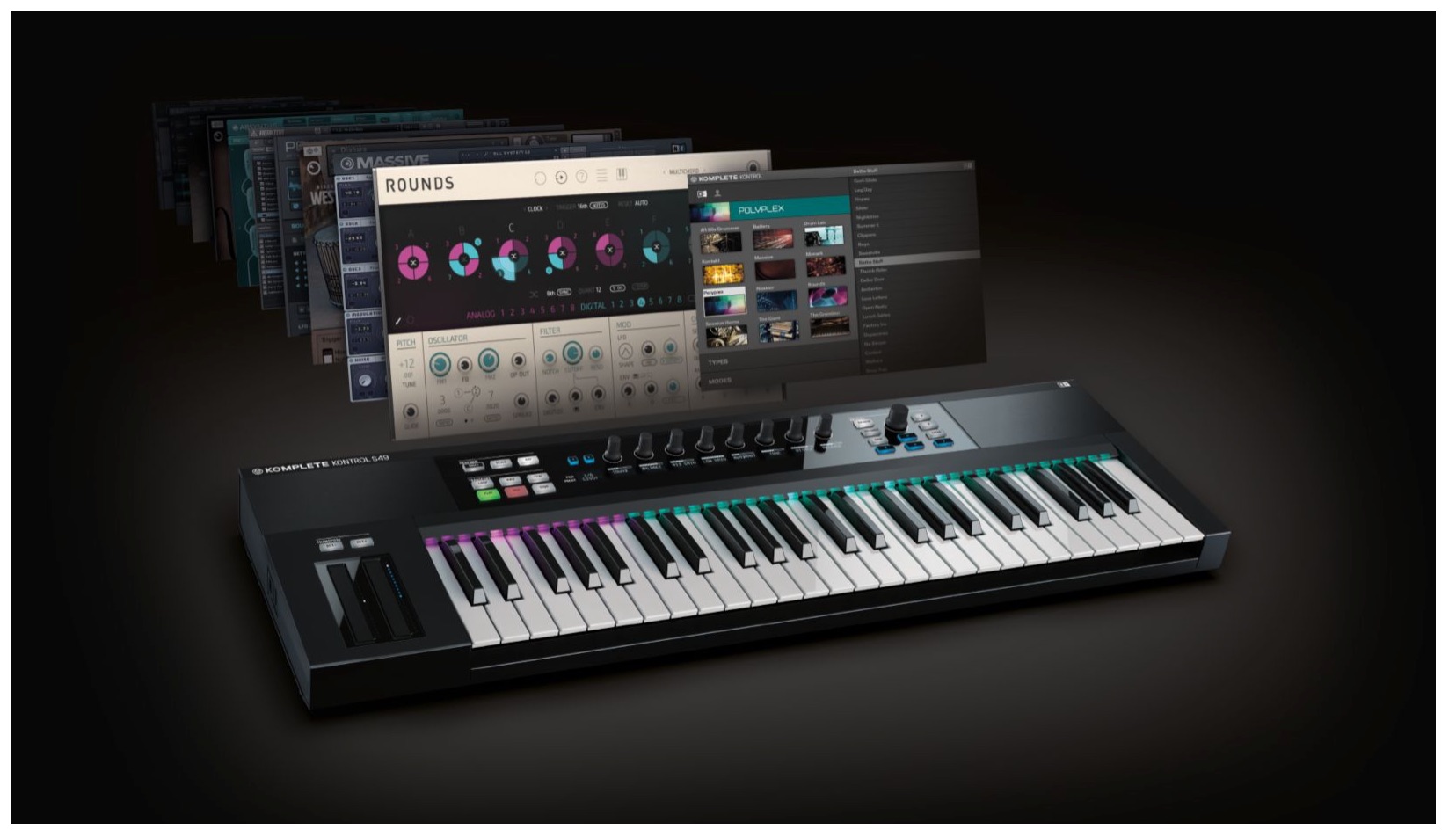
Native Instruments KOMPLETE KONTROL S-SERIES
The previous article focused on an overview of the product.
Here we explain the browsing function for finding instrument presets included in KOMPLETE.
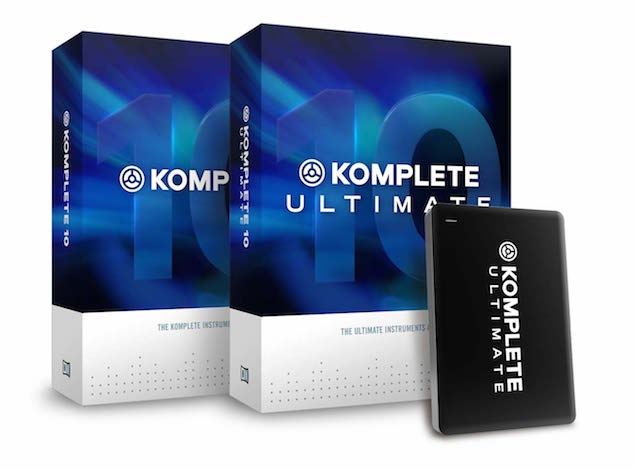
KOMPLETE 10: 12,000 sounds; KOMPLETE 10 ULTIMATE: 17,000 sounds.
The ability to load these many presets smoothly and control them flexibly
greatly expands your creative possibilities.
Komplete Kontrol video tutorials
- 1Product overview
- 2Browsing
- 3Light Guide and Clear View
- 4Scale function
- 5Chord function
- 6Arpeggiator
- 7Automation and MIDI mode
- 8What’s new in Komplete Kontrol 1.1
- 9KOMPLETE KONTROL version 1.5: new features
- 10KOMPLETE KONTROL version 1.6.2: new features
- 11KOMPLETE KONTROL version 1.9.3: creating a comfortable production environment with DAW control
- 12Komplete Kontrol version 1.9.3: host integration with Cubase
- 13KOMPLETE KONTROL version 2.0: NKS FX
- 14Maschine / Komplete Kontrol favorites
Questions and answers from the YouTube video

Thank you as always. I have a question about user presets. I was able to load an .ens file saved in REAKTOR into Komplete Kontrol as shown in the video. However, when I try to load an .nrkt file saved in Komplete Kontrol directly back into Komplete Kontrol, I get “error applying preset data.” What is the .nrkt file saved in Komplete Kontrol? I looked through the Komplete & Kontrol S-Series guidebook but could not find the answer.

When we tested this, we were able to open the file without a problem. Please try the following possible remedies; if the issue remains, contact the manufacturer’s support team: use English for the preset and folder names; use Service Center to update the plug-ins; or try a different save location, such as a newly created folder.
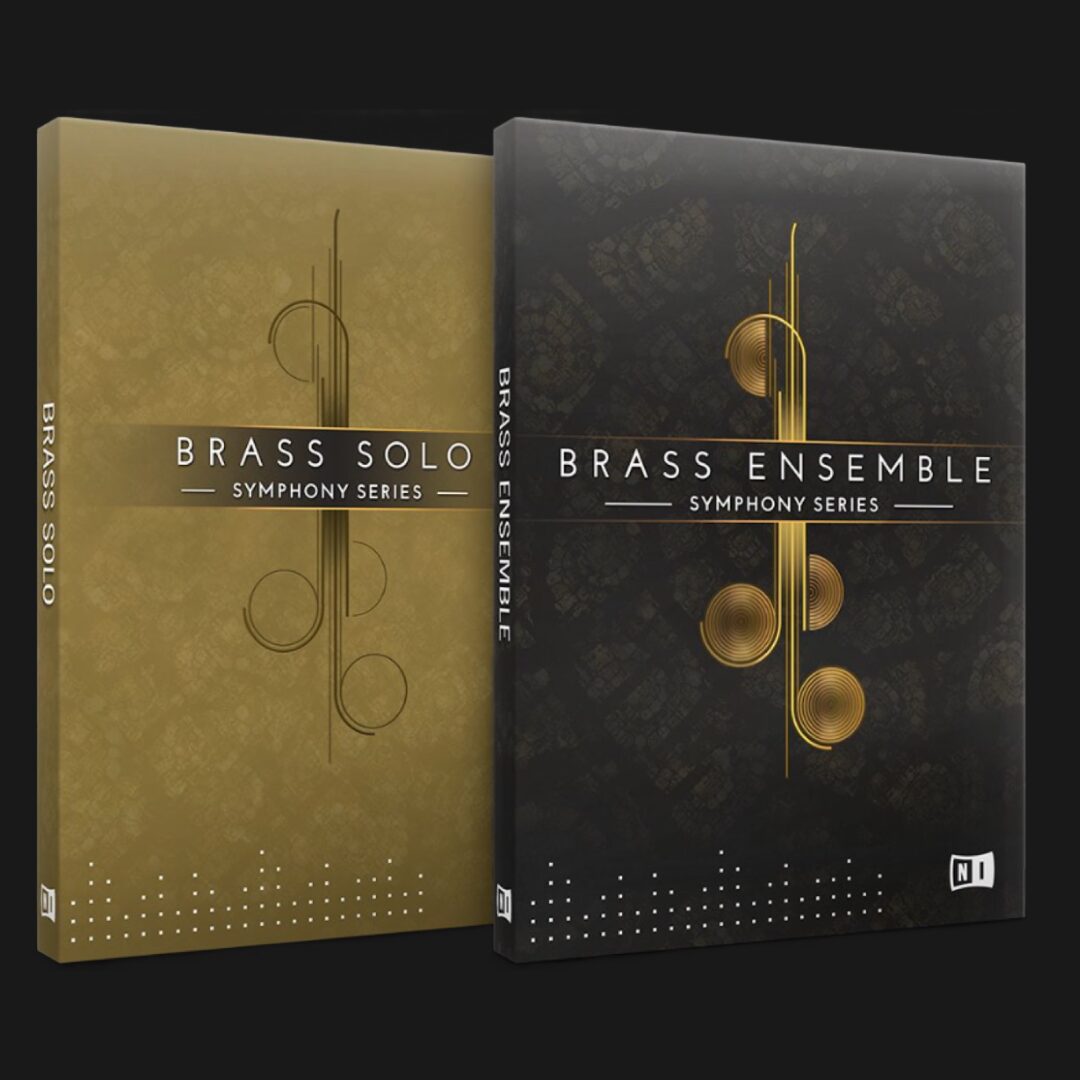
At the time of this article, purchasing KOMPLETE KONTROL included
the free 10-product bundle KOMPLETE SELECT.
The NAVIGATE controls
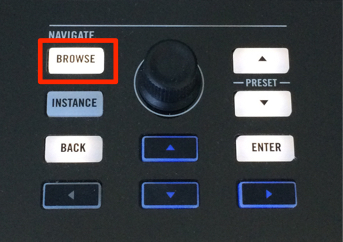
Press BROWSE to open the browser screen.
Press BROWSE again to exit the browser.
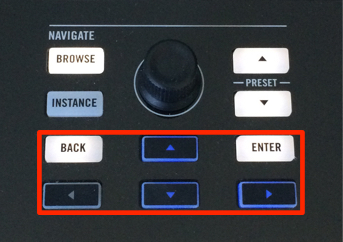
Use the left, right, up, and down cursor buttons to move intuitively between preset categories.
A lit button indicates an available direction; an unlit button indicates that you cannot move in that direction.
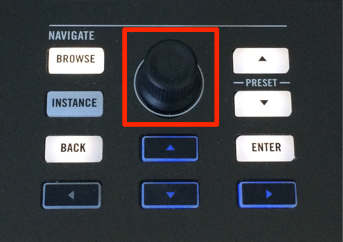
Turn the dial to move through categories and presets.
Press the dial to confirm your selection.
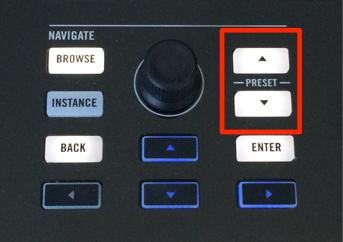
After loading a preset,
you can use these two buttons to switch immediately to another preset.
Two ways to access presets
Komplete Kontrol offers two ways to load presets.
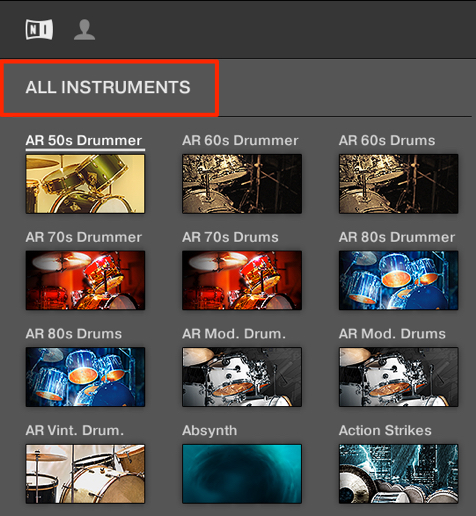
Under ALL INSTRUMENTS,
select a KOMPLETE product to load one of its presets.
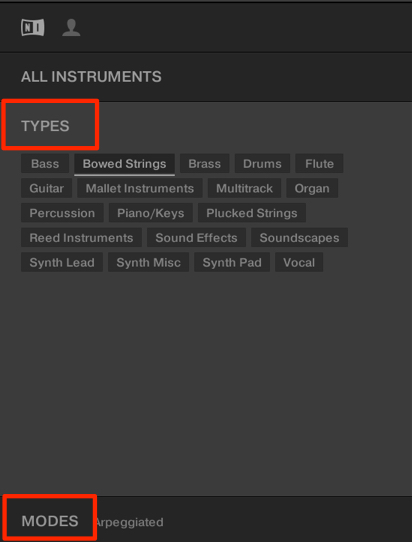
Under Type and Modes, find presets by instrument or sound characteristics.
This lets you browse presets across products rather than limiting the search to one product.
User presets
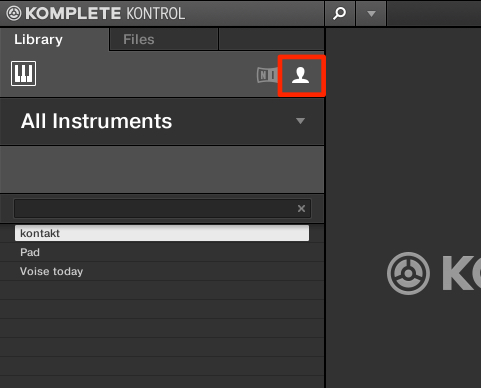
Presets saved in individual products can also be used in Komplete Kontrol.
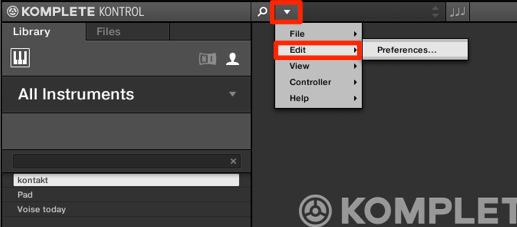
In the area outlined in red, select Edit → Preferences.
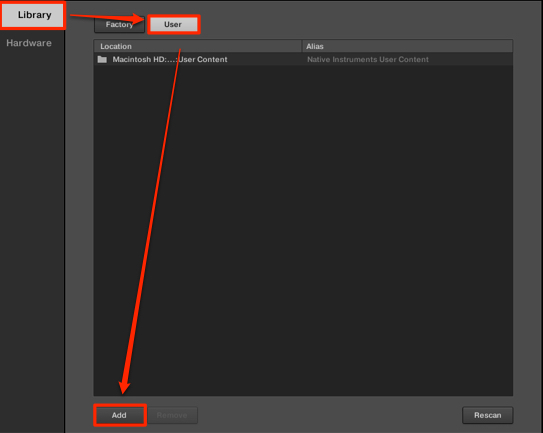
Under Library, select User and press Add.
For the default save locations, see the following pages:
Mac: view page Windows: view page
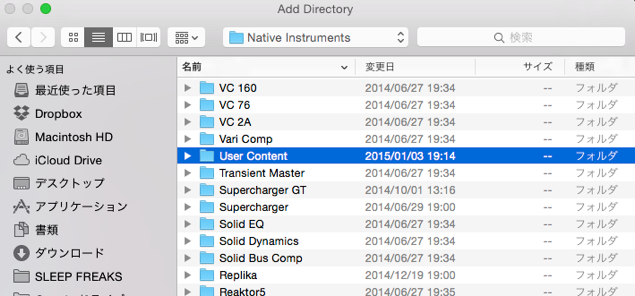
Select the folder containing the presets.
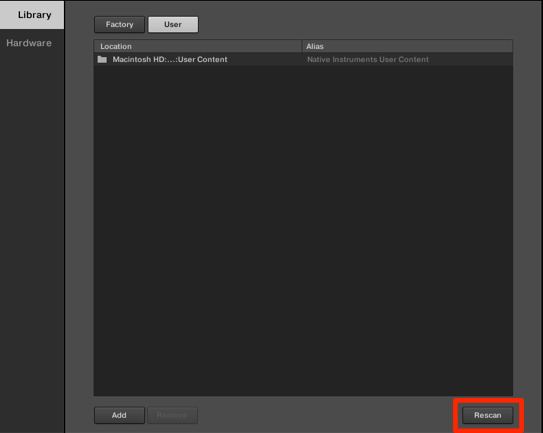
Then press Rescan.
Komplete Kontrol will now recognize the presets.
Note: KONTAKT 5 Multi and BATTERY 4 Monolith files cannot be added in the version covered here.
Preparing REAKTOR user ensembles for KOMPLETE KONTROL
http://www.native-instruments.com/jp/support/knowledge-base/show/2913/komplete-kontrolreaktor/
Frequently asked questions
Q1. How many presets are available in KOMPLETE KONTROL?
In the KOMPLETE 10 generation described here, KOMPLETE 10 included 12,000 sounds and KOMPLETE 10 ULTIMATE included 17,000. This broad selection lets you quickly find presets across genres and instrument types.
Q2. How do the two preset search methods differ?
ALL INSTRUMENTS lets you select a particular KOMPLETE product and load its presets. Type and Modes let you search by instrument and sound characteristics across products. Choose the method that suits your task.
Q3. Can I use presets I created in KOMPLETE KONTROL?
Yes. In the version shown here, registering the folder containing presets saved in individual products under User in Preferences lets KOMPLETE KONTROL recognize and use them. KONTAKT 5 Multi and BATTERY 4 Monolith files cannot be added.
NEW ARTICLES
Latest English Articles