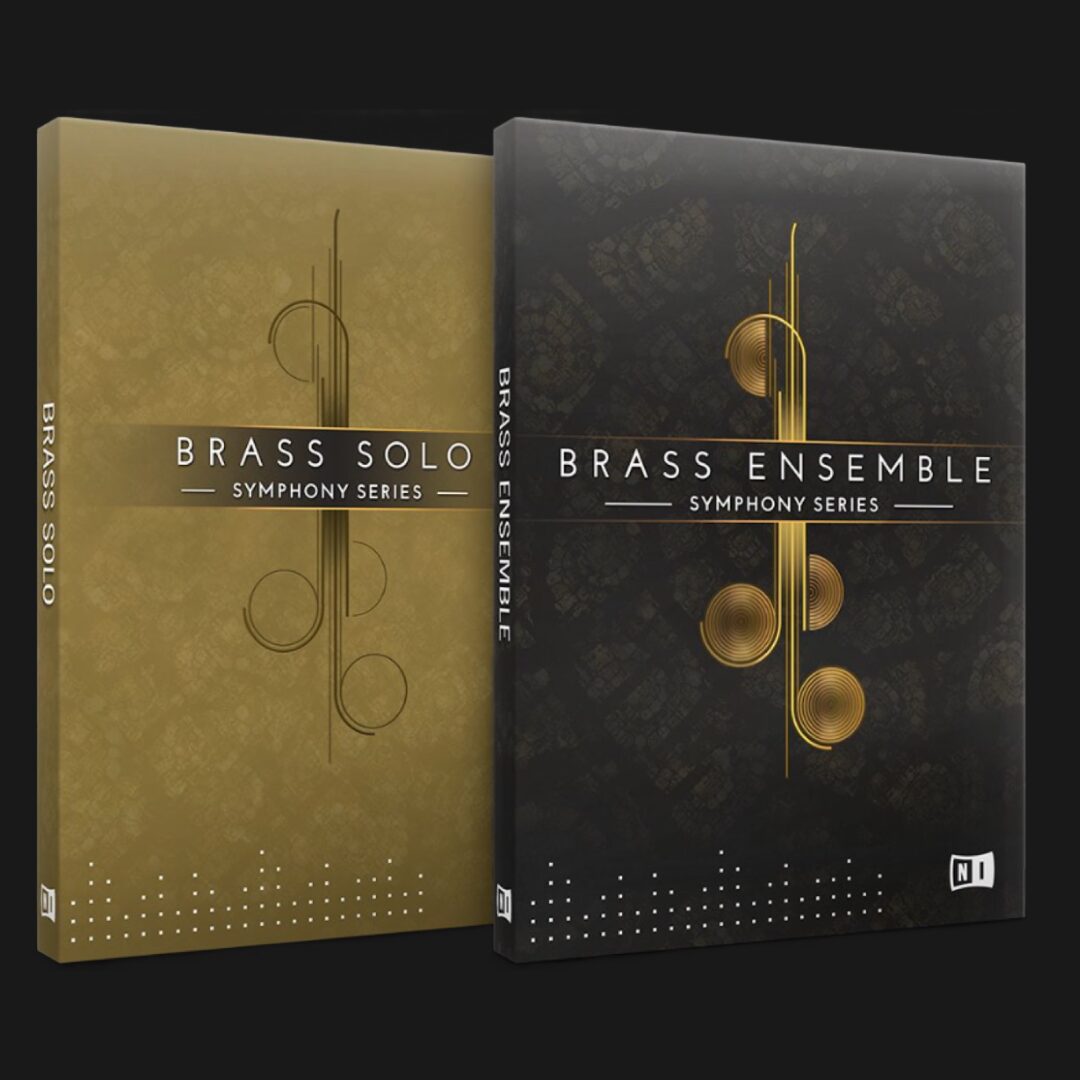
Emotive Strings is a string instrument with 28 GB of phrases. It lets you add high-quality, film-score-style performances to your music quickly without complex programming or control knowledge. Red, green, and blue keyswitches let you select performance patterns and pitches intuitively, while phrases play automatically as you hold the desired note. Filters for instrument, phrase type, and meter help beginners and experienced producers find suitable phrases efficiently.
Add Realistic String Phrases to Your Music
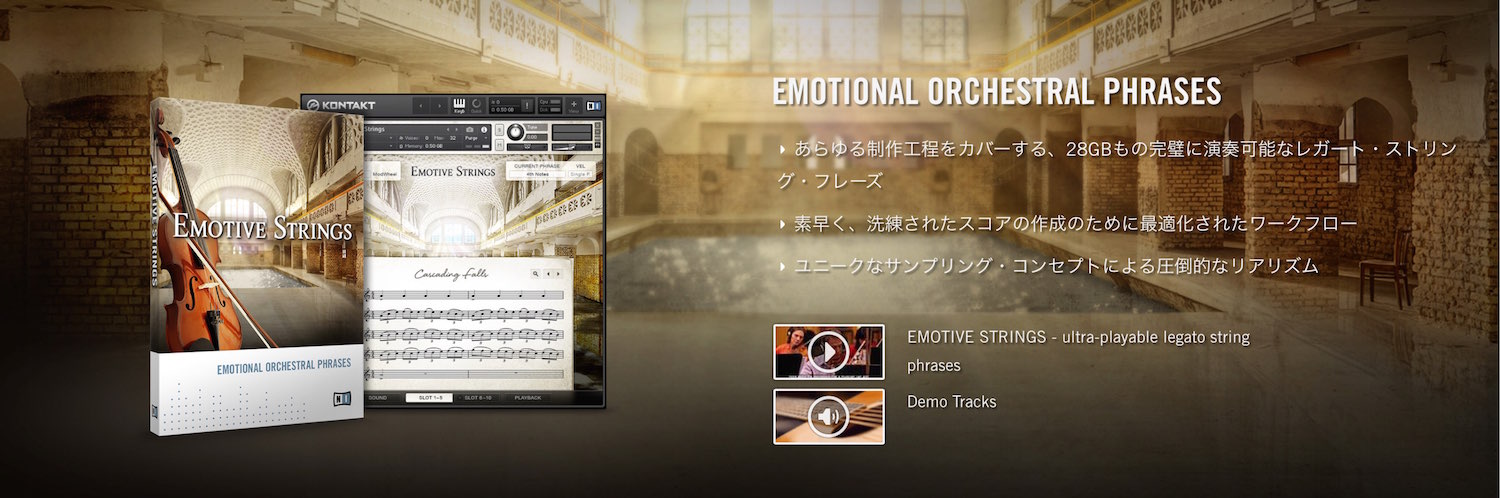
Emotive Strings is a product dedicated to string phrases.
It includes 28 GB of performances, and you can freely change the pitches they play.
Without complex controls or programming,
you can quickly and easily add film-score-style performances to your music.
Emotive Strings Tutorial Videos
Launching Emotive Strings
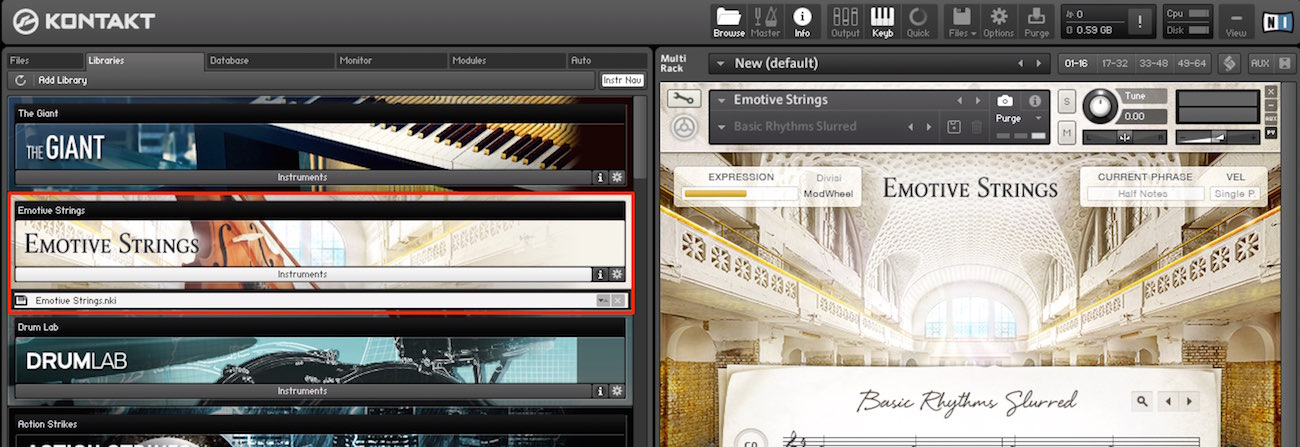
Load the product using Kontakt.
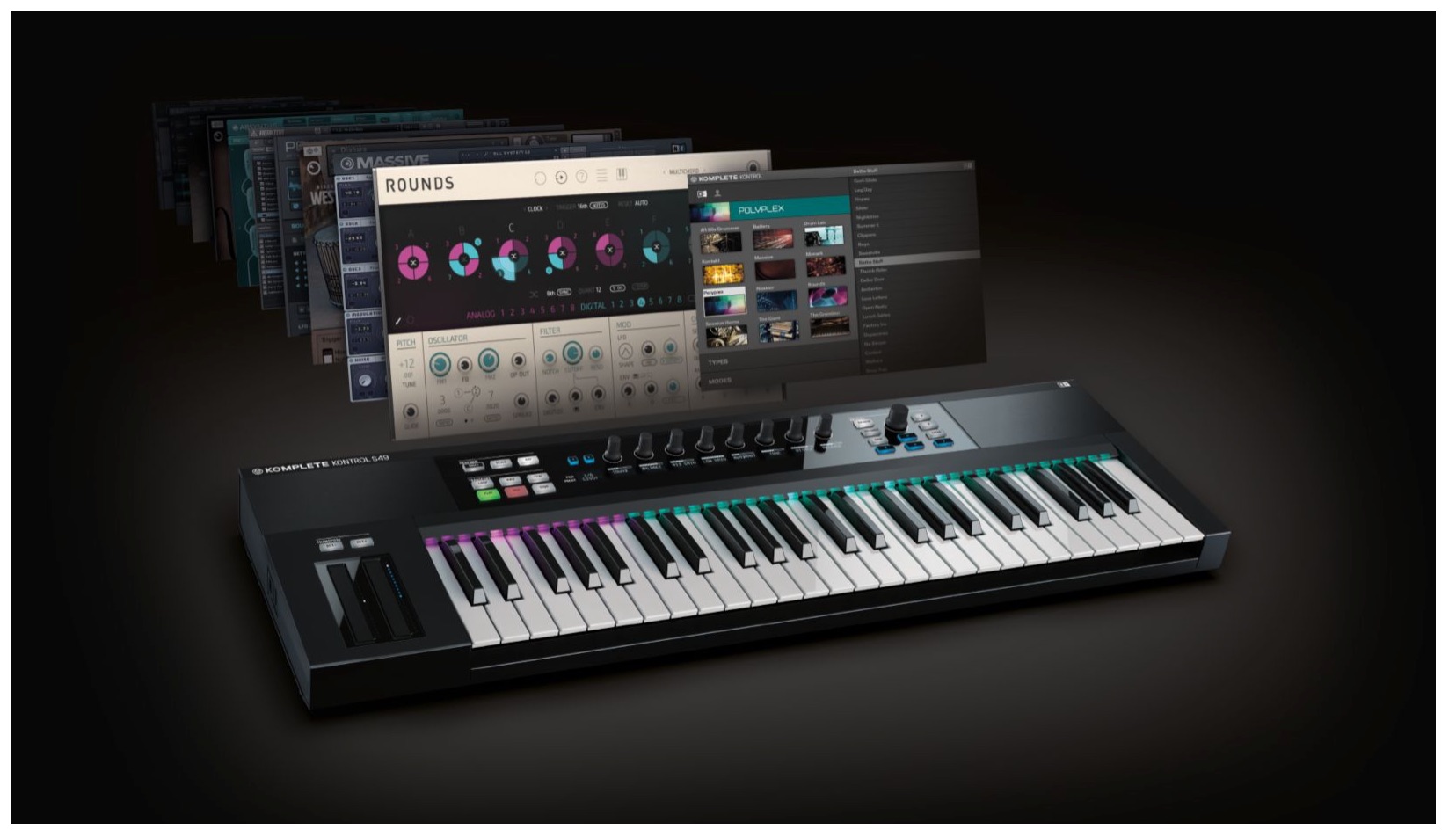
It is also fully compatible with Komplete Kontrol.
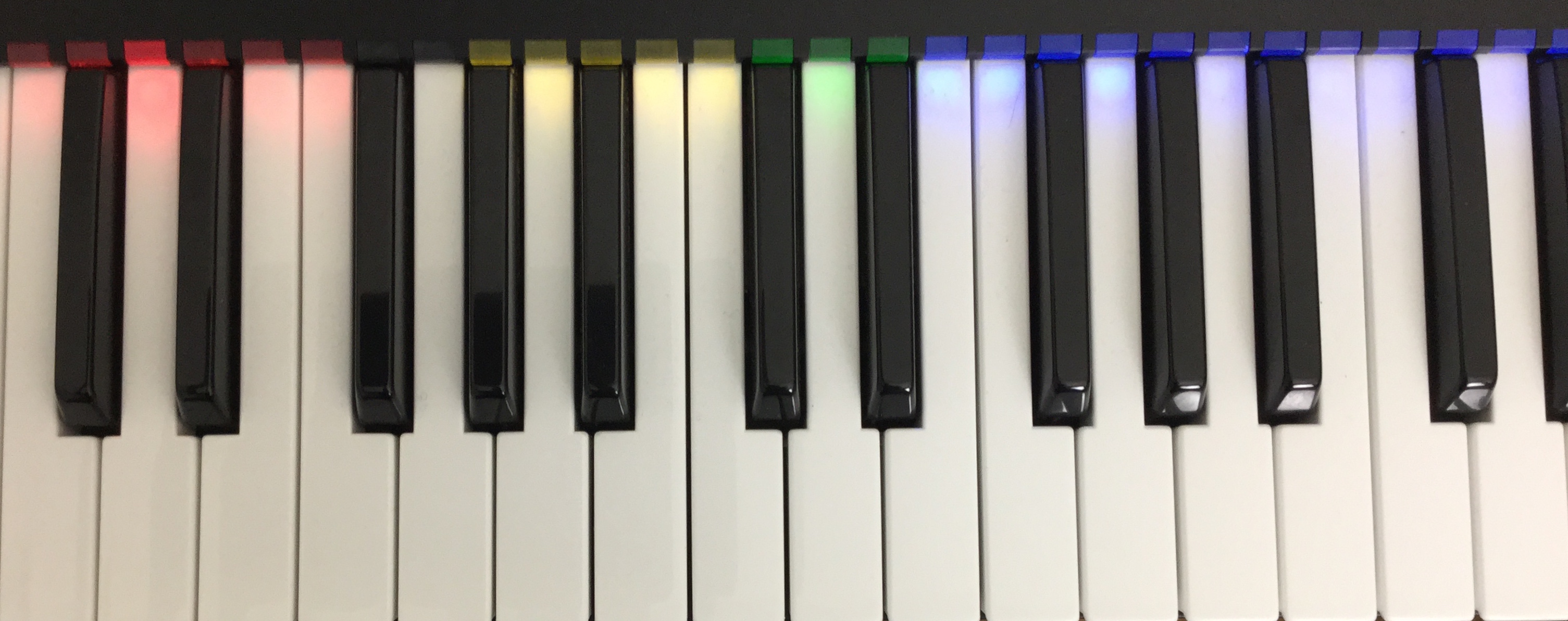
You can use the Light Guide to identify keys and easily control the parameters.
What Each Key Does
The keys are color-coded, with a different role for each color.
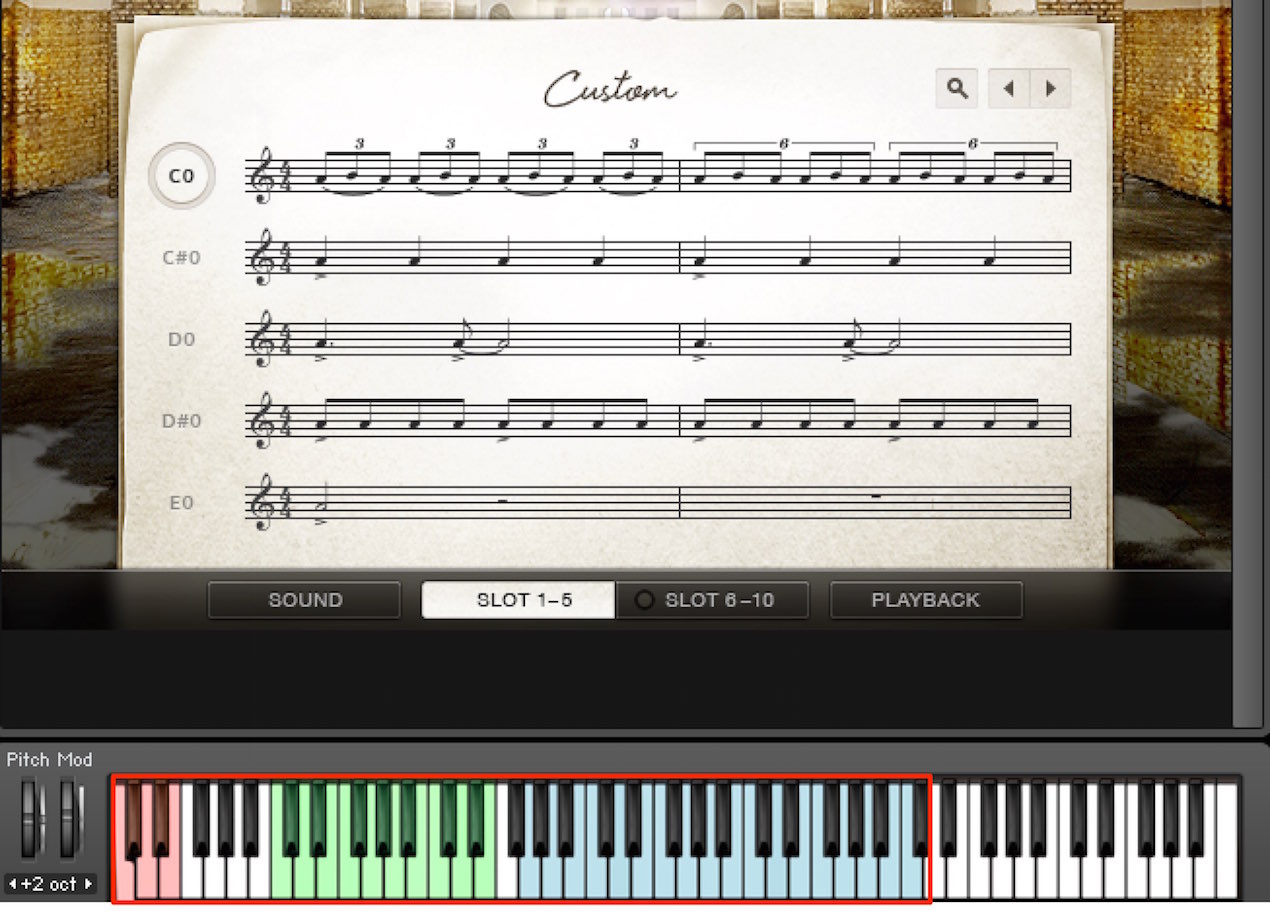
- Red: Switch performance patterns
- Green (Emotive only): Select the musical key
- Blue: Choose the pitch to play
Combine these controls to program a performance.
Playing a Phrase
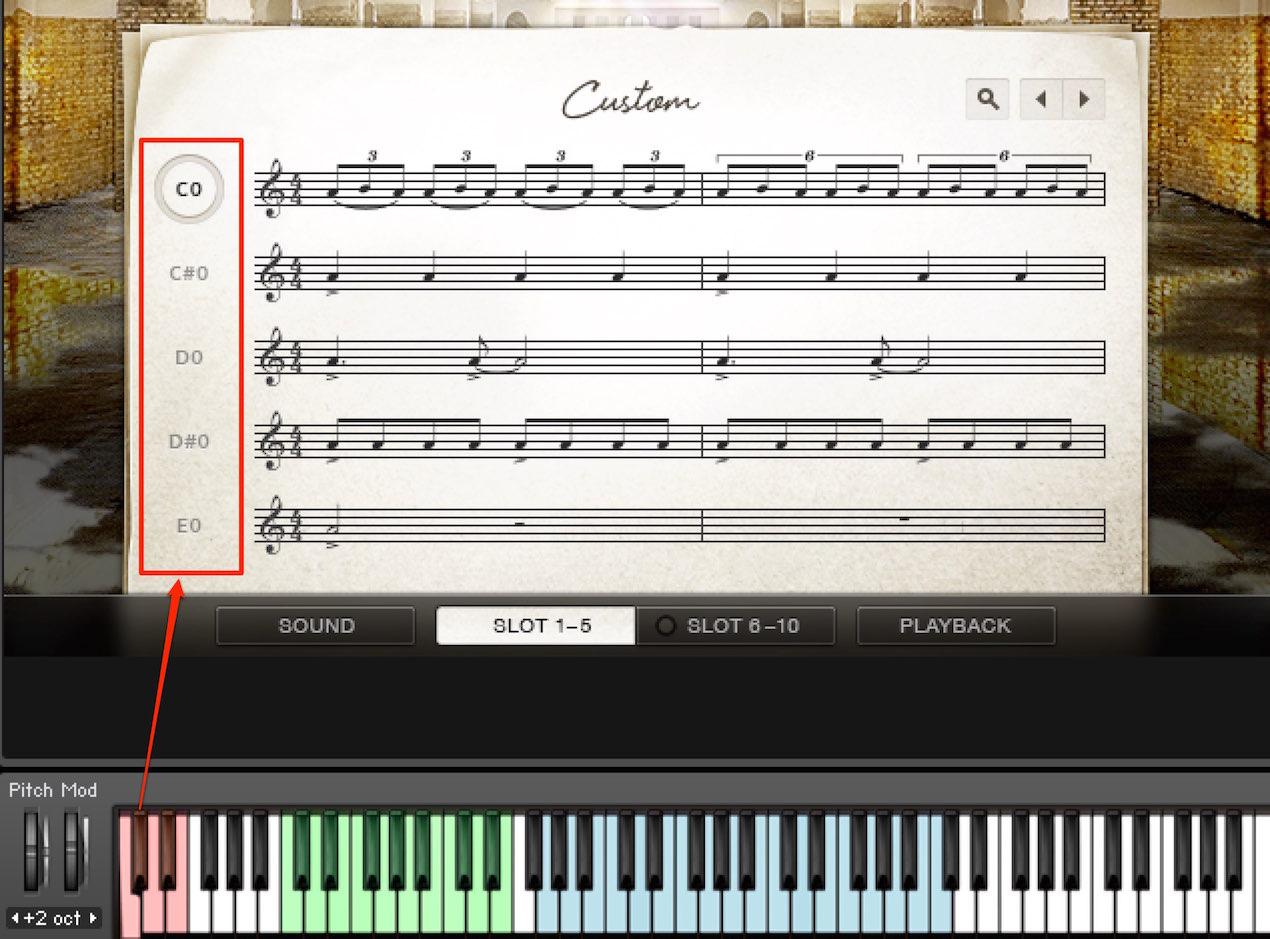
Phrases respond to keyswitches.
In your MIDI part, specify the pitch for the phrase you want to use.
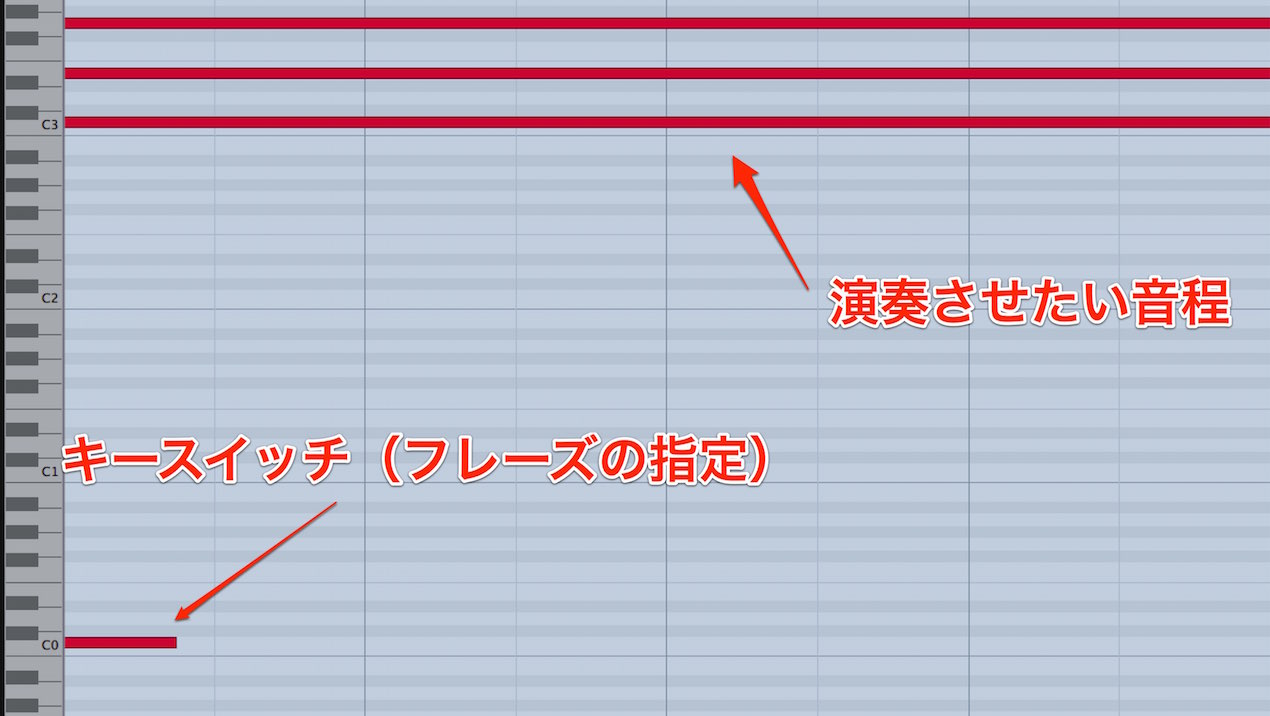
Phrases play automatically.
Simply hold the desired note and the performance unfolds.
Changing Phrases
You can change the entire set of phrases or individual phrases.
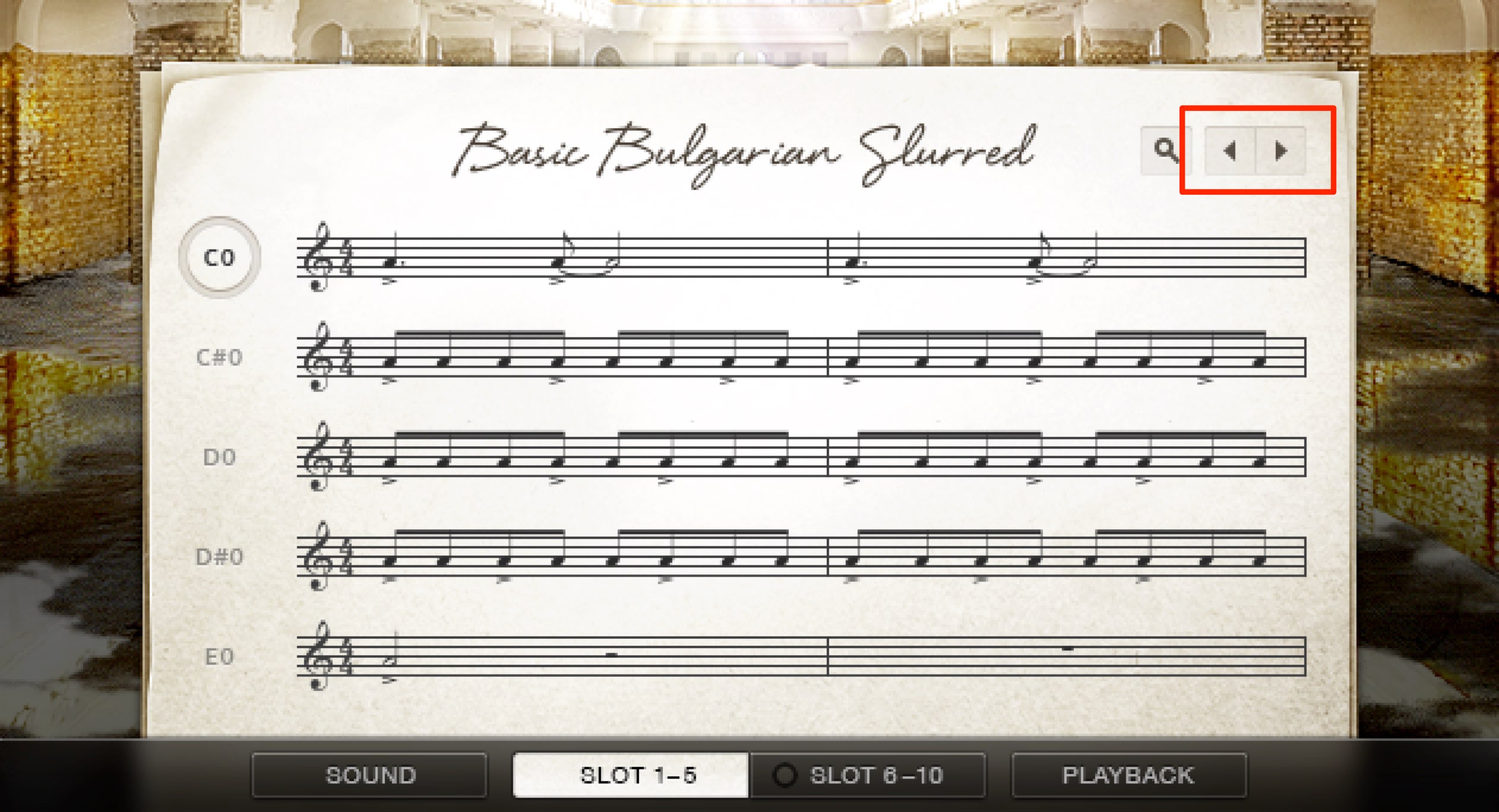
Use the area outlined in red to switch phrase presets.
You can also change part of a preset.
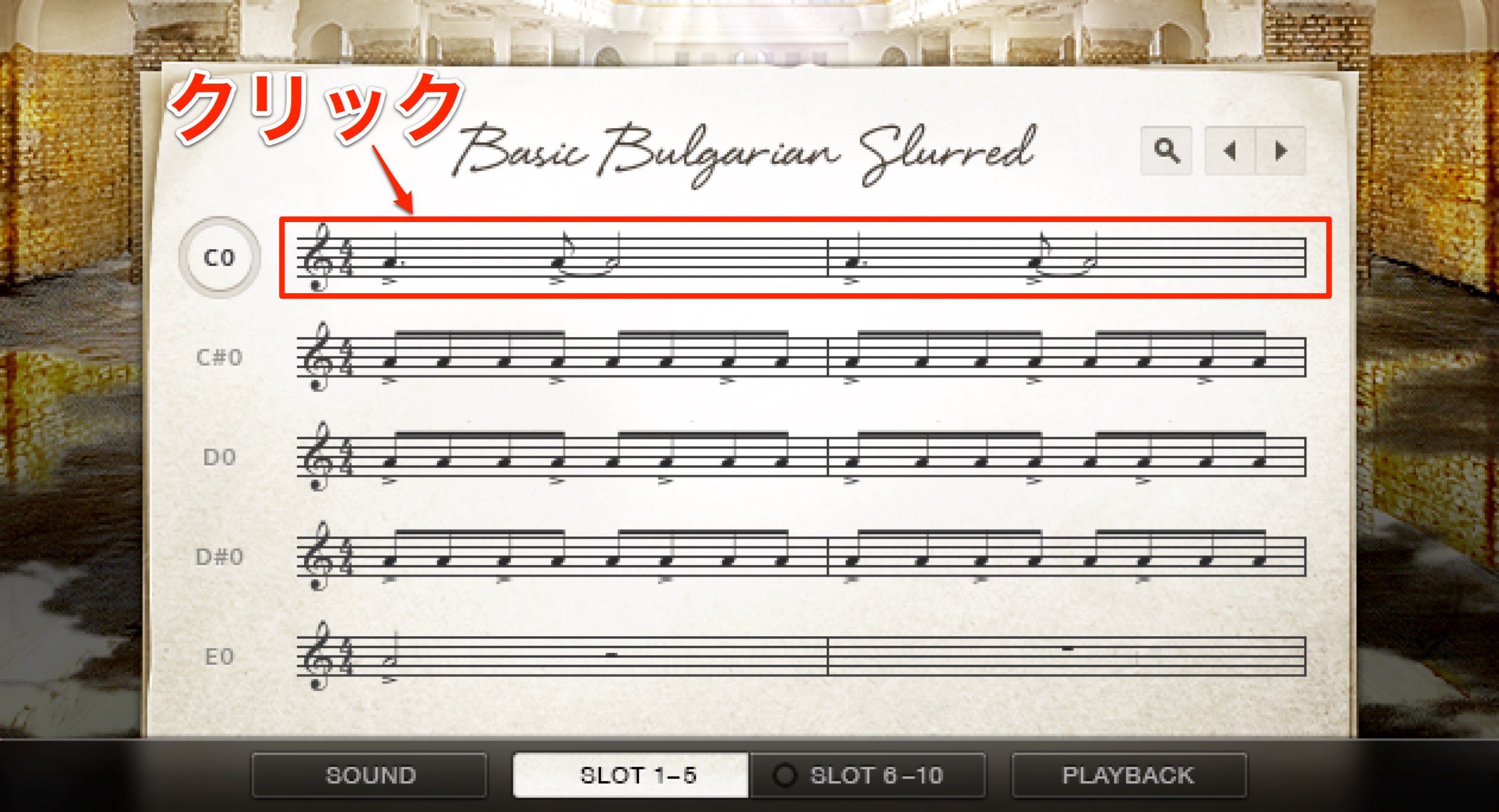
Click the phrase you want to change.
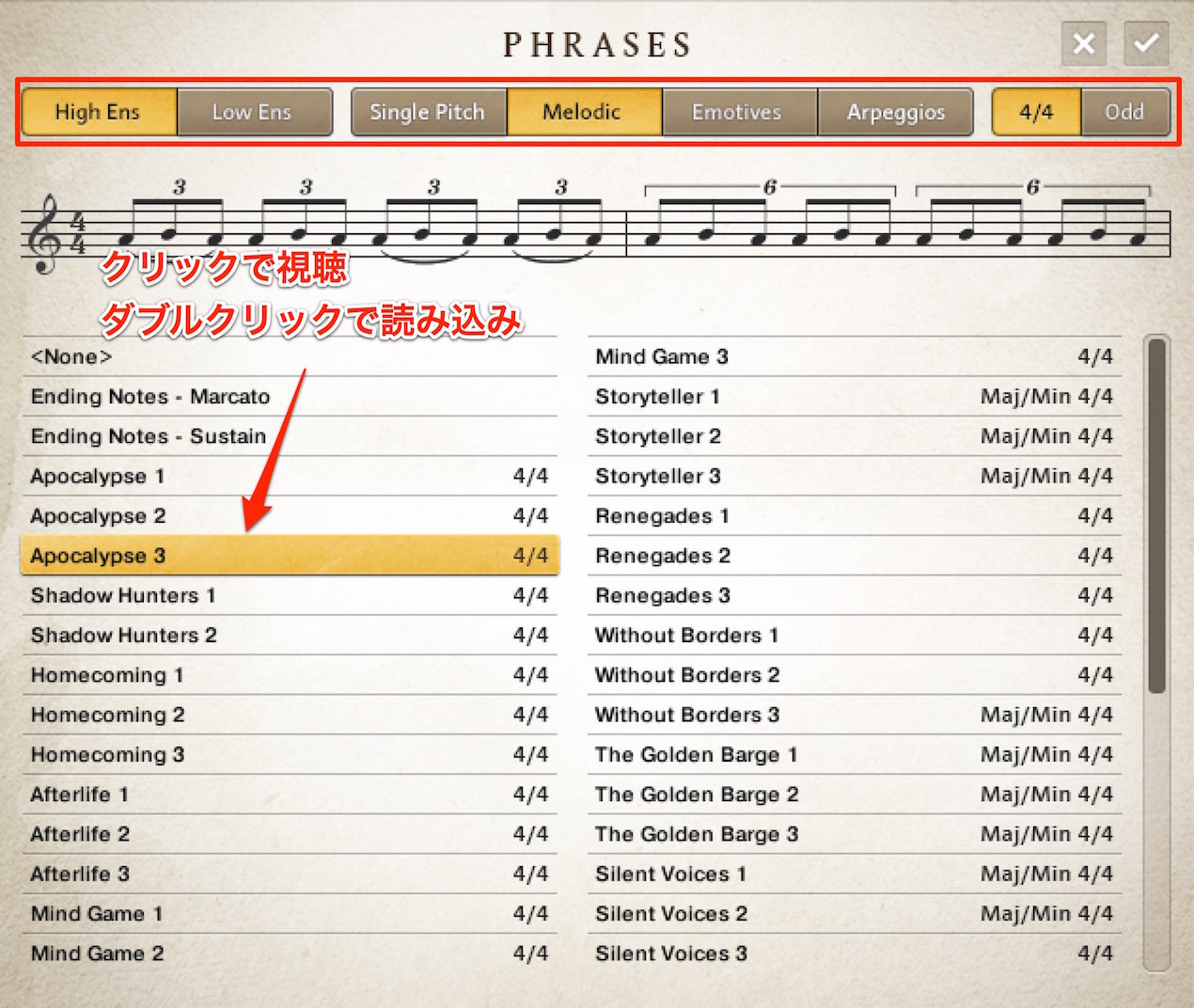
The phrase browser opens.
Click a phrase to audition it, and double-click to load it.
There is a very large selection of phrases.
Use the tabs at the top to filter them by criteria.
Choose the Instrument
- High Ens: Performances centered on violins
- Low Ens: Performances centered on cellos
Choose the Phrase Type
- Single: Single-pitch performances
- Melodic: Melodic performances
- Emotive: Play a phrase in a selected key
- Arpeggios: Arpeggio phrases with a choice of major or minor
Choose the Meter
- 4/4: Common time
- Odd: Phrases in odd meters
Frequently Asked Questions
Q1. What do I need to use Emotive Strings?
The Kontakt plug-in is required. The instrument is also fully compatible with Komplete Kontrol, enabling Light Guide and easy parameter control. Check the supported DAW and Kontakt versions for your setup.
Q2. Can I change the pitch of a phrase?
Yes. Use the blue keys to choose the pitch. The phrase plays automatically, so hold the desired note to let the performance unfold.
Q3. How many phrase presets are included?
A large number of phrases are included. You can filter them by instrument, phrase type, and meter to find and audition what you need efficiently.
Q4. Does it support odd meters?
Yes. The Odd tab provides phrases in odd meters, including complex rhythmic patterns outside 4/4.
NEW ARTICLES
Latest English Articles