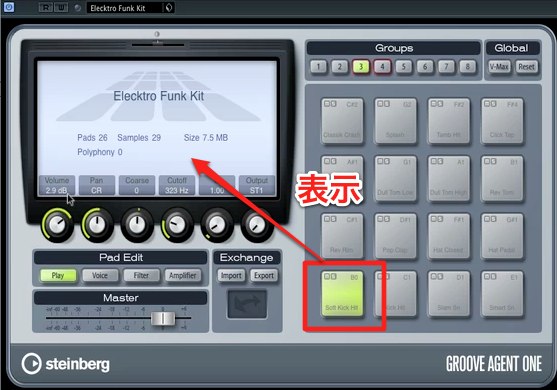
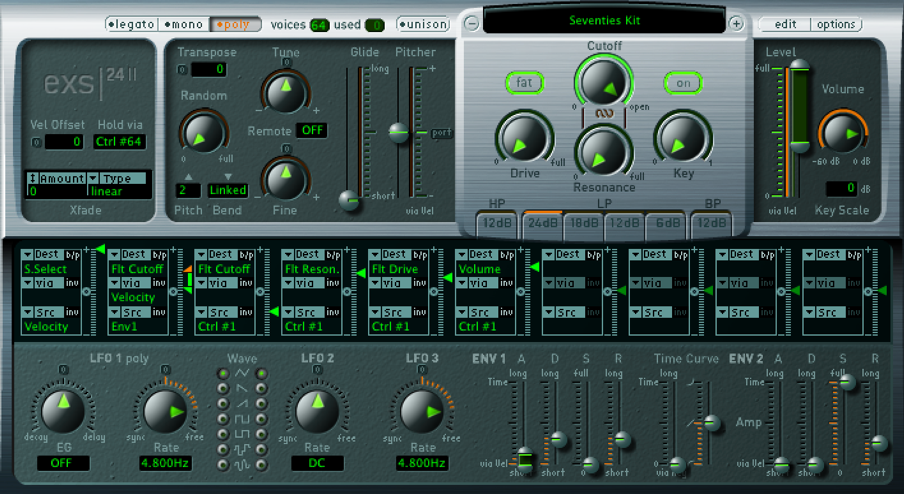
Groove Agent ONE, included with earlier versions of Cubase, can help beginners create drum patterns. This article walks through using patterns: opening Beat Designer, loading a preset, and dragging the pattern onto a track as MIDI. This workflow lets you quickly build rhythm tracks without extensive drum programming knowledge.
With Groove Agent ONE,
even beginners can create drum parts easily
Groove Agent ONE, included with Cubase,
lets you choose from a variety of built-in patterns
and start creating drums easily.
Groove Agent ONE Video Tutorial
Video Highlights: Opening Beat Designer
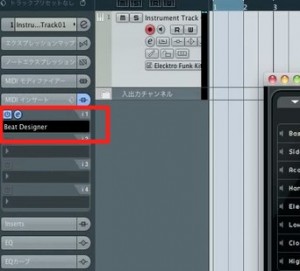
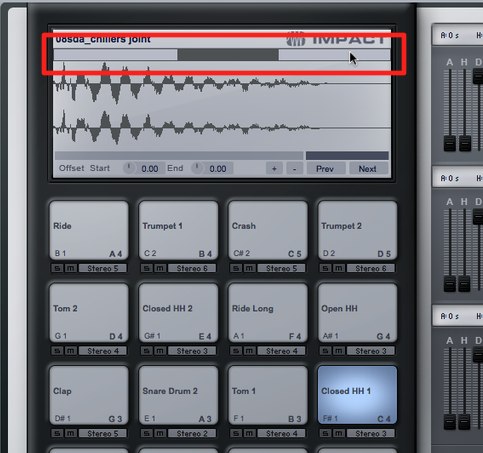
On the track running Groove Agent,
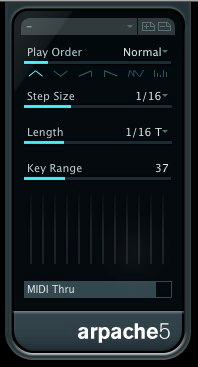
open MIDI Inserts and select Beat Designer.
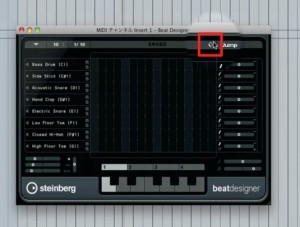
Use the preset menu to load the preset you want.
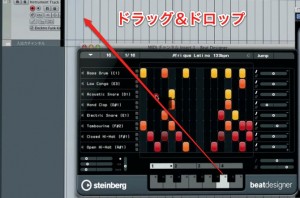
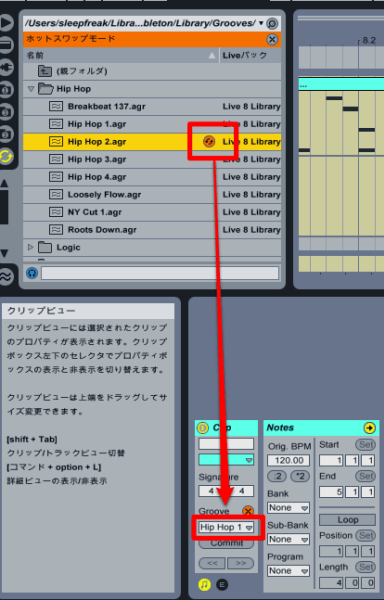
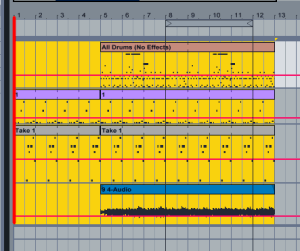
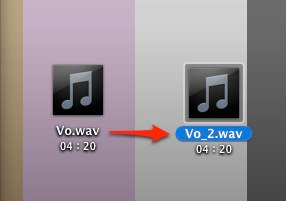
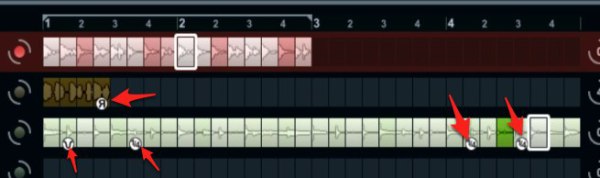
Drag and drop the selected pattern onto the track
to use it as a MIDI part.
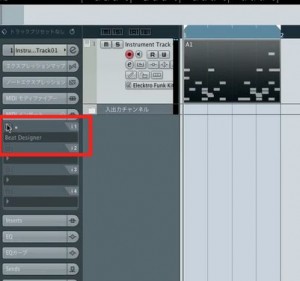
After dragging the pattern onto the track, turn Beat Designer off.
Otherwise the pattern can trigger the same sounds twice.
Frequently Asked Questions
Q1. Which DAW can use Groove Agent ONE?
Groove Agent ONE was included with earlier versions of Cubase as a drum production instrument, without a separate purchase. Availability may differ by Cubase version and edition.
Q2. What is the difference between Beat Designer and Groove Agent?
Groove Agent is a drum instrument plug-in, while Beat Designer is a MIDI pattern editor. You can load a preset pattern in Beat Designer and use it as a MIDI part.
Q3. Why turn Beat Designer off after dragging the pattern onto the track?
If Beat Designer continues generating MIDI while the copied MIDI part plays, both can trigger the drum instrument at once, doubling the sound. Turning Beat Designer off leaves the track's MIDI part to trigger the instrument.
Q4. Can I create my own drum arrangements beyond the preset patterns?
Yes. You can further edit and customize patterns as MIDI in Beat Designer or your DAW to create your own arrangements.
NEW ARTICLES
Latest English Articles