In part 2 of our Emotive Strings tutorial, we use its sound controls to fine-tune programmed string phrases. Parameters in the Sound tab, such as Master EQ, Stereo Image, and Mic Position, let you shape the tone, while Phrase Release and Legato Transitions help adjust how naturally phrases connect. You can also change the Tempo setting to expand the ways phrases fit different sections of a song. The streamlined interface makes it approachable even for beginners seeking polished string sounds.
Fine-Tuning Programmed Phrases
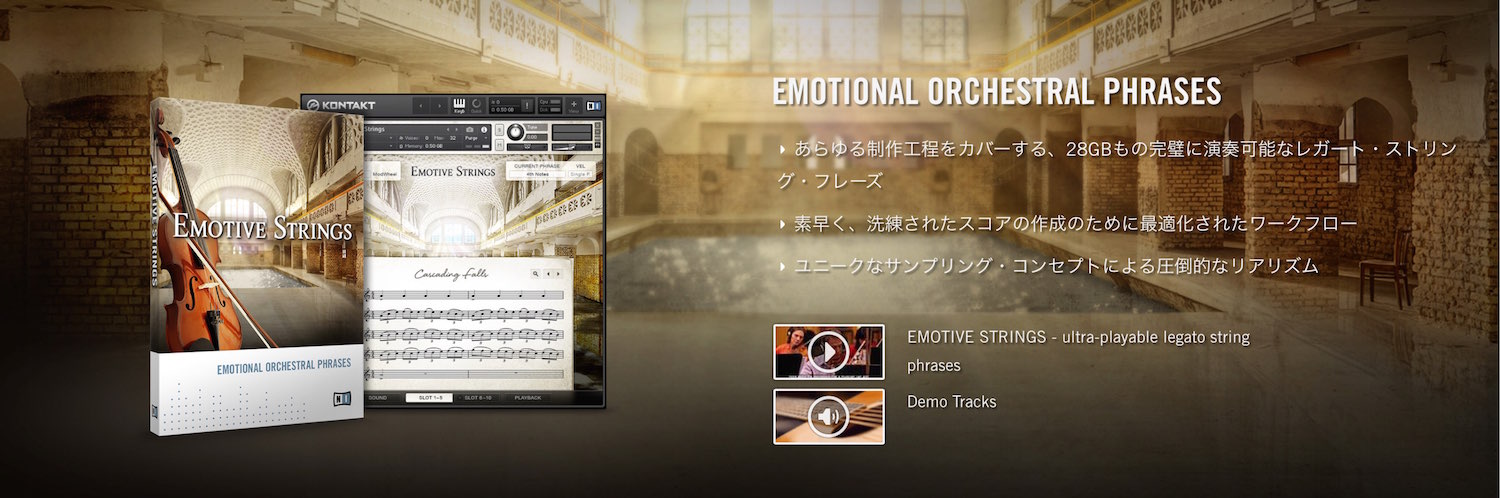
In the previous article, we explored the concepts behind Emotive Strings.
Here, we will program phrases and refine their sound.
Emotive Strings has a streamlined interface,
making it easy even for beginners to optimize phrases.
Emotive Strings Tutorial Videos
Adjusting the Sound in the Sound Tab
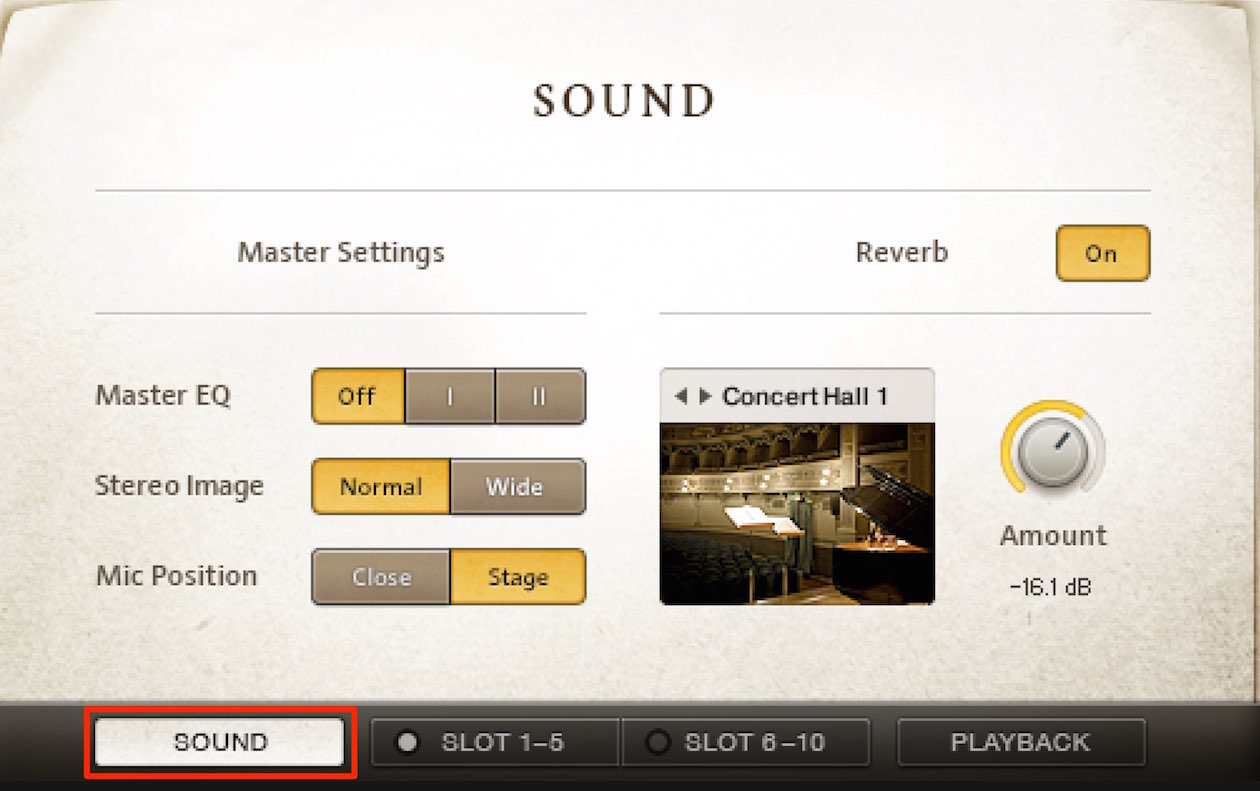
The Sound tab lets you refine the tone of your phrases.
- Master EQ: Choose your preferred sound from two types.
Alternatively, leave it off and make adjustments in your DAW. - Stereo Image: Adjust the width of the phrase.
Normal gives a tighter image, while Wide expands the left-right spread. - Mic Position: Choose the microphone position used for the recorded phrase.
Close gives a closer sound; Stage produces a more distant image. - Reverb: Select the space you prefer and use Amount to set the reverb level.
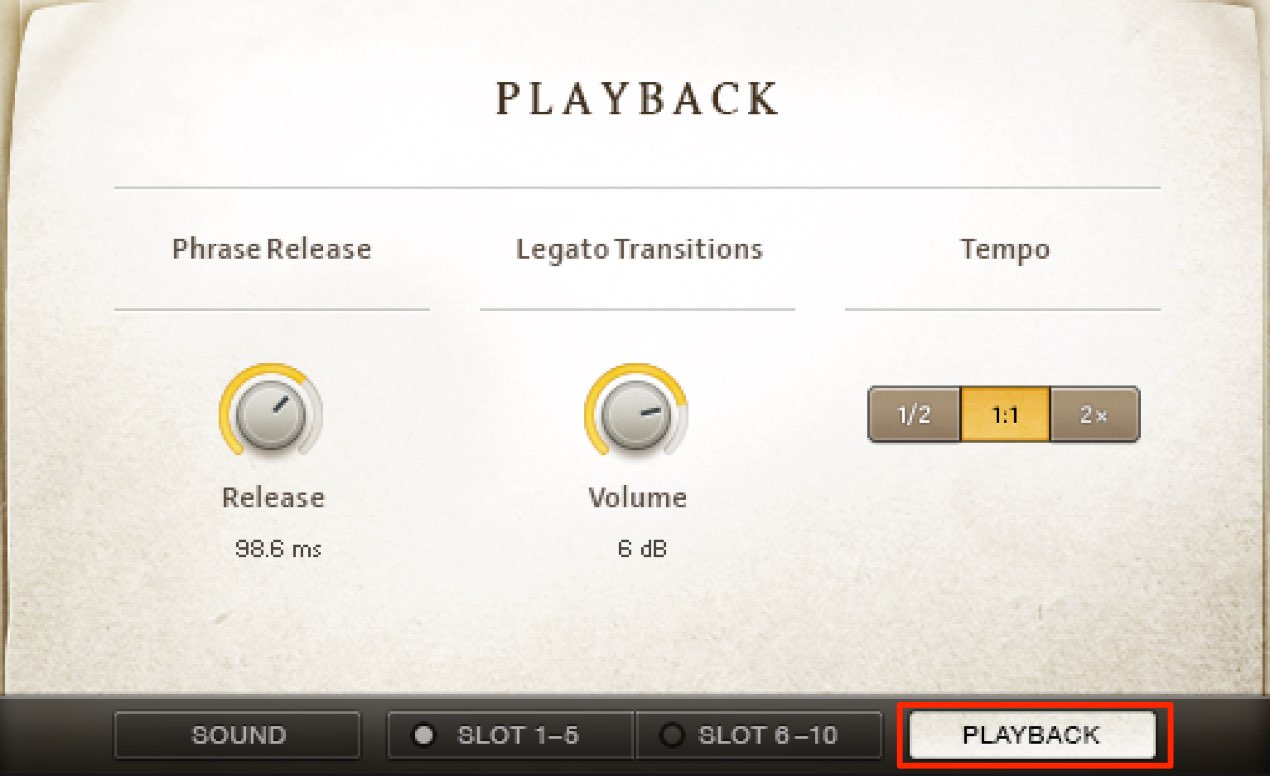
You can also adjust details of phrase playback.
- Phrase Release: Set how long the previous phrase’s tail continues when the next phrase plays.
Turning the knob clockwise increases the tail, making it easier to achieve a natural transition. - Legato Transitions: When played notes overlap, this determines the volume of the incoming sound.
Turning the knob clockwise increases its volume, emphasizing the sound. - Tempo: Change the phrase playback speed to half (1/2) or double (2×).
Adjusting this for different sections expands your expressive options.
Frequently Asked Questions
Q1. How should I use Master EQ when shaping the sound in Emotive Strings?
Master EQ offers two types to choose from. If you plan to make detailed adjustments in your DAW, you can also leave it off and use an EQ plug-in for consistent processing. Choose the approach that fits your project.
Q2. What is Phrase Release and what does it do?
Phrase Release adjusts how long the previous phrase’s tail continues after it ends. Turning the knob clockwise increases the tail and can make connections between phrases more natural and fluid.
Q3. What happens when Legato Transitions is set higher?
Turning Legato Transitions clockwise increases the volume of the next sound when notes overlap, emphasizing it and allowing you to control its dynamics.
Q4. What do the 1/2 and 2× Tempo settings do?
They change the playback speed of the phrase. Using the same phrase at different speeds in different sections of a song can greatly expand its expressive range.
NEW ARTICLES
Latest English Articles