
This article explains the favorites function newly added to Native Instruments' Maschine and Komplete Kontrol. By putting a star on sounds you like, this handy function lets you quickly find and manage the sound you want among a huge number of presets. You need to update to the latest versions (Maschine 2.3.1 or later, Komplete Kontrol 1.2.0 or later), and its simple operation makes sound management more efficient and improves your production workflow. It is useful for every user who struggles with managing presets, from beginners to advanced producers.
Conveniently manage the sounds you like
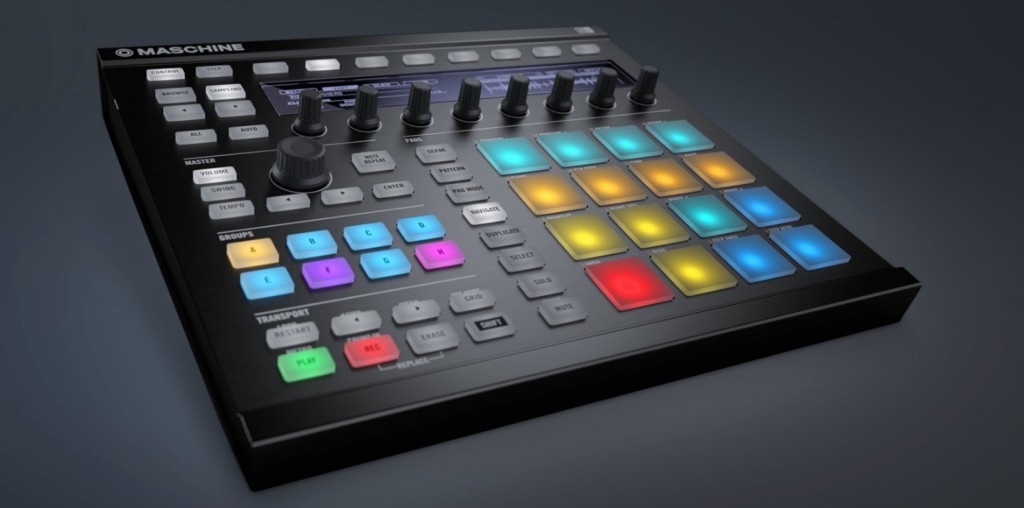
With a recent version update,
a favorites function was added to Maschine / Komplete Kontrol.
It is a simple function that lets you put a star on sounds you like,
and it lets you manage and recall sounds quickly.
Updating to the latest version
To use this function,
you need to update the software to the latest version.
Maschine (2.3.1)
Komplete Kontrol (1.2.0)

Open "Service Center" and run the "Update."
- Mac: System HDD → Applications → → Service Center
- Win: C drive → Program Files → → Service Center
Using the favorites function
The images show "Maschine," but the operation is the same in "Komplete Kontrol."

A "star icon" appears to the right of each sound name.
Click the star icon of a sound you like to light it up.
That completes the registration.

Light up the "star icon" in the search browser
to show only your favorite sounds.
Besides getting to the sound you want quickly,
you can also use it as a way to make notes about sounds.
Access to Komplete Kontrol articles
- 1Product overview
- 2Browse function
- 3Light Guide and Clear-View display
- 4Scale function
- 5Chord function
- 6Arpeggiator function
- 7Automation and MIDI mode
- 8Komplete Kontrol 1.1 new features
- 9KOMPLETE KONTROL Ver 1.5: New Features Explained
- 10KOMPLETE KONTROL Ver 1.6.2: New Features Explained
- 11KOMPLETE KONTROL Ver 1.9.3: Building a Comfortable Production Environment with "DAW Control"
- 12Komplete Kontrol Ver 1.9.3 "Host Integration": Cubase Edition
- 13KOMPLETE KONTROL Ver 2.0 New Feature: NKS FX
- 14Maschine / Komplete Kontrol Favorites Function
Access to Maschine 2 articles

Frequently asked questions
Q1. What do I need to use the favorites function in Maschine or Komplete Kontrol?
You must update to the latest version: Maschine 2.3.1 or later and Komplete Kontrol 1.2.0 or later. Run the update from Service Center.
Q2. Is the favorites function difficult to use?
No, it is very simple. Just click the star icon shown to the right of a sound name to register it. Turn on the star icon in the search browser to show only your favorite sounds.
Q3. Is the operation different between Komplete Kontrol and Maschine?
No, both work the same way. Managing sounds by clicking their star icons is common to both, so you can use the favorites function with either.
NEW ARTICLES
Latest English Articles











