

A MIDI keyboard is an essential item for DTM production, letting you create phrases, enter chords and adjust sounds more efficiently than with a mouse or a virtual keyboard. Products with controllers such as pads and knobs allow intuitive sound design, and many models have auto-mapping features that are easy for beginners to handle. The article introduces five models for beginners to intermediate users, including the M-Audio Keystation Mini 32 with an excellent balance of compactness and features, the Arturia MiniLab MK2 with great design and rich bundled sounds, the NEKTAR Impact LX49+ with intuitive operation, and the IK Multimedia iRig Keys I/O 49 with a built-in audio interface, so you can choose according to your production style and budget.
Why do you need a MIDI keyboard?
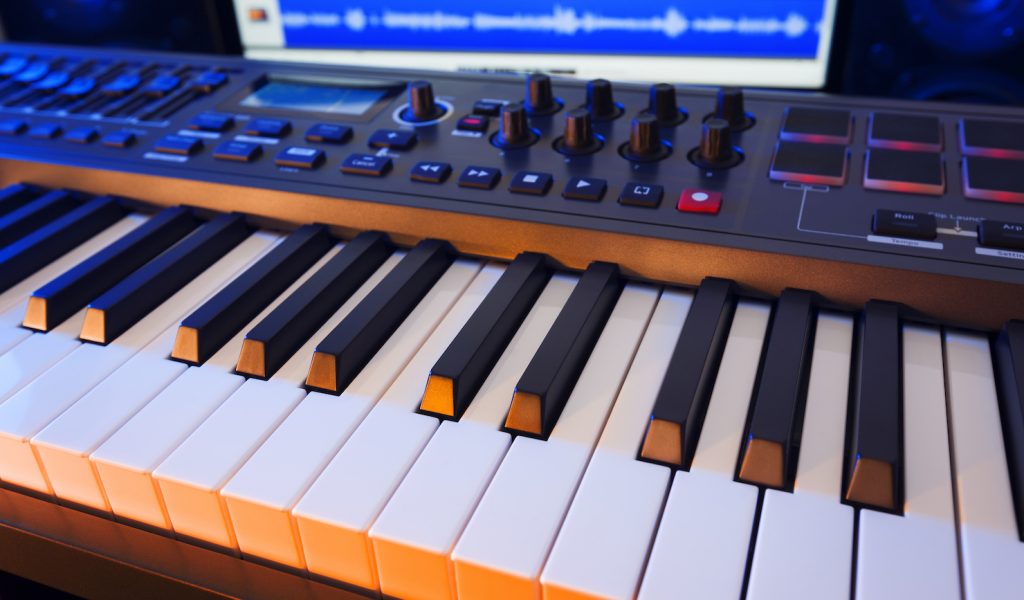
When programming, there are methods such as adding notes with the mouse or using the DAW's built-in "virtual keyboard" feature.
But when you're creating phrases or playing a melody while holding chords, this becomes difficult.
Considering the efficiency of tasks like entering notes quickly, quickly checking sounds and how chords sound, and creating groove with velocity and note length, we recommend getting a MIDI keyboard.
Benefits of products with MIDI controllers
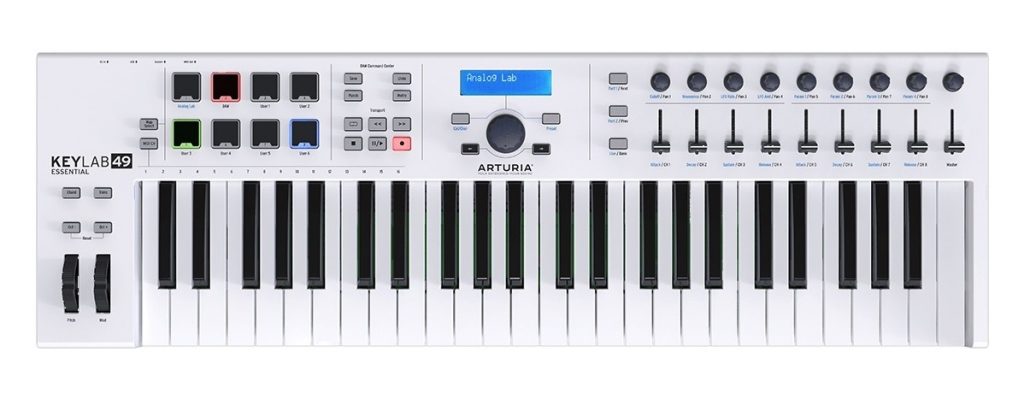
First, when there are physical controllers besides the keys, the benefits include pads you can use for programming drums, and being able to tweak the sounds of software instruments just as if you were using a synthesizer.
It lets you design sounds and create phrases more intuitively.
Also, many keyboards of this type have easy initial setup, such as parameter assignment, saving you the trouble of customizing.
Especially for DTM beginners, these settings are a high hurdle, so being able to clear it in advance is very welcome.
Next, the benefits of keys-only types.
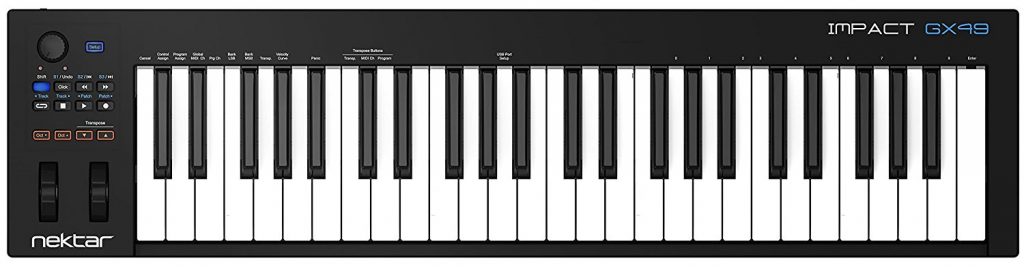
If you're used to playing piano, this type lets you focus on producing and playing without getting caught up in features.
Also, many models are compact, so you have more options for where to put them.
Personally, since a time will come when you'll want pads and knobs, I recommend the type that has everything, even if it costs more.
Now let's introduce the actual MIDI keyboards.
M-Audio Keystation Mini 32
First up is M-Audio's "Keystation Mini 32."
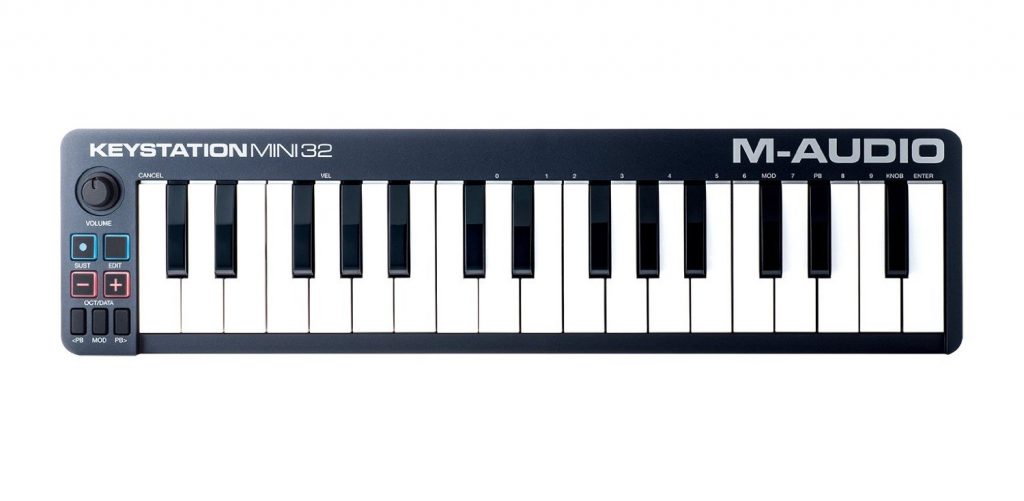
Among mini keyboards, this one's characteristic is that although it has as many as 32 keys, the body is very thin, making it easy to carry.
It also has pitch bend and modulation buttons, so you can use various techniques when coming up with phrases.
This model can also connect to iOS devices by using a Lightning-USB adapter.
"Ableton Live Lite" is included as a DAW, so you can start composing right after getting this keyboard.
A product we recommend for those who plan to carry it around, or who want a mini keyboard but with more keys.
Arturia MiniLab MK2
This is the "MiniLab MK2" from the French manufacturer Arturia.
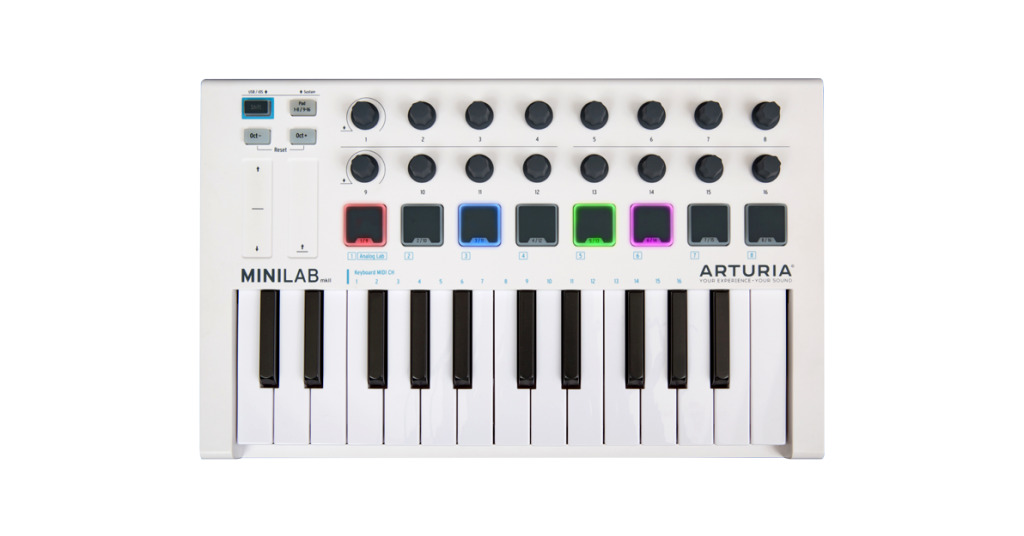
The standout feature of this product is, above all, its very stylish, excellent design.
The white base with wood-grain accents gives it a stylish look.
Of course, it's also full-featured, with 16 knobs and 8 pads.
It comes with the software instrument "Analog Lab 3," plus "Ableton Live Lite" and even "UVI Grand," so you can start making music with a wealth of sounds right after buying it.
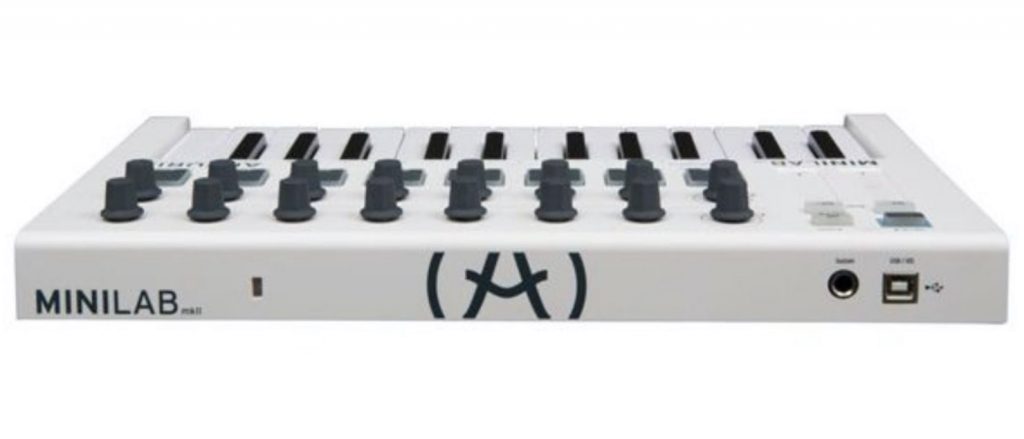
What's nice here is that even at this size it has a sustain pedal jack, so you can play piano sounds comfortably too.
A product we recommend for those who want a wealth of keyboard sounds from the start, those who want a stylish keyboard, and those looking for a small, well-balanced keyboard.
NEKTAR IMPACT LX49+
Next is NEKTAR's "IMPACT LX49+."
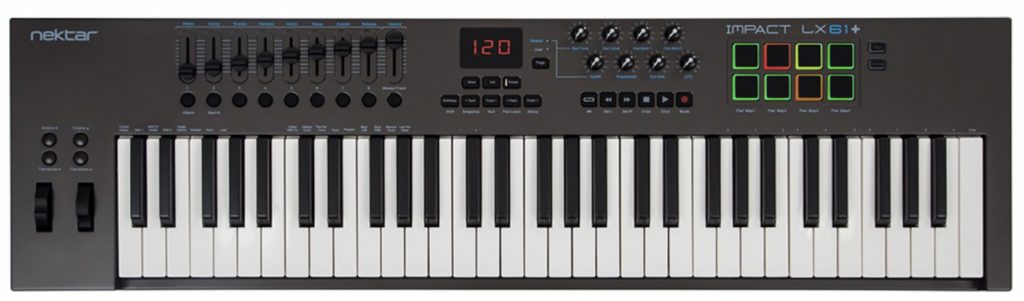
The product's features are full-size keys like a piano and an auto-mapping function.
What is auto-mapping? Normally, the buttons and so on on a keyboard won't work unless you set them up.
But this NEKTAR keyboard lets you easily make the right settings for each DAW.
So you can intuitively edit the instruments that come preinstalled on your computer as if you were using a hardware synthesizer.
You can also switch instrument presets with a single button, so you can efficiently find the sound you're looking for.
It really feels like playing a synthesizer!
This feature alone could be reason enough to choose NEKTAR's IMPACT LX49+.
There are also lower-end and higher-end models besides this one, but this time we introduced this model because it had the best overall balance.
IK MULTIMEDIA iRig KEYS I/O 49
Next is the "iRig KEYS I/O 49," recently released by IK Multimedia.
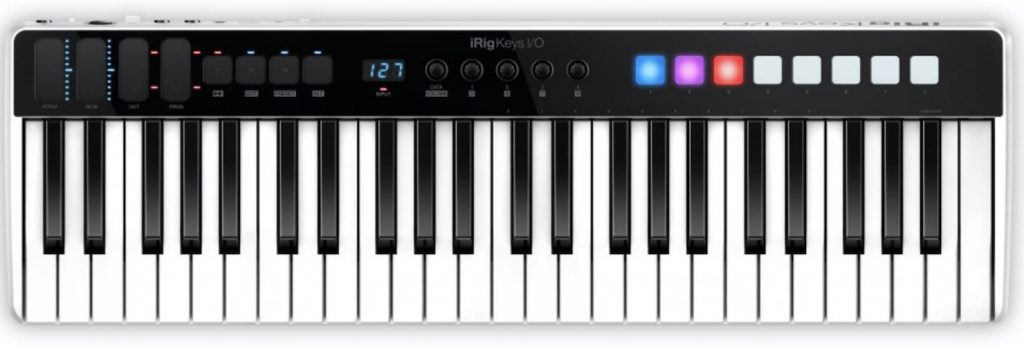
The feature of this model is that it actually has an audio interface built into the back of the body.

Just by buying this product, you no longer need to think about getting an audio interface.
What's more, it even has phantom power and can be used with iOS devices.

In addition, the 49-key model comes with the company's software instruments SampleTank 3, Miroslav Philharmonik 2 CE and Syntronik Pro-V, and even T-RackS Deluxe.
Honestly, I'd understand if someone said they bought this product just for this software; it's that lavish a bundle.
The only pity is that no DAW software is included, so you'll need to get one yourself.
Of course, even as a keyboard on its own it's well balanced, with five knobs plus touch-sensitive pitch bend and modulation.
It's also compact, so you won't struggle to find a place for it.
A product we recommend for those who want a range of instruments from the start, those looking for a keyboard they can use with iOS and computers, and those considering buying an audio interface.
Native Instruments KOMPLETE KONTROL S49 MK2
Finally, we introduce Native Instruments' "KOMPLETE KONTROL S49 MK2."
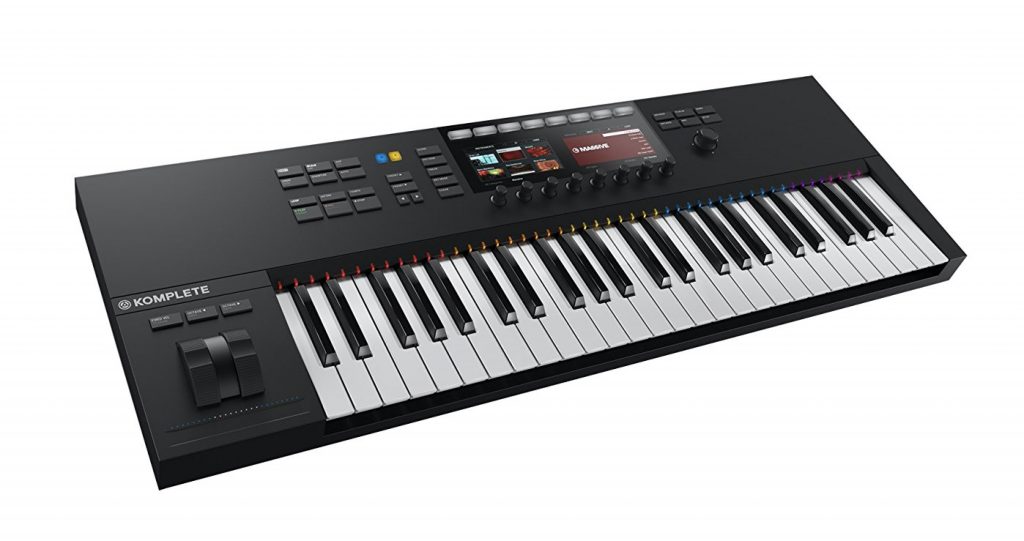
The body has color displays and high-quality keys made by Fatar.

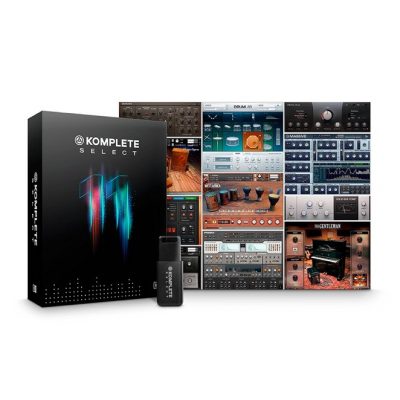
It also comes with KOMPLETE 11 SELECT, the company's collection of software instruments.
And the biggest feature of this keyboard is that it supports a standard called NKS.
NKS is a convenient standard that makes other companies' soft synths easy to use with KOMPLETE KONTROL by automatically assigning parameters to the knobs on the unit in advance and letting you easily select presets.
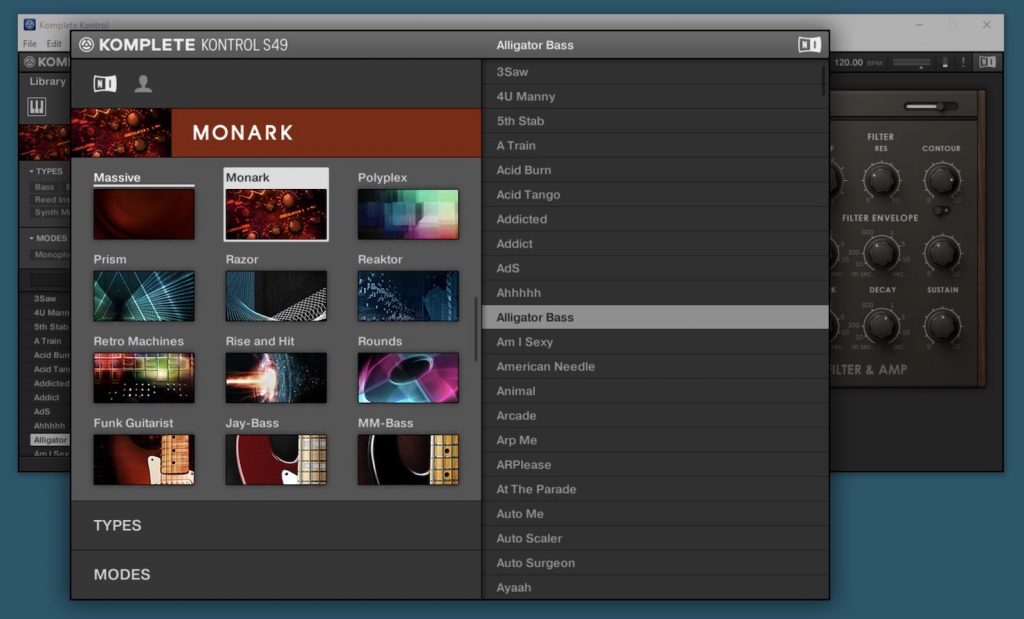
Recently, you can select not only soft synths but also audio effects from the keyboard.
You can choose sounds while actually listening to them.
Also, it lets you intuitively control DAWs such as Logic Pro X, Ableton Live and Cubase, so you can operate them using only the buttons on the keyboard, without touching the mouse.
Finally, it has handy features such as setting a scale and playing chords by pressing a single key, so even those who don't know music theory or aren't good at playing keys can use it comfortably.
Recommended for those who want to use soft synths like real synthesizers or want a MIDI keyboard with high-quality keys.
Sleepfreaks also has videos and articles explaining the product's features.
The links are below, so please make use of them.
- 1Product overview
- 2Browse function
- 3Light Guide and Clear-View display
- 4Scale function
- 5Chord function
- 6Arpeggiator function
- 7Automation and MIDI mode
- 8Komplete Kontrol 1.1 new features
- 9KOMPLETE KONTROL Ver1.5 new features explained
- 10KOMPLETE KONTROL Ver1.6.2 new features explained
- 11KOMPLETE KONTROL Ver.1.9.3: Build a Comfortable Production Environment with "DAW Control"
- 12Komplete Kontrol Ver.1.9.3 "Host Integration": Cubase
- 13KOMPLETE KONTROL Ver 2.0 new feature: NKS FX
- 14Maschine / Komplete Kontrol favorites function
How to choose the right number of keys for you
Manufacturers release MIDI keyboards with all kinds of key counts, so you may wonder how many keys to get.
As a rough guide, they can be divided as follows.
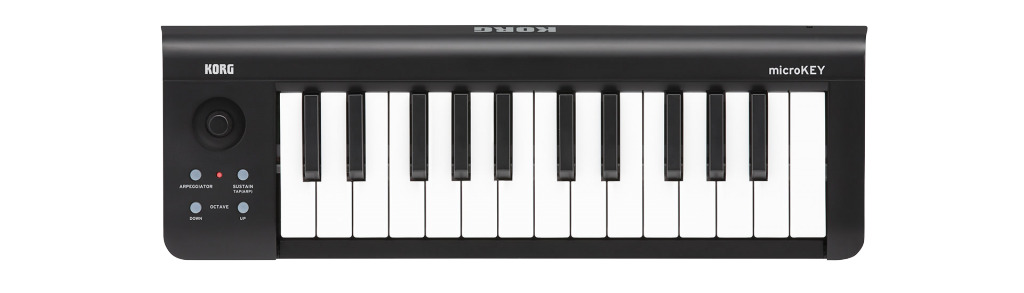
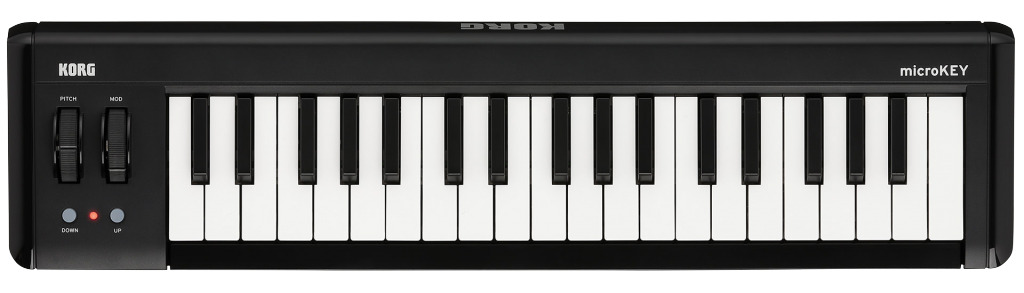
25-37 keys: If you produce starting from phrases or play with only one hand, this many keys should be enough.
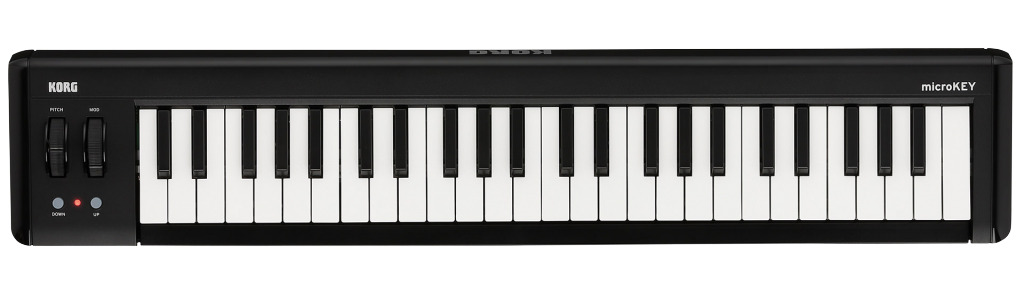
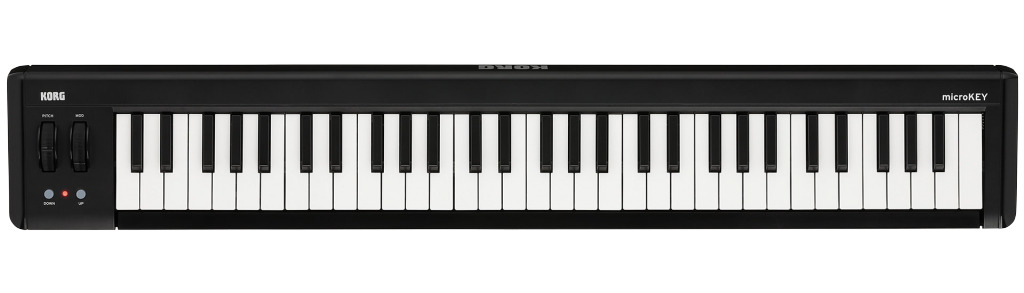
49-61 keys: If you play chords with one hand while playing phrases with the other, this many keys gives peace of mind.
This key count is also recommended for those who play piano in the studio but don't want their playing to get rusty at home.
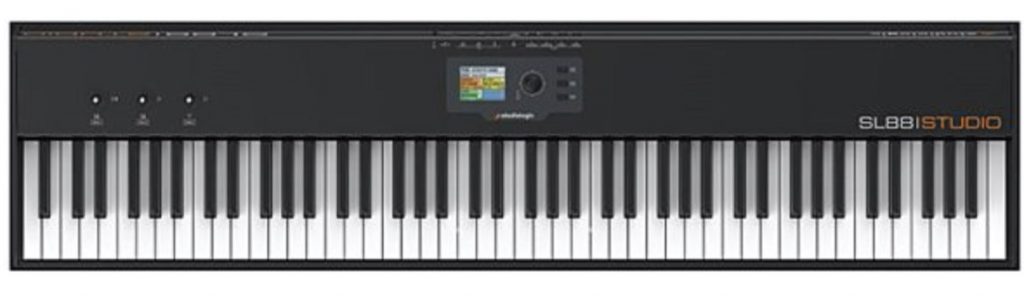
88 keys: For those who want to play seriously at home while also producing.
At this key count, manufacturers tend to have the grand piano in mind and use heavier, weighted keys.
You can enjoy an authentic piano touch at home.
A key count we recommend if you play keys regularly and have the space to put one.
What did you think?
This time we introduced five MIDI keyboards.
Every keyboard has its strengths, so we hope this helps you decide.
Stay tuned for next time!
About the author
be-bee (Shun Ito)
Born in 1987. A Logic Pro X and Ableton Live user.
After returning from studying in the US, graduated from music school and made a debut as a composer.
Composes and arranges mainly EDM and pop, and also works as an engineer.
Twitter ID: @bebee330
Instagram ID: https://www.instagram.com/bu_e_bu/
YouTube channel: https://www.youtube.com/user/murmur330
Frequently asked questions
Q1. Do DTM beginners have to buy a MIDI keyboard?
It's not essential, but it lets you create phrases and enter chords more efficiently than with a mouse, so we recommend getting one if you want to focus on composing. Those with piano experience in particular will benefit greatly.
Q2. Should I choose a MIDI keyboard with pads or without?
If you want to program drums or design sounds intuitively, we recommend one with pads. However, if you want to focus on playing piano, a simple keys-only type stays out of the way and works well.
Q3. What should I prioritize when choosing a MIDI keyboard?
The number of keys, the richness of the bundled software instruments, ease of setup (auto-mapping) and compactness are important. The key to success is choosing according to your production style and environment.
NEW ARTICLES
Latest English Articles











