
In this series, you can systematically learn how to produce band-sound songs that incorporate live instruments such as guitar and keyboards using Ableton Live Suite. Across six sections from drum track production to mixing, you can master a workflow that makes use of Ableton Live's unique features, such as converting audio to MIDI, using Instrument Racks and building songs in Session View. It is practical content that shows Ableton Live is a powerful tool not only for electronic music but also for band-sound production.
Summary of All Videos in the Series
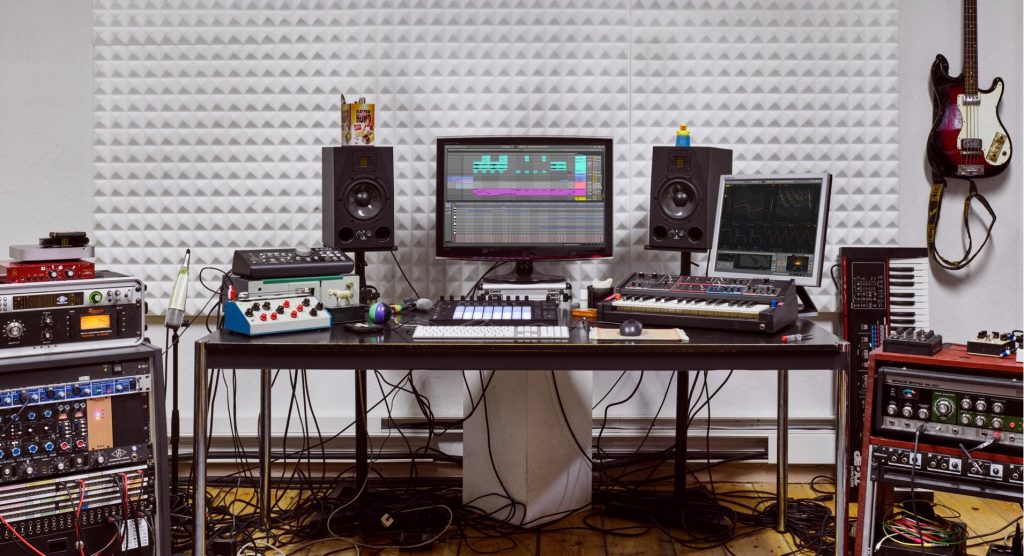
In this project, we use various features of Ableton Live Suite to explain song production incorporating instrument performance and a songwriting workflow from a guitarist's perspective.
This is the finished version of the song produced in this series.
- The project file can be downloaded here.
Many people may have the impression that Ableton Live is a DAW specialized for electronic and club-style loop music.
However, as we cover in this series, it is also highly effective for producing and building band-sound songs centered on live instruments.
Take a look at song production that incorporates Live's features, which set it apart from other DAWs.
1. Drum Track Production Workflow
In Live, converting audio to MIDI is easy as a standard DAW feature, so you can actively bring audio loops into your song production.
Capture, which lets you quickly shape ideas as they come to you, is also a reassuring feature for musicians.

2. MIDI and Audio Recording Workflow Using Guitar
How to convert a guitar audio take to MIDI, without using a keyboard, and play a bass track with it.
We also explain sound design with the guitar effects included with Ableton Live and how to incorporate hardware effect pedals into your sound setup.

3. Creating Lead Sounds with Instrument Rack and External Instrument
We introduce how to efficiently build keyboard parts using Ableton Live's unique features.
Using chains, which let you manage multiple instruments as a single instrument, and integration with hardware, you can create a comfortable production environment.

4. Programming Chords on Keyboard Tracks with MIDI Effects
We focus on MIDI effects that make keyboard chords easier to program.
Making use of Ableton Live's characteristic flexible MIDI routing, we show how to play chords from single MIDI notes and even more convenient applications.

5. Building Songs with Session View
We explain the flow of building a song by combining drum, bass, guitar and keyboard phrases in Session View.
Session View, which lets you build phrases for each track quickly and comfortably, is a very powerful feature. Let's master its overview.

6. Live's Versatile Mixing Features Explained
In this final video, we explain mixing the song.
We introduce mixing using the high-quality included effects and features unique to Live, so please watch to the end.

Try Ableton Live for Free!

A demo of Ableton Live is available that lets you try all its features for free for a limited period.
If you are interested, please give it a try. https://www.ableton.com/ja/trial
- The project file for this tutorial can be downloaded here.
Frequently Asked Questions
Q1. Is Ableton Live really suited to producing band sounds?
Yes. Many people see Ableton Live as a DAW specialized for loop music, but as this series explains, it is also very effective for song production centered on live instruments. It is rich in features useful for band-sound production, such as audio-to-MIDI conversion and Session View.
Q2. Can guitarists master Ableton Live?
Yes. This series explains the production workflow from a guitarist's perspective, including how to convert guitar audio recordings to MIDI without using a keyboard. It is structured so that even beginners can learn step by step.
Q3. Can I follow this series with the Ableton Live demo?
Yes. A demo of Ableton Live is available that lets you try all its features for free for a limited period, so you can actually try every feature explained in this series with the demo. If you are interested, start with the free demo.
NEW ARTICLES
Latest English Articles











