
When using a hardware synthesizer as a MIDI keyboard with your DAW, the soft synth and the hardware synth may sound at the same time. To solve this doubled sound, it is effective to turn off the hardware synth's "Local Control" (local switch) and disconnect the keyboard from the internal sound engine. If you want to use the hardware synth's sound as well, you can change settings on the DAW side to control it, letting you use both flexibly. The setup differs by model, so it is important to check the manual.
Using a hardware synth as a MIDI keyboard in your DAW
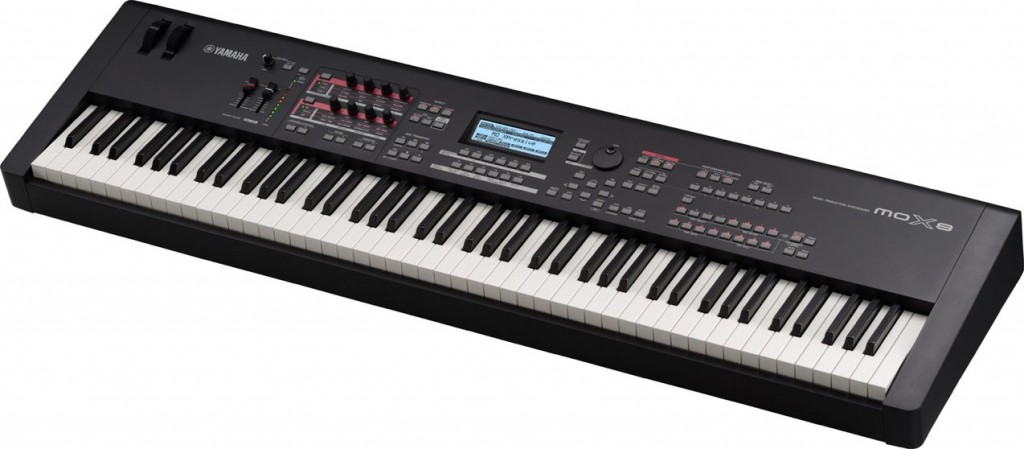
You want to play the soft synths in your DAW from a hardware synthesizer's keyboard.
Many people probably want to do this.
What you need to watch out for is that
"the soft synth in the DAW" and "the hardware synth's sound" play at the same time.
This time, we explain how to solve this symptom.
Solution
The function for avoiding this symptom is "Local Control" (local switch).
By disconnecting the hardware keyboard from its internal sound engine, you can avoid the doubled sound.
The setup differs by model, so refer to your product's manual
and look for the section on "Local Control".
Set this "Local Control" to "Off".
Now, when you play the soft synth in your DAW,
the sound engine built into the hardware synthesizer no longer sounds.
If you also want to use the hardware synthesizer's sounds,
make the settings below and control it from your DAW.
Using a hardware synth in each DAW

 Logic
 Cubase
 Studio One
 FL Studio
Frequently asked questions
Q1. Why do both the hardware synth and the DAW's soft synth sound?
When you connect a hardware synth as a MIDI keyboard, by default both its internal sound engine and the soft synth in the DAW sound at the same time. This is because "Local Control" is on.
Q2. What is Local Control?
Local Control connects or disconnects the hardware synth's keyboard and its internal sound engine. Turning it off lets the sound engine be controlled only by external MIDI signals, preventing the doubled sound.
Q3. What if I turn off Local Control but still want to use the hardware synth's sound?
By changing settings on the DAW side so the hardware synth is recognized as a MIDI output device, you can control it from your DAW. The setup differs depending on your DAW, such as Pro Tools, Logic, or Cubase.
NEW ARTICLES
Latest English Articles











