
When using Cubase's powerful sound editing features, you may run into a problem where previews in VariAudio or MediaBay can't be heard. The cause lies in the Control Room settings, and you can solve it easily by opening VST Connections from the Devices menu and turning off the Control Room on the Studio tab. Also checking the monitoring icon at the top of the editor gives you a comfortable environment for previewing sounds.
Trouble previewing sounds in these windows
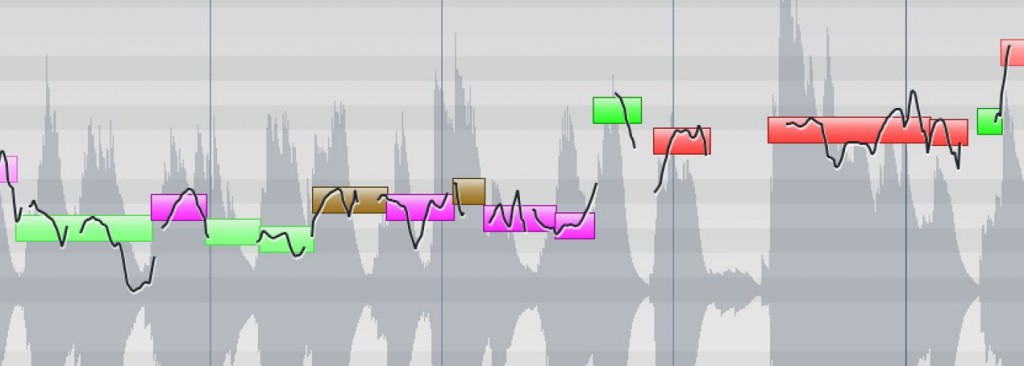
Cubase includes many very powerful features that support production.
Among them, "VariAudio" for pitch correction and "MediaBay" for managing track material
are important features that are indispensable for production.

However, we have received reports that in these windows,
the sound being edited can't be previewed.
Here is how to solve this problem.
How to solve the problem
The solution is very simple.
The cause is that the "Control Room" is not set up.
This feature can be used for talkback and more,
and we have also published an article on "working with reference tracks."
If you don't particularly need it, turn the feature itself off.

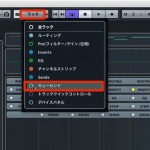
From the top menu, select "Devices" → "VST Connections."
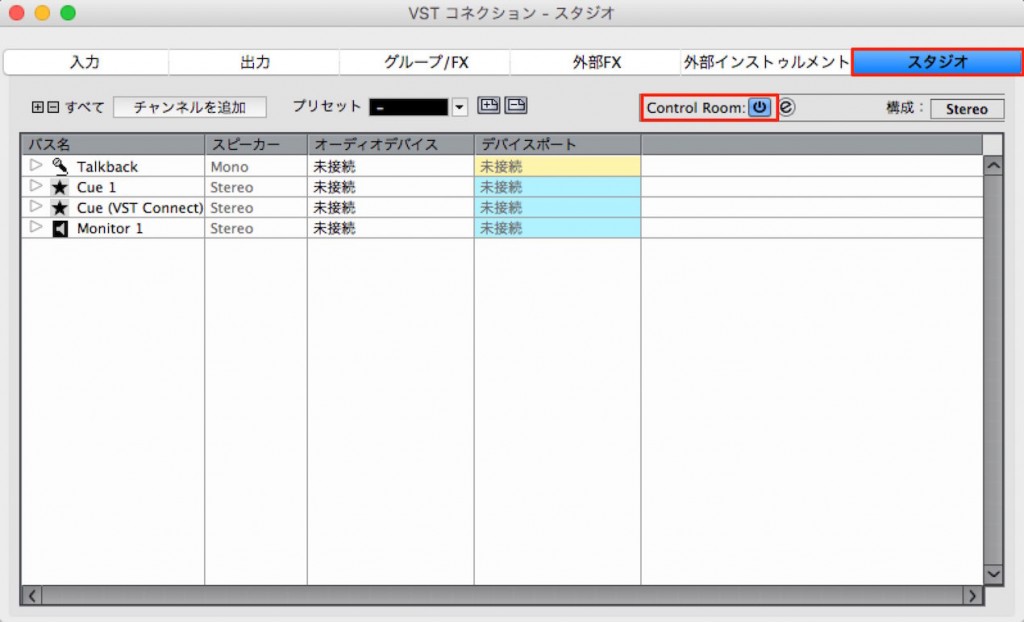
Go to the "Studio" tab and turn off the power of the "Control Room."
That completes the setup.
From now on, you can preview sounds in "VariAudio" and "MediaBay."
What if you still can't hear any sound?
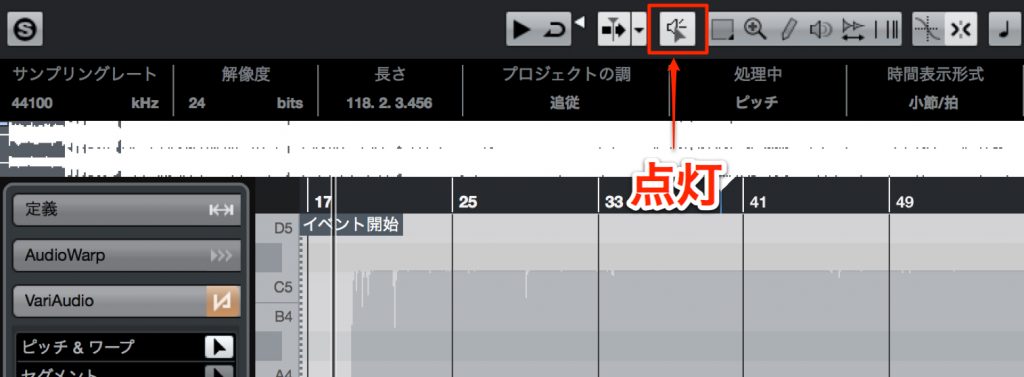
Check that the monitoring icon at the top of the editor is lit.
Frequently asked questions
Q1. Why can't I hear the vocal preview in Cubase's VariAudio?
The Control Room may be enabled and blocking the audio output. You can solve this by turning off the Control Room under Devices → VST Connections → Studio tab.
Q2. What should I watch out for when previewing sample libraries in MediaBay?
In addition to checking the Control Room setting, check that the monitoring icon at the top of the editor is lit. If this icon is off, no audio will play.
Q3. What should I do if there is still no sound after turning off the Control Room?
First check the monitoring icon. If that doesn't solve it, resetting the preference files may fix many problems.
NEW ARTICLES
Latest English Articles











