Studio One Pro 7.1 brought several workflow improvements, including Cinematic Lights, a new instrument combining orchestral and synth sounds; bus rendering; and enhanced envelope controls in the Impact drum sampler. More efficient chord entry in the Note Editor and improved grid visibility make the production process more convenient from composition through mixing, while bus rendering can also reduce CPU load.
An eagerly awaited update: new features to speed up music production

Studio One Pro 7.1, the first update in the Studio One Pro 7 series, has been released!
This update incorporates user feedback, adding the Cinematic Lights virtual instrument and introducing improvements focused on the workflow.
Let’s take a look!
Video: selected new features explained
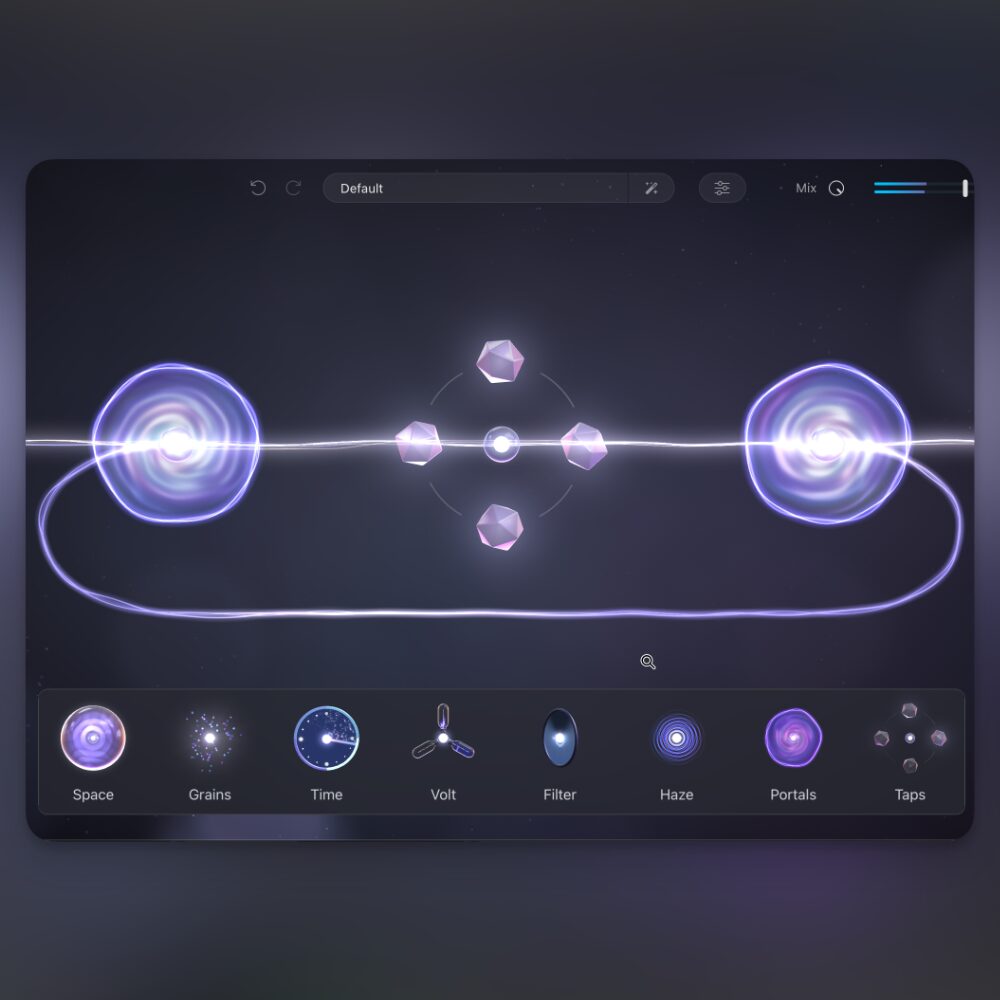
Cinematic Lights: a hybrid orchestral and synth instrument

The new Cinematic Lights instrument is a hybrid sound source that combines rich orchestral sounds with modern synthesizer elements.

It combines three layers to create a single sound. Using the control section in the center of the window, you can adjust the layer blend intuitively by dragging and dropping.

It includes 120 layer presets, more than 100 multisamples, and 50 music loops, supporting a wide range of sound design.
You can also change the sound of each layer individually.

Adjust the effect amount and the envelope controlling a sound’s attack and release without switching screens.

It also supports detailed editing, so users familiar with synthesizers can shape sounds to their own taste.
Bus rendering

The Transform to Rendered Audio function, previously available only for audio and instrument tracks, is now available for bus tracks.
Its main advantage is that you can render the bus to audio with its insert and send effects included.

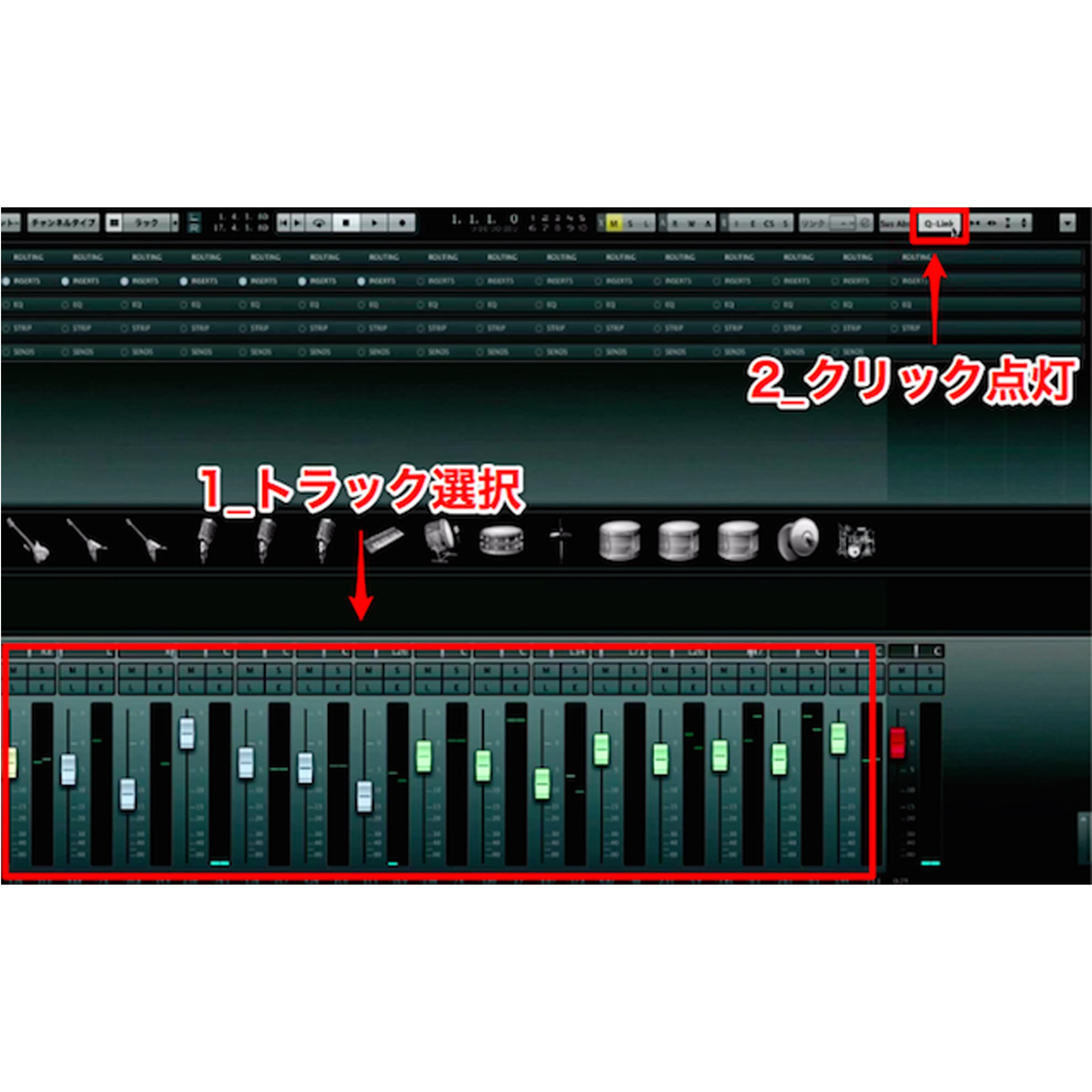
The procedure is simple: route the channels you want to render to a bus (Bus 2 in the example), right-click the bus channel, and choose Transform to Rendered Audio from the menu.

The tracks in the bus are converted into a single stereo audio file, helping reduce CPU load and organize the project.

You can also restore the original state after rendering.
Right-click the relevant bus channel and choose Transform to Bus Channel from the menu to restore the audio tracks.
Important notes after rendering

The audio track created by rendering is locked by default. Select Unlock One Track from the right-click menu to make it editable.

However, if you then restore it using Transform to Bus Channel, the edited track will disappear.

If you want to keep the edited track, create a duplicate track before or after editing.
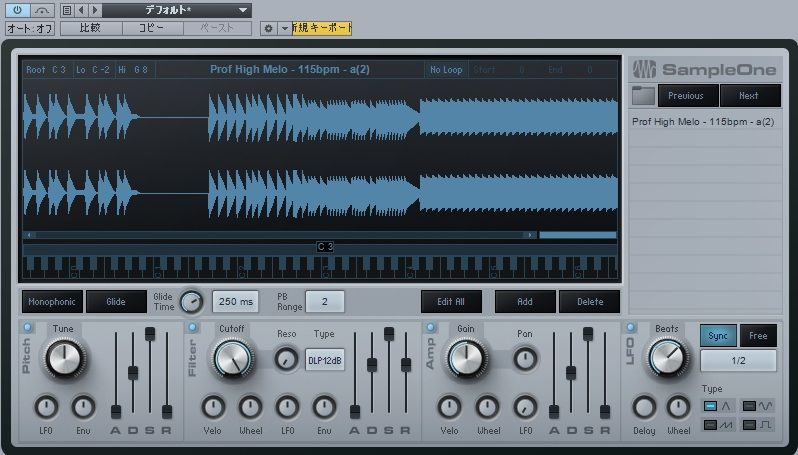
Impact: envelope adjustment and loop crossfades

The Impact drum sampler gained a feature for intuitive envelope adjustment and a crossfade function to prevent clicks.

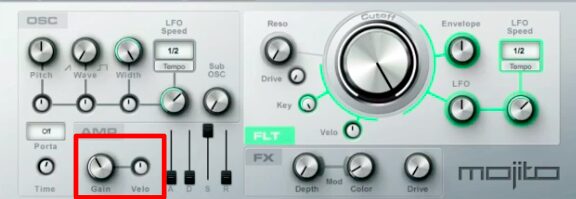
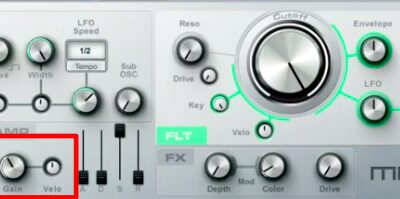
Previously, adjusting the pitch, filter, and amp envelopes required opening the instrument editor. A new ENV button in the pan controls lets you adjust envelopes immediately without switching screens.
This lets you design sounds without interrupting your workflow.

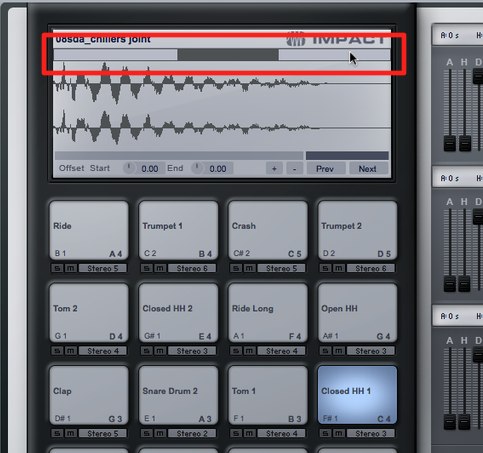
A new loop crossfade function in the instrument editor also makes it easy to eliminate clicks and pops.
Crossfade length can be adjusted from 0 to 1,000 samples, accommodating a wide range of material, including drum loops, synth pads, and ambient sounds.
This makes working with loops in a project smoother.
More efficient chord entry in the Note Editor

The Note Editor update makes chord entry more efficient.
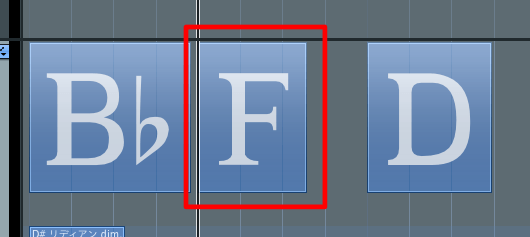
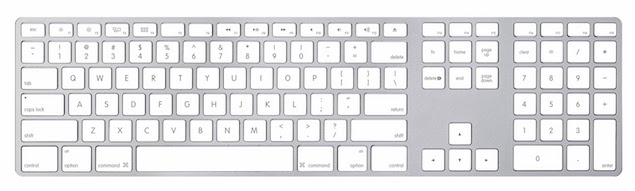
Select an entered note, hold Alt on Windows or Option on Mac, and use the keyboard’s up and down arrow keys to add notes while retaining the original note.
This makes chord entry smoother and can speed up your work.
Other improvements

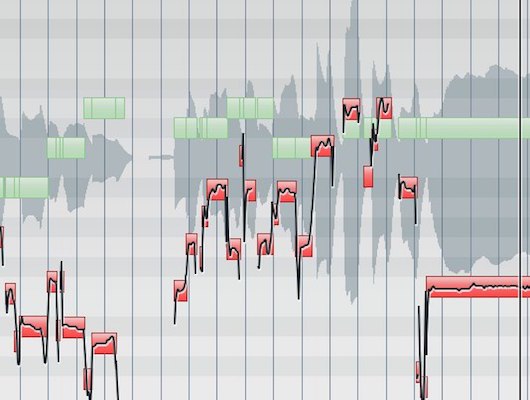
- Improved grid and event visibility: overlaps and gaps are easier to see when zoomed in, and the new “Show Grid on Events” option improves visibility.
- Expanded scale selection: Lydian and Locrian scales have been added and can also be used with ATOM and ATOM SQ.
- Multi-output instrument bus improvements: unnecessary buses are no longer created by default; configure them as needed from the mixer’s options menu.
About the trial

At the time of this article, the official MyPreSonus site offered a free 30-day download of Studio One Pro 7.
The trial let users experience features including AI-powered stem separation, Dolby Atmos mixing, unlimited tracks, FX channels and buses, and a wide range of native effects plugins.
Note: some instruments, including Cinematic Lights and Deep Flight One, were unavailable in the 30-day demo.

If you already own Studio One, you can use the Check for Updates menu in the application to update your installed version.
Studio One continues to evolve.
Try the new features for yourself!
Frequently asked questions
Q1. What are the features of the new Cinematic Lights instrument in Studio One Pro 7.1?
Cinematic Lights combines the richness of orchestral sounds with modern synthesis. It creates a sound from three layers and includes 120 layer presets, more than 100 multisamples, and 50 music loops for a broad range of sound design.
Q2. What are the benefits of bus rendering?
You can render a bus with its insert and send effects included and combine multiple tracks into one stereo audio file. This can reduce CPU load and simplify project organization, and the original state can be restored when needed.
Q3. Where can I download Studio One Pro 7.1?
At the time of publication, a free 30-day trial was available on the official MyPreSonus site. Existing Studio One owners can use Check for Updates in the application to update their installed version. Check the official site for current availability.
Q4. How was chord entry improved in the Note Editor?
Select an entered note, hold Alt on Windows or Option on Mac, and use the up and down arrow keys to add notes while keeping the original. This makes chord entry more efficient.
Q5. How did envelope adjustment in Impact change?
The new ENV button in the pan controls allows envelope adjustment without opening the instrument editor or switching screens, so you can design sounds without interrupting your workflow.
NEW ARTICLES
Latest English Articles