
M/S processing in Studio One is a mastering technique that separates the center (M) and side (S) components of the audio and adjusts each individually to achieve both loudness and stereo width. By applying MS Transform with the Mixtool plugin, splitting the result into mono files, and processing the center and side tracks independently, you can make more precise level balance adjustments and apply EQ and compression to each. For beginners, an easy M/S plugin such as Waves Center is recommended.
How to Do M/S Processing in Studio One
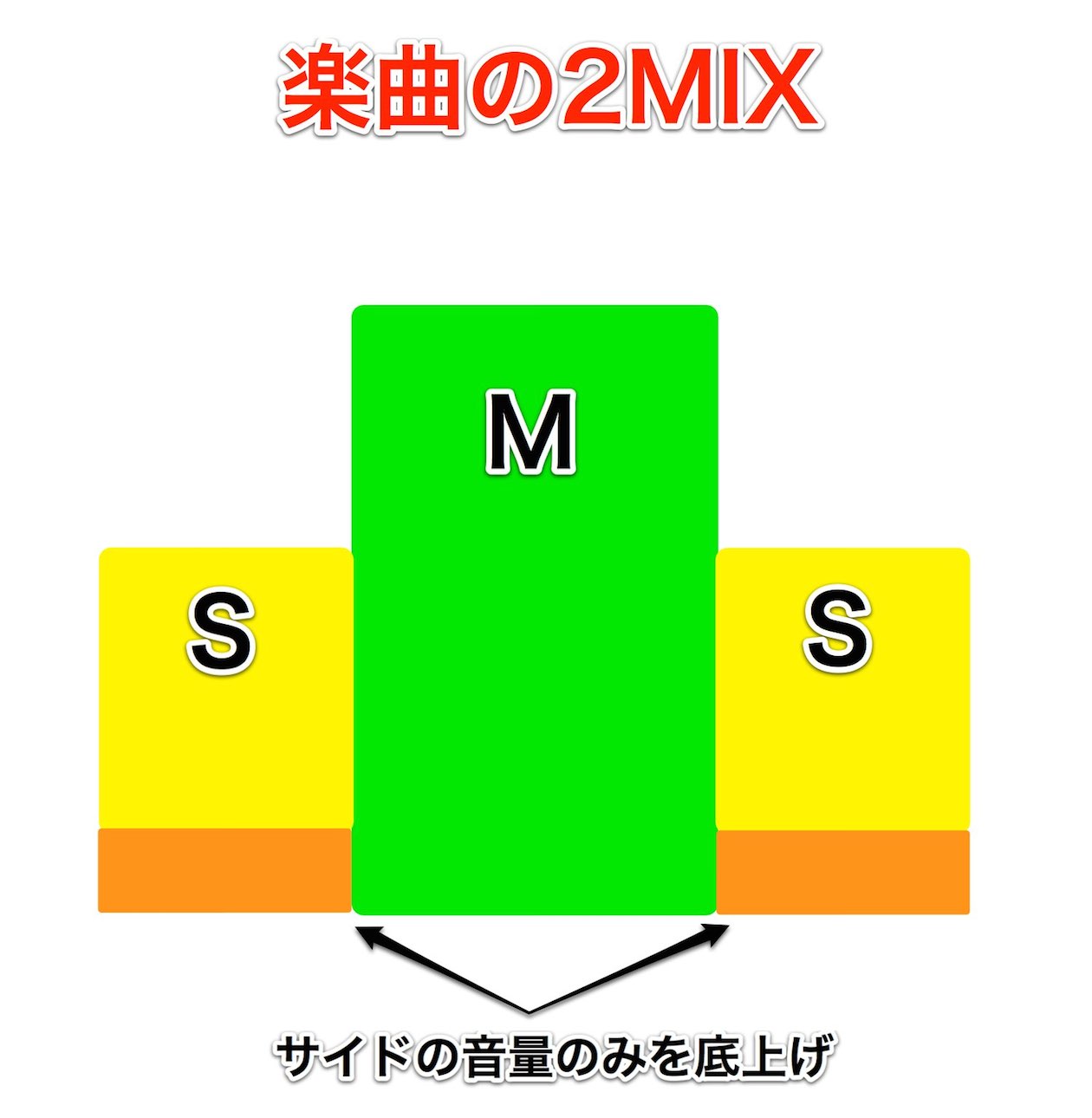
This continues from "Boosting Loudness and Width with M/S Processing" in the Mixing and Mastering category.
First, listen to the effect.
Before M/S processing
After M/S processing

↑ First, mix as usual.
Once the mix is finished, insert Mixtool on the master track.

↑ Select "MS Transform."

↑ The song is split on the master track into "L = center" and "R = side."
*At this point, do not apply a limiter or other effects to the master track.
*If the master track clips (turns red) at this stage,
lower the overall level of the tracks to adjust the volume.

↑ Export the song as it is.
In this example, we export it to the desktop.
After exporting,

↑ select "Browse" → "Files"
and find the exported file. (Here, we created the file on the desktop.)

↑ Right-click the file and select "Split to Mono Files."
The preparation is now complete.
It is probably easier to work if you start a new song for the M/S processing.
Import the files split into mono into the new song.

↑ Pan the R track hard right and the L track hard left.

↑ Apply Mixtool to the master track again

↑ and once again select "MS Transform."
Everything now returns to its original state (the finished mix).
That means

↑ you can adjust the center and the side individually.

↑ We suggest raising the volume moderately and adjusting with compression, EQ, and so on.

↑ Finally, raise the loudness on the master track and you're done.
*Be sure to place it after Mixtool.
*Adjusting the center and side after raising the loudness is also recommended, because it is easier to hear the finished result.
Plugins That Make M/S Processing Easy
Does the M/S method above feel a bit daunting?
If so, here is a plugin we recommend that makes M/S processing easy.
Waves Center
Buy the product: https://bit.ly/2XpJWgj
Frequently asked questions
Q1. When doing M/S processing in Studio One, is it OK to apply a limiter to the master track first?
No. When applying MS Transform, do not apply a limiter or other effects to the master track. It is important to follow the correct order: adjust the center and side after the M/S split, then do the final loudness adjustment.
Q2. In what order is it most effective to adjust the center and side in M/S processing?
We recommend adjusting the center and side after raising the loudness. This order makes it easier to hear the finished result and leads to more effective adjustments.
Q3. What alternatives are there if M/S processing feels complicated?
Using a dedicated plugin such as Waves Center or Waves MS Matrix lets you do M/S processing easily without complicated manual work. They are also recommended for beginners.
NEW ARTICLES
Latest English Articles











