
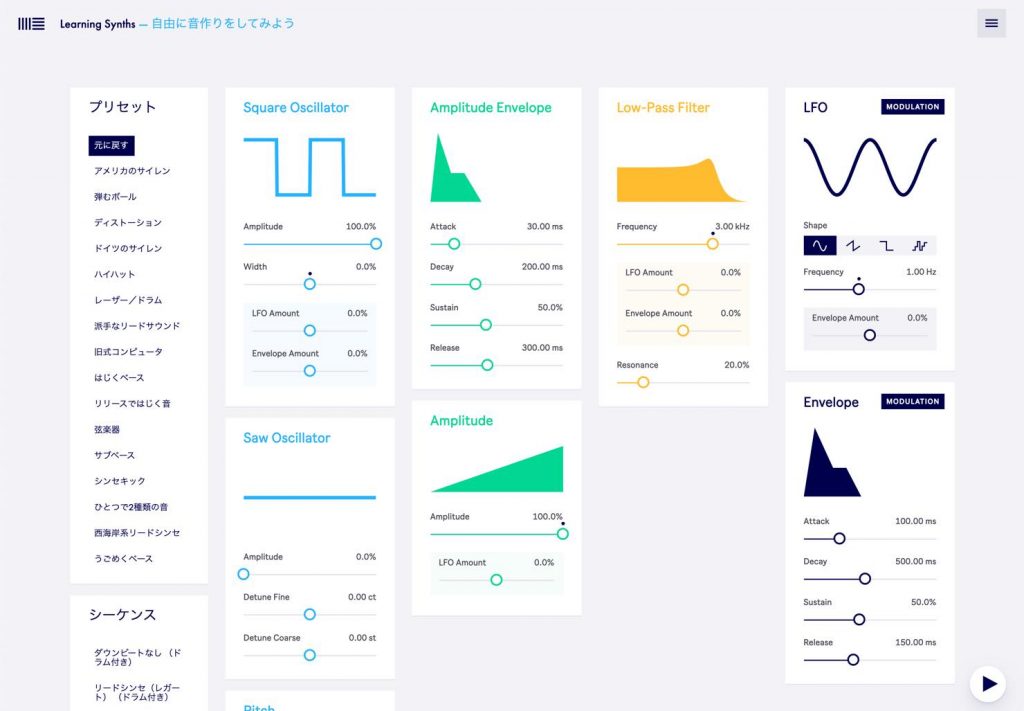
"Learning Synths", a free web app from Ableton, is a tool that lets everyone from beginners to advanced users enjoy learning the basics of synthesizers. It explains basic elements such as oscillators, filters, envelopes and LFOs with plenty of animation, and lets you understand them intuitively while actually making sound in your browser. You can experience how the sound changes by dragging, and MIDI input is supported when using Chrome. It is an ideal learning resource for music production beginners who want to move beyond relying on presets and for anyone who wants to learn the theory of synth sound design.
Learn for Free While Playing a Synth in Your Browser
"I want to move beyond just using presets." "I want to learn synth sound design, but it seems difficult." Many of you probably feel this way.
We have good news for all of you. Ableton, famous for the DAW software "Live", has released a web app for learning synths for free: "Learning Synths".
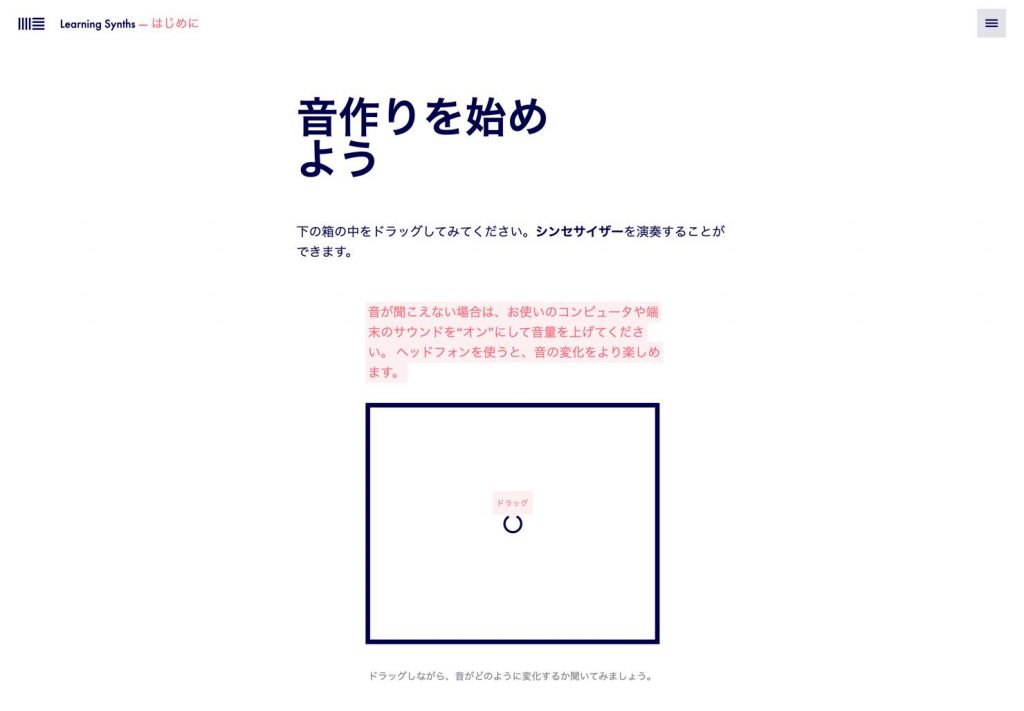
Learning Synths explains the basic elements of a synthesizer, such as oscillators, filters, envelopes and LFOs, in a fun way, and also walks you step by step through how to make a wide range of typical synth sounds.
Of course, just because it was made by Ableton does not mean the content is specific to Live. The content is highly versatile, and since you can learn while making sound in your browser, you can learn not only the theory but also by feel.
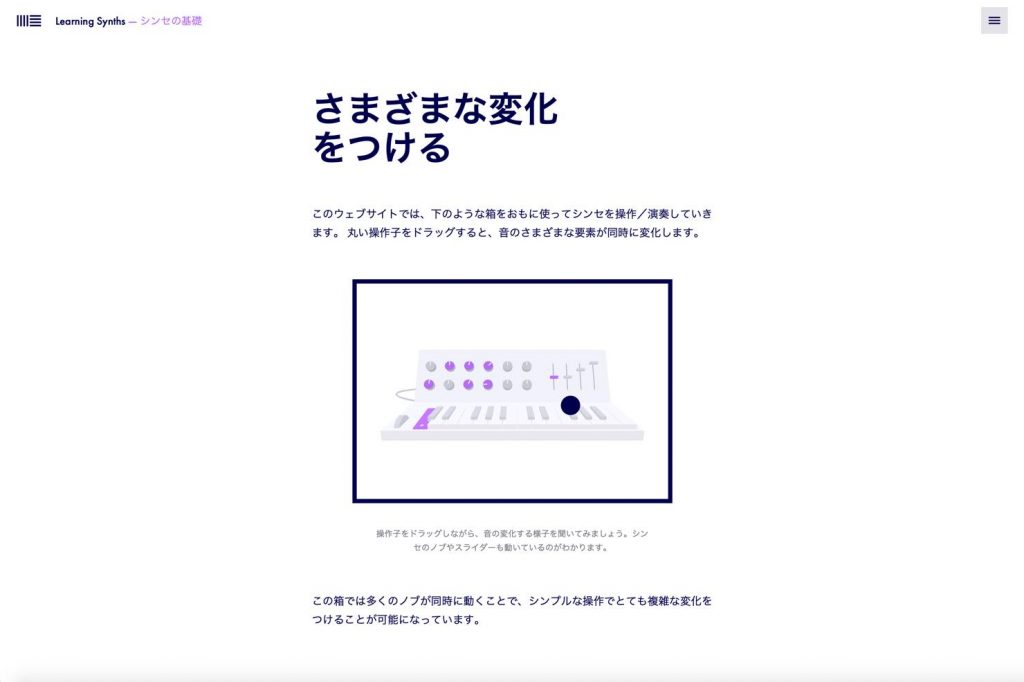
You can experience how the sound changes by dragging, and it is packed with animations, making it very easy to understand even for beginners.
Also, if your browser is Chrome, you can use the MIDI input function.
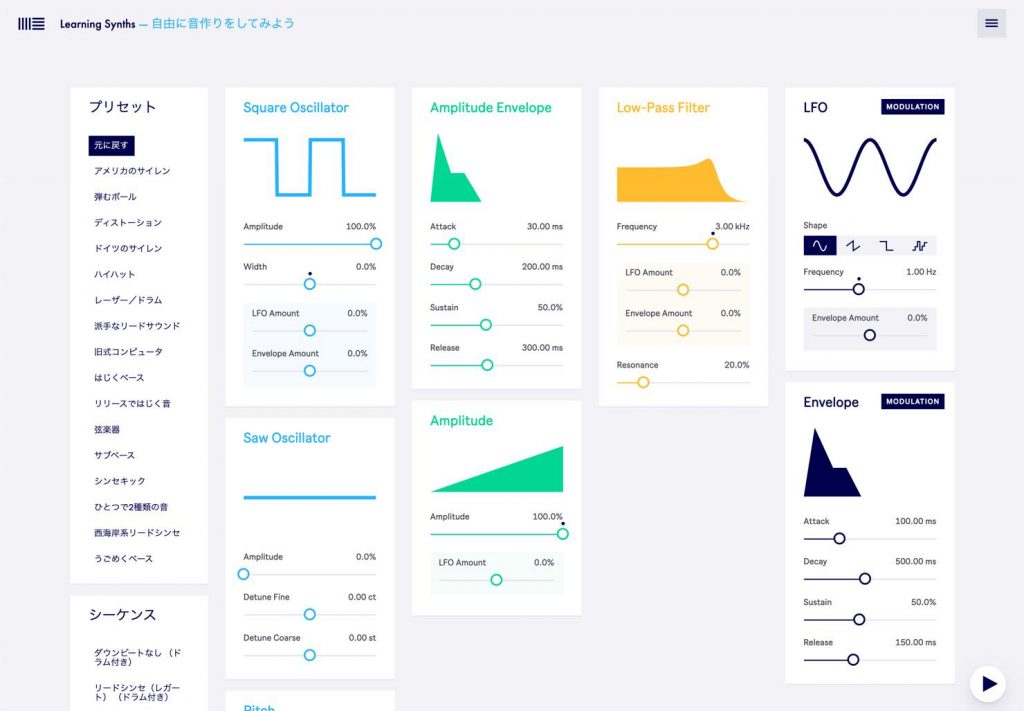
In the "Make your own sounds" section included at the end as a bonus, the page becomes a synth itself, as shown in the image above, and you can design sounds by moving each parameter while playing a MIDI keyboard.
Even advanced users could have fun with it as a synth.
Making this much content and functionality available for free is very generous.
Be sure to try it out, look around and get hands-on!
- Learning Synths website
https://learningsynths.ableton.com/ja
Frequently Asked Questions
Q1. Does it cost anything to use Learning Synths?
No, it is completely free. Since it is a web app that Ableton provides for free, there are no extra fees and you don't need to buy DAW software. You can start right away as long as you have a browser.
Q2. Can I use it without owning Ableton Live?
Yes, you can use it without any problem. Learning Synths is not specific to Live and teaches general knowledge about synthesizers, so it works for users of any DAW.
Q3. Can I connect and use a MIDI keyboard?
If you use the Chrome browser, the MIDI input function is available. By connecting a MIDI keyboard, you can design sounds by operating the parameters while actually playing.
Q4. Is the content understandable for beginners?
Yes, it is designed for beginners. It uses lots of animation and lets you experience how the sound changes by dragging, so you can learn intuitively even with no experience of synth theory.
NEW ARTICLES
Latest English Articles











