
Programming guitar is a difficult task for DTM beginners because of the guitar's unique voicings and the complexity of six-string expression. However, simply keeping two techniques in mind, varying the velocity and offsetting the note timing, lets you achieve a natural sound close to a real guitar. It is important to make the low notes stronger on downstrokes and the high notes stronger on upstrokes, and to reproduce the order in which the strings sound. With these touches, the expressiveness of programmed guitar improves dramatically, enabling professional-quality production.
Programming Guitar Is Difficult
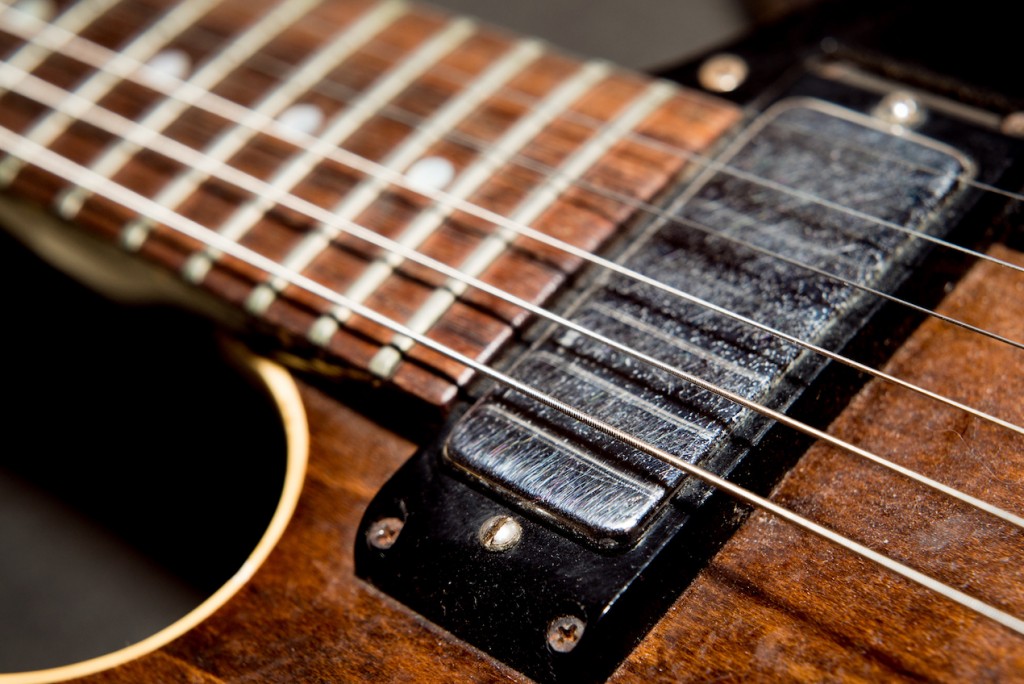
Guitar is said to be one of the hardest instruments to program.
On top of its unique voicings, the expression of six strings is very deep.
Guitarists can simply play the part,
but for everyone else, this is probably a real struggle.
Just a few small touches can bring it much closer to a real guitar.
Guitar Programming Techniques
Purchase the product here
Selected questions and answers from the YouTube video

I always find your videos helpful. I use Cubase 10. With this software, how do I apply effects such as overdrive? Do I program mostly the clean guitar sound in Electri6ity and then apply effects with inserts?

As explained from around 1:07 in the video, you can also apply overdrive within Electri6ity. Turn on the switch at the lower left of SCREAMER in the center, then adjust knobs such as Overdrive to taste. If you apply effects with inserts, turn off the effects and amp inside Electri6ity and shape the sound with the effects and amp on the inserts.
For double tracking, if I set two instances of Electri6ity both to Use Guitar 1, it seems they would sound the same when loaded in the same Kontakt, but what about when each is loaded in a separate Kontakt? Would they sound the same?
If the Electri6ity settings are exactly the same and each Electri6ity has User 1 selected, the output sound will be the same.
Thank you as always! Please tell me the key for pinch harmonics.
The keyswitch for pinch harmonics is D0. Press D0 and then play the actual note (the guitar sound) hard to get a pinch harmonic. You can also switch between octave and fifth by how hard you play D0.
Sorry, another question. For chord strums in faster songs, I want a stronger attack and a tighter feel, so I changed the strumming speed under Setting > Strumming from the default 25 ms to 1 ms for both up and down. The sluggish feel decreased and the attack increased, but short, staccato-like notes still do not sound tight. Is there any way?
Using the release noise keyswitches, if you release the note while holding A-1 + D0 (hand mute) or A-1 + D#0 (palm mute), the sustain is cut and it stops cleanly.
Thank you for such a helpful video. May I ask a question? I am not very familiar with guitar and have just started using Electri6ity, so sorry if this is off the mark. Is it possible to include a percussive "chka-chka" sound at the start of normal notes (chords or single notes) and play them together? Rather than adding chka-chka where there are no notes, I want it to always be chka-chka-ing wherever I am strumming. (Is that strange?)
The "chka-chka" sound comes from playing techniques called muting or brushing. Sounding it at the same time as a real note on the same string is impossible on a real guitar. However, it is possible on different strings, so we will look into it and let you know if it can be done.
Please tell me: is there a list somewhere of how to use the keyswitches and triggers?
When you purchased the product, a manual should have been included separately from the installation disc. If you have lost it, you can log in to the Crypton Future Media website and download the Japanese manual from the URL below. http://www.crypton.co.jp/mp/do/support/prod?id=33020
Programming Arpeggios with RealGuitar 3 Bass'n'Pick
Purchase the Product
Vary the Velocity
On a real guitar, of course, each string has a different volume.
With that in mind, vary the velocity.
Picking also comes in two forms: downstrokes, played from the top,
and upstrokes, played from the bottom.
Downstroke → make the lowest note stronger
Upstroke → make the highest note stronger
Doing this lets you reproduce them.
Offset the Note Timing
The timing of the notes is also important.
When you play a guitar with a downstroke,
the timing naturally shifts from the 6th string to the 1st, right?
An upstroke is the reverse. The strings never sound at exactly the same time.
With this in mind, offset the note timing.
Comparing the Results

↑ Straight programming with constant velocity and identical note timing (click to enlarge)
Here is the actual sound.

↑ The note timing has been offset and the velocity adjusted. (Click to enlarge)
Here is the actual sound.
In Our Lessons, You Can Also Learn Things Like This
- Sound design with amp simulators
- Tips for velocity and timing
- Reproducing various playing techniques
- Techniques for guitar solos and more
Frequently asked questions
Q1. Why doesn't my programmed guitar sound like a real guitar?
Because the velocity is constant and all the strings sound at the same time. On a real guitar, each string has a different volume, and the timing of the notes differs with the picking direction. Reproducing these greatly improves realism.
Q2. What is the difference between downstrokes and upstrokes?
A downstroke is played from the top, from the 6th string to the 1st, and you make the low notes stronger. An upstroke is the reverse, played from the bottom, from the 1st string to the 6th, and you make the high notes stronger. Expressing this difference gives you a natural guitar sound.
Q3. Where should beginners start with guitar programming?
We recommend starting by practicing varying the velocity. Then, by learning to offset the note timing, you will be able to create basic realistic guitar expression. Using plug-ins such as electric guitar instruments and RealGuitar is also effective.
NEW ARTICLES
Latest English Articles











