
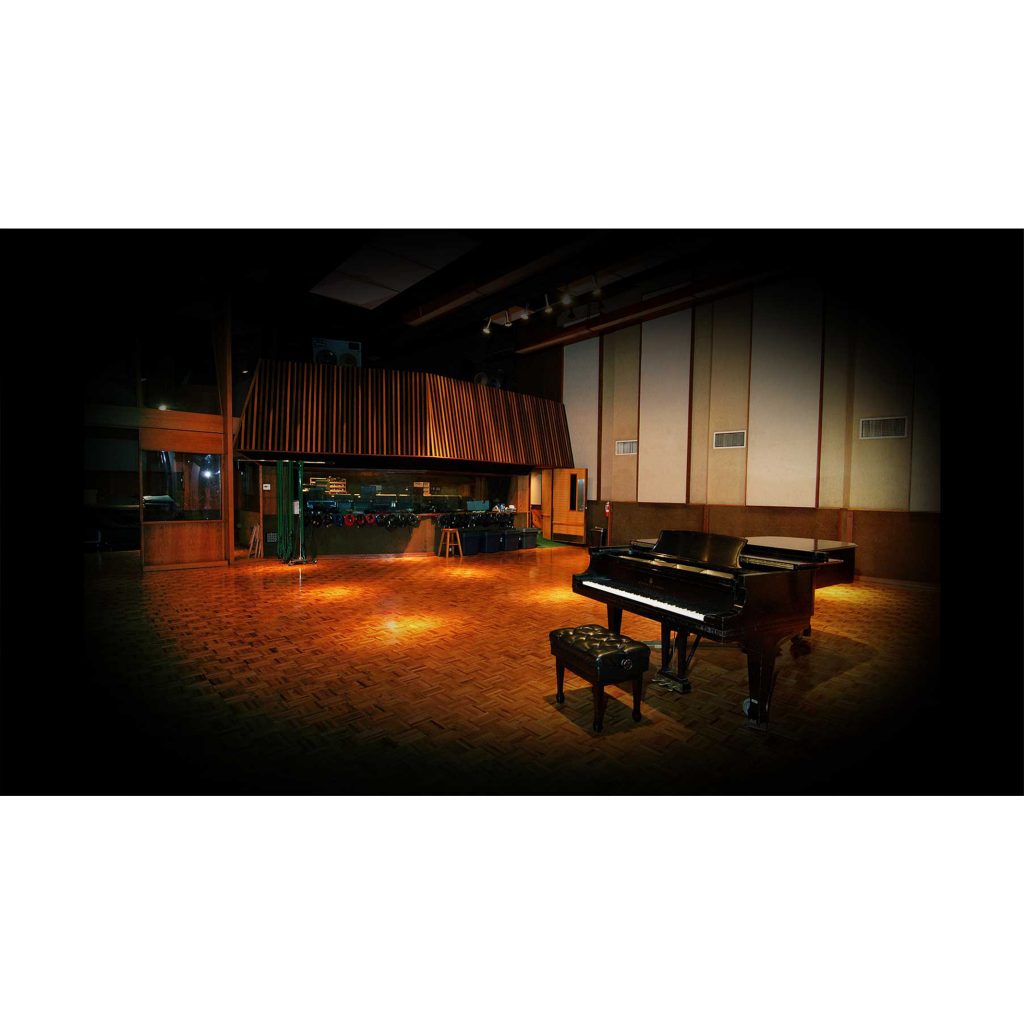
UAD's "Ocean Way Studios" is a plug-in that fully simulates one of the world's finest recording studios. With room, mic and source modeling technology that goes beyond ordinary convolution reverbs, it delivers realistic acoustics as if recorded in the actual studio. It has two processing methods for different purposes, transforming instrument tones in RE-MIC mode and adding ambience in REVERB mode, and can be used to re-mic or add ambience to drums, guitar, strings and other instruments. It is a powerful tool that brings professional studio sound to your production environment without complex operations.
World-Class Studio Acoustics in Your Hands
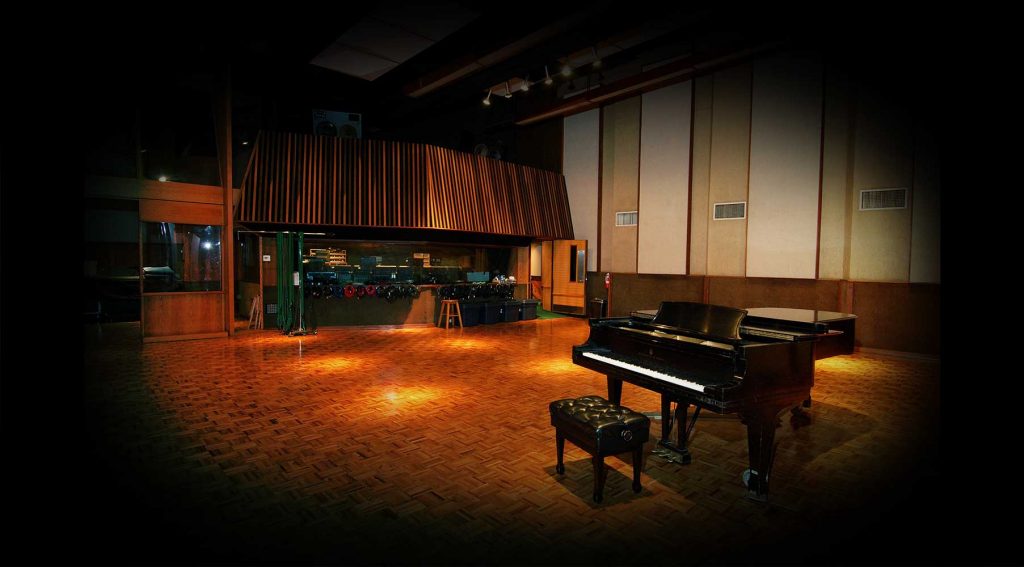
In the second installment of our series introducing outstanding UAD plug-ins, we cover "Ocean Way Studios."
From its name, you might think it is a reverb plug-in that recreates a studio space.
It certainly has that side, but it also has groundbreaking features that go beyond that.
And as expected of UAD, the quality is superb, achieving a realism that sets it apart from ordinary convolution reverbs.
It is a truly one-of-a-kind "studio simulator," and I hope you will experience its appeal.
Product link: Ocean Way Studios
Note that UAD plug-ins run on dedicated DSP accelerators (or Apollo series audio interfaces). For details, see this article.

What Is Ocean Way Studios?
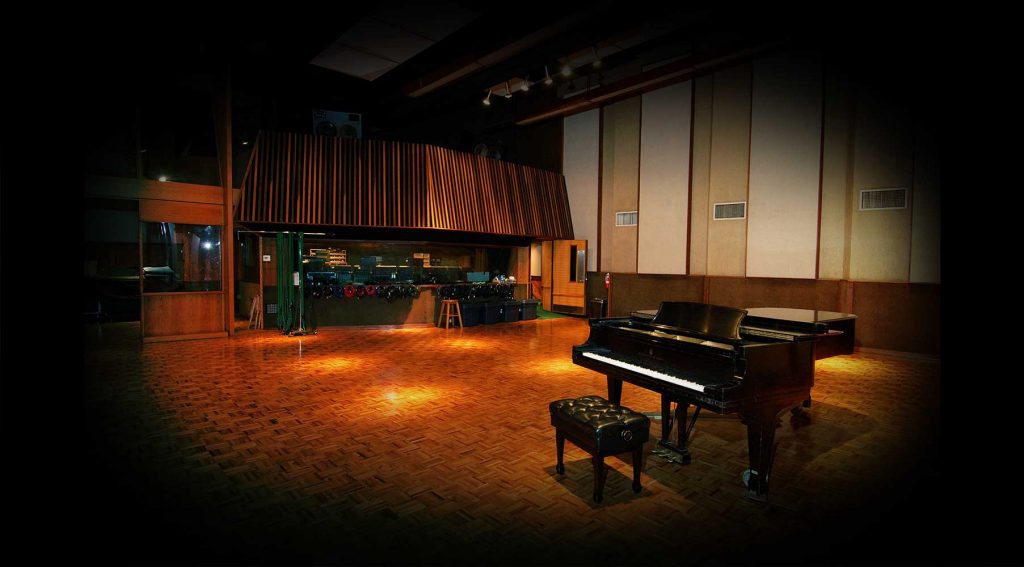
First, a brief word about the real studio this plug-in simulates.
Ocean Way Studios on the US West Coast is one of the world's most prestigious recording studios, with acoustics and recording equipment said to be the finest and the largest collection of tube microphones in the United States.
Its track record is of course brilliant, with a long list of big names among the famous artists who have used it, including AC/DC, B.B. King, Bon Jovi, Eric Clapton, Michael Jackson, Paul McCartney, Bob Dylan, Green Day, Elton John, Radiohead, Red Hot Chili Peppers, R.E.M., The Rolling Stones, Rod Stewart, XTC, Avril Lavigne and TOTO.
The UAD Ocean Way Studios plug-in "combines multiple elements such as room, mic and source modeling to go far beyond typical impulse-response-based emulations and reverbs, brilliantly recreating one of the world's most famous studios in the digital world."
Two Modes
Ocean Way Studios has two modes, RE-MIC and REVERB, which process the signal in completely different ways.
We will show which situations call for each, along with sound examples, later.
RE-MIC Mode
As the name suggests, RE-MIC mode simulates recording with the equipment of Ocean Way Studios. Of course you cannot actually re-record the instrument, but much like reamping a guitar, it transforms the sound through the characteristics of premium microphones and ambience.
Therefore, RE-MIC mode is used by inserting it directly on a track. The DRY/WET balance also cannot be adjusted.
REVERB Mode
REVERB mode works like an ordinary reverb, keeping the source sound as it is and adding the studio's ambience. You can insert it and adjust the DRY/WET balance, or set it up on an AUX (FX) track and send to it.
Main Parameters of Ocean Way Studios
The core parameters for operating Ocean Way Studios are as follows.
If you have some knowledge of recording, you can operate it intuitively without difficulty.

- (1) STUDIO
Ocean Way Studios offers two studios, the larger "A" and the smaller "B"; select one of them. - (2) SOURCE
Selects the type of instrument being processed. - (3) MODE
Switches between RE-MIC mode and REVERB mode. - (4) MICROPHONES Section
Select the three microphones, NEAR, MID and FAR, and adjust their distance from the source, filter, phase, pan, volume balance and more. MUTE lets you control the number of microphones. - (5) MASTER Section
Adjusts the master volume and DRY/WET balance (REVERB mode only), and also lets you set pre-delay, swap left and right, and sum to mono. - (6) MASTER EQ Section
Lets you EQ with two bands, a high shelf and a low shelf.
Use Case 1: Drum Ambience
From here, let's introduce actual use cases.
First, drum ambience. Check the sound before and after applying it.
Don't you think it has become a "convincing sound," in a word, with a pleasant sense of air, more cohesion and more overall thickness? I was honestly surprised that ambience alone could change it this much.
For the setup, Ocean Way Studios was placed on an AUX (FX) track, and each drum mic was sent to it.
The settings look like this.

The studio is the larger A, and the mode is REVERB.
One thing I was careful about was the volume of the FAR mic. In mic recording, a delay occurs in proportion to the distance between the source and the mic (1 ms per foot). Ocean Way Studios simulates this too, and the FAR mic is noticeably offset. You can remove it by clicking the DISTANCE knob, but this time I deliberately did not, prioritizing realism. The trick is to adjust the volume delicately so you get a sense of air without the offset being clearly audible.
Use Case 2: Re-Micing a Guitar
Next, re-micing a guitar. Let's compare before and after here as well.
The source, which had distinctive highs, now has a fuller midrange and a flatter impression. The MID mic also adds dimension. Whether this is good or bad depends on how it fits the song, but changing the impression of a sound like this seems difficult with other plug-ins.
For the setup, it was inserted directly on the guitar track.
The settings look like this.

The studio is the smaller B, and the mode is RE-MIC. The NEAR mic is placed extremely close, simulating a close mic in an actual recording. The MID mic's phase is inverted to avoid phase problems.
The choice of mics will vary with the song and your taste, so please try various options.
Use Case 3: Re-Micing Strings
Finally, re-micing strings.
The source is a strings instrument, and its somewhat cold, uneven sound seems to have come together firmly. It is warm yet has a solid presence. Also, unlike the guitar, it is a stereo sound, so the width changes. When there are vocals, it should create just the right amount of space and make mixing easier.
For the setup, it was inserted directly on the strings track.
The settings look like this.

The studio is the larger A, and the mode is RE-MIC. I shaped the sound mainly with the MID/FAR mics and used the NEAR mic to add definition. The roles can be divided roughly as NEAR = highs (definition), MID = midrange (width) and FAR = lows (warmth), so adjust the volumes to suit the sound you are aiming for.
That concludes our introduction to Ocean Way Studios, UAD's "studio simulator."
I felt this plug-in is a product with a new concept that does not belong to any category, so I deliberately call it that.
I think it is that groundbreaking, and a plug-in that is immediately useful in mixing. Please give it a try.
Product link: Ocean Way Studios
Frequently Asked Questions
Q1. What UAD system does Ocean Way Studios run on?
It runs on a dedicated UAD DSP accelerator or an Apollo series audio interface. The plug-in cannot be used without this hardware.
Q2. When should I use RE-MIC mode versus REVERB mode?
Use RE-MIC mode when you want to change the sound itself by inserting it directly on a track, and REVERB mode when you want to add space by setting it up on an AUX (FX) track and sending to it.
Q3. Which real studio does Ocean Way Studios recreate?
Ocean Way Studios on the US West Coast, one of the world's finest recording studios, used by many famous artists including AC/DC, Michael Jackson and members of The Beatles.
Q4. How many studios are recreated in the plug-in?
Two, Studio A and Studio B: A has a larger space and B a smaller one.
Q5. Is there a feature that simulates microphone delay?
Yes. As in actual mic recording, a delay proportional to distance is simulated. It can be adjusted with the DISTANCE knob, and you can keep it if you want to preserve realism.
NEW ARTICLES
Latest English Articles











